
- Name Baldi Basics Classic
- Category Classics
- Available on PC, Mobile, Surface Hub, HoloLens
- OS Windows 10 version 10240.0 or higher
- DirectX Version 10
- Mouse Integrated Mouse
- languages English (United States)
Introduction to Baldi Basics Classic for Windows
Baldi Basics Classic for Windows is a nostalgic yet quirky educational parody game that revisits the early 90s computer style mixed with a playful horror twist. Crafted by the indie developer Simolifedev, this game stands out as a dark-humored homage to old-school edutainment software while adding a twist of suspense and challenge. Its unique blend of educational content and quirky horror elements makes it a captivating experience for players seeking both laughs and thrills. The game is designed to appeal to fans of retro aesthetics, puzzle solvers, and those who enjoy unconventional gaming experiences.
Key Features That Make It Shine
- Retro-inspired Visuals and Sound Design: Emulating the look and feel of 90s educational software, complete with pixel art and nostalgic UI elements.
- Engaging Gameplay Mechanics: Combining puzzle-solving with a stealth survival experience, where players must navigate Baldi's unpredictable behavior.
- Replayability with Randomized Elements: Randomly spawning objectives and behaviors keep each playthrough fresh and unpredictable.
- Simple yet Challenging Controls: Designed for quick learning, but mastery requires strategy and timing, delivering a satisfying difficulty curve.
A Playful Retro Journey with a Surprising Twist
Stepping into Baldi Basics Classic is like opening a dusty box of childhood memories—if those memories were tinged with a mischievous grin and a hint of suspense. The game invites players into a schoolhouse where education meets unexpectedly wild antics. The fun begins with classic puzzles—collecting notebooks, solving math problems—that almost feel like a nod to simpler times. Yet, lurking behind the cheerful facade is Baldi, the eccentric teacher with a surprisingly unpredictable streak. It's this quirky contrast that gives the game its charm, transforming a schoolyard scenario into an adrenaline-pumping challenge.
Unity of Design and User Experience
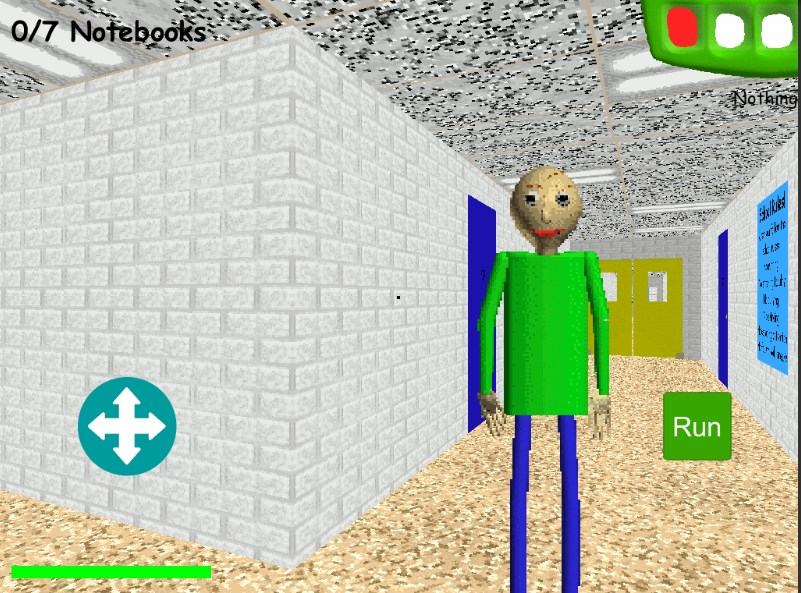
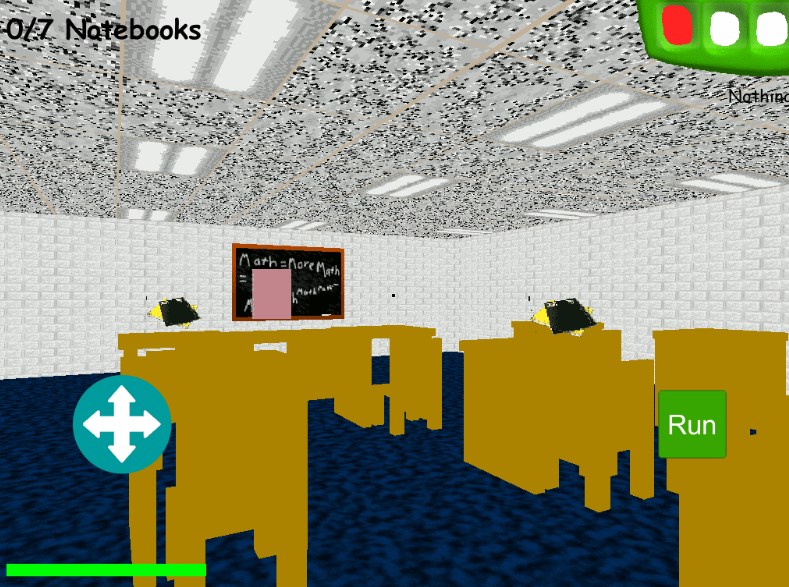
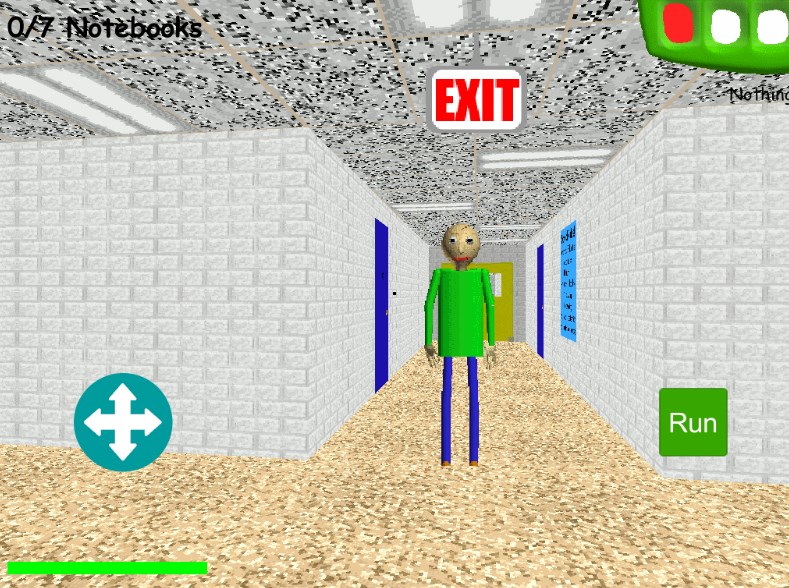
The interface is straightforward, mirroring vintage educational software, with a heads-up display that's both intuitive and unobtrusive. Navigating the schoolhouse feels smooth and responsive, thanks to well-optimized game controls that adapt seamlessly across different PCs. The learning curve is gentle at first—kids and casual players alike can jump right in without fuss—yet as the game progresses, it demands strategic thinking and quick reflexes. The pixel art style and synthesized sound effects further enrich the nostalgic atmosphere, immersing players in a lovingly crafted retro world. Overall, the user experience is engaging without being overwhelming, making it accessible for newcomers while still offering depth for more experienced players.
What Sets It Apart from Other Classics
While many indie games draw inspiration from retro aesthetics, Baldi Basics Classic distinguishes itself with its dual purpose: nostalgic homage coupled with genuine game mechanics. Unlike typical pixel-art throwbacks, it cleverly combines educational elements with survival horror, creating a unique hybrid that stands out in a crowded indie market. The game's most notable feature is its randomized gameplay, ensuring that each attempt is different—a fresh puzzle wrapped in a retro costume. Moreover, the unpredictable behavior of Baldi transforms what could be a simple chase into a tense, strategic experience, elevating its appeal among fans of stealth and puzzle genres.
Final Thoughts and Recommendations
Baldi Basics Classic for Windows is a thoughtfully designed game that offers a nostalgic yet fresh take on retro-inspired gameplay. Its core strengths lie in its charming visuals, playful yet challenging mechanics, and the innovative twist of blending educational puzzles with stealth horror elements. Whether you're a fan of vintage software aesthetics, puzzle games, or just looking for an unconventional gaming adventure, this title provides a satisfying experience. I'd recommend it to players who enjoy quirky, humor-infused challenges and are ready to embrace the unpredictable surprises that await. As a friendly reminder, it's best suited for audiences comfortable with a bit of suspense—think of it as a walk through a familiar schoolyard that suddenly turns into a fun, creepy game of hide-and-seek.
Pros
- Engaging Gameplay with Nostalgic Appeal
- Simple User Interface
- Lightweight App Size
- Frequent Updates
- Compatibility Across Devices
Cons
- Limited Graphics Quality
- Occasional Performance Issues
- Lack of Advanced Features
- Minimal Sound Design
- Limited Customization Options











