

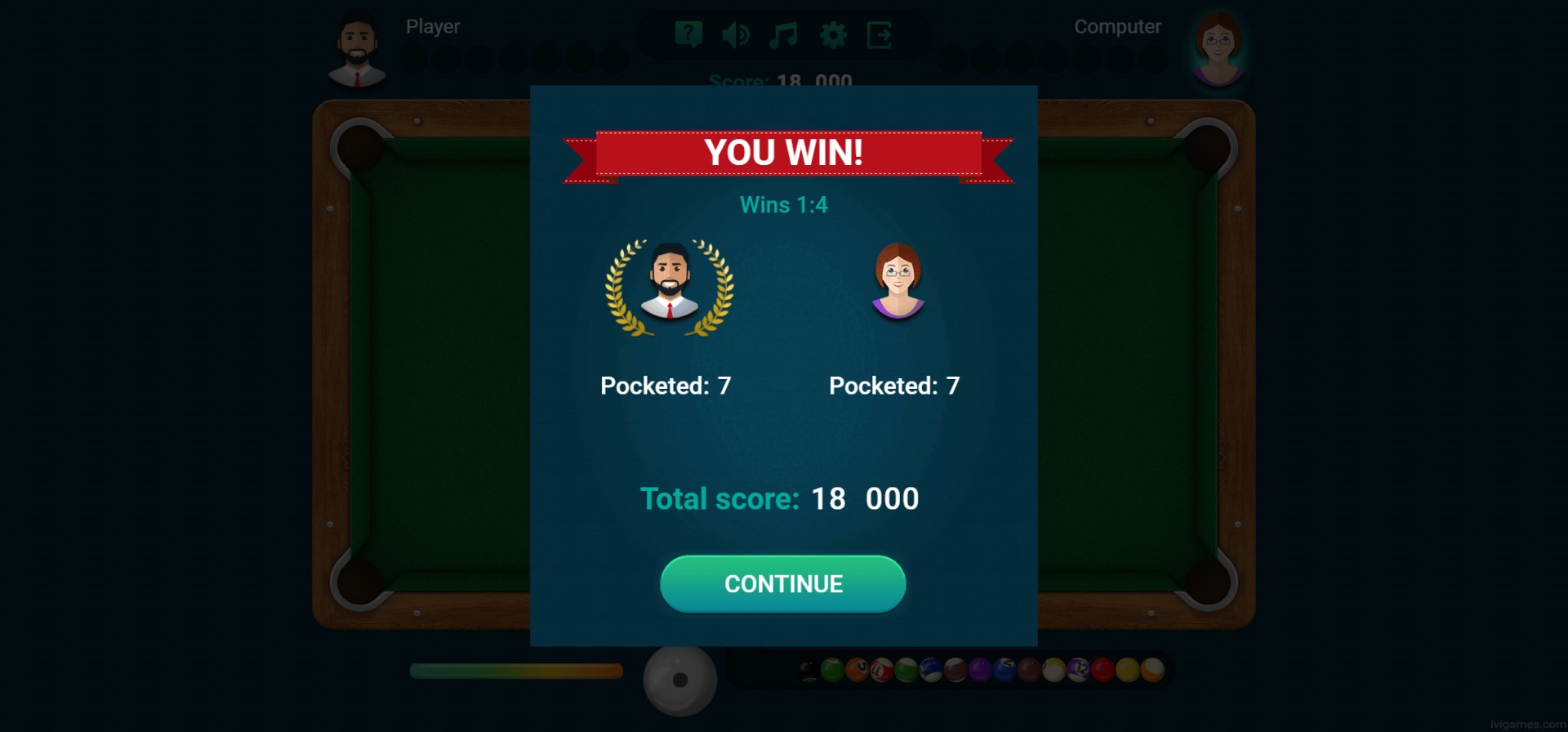
- Name 8 Ball Billiards - Super Challenge
- Category Classics
- Available on PC, Mobile, Surface Hub, HoloLens
- OS Windows 10 version 14393.0 or higher
- languages English (United States)
A Virtual Billiards Experience with a Twist
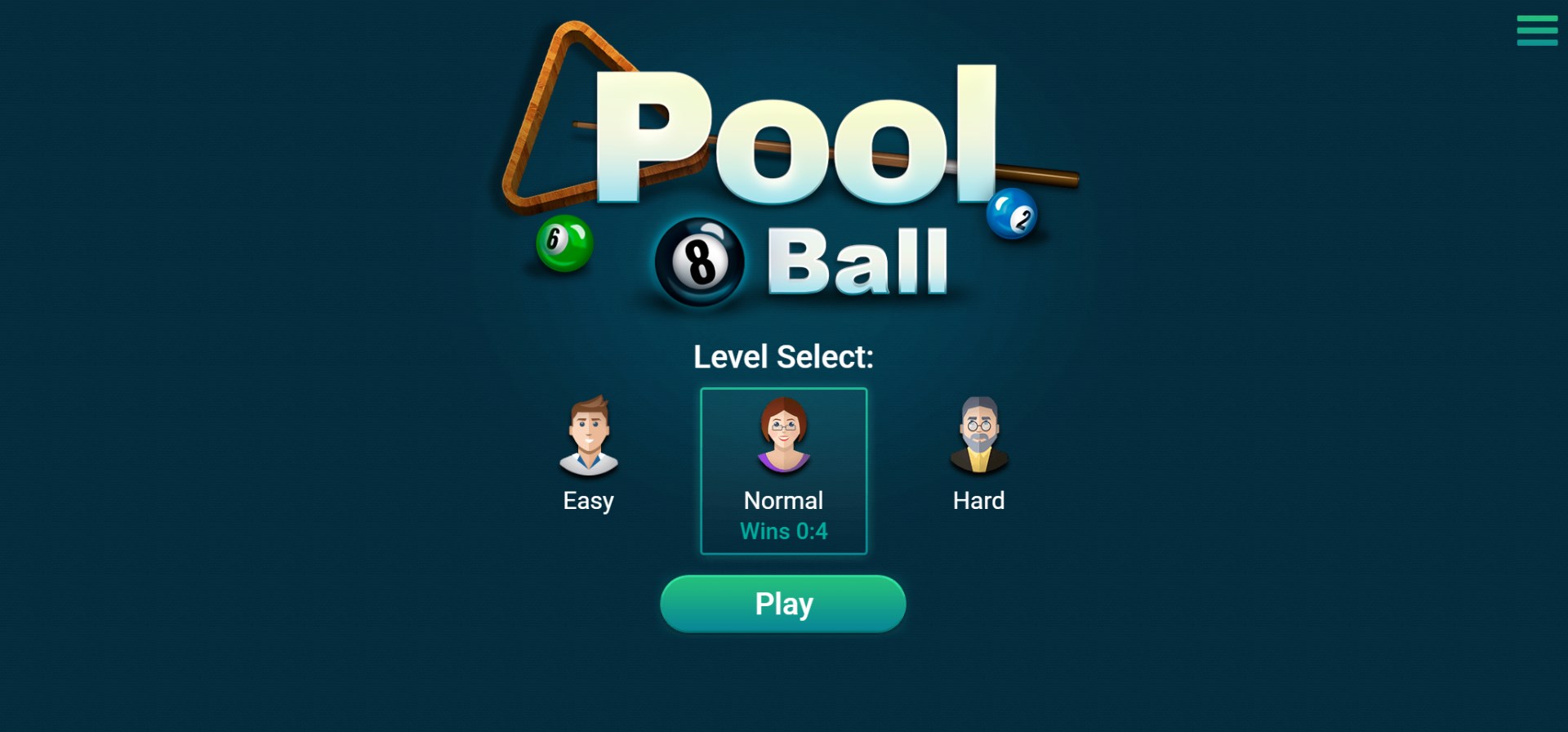
8 Ball Billiards - Super Challenge for Windows offers pool enthusiasts a digital arena to sharpen their skills while enjoying a lively, game-centric environment. It's designed to bring the classic game right to your desktop or tablet, blending simplicity with engaging gameplay.
Meet the Developer and Core Features
Developed by Lissy Woo Inc., a team dedicated to creating accessible and entertaining casual games, this app stands out in its focus on user engagement and fun. Its main features include realistic ball physics that mimic real-world cue sports, multiple game modes in one app, and a user-friendly interface that caters to both newbies and seasoned players.
A Closer Look at the Gameplay and User Interface
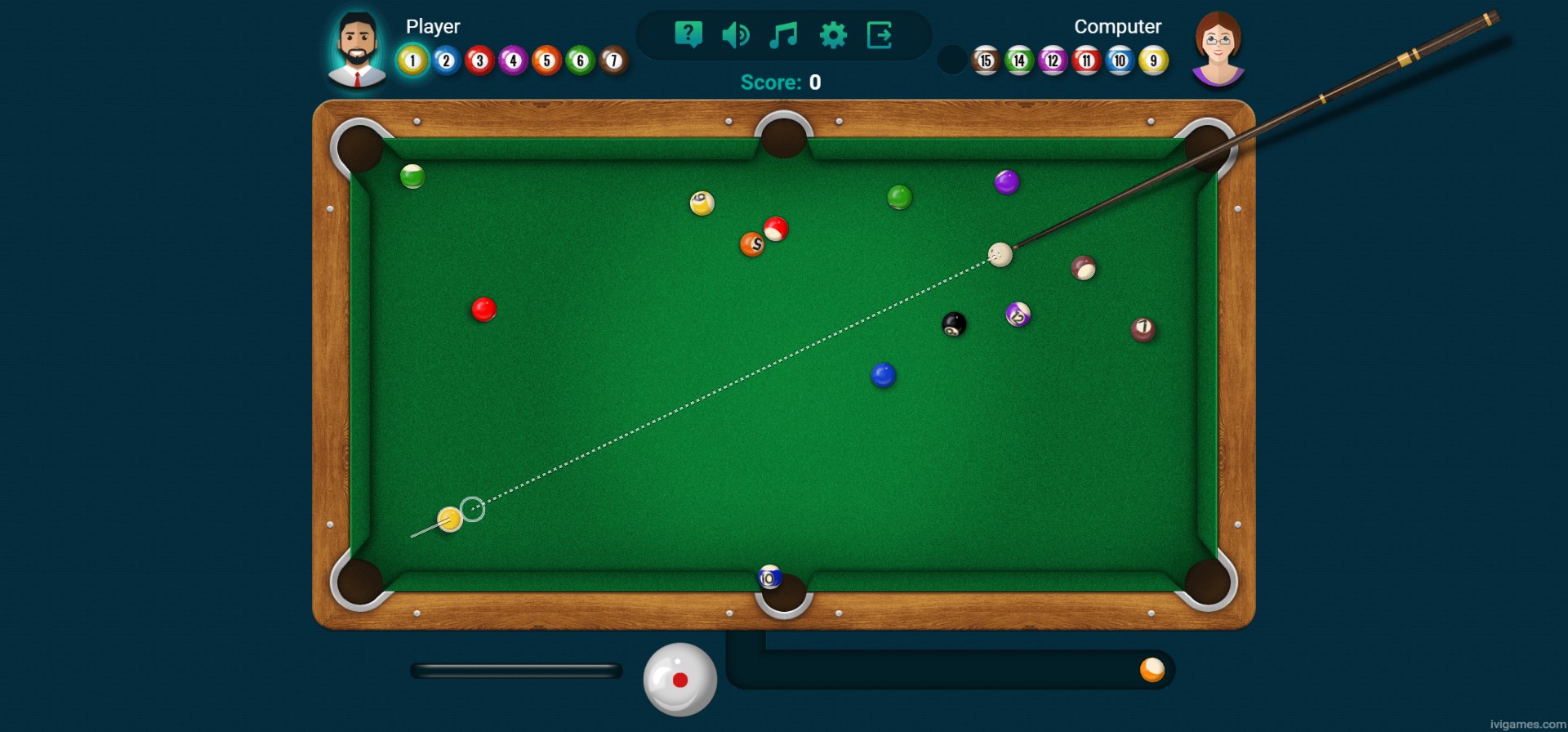
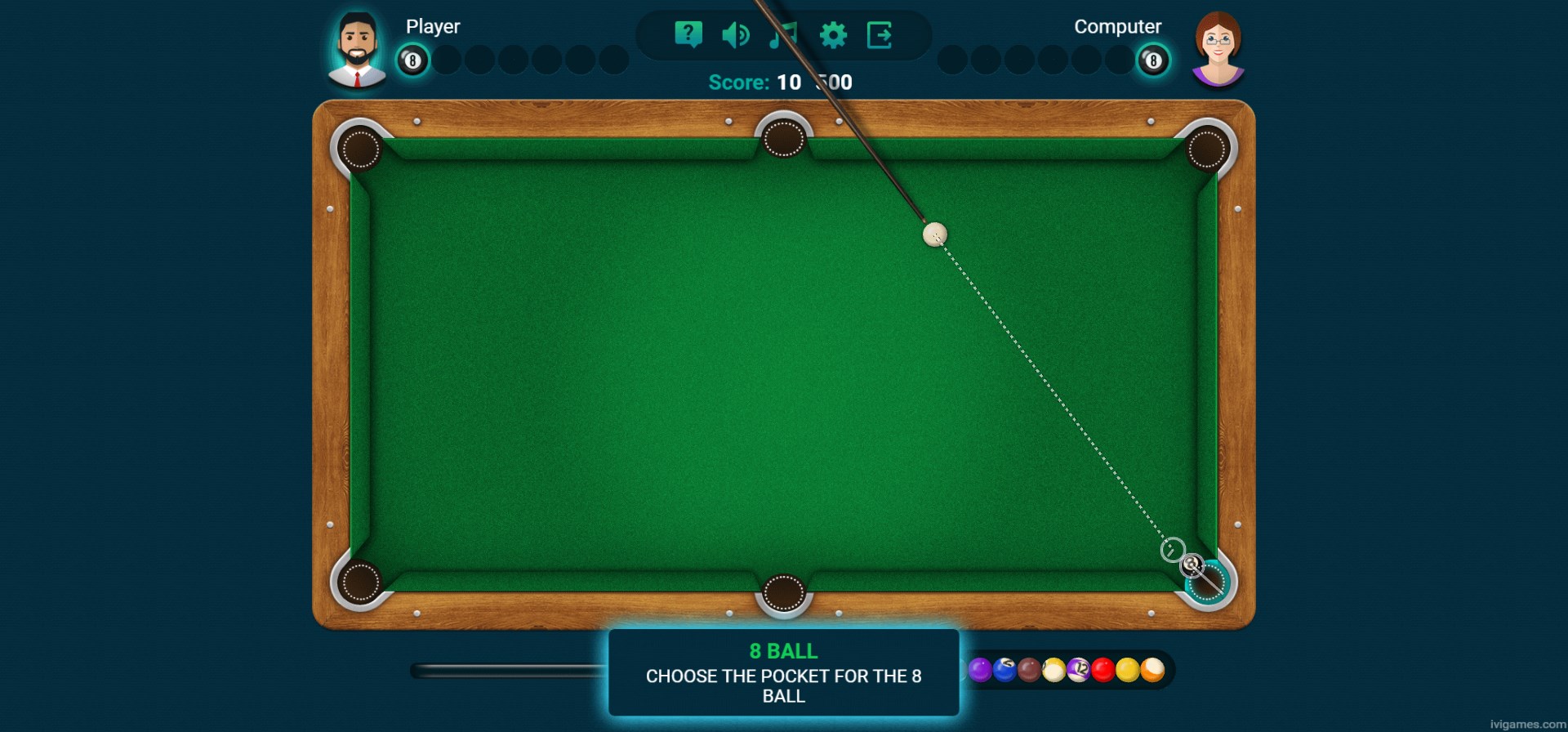
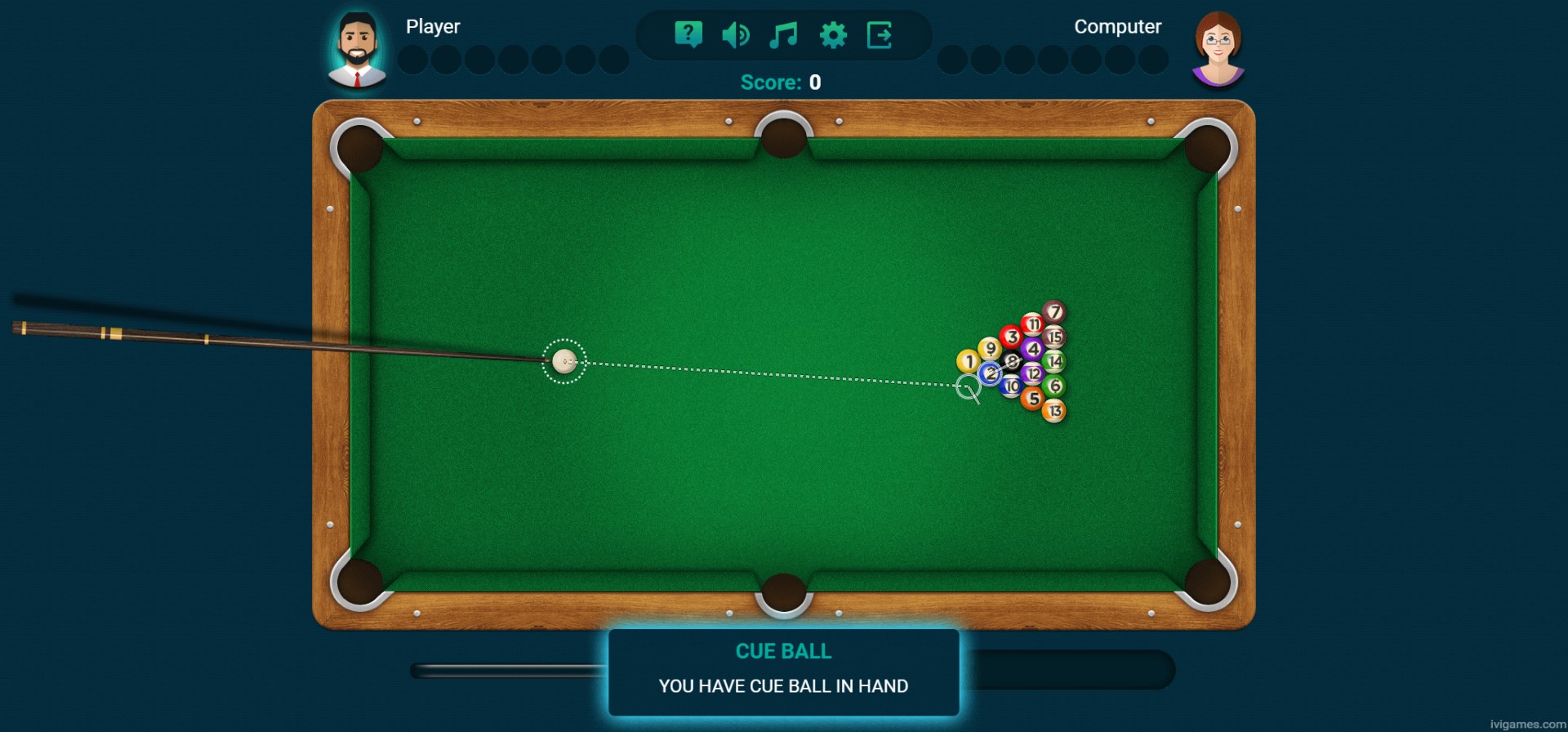
The moment you launch 8 Ball Billiards - Super Challenge, you're greeted with a vibrant, visually appealing table environment that feels surprisingly tangible. The interface is simple yet intuitive—pick up your cue, aim, and shoot with a satisfying click. The controls respond smoothly, allowing graceful shots and precise aiming, which makes the gameplay feel natural. The learning curve is gentle enough for beginners but still offers depth for more advanced players seeking to master trick shots or challenge themselves with timed matches.
What Sets This App Apart from Other Classic Games
While many pool games focus solely on replicating real billiards, this app introduces a "Super Challenge" mode, which injects an element of playful difficulty. Imagine playing a pool game where obstacles or special shot requirements add strategic layers, transforming a straightforward billiards experience into a puzzle-like challenge. It's these creative twists that differentiate this app from more traditional, plain recreations. Plus, the app's art style is colorful and lively, energizing each match, unlike the often stereotypical sleek or minimalist visuals seen elsewhere.
Recommendation and Usage Tips
If you're a casual gamer looking for an accessible yet engaging billiards app, 8 Ball Billiards - Super Challenge is a solid choice. Its standout features—the innovative challenge modes and fluid physics—offer more than just basic pool gameplay. For best results, try diving into the different game modes to discover which one sparks your interest and pushes your skills. Although it might not replace high-end simulation titles for professional players, it's ideal for relaxing breaks or friendly competitions with friends.
Overall, I'd rate this app a recommendable, fun-focused billiards experience that combines familiar rules with inventive twists. It's worth downloading for anyone wanting to enjoy a lively digital pool game that offers a little extra challenge in a bright, welcoming package.
Pros
- Intuitive touch controls
- Realistic billiards physics
- Multiple game modes and challenges
- Engaging graphics and UI
- Online multiplayer functionality
Cons
- Limited customization options
- Occasional lag during online matches
- Lack of in-depth tutorials for beginners
- Advertisements interrupt gameplay occasionally
- No offline multiplayer mode











