



- Name Wordplay: Exercise your brain
- Category Puzzle & trivia
- Available on PC
- OS Windows 10 version 10240.0 or higher
- languages English, French, German, Italian, Russian, Spanish
Unpacking Wordplay: Exercise Your Brain for Windows
If you're craving a fresh twist on brain teasers, Wordplay offers a charming blend of vocabulary puzzles and mental challenges designed to keep your mind sharp and entertained. Developed by G5 Entertainment AB, this app promises to turn your casual puzzle session into a delightful voyage through words, logic, and wit.
Basic Information: A Clear Snapshot
Wordplay: Exercise Your Brain for Windows is a word-centric puzzle game that aims to engage players' language skills through stimulating exercises. Crafted for those who enjoy mental workouts intertwined with fun, it positions itself as an approachable yet rewarding cognitive challenge.
Developed by G5 Entertainment AB, a renowned publisher known for their puzzle and casual games, Wordplay benefits from a team experienced in crafting engaging, user-friendly mobile and desktop experiences.
Main features include:
- Varied crossword and word search puzzles designed to enhance vocabulary and reasoning skills.
- Progressive difficulty levels that adapt to your skill, ensuring continuous engagement.
- Daily challenges and rewards to motivate consistent mental exercise.
- Intuitive interface with straightforward navigation suitable for all ages.
The target audience spans casual gamers, puzzle enthusiasts, language learners, and anyone interested in a brain-boosting activity that can be enjoyed during short breaks or extended sessions.
A Bright, Accessible Brain Gym
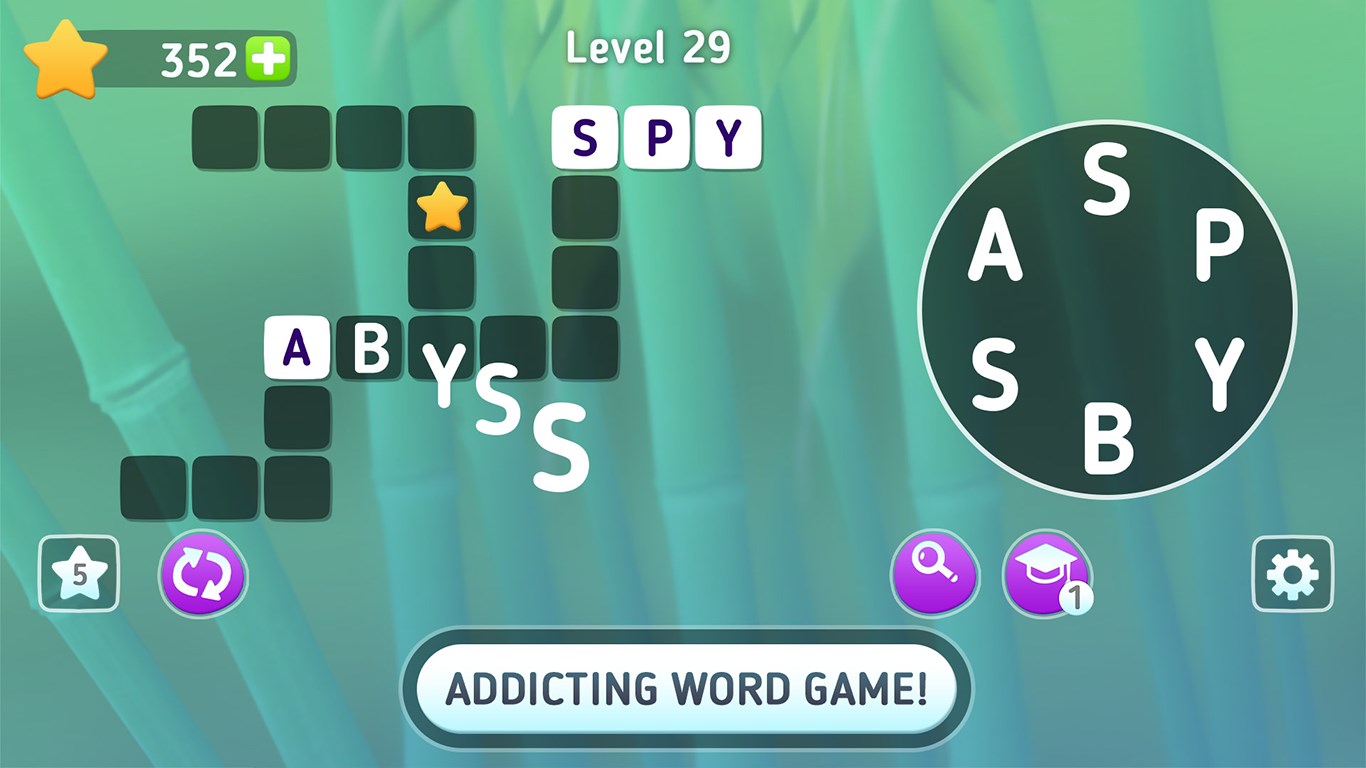
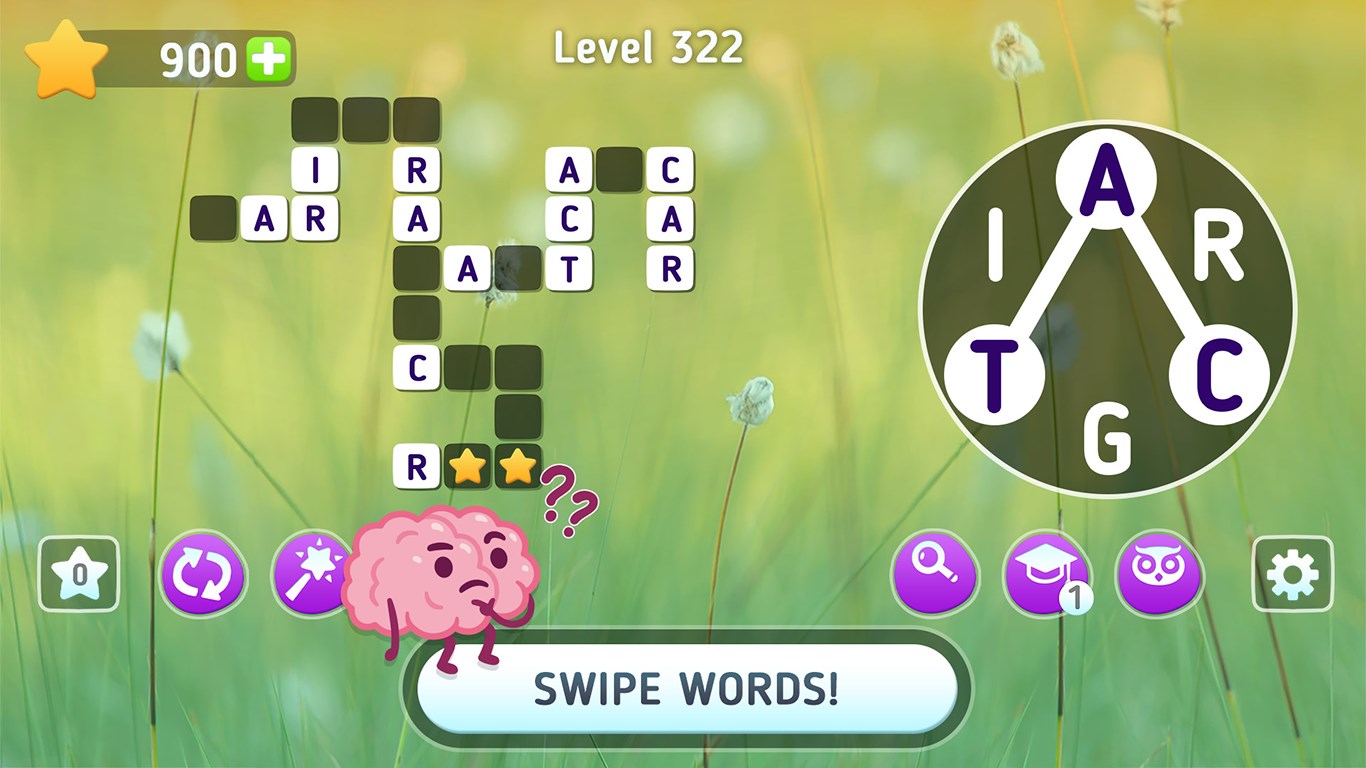
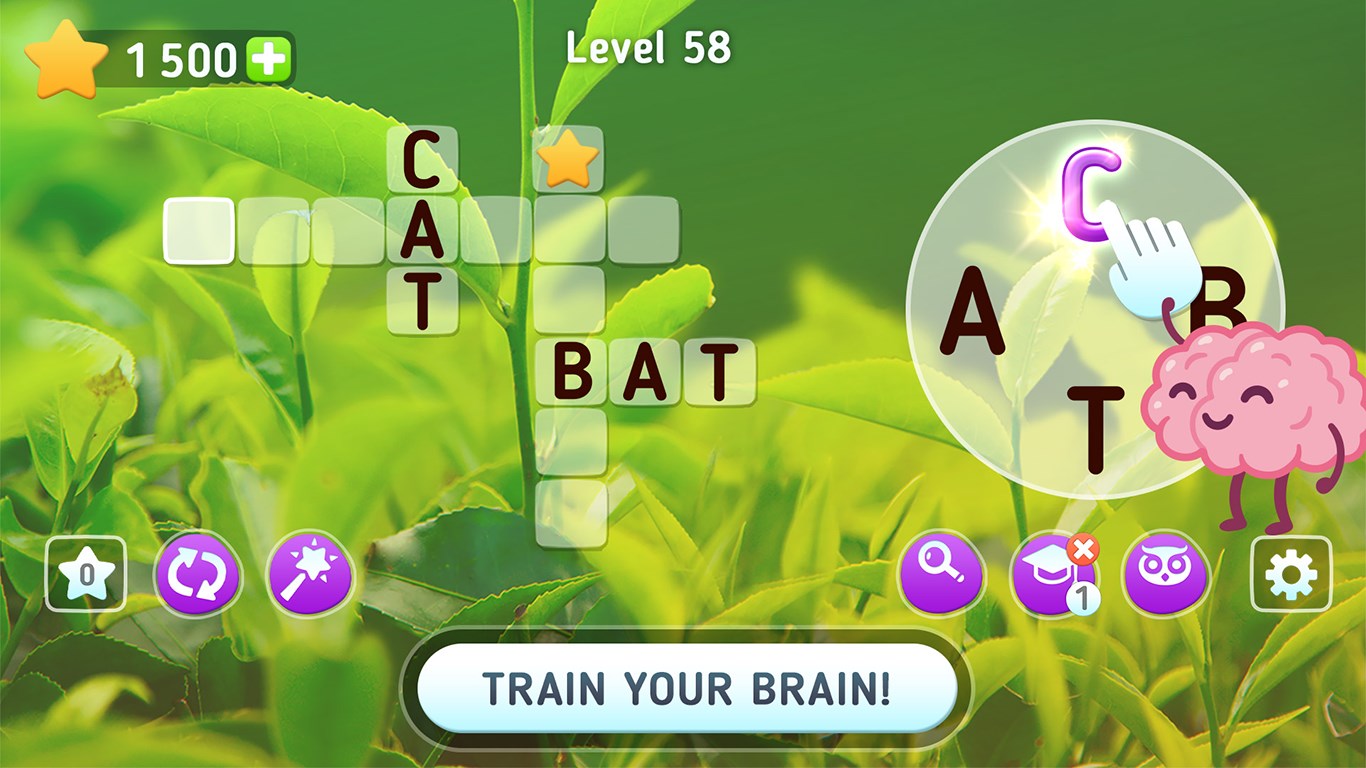
Stepping into Wordplay, you're greeted with a colorful, inviting interface that resembles a friendly librarian's desk—organized, yet lively with hints of playfulness. It's like walking into a cozy library nook dedicated entirely to your mental fitness. The design balances simplicity with vibrant elements that make puzzle-solving feel less like a chore and more like a leisurely stroll through a word garden.
The user experience is remarkably smooth. Navigating between puzzles feels effortless, thanks to clear menus and responsive controls. The initial learning curve is gentle; newcomers can dive right into their first puzzles without feeling overwhelmed. As you progress, the app gradually introduces new types of challenges, ensuring your brain is continually tested but never frustrated.
Core Features Rich in Engagement and Uniqueness
1. Adaptive Difficulty and Varied Puzzle Styles
What sets Wordplay apart from many other puzzle apps is its intelligent adaptation to your skill level. The game offers a mix of crossword puzzles, word searches, and unique mini-games that keep the experience fresh. Each puzzle type is crafted thoughtfully, catering to different cognitive strengths—some emphasizing quick thinking, others demanding careful analysis. This variety prevents monotony and caters to a broad spectrum of learners and players.
2. Daily Challenges with Meaningful Rewards
Daily challenges add a layer of routine, encouraging users to return regularly. Unlike typical apps that rely solely on unlocking new puzzles, Wordplay's rewards system—points, badges, or new puzzle packs—feels genuinely motivating without being overly pushy. This feature ensures sustained engagement and the satisfaction of achieving small milestones.
3. The Highlight: Word and Logic Synergy
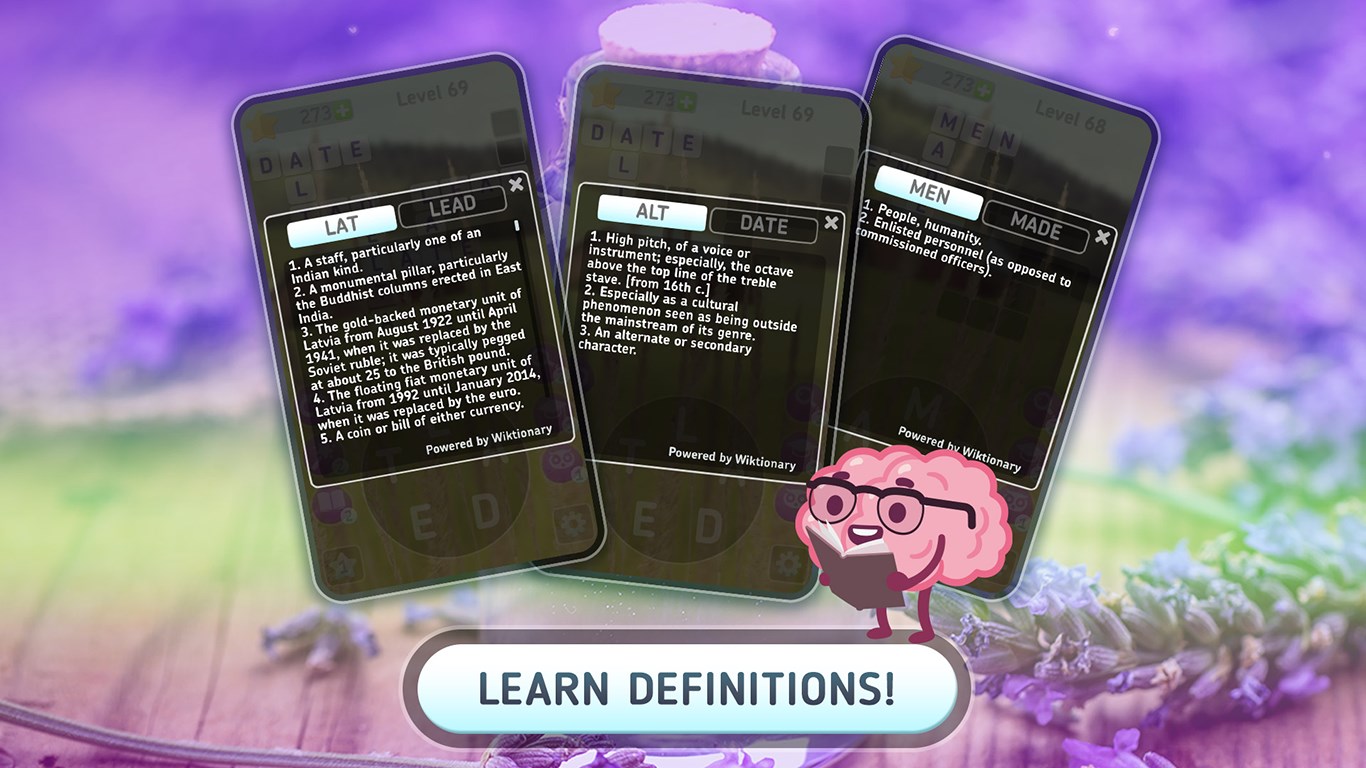
The most compelling feature is how the app seamlessly melds vocabulary enhancement with logical puzzle-solving. Unlike straightforward word searches, Wordplay employs contextual clues, synonyms, and word associations that challenge your understanding and reasoning simultaneously. This dual-layered approach fosters a more holistic mental workout, making it especially beneficial for language learners or those wanting to stretch beyond basic puzzles.
Overall Impression and Recommendations
Wordplay: Exercise Your Brain for Windows offers a well-crafted, approachable environment for anyone keen on sharpening their language skills through engaging puzzles. Its thoughtful design, adaptive difficulty, and balanced puzzle variety stand out in the crowded field of casual brain games. The game's emphasis on both fun and cognitive growth makes it a worthwhile addition to your daily mental exercises.
While it may lack the high-stakes thrill of competitive puzzle titles, its gentle progression and user-centric features make it suitable for players of all ages and skill levels. For those seeking a puzzle app that combines educational value with entertainment, Wordplay is a dependable choice.
In summary, I recommend giving Wordplay a try if you enjoy word games that challenge both your vocabulary and logic—especially if you appreciate a clean interface and thoughtfully designed puzzles. It's not just playing with words; it's exercising your mind in a friendly, rewarding way.
Pros
- Enhances cognitive skills with diverse mini-games
- User-friendly interface makes navigation easy
- Progress tracking motivates continued use
- Accessible on multiple devices ensures flexibility
- Cognitive training suited for all age groups
Cons
- Limited game variety in free version
- Occasional app lag during intensive games
- In-app purchase process may be confusing for some users
- Difficulty levels may not be well-balanced for all users
- Limited language options currently available











