



- Name Microsoft Sudoku
- Category Puzzle & trivia
- Available on PC
- OS Windows 10 version 19041.0 or higher
- DirectX Version 10
- languages English (United States)
Introduction: A Clean and Engaging Sudoku Experience
Microsoft Sudoku for Windows stands out as a modern, polished take on the classic number puzzle, offering players a relaxing yet mentally stimulating experience. Crafted by Xbox Game Studios, this app transforms the timeless game into a sleek digital rendition that appeals to both casual enthusiasts and seasoned puzzle solvers alike. Whether you're waiting for a bus or unwinding after a long day, this app promises to be a dependable companion for sharpening your logic skills.
Developer and Core Features
Developed by Xbox Game Studios, Microsoft Sudoku combines the company's reputation for quality with a user-centric approach to puzzle gaming. The app's main features include:
- Multiple Difficulty Levels: From beginner-friendly puzzles to expert challenges, catering to a wide range of player skills.
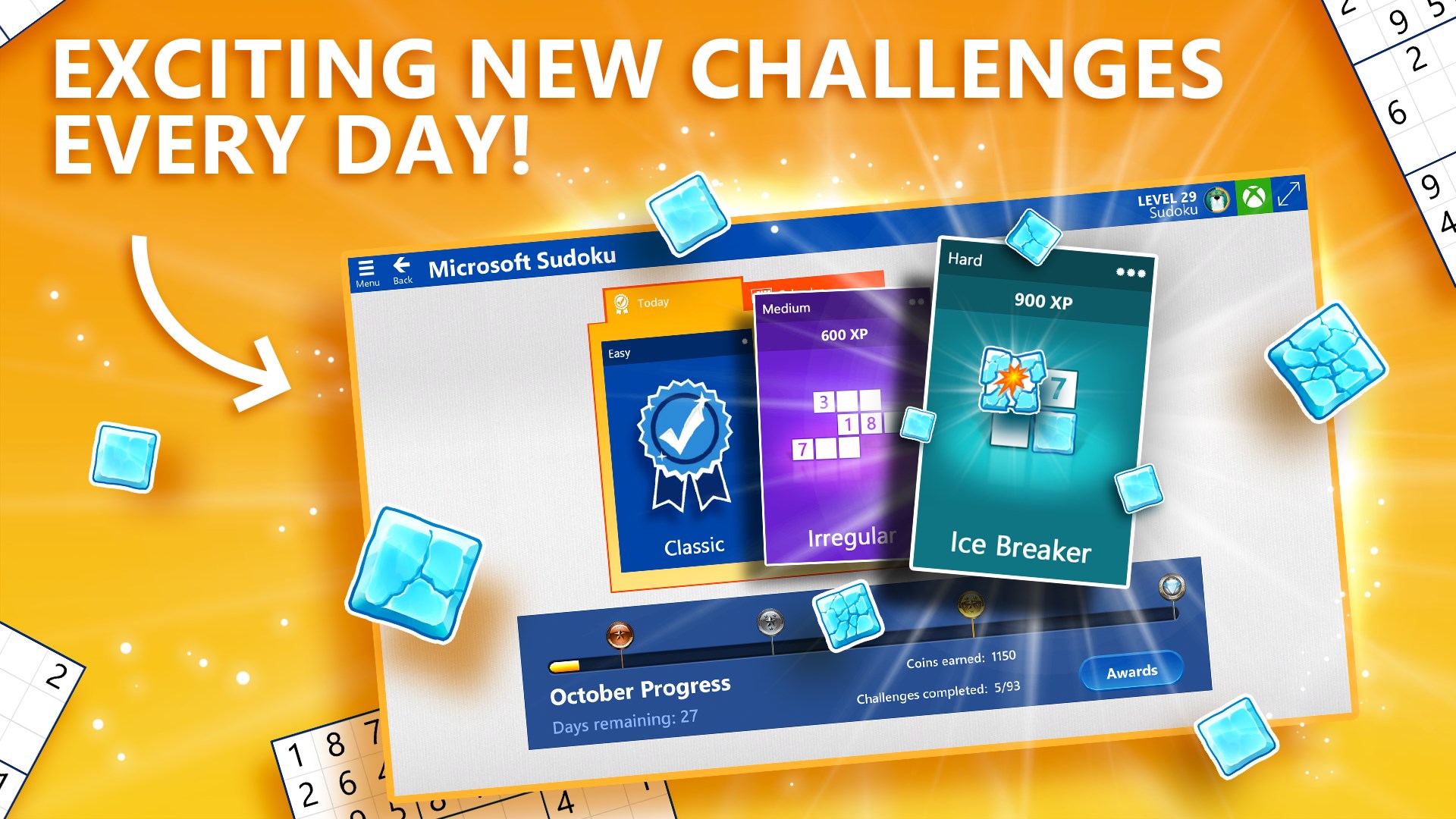
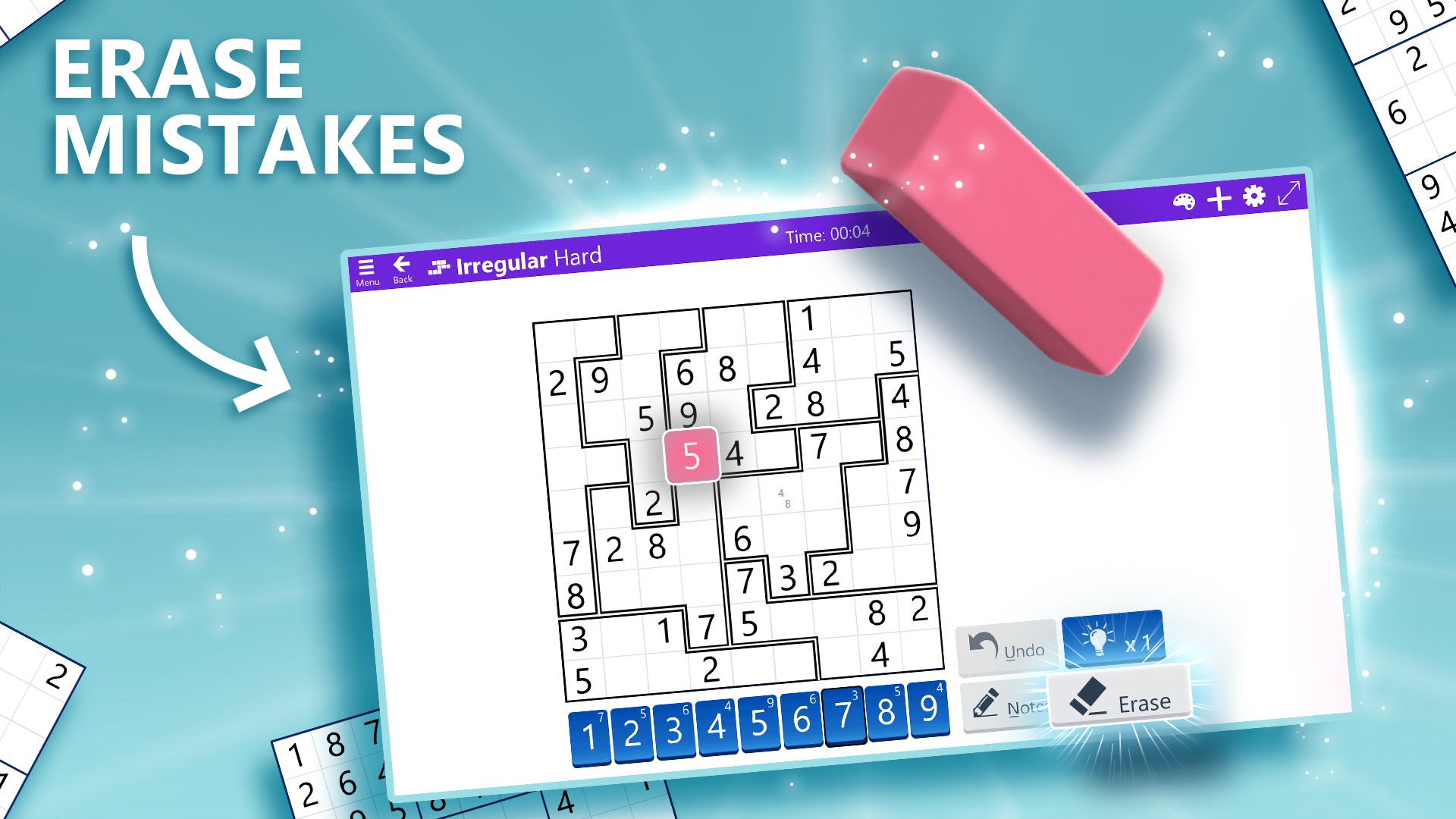
- Variety of Puzzle Modes: Including Classic Sudoku, Daily Challenges, and Variants like Samurai and Hyper Sudoku for added variety.
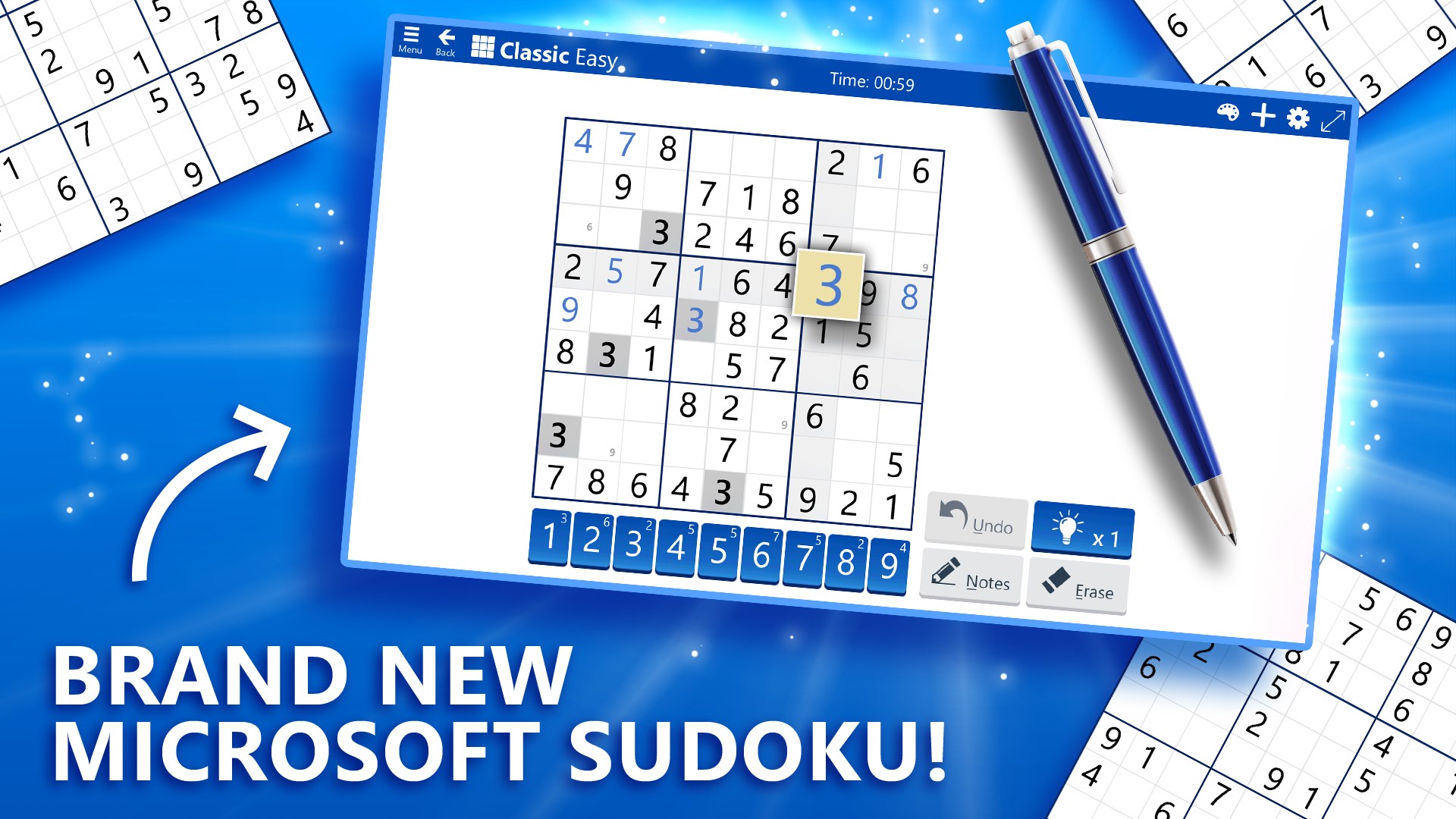
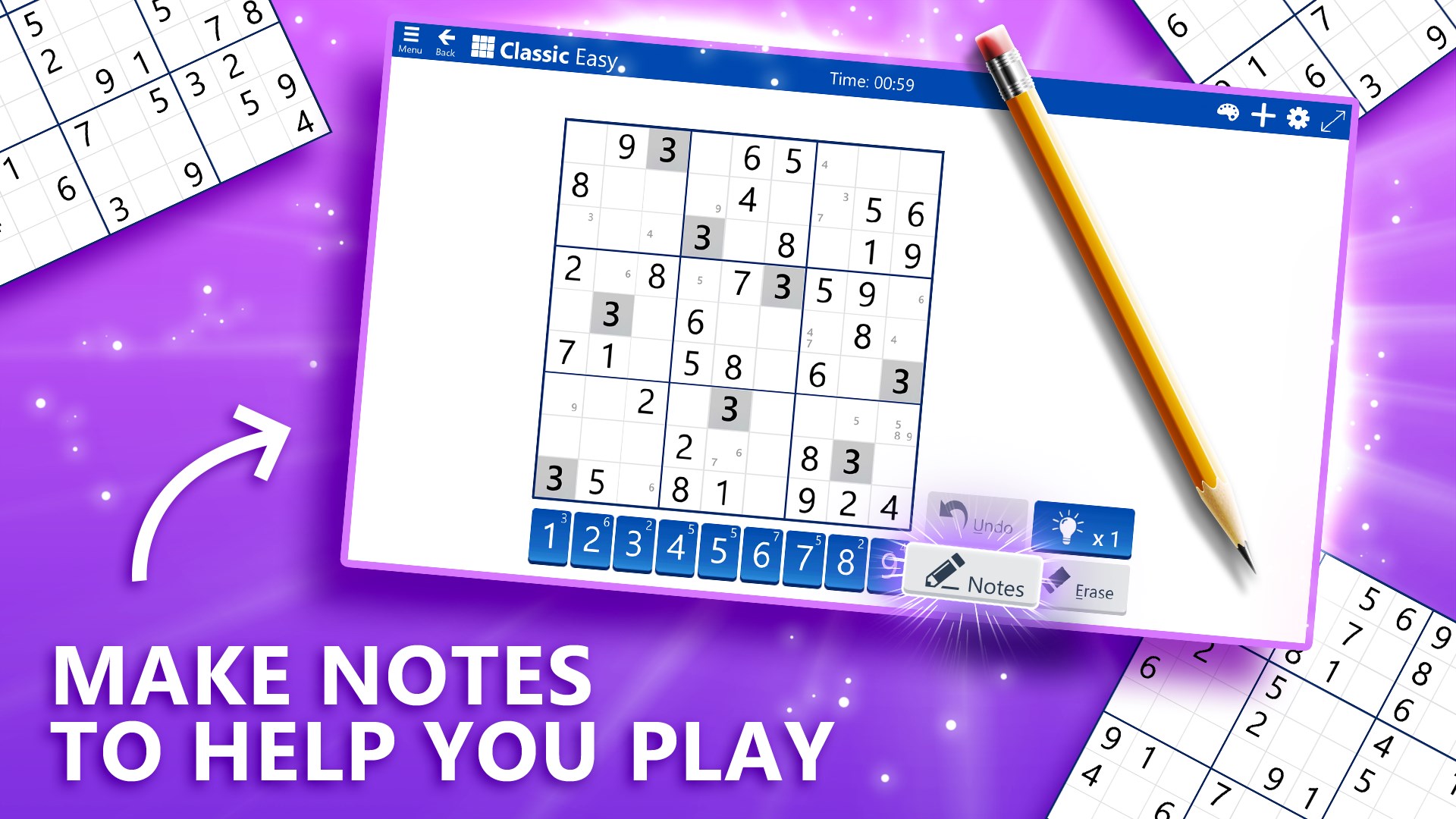
- Intuitive Interface and Assistance Tools: Featuring hints, check options, and an auto-fill function to help players learn and improve without frustration.
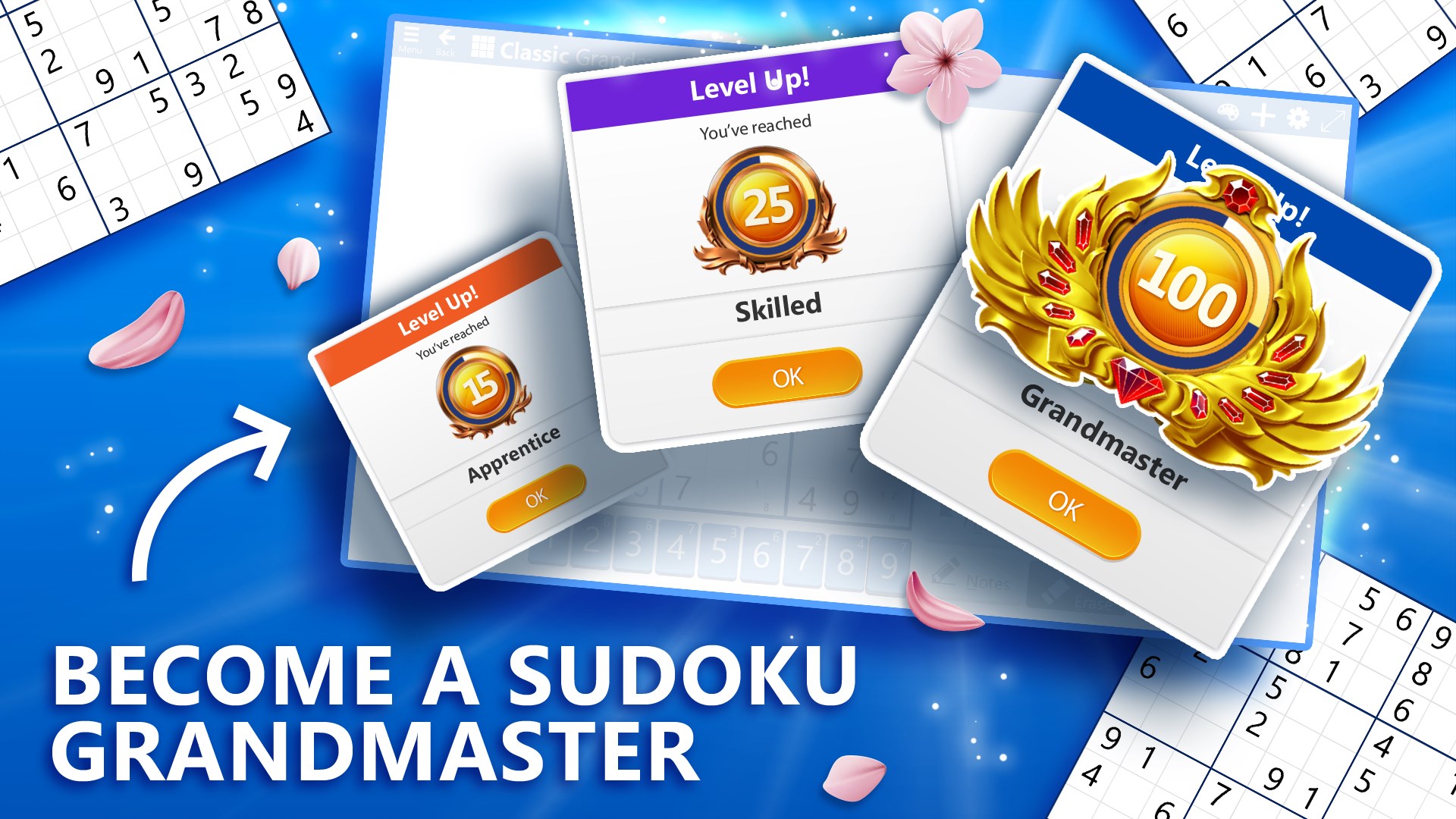
- Personalized Tracking: Keeps track of your progress, best times, and completed puzzles, motivating continuous play.
The app's design emphasizes simplicity and accessibility, making it suitable for both quick, casual sessions and more focused, longer playthroughs.
Smooth Play and User-Friendly Design
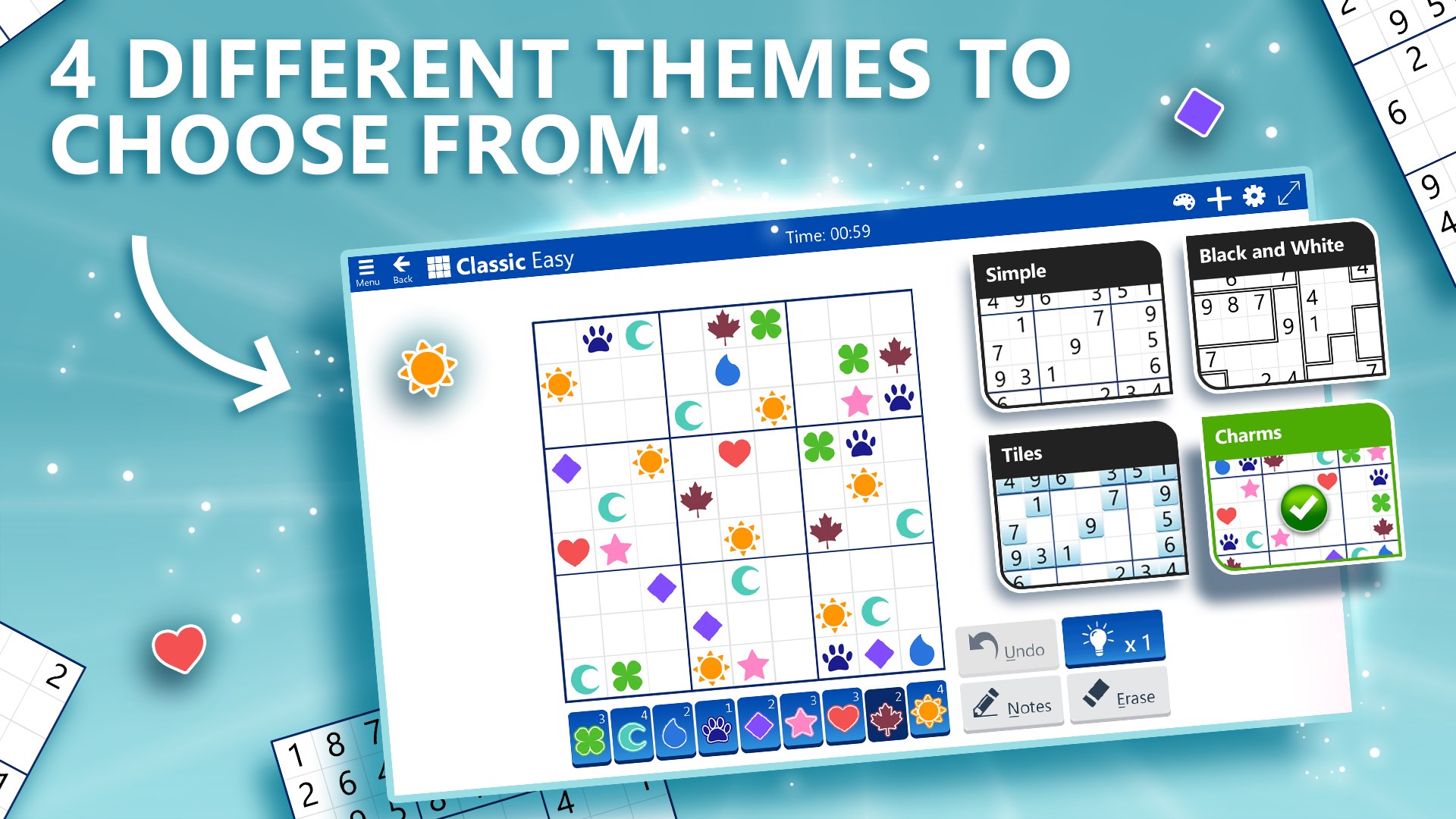
Microsoft Sudoku's interface resembles a clean, well-organized desktop, with vibrant colors and clear fonts that are easy on the eyes. Navigating between puzzles feels as seamless as flipping through a well-structured puzzle book, thanks to responsive controls that register your taps instantly. The app performs smoothly even during more complex, larger puzzles, with negligible lag or glitches, suggesting solid optimization.
Learning curves are gentle—newcomers will appreciate the guided hints and the ability to switch difficulty levels without fuss, while experienced players can dive directly into advanced challenges. Features like keyboard shortcuts (or mouse-based interactions for touch devices) streamline the solving process, ensuring the experience remains fluid and frustration-free. Such polished design choices make this app welcoming to users of all ages and skill levels.
Unique Features Setting Microsoft Sudoku Apart
What truly elevates Microsoft Sudoku above other puzzle apps isn't just its polished look but its innovative gameplay enhancements. The *Daily Challenges* combine the joy of solving a puzzle with a sense of ritual—each day unveiling a fresh set to conquer, fostering a habit of regular mental exercise akin to daily meditation. Meanwhile, the *Progress Tracking* system acts like a personal coach, nudging players to improve their best times and revisit puzzles with escalating goals.
Compared to other puzzle apps that may focus solely on a specific mode or difficulty, Microsoft Sudoku's integrated approach—blending multiple modes, adaptive difficulty, and personalized feedback—sets it apart. It's not just a Sudoku game; it's a comprehensive mental workout that evolves with your skill. Its interface, reminiscent of a digital puzzle journal, makes the entire experience feel less like an app and more like flipping through a well-curated puzzle gallery.
Final Thoughts and Recommendations
Overall, Microsoft Sudoku for Windows is an excellent choice for anyone looking to enjoy a classic game with modern touches. Its blend of aesthetic clarity, accessible features, and thoughtful enhancements make it suitable across age groups and skill levels. For casual players seeking quick entertainment or puzzle aficionados aiming for mastery, this app has something to offer.
We recommend giving it a try if you appreciate a tidy, responsive interface coupled with features that support learning and progress tracking. While it may not feature the most groundbreaking gameplay innovations, its refinement and user-centric design make it a trustworthy companion for your daily mental exercises. Consider it as your reliable puzzle buddy—ready whenever you are, and always eager to challenge your brain.
Pros
- Intuitive User Interface
- Variety of Puzzle Modes
- Auto-Save and Resume
- Hints and Error Checks
- Daily Challenges and Leaderboards
Cons
- Limited Customization Options
- Frequent Ads in Free Version
- Offline Mode Restrictions
- Puzzle Variety Can Be Expanded
- Troubleshooting Limited Support










