

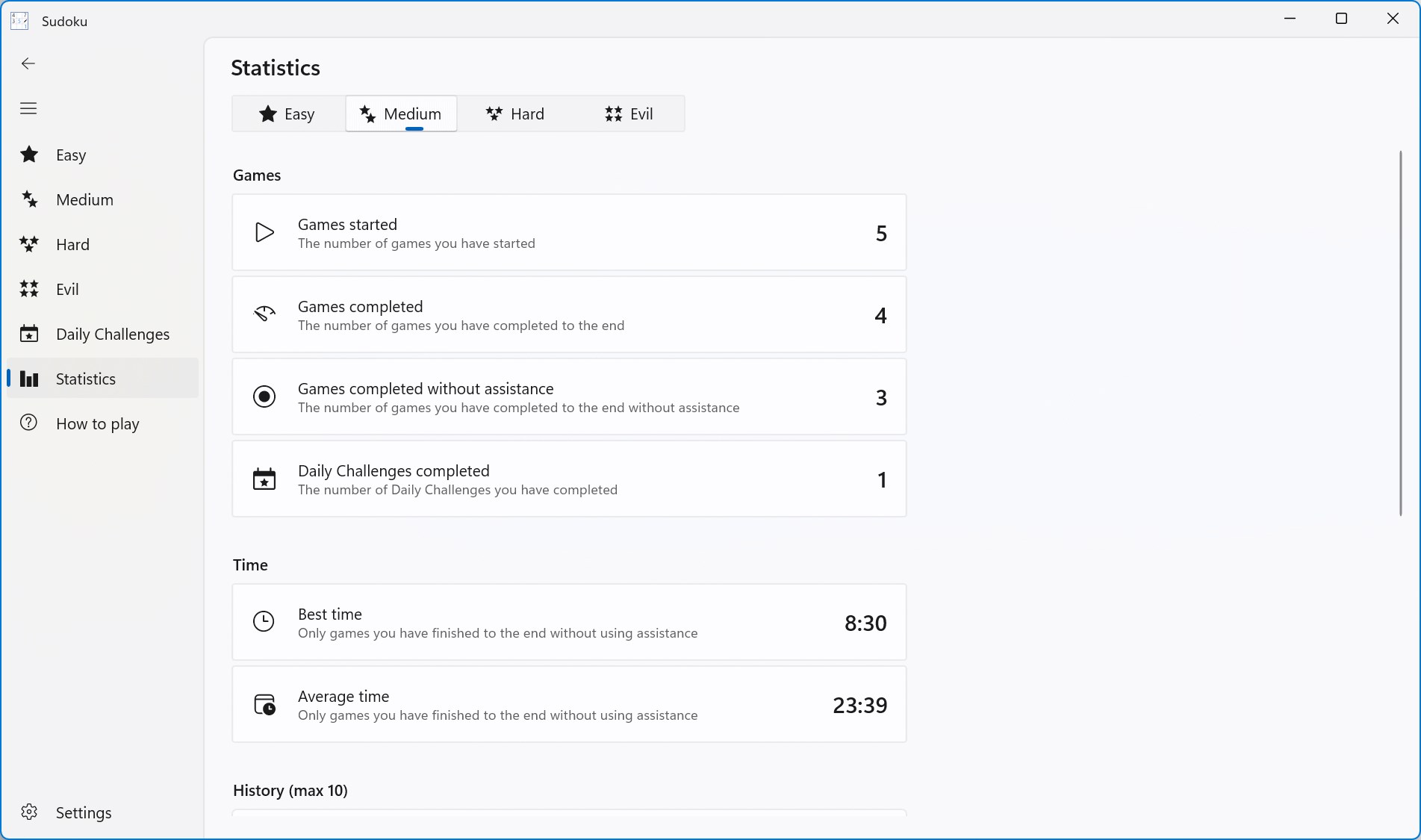
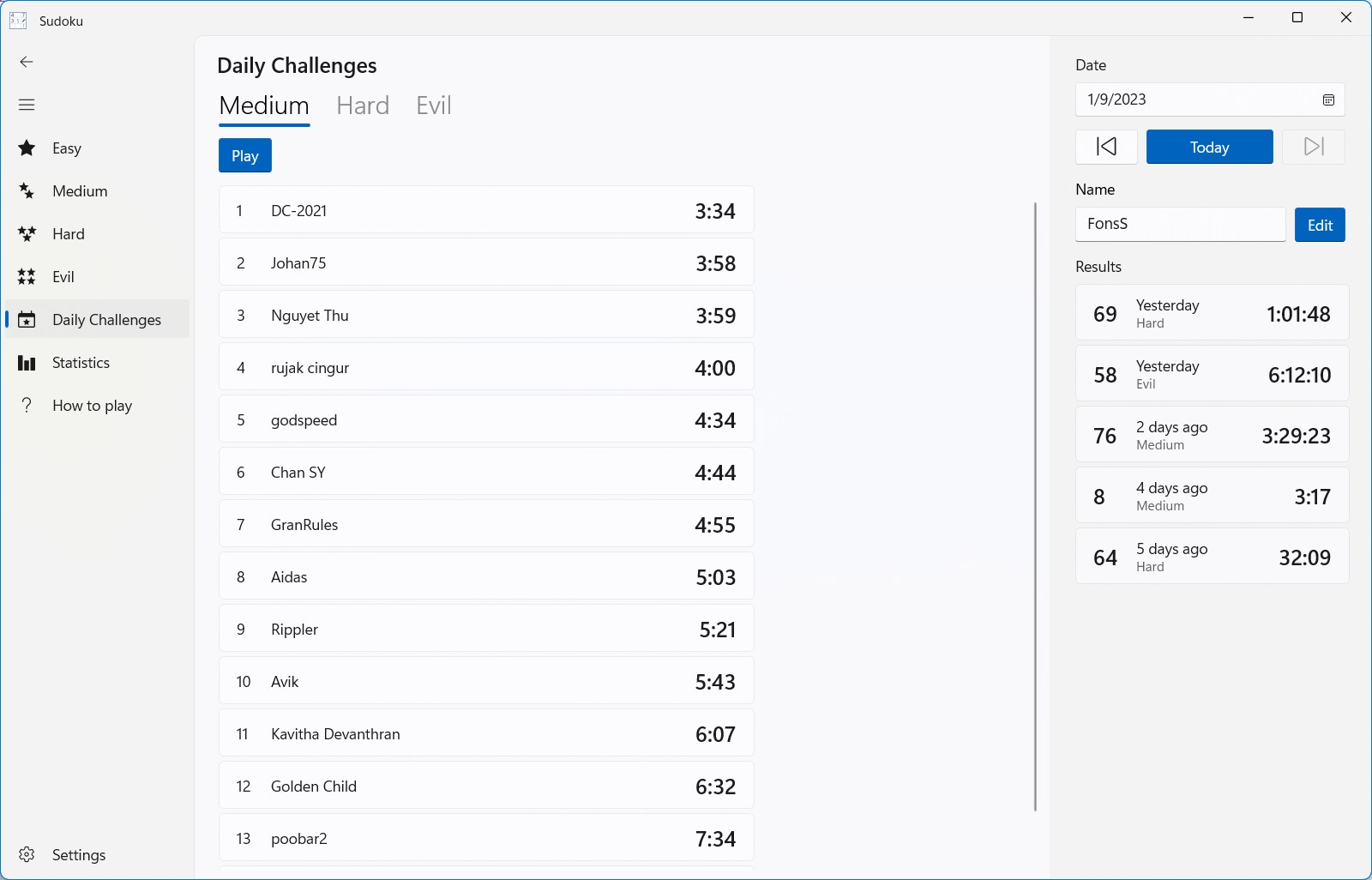
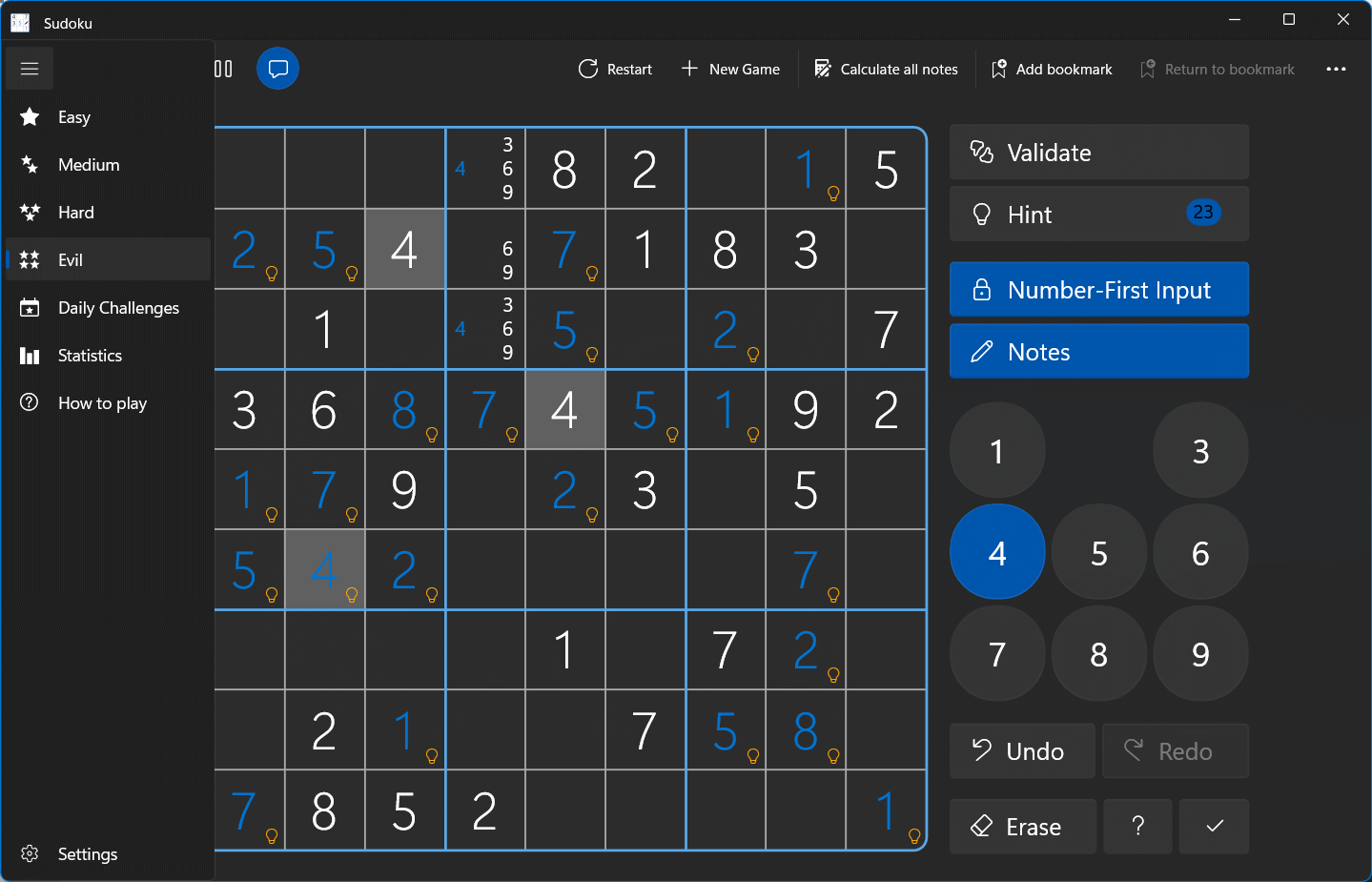
- Name Sudoku
- Category Puzzle & trivia
- Developer Fons Sonnemans
- Available on PC, Surface Hub, HoloLens
- OS Windows 10 version 17763.0 or higher
- Keyboard Not specified
- Mouse Not specified
- languages English (United States)
Introducing Sudoku for Windows: A Classic Puzzle Reinvented
Sudoku for Windows by Fons Sonnemans, published by Reflection IT, is a thoughtfully designed digital rendition of the timeless number-placement puzzle. It aims to provide both casual players and dedicated enthusiasts with a seamless, entertaining Sudoku experience on their PCs.
About the Developer and Core Features
Who's Behind the Puzzle?
The application is developed by Fons Sonnemans, a developer known for creating user-friendly and engaging puzzle apps. The publisher, Reflection IT, specializes in delivering quality productivity and entertainment software for Windows users.
What Makes Sudoku for Windows Stand Out?
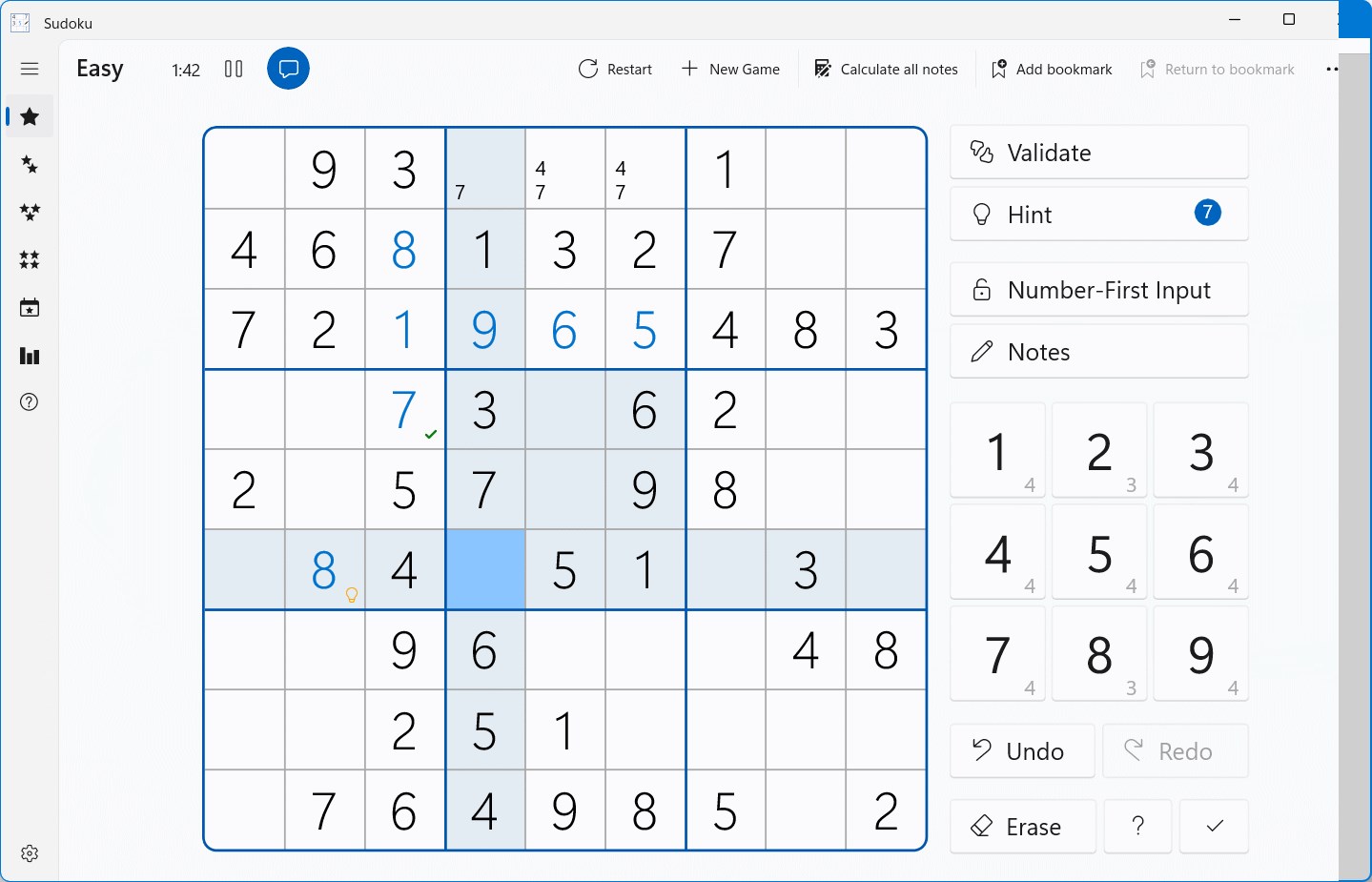
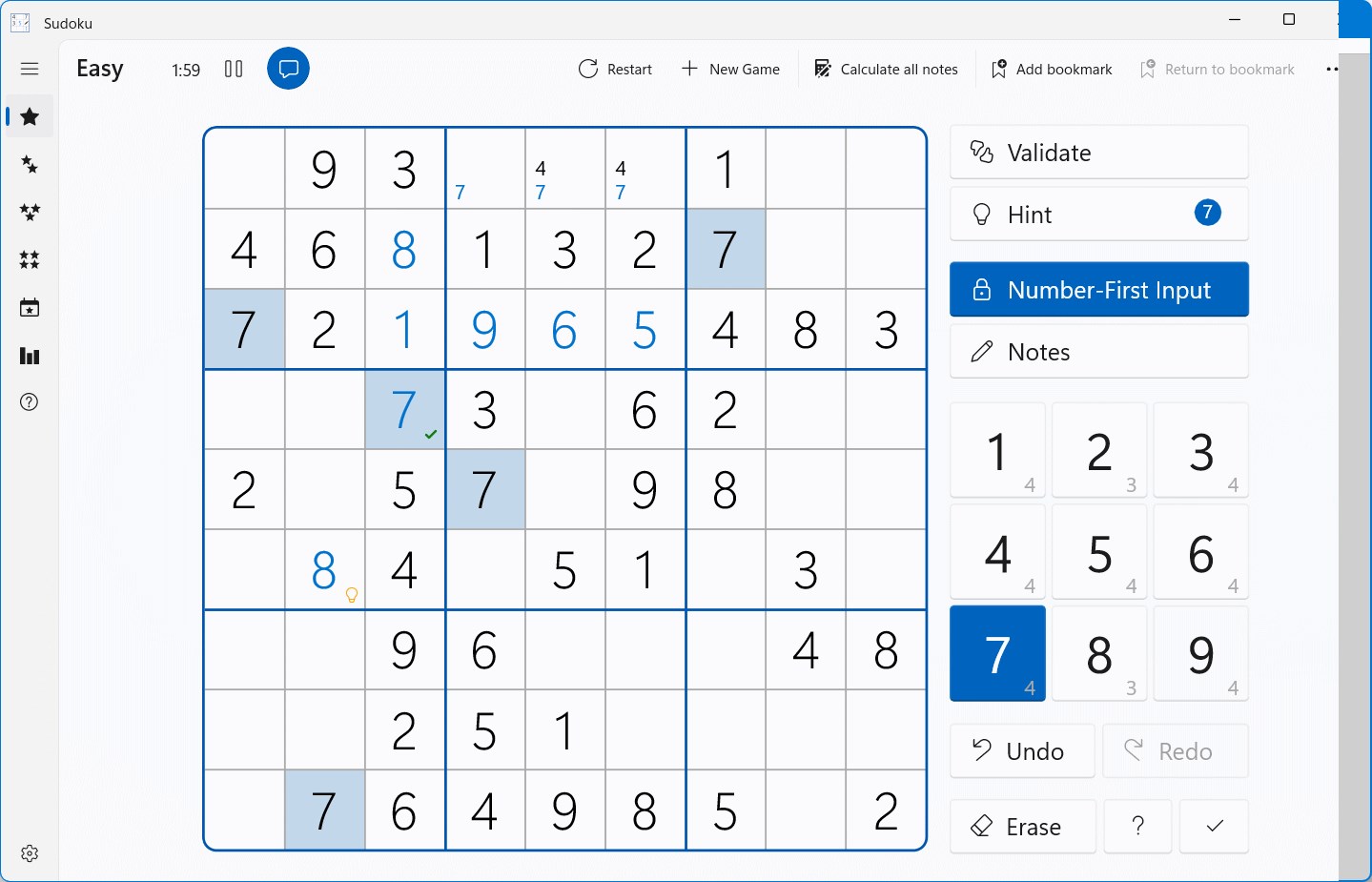
- Clean and Intuitive Interface: The app boasts a minimalistic, clutter-free design that allows players to focus on solving puzzles without distractions.
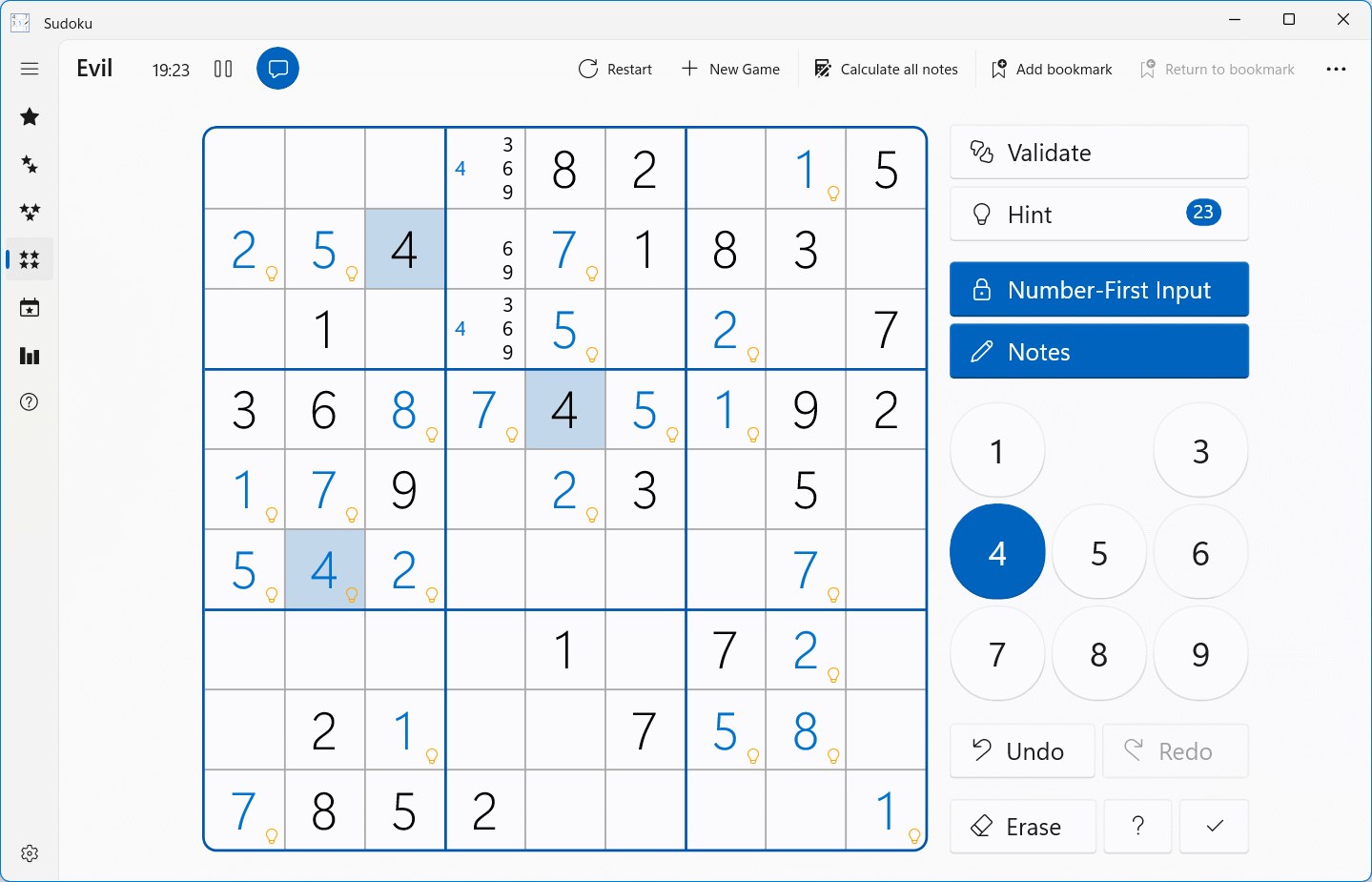
- Adaptive Difficulty Levels: It offers a wide range of difficulty settings, from gentle beginner puzzles to challenging expert levels, catering to all skill levels.
- Hint System and Error Alerts: The integrated hint feature guides players through tough spots, while real-time error detection helps prevent accidental mistakes.
- Personalized Game Management: Users can save progress, review completed puzzles, and jump between difficulty levels effortlessly.
A Fresh Take on a Beloved Classic
Jumping into Sudoku for Windows is like stepping into a cozy, well-lit library filled with countless puzzle books. The moment you open the app, you're greeted with a smooth, clear interface that invites you to dive right into a game. It's evident that the developer prioritized user experience, making the interface visually pleasing and easy to navigate—no unnecessary bells or whistles, just straightforward puzzle-solving action.
Core Functionality: Puzzle Variations and User Interaction
The core appeal of Sudoku for Windows lies in its versatile puzzle options. Whether you're just learning the ropes or a seasoned solver chasing that perfect timing, the difficulty settings are adjustable enough to keep you engaged. The puzzles are generated with a high level of logic, which maintains the authentic feel of traditional Sudoku. The hint system is particularly noteworthy; it can nudge you with gentle suggestions rather than spoil solutions, fostering learning and confidence. Additionally, the error alerts are an underrated feature—think of them as friendly vigilant companions, ensuring you don't accidentally fill a cell incorrectly and have to backtrack unnecessarily.
User Experience: Smooth Navigation and Learning Curve
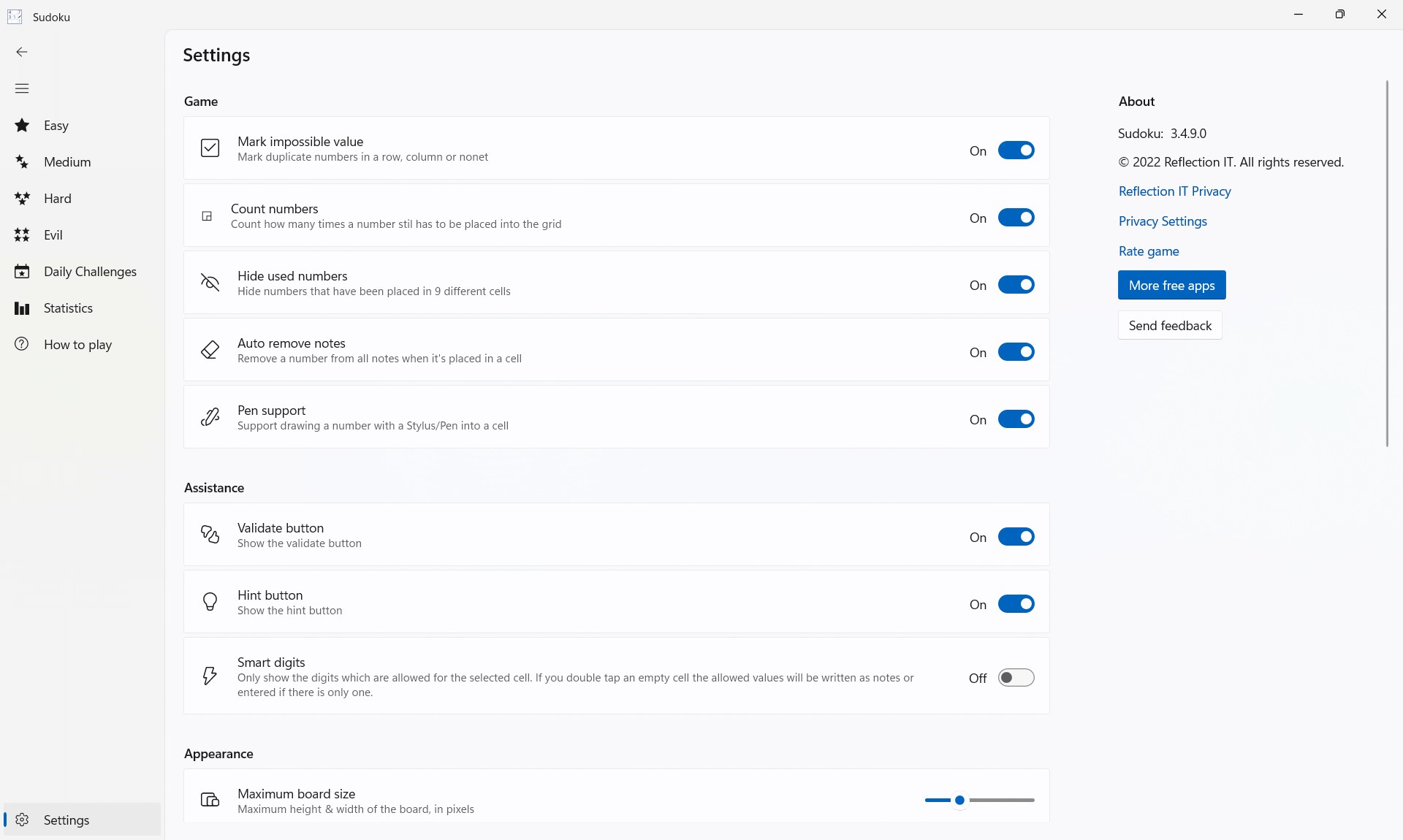
Practicing on Sudoku for Windows feels like gliding down a well-paved path—smooth, predictable, and enjoyable. The app is responsive, with seamless transitions between different game modes. Its interface emphasizes clarity: puzzles are displayed prominently, numbers are easy to input via mouse or keyboard, and settings are available at your fingertips. For new players, the game's layout and controls don't cause confusion; instead, they serve as an unobtrusive guide that allows for quick mastery. For those seeking efficiency, the app's minimalist design eliminates clutter, letting users focus solely on solving puzzles.
What Sets It Apart? The Unique Features
Compared to many other digital Sudoku games, this app's standout features are its adaptive difficulty and intelligent hint system. While most Sudoku apps offer basic gameplay, Sudoku for Windows elevates the experience by providing tailored assistance that complements your skill level. This makes it not just a puzzle app, but a learning companion that grows with your abilities. Its clean interface and smooth operation also distinguish it from cluttered or slow-loading counterparts, making it suitable for quick sessions or extended puzzle marathons.
Final Verdict: Is It Worth Your Time?
Overall, Sudoku for Windows is a well-crafted, user-friendly application that preserves the essence of traditional Sudoku while enhancing it with thoughtful digital touches. It's ideal for casual players seeking a relaxing pastime and puzzle enthusiasts looking for a reliable challenge. With its intuitive design, adaptive difficulty, and helpful features, it earns a solid recommendation. If you enjoy logical puzzles and want a puzzle companion that's both accessible and refined, this app is definitely worth a try.
Pros
- Intuitive interface with a clean, user-friendly design
- Wide range of difficulty levels from easy to expert
- Multiple game modes including timed challenges and daily puzzles
- Provides useful hints and solving tips for challenging puzzles
- Seamless synchronization across devices via Microsoft account
Cons
- Limited customization options for themes and interface appearance
- Some puzzles may lack sufficient variation, leading to repetitive gameplay
- The hint system can occasionally reveal too much, reducing challenge
- Offline mode is limited; some features require internet access
- Possible minor UI bugs on some devices, such as lag or misaligned elements










