

- Name Simple Mahjong
- Category Puzzle & trivia
- Available on PC, Mobile, Surface Hub, HoloLens
- OS Windows 10 version 18362.0 or higher
- languages Chinese (Simplified), Dutch, English (United States), French, German, Italian, Japanese, Polish, Polish , Portuguese, Portuguese (Brazil), Portuguese (Portugal), Russian, Spanish, Spanish (Spain), Swedish
Introducing Simple Mahjong for Windows
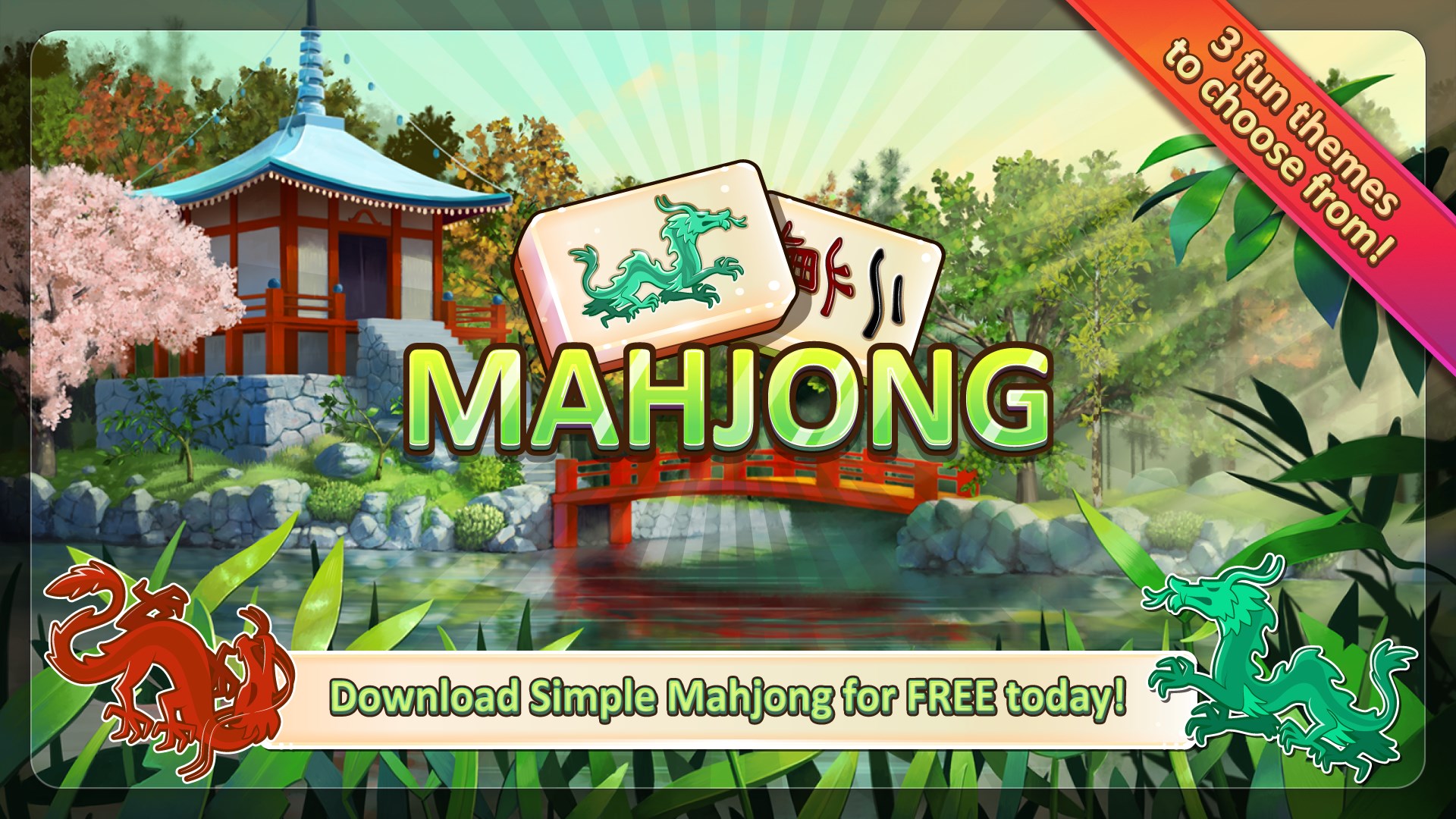
Simple Mahjong for Windows by Random Salad Games LLC is a classic tile-matching puzzle game that aims to bring the timeless allure of traditional mahjong to the PC screen with a clean, straightforward experience.
Who's Behind the Game?
The game is developed and published by Random Salad Games LLC, a studio known for creating intuitive and accessible puzzle games tailored for casual players. Their focus on simplicity and user engagement shines through in this title.
Top Features That Make It Stand Out
- Simplicity in Design: The game offers an uncluttered interface, emphasizing ease of play without unnecessary distractions.
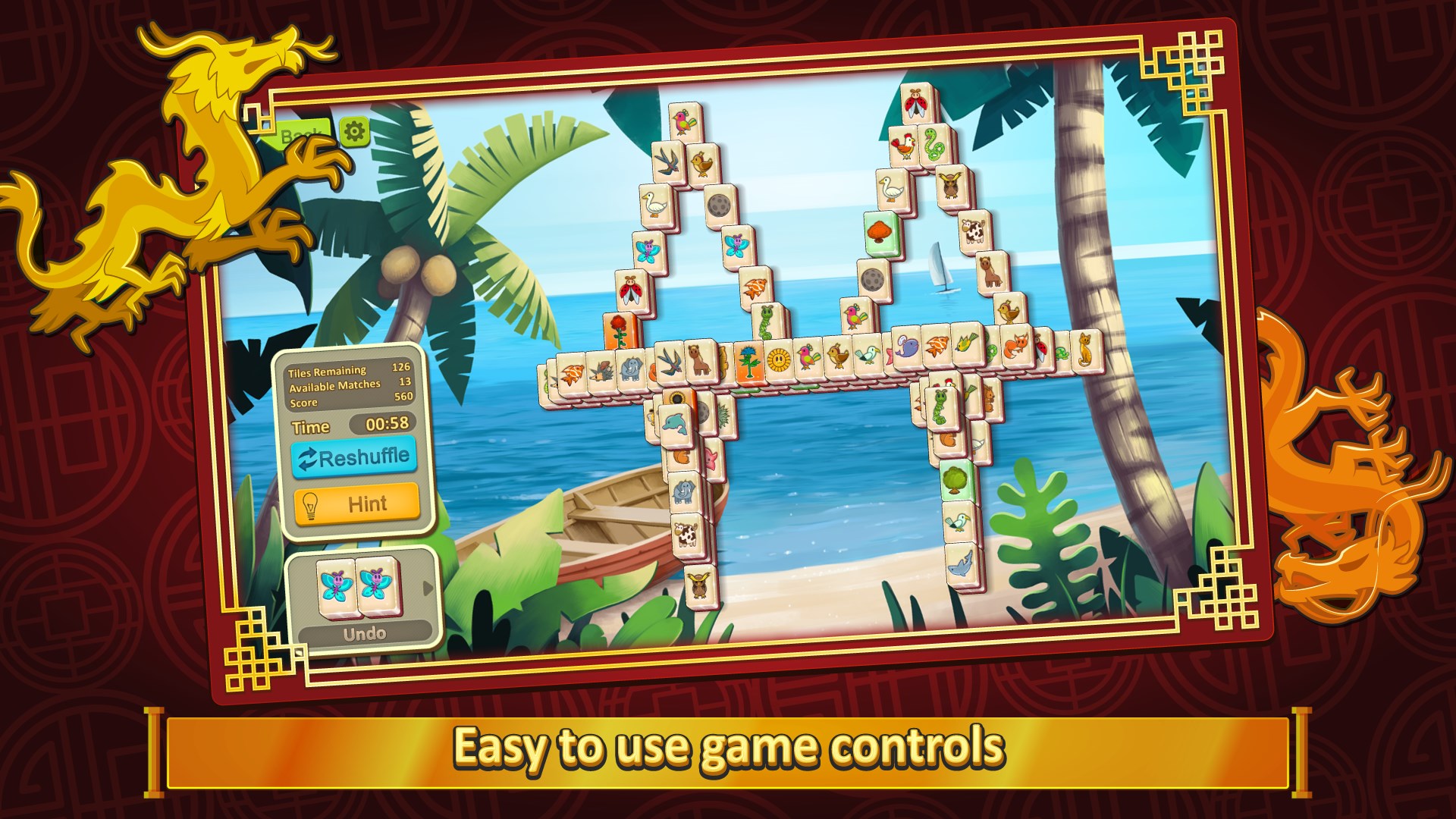
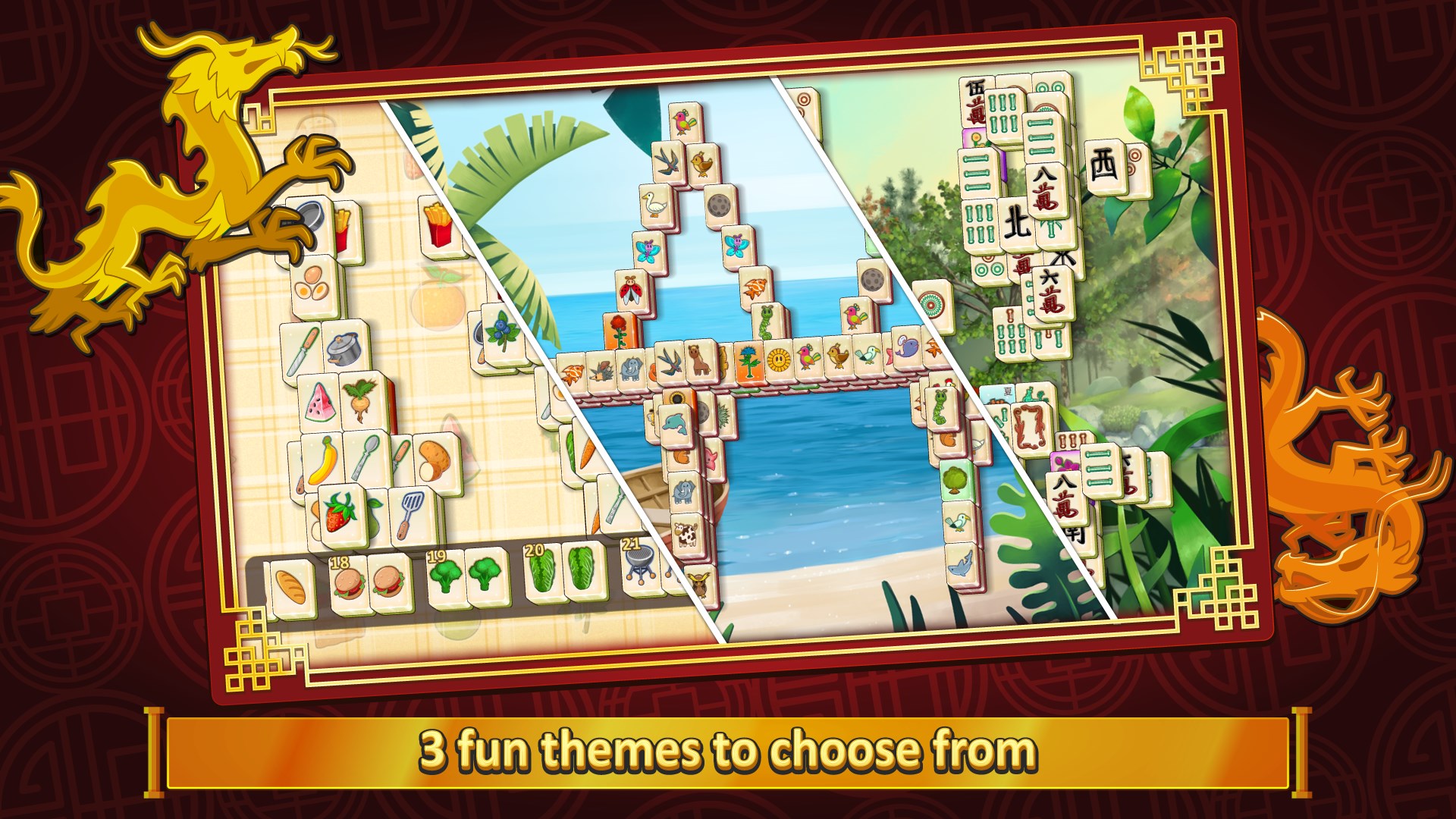
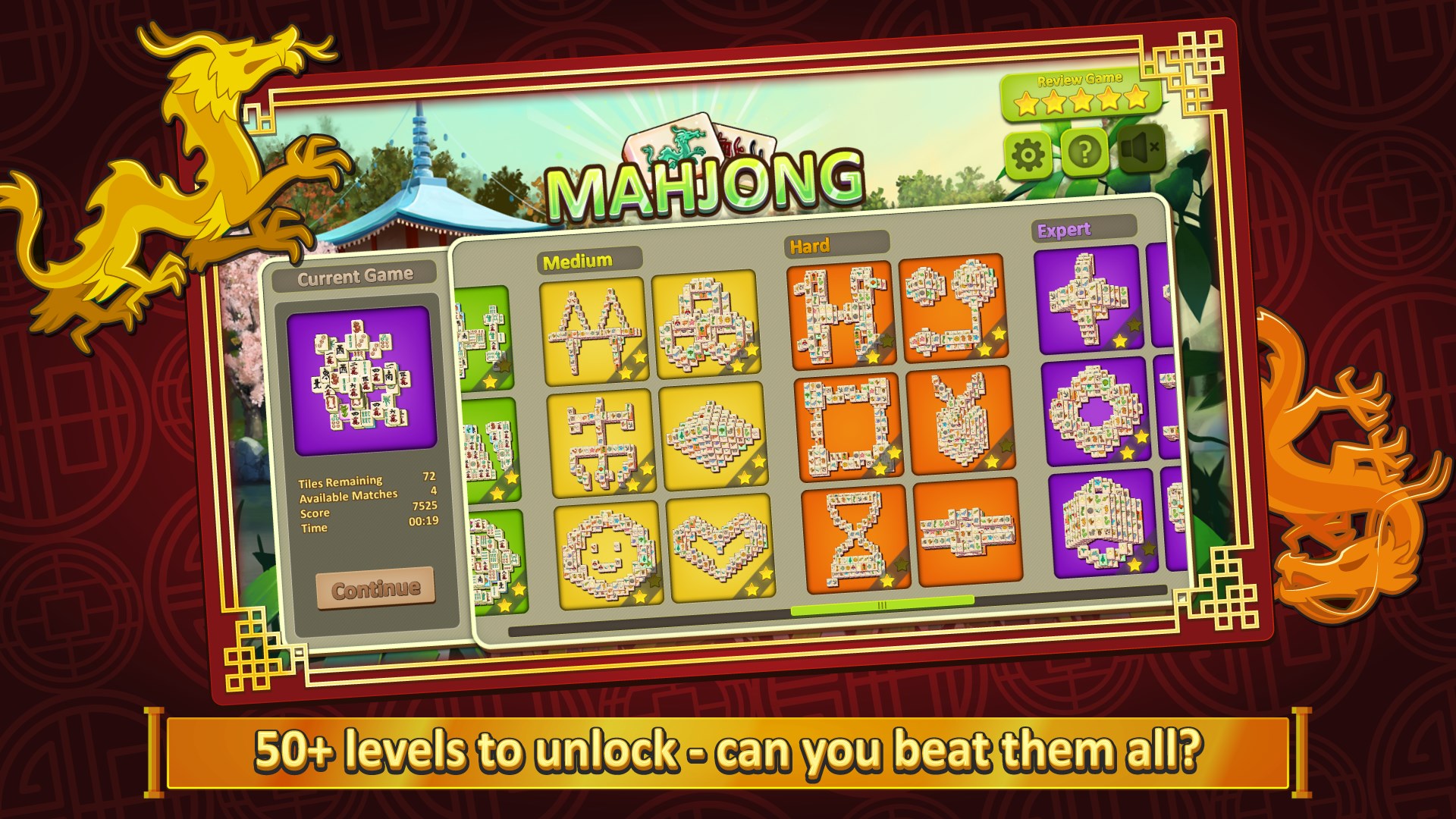
- Variety of Boards and Themes: Multiple layouts and themes keep the gameplay fresh and visually engaging, catering to different aesthetic preferences.
- Intuitive Gameplay Mechanics: Easy-to-learn controls and logical matching rules allow new players to jump in quickly while still providing enough challenge for seasoned enthusiasts.
- Progress Tracking and Rewards: The game tracks your progress meticulously and offers small rewards, motivating continued play.
A Closer Look at the Gameplay Experience
Picture yourself settling into a cozy corner with your laptop, the soft glow of the screen illuminating your peaceful environment. As you launch Simple Mahjong, you're greeted with a serene, minimalist interface that immediately beckons you into a world of calming tile-matching. Unlike flashy, overstimulating puzzle games, Simple Mahjong aims for a zen-like clarity, making it accessible for both quick breaks and longer relaxing sessions.
Design and User Interface
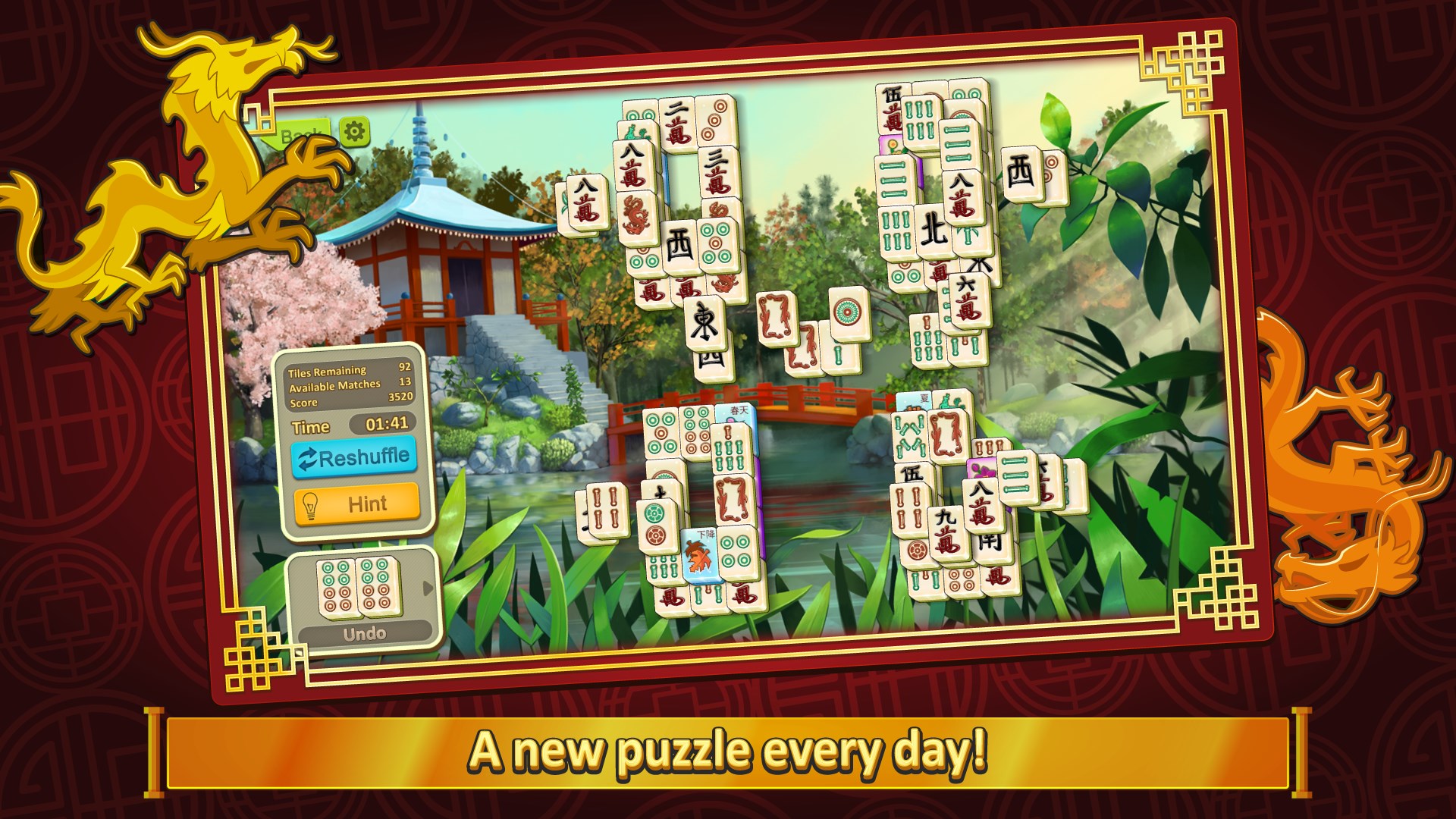
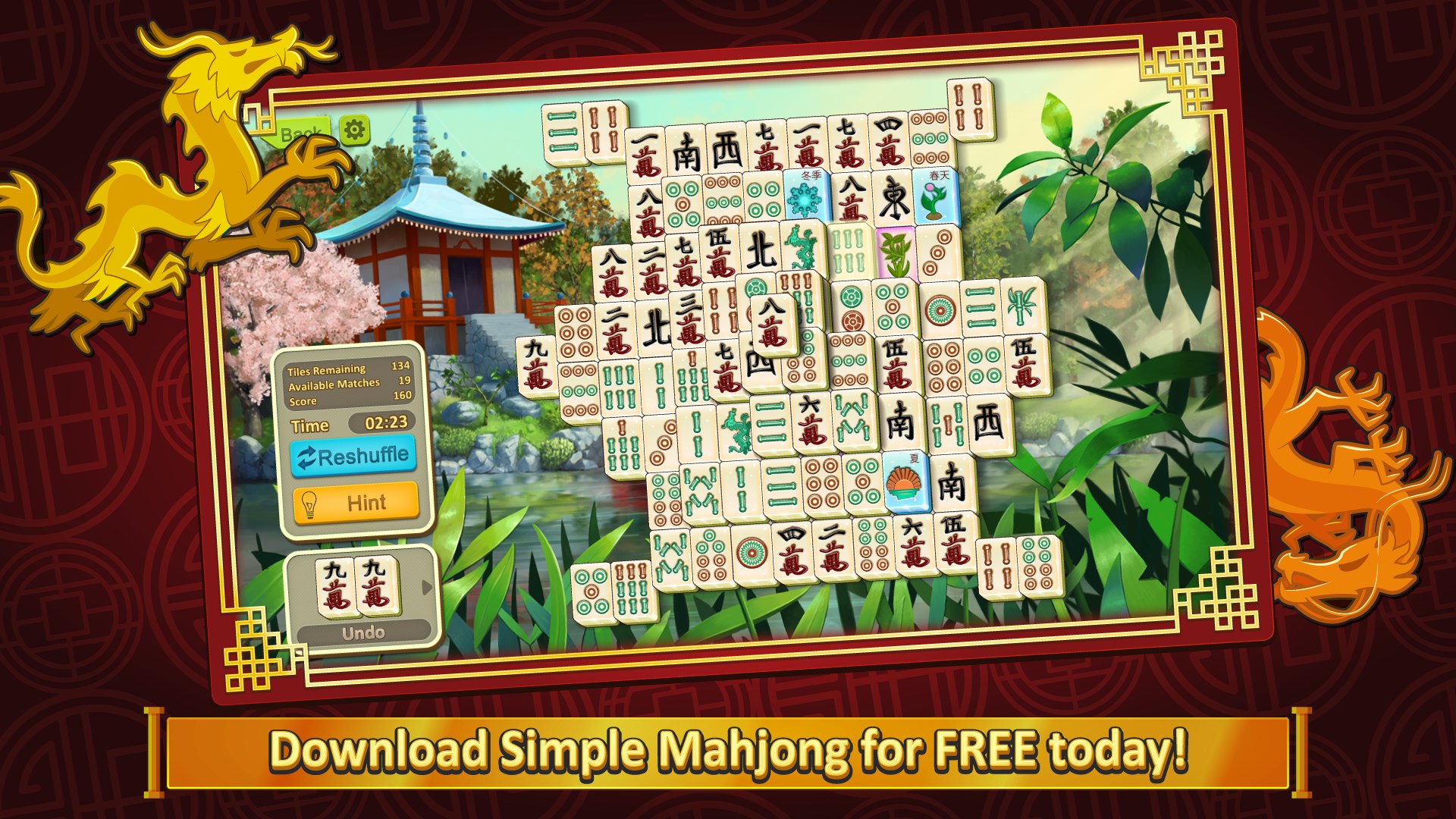
The interface is elegantly crafted, reminiscent of a neatly organized Mahjong set resting on a smooth wooden table. The tiles are clear with distinguishable symbols, and the overall color palette avoids unnecessary clutter, fostering a relaxing ambiance. Navigation buttons are thoughtfully placed, making it straightforward to start a new game, select different layouts, or access settings.
Gameplay Mechanics and User Experience
The core gameplay revolves around matching open tiles bearing identical symbols, a familiar mechanic that doesn't require much instruction. The game responds smoothly to mouse clicks, with transitions feeling seamless and lag-free. The learning curve is gentle; new players can quickly grasp the rules while experienced mahjong players find enough variations to challenge their skills. This balance creates a satisfying experience that keeps users engaged without feeling overwhelmed.
Unique Selling Points and Differentiation
What sets Simple Mahjong apart from many puzzle apps in the crowded marketplace is its unwavering dedication to simplicity and elegance. While many Mahjong apps incorporate complex scoring systems or decorative elements, this game strips down to the essentials, making it more like a calming ritual. Its multiple themes and layout options allow users to customize their experience, adding a layer of personalization that many competitors lack.
Moreover, the game's emphasis on uncluttered design and smooth mechanics creates a meditative feel, akin to the Japanese concept of “wabi-sabi,” appreciating the beauty in simplicity. This might appeal to users seeking a zen-like pause in their busy routines, standing as a unique niche in puzzle gaming.
Final Verdict and Recommendations
Overall, Simple Mahjong for Windows proves to be a refined, user-friendly puzzle game that caters to both mahjong enthusiasts and casual players looking for a relaxing diversion. Its clean design, ease of learning, and calming gameplay make it highly suitable for quick breaks or extended leisurely sessions.
While it may lack some of the more flashy features or complex scoring found in other puzzle-heavy apps, its strength lies in delivering a pure, distraction-free mahjong experience. For those who appreciate classic tiles and satisfying matching mechanics presented in a minimalistic aesthetic, this game is a commendable choice.
Recommended for casual gamers, puzzle lovers, or anyone wanting to add a touch of serenity to their gaming routine. Just pick up your mouse, and let the tiles guide you into a tranquil moment of focus.
Pros
- User-friendly interface
- Variety of game modes
- Smooth gameplay experience
- Colorful and appealing graphics
- Free to download and play
Cons
- Limited tutorial features
- Lack of customization options
- Ads Interrupt Gameplay
- Limited multiplayer features
- No progress saving across devices










