

- Name Mahjong Free !
- Category Puzzle & trivia
- Developer TreeCardGames
- Available on PC
- OS Windows 10 version 17763.0 or higher
- languages Chinese (Simplified), Danish, Dutch, English, French, German, Hindi, Italian, Japanese, Polish, Portuguese, Spanish, Swedish
Introduction to Mahjong Free! for Windows
Mahjong Free! for Windows is an engaging digital rendition of the classic tile-matching game, offering players a relaxing yet mentally stimulating experience. With its straightforward gameplay, vibrant visuals, and smooth performance, it aims to bring the traditional Mahjong pastime into the digital age, perfect for casual gamers and puzzle enthusiasts alike.
About the Developer and Core Features
Who is behind Mahjong Free!?
Developed and published by TreeCardGames, a team specialized in creating engaging casual card and puzzle games, this title reflects their dedication to delivering quality gaming experiences with user-friendly design.
Key highlights of Mahjong Free!
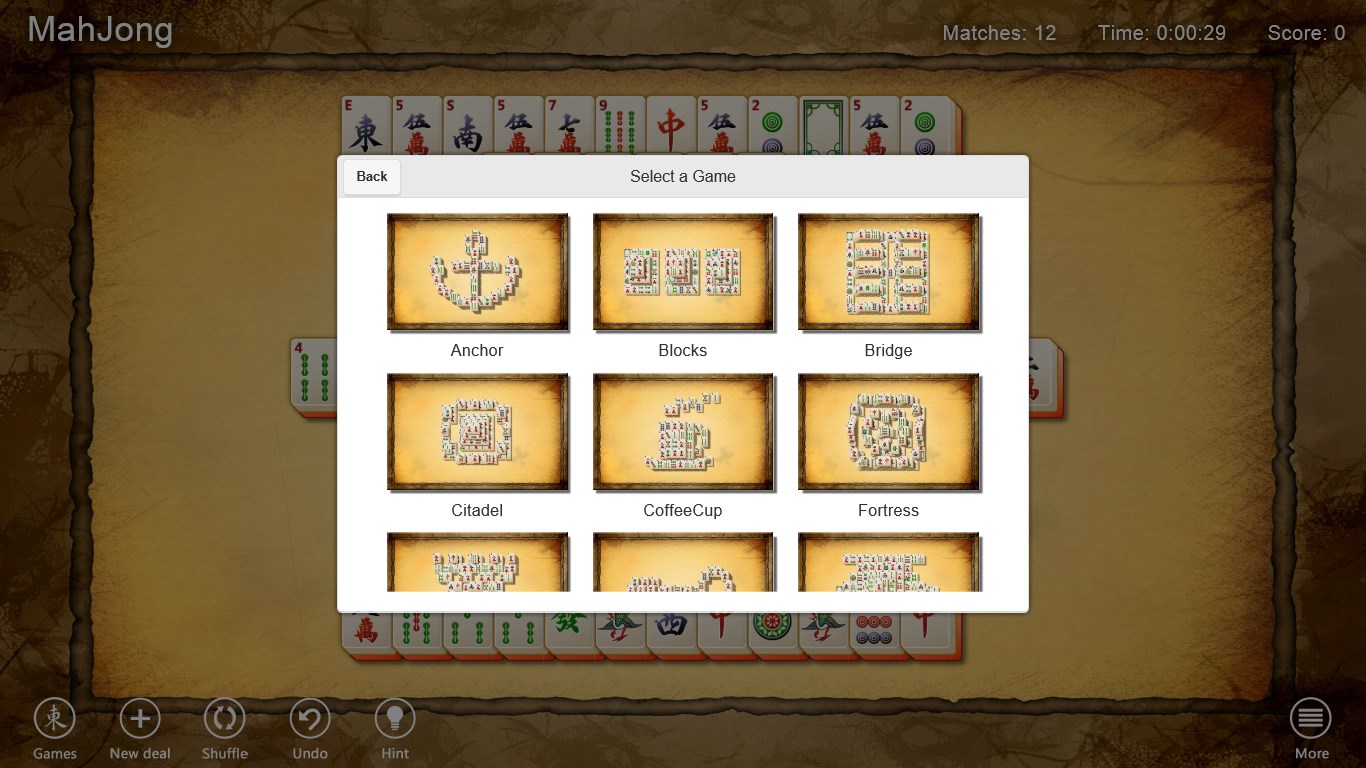
- Multiple Game Modes: Offering various gameplay styles, including standard Mahjong, challenge modes, and timed puzzles, catering to different skill levels and preferences.
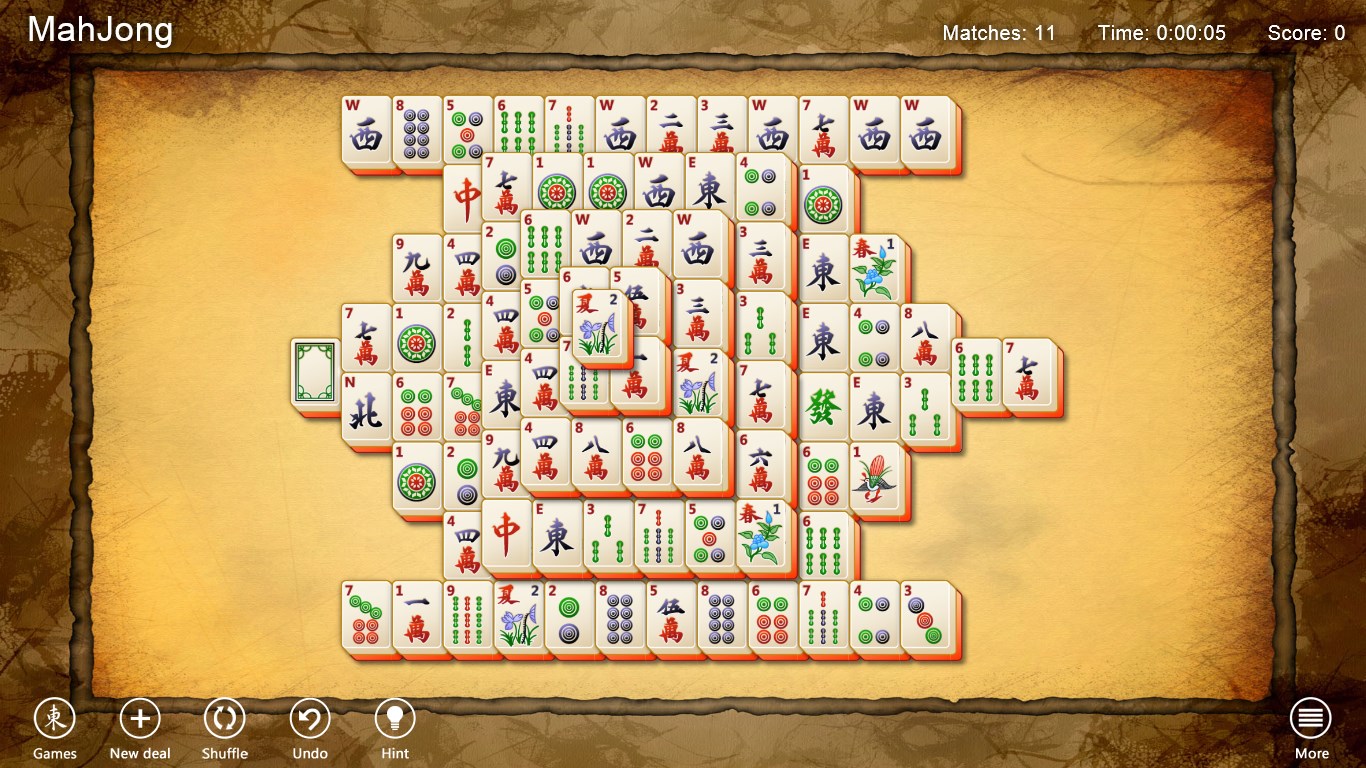
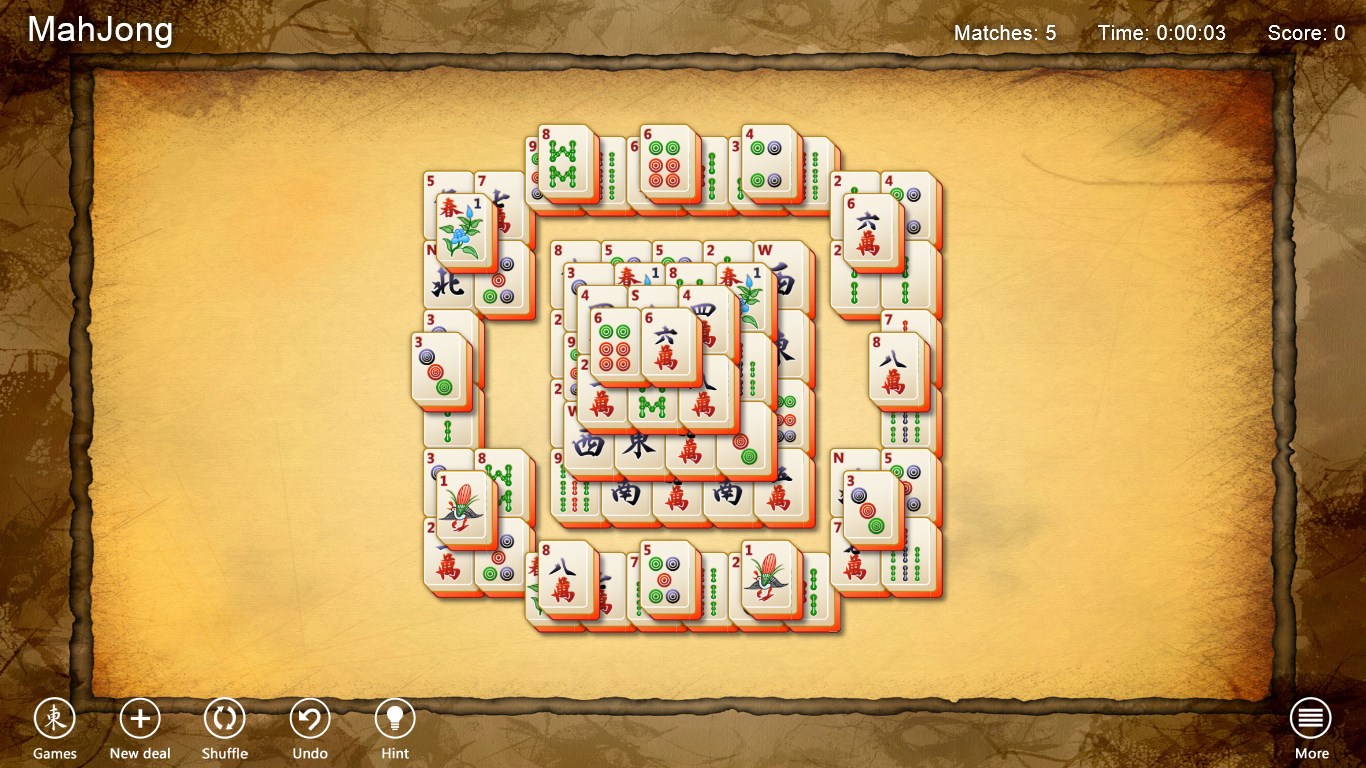
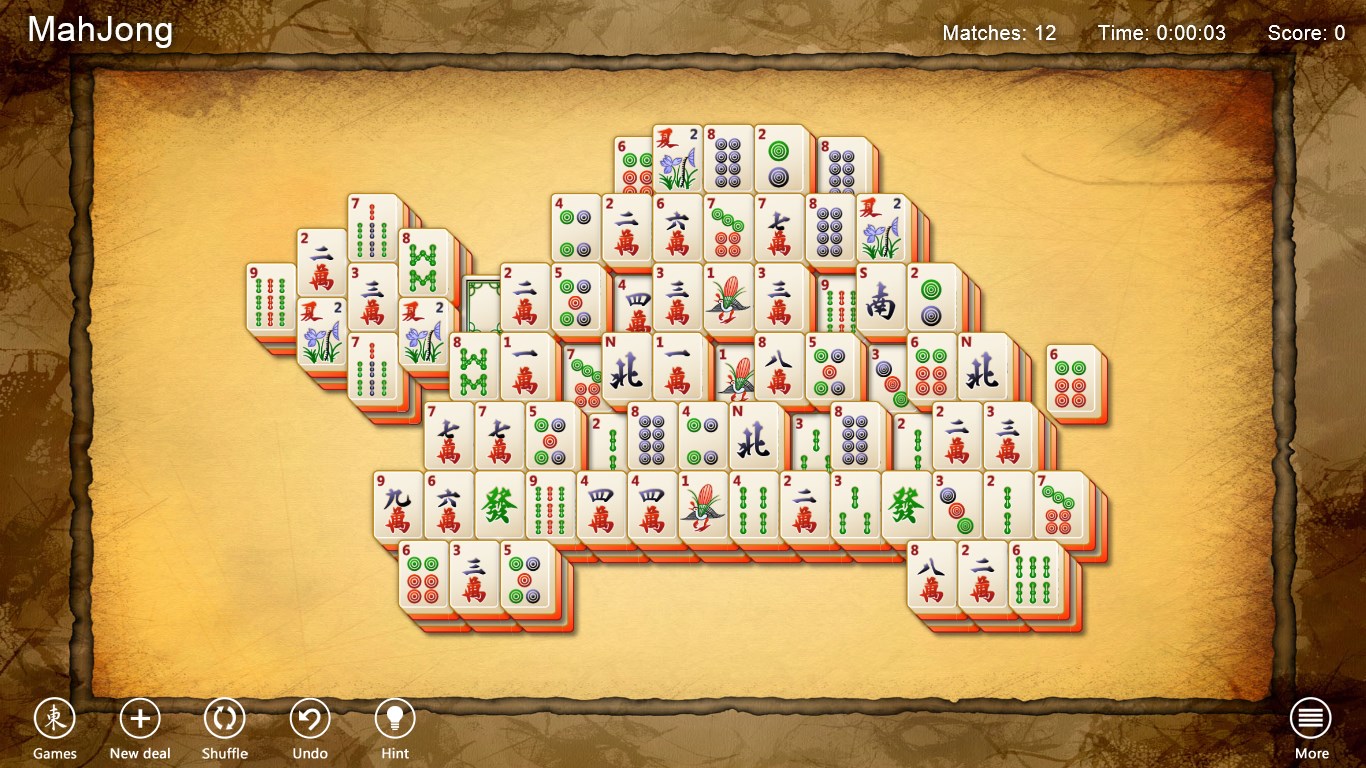
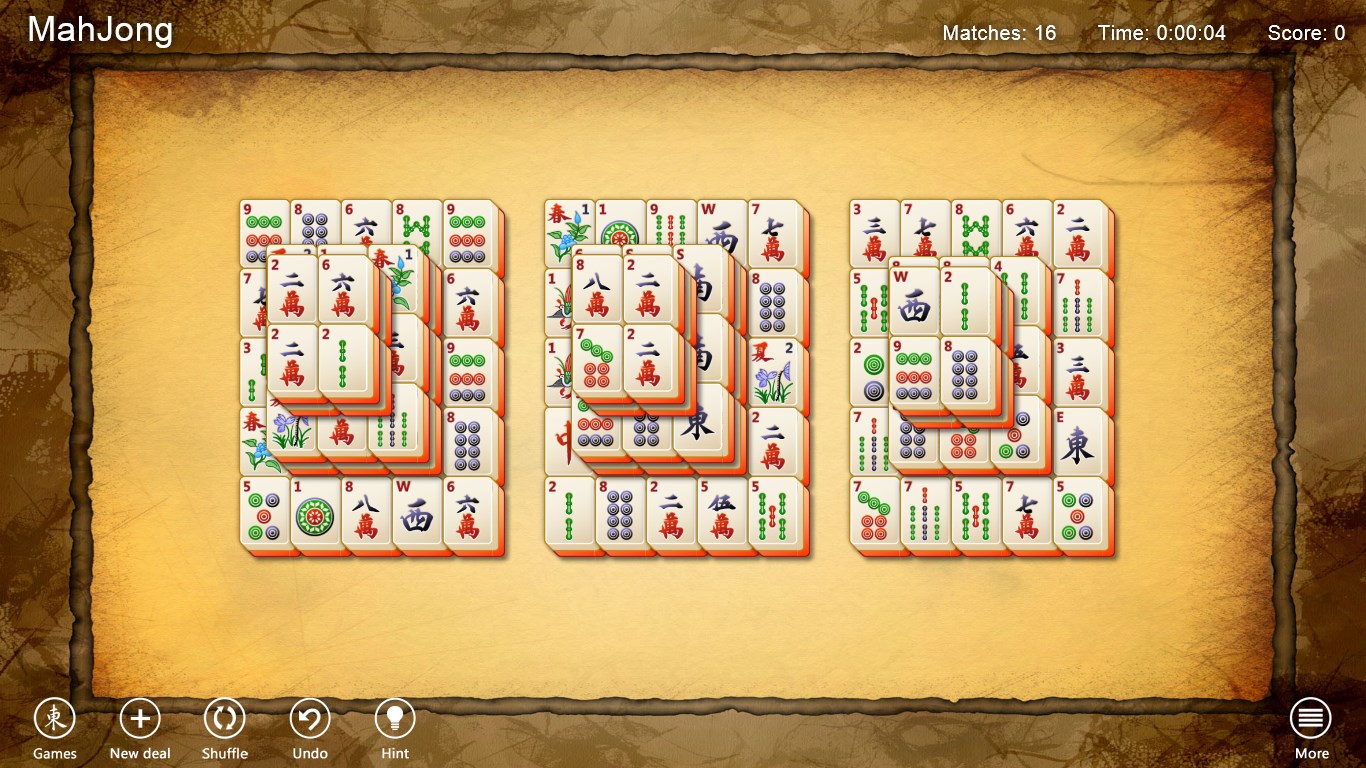
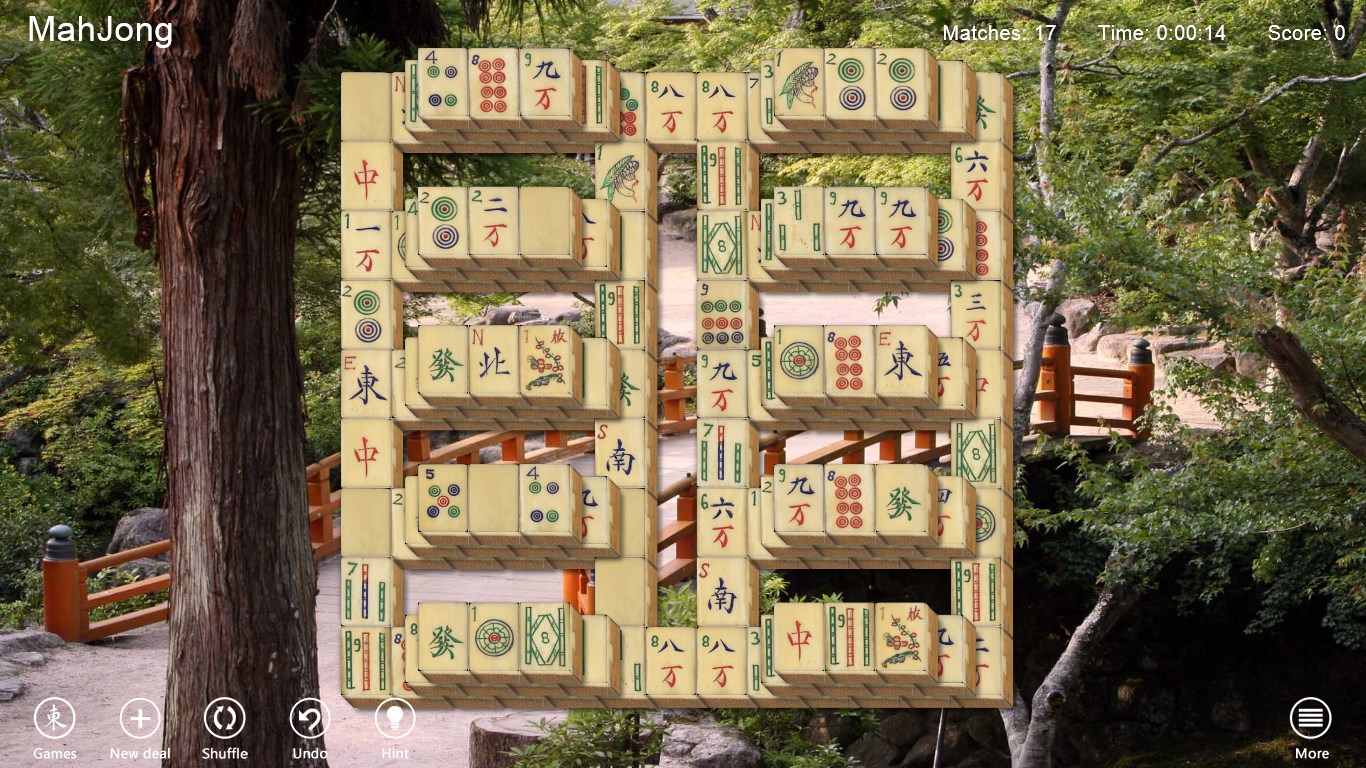
- Vibrant and Clear Graphics: Bright, colorful tiles and backgrounds that evoke the traditional aesthetic while ensuring visibility is crisp and inviting.
- Intuitive User Interface: Easy-to-navigate menus and controls that make gameplay seamless for newcomers and seasoned players.
- Progress Tracking and Rewards: Features that motivate players through achievements, daily challenges, and overall progress monitoring, adding depth to casual play.
Deep Dive into User Experience and Gameplay
A Playful yet Sophisticated Interface
Stepping into Mahjong Free! feels akin to entering a cozy, well-organized game room. The interface is neat, with tiles laid out clearly against a calming background, reminiscent of traditional Mahjong tables. The design sidesteps clutter, allowing players to focus purely on the puzzle itself. Transitioning between modes and settings is effortless—big, friendly buttons guide you along, suitable for all ages and technical comfort levels. The aesthetic choices create an inviting atmosphere, making you eager to start your next puzzle without hesitation.
Performance, Controls, and Learning Curve
Performance-wise, Mahjong Free! excels in delivering a fluid, lag-free experience even on modest hardware. Controls are straightforward: a mouse click or tap selects tiles, with intuitive drag-and-drop functionality. The game removes the intimidation factor by providing helpful hints—such as highlighting available matches—and this feature makes it accessible for beginners. The learning curve is gentle; newcomers grasp the core mechanics quickly, while seasoned players can challenge themselves with timed or complex modes. The game's smooth response and clean design affirm its polished nature, inviting players to immerse themselves comfortably.
What Sets It Apart from Other Puzzle & Trivia Apps?
While many puzzle apps tend to rehash similar mechanics, Mahjong Free! stands out primarily through its thoughtful variety of game modes and community-driven features like daily challenges. Its design emphasizes a perfect balance between relaxation and challenge, akin to a friendly game night at home. Unlike some apps that prioritize rapid succession or flashy bells and whistles, this game offers a calm, meditative experience enhanced by strategic depth. The consistent visual quality and clear feedback make it feel more like an elegant digital pastime rather than just another quick-fix puzzle.
Final Thoughts and Recommendations
Overall, Mahjong Free! for Windows is a commendable digital adaptation of a beloved classic, distinguished by its smooth performance, user-friendly interface, and engaging variety of gameplay modes. It's particularly well-suited for those who enjoy casual puzzles that can be picked up effortlessly but also offer enough challenge to keep returning. If you're seeking a visually appealing, stress-free Mahjong experience that respects tradition while embracing modern convenience, this app is a solid choice.
While it may not introduce groundbreaking mechanics, its thoughtful execution and polished presentation make it a worthy addition to any puzzle lover's library. I recommend it for anyone looking to unwind or sharpen their mind in a relaxing digital environment—certainly a game worth trying for a peaceful mental workout!
Pros
- Intuitive User Interface
- Variety of Mahjong Tile Sets and Backgrounds
- Timely Game Updates and Daily Challenges
- Offline Mode Support
- Smooth Gameplay with Minimal Lag
Cons
- Limited Game Modes
- Ads Interrupt Gameplay Occasionally
- Limited Customization Options
- Sound Effects Could Be More Immersive
- Performance Issues on Older Devices










