

- Name Jigsaw Puzzle Mania
- Category Puzzle & trivia
- Developer Larocque
- Available on PC
- OS Windows 10 version 17763.0 or higher
- languages English (United States), French
An Entertaining Journey into Puzzle Mania for Windows
If you've ever found yourself captivated by the allure of jigsaw puzzles but sought a digital twist that offers both challenge and fun, Jigsaw Puzzle Mania for Windows may just be your next favorite app. Designed to bring the traditional puzzle experience into the modern age, this app combines ease of use with engaging features that appeal to casual gamers and puzzle enthusiasts alike.
Developer and Core Features
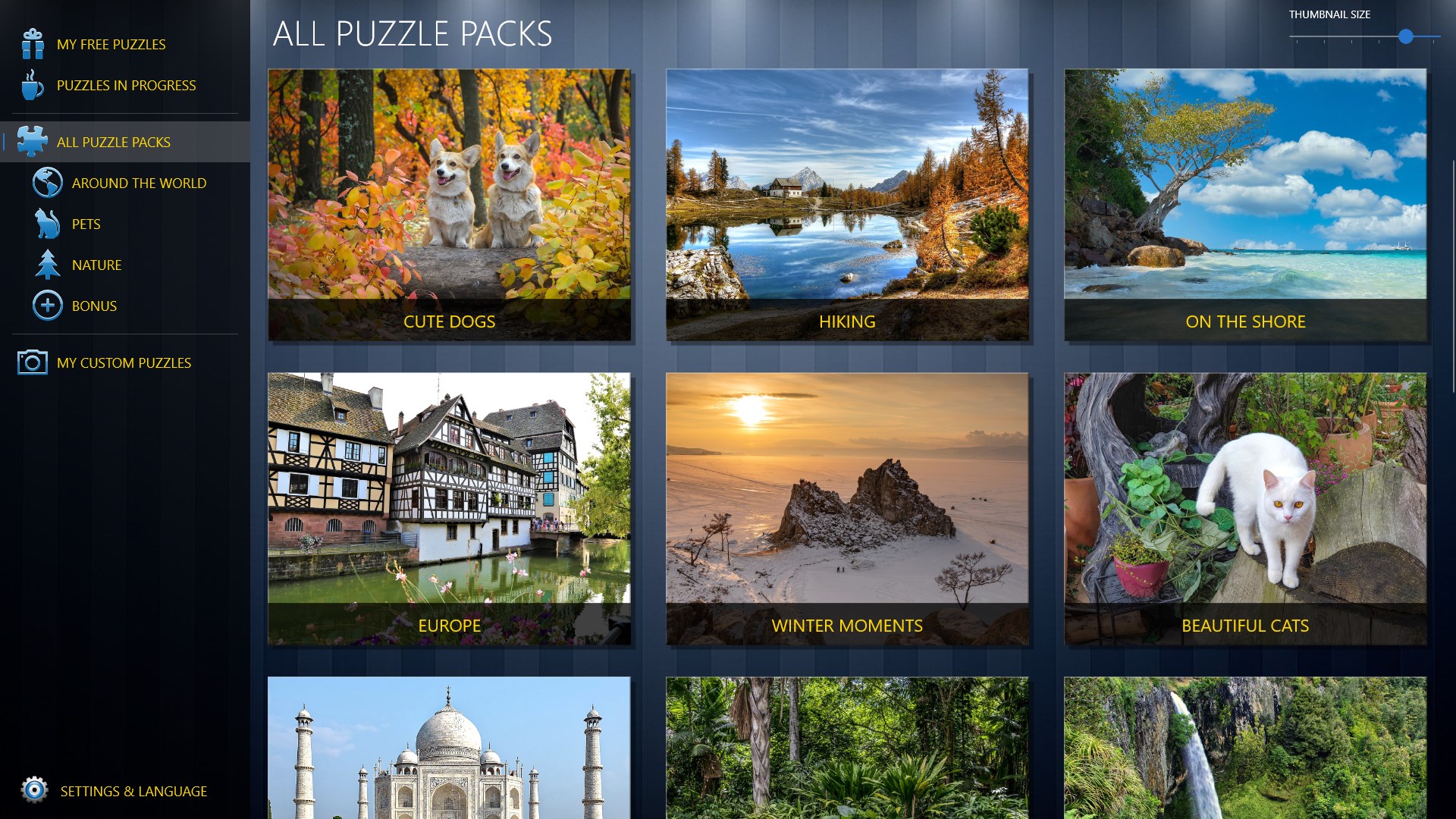
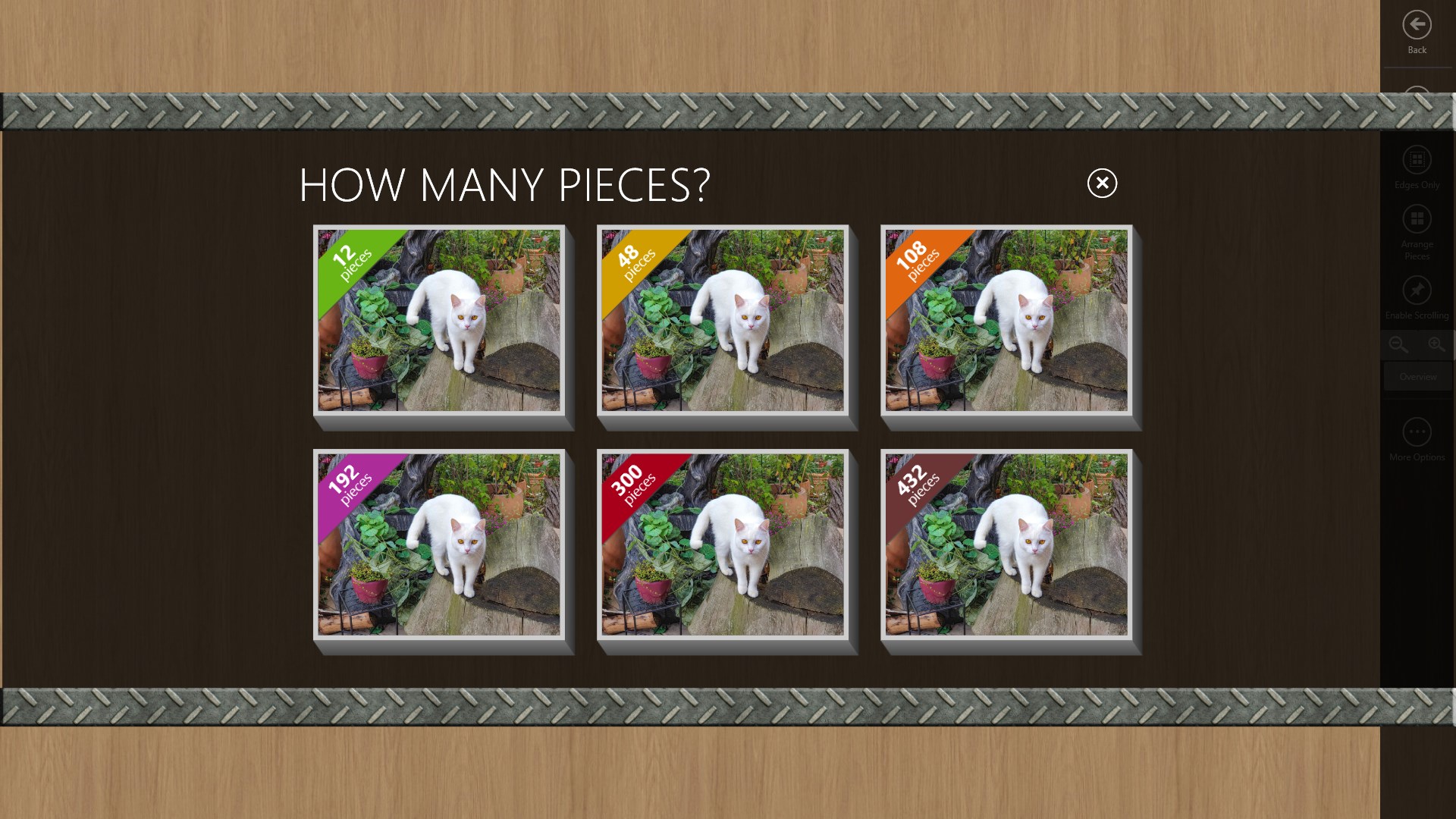
Developed and published by Larocque, Jigsaw Puzzle Mania aims to create a seamless puzzle-solving environment that feels both welcoming and rewarding. The app's main features include a vast collection of high-quality images spanning various themes, adjustable difficulty levels catering to all skill tiers, and an intuitive interface that invites users to jump right into the fun without a steep learning curve. Additionally, the app supports multiple puzzle pieces, enabling players to incrementally challenge themselves as they improve.
Sweet Simplicity Meets Engaging Functionality
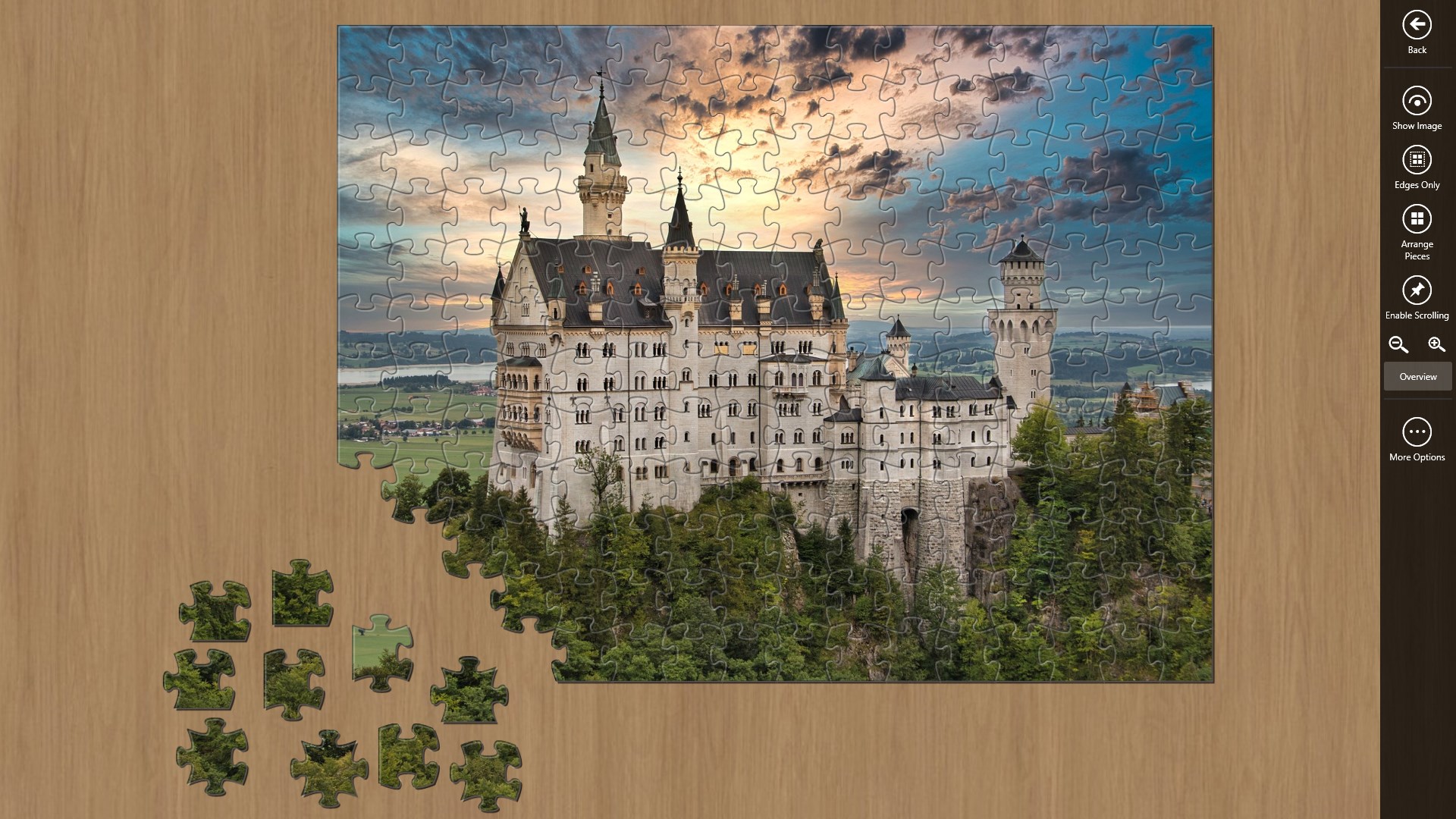
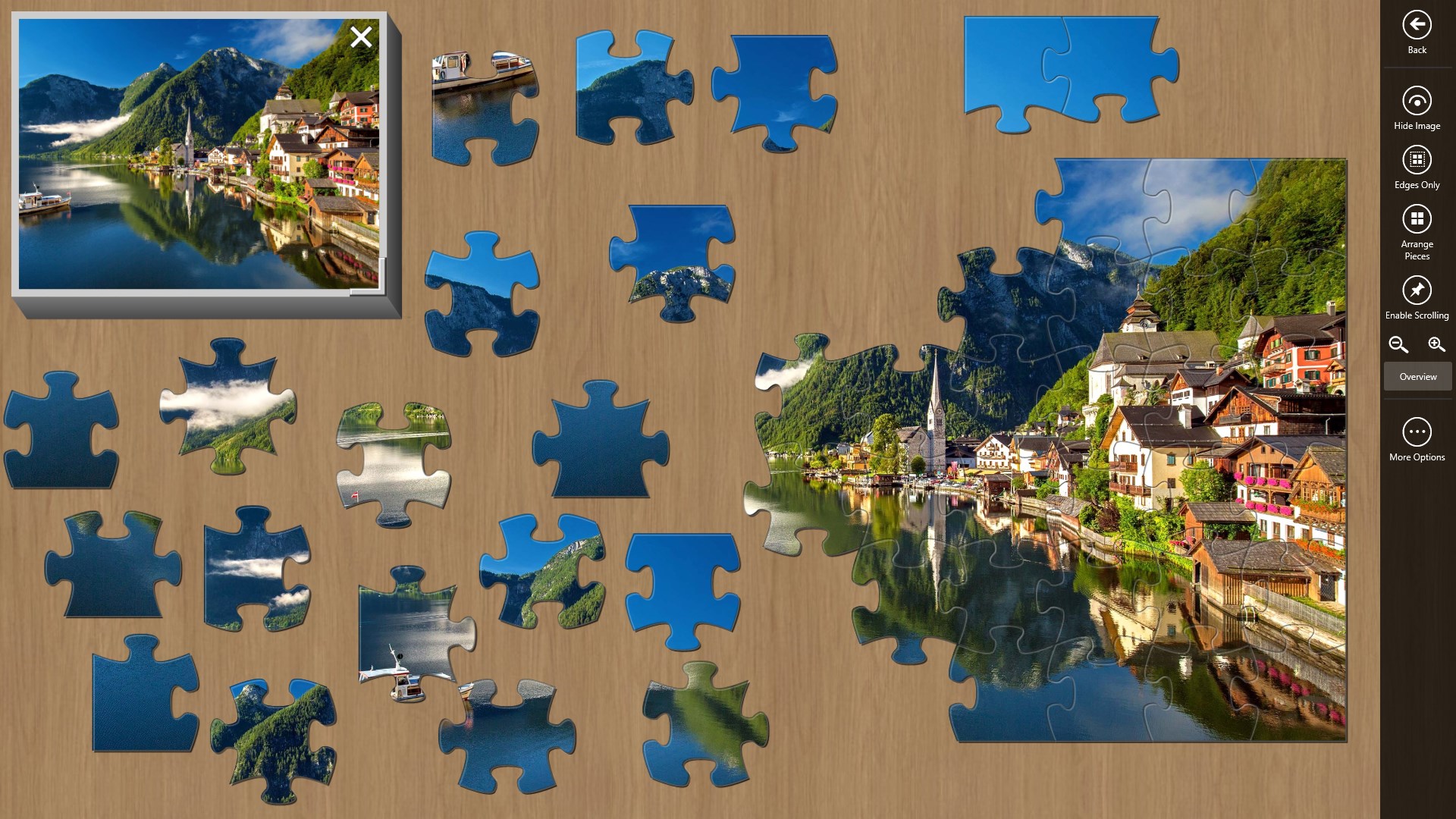
Imagine settling in after a busy day, opening Jigsaw Puzzle Mania, and feeling the gentle click of pieces fitting together — it's as close as digital puzzles get to the tactile satisfaction of assembling a physical jigsaw. The interface boasts a clean, colorful layout that makes browsing themes quick and enjoyable. The smooth drag-and-drop operation feels responsive and natural, creating fluidity akin to sliding puzzle pieces on a well-waxed table. Users can zoom in and out effortlessly, making intricate details easier to handle and more enjoyable.
User Experience: Friendly, Intuitive, and Relaxing
From a usability standpoint, Jigsaw Puzzle Mania excels with a gentle learning curve. New users can pick up the controls within seconds, thanks to clearly labeled buttons and straightforward mechanics. The app's performance remains steady even with larger puzzles, meaning no frustrating lags or crashes—they've painted an experience that's as calm and satisfying as completing a puzzle by a cozy fire. Customization options, such as piece size and background themes, further personalize the experience, making each puzzle session feel uniquely satisfying.
What Sets It Apart?
While many puzzle apps often focus on either simplicity or overwhelming feature sets, Jigsaw Puzzle Mania blends these elements harmoniously. Its standout feature is the thoughtfully curated theme collection, which goes beyond generic images; artwork ranges from stunning landscapes and adorable animals to famous artworks and holiday scenes, stimulating both sight and imagination. Another notable advantage is the adjustable difficulty levels aligned with puzzle piece counts, and its ability to integrate personal images as custom puzzles—allowing users to transform memorable photos into beloved puzzles. This personalization creates an emotional connection that many competitors lack, elevating the app from mere entertainment to a delightful creative outlet.
Final Verdict: A Genuine Puzzle Companion
Overall, Jigsaw Puzzle Mania offers a charming, accessible puzzle experience that stands out through its quality image library and user-centered design. It's well-suited for puzzle lovers of all ages seeking a relaxing, engaging activity on their Windows devices. While it may not boast complex game mechanics or competitive features, its focus on aesthetic variety and smooth performance makes it a worthy choice for casual play. I would recommend this app to anyone looking for a calming pastime that also challenges their visual acuity and patience. Whether you're unwinding after work or seeking a creative break, Jigsaw Puzzle Mania is a delightful digital puzzle partner worth exploring.
Pros
- Wide Variety of Puzzles
- User-Friendly Interface
- High-Quality Graphics
- Progress Saving Feature
- Regular Updates
Cons
- Limited Offline Functionality
- In-App Purchases
- Occasional Advertisement Interruptions
- Puzzle Download Size
- Limited Customization Options










