

- Name Word Search +
- Category Puzzle & trivia
- Developer TreeCardGames
- Available on PC
- OS Windows 10 version 17763.0 or higher
- languages English, English (United States)
Introducing Word Search + for Windows: A Classic Puzzle with a Modern Twist
Word Search + for Windows, developed by TreeCardGames, revives the beloved word search puzzle genre with thoughtfully crafted design and engaging features. Perfect for puzzle enthusiasts of all ages, it offers a relaxing yet stimulating way to train your mind while enjoying vibrant visuals and smooth gameplay.
Who's Behind the Puzzle? About the Developer
TreeCardGames, a dedicated team known for creating casual, enjoyable digital games, is behind Word Search +. With a focus on user-friendly interfaces and quality experiences, they aim to bring classic game concepts to modern platforms, balancing fun and challenge seamlessly.
Key Highlights: What Makes Word Search + Stand Out?
- Variety of Puzzle Themes and Difficulty Levels – caters to beginners and seasoned players alike.
- Customizable Game Modes – including timed challenges and daily puzzles, adding layers of replayability.
- Intuitive Interface with Bright Visuals – designed to make gameplay straightforward and visually appealing.
- Seamless Cross-Device Experience – syncs progress across Windows devices, enhancing user convenience.
Engaging and User-Centric Design
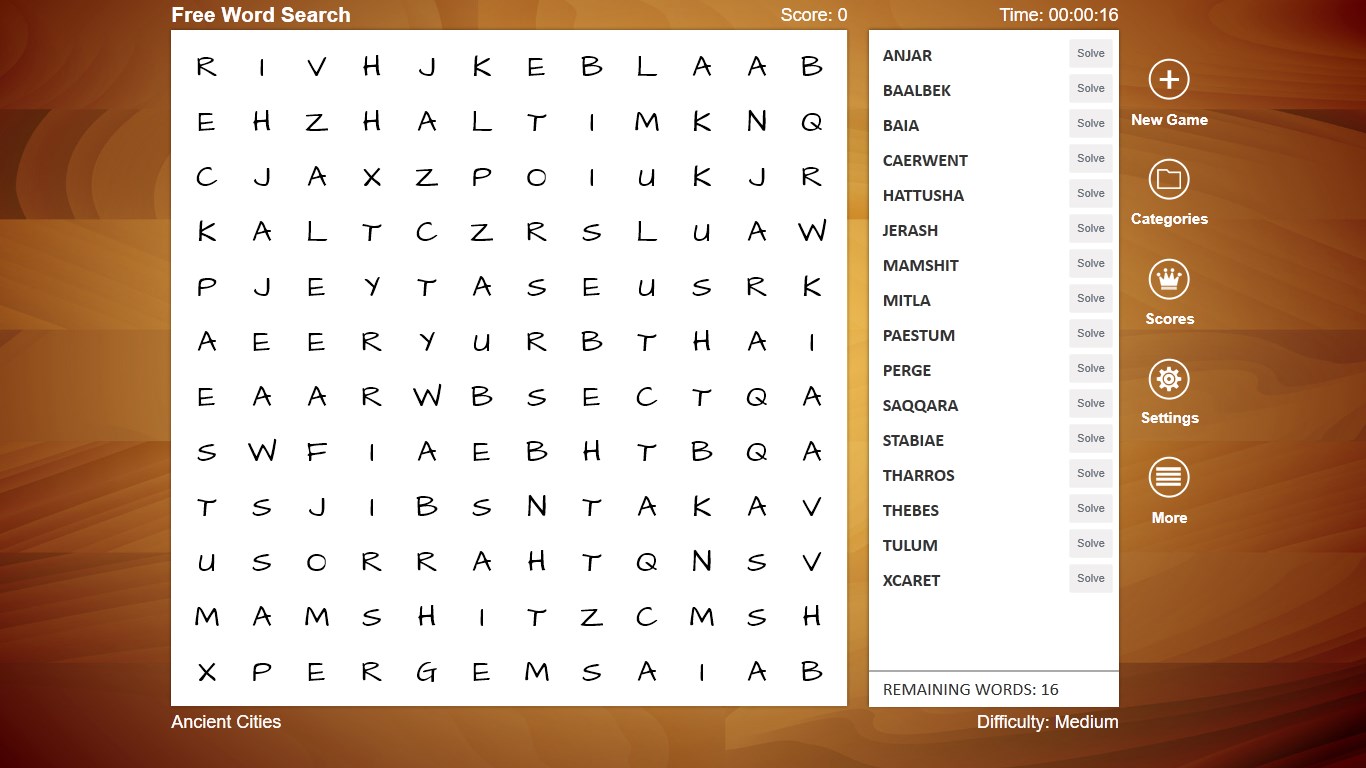
From the moment you launch Word Search +, you're greeted with a clean, colorful interface that feels both welcoming and motivating—think of it as walking into a cozy puzzle café. The main menu's layout is intuitive, with clear options for selecting puzzles based on themes or difficulty levels. Navigating through the game feels as effortless as flipping through a well-organized scrapbook, thanks to responsive controls and minimal clutter.
Core Features Deep Dive
Vibrant Visuals and Smart Layout
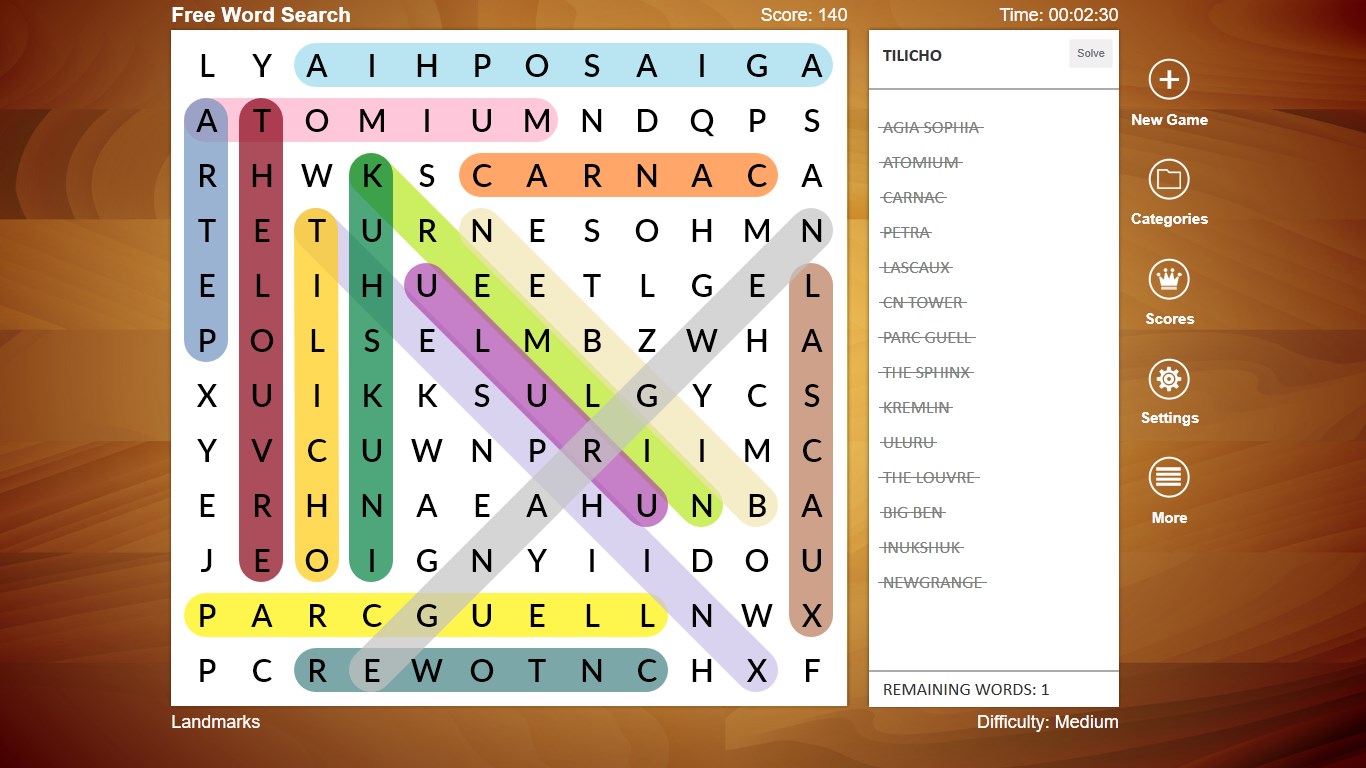
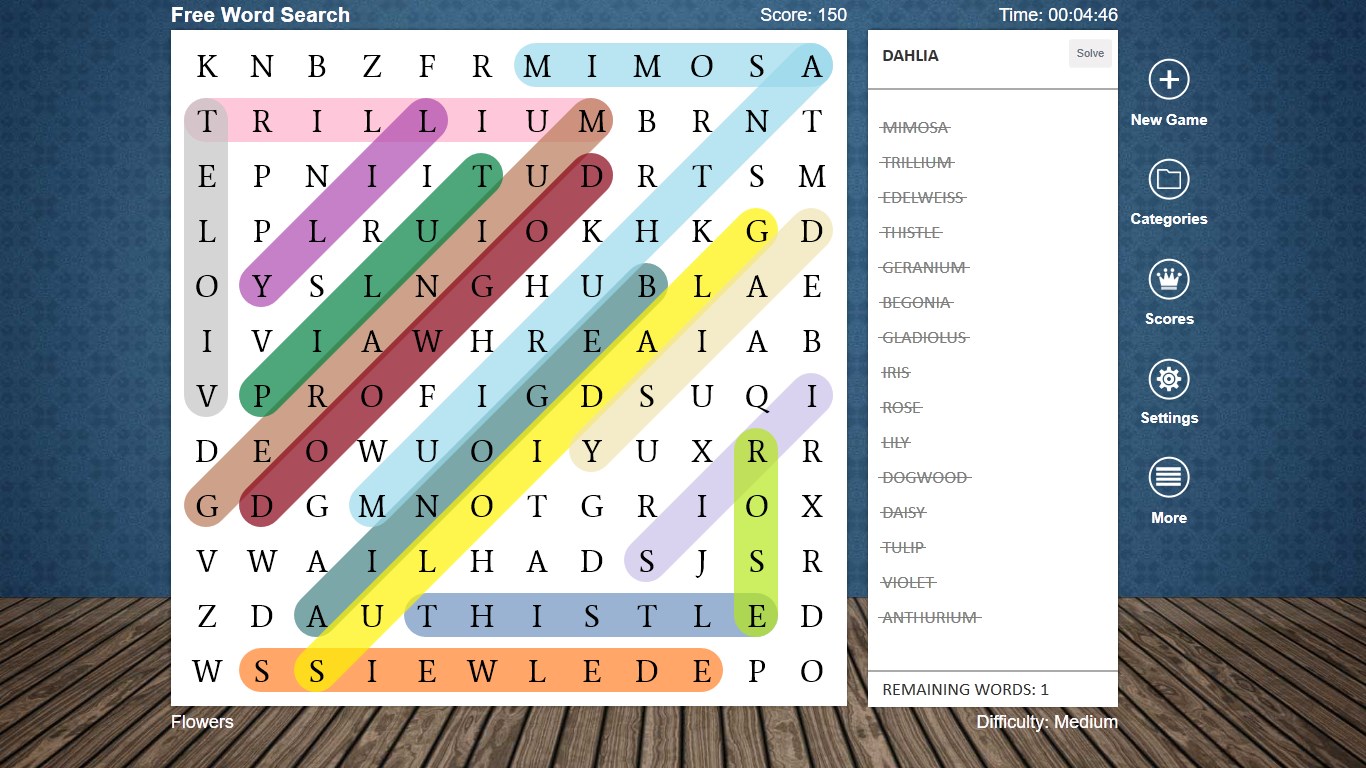
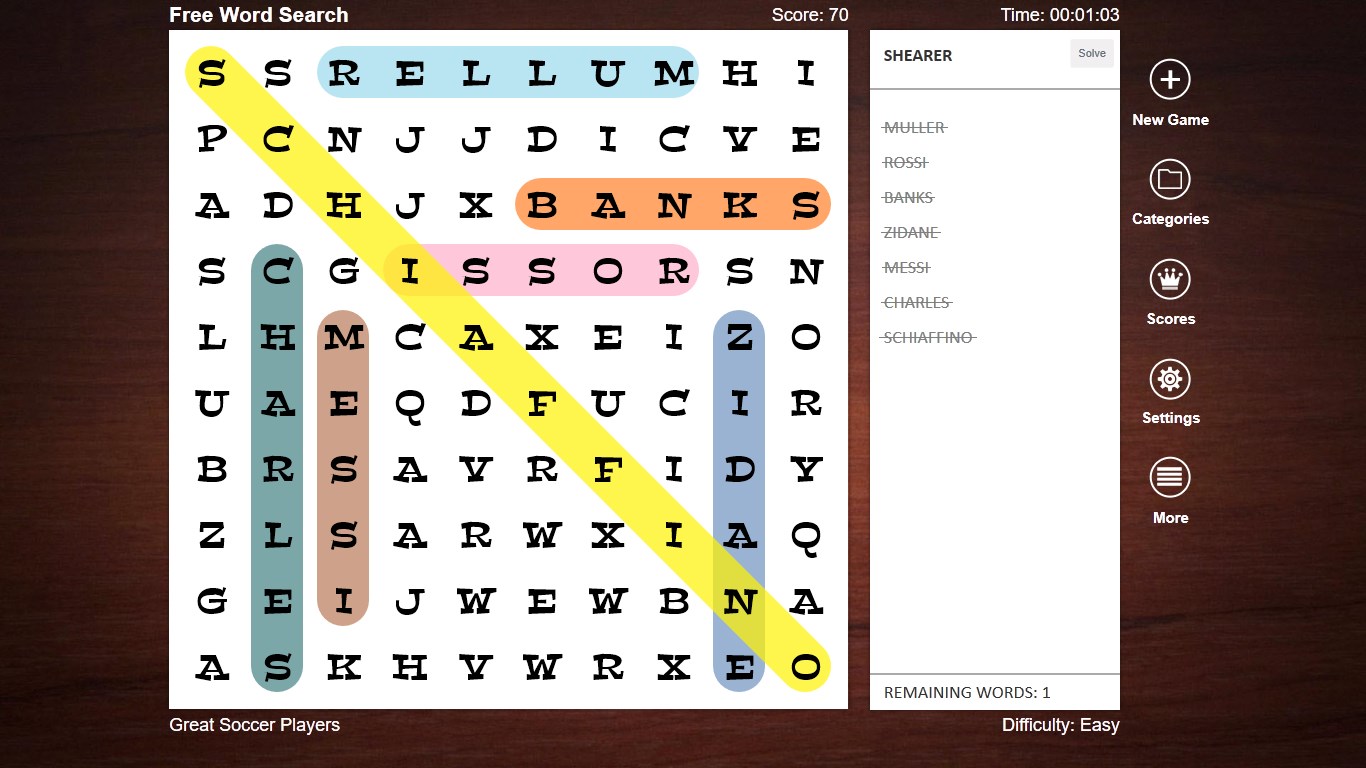
The game employs bright, cheerful color schemes that make each puzzle inviting and easy on the eyes. The grid layout adapts smoothly to different window sizes, maintaining clarity whether you're on a small laptop or a larger monitor. Animations are subtle but add a dynamic touch—such as highlighting found words—which enhances engagement without overwhelming the senses.
Gameplay Modes and Challenge Options
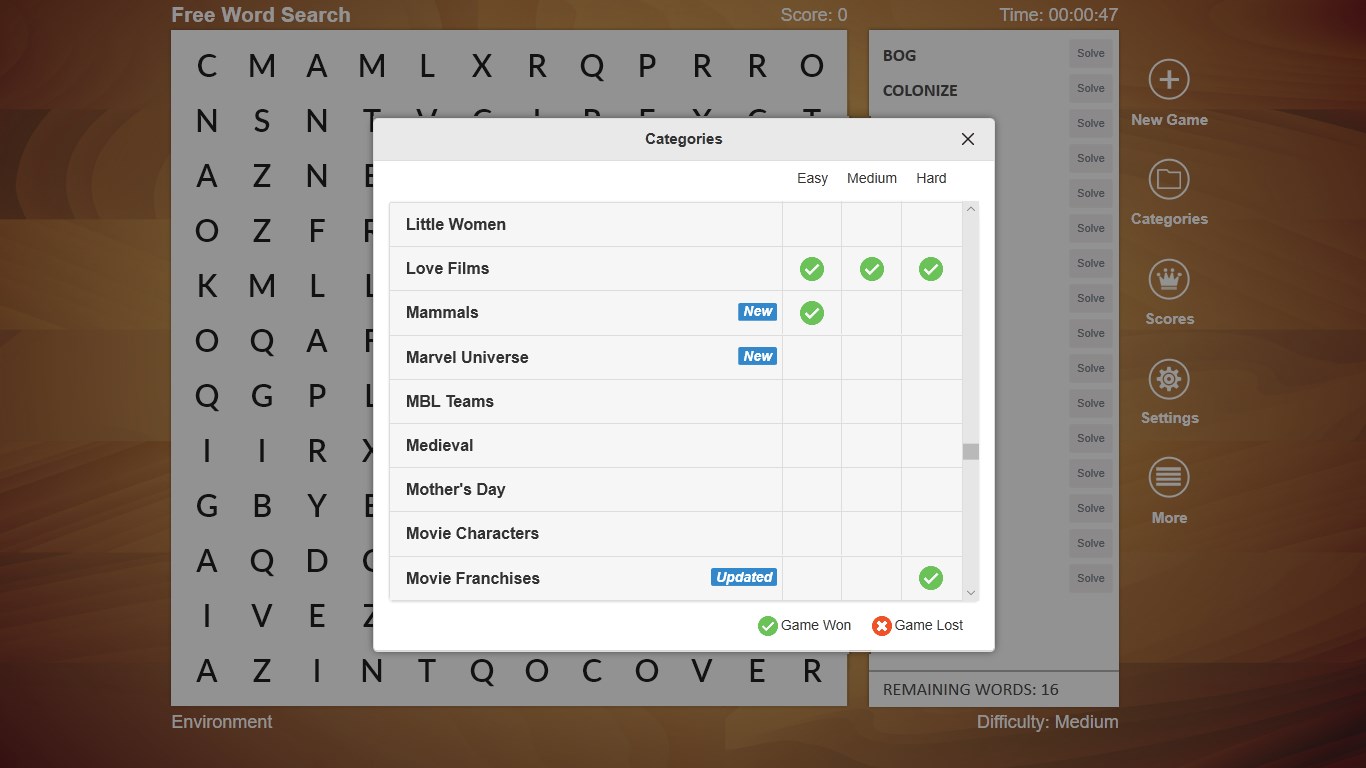
Word Search + shines with its flexible gameplay modes. Beyond the traditional puzzle, it offers timed challenges that add a layer of urgency, while daily puzzles serve as a perfect daily mental workout. Additionally, players can select themes—nature, animals, technology—to personalize their experience, making each session feel like embarking on a mini adventure. The adaptive difficulty ensures that both novices and word-search veterans find their perfect challenge, preventing boredom or frustration.
User Experience: Smooth, Learnable, and Family-Friendly
The app's learning curve is gentle—an inviting map for puzzle newcomers—yet it contains enough complexity to sustain dedicated players. Dragging your finger or mouse across the grid to select words feels natural, almost like drawing with a pencil on paper. The game's speed is swift; there's no lag or hiccup, ensuring a seamless experience. Plus, the immediate visual feedback keeps players motivated—each found word lights up like a firefly in a dark night, creating a pleasing and satisfying sense of achievement.
Unique Selling Points and Differentiators
What truly sets Word Search + apart from other puzzle apps are its customizable difficulty levels with thematic filters and the beautifully crafted visual presentation. Unlike many straightforward word searches, this app embeds a slight narrative—each theme feels like a mini storybook scene—and the inclusion of daily challenges keeps players returning, turning the puzzle-solving into a rewarding daily ritual. Furthermore, the cross-device syncing ensures your progress is never lost, turning casual breaks into ongoing adventures.
Final Thoughts: Should You Give It a Go?
If you're seeking a well-designed, engaging word search game that respects your time with fluid gameplay and charming visuals, Word Search + is certainly worth trying. It's particularly recommended for casual players, families, and anyone who appreciates relaxing mental exercises with a bit of visual joy. With its approachable learning curve and delightful customization options, it's a handy addition to your Windows app collection for those quiet moments in between tasks or during your commute.
Pros
- Intuitive interface
- Large word database
- Offline accessibility
- Multiple game modes
- Visual appealing design
Cons
- Limited vocabulary size in certain puzzles
- Ads display occasionally during gameplay
- Lack of advanced customization options
- Performance hiccups on older devices
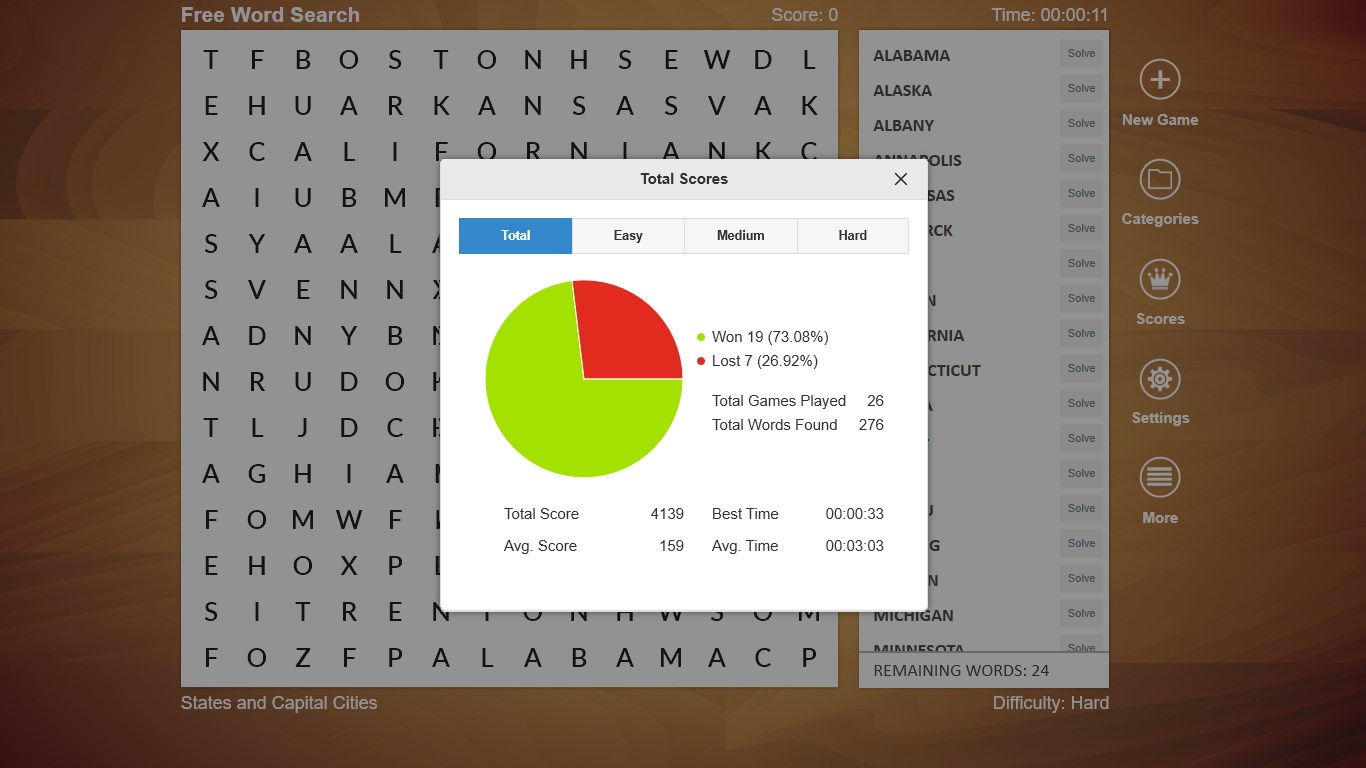
- Limited progress tracking features










