


- Name Word Twist
- Category Puzzle & trivia
- Developer Random Salad Games LLC
- Available on PC, Surface Hub, HoloLens
- OS Windows 10 version 10240.0 or higher
- languages English (United States)
A Fresh Twist on Word Puzzles for Windows
Word Twist for Windows is an engaging word game designed to challenge your vocabulary and cognitive agility through cleverly crafted puzzles. Developed by Random Salad Games LLC, this app offers a delightful experience for casual gamers and word enthusiasts alike, providing a welcome break from routine with its innovative approach to familiar word games.
Meet the Creators: Who's Behind the Puzzle?
Crafted by the dedicated team at Random Salad Games LLC, the developers behind Word Twist are known for their passion for casual, fun, and accessible gaming experiences. They aim to combine word-based gameplay with intuitive design, ensuring that players can enjoy a smooth and enjoyable puzzle-solving adventure without steep learning curves or complicated interfaces.
Key Features That Make Word Twist Stand Out
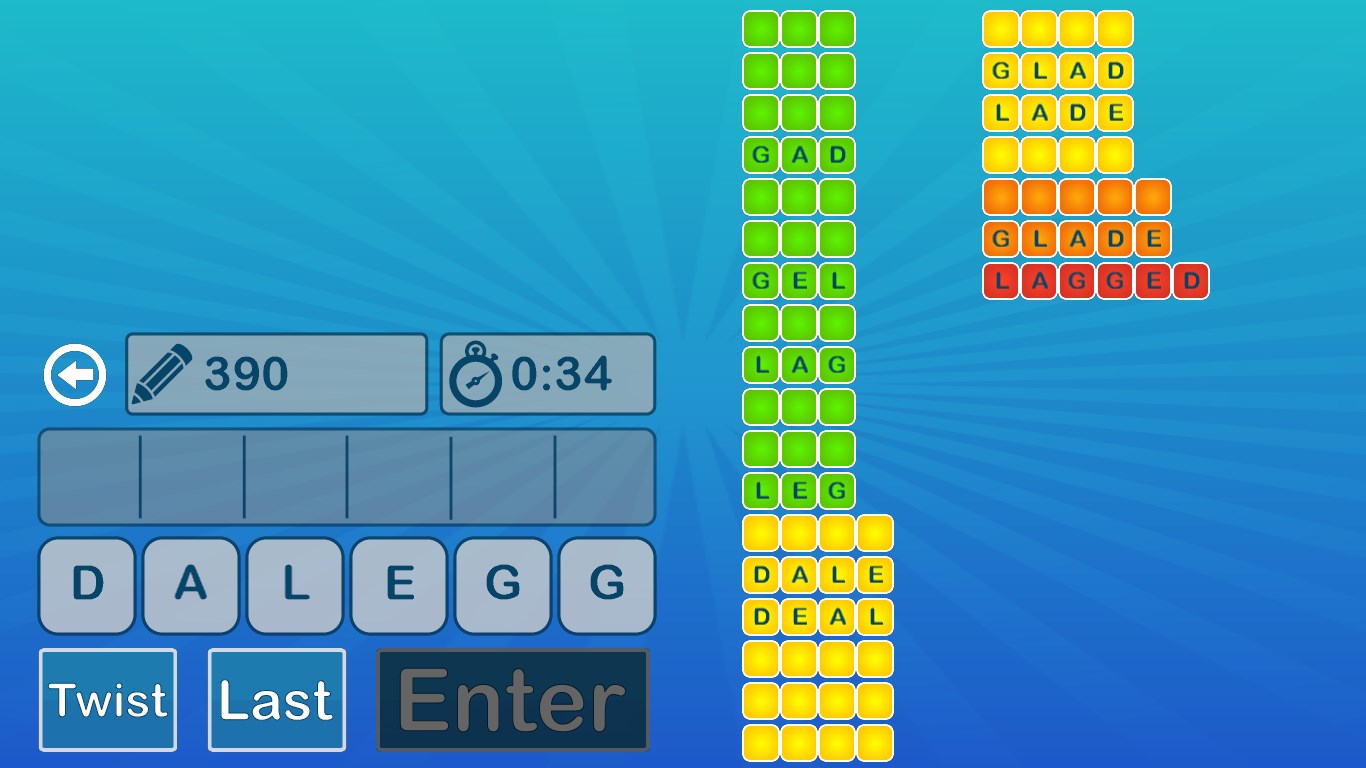
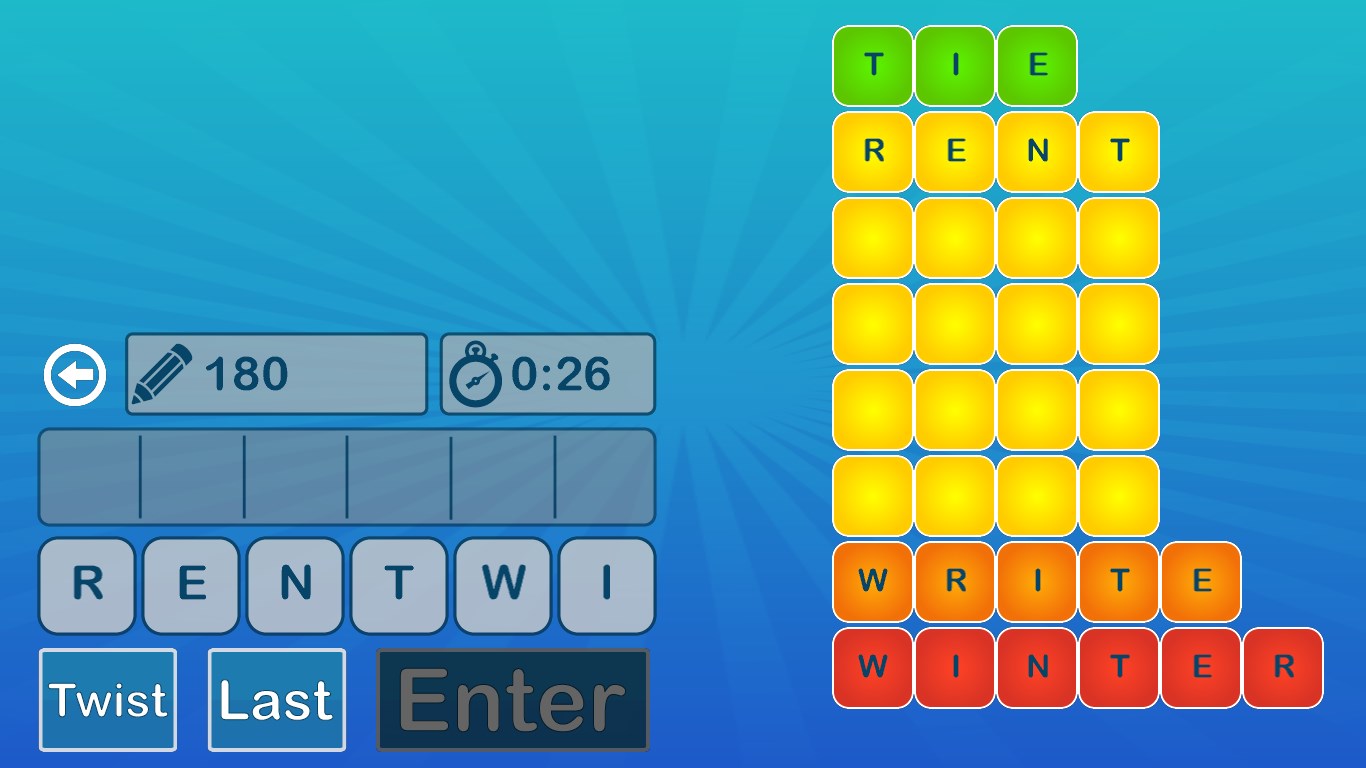
- Unique Word-Shaping Mechanics: Unlike traditional crossword or jumble puzzles, Word Twist emphasizes rearranging and manipulating letter blocks to form words, adding a tactile and visual dimension to the gameplay that feels more like a captivating puzzle sculpture.
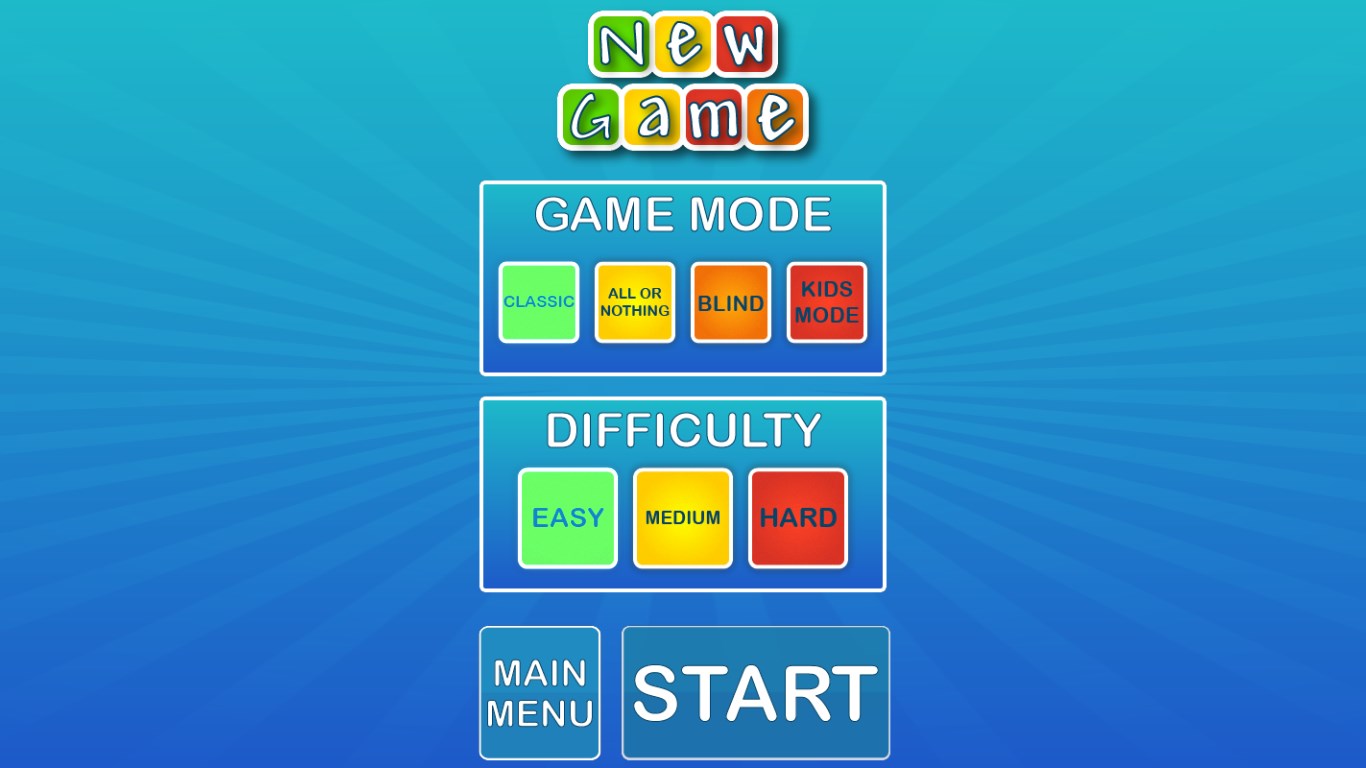
- Dynamic Puzzle Variations: The game includes a broad array of puzzle modes, from timed challenges to relaxing untimed modes, catering to different player moods and skill levels. This variety keeps the gameplay fresh and prevents monotony.
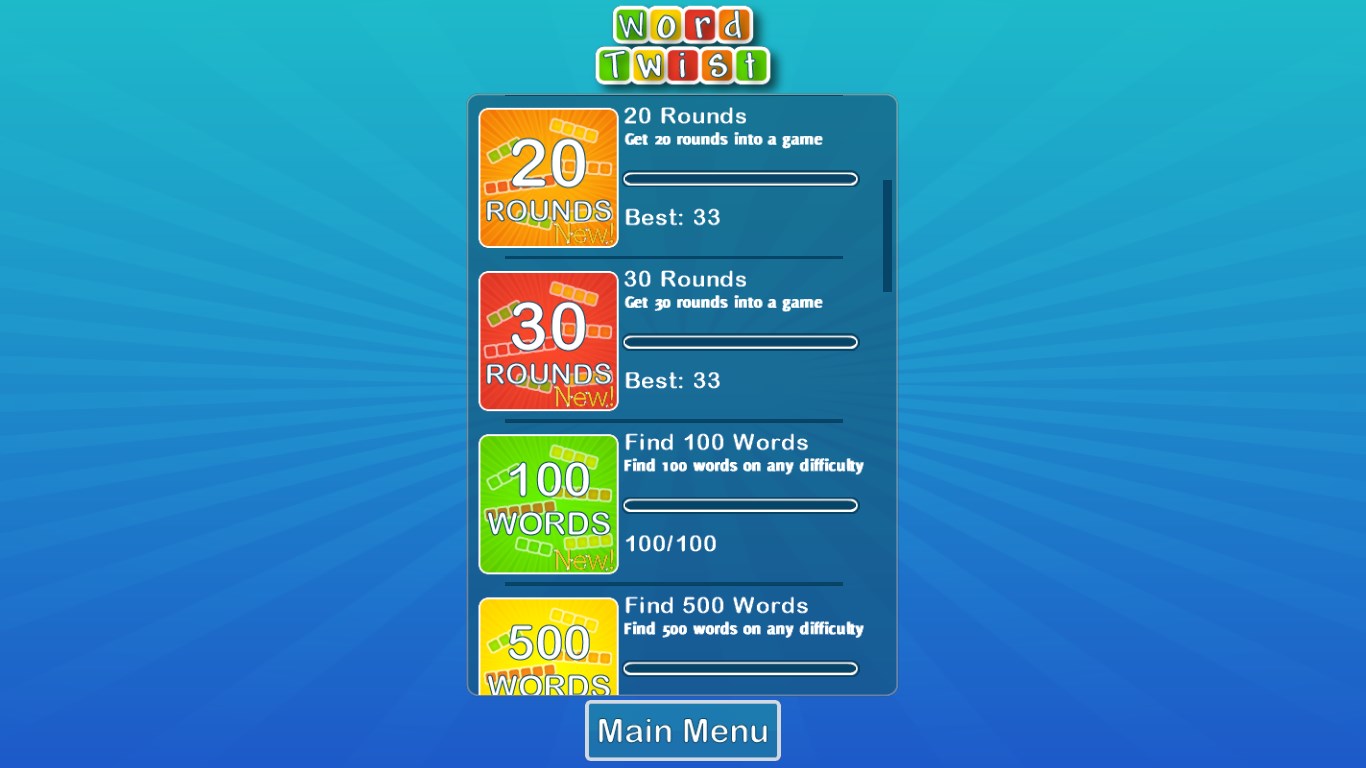
- Progressive Difficulty and Rewards: As players advance, puzzles become more complex, rewarding persistence and vocabulary breadth. The integrated scoring and achievement system also motivate continued engagement and mastery.
Immersive Gameplay and User Experience
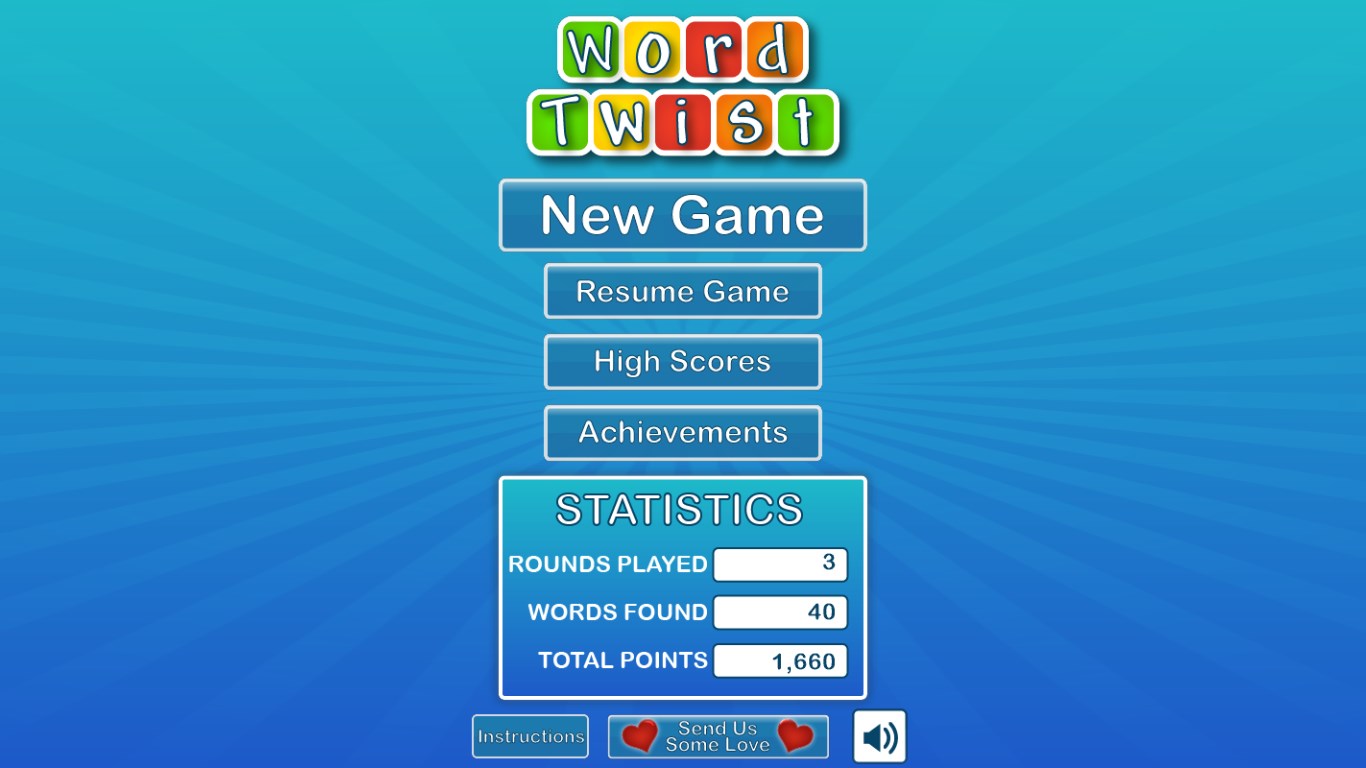
From the moment you launch Word Twist, the interface greets you with a clean, vibrant design that feels both modern and inviting—imagine stepping into a well-organized art studio where every color and shape has a purpose. The main menu is intuitive, providing quick access to different game modes and settings, resembling a friendly, familiar workspace that invites exploration.
Engaging and User-Friendly Design
The game's layout employs crisp visuals and clear iconography, ensuring even first-time users can jump into puzzles without a steep learning curve. The color palette is pleasant but lively, making the process of word construction visually satisfying. This thoughtful interface design makes the game accessible for players of all ages, from young learners sharpening vocabulary to adults looking for a quick mental workout.
Seamless Performance and Playability
Gameplay flows smoothly, with responsive touch controls that feel natural—dragging, dropping, and rearranging letter blocks happen instantaneously. The app runs seamlessly on Windows devices, whether on PC or tablet, ensuring that interruptions due to lag or crashes are virtually nonexistent. The minimalistic yet functional design drastically reduces cognitive clutter, helping players focus on the puzzle at hand rather than battling the interface.
What Sets Word Twist Apart from Its Peers?
Compared to similar word games like Scrabble-based apps or classic word search puzzles, Word Twist's standout feature lies in its innovative “word sculpting” mechanic. Instead of simply finding words within a jumble, players actively manipulate letter blocks, which fosters a deeper engagement with word structure and spelling patterns. Moreover, its adaptive difficulty and mode variety cater to both casual players seeking relaxing fun and more serious puzzle solvers aiming for a challenge.
Final Verdict and Recommendations
Overall, Word Twist for Windows is a thoughtfully crafted word puzzle game that combines unique mechanics with elegant design and smooth gameplay. It's particularly suited for those who enjoy a tactile puzzle experience and appreciate variety in gameplay modes. If you're seeking a game that can offer both mental stimulation and casual entertainment without overwhelming complexity, this app deserves a spot in your puzzle library. I recommend it for all levels of word lovers and anyone looking to give their brain a gentle workout—an honest find worth exploring!
Pros
- Engaging word puzzle gameplay
- User-friendly interface
- Multiple difficulty levels
- Inclusion of daily challenges
- Offline mode available
Cons
- Limited game modes
- Occasional spelling inaccuracies
- Difficulty increase could be abrupt
- Limited customization options
- Ads interruptions in free version











