
- Name Word Search - Word Puzzle Game
- Category Puzzle & trivia
- Developer RV AppStudios
- Available on PC
- OS Windows 10 version 10240.0 or higher
- DirectX Version 10
- languages Czech, Danish, Dutch, English (United States), Finnish, French, German, Indonesian, Italian, Malay, Norwegian, Polish, Portuguese, Spanish, Swedish, Turkish, Vietnamese
Word Search - Word Puzzle Game for Windows: A Fresh Spin on Classic Word Hunting
If you're a fan of brain-teasing puzzles and enjoy the simple pleasure of finding words hidden within grids, Word Search - Word Puzzle Game offers a refreshingly engaging take on the classic format. With its clean design and smooth gameplay, it's a go-to for those looking to sharpen their vocabulary while relaxing during a quick break or a long idle afternoon.
Developer and Core Features
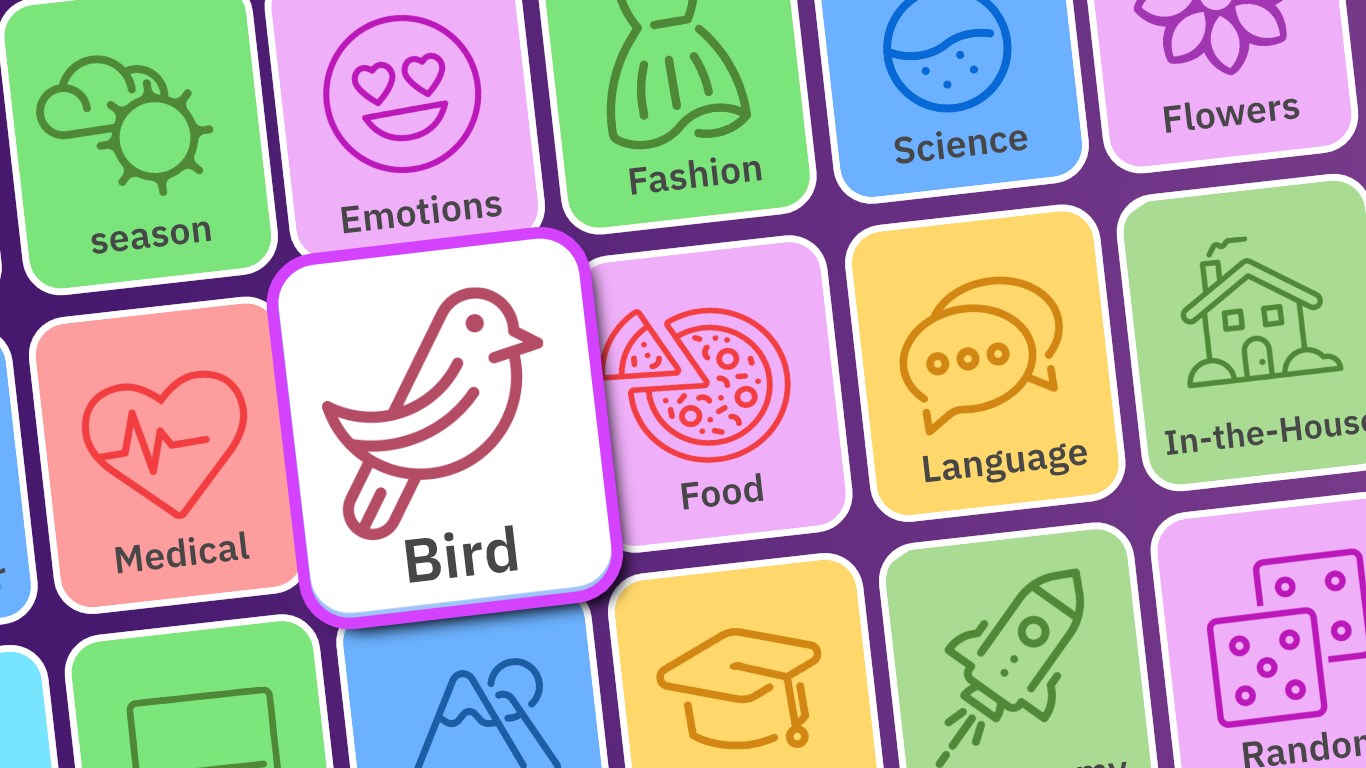
Developed and published by RV AppStudios, this app stands out in the crowded puzzle genre by combining user-friendly mechanics with a variety of difficulty levels and themes. The main highlights include the extensive library of themed puzzles—from animals and food to travel and holidays—providing fresh challenges for every mood. Additionally, it features adjustable difficulty settings, so beginners can enjoy a gentle start, while seasoned word hunters can test their skills with more complex grids. A premium mode also offers ad-free play, enhancing immersion.
A Visual and Functional Review: Gameplay Experience
Interface and Design: Clarity in Simplicity
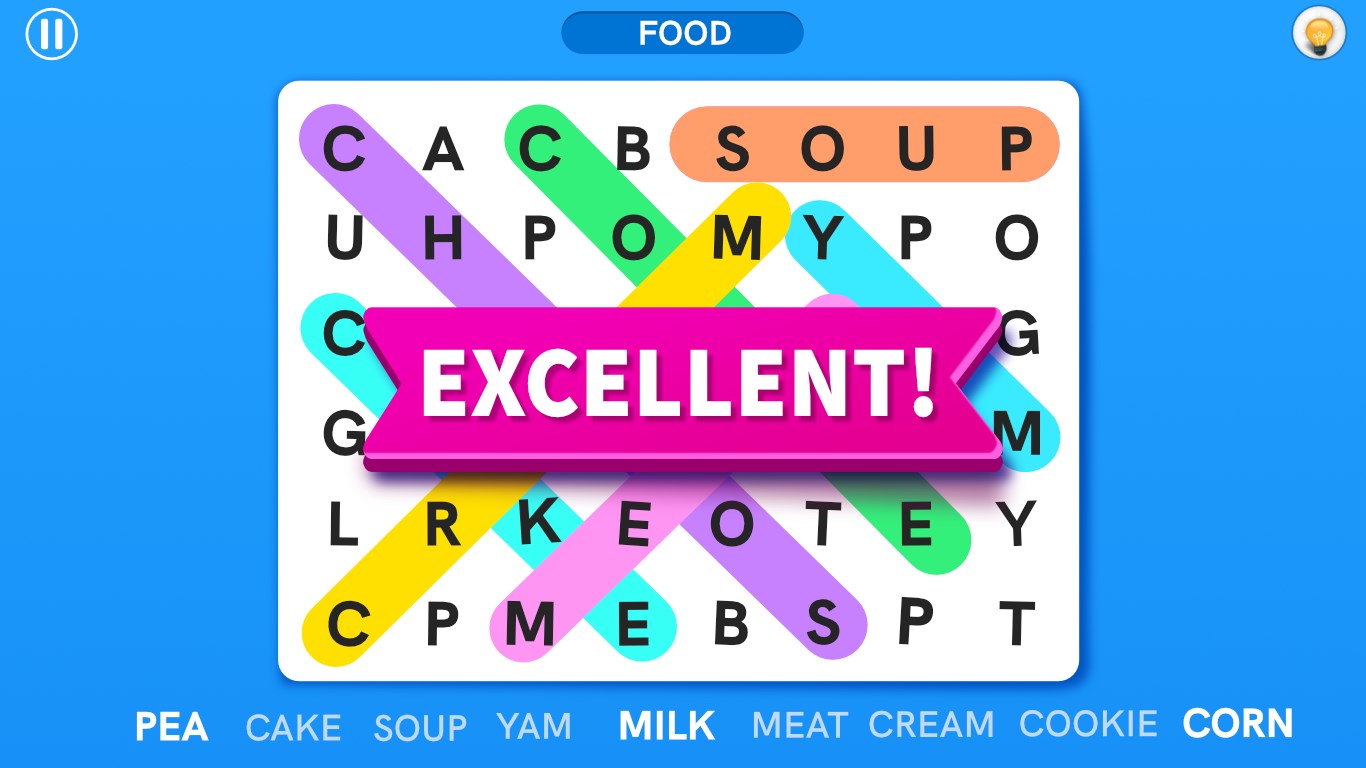
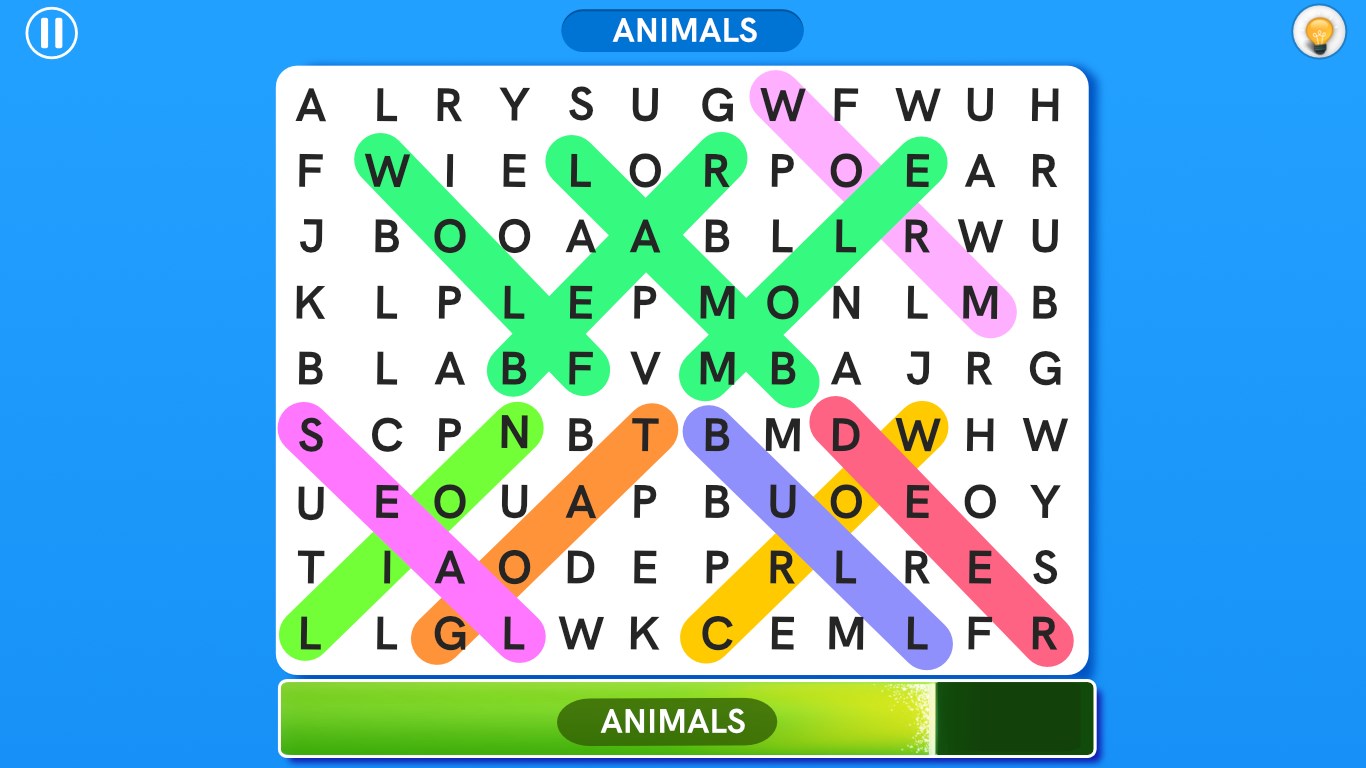
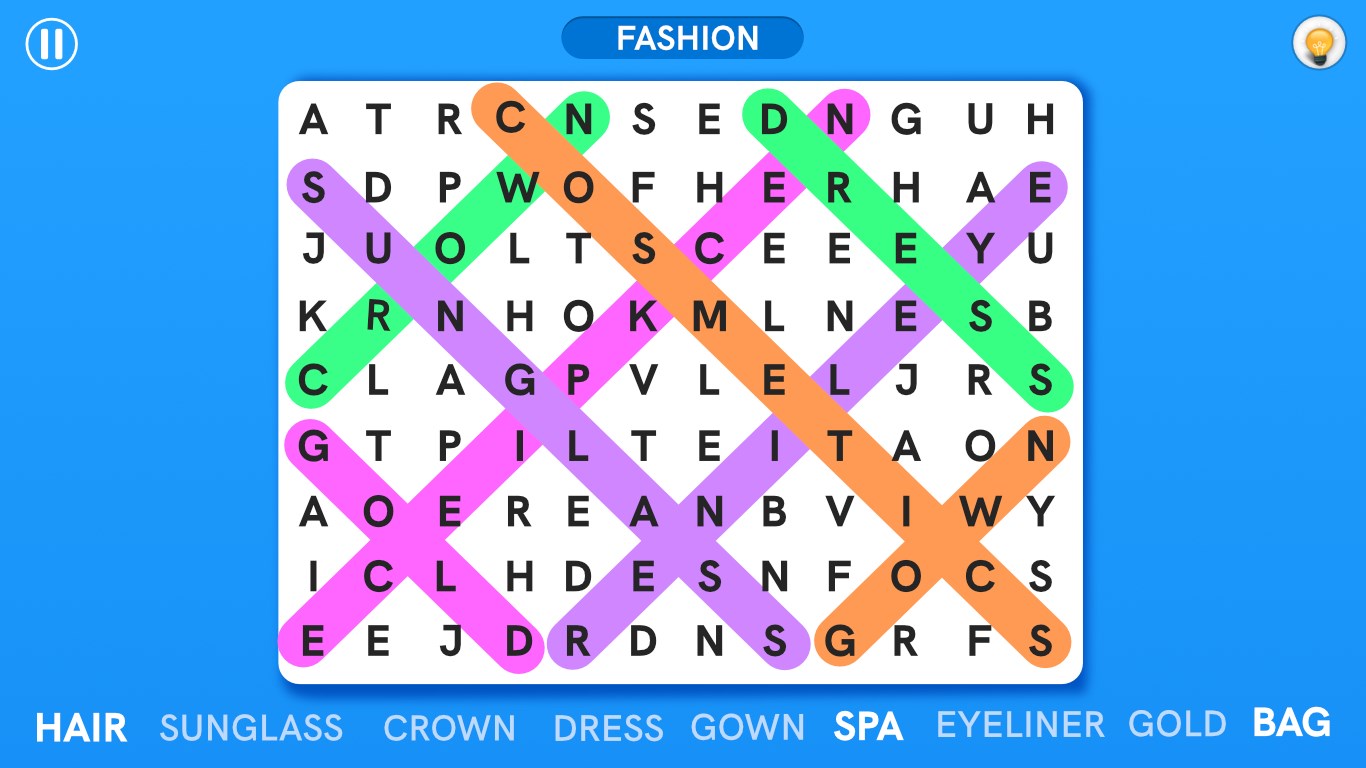
The interface of Word Search is akin to a neatly laid out crossword puzzle, with vibrant colors that make the grid pop without overwhelming the eyes. The layout is intuitive—large, tappable words and a responsive touch mechanism make selecting words a breeze. Even for less tech-savvy users, the app's minimalistic design ensures a short learning curve, inviting users to jump right into gameplay.
Gameplay Flow and User Experience
Playing the game is a smooth experience; the app responds promptly to touch inputs, and progress from one puzzle to the next feels seamless. The puzzles themselves are well-balanced in difficulty—challenging enough to keep you engaged without causing frustration. The game also offers hints, which provide a gentle nudge when you're stuck, making it accessible for all skill levels. Additionally, the absence of intrusive ads during gameplay further enhances the user experience, especially in the premium version.
Unique Selling Points: The App's Distinctive Edge
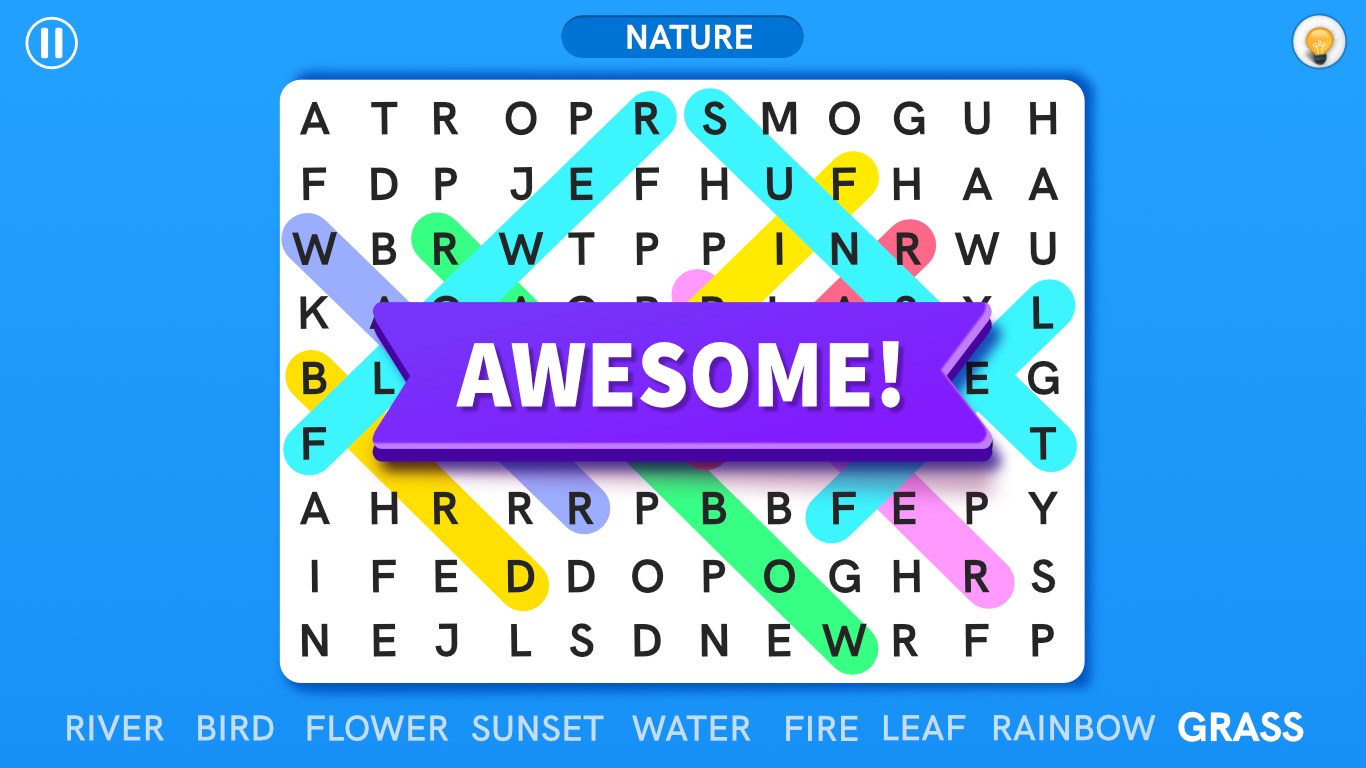
What truly sets Word Search apart from similar puzzle apps is its rich variety of themes and the optional difficulty modes. This combination ensures that players remain interested over extended periods. Unlike many apps that offer randomly generated puzzles, this app curates themed grids, making each session feel like a mini adventure—imagine exploring a world of culinary delights or traveling through famous landmarks just by finding words. This thematic approach not only entertains but also subtly expands your vocabulary and general knowledge.
Final Thoughts and Recommendations
Overall, Word Search - Word Puzzle Game provides a well-balanced, polished experience suited for casual players and avid puzzle enthusiasts alike. Its visually clean interface, responsive controls, and thematic variety make it stand out among similar applications. For those seeking a relaxing yet mentally stimulating activity, this app is definitely worth downloading, especially considering its optional premium features that keep the gameplay ad-free.
I'd recommend it to anyone who loves word puzzles or is looking for an easygoing way to improve their vocabulary. Whether you want a quick distraction during a coffee break or a more prolonged challenge, this game fits the bill perfectly. Just keep a curious eye open as you hunt for words—it's like embarking on a tiny adventure right on your screen!
Pros
- Engaging and user-friendly interface
- Wide variety of challenging puzzles
- Offline play availability
- Colorful graphics and visuals
- Regular updates with new puzzles
Cons
- Limited difficulty levels
- Lack of tutorial for new users
- Ads interruptions during gameplay
- Limited language options
- Performance issues on older devices











