
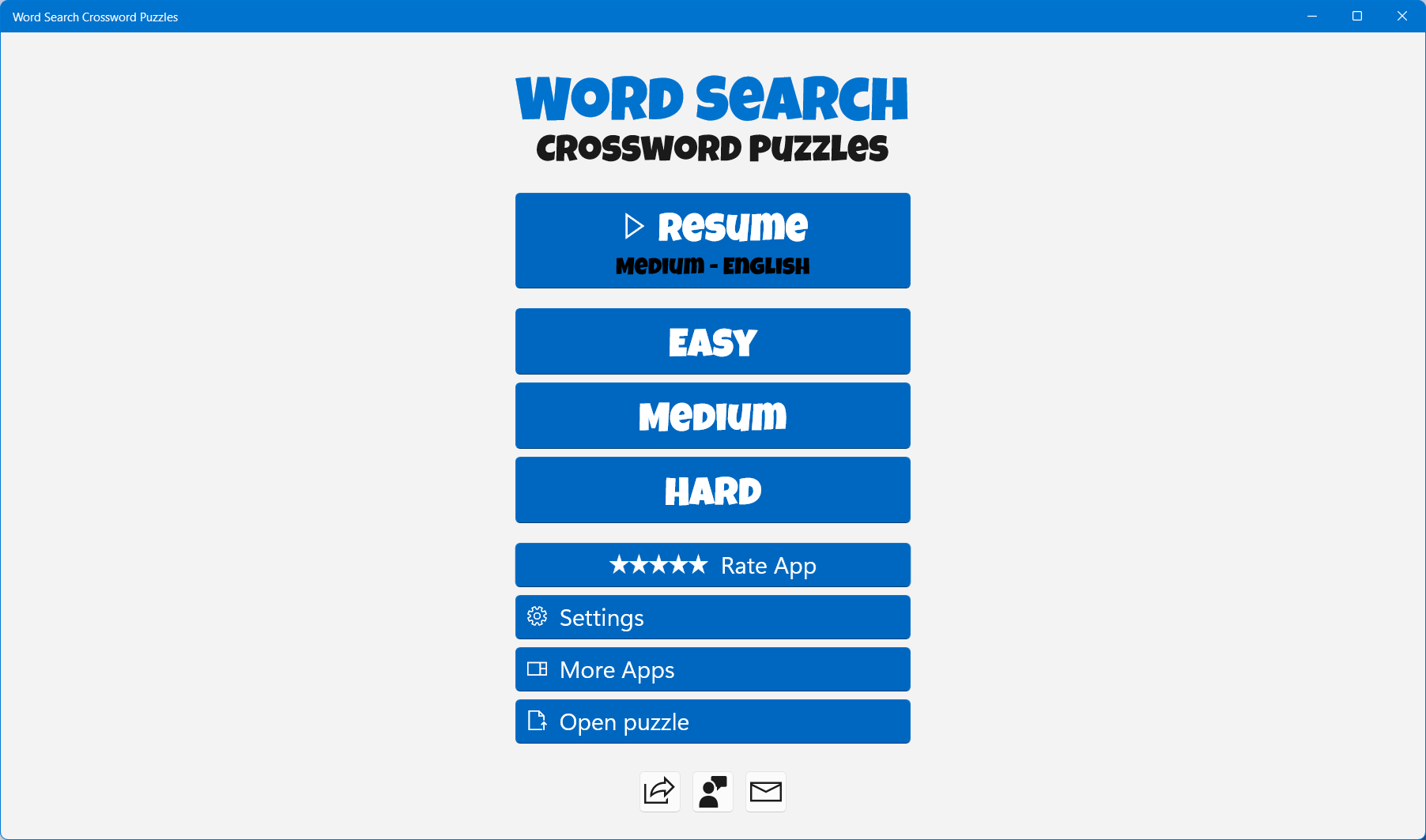
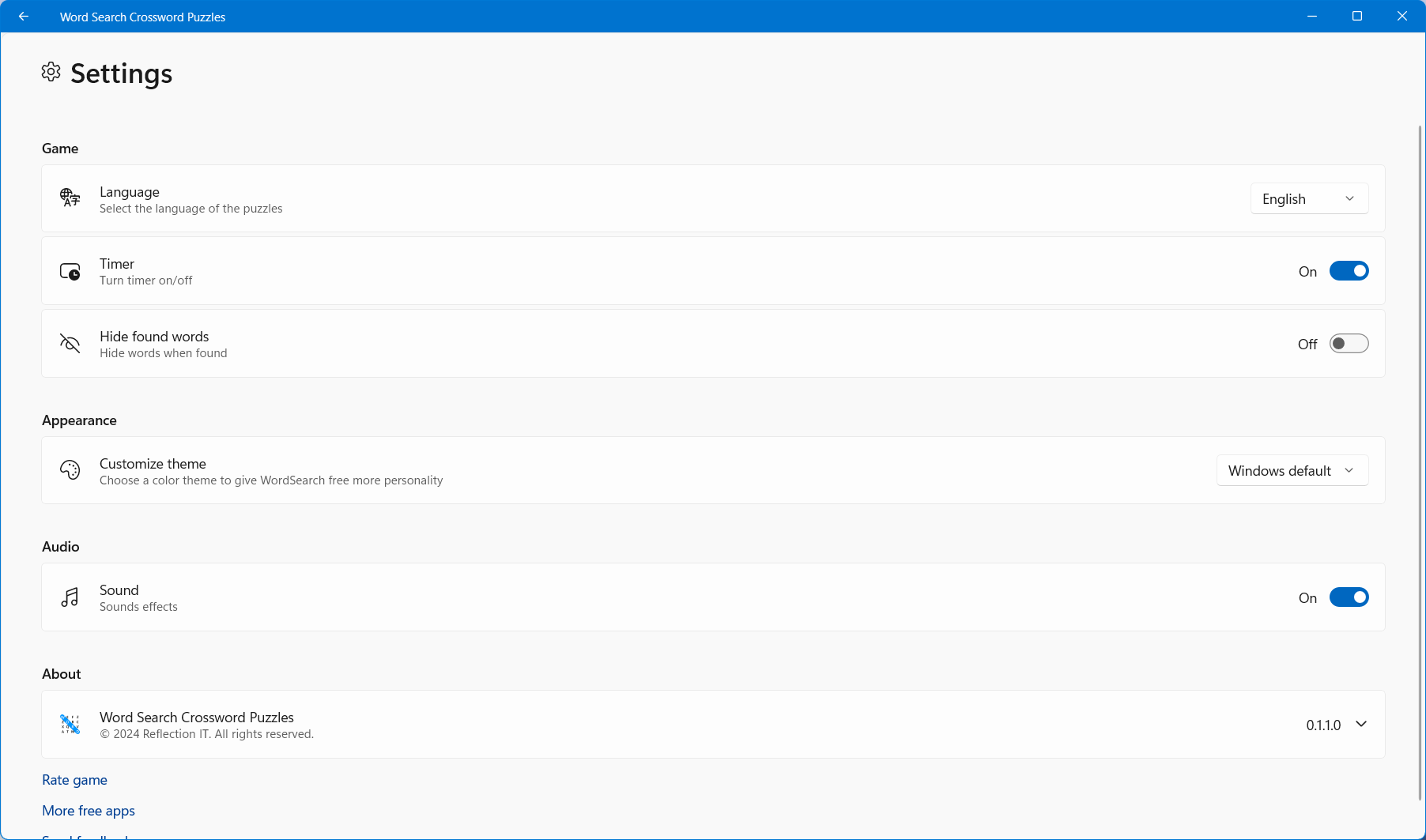
- Name Word Search Crossword Puzzles
- Category Puzzle & trivia
- Developer Fons Sonnemans
- Available on PC, Mobile, Surface Hub, HoloLens
- OS Windows 10 version 17763.0 or higher
- languages English (United States)
Introduction: Combining Nostalgia with Modern Convenience
Word Search Crossword Puzzles for Windows offers a delightful way to revisit the classic word games we all grew up loving, now conveniently accessible on your PC. Designed by Fons Sonnemans and published by Reflection IT, this app seamlessly blends traditional puzzle-solving fun with sleek, user-friendly features that cater to casual players and puzzle enthusiasts alike. It's a perfect digital companion for those quiet moments when you want to challenge your mind without fuss or frustration.
Core Features That Make Your Puzzle Experience Shine
Intuitive and Engaging Puzzle Variants
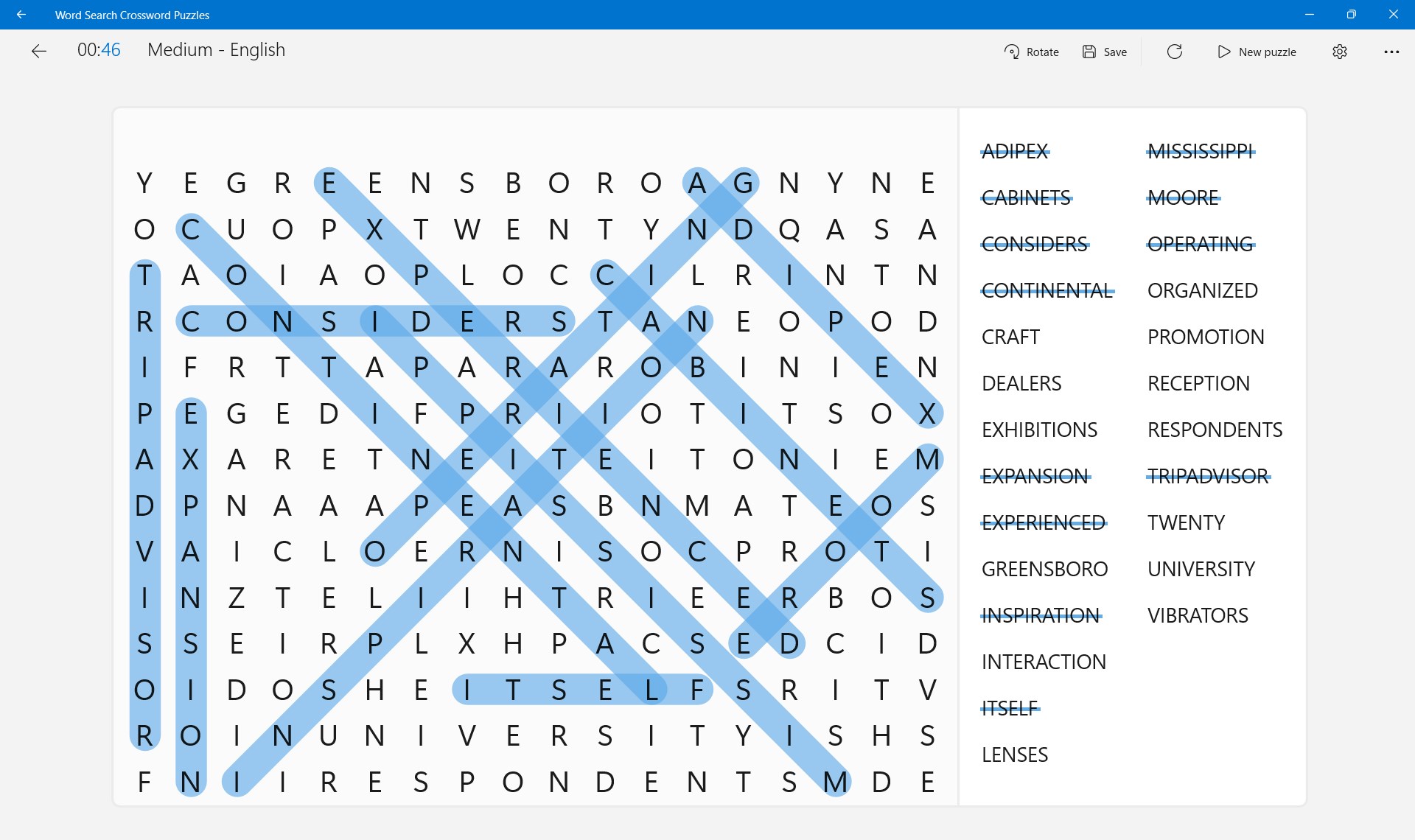
The app hosts a variety of crossword and word search puzzles that cater to different skill levels and preferences. Whether you're tackling simple grids or diving into more challenging configurations, each puzzle offers a satisfying balance of challenge and achievement. The variety ensures that players don't get bored, with new puzzles regularly updated to keep the experience fresh and invigorating.
Smart Puzzle Generation and Progress Tracking
One standout feature is its sophisticated puzzle generation engine, which creates new challenges on the fly, ensuring endless hours of entertainment. Additionally, the app tracks your progress, records completed puzzles, and monitors your best times—great for competitive souls and perfectionists eager to improve. This combination encourages continuous engagement and a sense of accomplishment.
User Interface and Experience: Smooth as Silk
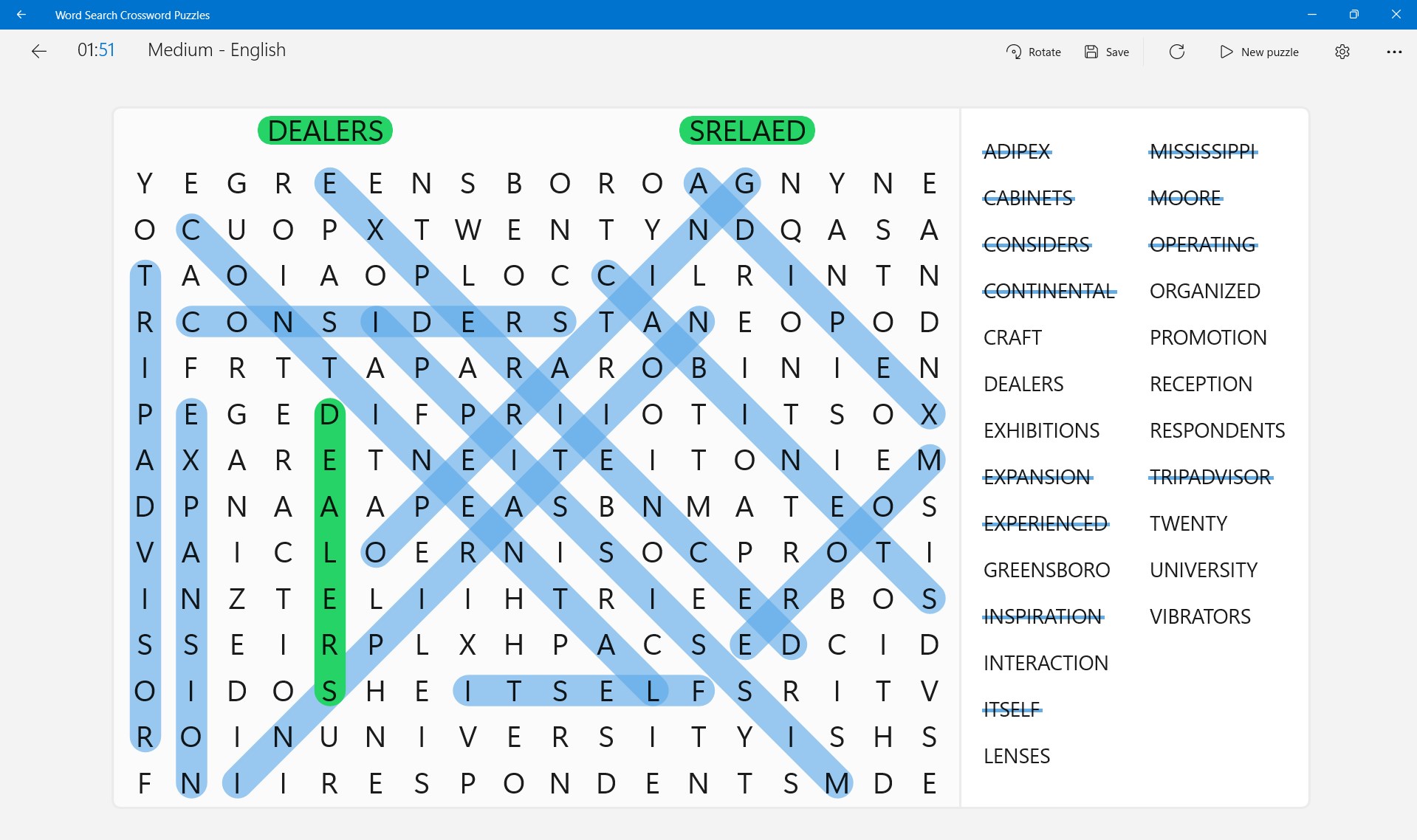
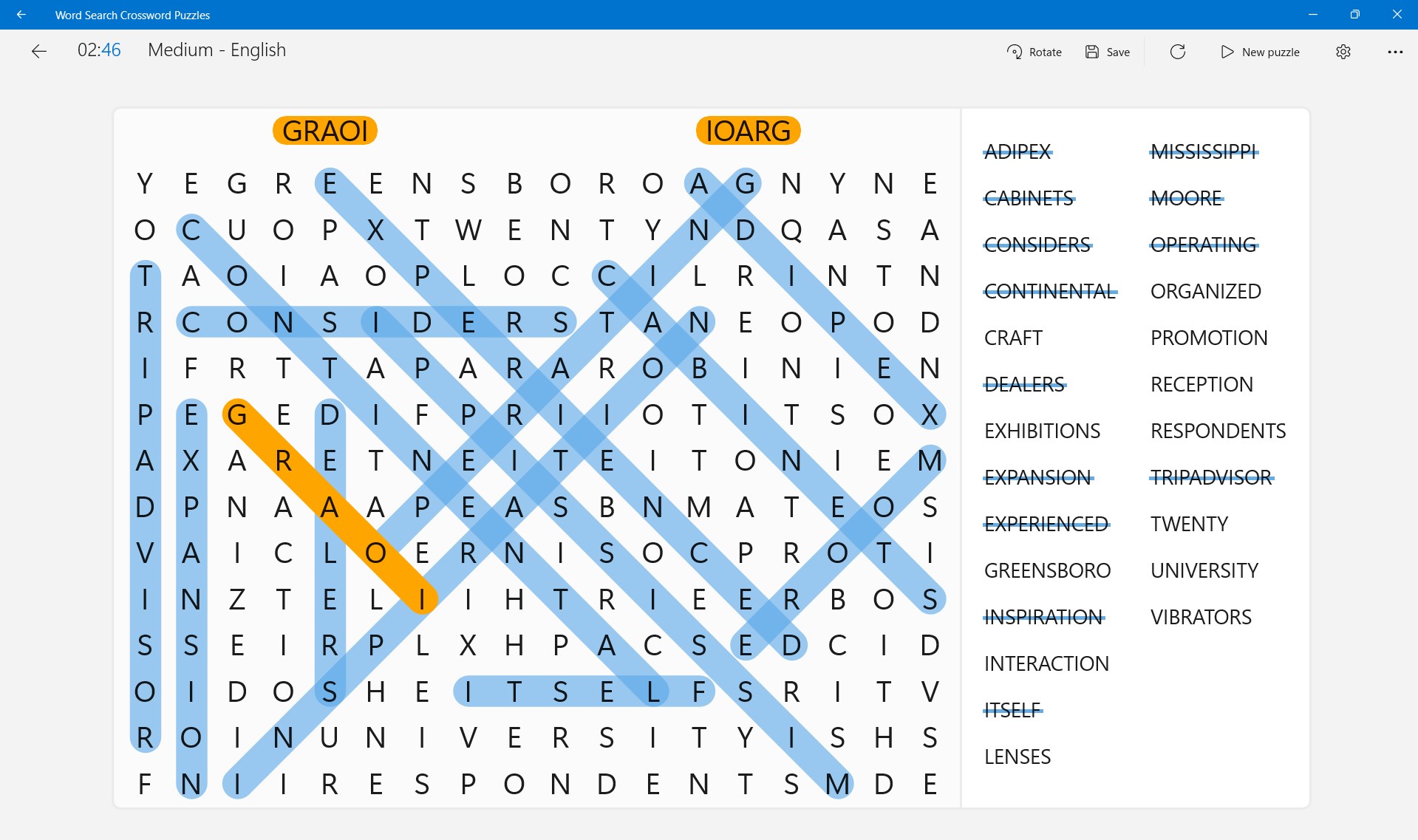
The design aesthetic is clean and minimalistic, resembling a sleek digital desk where puzzles are laid out clearly for easy navigation. Transitioning between puzzles is effortless, with responsive controls that make selecting words or letters feel natural and satisfying. The interface adapts well to different screen sizes, and the learning curve is gentle—perfect for newcomers to word puzzles but equally enjoyable for seasoned players. The app's fluidity and thoughtful layout contribute significantly to an enjoyable overall experience.
What Sets It Apart from Other Puzzle Apps?
While many word puzzle applications exist, Word Search Crossword Puzzles for Windows distinguishes itself through its balanced blend of classic gameplay and innovative features. Its dynamic puzzle generation engine ensures that no two sessions are alike, akin to having an endless supply of fresh papers in a crossword magazine. Plus, its focus on accessibility means it appeals to a broad age range—from young learners sharpening their spelling skills to older adults seeking light cognitive stimulation. The app's emphasis on a clutter-free, intuitive design makes it feel like flipping through a well-organized puzzle book, but with the added benefits of digital convenience.
Recommendation and Usage Tips
I would recommend this app to anyone who appreciates the nostalgic charm of word puzzles but prefers the modern touch of digital ease. It's especially suitable for casual users looking for a relaxing mental workout or those seeking a quick puzzle fix during breaks. For best results, explore the different puzzle types and challenge yourself with increasing difficulty levels, which keeps the game stimulating without feeling overwhelming. For puzzle aficionados, the app's tracking features provide a satisfying way to monitor progress and set new personal bests.
Overall, Word Search Crossword Puzzles for Windows is a well-crafted puzzle app that respects the traditional while embracing the digital age. Its user-friendly interface, engaging puzzle variety, and smart features make it a worthwhile choice for puzzle lovers seeking both fun and mental exercise—like having a pocket-sized crossword companion on your desktop.
Pros
- Wide Variety of Puzzles
- User-Friendly Interface
- Offline Access
- Daily Puzzle Updates
- Custom Puzzle Creation
Cons
- Limited Hint Options
- Ads Disrupt Gameplay
- Lack of Advanced Customization
- Performance Lag on Some Devices
- Limited Multiplayer Features











