- Name TriPeaks Solitaire Pro
- Category Family & kids
- Developer Klondike Solitaire Game
- Available on PC, Mobile, Surface Hub, HoloLens
- OS Windows 10 version 10240.0 or higher
- DirectX Version 10
- languages Chinese (Simplified), English (United States)
TriPeaks Solitaire Pro for Windows: A Refreshing Take on Classic Card Games
Imagine sitting down after a long day and being greeted by a beautifully designed, smooth-operating solitaire experience that feels both familiar and invigorating. That's what TriPeaks Solitaire Pro aims to deliver—a modern twist on a classic card game with thoughtful features designed to keep players entertained and engaged for hours.
About the App: A Clean and Focused Card Solitaire Experience
Developed and published by Klondike Solitaire Game, TriPeaks Solitaire Pro for Windows positions itself as an accessible yet challenging card game ideal for both casual players and seasoned solitaire enthusiasts. The app emphasizes ease of use and intuitive gameplay, making it easy for newcomers to pick up and enjoy, while providing enough depth to satisfy dedicated fans.
- Major Features Highlights:
- Multiple game modes with varying difficulty levels, including daily challenges for ongoing engagement.
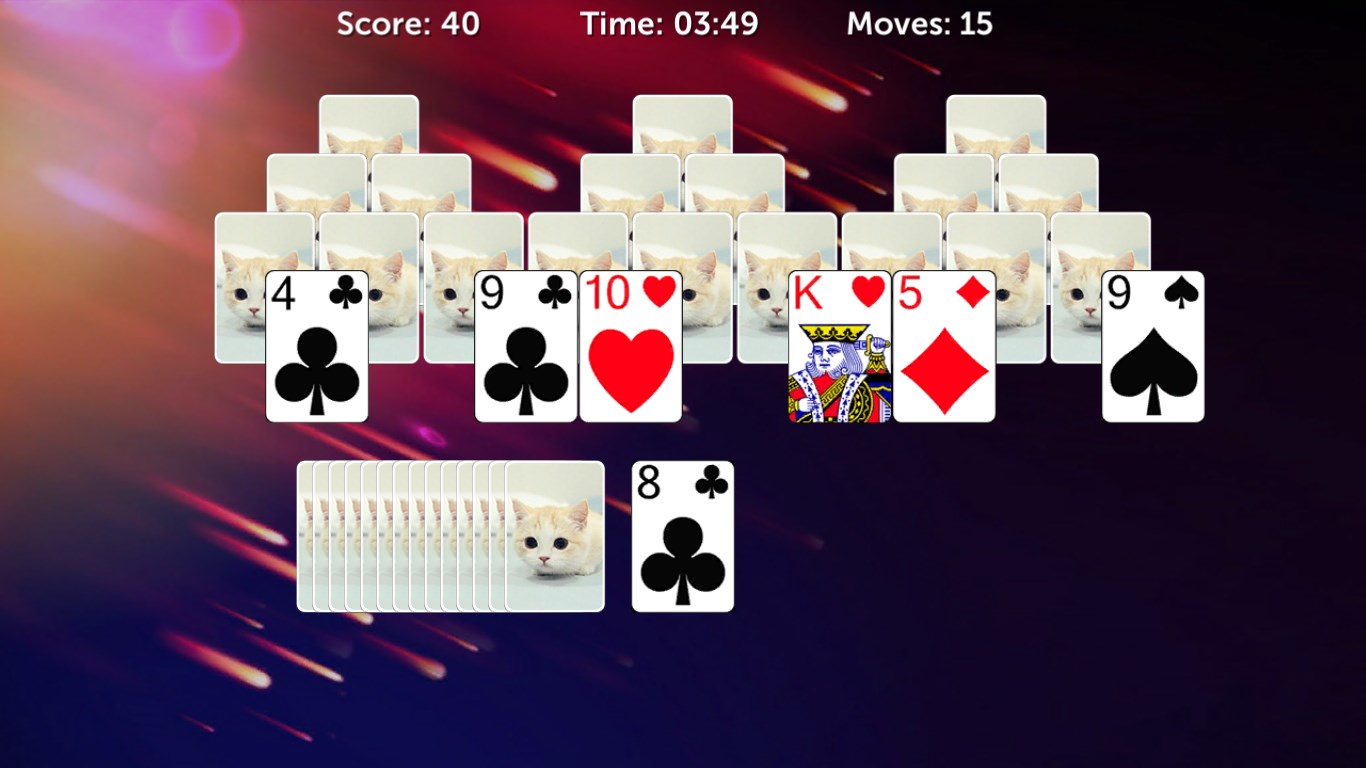
- Elegant and customizable interface, allowing players to personalize backgrounds and card styles.
- Helpful hints and undo options to facilitate learning and reduce frustration.
- Seamless integration with Windows, enabling smooth gameplay across devices.
- Target Audience:
- Casual gamers seeking quick and relaxing entertainment.
- Serious card game enthusiasts looking for a polished and feature-rich solitaire app.
- Anyone interested in a low-pressure, brain-teasing game that can be enjoyed during short breaks or extended sessions.
Engaging Gameplay with a Touch of Elegance
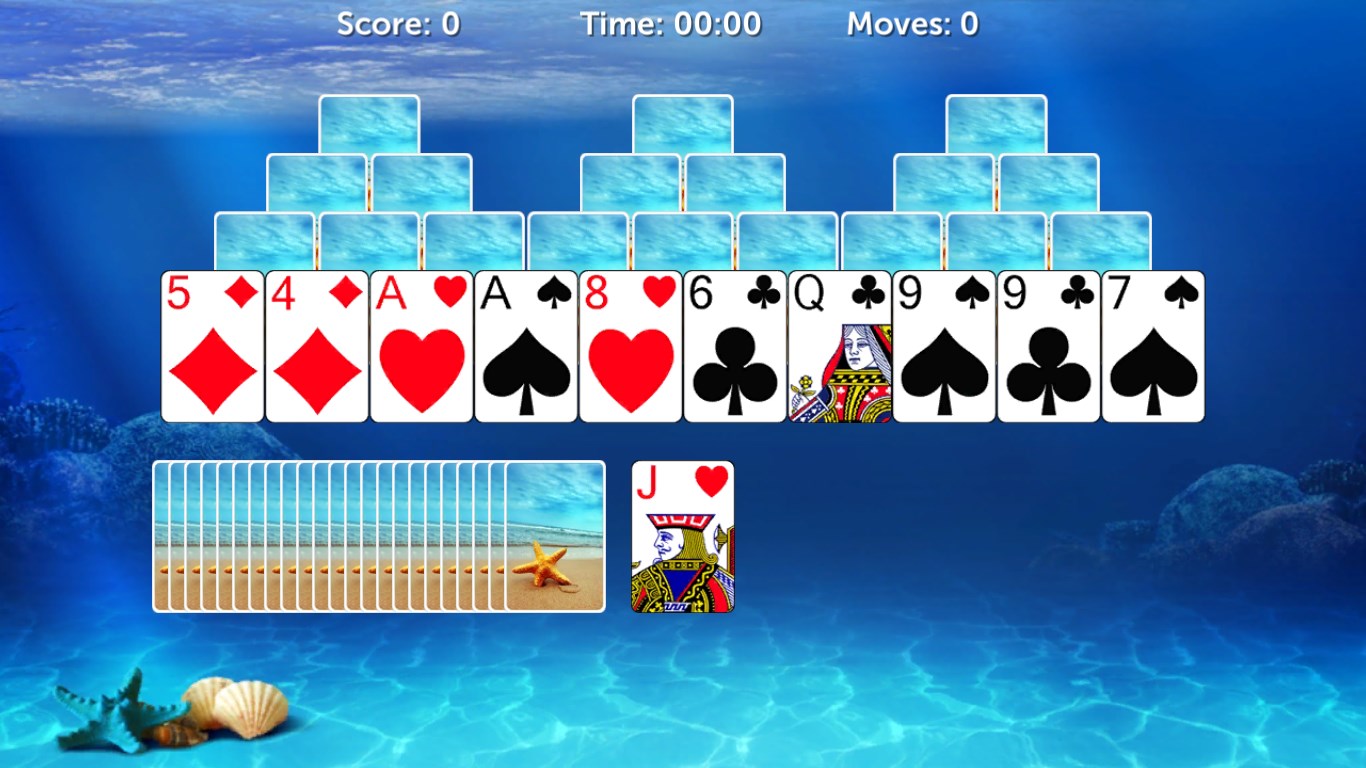
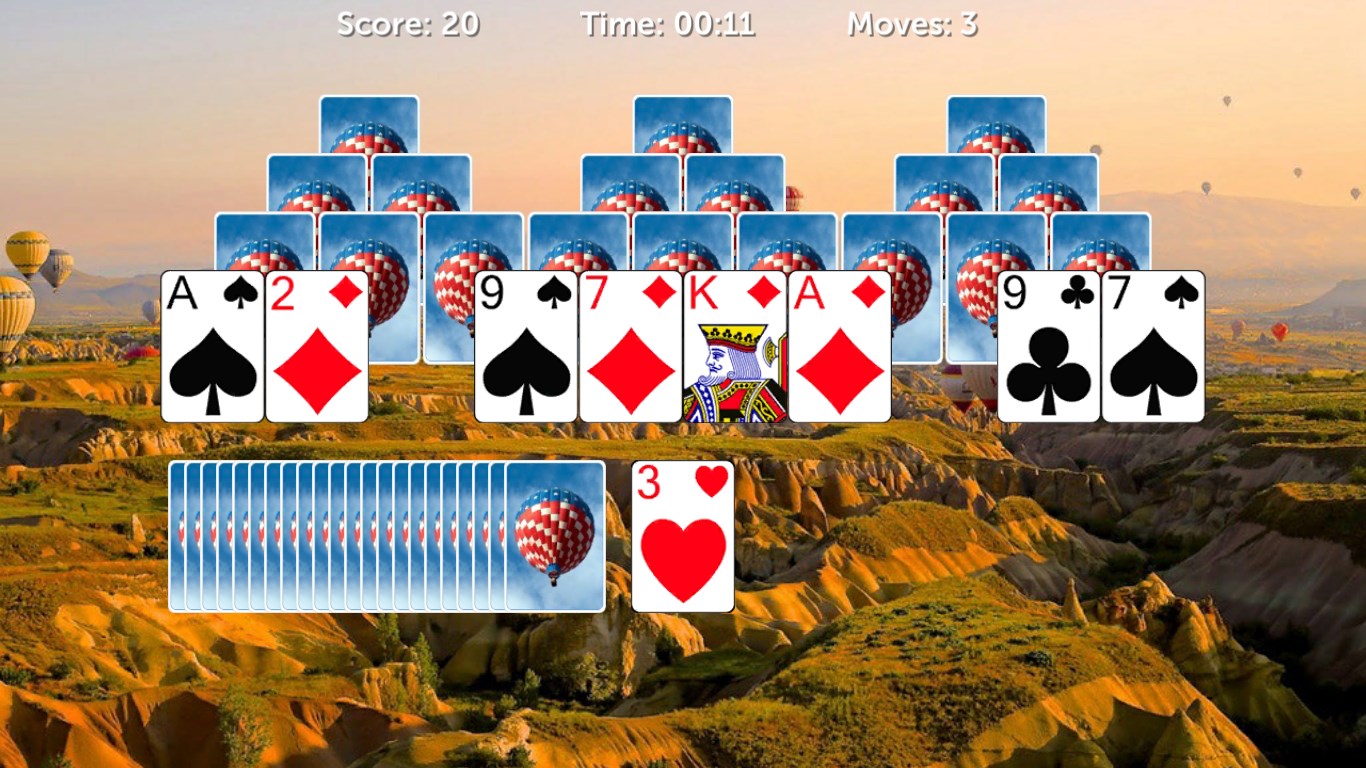
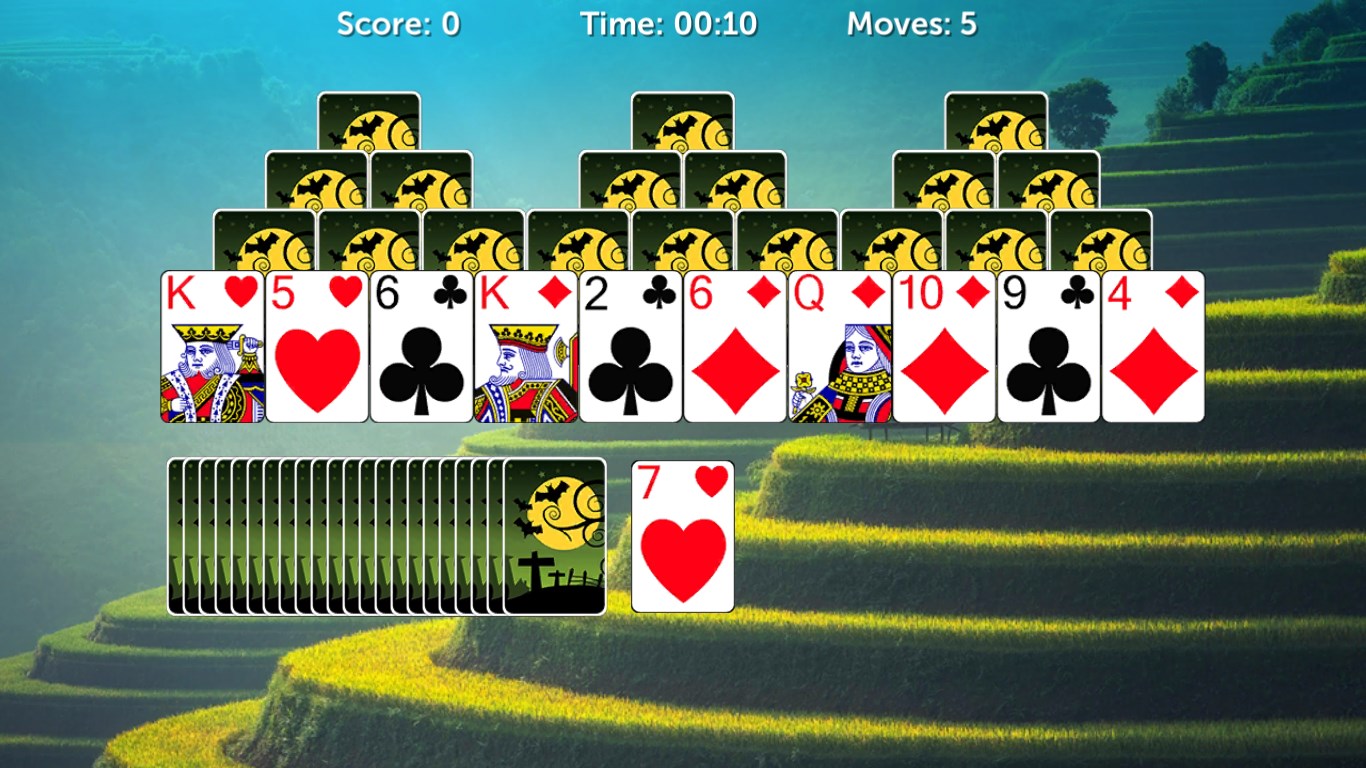
Starting up TriPeaks Solitaire Pro feels like opening a neatly organized deck of cards—ready for action with a tap. The game's interface is polished and visually appealing, featuring a clean layout with vibrant card designs that evoke the charm of traditional playing cards. As you shuffle into the game, you're greeted by a soothing background that subtly shifts with your mood—whether calm or lively—thanks to the customizable themes.
Core Functionality 1: Dynamic TriPeaks Puzzle Solving
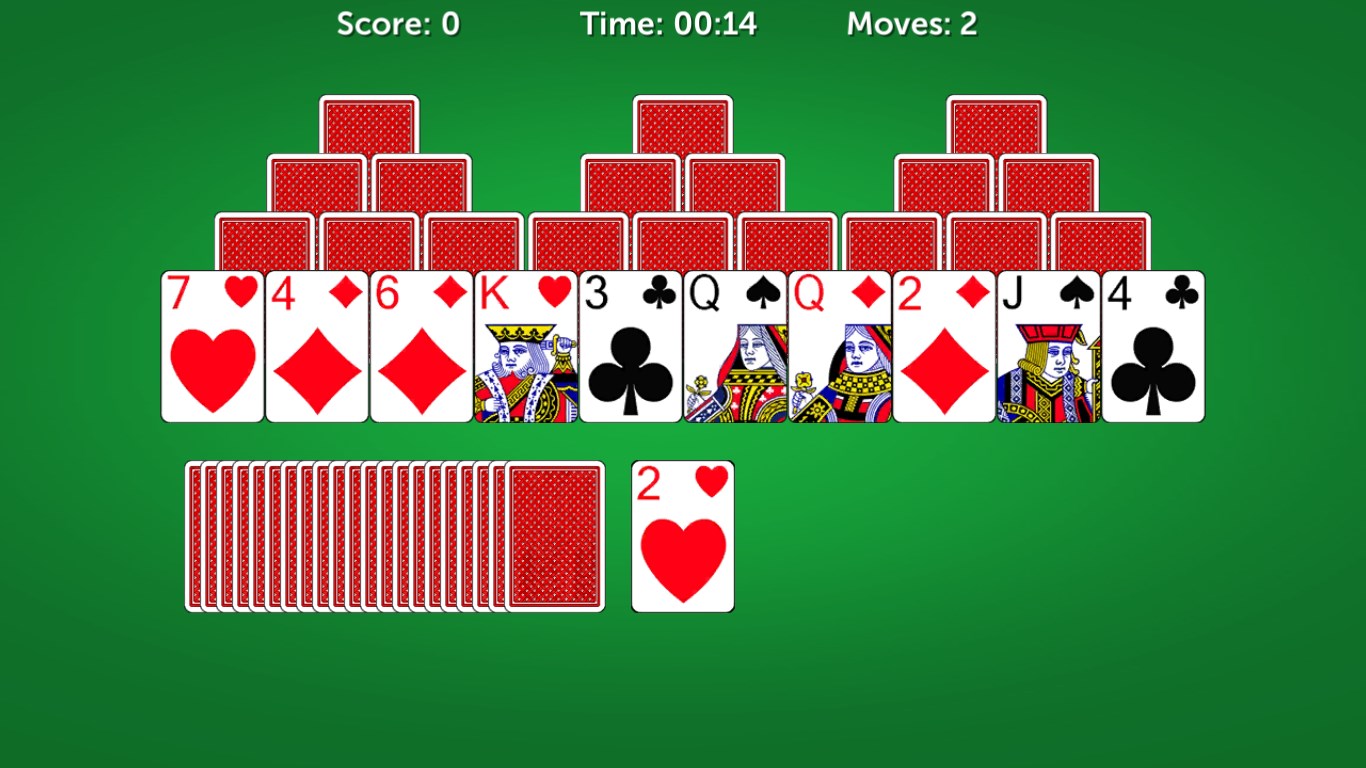
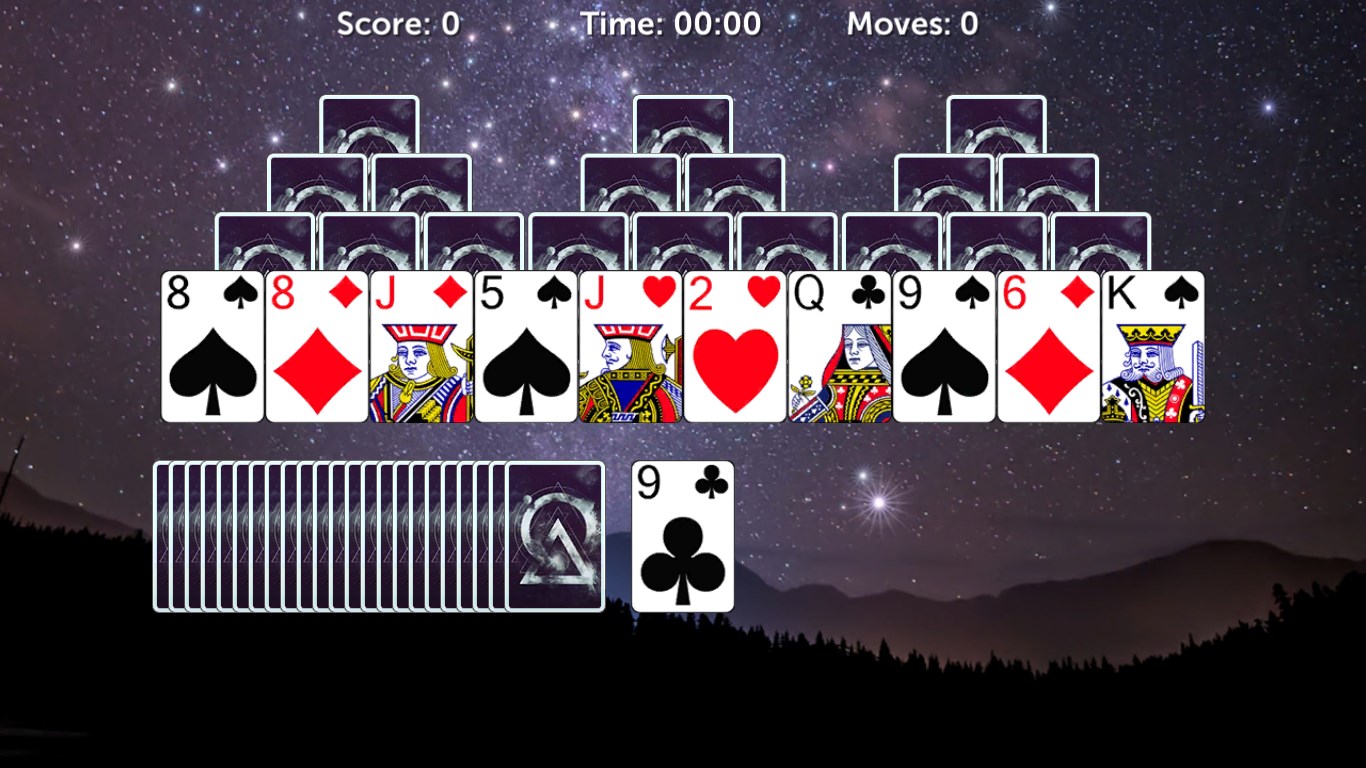
The heart of the experience lies in navigating the iconic tri-peaks layout, where you select cards sequentially one rank higher or lower than the open card. The game offers intelligent hints that gently guide you through tricky sections, making it friendly for beginners without sacrificing challenge for seasoned players. Its smart shuffle mechanics and adaptive difficulty curves ensure that each session feels fresh, akin to arranging a new deck of varied hues and shapes—always a delight to uncover.
Core Functionality 2: Personalization and User Experience
What truly sets TriPeaks Solitaire Pro apart from many similar apps is its dedication to user customization. Players can choose from multiple backgrounds, card sets, and even music themes. The app's smooth animations and responsive controls contribute to an experience that's both immersive and effortless, much like sliding delicate puzzle pieces into place without a hiccup. With features like undo and hints, even casual gamers can explore strategies comfortably, feeling like a seasoned player rather than a novice fumbling with unfamiliar rules.
Intuitive Design and a User-Friendly Journey
The app's interface design champions simplicity—large, clear buttons, minimal clutter, and an uncluttered workspace that resembles a tidy desk, inviting users to focus solely on the game. Learning the rules is straightforward, with minimal on-screen instructions and contextual help. The transitions and animations are buttery smooth, providing an experience that feels polished and professional rather than clunky or rushed. Overall, it's as easy to pick up and put down as a favorite deck of cards, making it suitable for quick breaks or extended gameplay marathons.
Unique Advantages and Final Recommendations
Compared to other family-oriented card games, TriPeaks Solitaire Pro's standout feature is its elegant balance of simplicity and depth—offering enough challenge to keep players interested without becoming frustrating. Its high degree of customization and user-centric design allows players to tailor the experience, which is especially appealing for those who enjoy personal touches in their games.
For casual players in search of a relaxing yet engaging pastime, this app is highly recommended. Its straightforward gameplay paired with thoughtful features makes it ideal for quick sessions during coffee breaks or more focused gameplay periods. Experienced solitaire fans will also appreciate the polished visual effects and customizable options that elevate the classic game into a modern digital experience.
Overall, TriPeaks Solitaire Pro is a well-crafted, user-friendly app that respects the traditions of solitaire while adding modern touches—making it a worthwhile addition to your Windows gaming library. Whether you're after a simple escape or a strategic challenge, this app has something for everyone, functioning smoothly like a familiar deck of cards in your digital hand.
Pros
- Intuitive gameplay
- Visually appealing design
- Multiple game modes
- Daily challenges and rewards
- Offline mode availability
Cons
- Limited customization options
- Frequent in-app ads
- Battery consumption
- No multiplayer feature
- Game difficulty progression