
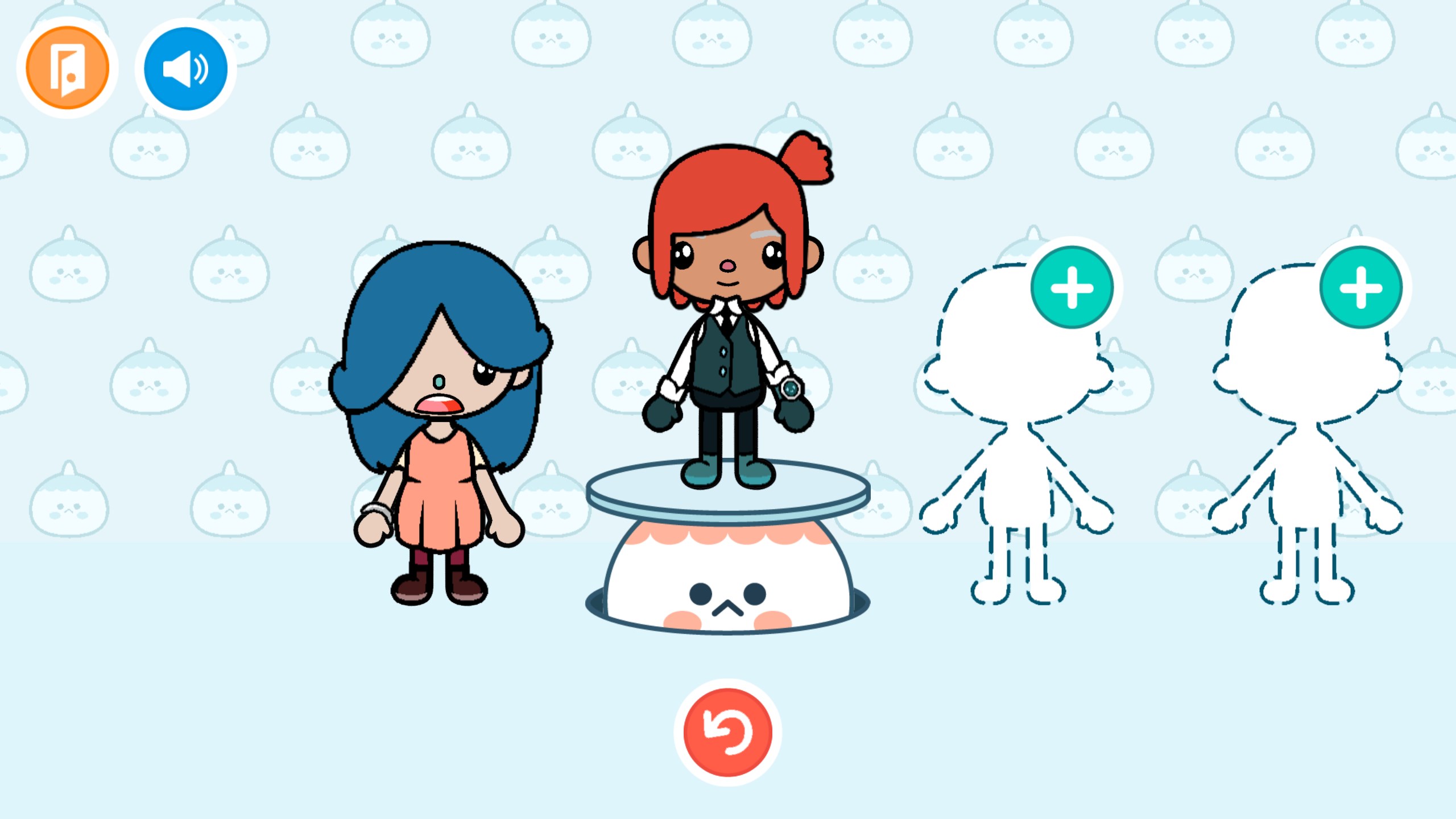
- Name Toca World Adventure
- Category Family & kids
- Developer Kitty Studios
- Available on PC, Mobile, Surface Hub, HoloLens
- OS Windows 10 version 17763.0 or higher
- languages English (United States)
Introducing Toca World Adventure for Windows
A vibrant virtual sandbox that sparks creativity and endless exploration for young minds. Developed by Kitty Studios, this engaging app invites kids to build their dream worlds and embark on imaginative adventures right on their Windows devices.
Who's Behind the Magic?
Created and published by Kitty Studios, a team dedicated to developing delightful and educational digital experiences for children. Their focus is on blending entertainment with safe, age-appropriate content that inspires curiosity and learning.
Key Features That Make Toca World Adventure Shine
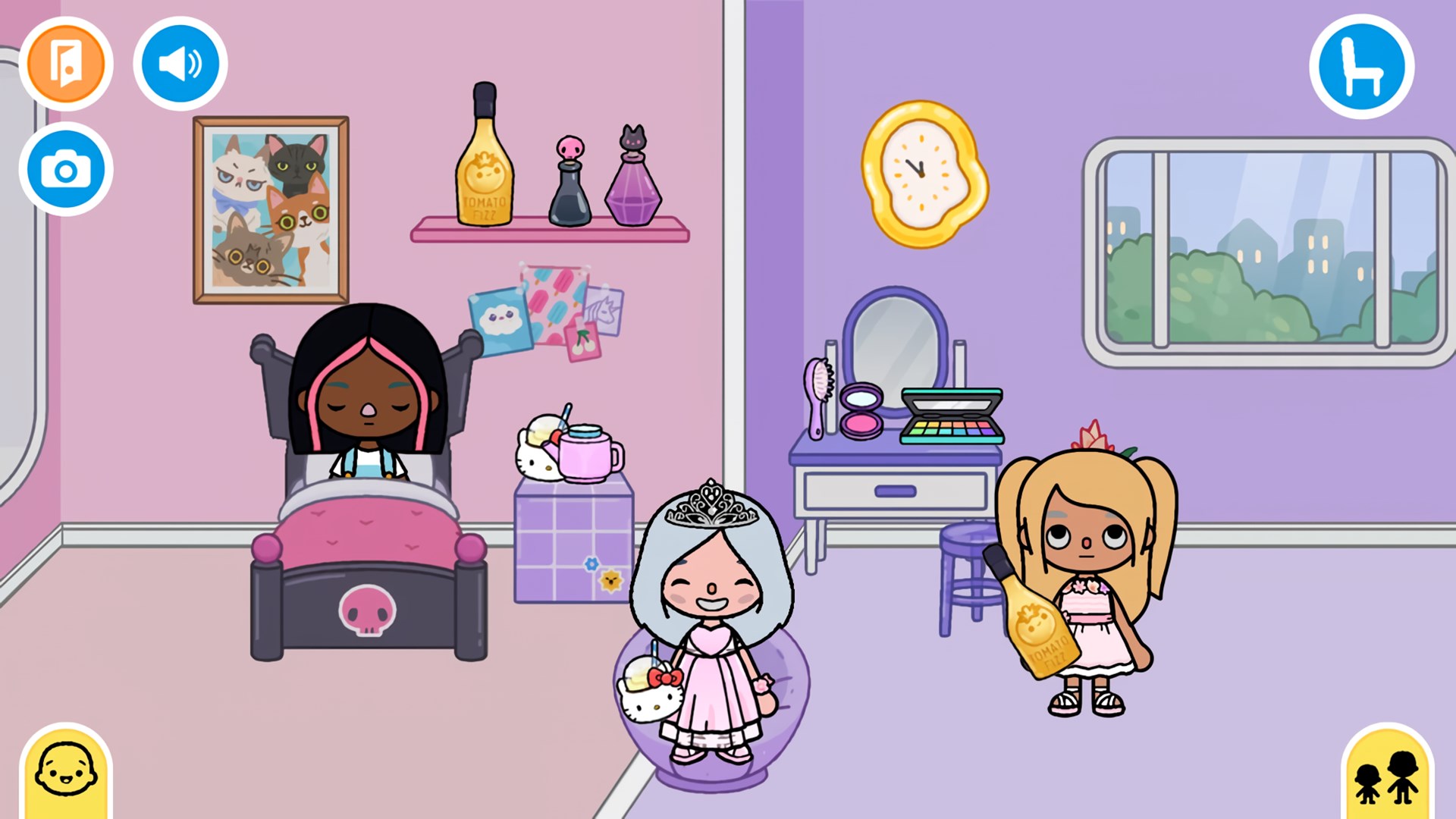
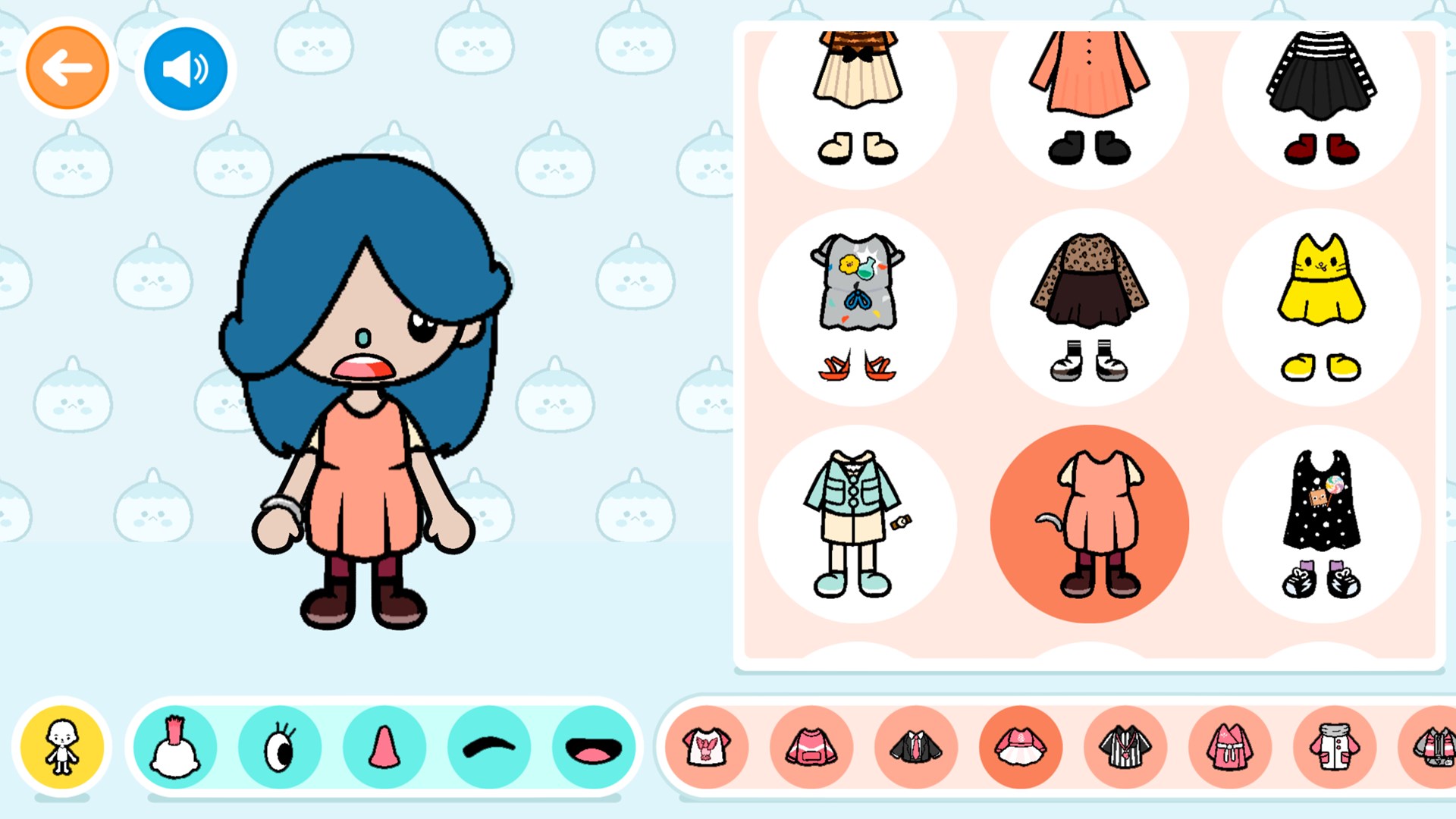
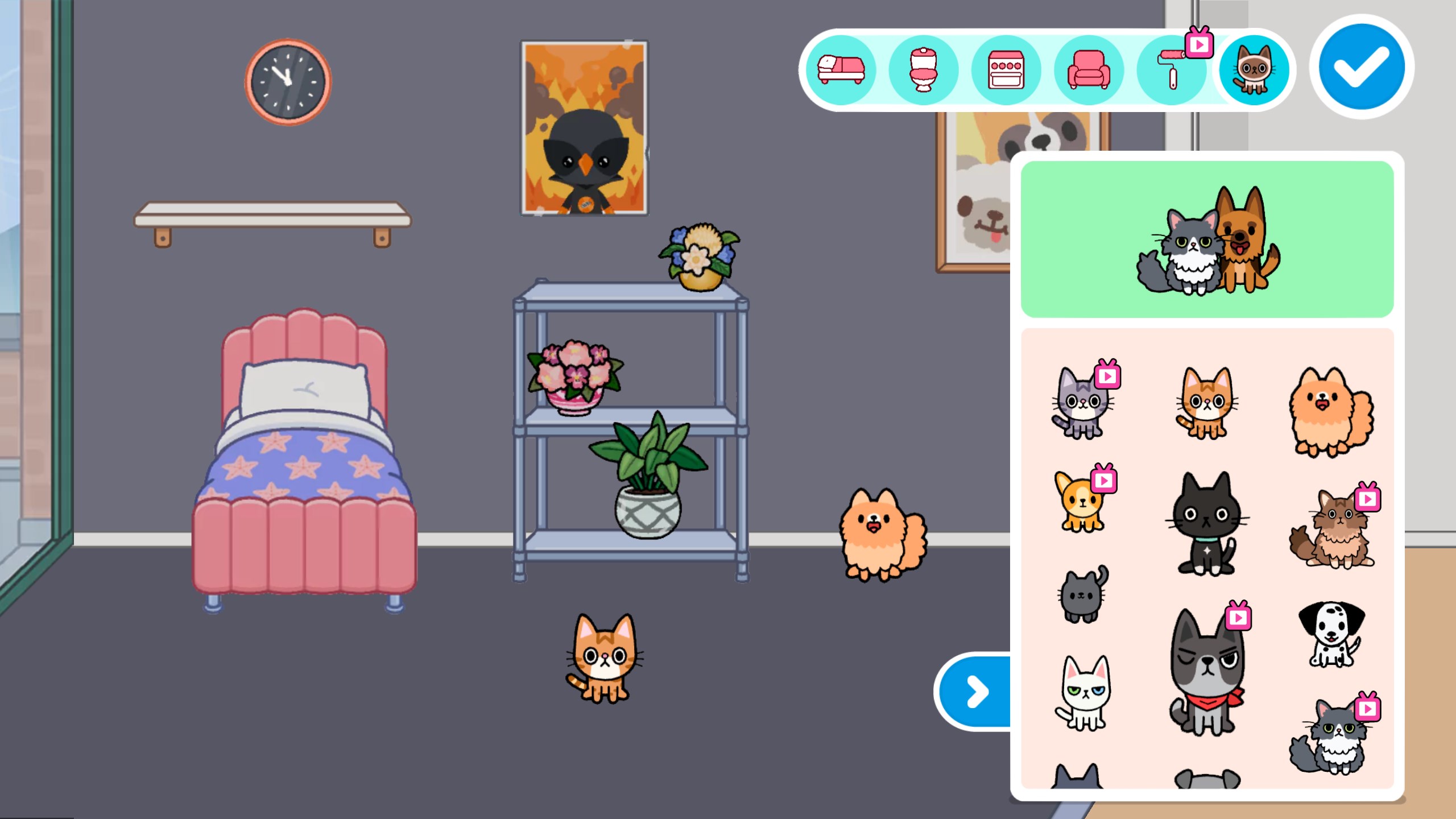
- Build & Customize: Provides a rich, flexible environment where kids can create their dream towns, homes, and scenes by choosing from a variety of characters, furniture, vehicles, and more. It's like giving kids a digital Lego set – limitless possibilities at their fingertips.
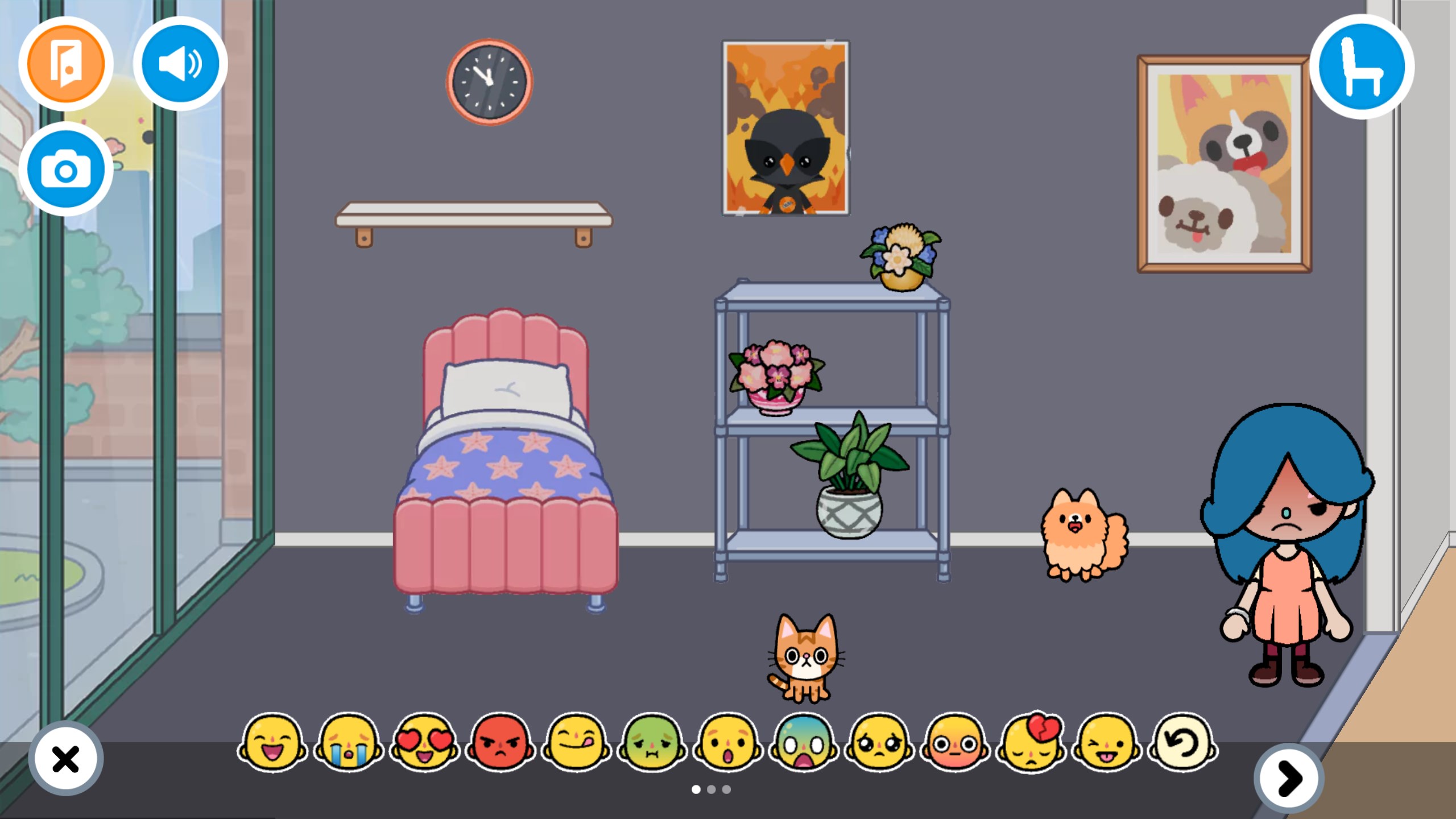
- Interactive Storytelling: Allows children to craft stories by placing characters in different settings, encouraging narrative skills and imaginative play. The app transforms ordinary items into storytelling tools, fostering expressive expression.
- Multiple Themed Environments: Offers diverse worlds—fire stations, farms, parks, and cityscapes—that children can explore, combine, and modify. This variety keeps gameplay fresh and catering to varied interests.
- User-Friendly Interface: Designed to be intuitive for young users, enabling easy navigation without steep learning curves, which makes it an accessible platform even for first-time users.
Engaging and Kid-Friendly User Experience
Walking into Toca World Adventure feels like stepping into a colorful, bustling playground—everything is vibrant, inviting, and thoughtfully laid out. The interface strikes a perfect balance between simplicity and richness of options: large icons, smooth drag-and-drop mechanics, and quick access to different worlds make exploration a breeze. Children can jump right into building adventures without feeling overwhelmed, thanks to the straightforward controls and carefully curated content.
Performance-wise, the app runs smoothly on Windows, with quick load times and seamless transitions, ensuring uninterrupted play sessions. The design minimizes accidental taps or misclicks, making the experience both fun and frustration-free. The learning curve? Gentle as a summer breeze—kids get the hang of it almost instantly, which encourages autonomy and boosts their confidence in navigating digital environments.
What Sets Toca World Adventure Apart?
Compared to other family and kids apps, Toca World Adventure's standout feature is its combination of limitless creative freedom with a safe, curated environment. Unlike many apps that lock content behind paywalls or limit customization, this app offers an open-ended sandbox experience that promotes storytelling and problem-solving. Its emphasis on open-ended play, without predefined goals or scores, fosters intrinsic motivation and genuine creativity.
Another unique aspect is its focus on world-building without complexities—akin to giving children a digital canvas where they are the artists and architects, shaping their virtual universe at will. This sets it apart from more structured games with rigid storylines or objectives, making it ideal for children who thrive on imagination and exploration.
Final Recommendations and Usage Tips
Overall, Toca World Adventure for Windows is highly recommended for children aged 4 to 10 who love creating and exploring. Its intuitive interface, rich customization options, and emphasis on creative storytelling make it a valuable addition to any family's digital toolkit. Parents looking for safe, educational, and engaging content will find this app a reliable choice.
For best experience, I suggest encouraging children to spend time experimenting with different worlds and characters without specific goals—letting their imagination lead the way. Also, since the app is lightweight and runs smoothly, it's suitable for use on a variety of Windows devices, from desktops to laptops. Just set aside some creative time, and watch your little ones turn their digital worlds into fields of endless possibilities.
Pros
- Creative freedom
- User-friendly interface
- Educational elements
- Diverse environments
- Offline mode option
Cons
- Limited parental controls
- In-app purchases
- Graphics can be simplified on lower devices
- Occasional bugs or lag
- Lack of multiplayer features