-
Name
FarmVille 2: Country Escape
-
Category
Family & kids
-
Available on
PC, Mobile, Surface Hub, HoloLens
-
OS
Windows 10 version 17763.0 or higher
-
DirectX
Version 10
-
languages
Chinese (Simplified), Chinese (Traditional), Danish, Dutch, English (United States), French, German, Indonesian, Italian, Japanese, Norwegian (Bokmål), Portuguese (Brazil), Russian, Spanish (Spain), Swedish, Turkish
Harvest Happiness and Cozy Countryside Adventure: An In-Depth Look at FarmVille 2: Country Escape on Windows
FarmVille 2: Country Escape for Windows invites players into a charming, pastoral world where farming dreams come true—think of it as stepping into a vibrant rural tableau that combines the nostalgia of traditional farm life with modern mobile fun. Developed by Zynga Inc., a leader in social gaming, this title transforms your PC into a sprawling virtual farm, bursting with activities and opportunities for community engagement.
Meet the Developers: Zynga Inc.
Originating from a pioneering social gaming company, Zynga has been a household name in casual and social games since the early 2010s. Their expertise in creating engaging, accessible, and visually appealing games shines through in FarmVille 2: Country Escape, keeping players captivated with a seamless blend of storytelling and gameplay.
Core Highlights That Make It Stand Out
- **Deep Farming Experience:** From planting crops to raising animals, the game offers a comprehensive farm management simulation suitable for all ages.
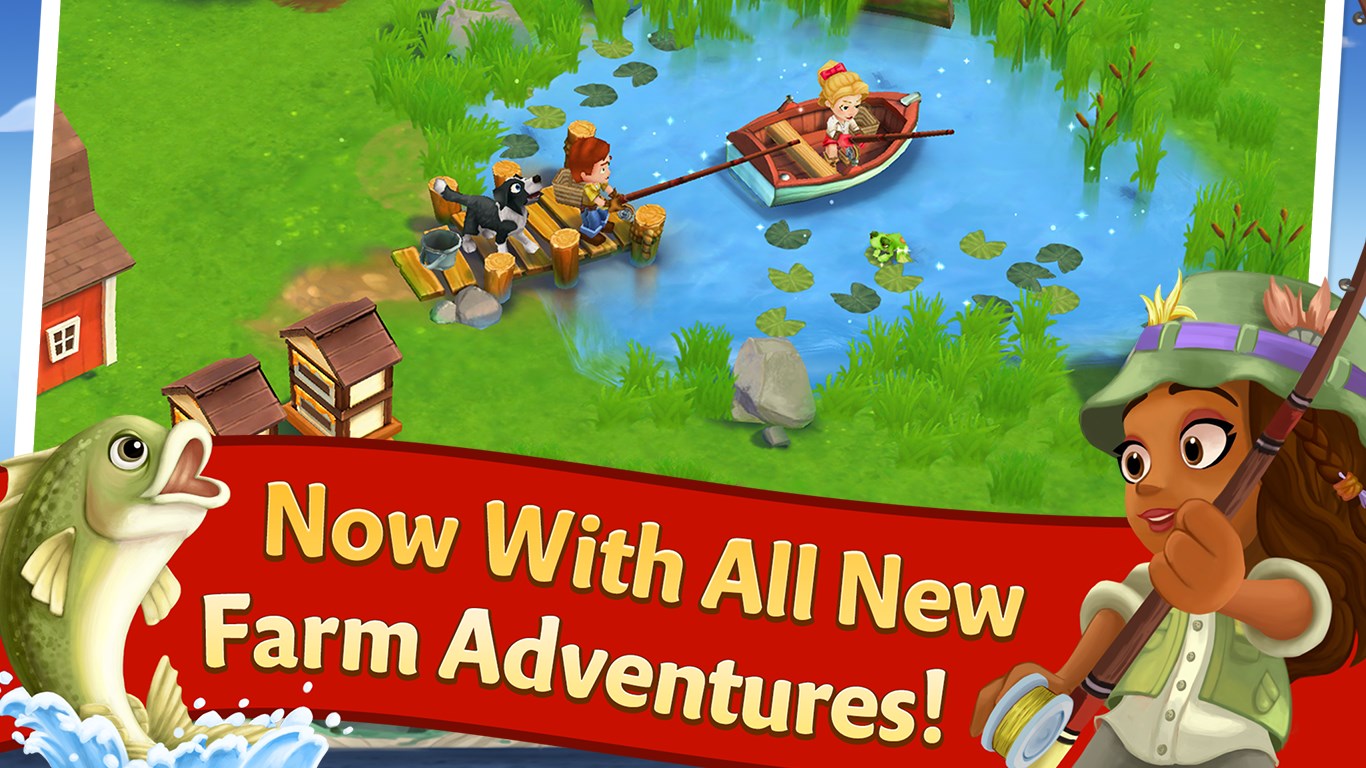
- **Story-Driven Quests and Events:** Engaging storylines and seasonal events keep the gameplay fresh and invite players to participate actively.
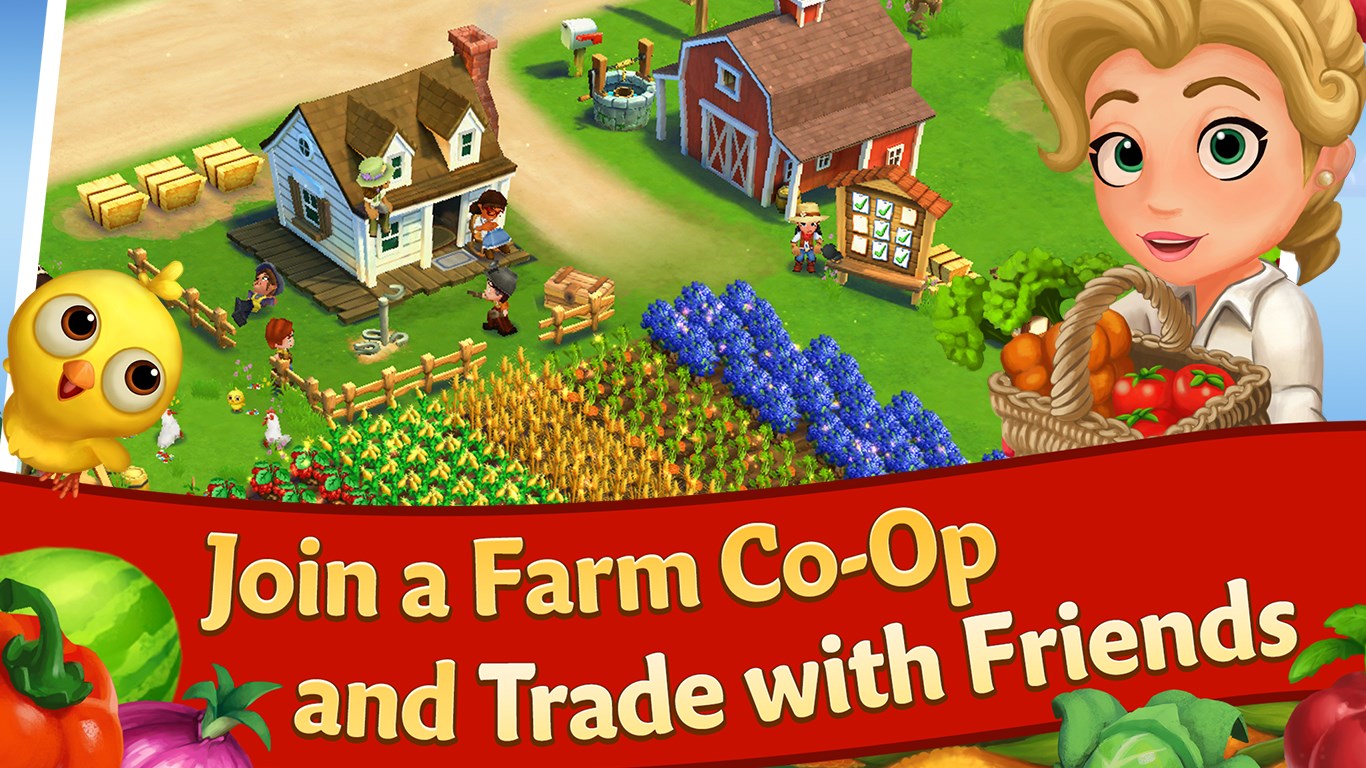
- **Social Integration:** Connecting with friends allows for cooperative tasks and sharing resources, fostering a sense of community.
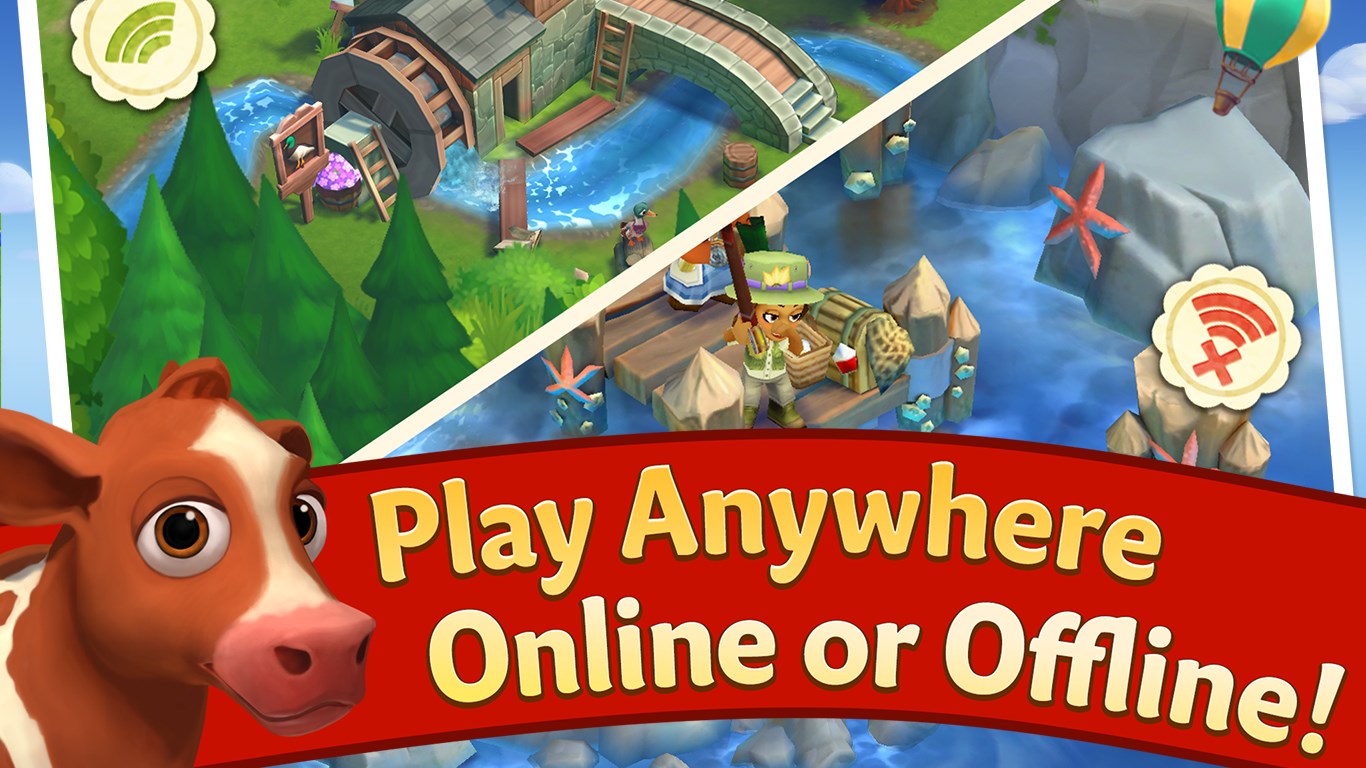
- **Offline Playability:** Unlike many social games, FarmVille 2 allows players to enjoy farming even without an internet connection, making it versatile for different lifestyles.
Target Audience
This game is ideal for casual gamers, families, and anyone who enjoys relaxing, creative activities. It appeals especially to those who appreciate gentle simulation gameplay, farm aesthetics, and community interaction—perfect for players seeking a soothing, engaging experience.
A Colorful Journey Through the Farm World
Imagine the gentle glow of sunrise over rolling fields, the cheerful clucking of chickens, and the satisfying sound of crops being harvested—all encapsulated in the charming pixel art of FarmVille 2. Whether you're tending a vegetable patch or decorating your farmhouse, the game's warm and inviting atmosphere invites players to unwind after a busy day. It's like having your own mini-thoroughbred countryside to nurture without leaving your chair.
Core Features Explored in Detail
A Dynamic Farming System That Refreshes
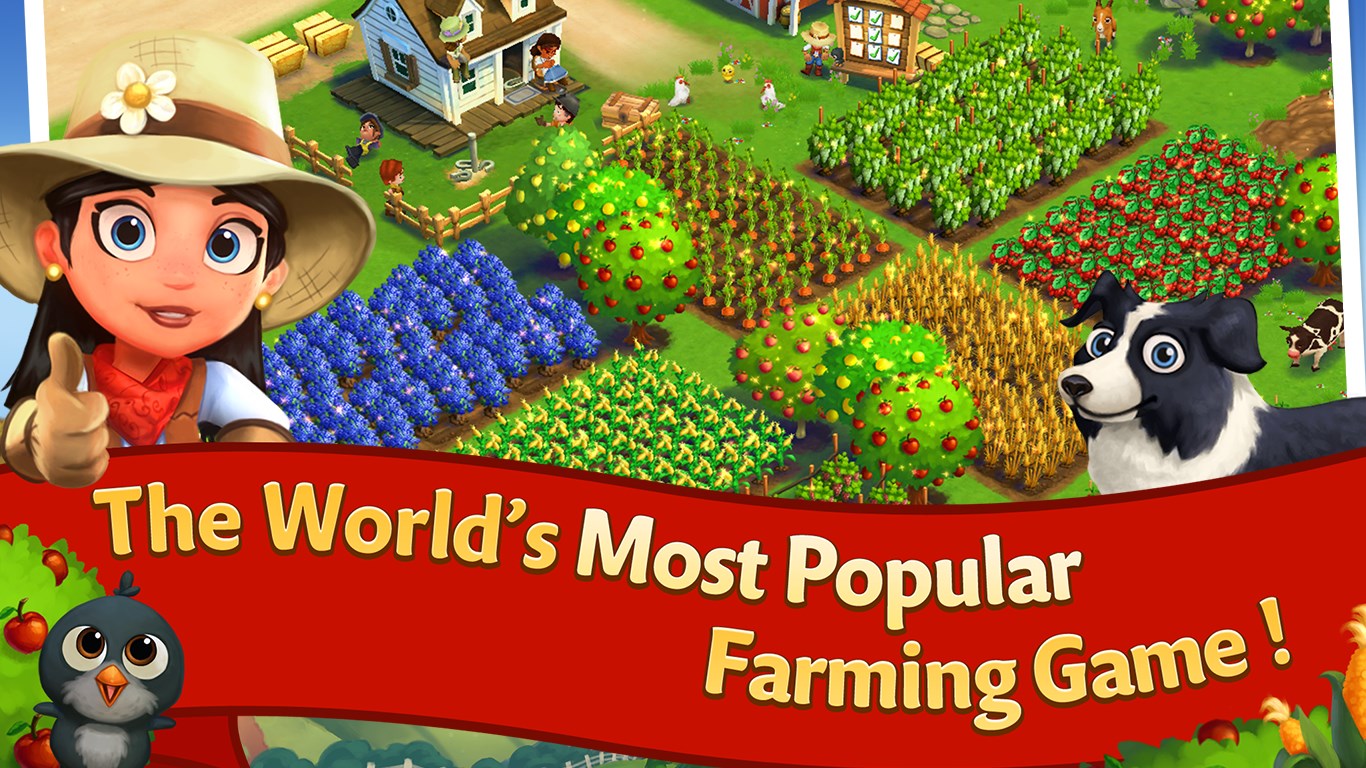
At the heart of FarmVille 2 is its comprehensive farming system. You can sow a variety of crops, each with its own growth cycle, requiring strategic planning to maximize yield. The inclusion of animals—like cows, pigs, and chickens—adds another layer of farm management, as you collect milk, eggs, and other products to craft recipes or fulfill quests. It's akin to running your own bustling farmstead, with constant opportunities for growth and customization. The game's mechanics are straightforward but layered enough to keep you engaged, making it accessible for beginners while offering depth for seasoned players.
A Story and Community Drive the Experience
What sets FarmVille 2 apart from many other farming simulators is its engaging quest system and seasonal events. These narrative elements provide context and motivation, transforming farm chores into part of a lively story. Join the community of friends and neighbors to trade goods, help with tasks, or celebrate seasonal festivals. The social layer adds a cooperative element, making the farm feel like a living, breathing community. The game effectively balances solitary relaxation with social interaction, enriching the overall experience.
Smooth, Friendly User Experience with a Gentle Learning Curve
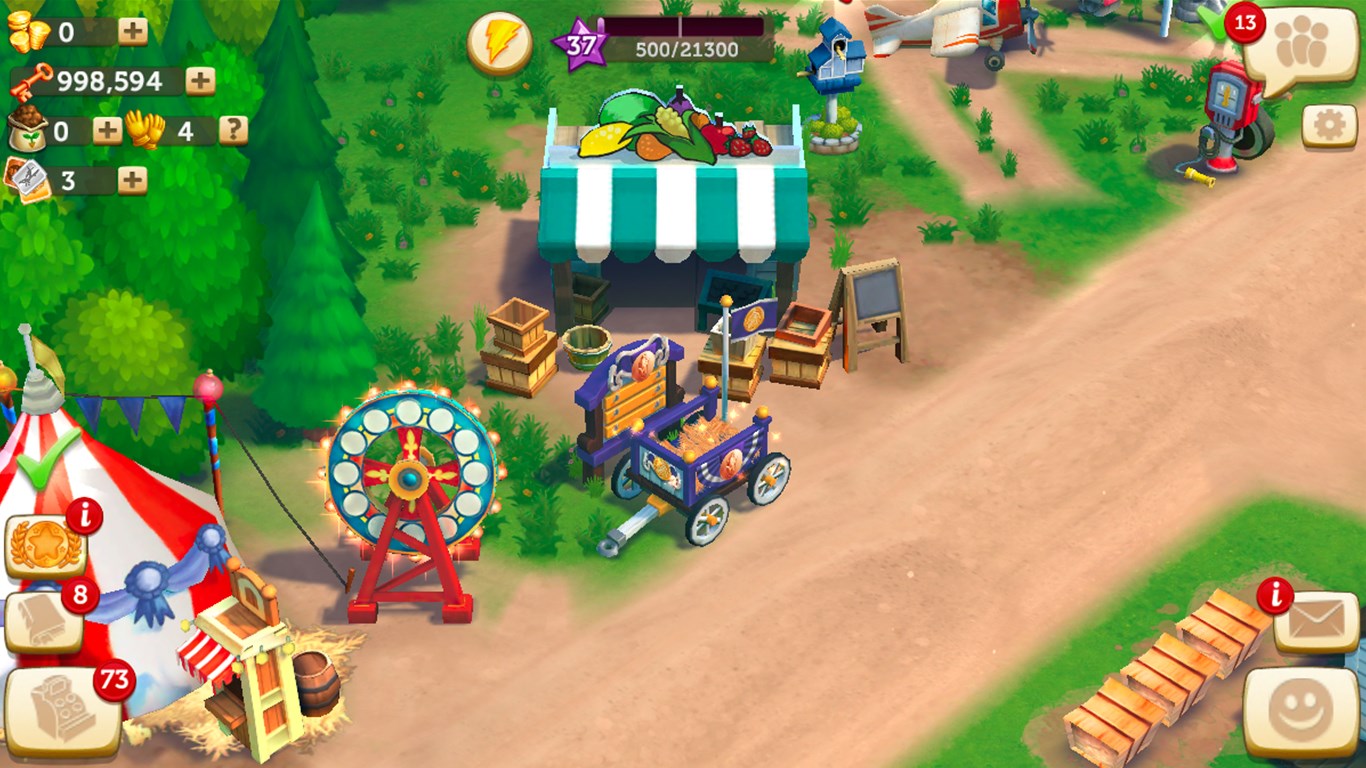
The interface is designed with clarity and friendliness, featuring intuitive icons and straightforward menus that guide new players effortlessly through the farm's daily routines. Navigating between planting, harvesting, decorating, and social features feels natural, akin to flipping through a well-organized photo album. The game runs smoothly on Windows, with minimal loading times and responsive controls that create a seamless experience. For newcomers, the learning curve is gentle—initially, managing a small farm is simple enough, but as you expand, the game gradually introduces more complex tasks, gently encouraging mastery without overwhelming.
What Makes It Distinct from Other Family & Kids Apps?
Unlike many child-focused educational apps that prioritize learning modules or storybooks, FarmVille 2 offers a sandbox-like environment where creativity, time management, and planning are central. Its rich farm ecosystem coupled with seasonal events and social features provides a unique, multi-player-like experience that bridges casual gaming with community engagement. The game's aesthetic is more immersive and detailed compared to other family apps, making it appealing not just for kids but also for parents and grandparents who want an easygoing yet rewarding activity.
Final Thoughts and Recommendations
FarmVille 2: Country Escape on Windows provides a warm, engaging farming experience that balances management, storytelling, and social interaction. Its most notable features—particularly the in-depth farming mechanics and community-driven quests—offer a distinctive charm that keeps players returning. With its accessible interface and offline capabilities, it's well-suited for casual play during commutes, family relaxation, or weekend downtime. I'd recommend it to anyone looking for a cozy, colorful world where they can nurture their virtual farm and connect with friends—think of it as planting seeds for joy and relaxation.
In conclusion, this game is a well-crafted digital countryside farm that offers both relaxation and subtle engagement—a delightful choice for those seeking a gentle escape into the agrarian life, right from their Windows device.
Pros
- Engaging gameplay with frequent updates
- High-quality graphics and visuals
- Wide variety of crops, animals, and decorations
- Social features enable collaborative farming
- Free-to-play with optional in-app purchases
Cons
- Leveling up can be slow without in-app purchases
- Occasional server lag and connectivity issues
- In-game timers can be lengthy for some activities
- Limited offline functionality
- Some players might find the monetization somewhat intrusive