



- Name Cozy Town: Build Explore Game
- Category Family & kids
- Developer Sparkling Society B.V.
- Available on PC, Mobile, Surface Hub, HoloLens
- OS Windows 10 version 19041.0 or higher
- DirectX Version 10
- Keyboard Integrated Keyboard
- Mouse Integrated Mouse
- languages Arabic, Chinese (Simplified), Chinese (Traditional Chinese), Danish, Dutch, English, Filipino, French, German, Hindi, Indonesian, Italian, Japanese, Korean, Malay, Norwegian (Bokmål), Persian/Farsi, Polish, Portuguese, Russian, Spanish, Swedish, Thai, Turkish, Vietnamese
Cozy Town: Build Explore Game — A Delightful Digital Village for All Ages
Cozy Town: Build Explore Game for Windows, developed by Sparkling Society B.V., offers a charming sandbox experience where players can craft, manage, and explore their own virtual town. Perfect for fans of casual simulation, this game combines engaging gameplay with a cozy aesthetic, making it a compelling choice for families and hobbyists alike.
Whimsical World-Building with a Creative Spark
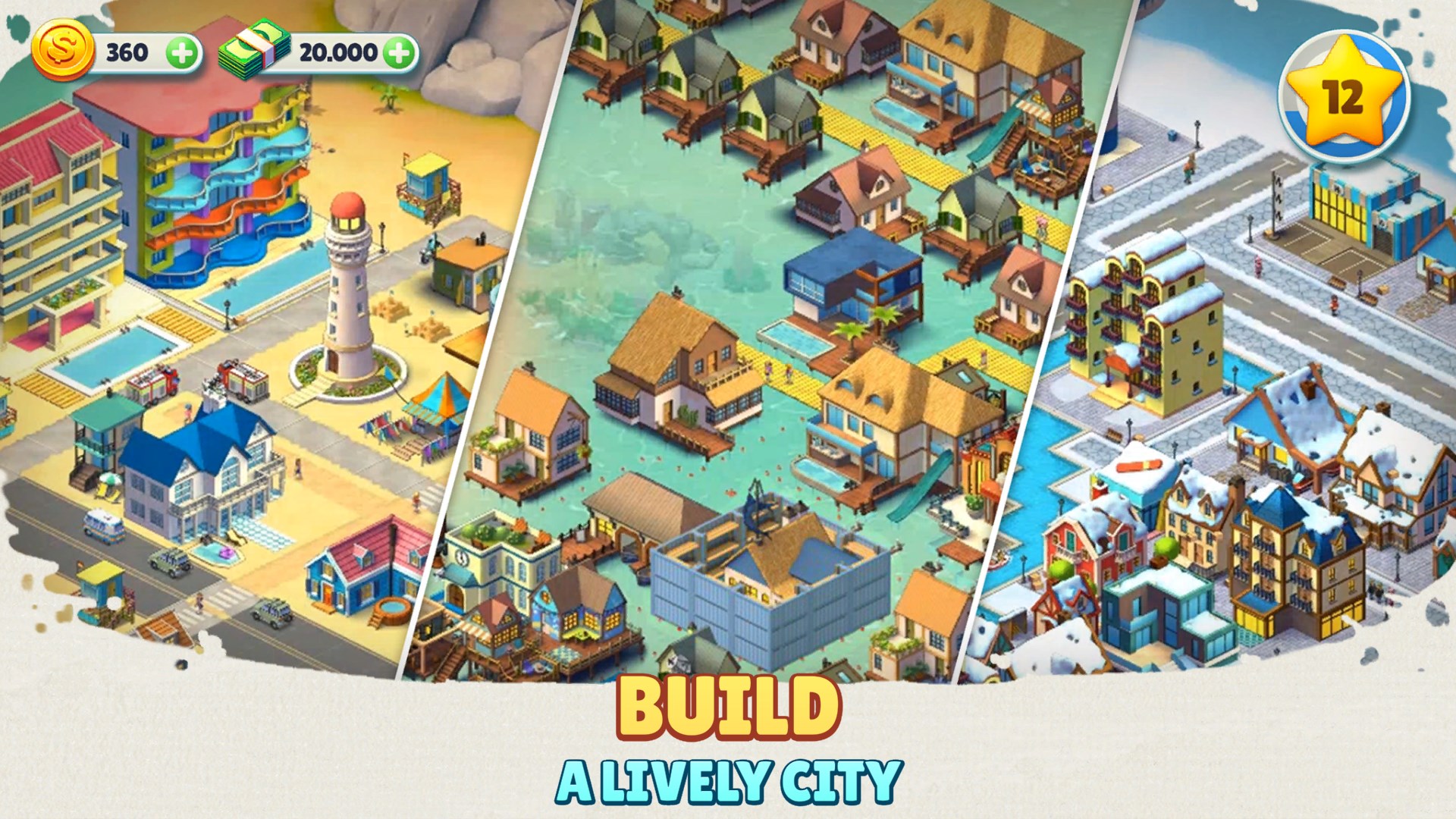
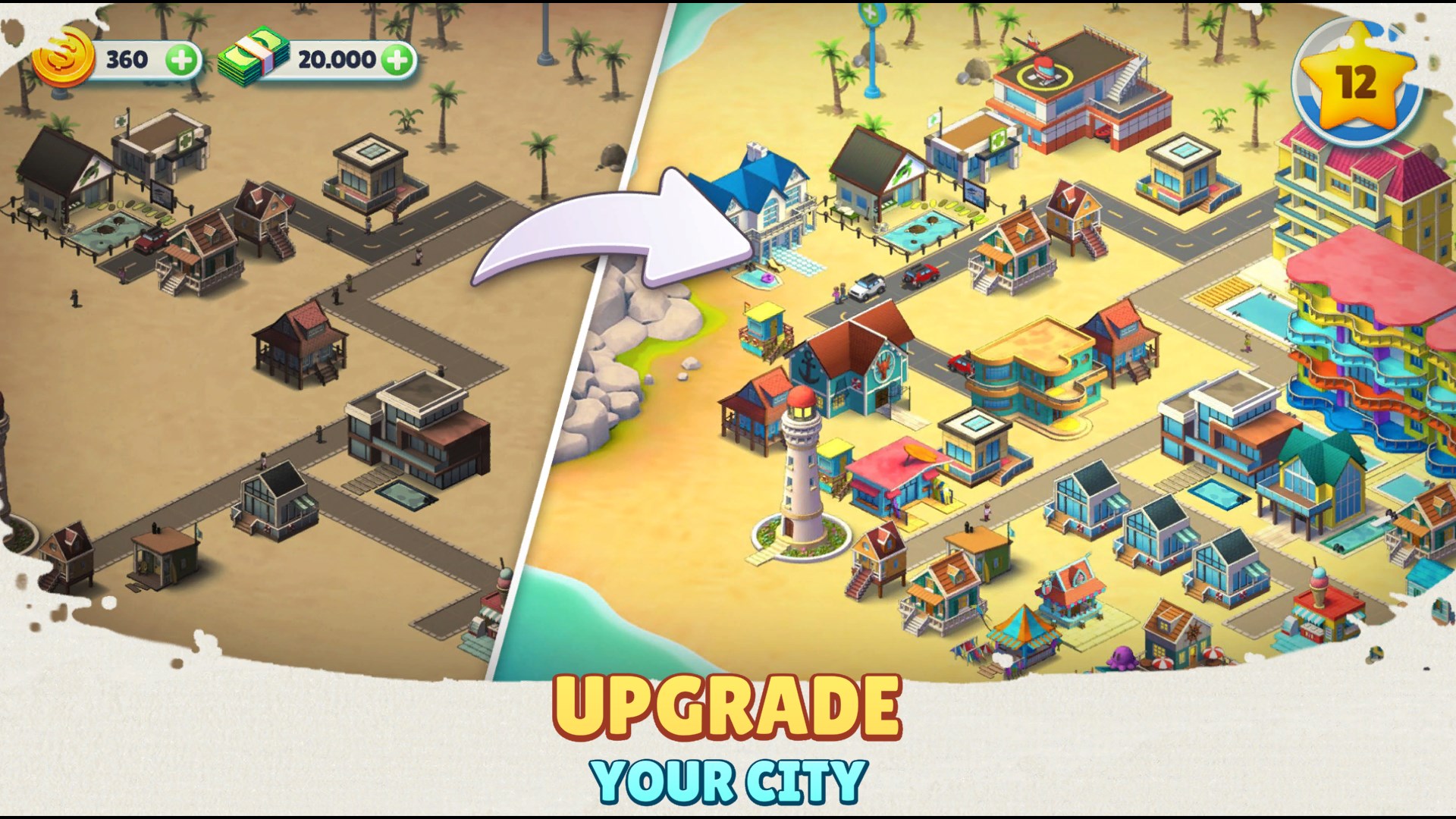
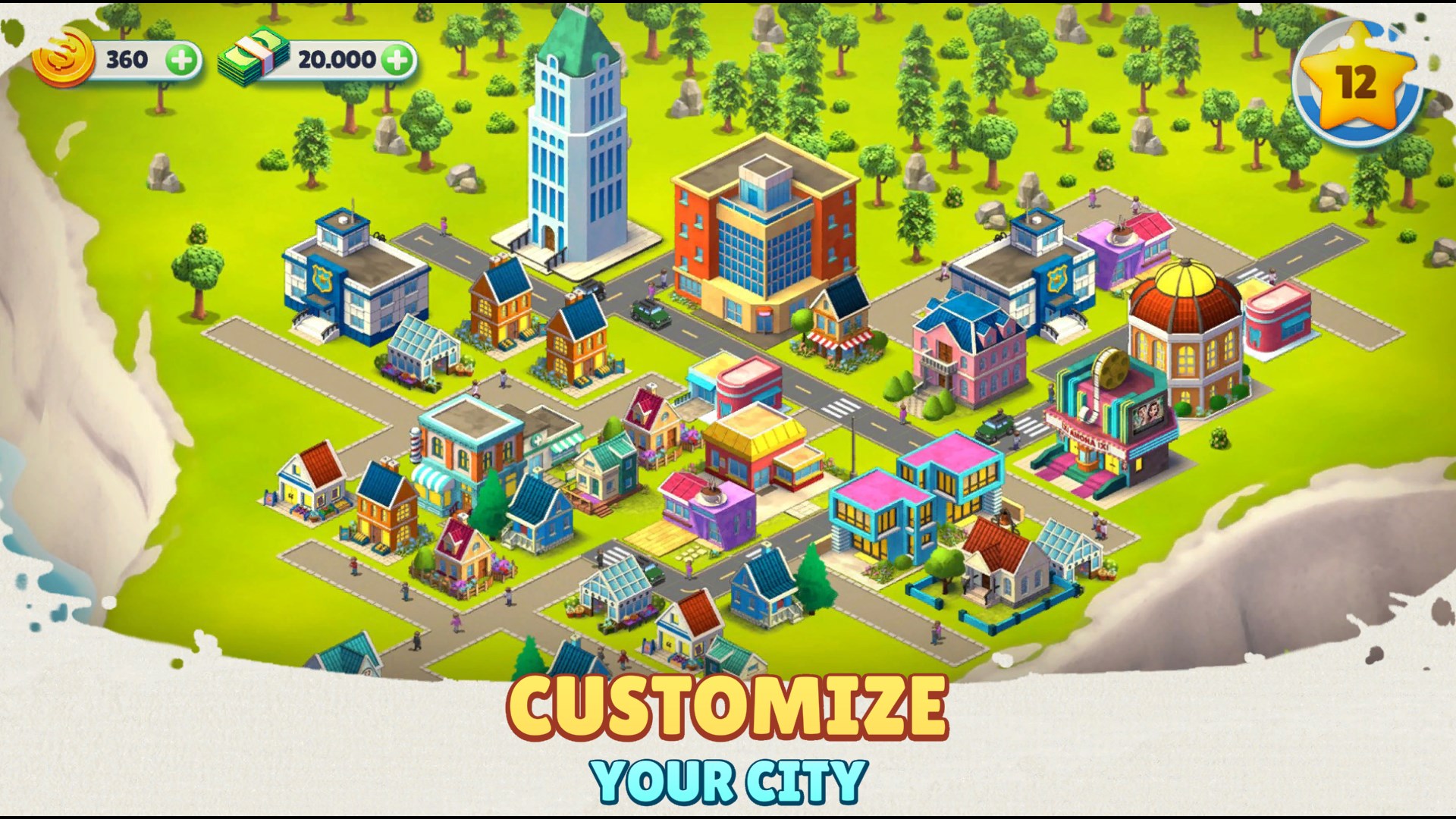
At its core, Cozy Town invites players into a vibrant, colorful environment where they can design and customize their own idyllic village. Whether it's constructing adorable houses, planting lush gardens, or decorating public spaces, the game emphasizes creativity and personalization. This feature stands out as one of the app's most notable strengths, providing a sandbox where imagination reigns supreme without any pressure to meet strict objectives. The game's gentle progression allows players to relax and enjoy the process of building their perfect cozy corner in the digital realm.
Explore and Interact: A Dynamic Village in Action
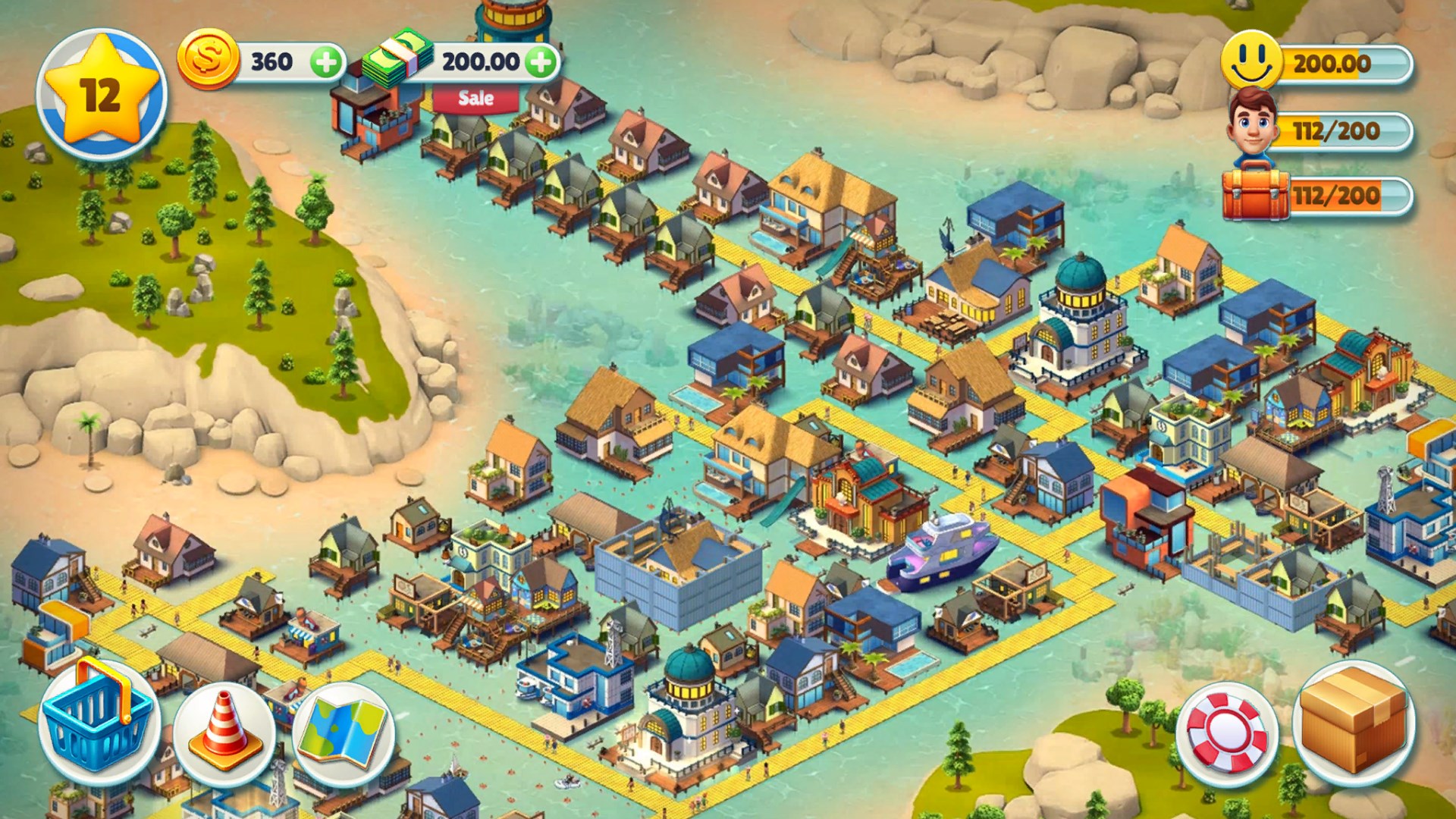
Beyond just building, Cozy Town encourages exploration and interaction. As you develop your town, you can unlock new areas, discover hidden items, and engage with simple yet delightful quests that add layers of depth. The game's interactive elements keep the experience fresh, making players feel like town planners and explorers simultaneously. This blend of construction and discovery offers a balanced gameplay loop perfect for casual gaming sessions, giving users a sense of achievement mixed with serenity.
Seamless User Experience and Intuitive Design
The interface of Cozy Town exemplifies user-centric design. With an intuitive layout, even newcomers can navigate through construction menus, customization options, and exploration features effortlessly. The game runs smoothly on Windows devices, providing responsive controls and stable performance that maintain immersion without frustrating lag or bugs. Learning the game mechanics is straightforward, thanks to clear prompts and gentle guidance, making it accessible for players of all ages, including children and beginners. The visual design is warm and inviting, with a cartoonish art style that complements the relaxing gameplay.
Unique Features: What Sets Cozy Town Apart?
This app's most distinctive feature is its emphasis on cozy, stress-free customization combined with light exploration, creating a calming virtual space ideal for unwinding. Unlike many similar games that focus on competitive progress or high-stakes challenges, Cozy Town champions relaxed creativity and personal flair. Additionally, its design appeals particularly to families and children, thanks to its friendly visuals and straightforward mechanics, distinguishing it from more complex city builders. The absence of aggressive monetization elements further enhances its appeal as a wholesome digital pastime.
Final Thoughts: A Relaxing Retreat Worth Exploring
Overall, Cozy Town stands out as a gentle, engaging simulation that balances creativity, exploration, and user-friendly design. It's especially suited for those seeking a peaceful, imaginative escape without the pressure of time limits or competitive elements. Whether you're a parent looking for a safe, charming game for your children or an adult craving a relaxing digital pastime, Cozy Town offers a delightful virtual environment to build and explore at your own pace. I would recommend giving it a try if you appreciate cozy aesthetics and straightforward gameplay—it's a charming little world just waiting to be shaped by your imagination.
Pros
- Engaging gameplay mechanics
- Beautiful, colorful graphics
- User-friendly interface
- Frequent updates and new content
- Offline mode support
Cons
- Limited tutorial for new players
- Occasional lag on low-end devices
- Limited in-game rewards for early levels
- In-app purchases can be intrusive
- Lack of multiplayer features