
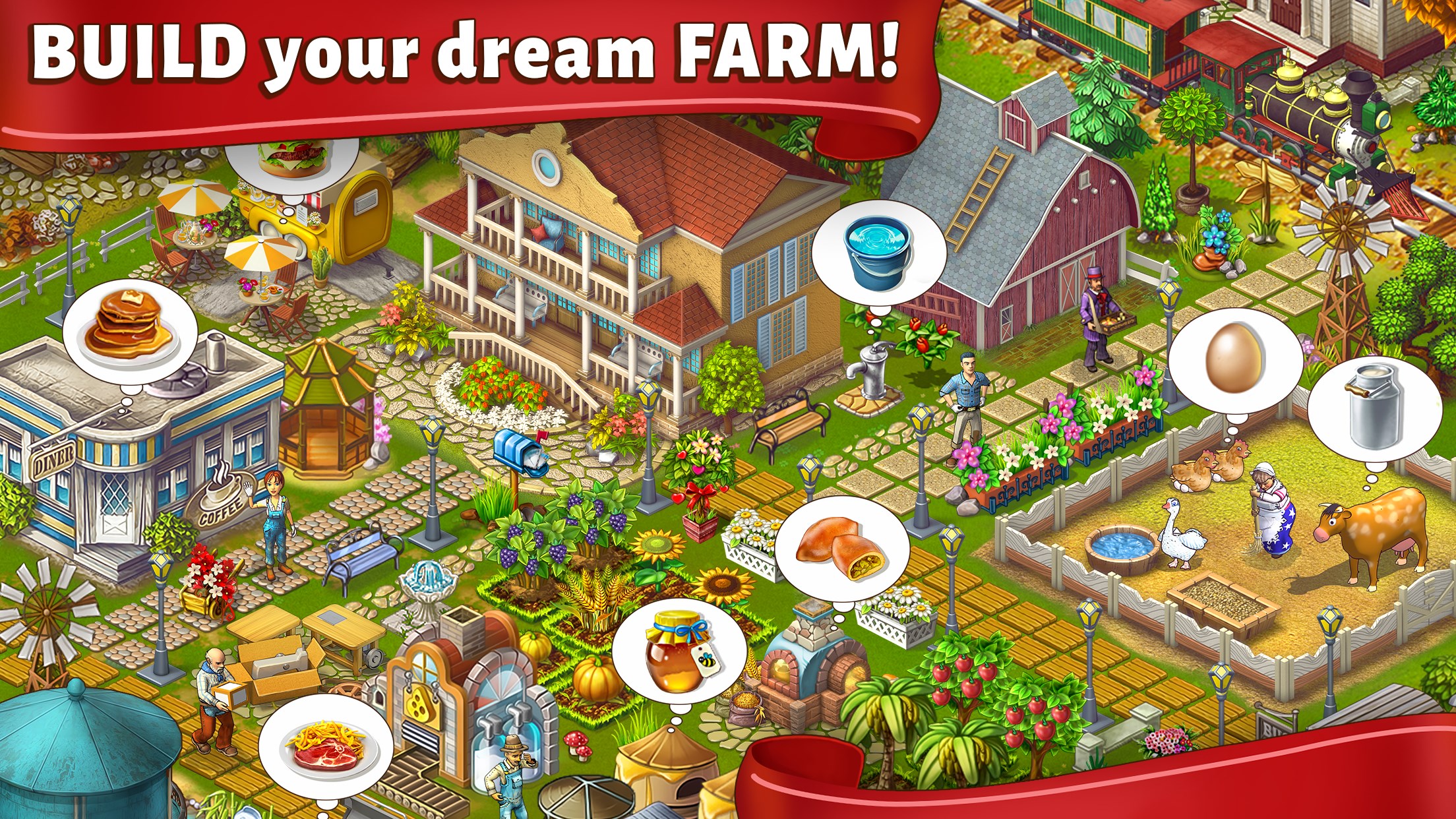
- Name Janes Farm
- Category Family & kids
- Developer MERSIE LIMITED
- Available on PC, Mobile, Surface Hub, HoloLens
- OS Windows 10 version 17763.0 or higher
- Keyboard Integrated Keyboard
- Mouse Integrated Mouse
- DirectX Version 9
- Memory 4 GB
- languages English (United States)
An Inviting Digital Farm for Kids: Janes Farm for Windows
Janes Farm for Windows offers an interactive and educational virtual farm experience that brings the countryside to your child's fingertips, fostering curiosity and learning through engaging activities and charming visuals.
Meet the Developer and Core Highlights
Developed by MERSIE LIMITED and published by PLAYCUS LIMITED, this application aims to captivate young minds with its immersive farm environment. Its main features include realistic farm simulations, interactive mini-games that teach about animals and farming processes, and colorful, intuitive interface design that appeals to children. Designed for kids aged 4-10, Janes Farm is perfect for parents seeking educational yet entertaining activities for their little ones.
Stepping Into the Barn: Exploring Core Features
Realistic Farm Simulations That Spark Imagination
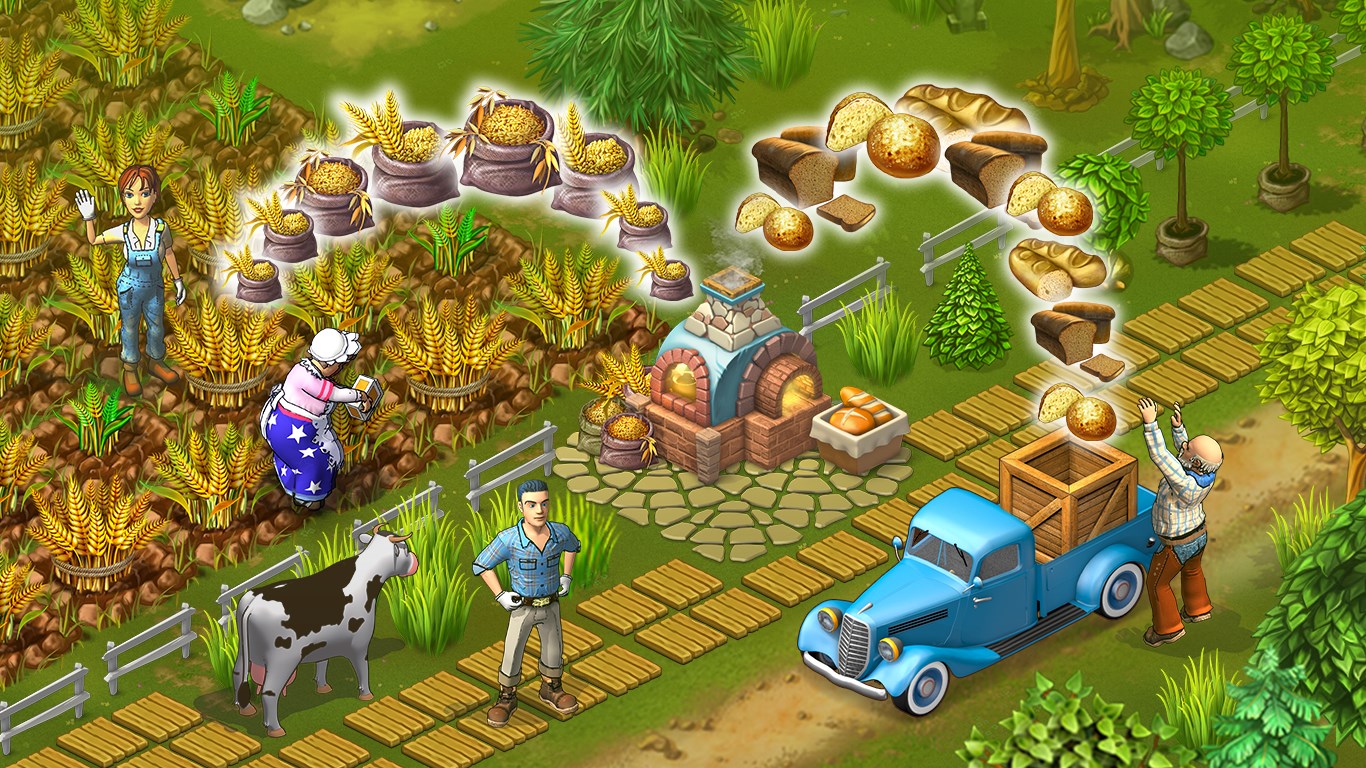
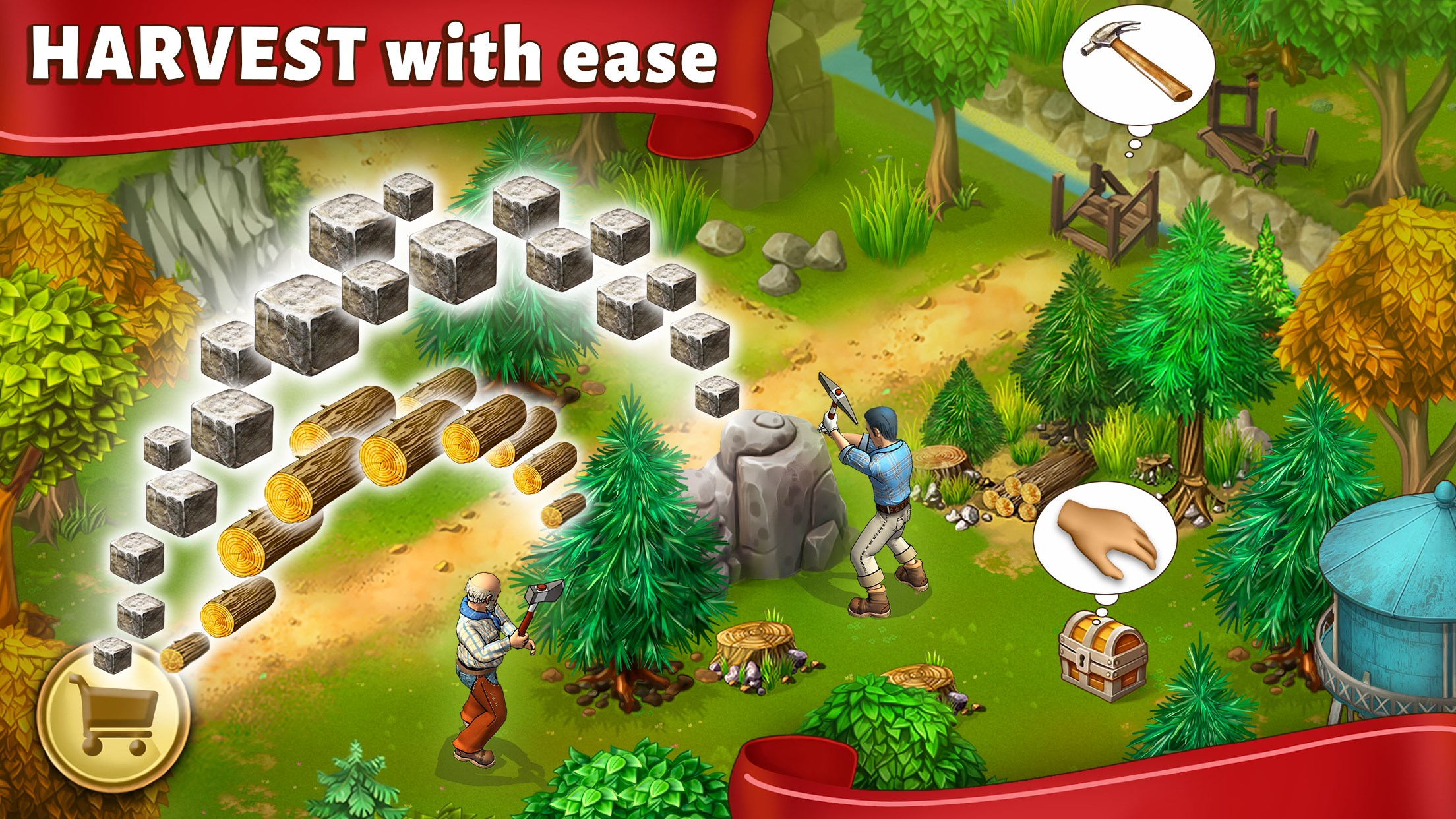
The heart of Janes Farm is its detailed farm environment. Kids can explore lush fields, gather eggs, feed animals, and even harvest crops. It's like stepping into a storybook farm, where every click reveals a new surprise. Unlike many playful pretend farms, Janes Farm emphasizes authenticity, making each interaction educational—kids learn where milk comes from, how plants grow, and why animals need care. The virtual farm becomes a lively classroom, igniting young imaginations with its realistic touchpoints.
Interactive Learning Mini-Games That Teach Basic Skills
The app's mini-games are thoughtfully designed to combine fun with lessons. For example, a puzzle game for animal identification or a matching game that explains farming tools. These activities are crafted to reinforce educational content subtly while maintaining a playful tone. The variety ensures children stay engaged without feeling overwhelmed, making learning feel like an adventure rather than a chore.
User Experience: Friendly, Fluid, and Easy to Navigate
Janes Farm boasts a bright, colorful interface that is both appealing and user-friendly. The graphics are crisp yet gentle on the eyes, and the touch controls are responsive, making exploration seamless. From a child's perspective, the app's operation feels intuitive—think of finding your way through a well-organized theme park with clear signage. The learning curve is gentle; children can jump right in, exploring and experimenting without constant guidance. The overall experience encourages autonomy, confidence, and sustained interest.
Two Unique Strengths That Make Janes Farm Stand Out
While several children's educational apps abound with similar concepts, Janes Farm distinguishes itself through its focus on authentic farming processes and attention to detail. Unlike many farm games that lean toward fantasy, this app emphasizes real-world agriculture, giving children insight into true farm life. Additionally, its mini-games are integrated smoothly into the farm exploration, allowing children to learn about various aspects of farming naturally through play, rather than through separate, disconnected activities. These features make Janes Farm not just a game, but a gentle introduction to the rural world and its importance.
Final Thoughts: Should You Harvest This App?
Overall, Janes Farm for Windows is a delightful and educational tool that marries fun with learning. Its authenticity, combined with engaging mini-games and a friendly interface, make it a recommended pick for parents seeking a quality app to nurture their children's curiosity about farm life. It's particularly suitable for young children beginning to explore the world around them, and its intuitive design ensures that even the most tech-novice young user can enjoy it effortlessly.
While it may not be the flashiest game on the block, its focus on real-world learning and smooth user experience makes it a worthwhile addition to any child's digital library related to family, nature, and education. So, if you're looking for an app that educates without sacrificing fun—think of Janes Farm as your child's virtual adventure land—then give it a try!
Pros
- Intuitive user interface
- Rich visual content
- Comprehensive farm management features
- Offline functionality
- Regular updates and improvements
Cons
- Limited tutorial support
- Occasional app crashes
- Slow loading times on older devices
- Limited customization options
- Some features require internet connectivity