- Name Pyramid Solitaire Pro!!
- Category Family & kids
- Developer Klondike Solitaire Game
- Available on PC, Mobile, Surface Hub, HoloLens
- OS Windows 10 version 10240.0 or higher
- DirectX Version 10
- languages Chinese (Simplified), English (United States)
Introducing Pyramid Solitaire Pro!! for Windows
If you're a fan of classic card games with a modern twist, Pyramid Solitaire Pro!! offers a fresh yet familiar experience. Designed for casual game enthusiasts and puzzle lovers alike, this app combines engaging gameplay with sleek visuals, making it a delightful choice for those seeking a relaxing yet stimulating pastime.
Meet the Developers: Klondike Solitaire Game
Created by the dedicated team behind Klondike Solitaire Game, Pyramid Solitaire Pro!! benefits from their deep understanding of card game mechanics and user preferences. Their focus on delivering smooth, user-friendly experiences is evident in the app's refined design and thoughtful features.
Highlighting the Main Features
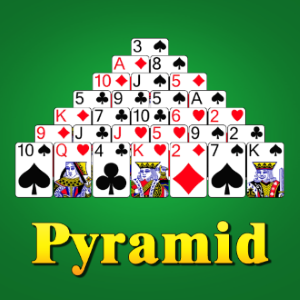
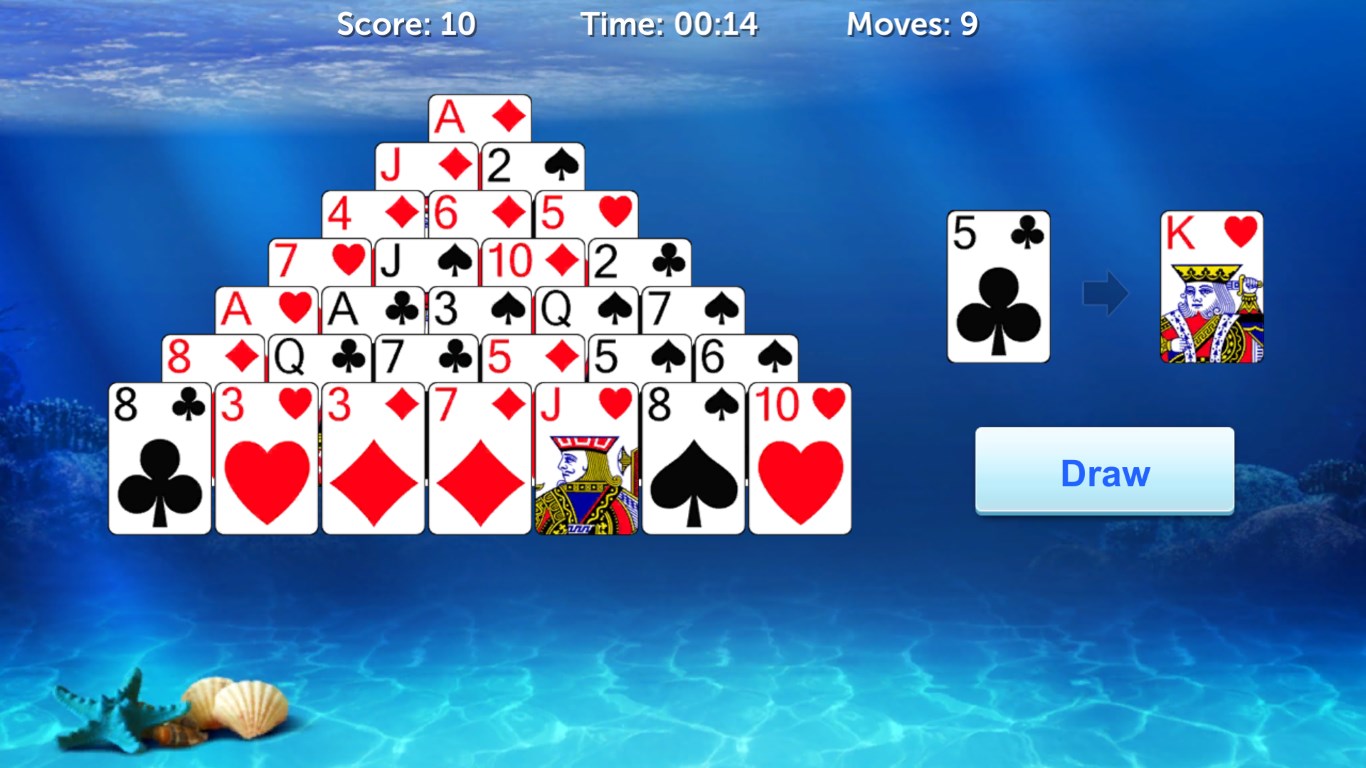
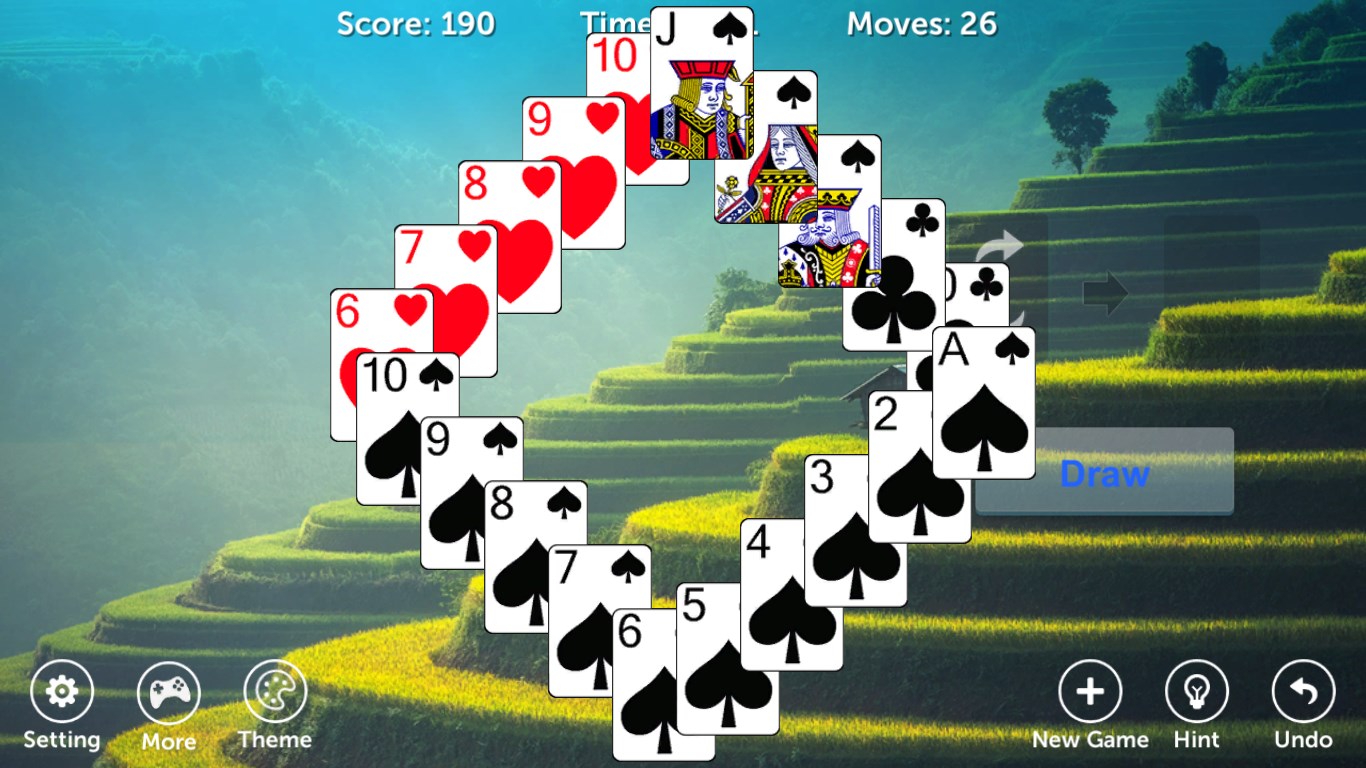
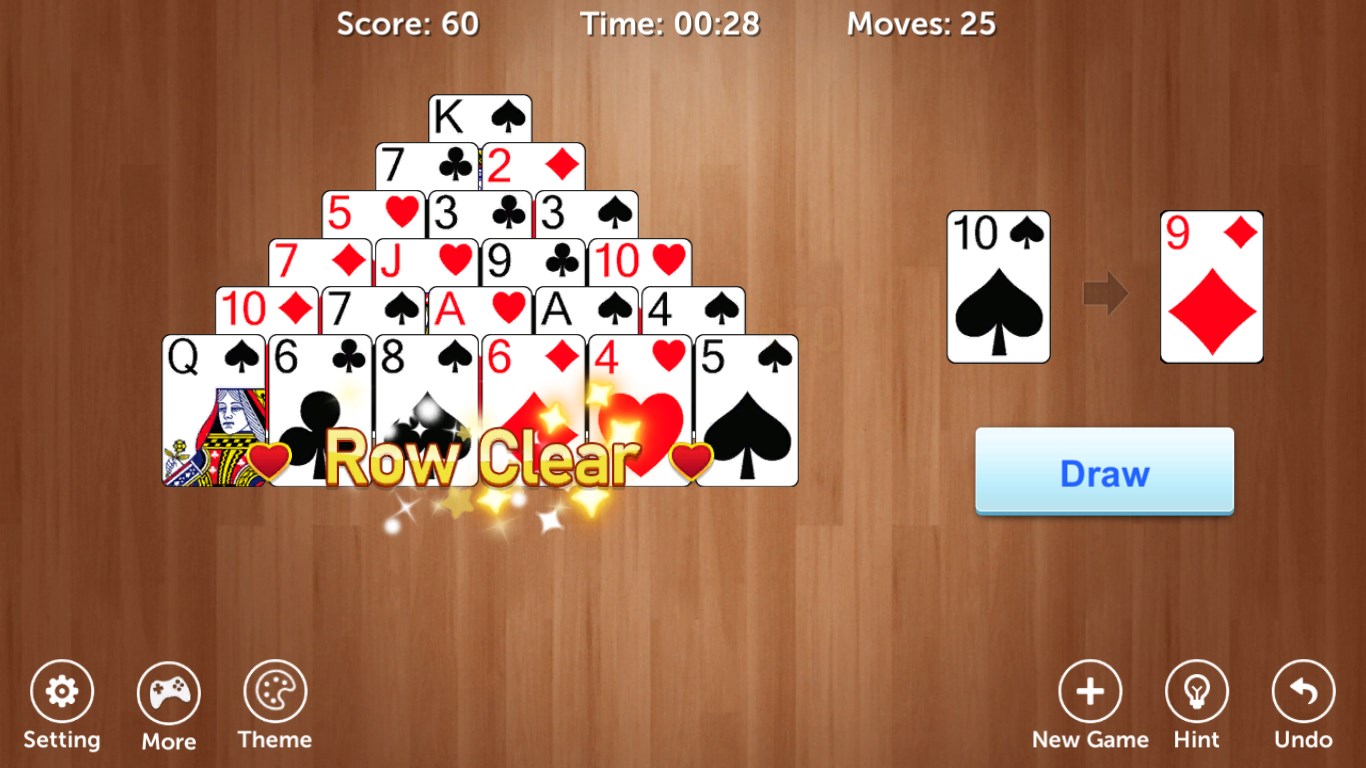
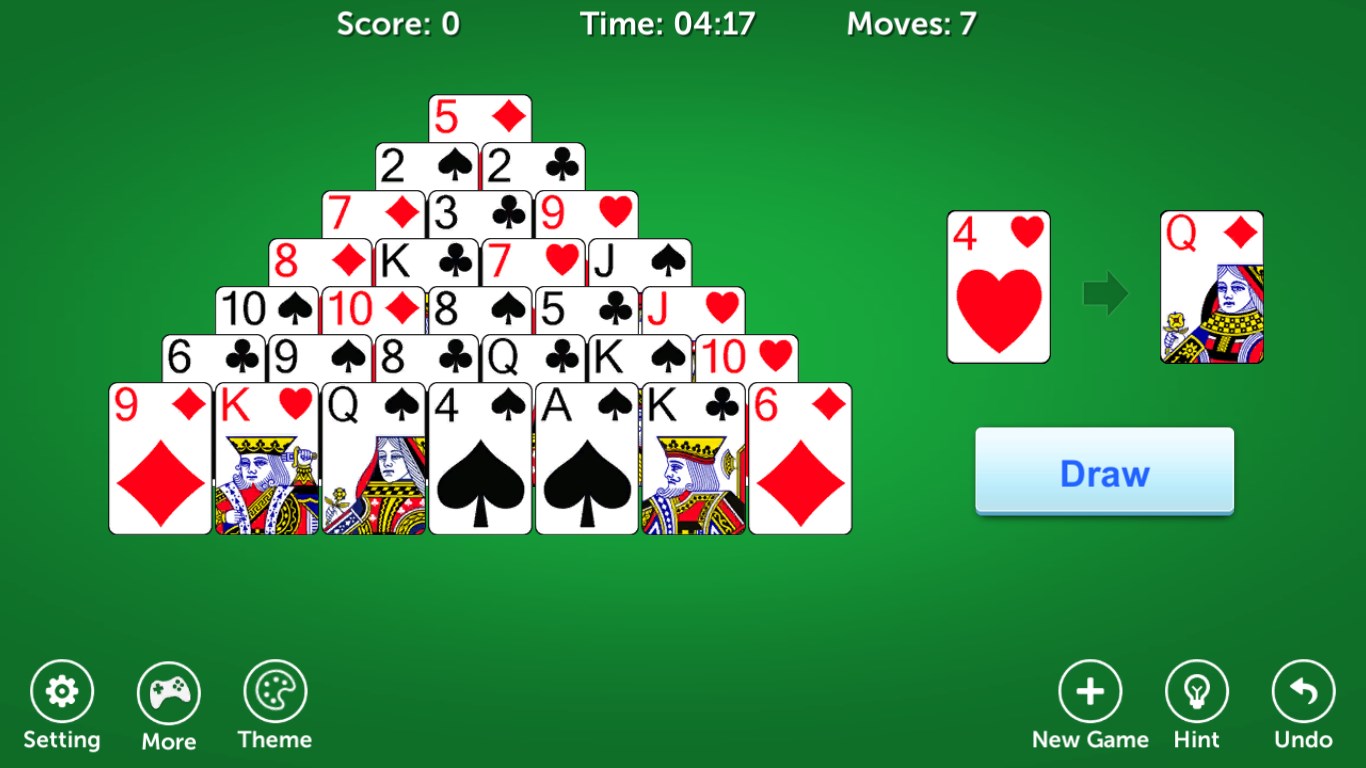
- Distinct Pyramid Layout: The game features a classic pyramid structure that challenges players to uncover hidden cards with a strategic eye, all set within a visually appealing design.
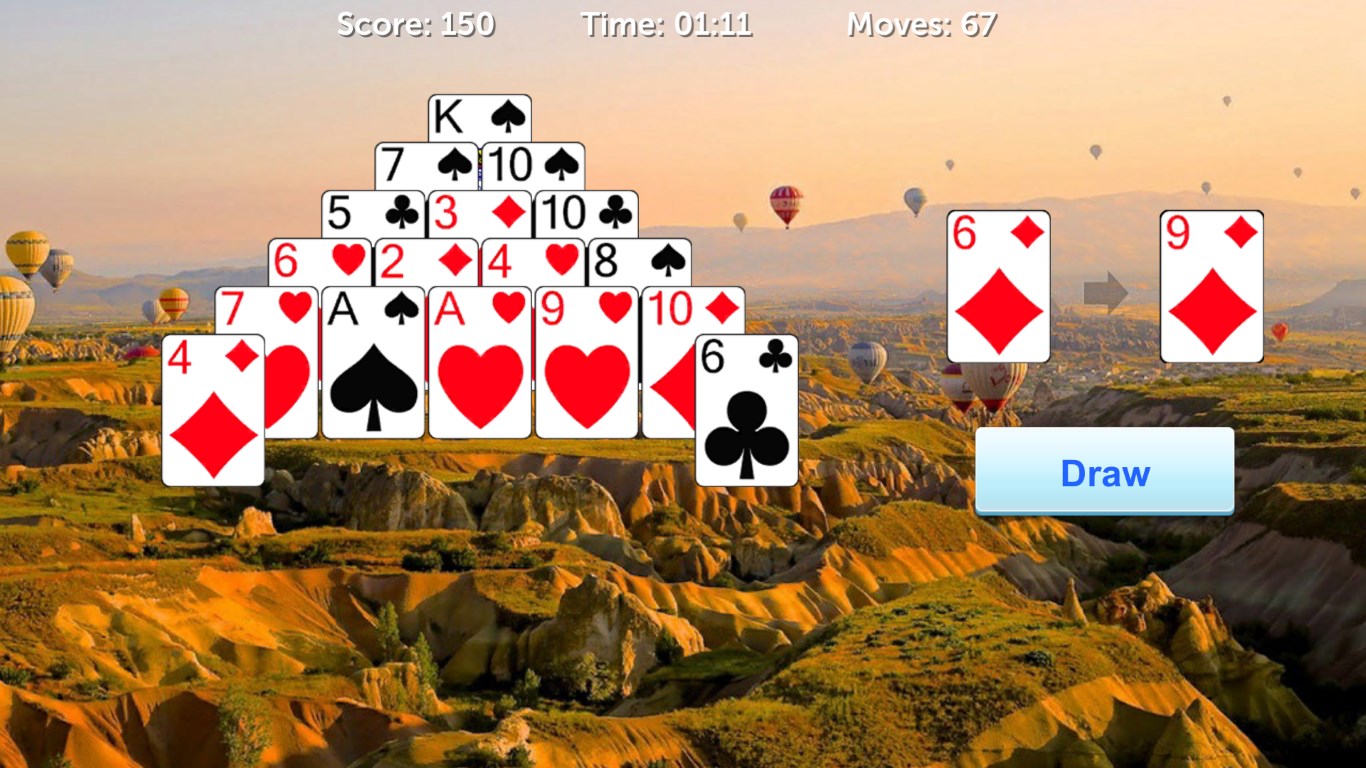
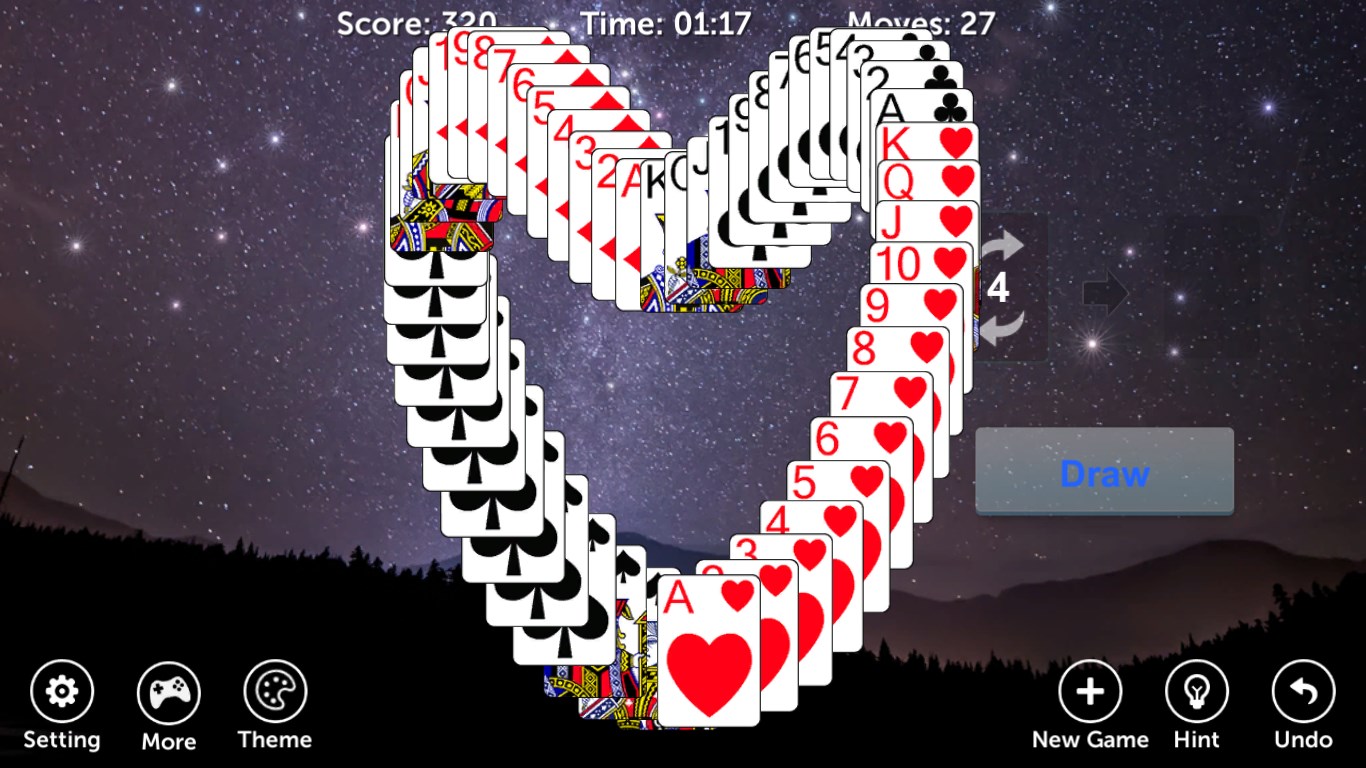
- Multiple Difficulty Levels & Customization: Whether you're a beginner or a seasoned pro, adjustable difficulty settings and customizable themes enrich the gameplay experience.
- Intuitive Interface & Seamless Play: The app boasts a clean, clutter-free interface with smooth interactions, allowing players to focus solely on their moves without distractions.
- Assistance & Undo Options: Support features like hints and undo moves provide a helping hand to players, making the game accessible and forgiving for newcomers.
Immersive Gameplay and User Experience
Jump into Pyramid Solitaire Pro!! and you'll find yourself immersed in a world where strategy meets serenity. The interface is designed with elegance—soft colors and clear card icons guide your eyes effortlessly from one move to the next. Navigating through the game feels like flipping through a well-organized deck in your hands—smooth and satisfying. The responsiveness of the controls is top-notch, eliminating any lag or frustration, which is crucial for maintaining flow in a card game. For those new to pyramid solitaire, the tutorial modes and hints make learning a breeze, reducing the usual learning curve and encouraging longer play sessions.
What Sets This App Apart from Others
While many card games on the market aim for eye-catching marketing, Pyramid Solitaire Pro!! impresses with its clean aesthetic and thoughtful features designed for genuine playability. Its standout attribute is the combination of customization options and difficulty modes, allowing both casual players and more competitive minds to find their sweet spot. Unlike typical casual card apps that focus purely on quick play, this title emphasizes strategic planning and patience, which makes it more akin to a brain-teaser than a fleeting distraction. Additionally, its user interface is distinctly streamlined—no ads cluttered around the gameplay—to keep you fully immersed in your puzzle-solving adventure.
Final Verdict and Recommendations
In summary, Pyramid Solitaire Pro!! is a well-executed digital adaptation of a classic game, offering a balanced mix of design, functionality, and user support. Its unique pyramid layout combined with the customizable features makes it stand out amidst a crowded field of card apps. I would recommend it to casual players looking for a relaxing pastime as well as more strategic minds seeking a challenge. For those who appreciate thoughtful UI and smooth gameplay experience, this app is indeed worth trying out. Whether you're waiting in line or unwinding at home, it provides a solid, engaging experience that keeps you coming back for another round of pyramid-solving fun.
Pros
- Intuitive and user-friendly interface
- Smooth and responsive gameplay
- Variety of game modes and difficulty levels
- Engaging graphics and animations
- Regular updates and bug fixes
Cons
- Limited customization options
- In-app advertisements can be intrusive
- Lack of detailed game statistics
- Some levels can be repetitive
- No offline mode for some features