

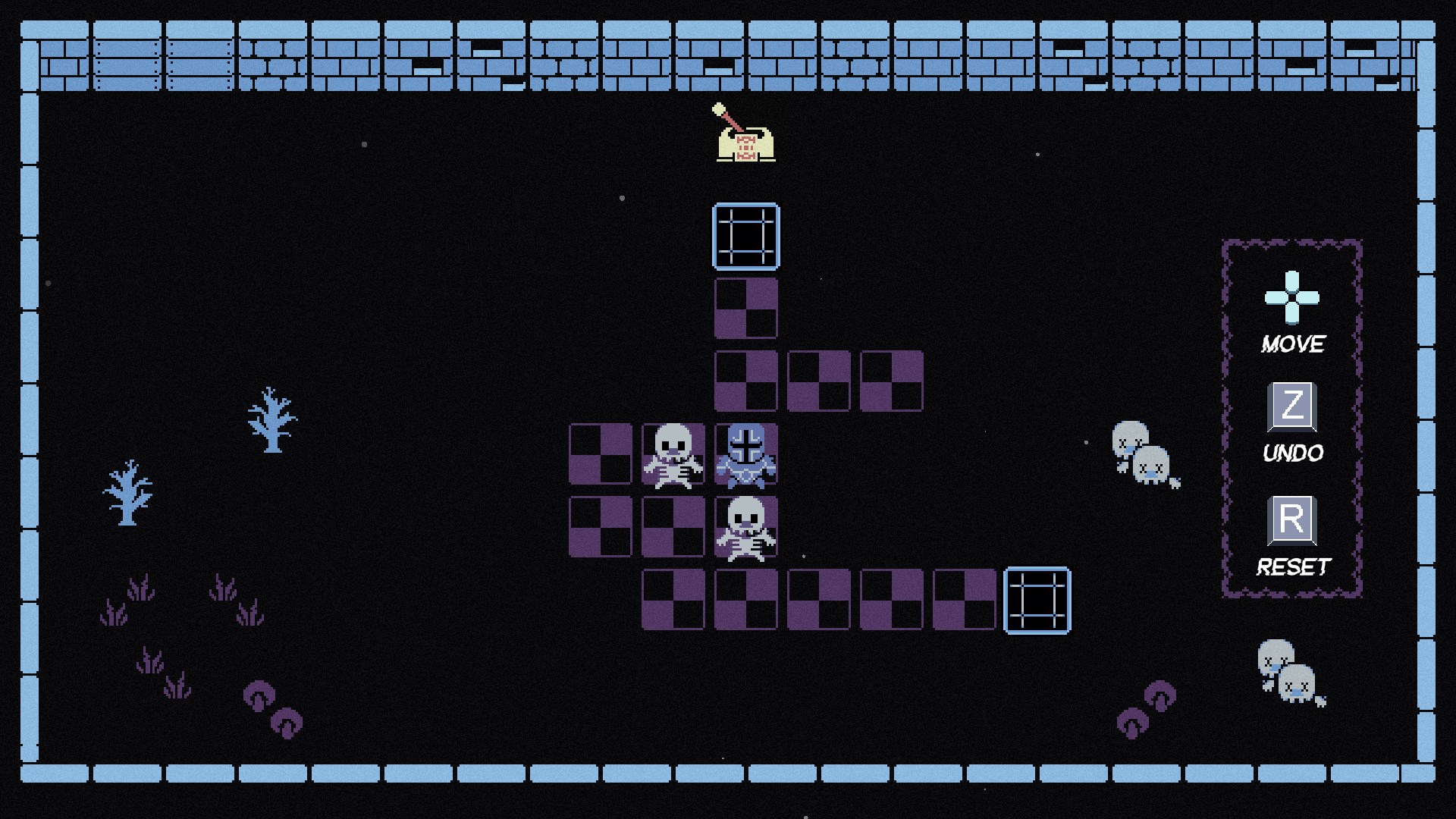
- Name Trigger Path (Windows)
- Category Puzzle & trivia
- Developer 2dragontails
- Available on PC
- OS Windows 10 version 18362.0 or higher
- Keyboard Integrated Keyboard
- DirectX Version 11
- Memory 4 GB
- languages English (United States)
Introducing Trigger Path for Windows: A Fresh Twist in Puzzle Gaming
Trigger Path offers a compelling mix of brain-teasing challenges and engaging gameplay, targeting puzzle enthusiasts eager for a novel experience. Developed by 2dragontails, this app aims to stand out in the crowded puzzle market with its unique mechanics and sleek design.
Developer and Core Features
Created by the innovative team at 2dragontails, Trigger Path emphasizes intuitive yet challenging gameplay. Its main features include dynamic path-tracing puzzles, customizable difficulty settings, and an interactive hint system. The app's focus on brain-training through creative problem-solving appeals to users seeking both entertainment and mental exercise.
Who's It For?
This application is perfect for casual gamers, puzzle aficionados, and anyone interested in improving logical thinking. Its user-friendly interface and adaptable difficulty make it suitable for beginners as well as seasoned puzzle solvers.
Engaging Puzzle Mechanics That Keep You Hooked
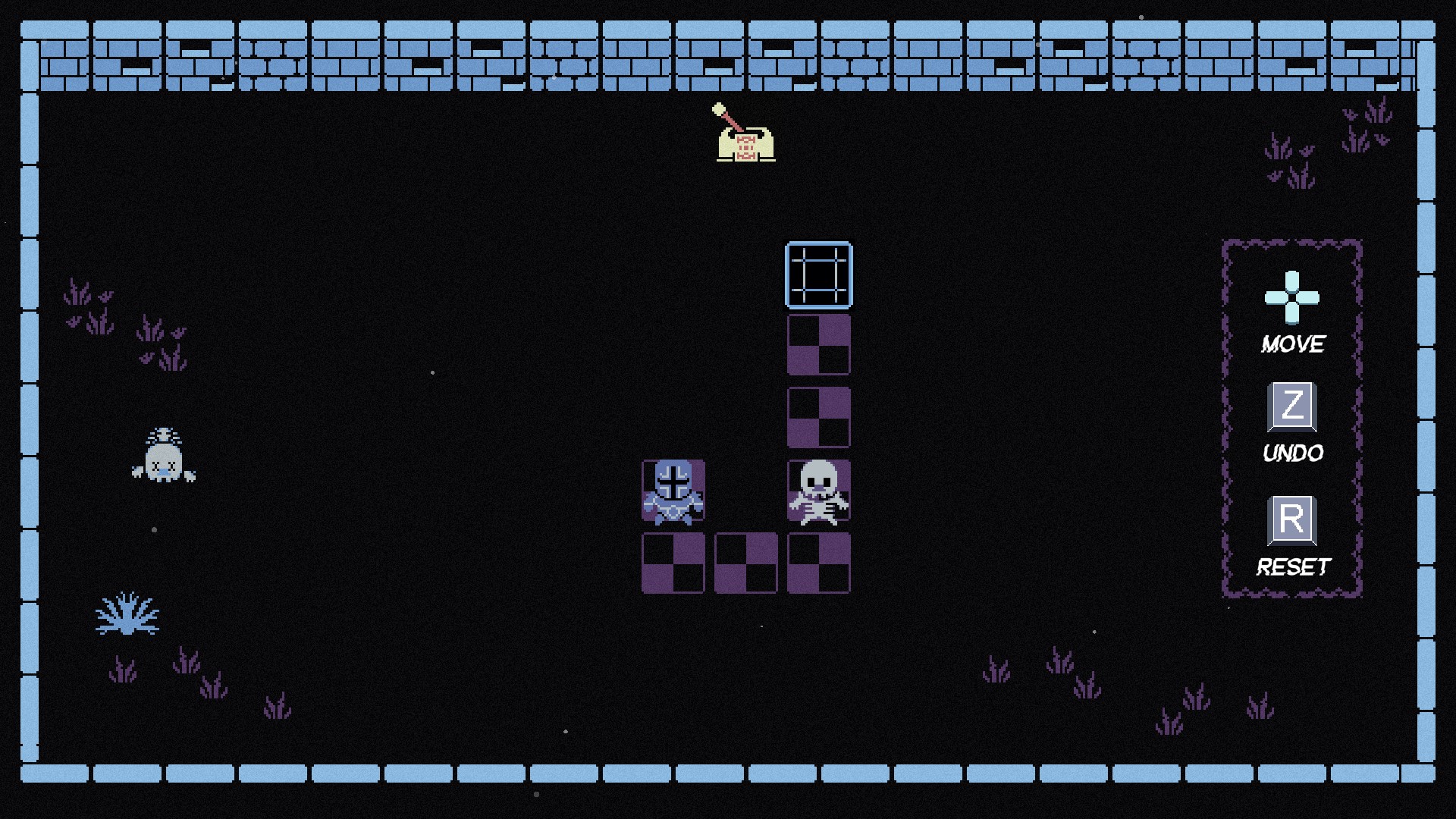
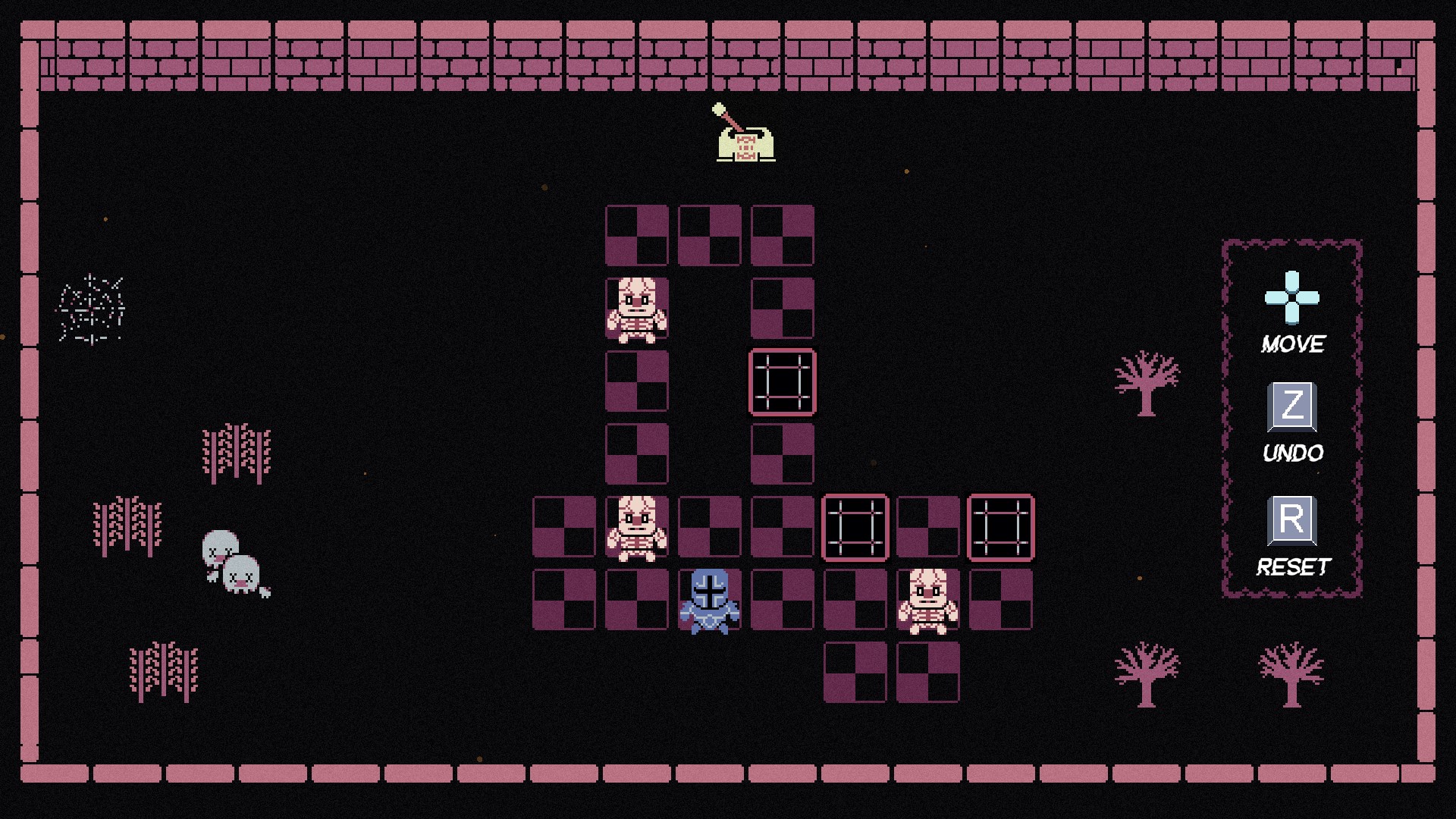
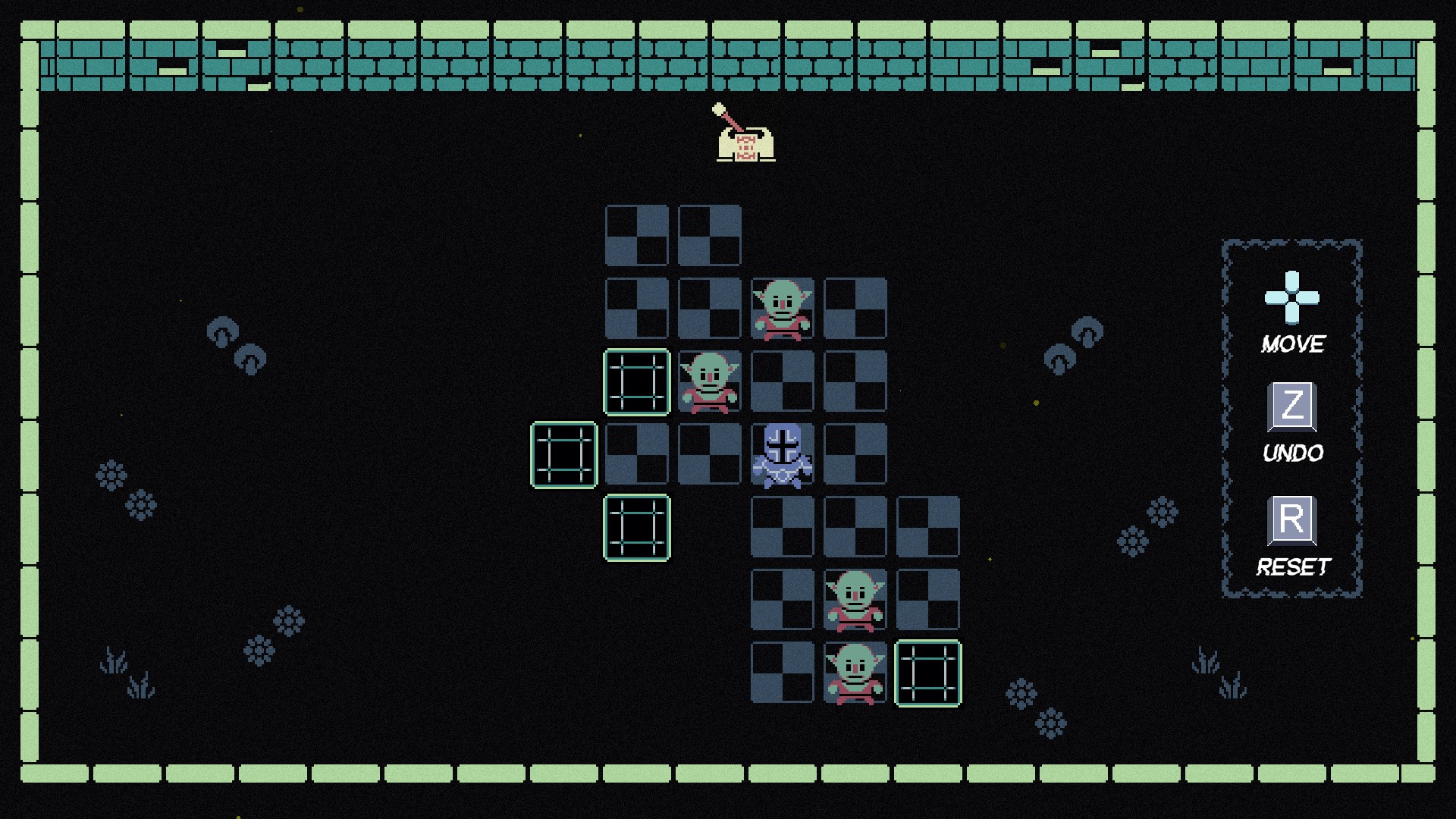
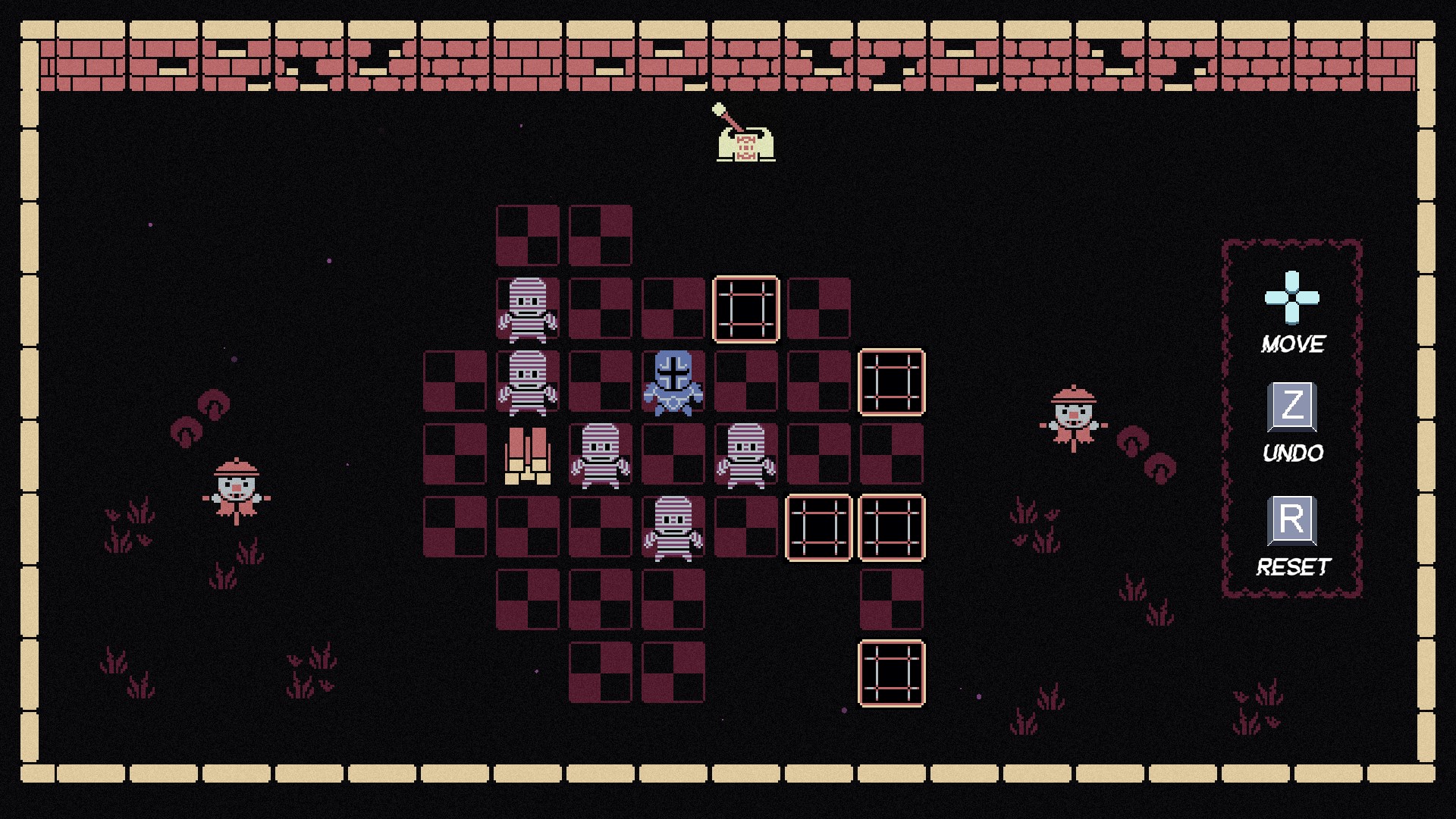
From the moment you launch Trigger Path, you're greeted with a vibrant, colorful interface that invites curiosity—like stepping into a high-tech labyrinth of glowing pathways. The core mechanic revolves around tracing and activating sequences that challenge your spatial awareness and foresight. What makes Trigger Path truly stand out is its innovative path-triggering system: you don't just solve puzzles; you trigger pathways that influence subsequent steps, adding layers of strategic depth.
The Heart of the Challenge: Dynamic Path-Triggering
This feature is the app's crown jewel. Unlike traditional puzzles that rely solely on pattern recognition, Trigger Path taps into real-time decision-making. As you progress, pathways light up and react to your actions, creating a dynamic puzzle environment. This mechanic keeps players engaged, offering a sense of control and immediate feedback that deepens the gameplay experience.
Smooth, Intuitive Interface and Seamless Navigation
Trigger Path boasts a clean, minimalistic design reminiscent of a circuit board come alive—bright lines and nodes inviting exploration. The interface is thoughtfully designed so players can easily understand the goals at each stage without clutter or confusion. Navigating through levels feels fluid, with responsive touch controls that make tracing paths feel natural. Even for first-time users, the learning curve is gentle; tutorials are embedded within the game to help you grasp complex mechanics without frustration.
Unique Selling Point: Personalization and Adaptive Difficulty
One of Trigger Path's most compelling features is its adaptive difficulty engine. Unlike other puzzle apps that can overwhelm beginners or bore experienced players, Trigger Path intelligently adjusts the challenge based on your performance. Plus, the app allows a high level of customization—players can choose themes, time limits, or even create custom puzzles, enabling a personalized experience that keeps the game fresh and engaging over time.
Final Verdict: A Thoughtful, Engaging Puzzle Adventure
Trigger Path strikes an appealing balance between straightforward gameplay and strategic depth, making it suitable for casual playing or more serious mental workouts. Its standout path-triggering mechanic—a feature that subtly revolutionizes puzzle interactions—gives it an edge over similar apps. The clean design, fluid controls, and adaptive difficulty enhance overall user experience, making it easy to recommend to puzzle lovers looking for something unique yet accessible.
If you're someone who enjoys logical challenges with a twist of creativity, Trigger Path is definitely worth a try. Its innovative mechanics encourage you to think ahead while offering enough variation to stay captivated. For those seeking a puzzle app that feels both fresh and rewarding, Trigger Path deserves a prominent spot on your device. Happy path-tracing!
Pros
- Intuitive path tracing visualization
- Real-time performance analysis
- Seamless integration with Windows graphics tools
- Supports complex shader debugging scenarios
- User-friendly interface
Cons
- Limited platform support
- Steep learning curve for beginners
- Occasional performance lag with large projects
- Sparse documentation in some advanced features
- Limited export options for debug data











