

- Name Tile Guru: Match Fun
- Category Puzzle & trivia
- Developer Clever Apps Pte. Ltd.
- Available on PC, Mobile, Surface Hub, HoloLens
- OS Windows 10 version 17763.0 or higher
- languages English (United States)
Discover the Joy of Match-3 Gaming with Tile Guru
Tile Guru: Match Fun for Windows offers a refreshing twist on classic match-3 puzzles, combining vibrant visuals with engaging gameplay designed to entertain players of all ages. Whether you're a casual gamer seeking quick fun or a puzzle enthusiast craving a new challenge, this app aims to deliver a colorful and satisfying experience.
About the Developers and Core Features
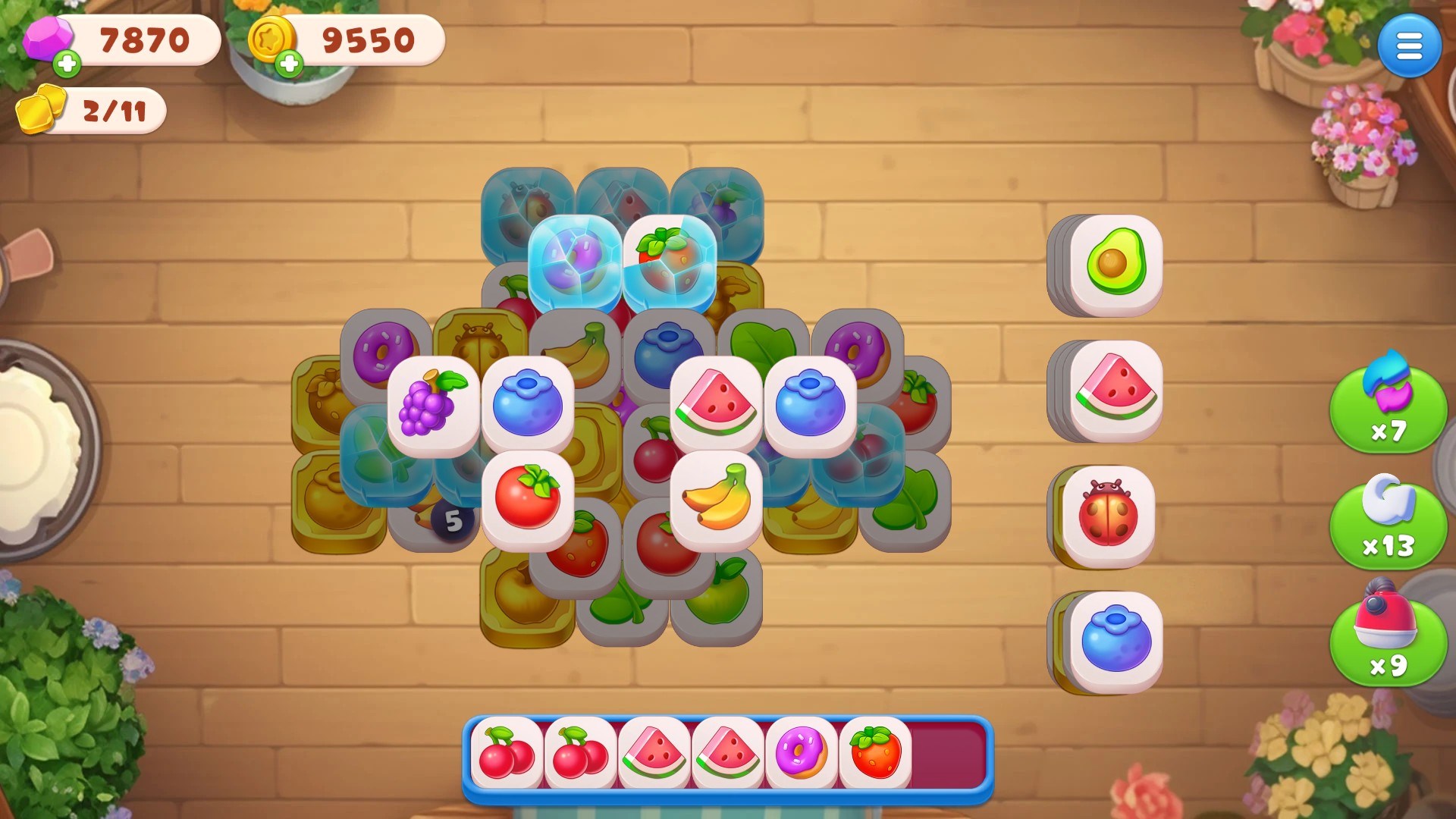
Developed by Clever Apps Pte. Ltd., a team known for crafting user-friendly mobile and desktop puzzle games, Tile Guru brings their expertise to the Windows platform. The game's standout features include intuitive tile-matching mechanics, a variety of challenging levels, and smooth animation effects. Additionally, it offers power-ups and boosters that add strategic depth, making each game session engaging.
The app primarily targets casual players who enjoy relaxing yet stimulating puzzles, as well as competitive players interested in tracking their progress through leaderboards. Its approachable design makes it appealing to a broad age range, from young learners to seasoned puzzle fans.
Engaging Gameplay and User Experience
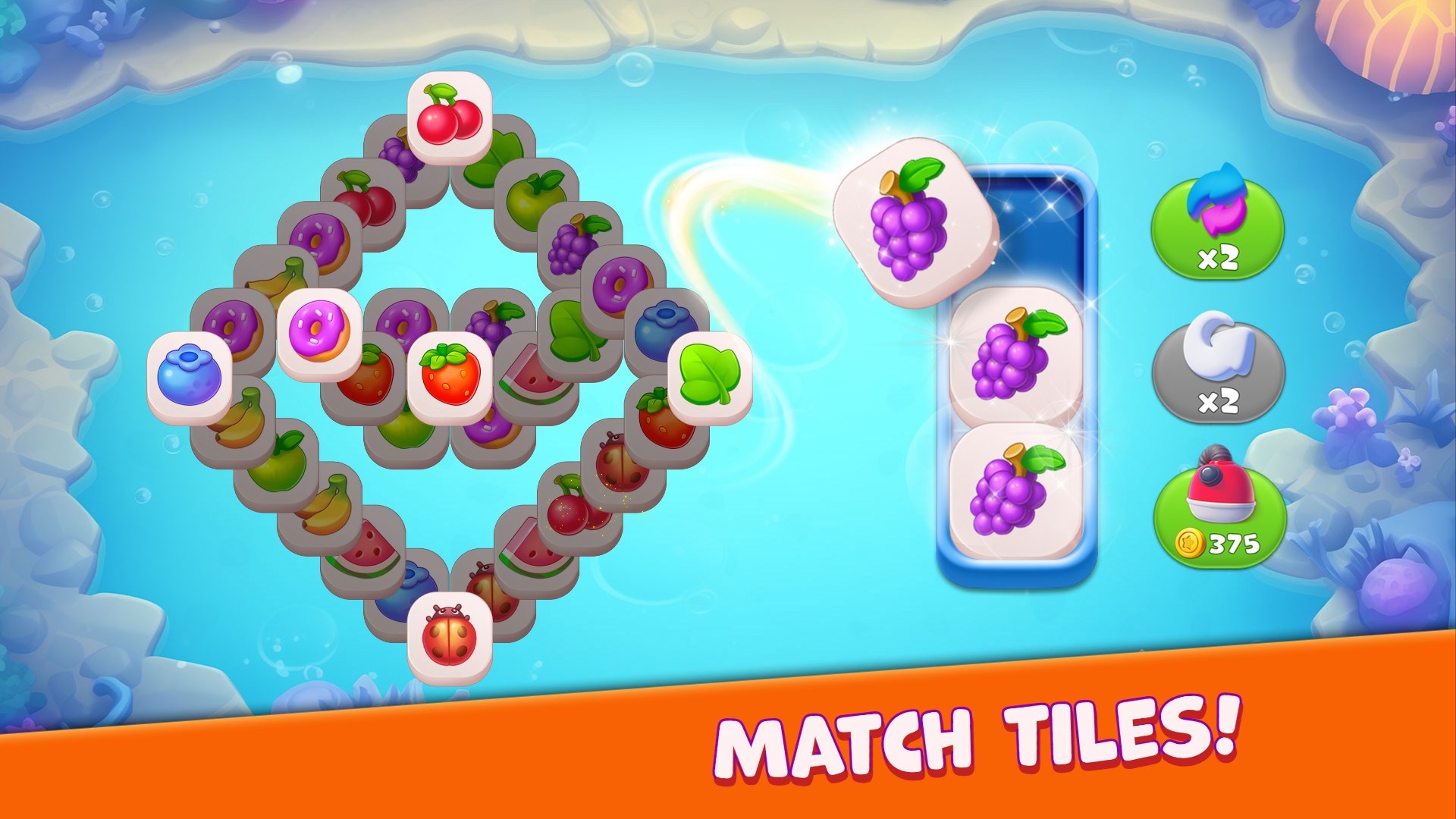
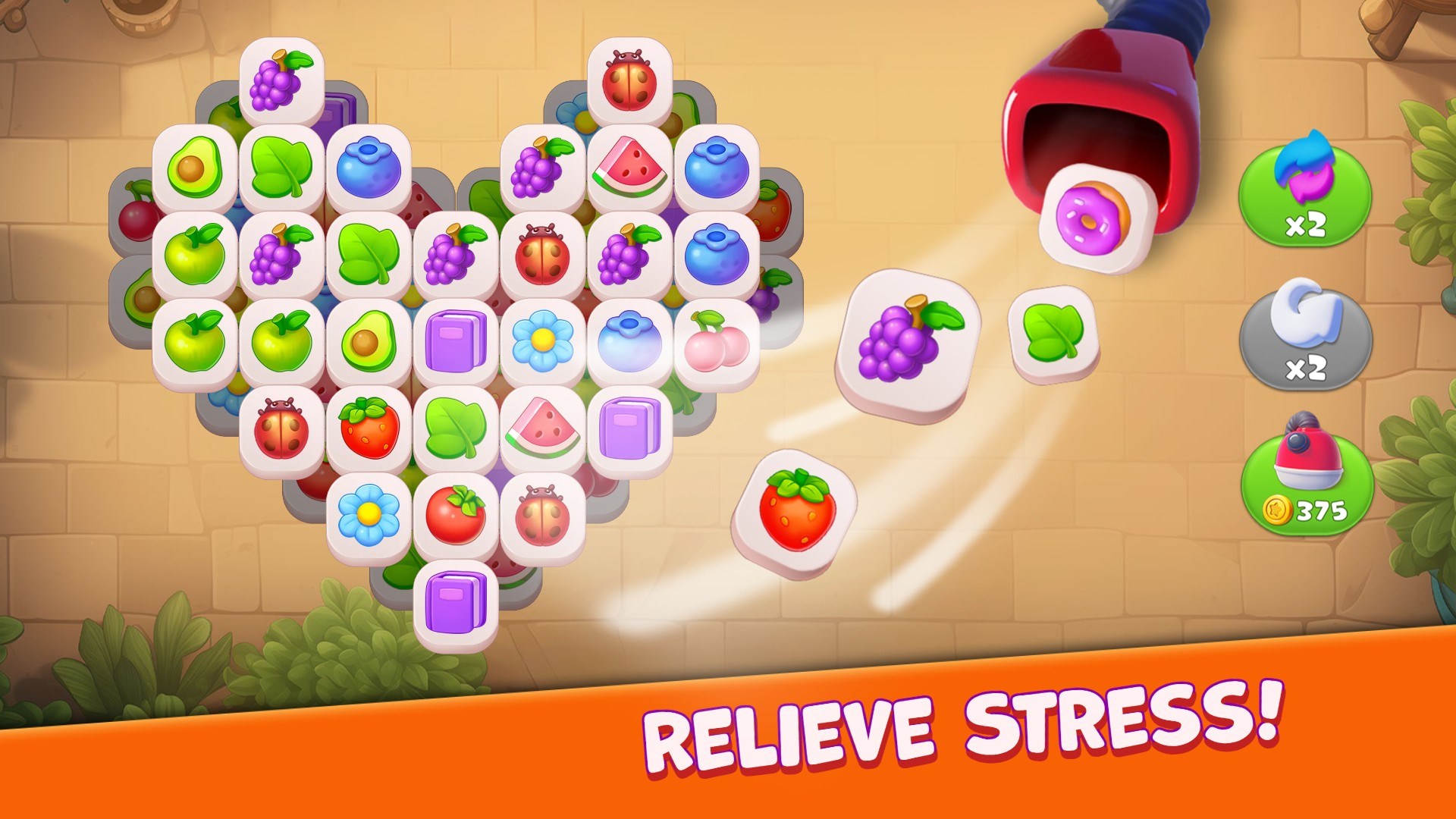
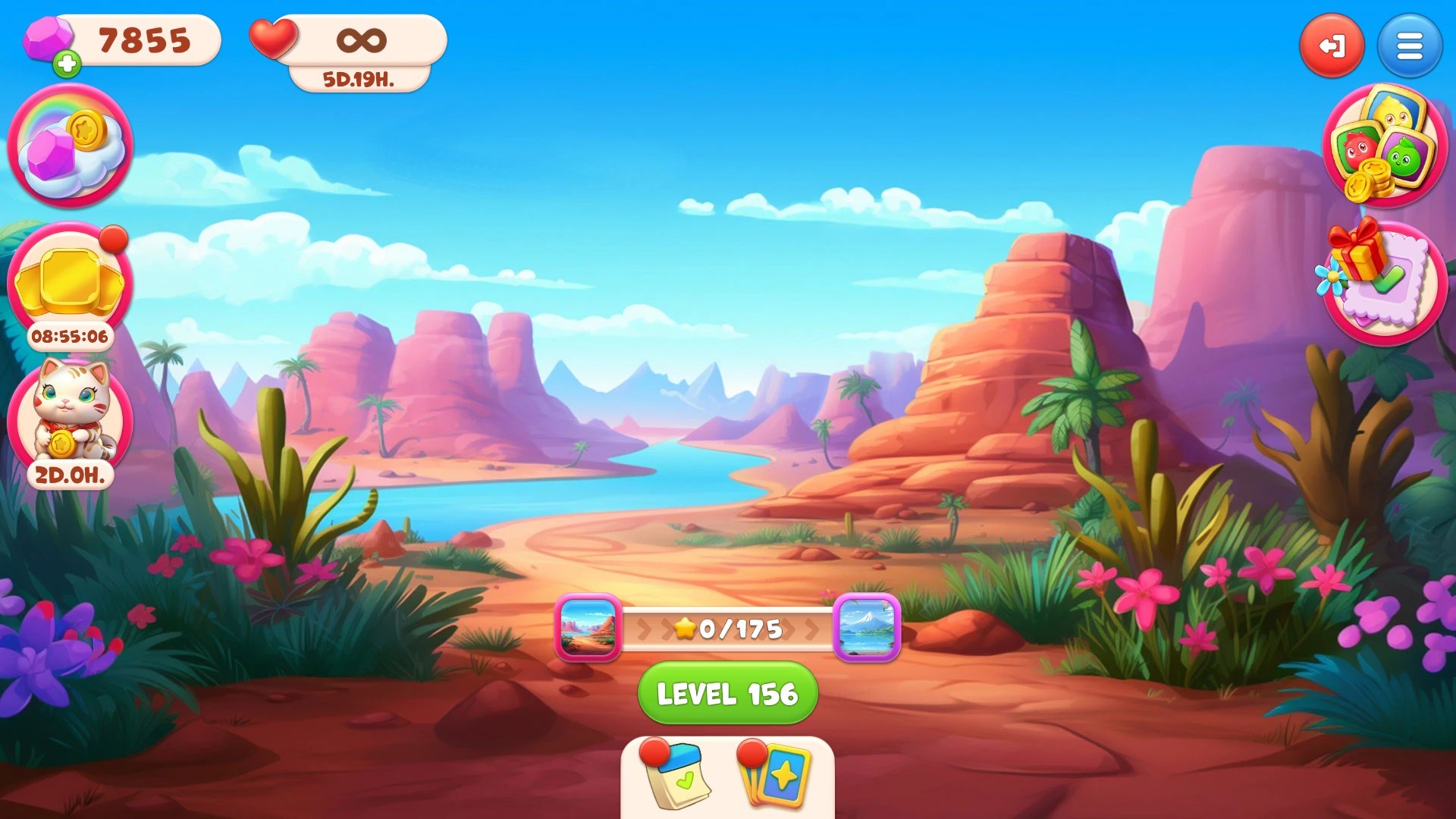
Stepping into Tile Guru feels akin to entering a vibrant mosaic workshop—colors burst on the screen as tiles seamlessly slide into place. The game's interface boasts a clean, joyful aesthetic, with clear icons and smooth transitions that invite players to dive right in. The controls are responsive and intuitive, meaning you can concentrate on strategizing rather than wrestling with the game mechanics.
From the outset, the learning curve is gentle; tutorials are embedded naturally into gameplay, guiding newcomers without feeling intrusive. As levels progress, the difficulty ramps up gradually, ensuring players are continually challenged without becoming overwhelmed. The game's fluid animations contribute to a polished feel, making each match satisfying as tiles click into place with satisfying sound effects.
What Sets Tile Guru Apart from Other Puzzle Games
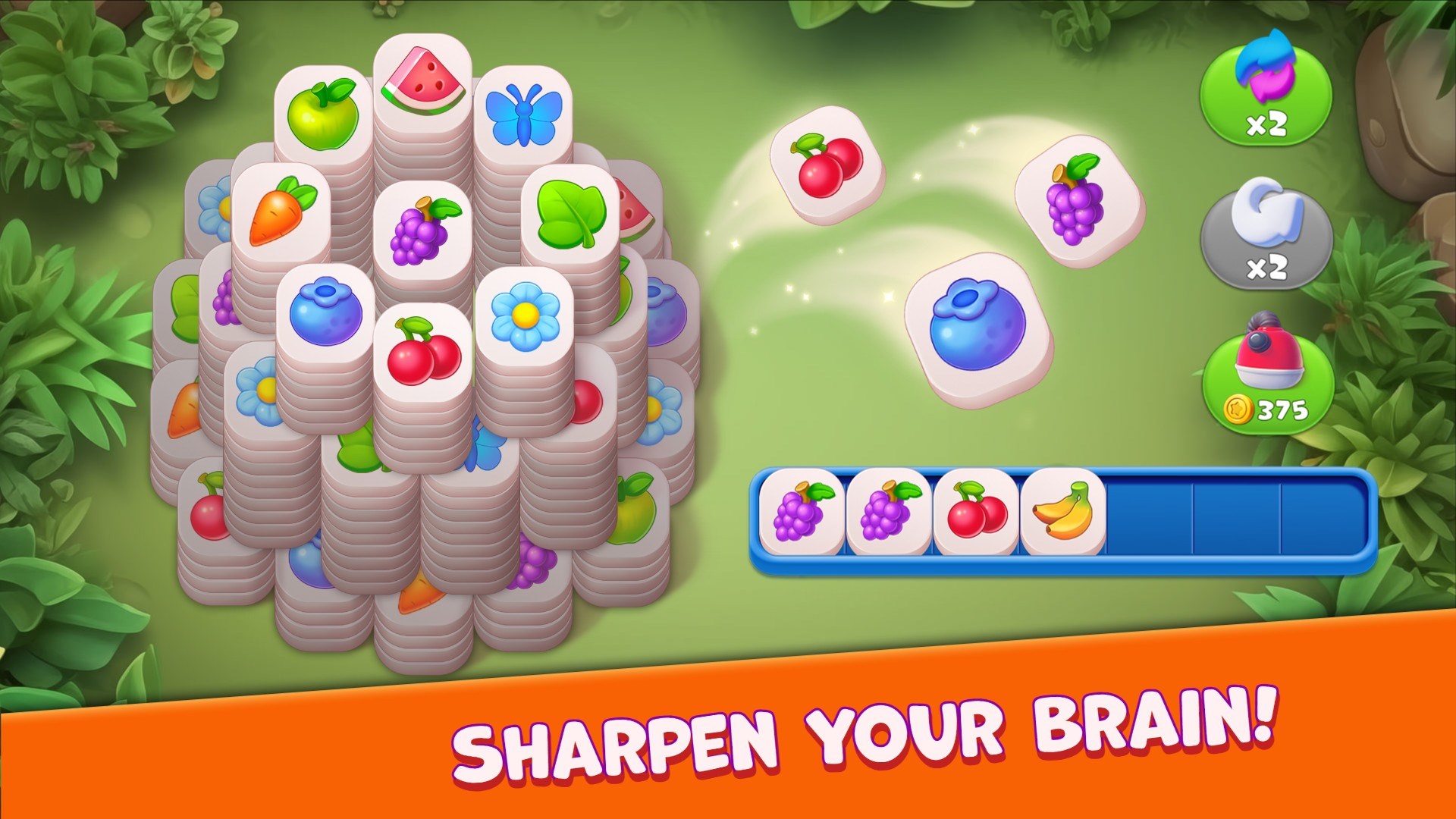
Compared to many other match-3 titles or puzzle apps, Tile Guru's distinctive advantage lies in its elegant balance of simplicity and strategic complexity. The game focuses on core matching mechanics but introduces unique tile types and power-ups that require players to think ahead. For instance, some levels feature special tiles that clear entire rows or columns, but timing their activation adds a layer of tactical planning—not just mindless matching.
Moreover, the game leverages vibrant, high-quality artwork that makes each level visually appealing, encouraging longer play sessions. Unlike some puzzle games that rely heavily on time pressure or aggressive monetization, Tile Guru emphasizes thoughtful gameplay, making it suitable for those who value quality entertainment over quick thrills.
Final Thoughts and Recommendations
All in all, Tile Guru: Match Fun presents a well-crafted and charming puzzle experience. Its user-friendly interface, combined with strategic gameplay elements, makes it suitable for a wide audience—from casual players to puzzle connoisseurs. If you appreciate games that blend visual delight with intellectual challenge, this app is a commendable choice.
While it may not revolutionize the match-3 genre, it succeeds in delivering a satisfying and visually pleasing experience that's easy to pick up but hard to put down. We recommend giving it a try—perfect for quick breaks or a relaxing afternoon puzzle session. Just be prepared to get hooked on matching those tiles in pursuit of high scores and level mastery!
Pros
- Engaging Match Mechanics
- User-Friendly Interface
- Colorful Visuals and Animations
- Daily Rewards and Incentives
- Available Offline Play
Cons
- Limited Game Modes
- Ads Interrupt Gameplay
- Slightly Repetitive Puzzles
- Performance on Low-End Devices
- Lack of Tutorials for Beginners











