



- Name Survivors: The Quest
- Category Puzzle & trivia
- Available on PC
- OS Windows 10 version 16299.0 or higher
- languages Chinese (Simplified), Chinese (Traditional Chinese), English, French, German, Italian, Japanese, Korean, Portuguese, Portuguese (Portugal), Russian, Spanish
Discover the World of Survivor: The Quest for Windows
Survivors: The Quest for Windows is an engaging puzzle adventure game that invites players to embark on a journey through mysterious landscapes, solving riddles and uncovering hidden secrets along the way. Developed by G5 Entertainment AB, this app aims to captivate lovers of brain-teasing puzzles with its intriguing storyline and well-crafted gameplay.
A Quick Glimpse: What Makes This App Stand Out?
Crafted for puzzle enthusiasts and adventure seekers alike, Survivors: The Quest for Windows combines narrative storytelling with challenging puzzles. Its core strengths lie in its immersive storyline, innovative puzzle mechanics, and user-friendly interface. The game's primary focus is on encouraging exploration and logical thinking, making it suitable for casual players and dedicated gamers alike. G5 Entertainment AB, known for their high-quality mobile games, brings a reputation for polished content and engaging user experiences to this title, which is available on the Microsoft Store.
Immersive Storytelling Meets Engaging Puzzle Solving
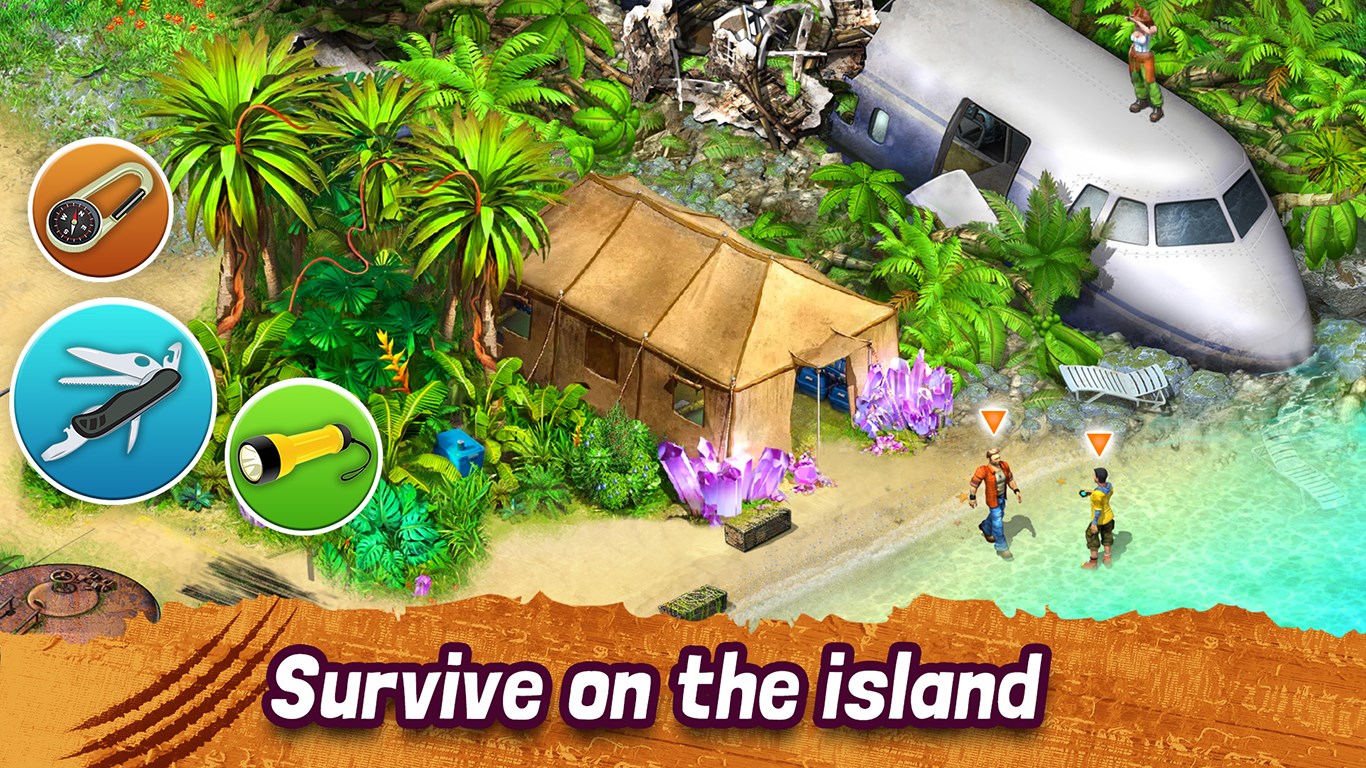
Imagine stepping into a world where each puzzle unlocks a piece of a compelling story — that's what Survivors offers. Set against hauntingly beautiful visuals, the game's narrative is woven into its puzzles, creating a seamless experience that feels like unraveling an ancient mystery. As you navigate through abandoned buildings, forgotten landscapes, or secret underground chambers, you're not just solving puzzles; you're uncovering the story behind each location.
Core Features that Keep You Hooked
1. Innovative Puzzle Mechanics: Think Beyond Traditional
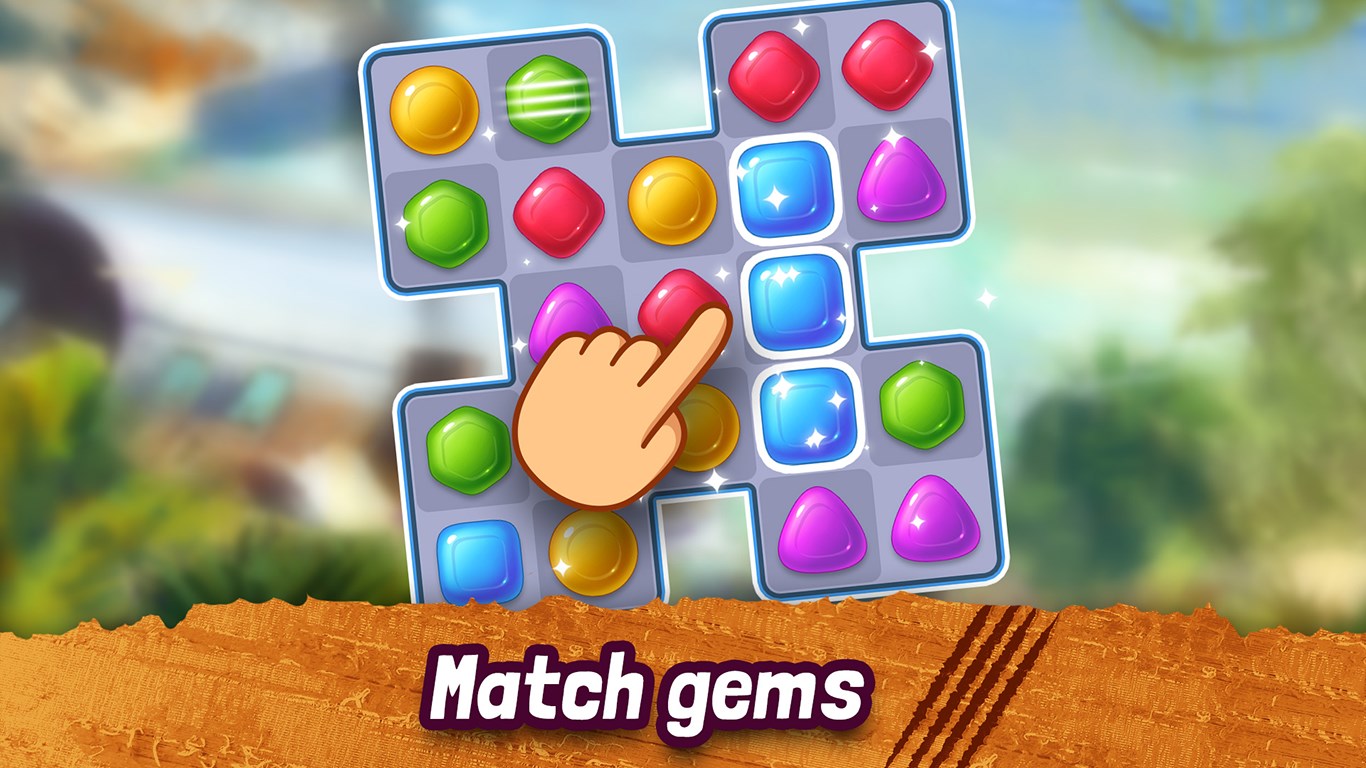
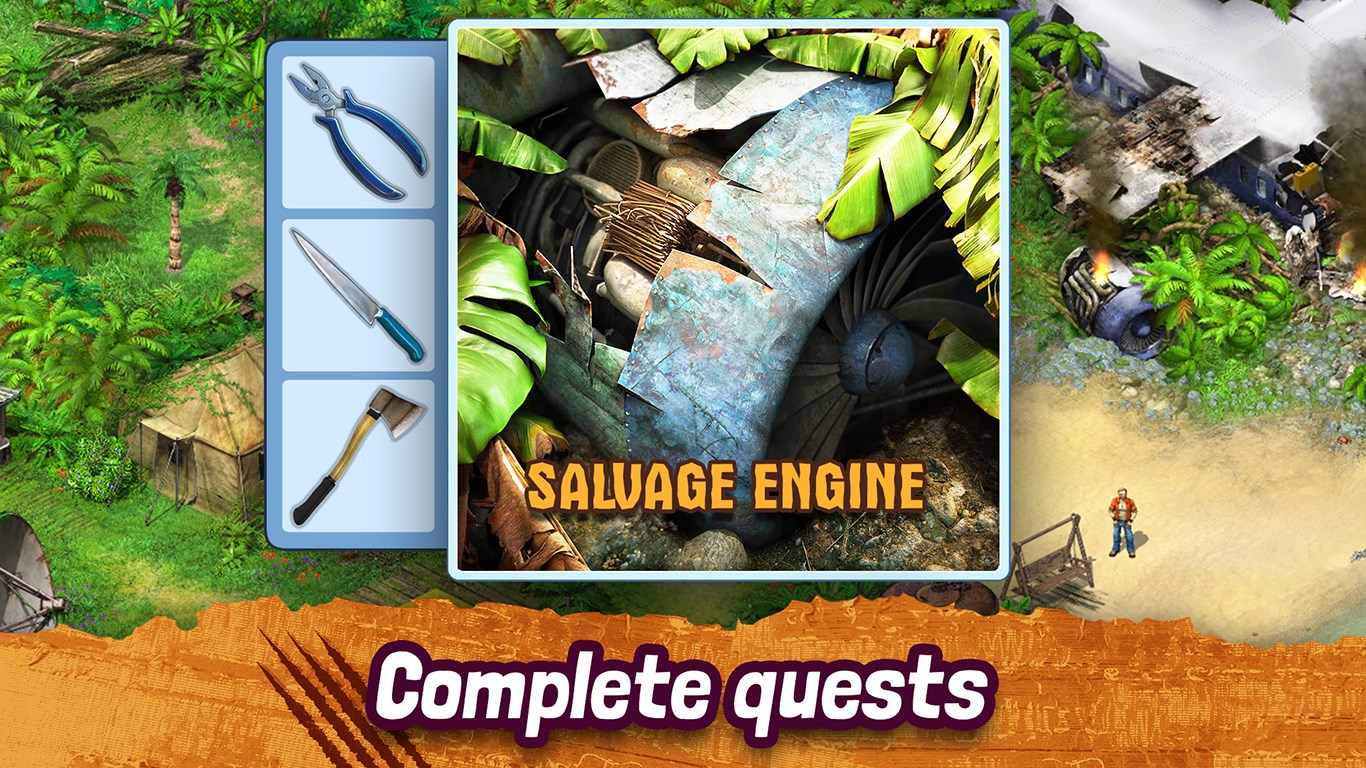
Unlike typical match-three or trivia apps, Survivors introduces a variety of puzzle types, from pattern recognition to logic-based challenges. For example, players might need to reconstruct a broken artifact by solving spatial puzzles or decode cryptic messages using clues found throughout the game. These diverse mechanics keep the gameplay fresh and stimulate different parts of your brain, making each puzzle feel like a unique adventure.
2. Immersive Visuals and Soundscapes
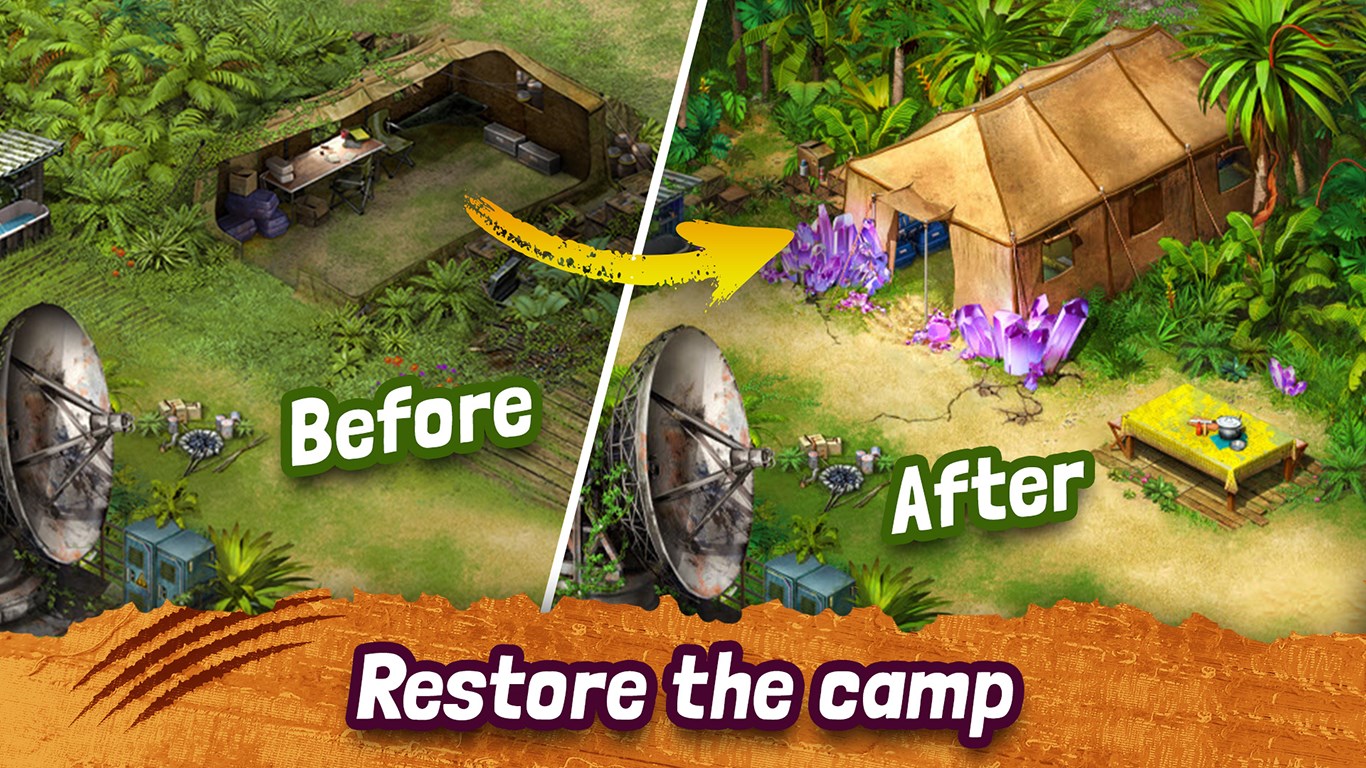
The game boasts detailed, atmospheric artwork that vividly portrays the mysterious environments players explore. Combined with evocative sound design, it immerses you into a world that feels alive and filled with secrets waiting to be unearthed. The interface is intuitive, with touch controls that respond smoothly, ensuring players can focus on solving puzzles without technical distractions.
3. User Experience and Learning Curve
Survivors strikes a great balance between Challenge and Accessibility. The tutorial system guides new players gently into the mechanics, while the difficulty gradually ramps up for seasoned puzzle solvers. The interface is clean and uncluttered, making navigation effortless, even for those unfamiliar with complex adventure games. The game adapts well to various skill levels, meaning both casual players and dedicated explorers will find satisfaction in their progress.
The Unique Edge: Why Survivors Stands Out
What truly sets Survivors apart from other puzzle and trivia apps is its seamless integration of storytelling with puzzle gameplay and its focus on exploration. Unlike typical quiz-based apps or simple match games, Survivors invites players into a narrative-driven world, where every puzzle reveals a new clue or story fragment. This narrative depth creates a more engaging experience, akin to reading a captivating mystery novel that you actively participate in. The game's variety of puzzle types and atmospheric design work together to offer a fresh twist on the adventure puzzle genre, making it not just a game but an experience.
Final Verdict: Is It Worth Your Time?
Considering its compelling storyline, diverse puzzle types, and high-quality visuals, Survivors: The Quest for Windows is a strong recommendation for puzzle fans looking for more than just mindless entertainment. It's especially suitable if you enjoy games that challenge your intellect while immersing you in a captivating story. We'd rate it as a solid “Highly Recommended” for players seeking a thoughtfully crafted puzzle adventure. For those interested in exploring mystery with a cognitive twist, this app deserves a spot on your device.
Pros
- Engaging Gameplay
- Customizable Characters
- High-Quality Graphics
- Regular Updates
- Accessible UI
Cons
- Occasional Lag
- In-App Purchase Temptations
- Battery Consumption
- Limited Offline Mode
- Occasional Minor Bugs











