

- Name Sudoku Free
- Category Puzzle & trivia
- Developer Fons Sonnemans
- Available on PC
- OS Windows 10 version 17763.0 or higher
- languages Dutch, English (United States), French, Spanish, Spanish (Spain)
A Fresh Take on Classic Sudoku: A Review of Sudoku Free for Windows
If you're a puzzle enthusiast craving a clean, straightforward Sudoku experience on your Windows device, Sudoku Free by Reflection IT offers a welcoming digital canvas to sharpen your mind. With its simple interface and smooth gameplay, it aims to bring the timeless satisfying challenge of Sudoku straight to your desktop without unnecessary bells and whistles.
About the App: Essentials in a Nutshell
Sudoku Free for Windows, developed by Fons Sonnemans and published by Reflection IT, positions itself as a dedicated, no-frills Sudoku puzzle app designed to serve casual players and dedicated fans alike. It focuses on delivering pure Sudoku gameplay with minimal distractions.
- Developer/Team: Fons Sonnemans
- Primary Features:
- Intuitive and clutter-free interface that emphasizes gameplay clarity
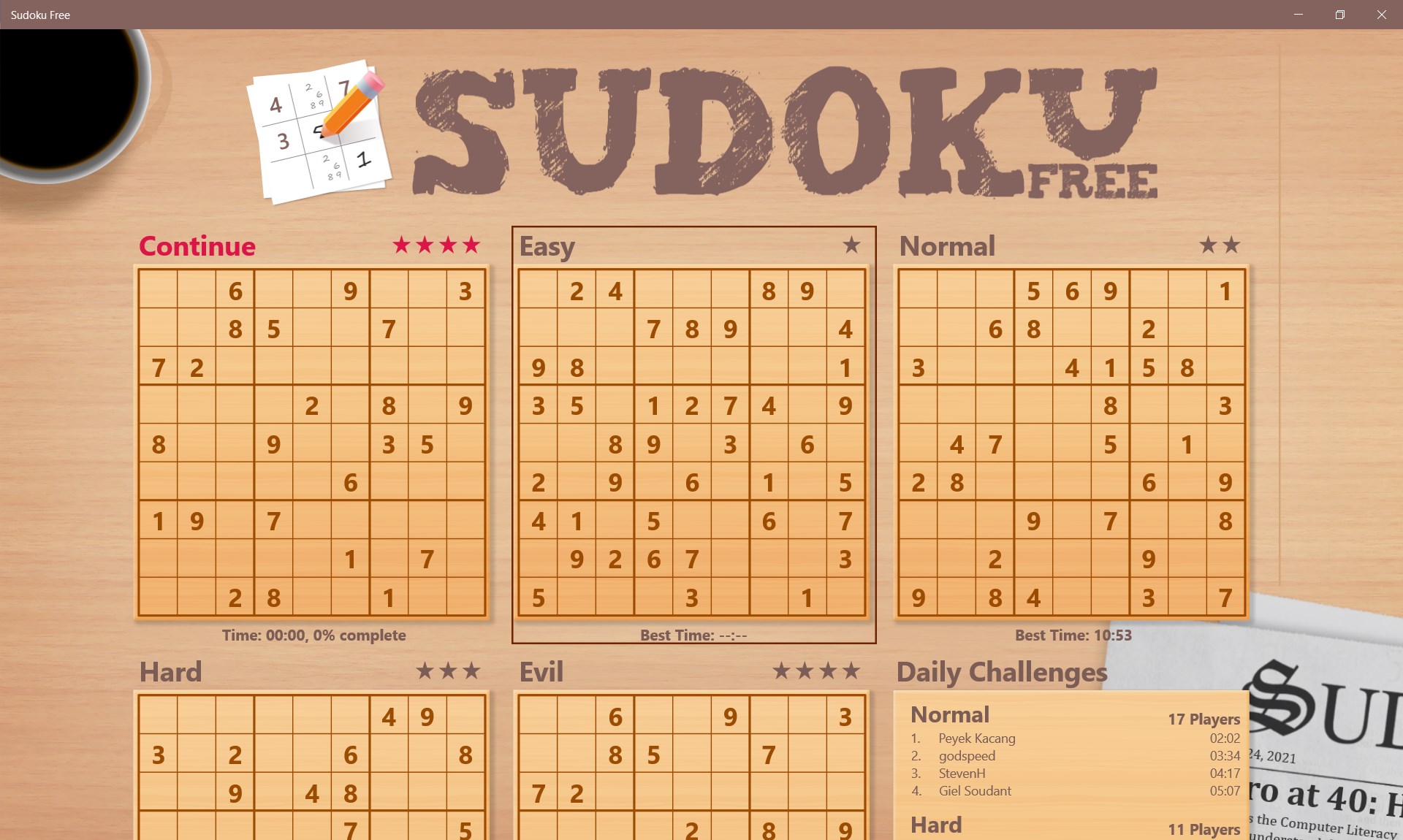
- Flexible difficulty levels catering to both beginners and experts
- Multiple game modes including classic puzzles and custom challenges
- No advertisements, offering an uninterrupted puzzle-solving experience
- Target Audience: Puzzle lovers seeking a straightforward, distraction-free Sudoku experience; learners and veterans alike wanting a quick mental workout on Windows.
Engaging and Straightforward Gameplay
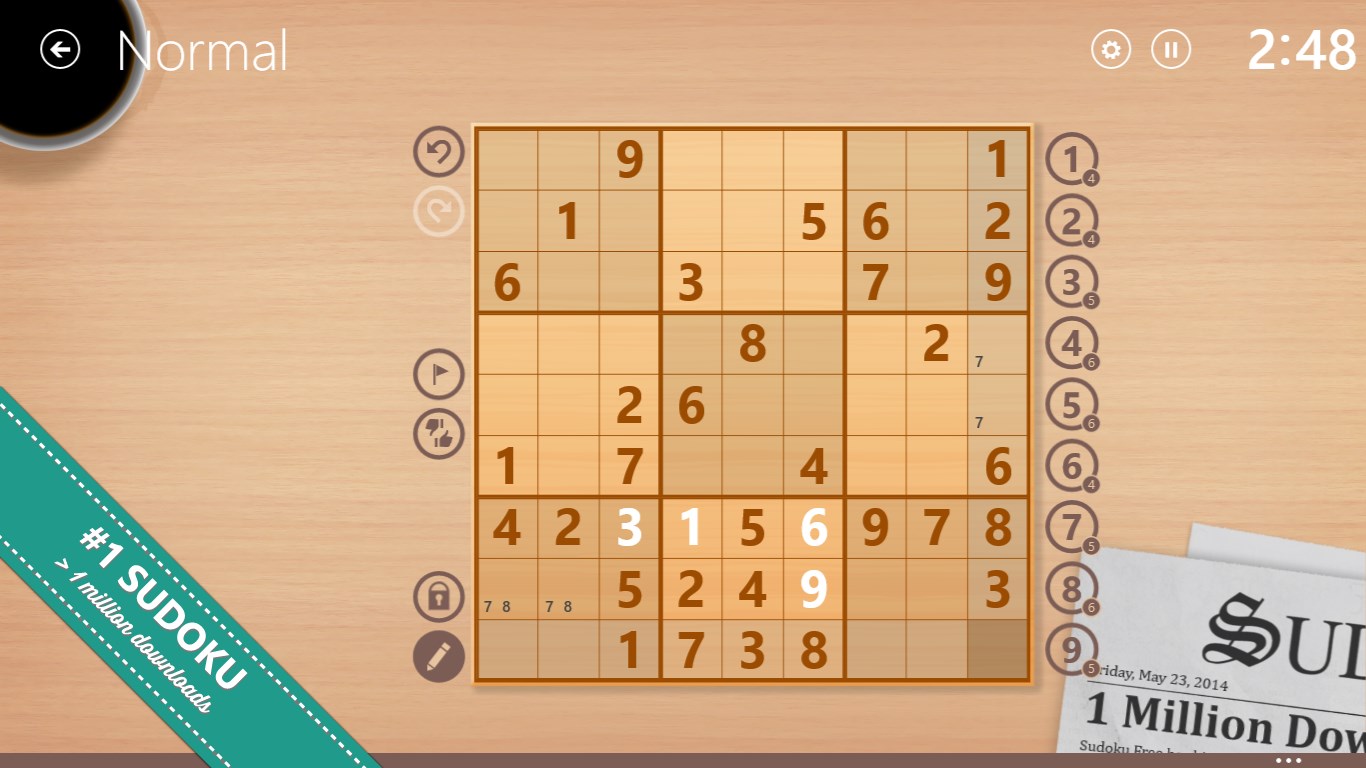
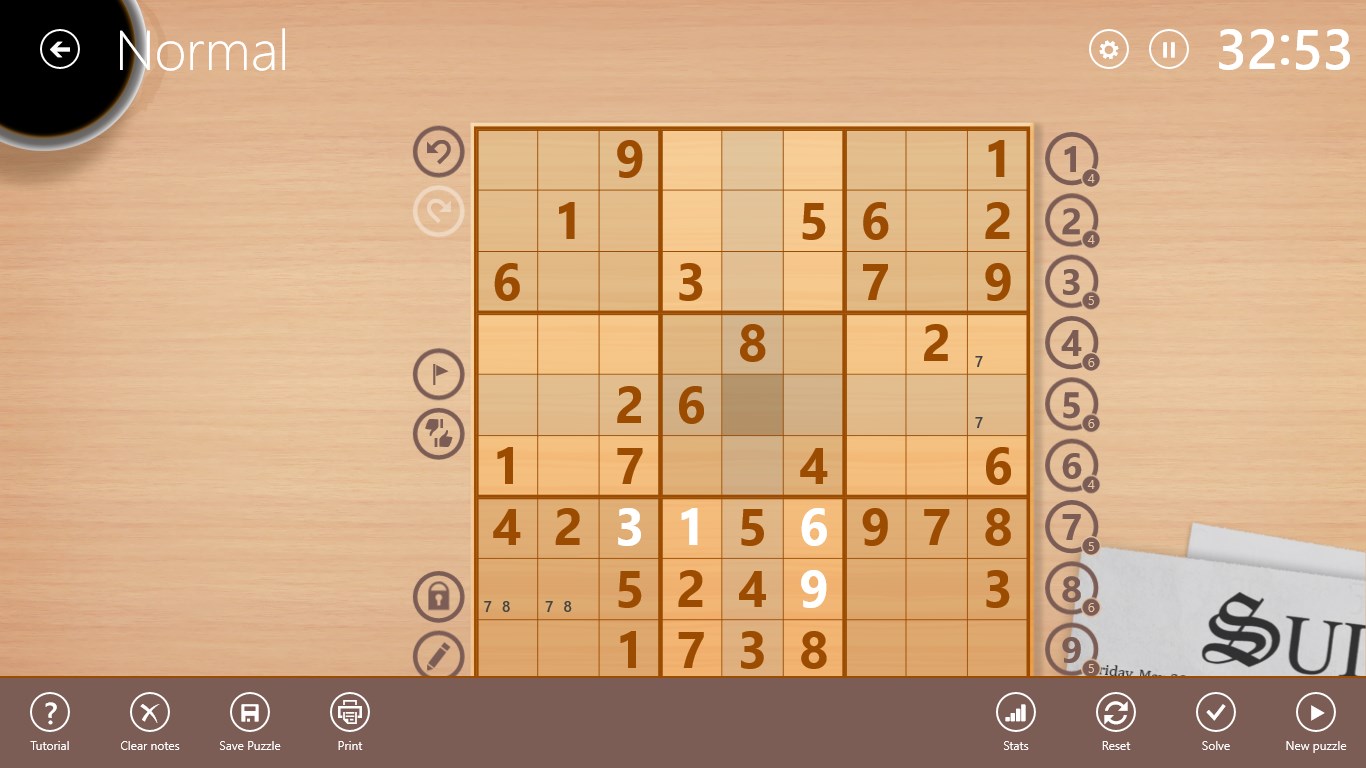
Imagine settling into your favorite cozy nook, ready to dive into a classic brain teaser—that's the vibe Sudoku Free captures. Its uncluttered layout feels like flipping open a crisp, well-designed magazine, inviting you to engage mind and concentration with pure Sudoku fun. The app's focus on simplicity makes it accessible to newcomers, while still offering enough challenge to keep seasoned solvers engaged.
Core Functionality: Clarity and Customization
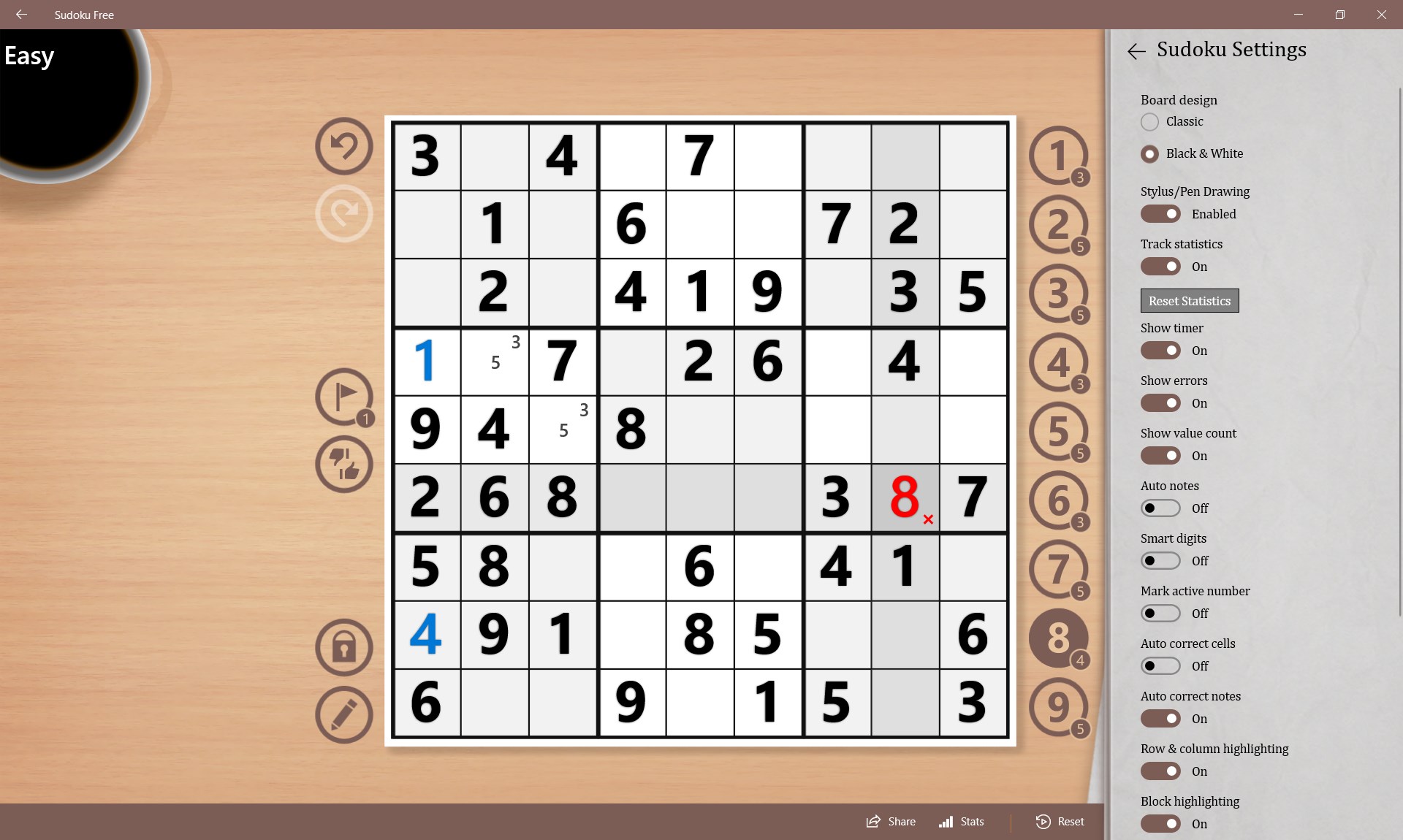
The app nails core Sudoku features with admirable finesse. The grid layout is clean and clear, with bold lines delineating blocks and neat numerals that are easy to read. Users can select from multiple difficulty levels—easy, medium, hard, and expert—making it simple to tailor the challenge to one's mood or skill level. Interestingly, it also offers custom puzzles—great for those who enjoy creating their own challenges or exploring unique grids, adding a layer of personalization that stands out among more generic puzzle apps.
Design, User Experience, and Learning Curve
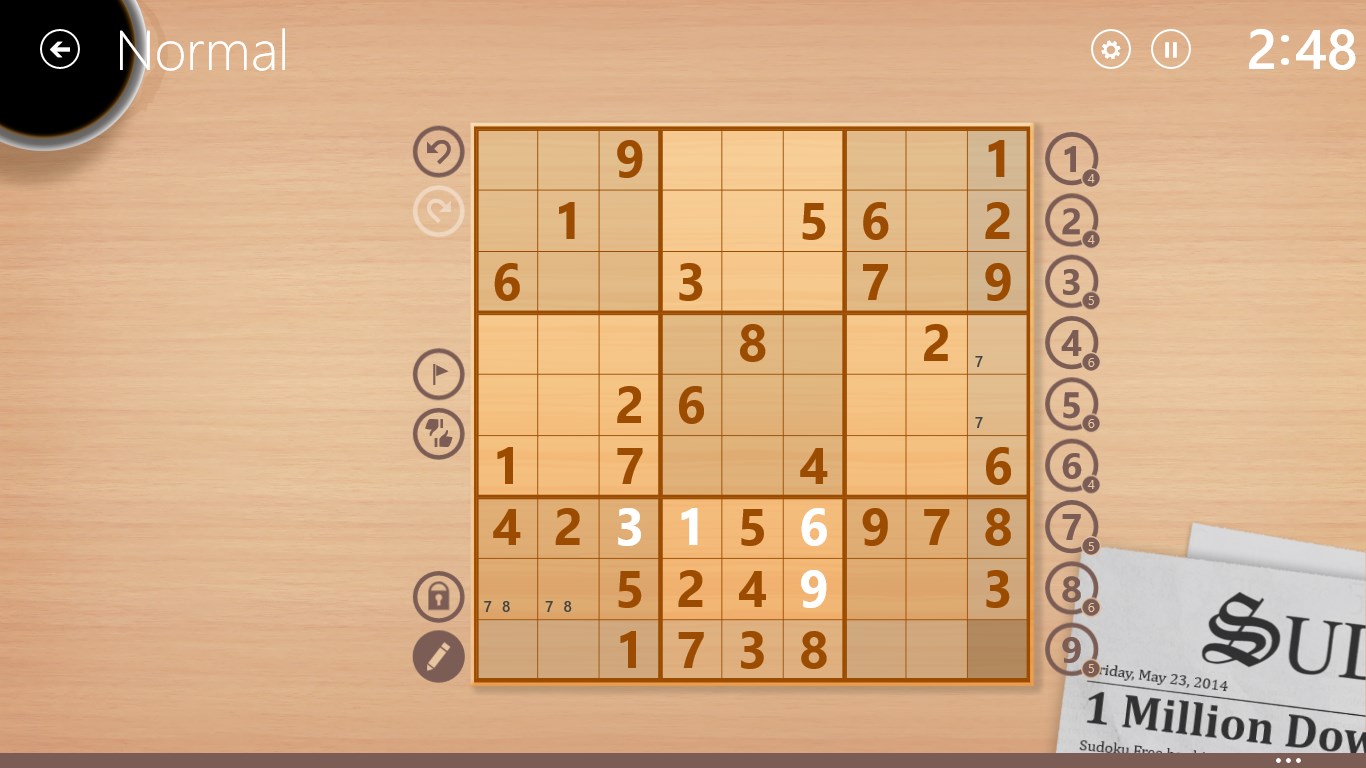
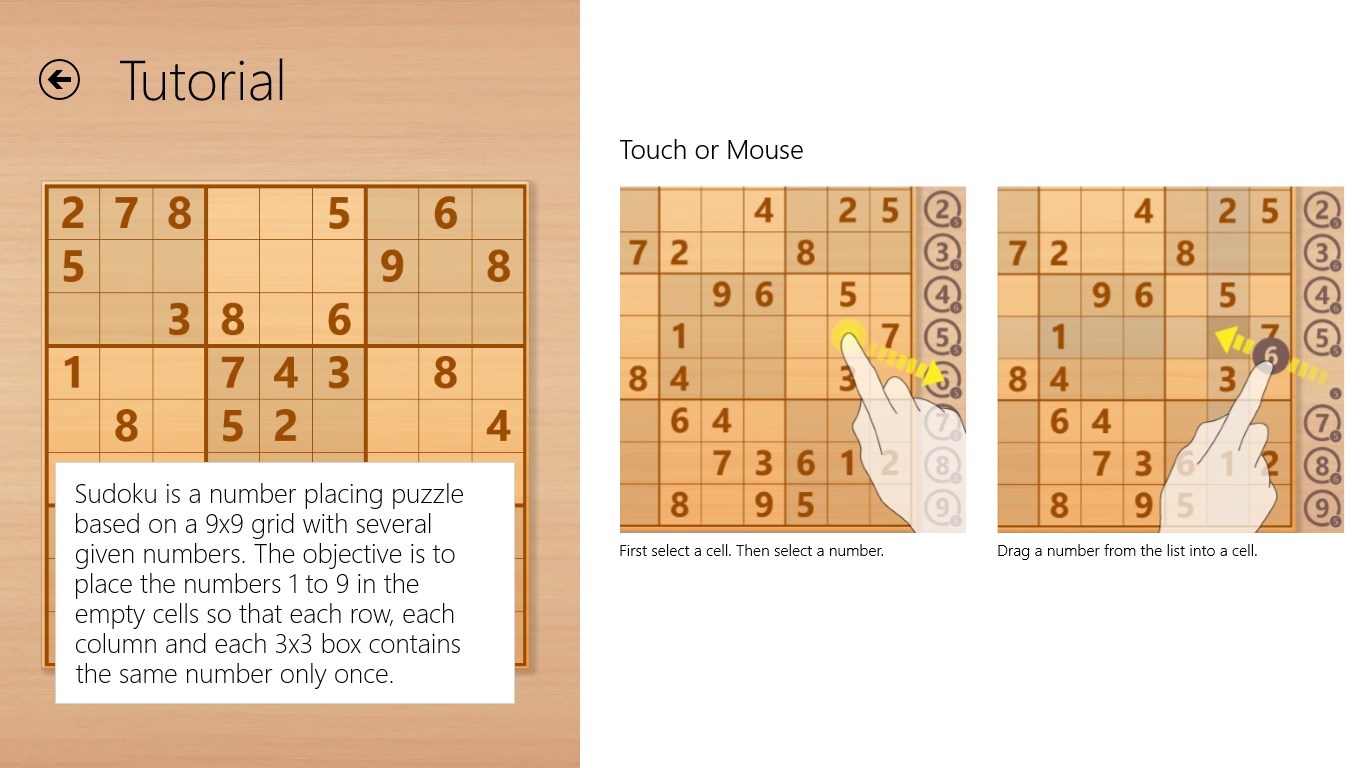
The interface strikes a balance between minimalism and functionality. Colors are gentle on the eyes, preventing visual fatigue during longer sessions, while touch or mouse inputs respond swiftly, enabling seamless placement of values. As far as user experience goes, the learning curve is gentle; even first-time players can navigate the app intuitively—just click, tap, or use the keyboard to input numbers. The absence of distracting ads and pop-ups enhances focus, transforming the gameplay into a meditative experience rather than a frustrating search for the 'close' button.
Unique Selling Points: Simplicity with a Twist
While many Sudoku apps lean heavily on flashy graphics or added features, Sudoku Free emphasizes purity of gameplay. Its most prominent strengths are the customizable puzzle options and the ad-free environment. The ability to generate custom puzzles sets it apart, offering an engaging way for enthusiasts to create personalized challenges and even share them externally. This feature taps into the community aspect informally and makes the app more than just a digit-filling game; it becomes a platform for creativity and tailored mental exercise.
Final Verdict: A Solid Choice for Sudoku Aficionados
If you're searching for a straightforward, reliable Sudoku app that lets you focus solely on solving puzzles without distractions, Sudoku Free for Windows stands out as a thoughtful and efficient choice. Its minimalist design, smooth responsiveness, and custom puzzle capabilities make it suitable as a daily mental workout or a casual pastime. While it may not offer extensive tutorials or social features, its purity and ease of use make it a valuable addition to your puzzle collection.
I would recommend it to casual players and seasoned Sudoku fans alike—especially those who appreciate a clutter-free, unobtrusive experience that allows concentrating fully on the game itself. If your goal is to sharpen your logic and enjoy the timeless pleasure of Sudoku with minimal fuss, this app might just be what you're looking for.
Pros
- Intuitive interface
- Variety of difficulty levels
- Offline availability
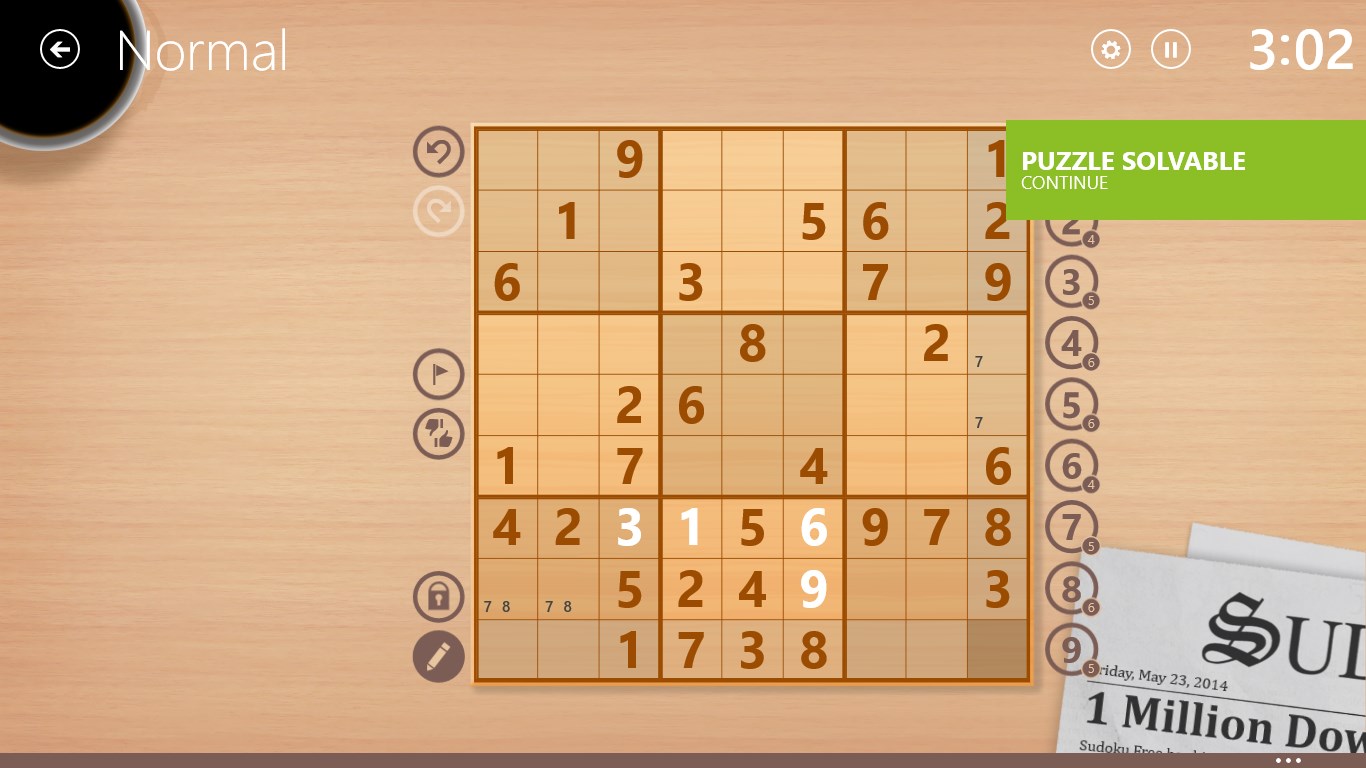
- Hints system
- Free to download and play
Cons
- Limited customization options
- No multiplayer mode
- Occasional ads interruptions
- Basic sound effects
- Limited puzzle variety











