


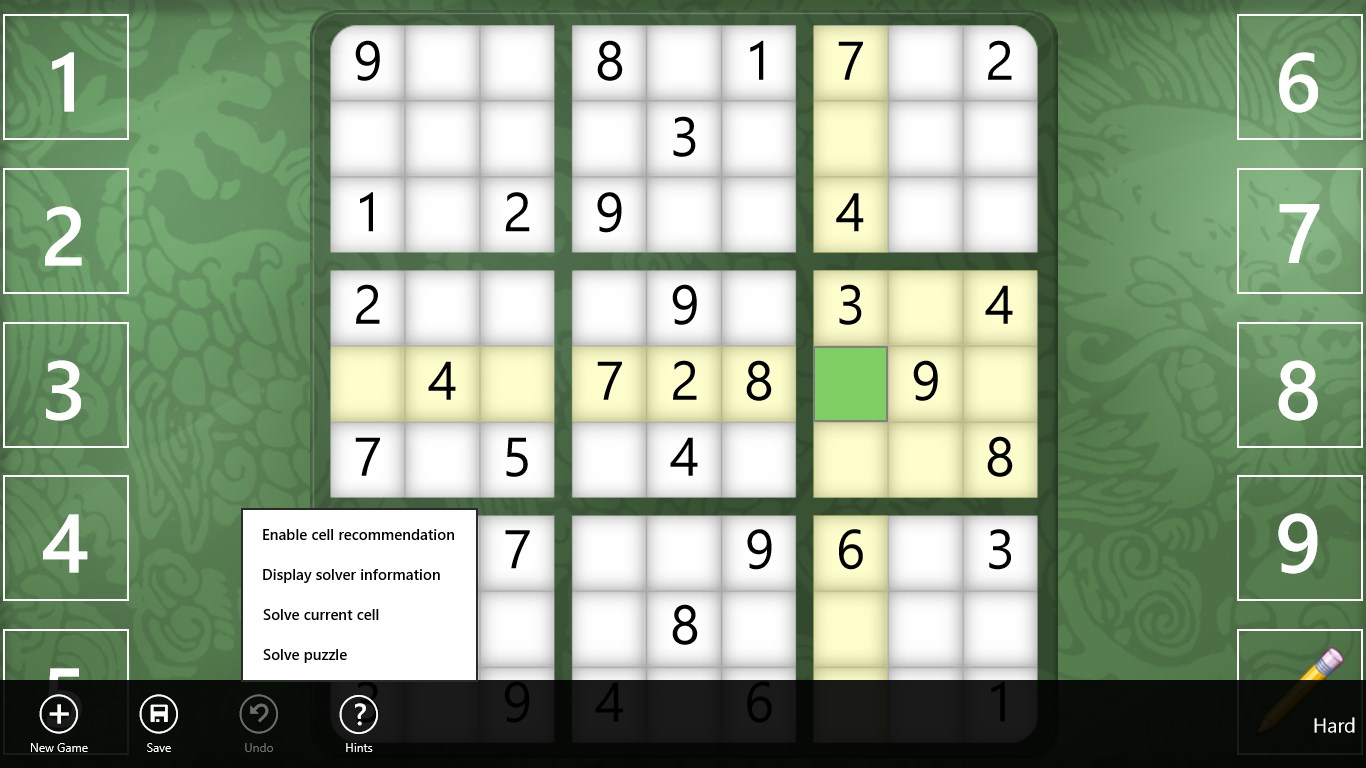
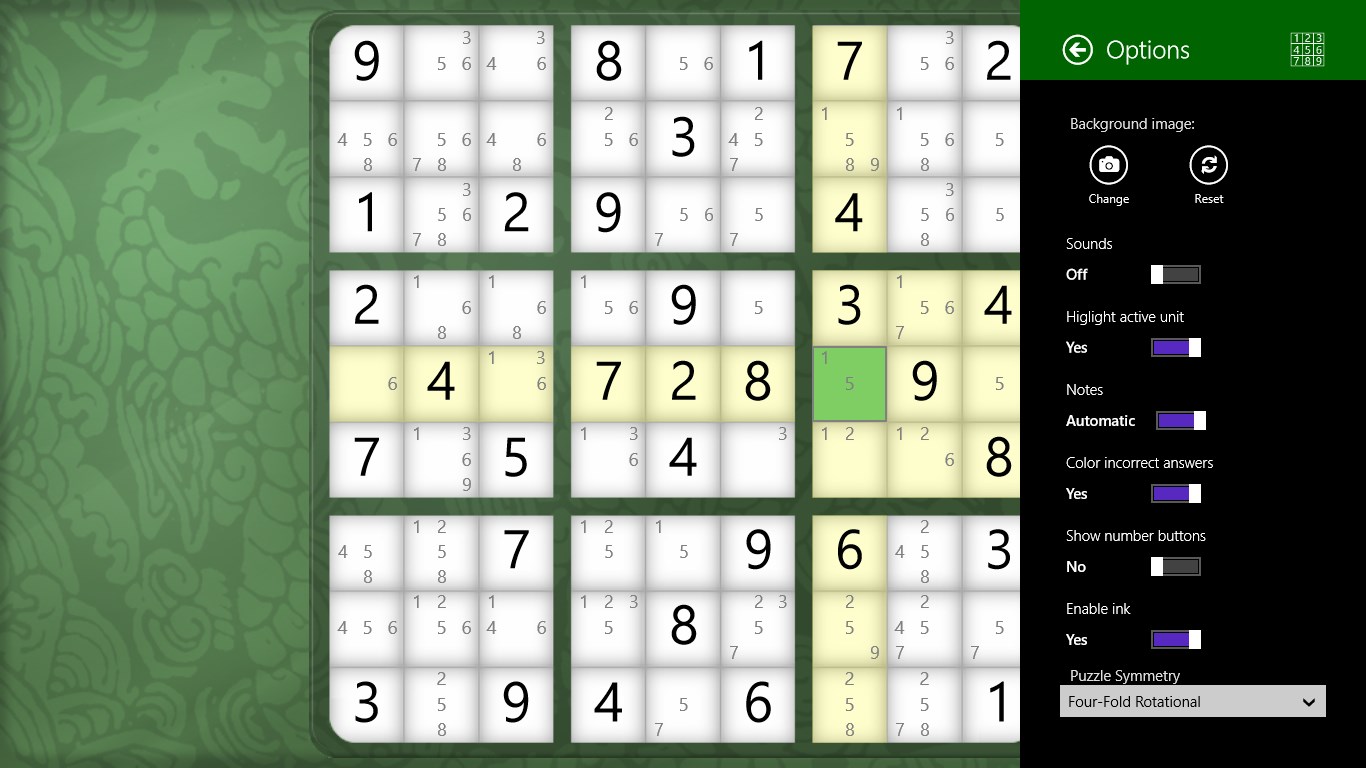
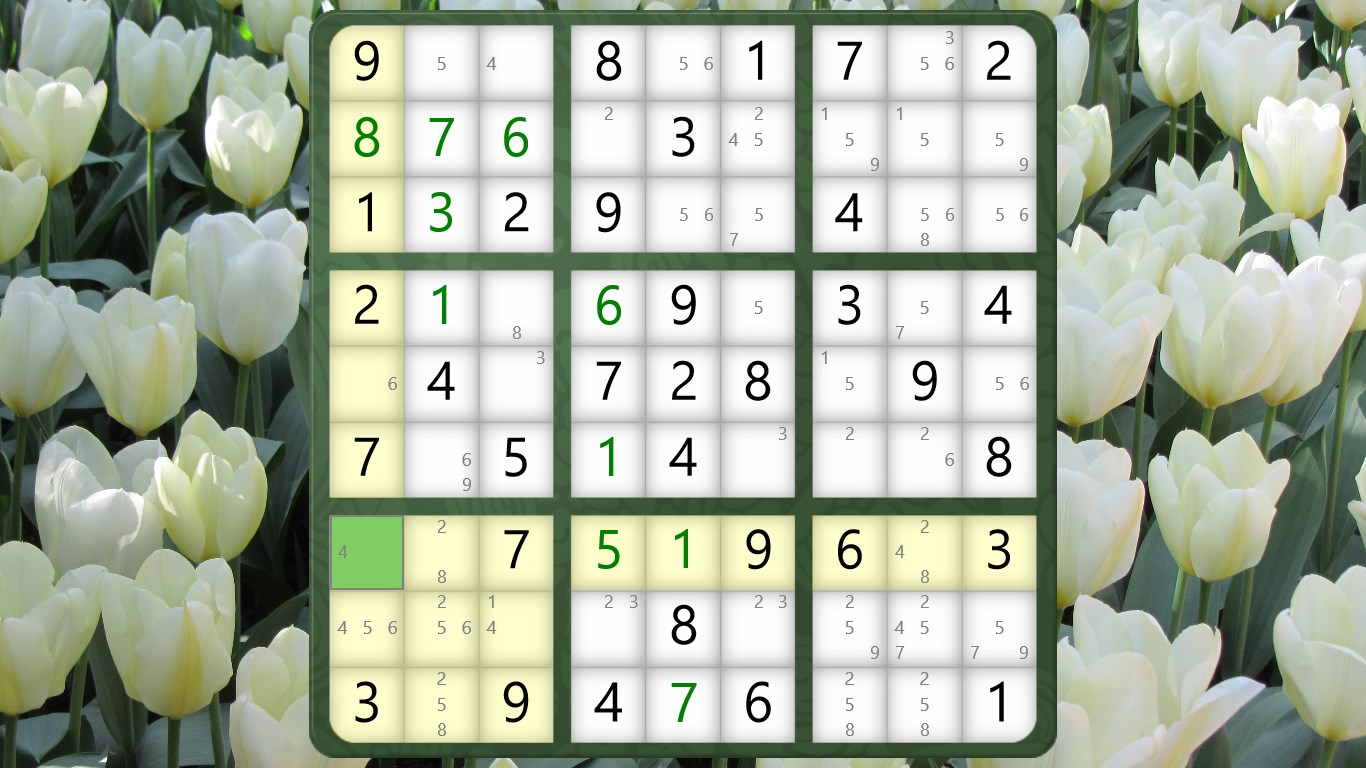
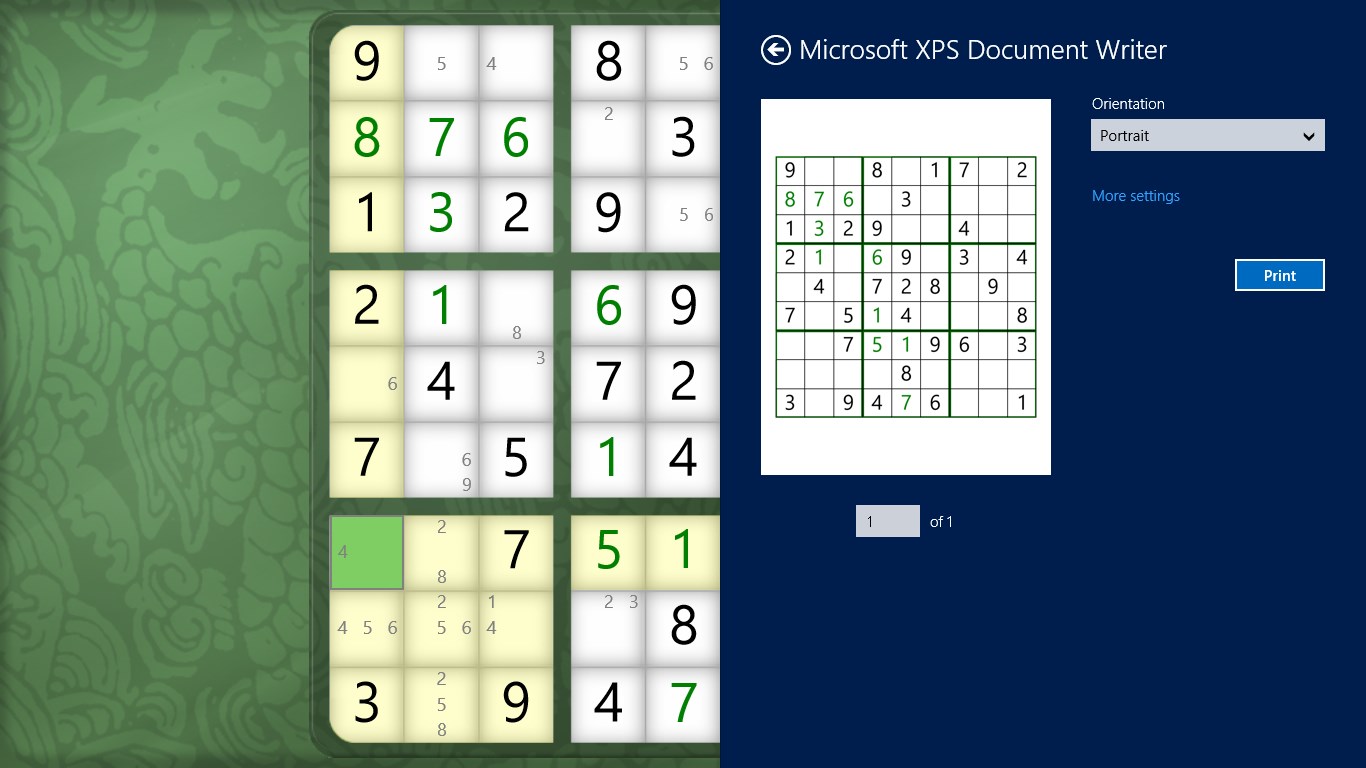

- Name Sudoku Classic
- Category Puzzle & trivia
- Developer Stephen Toub
- Available on PC
- OS Windows 8 or higher
- languages English (United States)
An Elegant Digital Twist on Classic Sudoku
Sudoku Classic for Windows offers a streamlined, thoughtfully designed puzzle experience that brings the timeless logic game right to your desktop. Developed by Stephen Toub, this app emphasizes simplicity and accessibility, making it a great choice for both casual players and seasoned Sudoku enthusiasts seeking a clean, distraction-free environment.
Developer and Core Features
Created and published by Stephen Toub, a name synonymous with reliable and user-friendly software solutions, Sudoku Classic for Windows focuses on delivering a straightforward Sudoku experience. Its main features include intuitive gameplay with adjustable difficulty levels, customizable grid sizes, and a seamless, distractionless interface that encourages focus and logical thinking. Additionally, the app supports auto-save functionality, allowing players to pause and resume puzzles without the risk of losing progress—a handy feature for busy schedules.
Setting the Stage: Design and User Experience
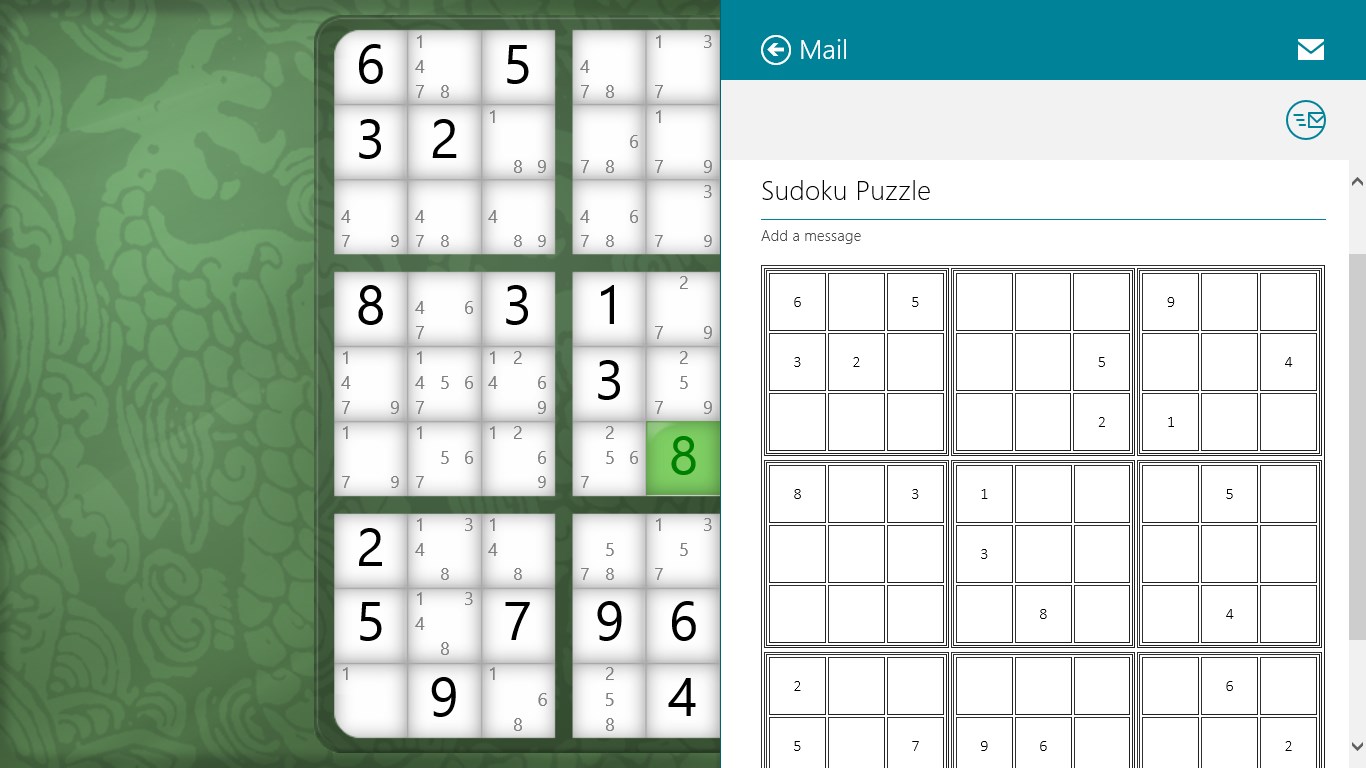
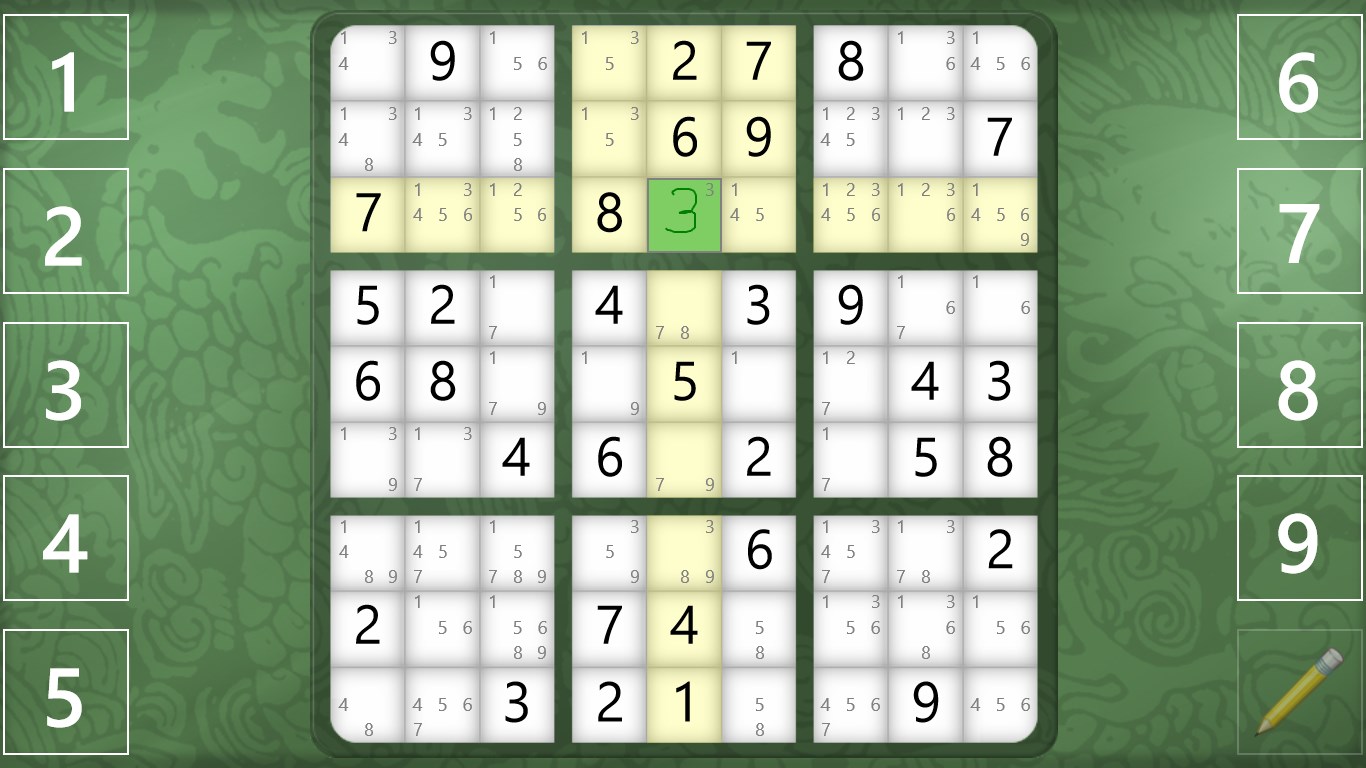
From the moment you launch Sudoku Classic, you're greeted with a minimalist, visually soothing interface reminiscent of a well-organized desktop puzzle book. The clean layout and gentle color palette reduce visual clutter, helping players concentrate on solving puzzles rather than navigating a complicated menu. The app's controls are smooth and intuitive; clicking on cells and selecting numbers feels natural—like turning the pages of a well-loved puzzle magazine.
Learning curve? Nearly zero. The app is designed with newcomers in mind, with an intuitive setup and straightforward options. Experienced Sudoku fans will appreciate the clarity and ease of switching difficulty levels or customizing game parameters without fuss. Overall, the experience feels polished, stable, and responsive, whether you're tackling a quick morning challenge or settling in for a longer session.
What Sets It Apart in the Puzzle World?
While many Sudoku apps flood the market with flashy animations and gimmicky features, Sudoku Classic for Windows sticks to what matters most: a pure, authentic puzzle experience. Its biggest strength lies in its focus on providing a distraction-free environment that respects the puzzle's logical core. The customizable grid sizes—ranging from basic 4x4 for beginners to challenging 16x16 puzzles—offer flexibility that many apps overlook, catering to all skill levels and keeping the game engaging over time. Moreover, the auto-save feature ensures that your puzzle journey isn't interrupted, making it perfect for quick gaming snippets or extended solving marathons.
Compared to other puzzle apps that might push gamification or social sharing, Sudoku Classic maintains a quiet dignity that appeals to purists and casual players alike. The absence of intrusive ads and monetization distractions adds to its appeal, positioning it as a reliable, steady companion for puzzle lovers.
Final Thoughts: To Pick or Not?
If you're seeking a straightforward, well-crafted Sudoku app that respects the beauty of logical puzzles without unnecessary bells and whistles, Sudoku Classic for Windows is a strong candidate. Its simple yet effective design, coupled with thoughtful features like adjustable difficulty and auto-save, make it suitable for a wide audience—from beginners keen to learn the ropes to seasoned players seeking a relaxing challenge. I'd recommend giving it a try for anyone wanting to enhance their cognitive skills or unwind with a classic puzzle in a clean digital environment. It's a clear, steady choice for fans of puzzle games who value quality and simplicity over flash.
Pros
- Intuitive user interface
- Wide variety of difficulty levels
- Auto-save functionality
- Multiple game modes
- Smooth performance
Cons
- Limited customization options
- Lack of detailed hints
- No offline tutorial mode
- Limited social features
- Occasional minor bugs











