

- Name Sokmeal Time (Windows)
- Category Puzzle & trivia
- Developer 2dragontails
- Available on PC
- OS Windows 10 version 18362.0 or higher
- Keyboard Integrated Keyboard
- DirectX Version 11
- Memory 4 GB
- languages English (United States)
Introducing Sokmeal Time: A Refreshing Twist on Puzzle & Trivia Games
Sokmeal Time for Windows offers a captivating blend of puzzles and trivia that promises to keep your mind sharp while delivering hours of engaging fun. Developed by 2dragontails, this app stands out in the crowded puzzle genre with its thoughtfully designed gameplay and smooth user experience, appealing to casual gamers and trivia enthusiasts alike.
Meet the Creators: Who's Behind Sokmeal Time
Developed and published by 2dragontails, Sokmeal Time reflects a commitment to delivering thoughtfully crafted puzzle experiences. The team's focus on intuitive gameplay combined with engaging content positions this app as a noteworthy contender within the Windows app ecosystem, appealing to both puzzle novices and experienced players seeking mental stimulation.
What Makes Sokmeal Time Shine? Key Features Highlighted
- Unique Puzzle Mechanics: Merging traditional puzzle-solving with trivia challenges creates a multi-layered gaming experience that stimulates both logic and general knowledge.
- Dynamic Game Modes: Various modes keep gameplay fresh and adaptable, allowing users to jump into quick brain teasers or more extended puzzle journeys.
- Progressive Difficulty: Levels are carefully calibrated to gradually increase complexity, providing a satisfying challenge for users of all skill levels.
- User-Friendly Interface: Clean visuals and intuitive controls make navigation effortless, enhancing overall user engagement.
Immersive Gameplay and User Experience
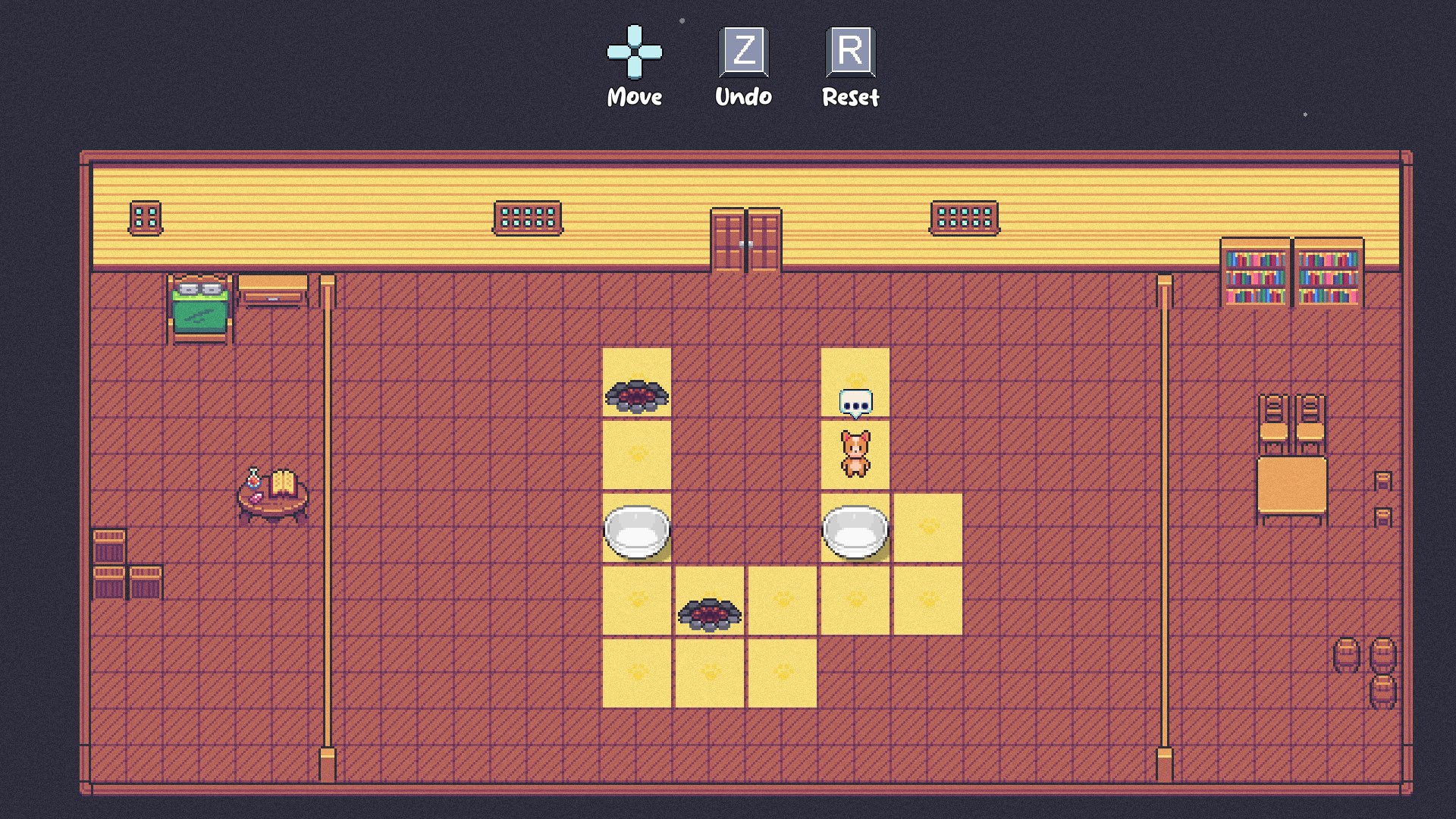
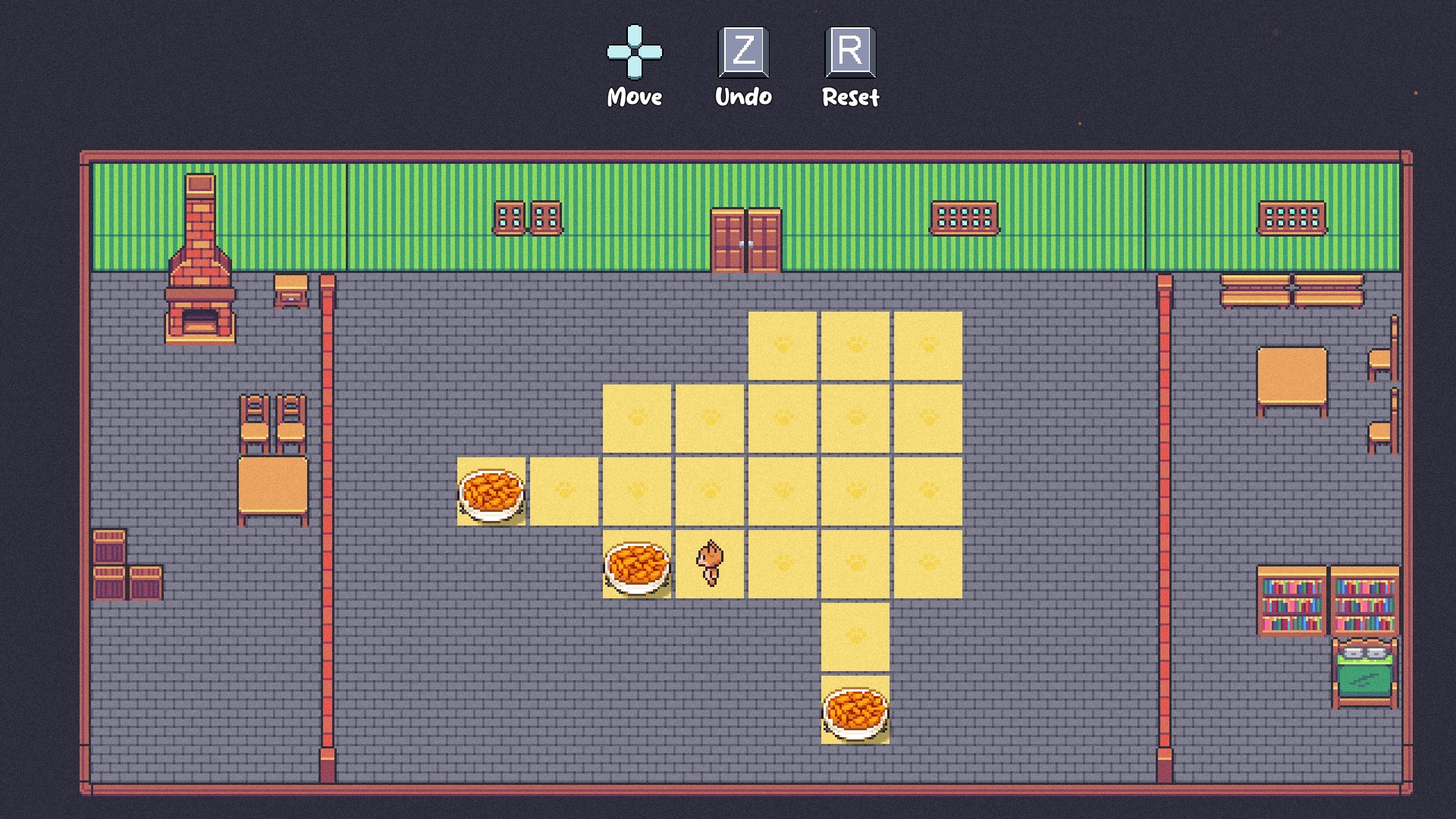
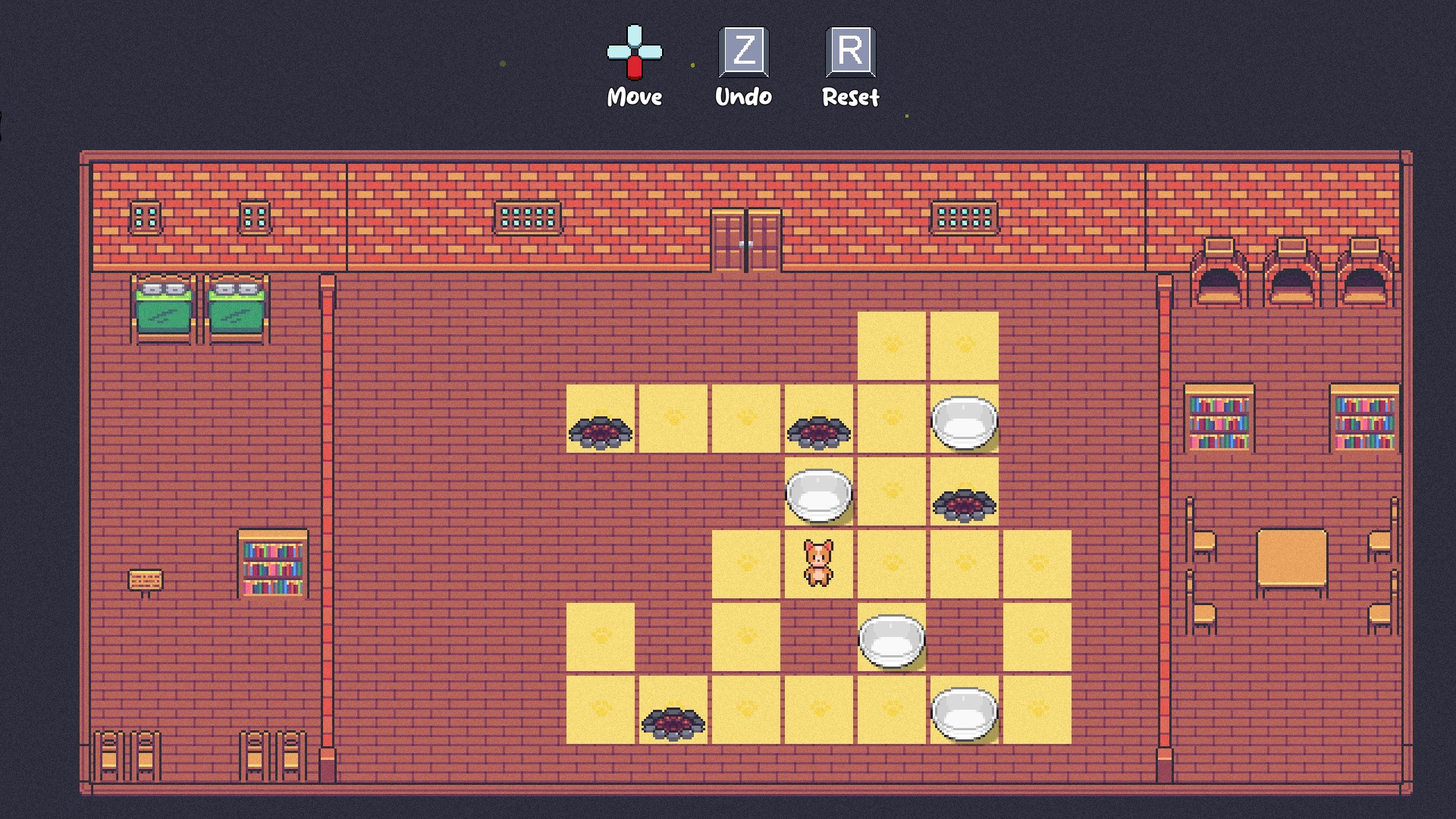
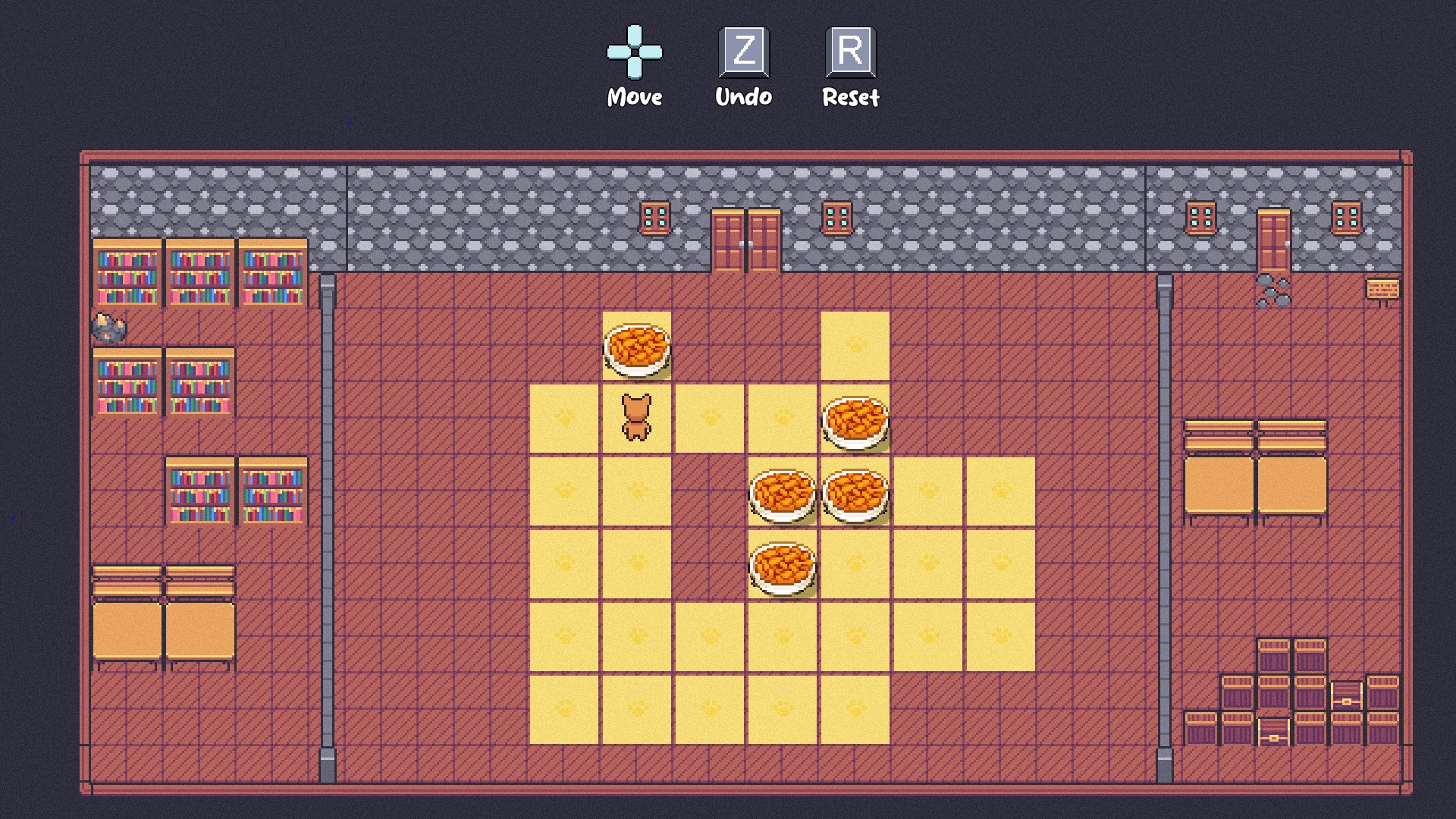
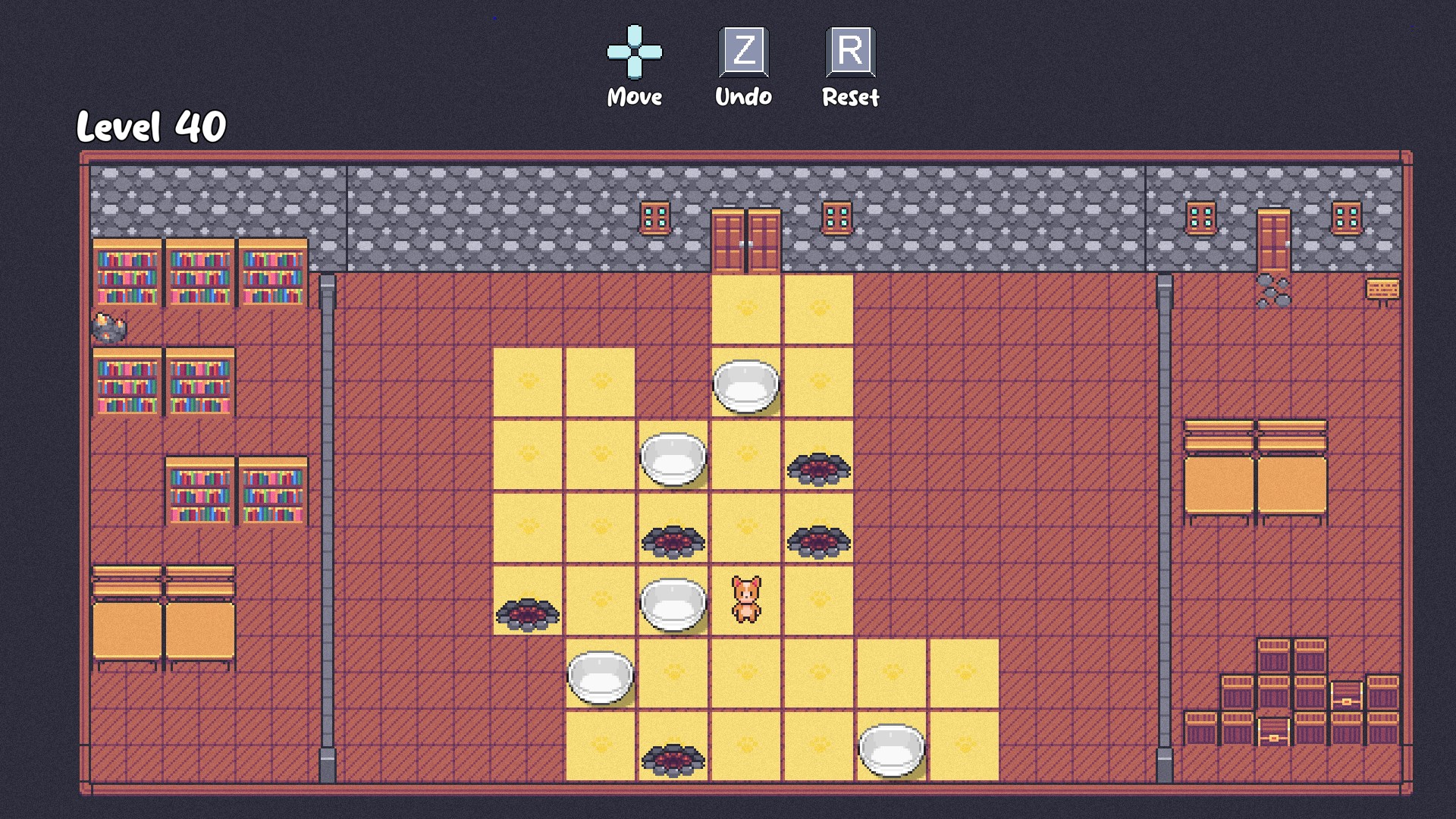
Upon opening Sokmeal Time, you're greeted with a vibrant, colorful interface that beckons players to dive into a world of challenges. The game's layout is crisp and organized, with clearly labeled buttons guiding you seamlessly through different modes and levels. The aesthetic strikes a perfect balance—neither overly busy nor minimalist—creating an environment that feels inviting and encourages exploration.
Gameplay Mechanics & Flow
The core gameplay revolves around solving puzzles that incorporate trivia questions, akin to a mental gym where your lateral thinking is put to the test. The mechanics are straightforward—select the right piece, answer a question correctly, unlock the next puzzle—yet each level introduces new twists that keep the experience fresh. The controls are responsive, and transitions between puzzles happen smoothly, making the gameplay flow naturally without frustrating lags or confusion.
Learning Curve & User Engagement
Despite its depth, Sokmeal Time maintains a gentle learning curve. New players can quickly grasp the basic mechanics, while seasoned puzzle aficionados will find enough complexity to stay challenged. The game does an excellent job of balancing accessibility with depth, making it suitable for casual gaming sessions or longer brain workouts. The progress tracking adds a motivational touch, nudging players to improve with each attempt.
What Sets Sokmeal Time Apart?
In a landscape flooded with puzzle apps, Sokmeal Time distinguishes itself through its fusion of visual puzzles and trivia, fostering a multi-dimensional cognitive workout. Its standout feature—combining different types of challenges within a cohesive interface—offers a richer experience than traditional puzzle apps that often focus solely on one type of gameplay. Furthermore, the developer's attention to intuitive design and gradual difficulty scaling ensures a welcoming environment for all users, from newcomers to puzzle veterans.
Should You Give It a Try?
Considering its engaging gameplay, polished design, and thoughtful mechanics, Sokmeal Time earns a solid recommendation—especially if you enjoy mental challenges that blend knowledge with problem-solving. The app is well-suited for quick breaks or extended sessions when you want to exercise your brain without feeling overwhelmed. Whether you're seeking a new way to test your wits or simply looking for a fun, casual puzzle experience, Sokmeal Time is worth exploring.
In sum, Sokmeal Time offers a compelling mix of puzzle art and trivia mastery, making it a fresh addition to your Windows game collection. Its unique focus on diverse challenge types and user-centric design make it stand out in the puzzle genre—an approachable yet stimulating choice for anyone looking to keep their mind sharp while having fun.
Pros
- Intuitive User Interface
- Quick Meal Suggestions
- Personalized Preferences
- Offline Access
- Regular Updates
Cons
- Limited Recipe Database
- Occasional Sync Issues
- Animation Transitions Slightly Laggy
- Limited Dietary Filters
- Notification Settings Are Basic











