
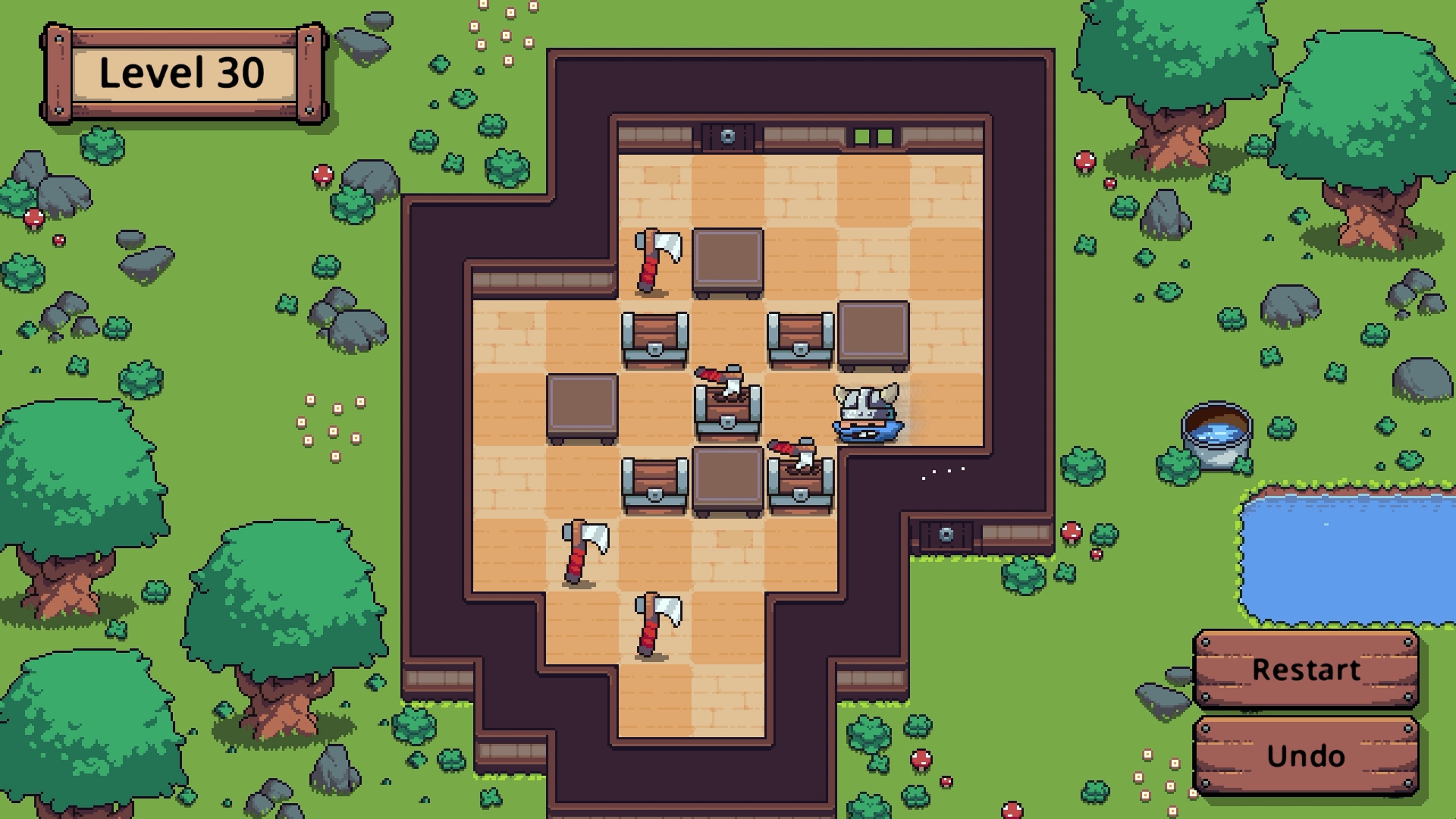
- Name Slide Viking: Treasure's Path (Windows)
- Category Puzzle & trivia
- Developer Afil Games
- Available on PC
- OS Windows 10 version 18362.0 or higher
- Keyboard Integrated Keyboard
- Mouse Integrated Mouse
- DirectX Version 9
- Memory 2 GB
- languages English (United States)
Introducing Slide Viking: Treasure's Path – A Unique Puzzle Adventure for Windows
Slide Viking: Treasure's Path is an engaging sliding puzzle game set against a rich Norse mythology backdrop, offering both casual entertainment and brain-teasing challenges for puzzle enthusiasts.
Developed by Afil Games with a Focus on Creative Puzzle Design
Produced by Afil Games, a developer known for crafting immersive mobile and PC puzzle experiences, this title combines classic sliding puzzles with a story-rich environment to captivate players. The main highlights include its intuitive touch controls, thoughtfully designed levels that balance difficulty, and a captivating storyline woven into the gameplay. Its target audience comprises puzzle lovers of all ages, especially those who appreciate a blend of story and brain-teasing mechanics.
A Vibrant Journey into Norse Mythology and Clever Puzzles
Imagine stepping into the shoes of a brave Viking on a quest for legendary treasures — that's precisely the adventure awaiting you in Slide Viking: Treasure's Path. The game's charm lies in its seamless integration of puzzle-solving with an engaging narrative, making each level feel like a chapter in a Norse saga. Whether you're a seasoned puzzle veteran or a casual gamer looking to unwind, the game offers a delightful mix that keeps you hooked from the first slide to the last treasure chest.
The Core Puzzle Mechanics: Slide Your Way to Victory
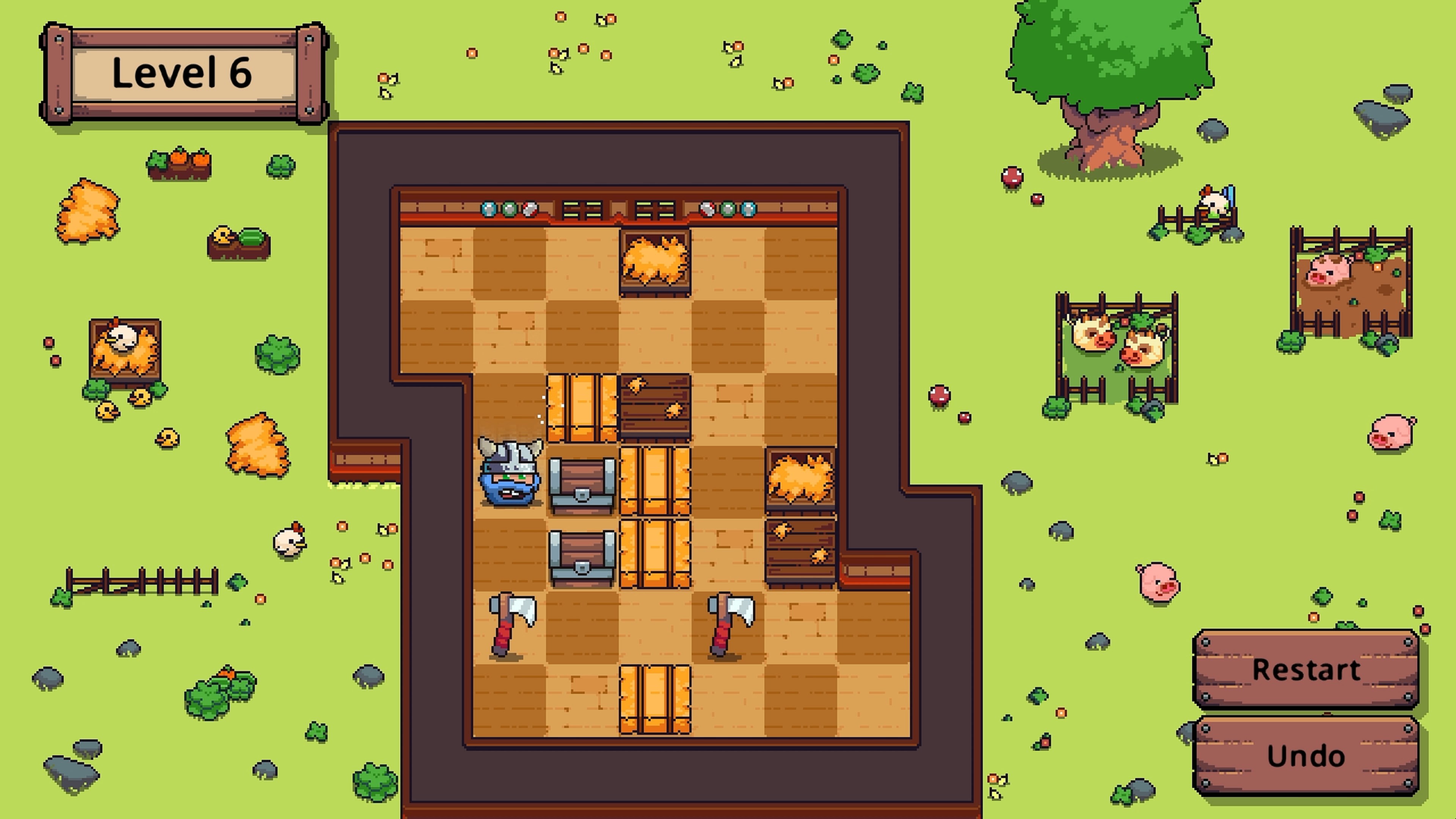
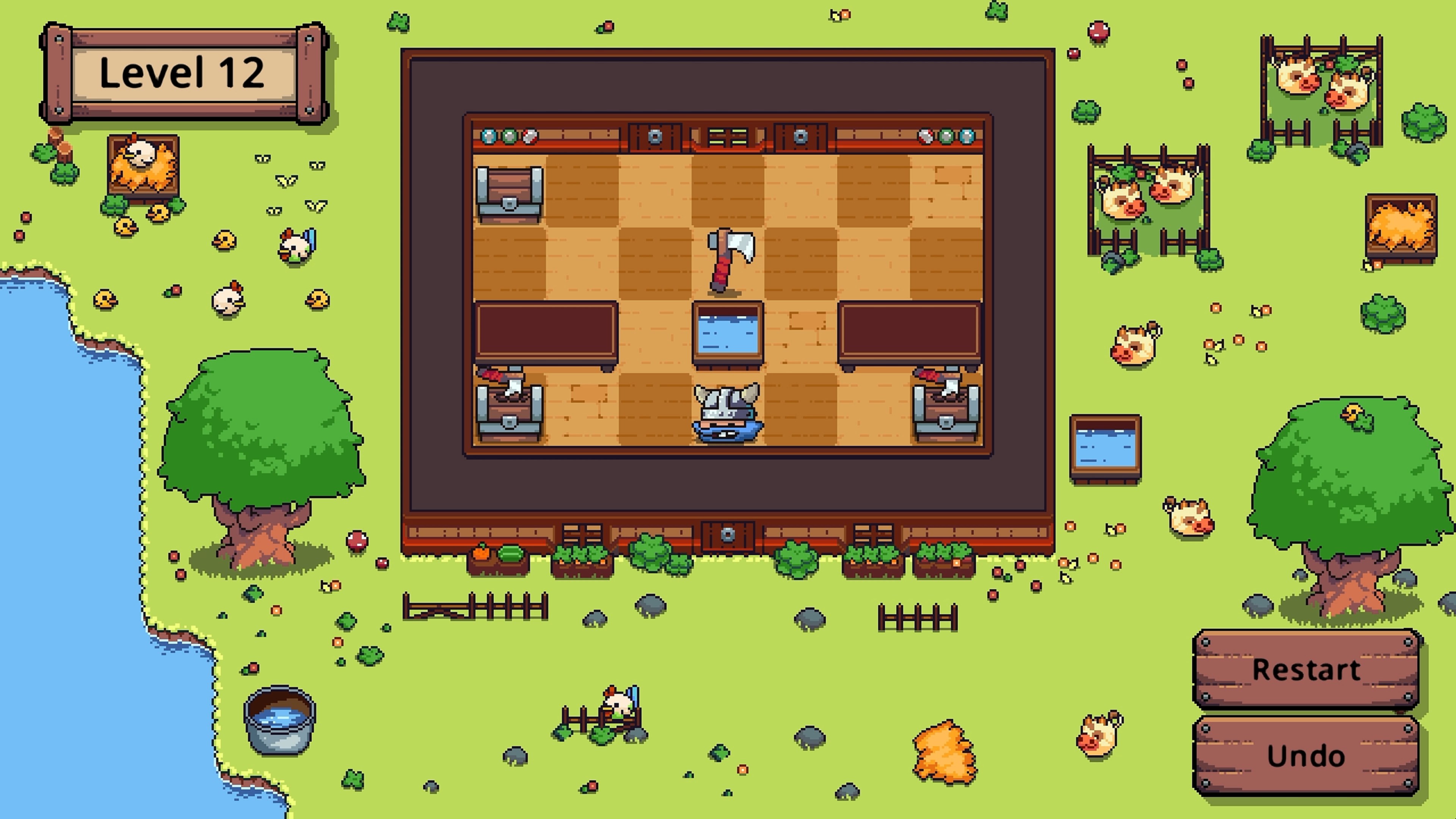
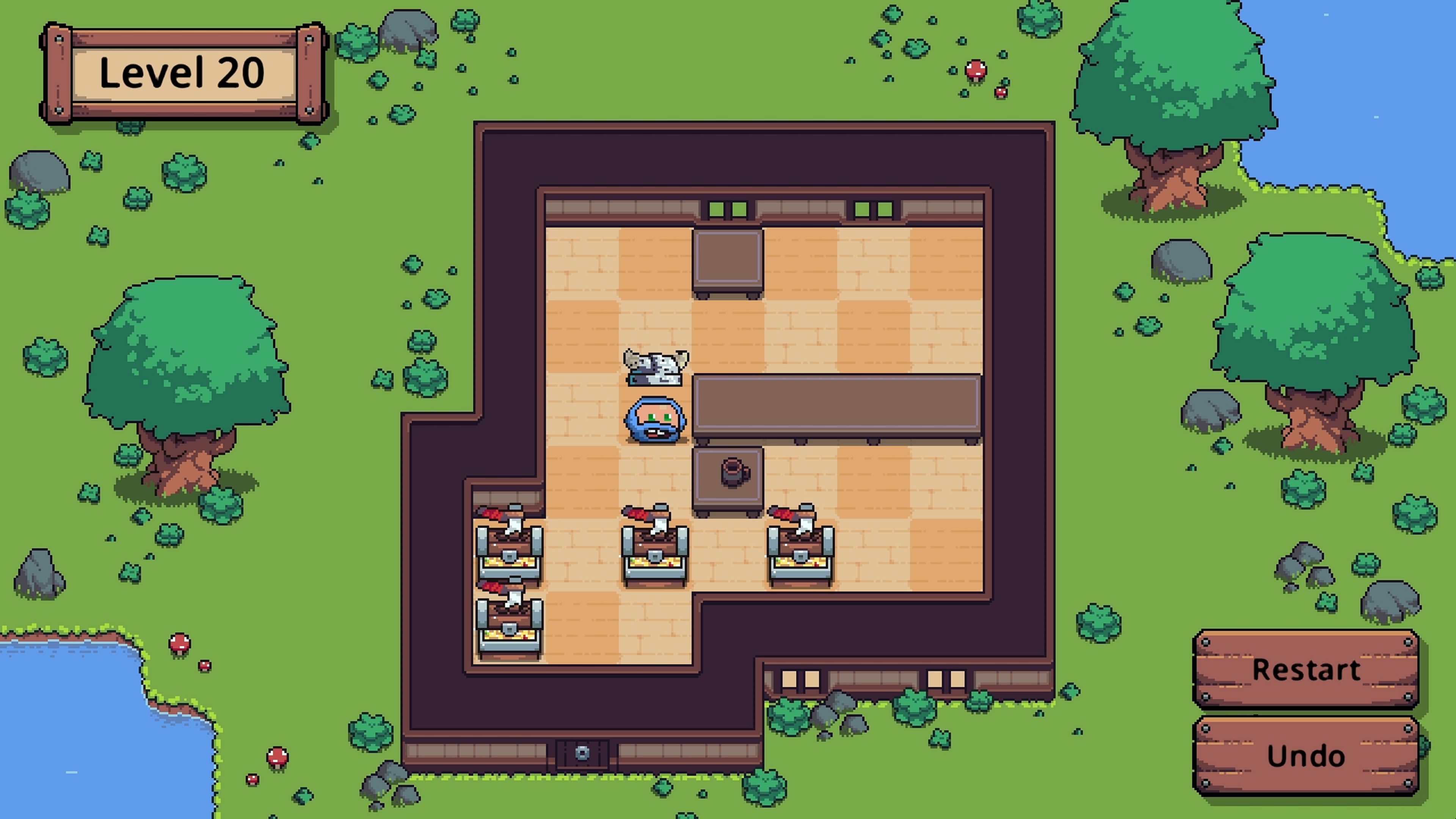
The primary mechanic revolves around sliding tiles and objects within a grid to reveal pathways, unlock doors, or move the Viking closer to his goal. Each level introduces new elements—portals, movable blocks, and obstructions—that require strategic thinking and planning. The puzzles gradually increase in complexity but remain accessible, providing a satisfying sense of mastery without frustration.
What stands out is the game's clever use of thematic puzzles that mimic real Norse legend motifs—runes, mythic artifacts, and hidden pathways—adding an immersive layer to the gameplay experience. This imaginative design transforms straightforward sliding puzzles into an adventure with narrative depth, setting it apart from typical puzzle apps.
User Experience: A Visual and Fluid Puzzle Sanctuary
The user interface is clean, with Viking-themed artwork that immerses players in a Nordic-inspired landscape. Navigation is smooth, with responsive controls that make sliding tiles effortless across various devices. The game maintains a friendly learning curve; new players can grasp the mechanics quickly, thanks to well-designed tutorials, while seasoned puzzlers be challenged enough to stay engaged. Bright animations and sound effects enhance the sense of immersion without overwhelming the core puzzle experience.
What Makes Slide Viking Standing Out Among Puzzle Peers?
Unlike many puzzle games that rely solely on abstract mechanics, Slide Viking's integration of an engaging storyline and thematic puzzles provides a differentiated experience. The game takes the familiar sliding puzzle genre and elevates it with a narrative that feels personal—every level is part of a greater quest, which motivates progress beyond mere completion. Additionally, the game's artistic style, inspired by ancient Norse motifs, adds cultural richness that many peers lack, offering players both mental stimulation and aesthetic pleasure.
Final Verdict: A Recommended Choice for Puzzle and Story Lovers
Overall, I recommend Slide Viking: Treasure's Path to players who appreciate well-crafted puzzles paired with thematic storytelling. Its intuitive controls and engaging level design make it accessible yet challenging enough to satisfy dedicated puzzlers. Whether you're seeking a relaxing way to pass time or a game that sparks your strategic thinking, this title deserves a spot on your Windows gaming lineup. Just be prepared to slide your way through a captivating Norse adventure that's truly worth exploring.
Pros
- Engaging graphics and vibrant visuals
- Intuitive touch controls
- Challenging puzzles based on treasure paths
- Well-designed level progression
- Available with no in-app purchases
Cons
- Limited game variety in levels
- Occasional lag in high-resolution scenes
- Lack of detailed tutorial for new players
- Sound effects are minimal and could be more immersive
- No cloud save feature











