

- Name Simple Minesweeper
- Category Puzzle & trivia
- Available on PC, Mobile, Surface Hub, HoloLens
- OS Windows 10 version 17763.0 or higher
- languages Chinese (Simplified), Dutch, English (United States), French, German, Italian, Japanese, Polish, Portuguese, Portuguese (Brazil), Portuguese (Portugal), Russian, Spanish, Spanish (Spain)
A Classic Puzzle Reinvented: Simple Minesweeper for Windows
Simple Minesweeper for Windows, developed by Random Salad Games LLC, offers a fresh take on the timeless minefield puzzle. It aims to deliver a straightforward, engaging experience for fans of classic logic games, packaged in a clean, user-friendly interface.
Meet the Minds Behind the Game
Developed by Random Salad Games LLC, a studio known for creating accessible and enjoyable casual games, Simple Minesweeper harnesses their expertise in streamlined gameplay and polished design. Their focus on minimalistic but functional gaming experiences makes this app an inviting choice for both newcomers and seasoned puzzle enthusiasts.
What Makes This Minesweeper Stand Out?
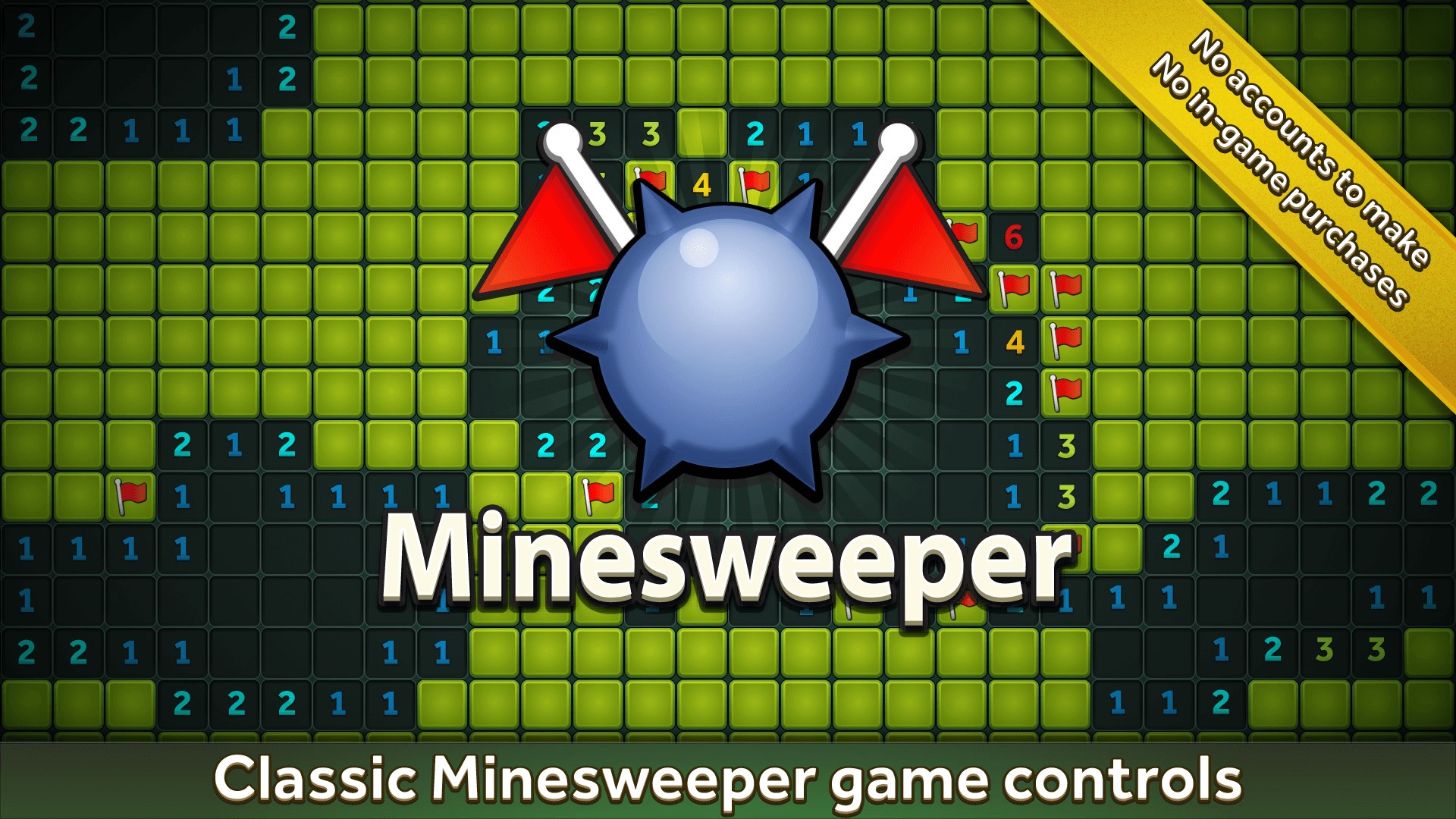
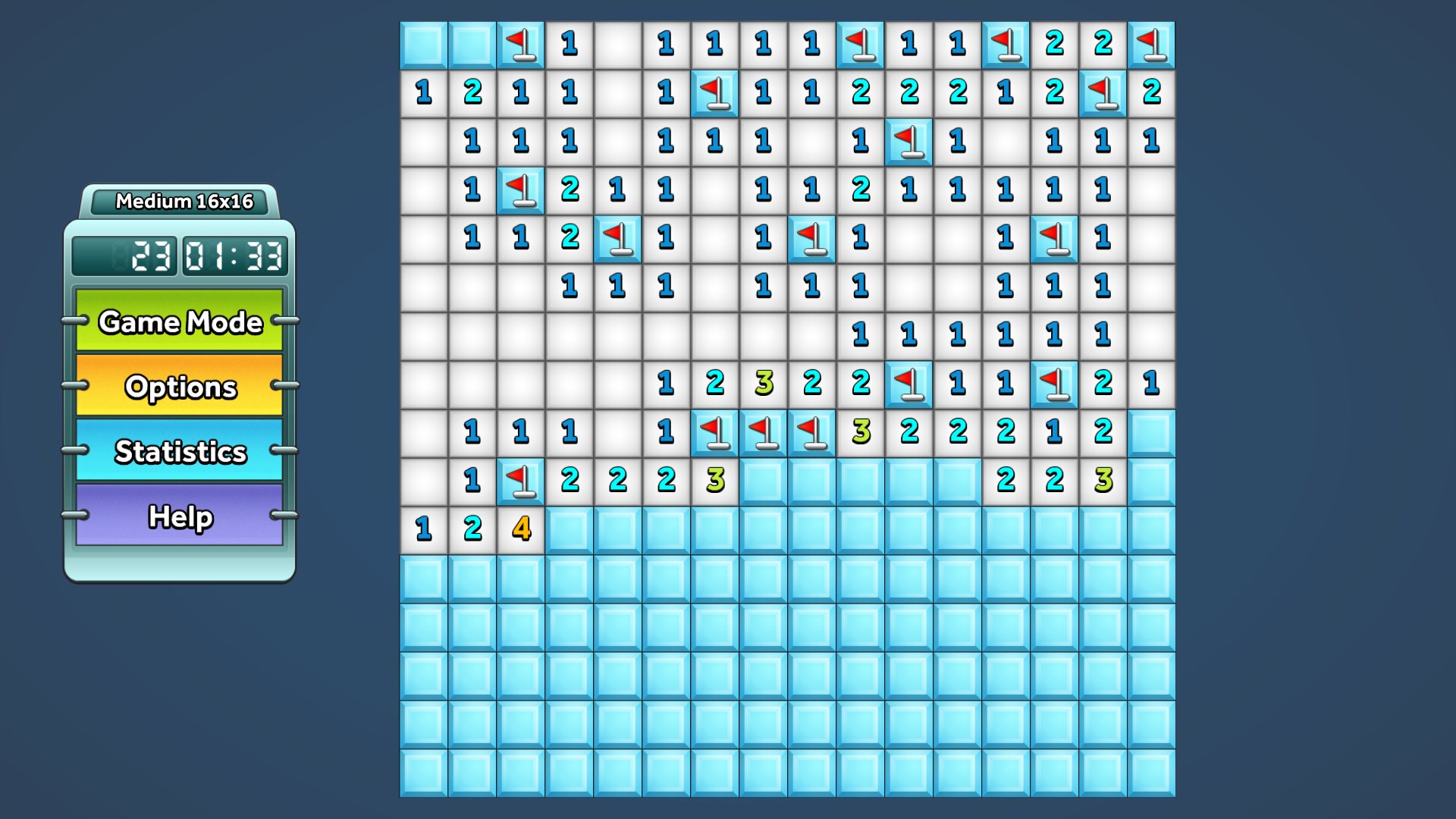
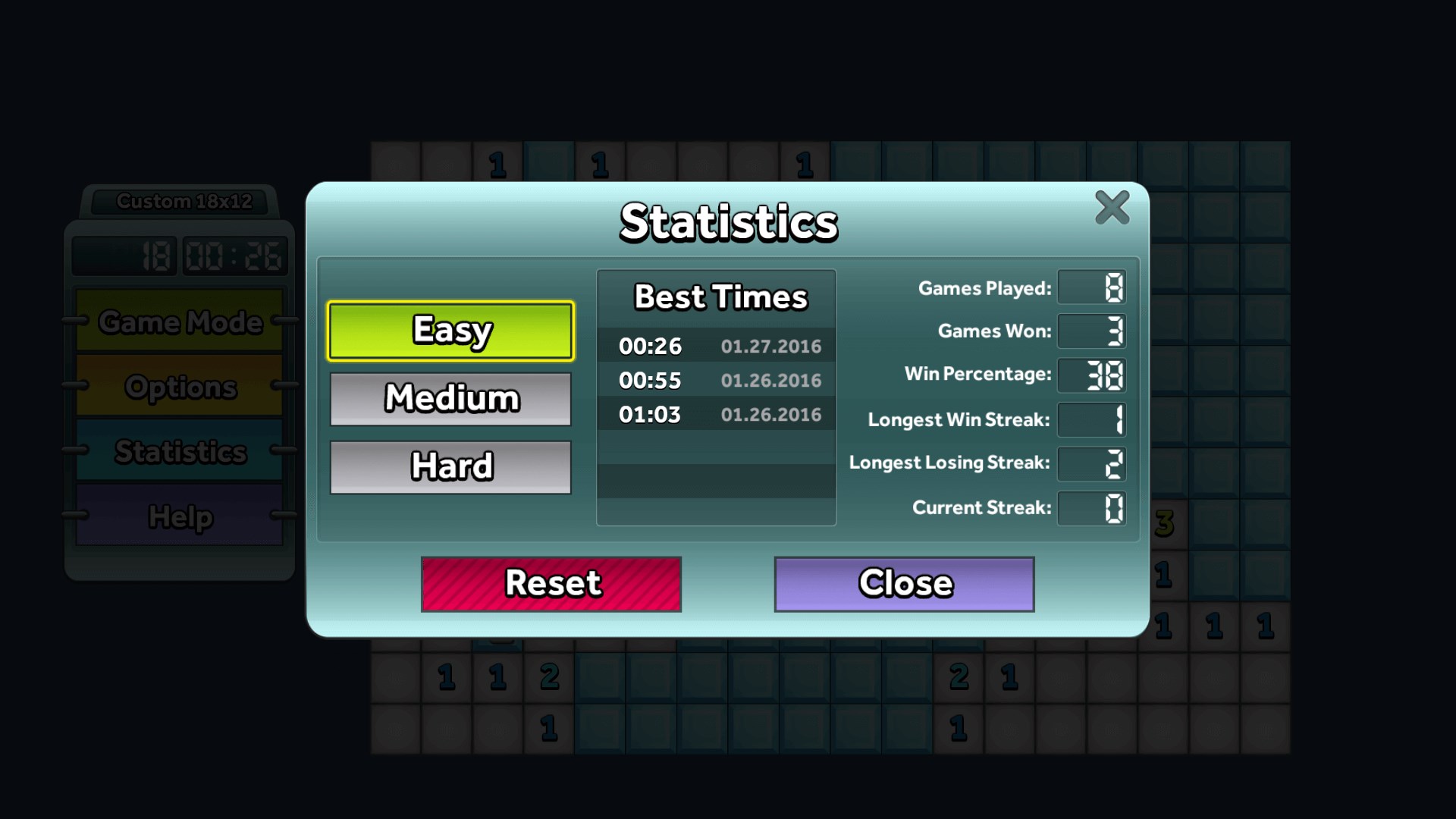
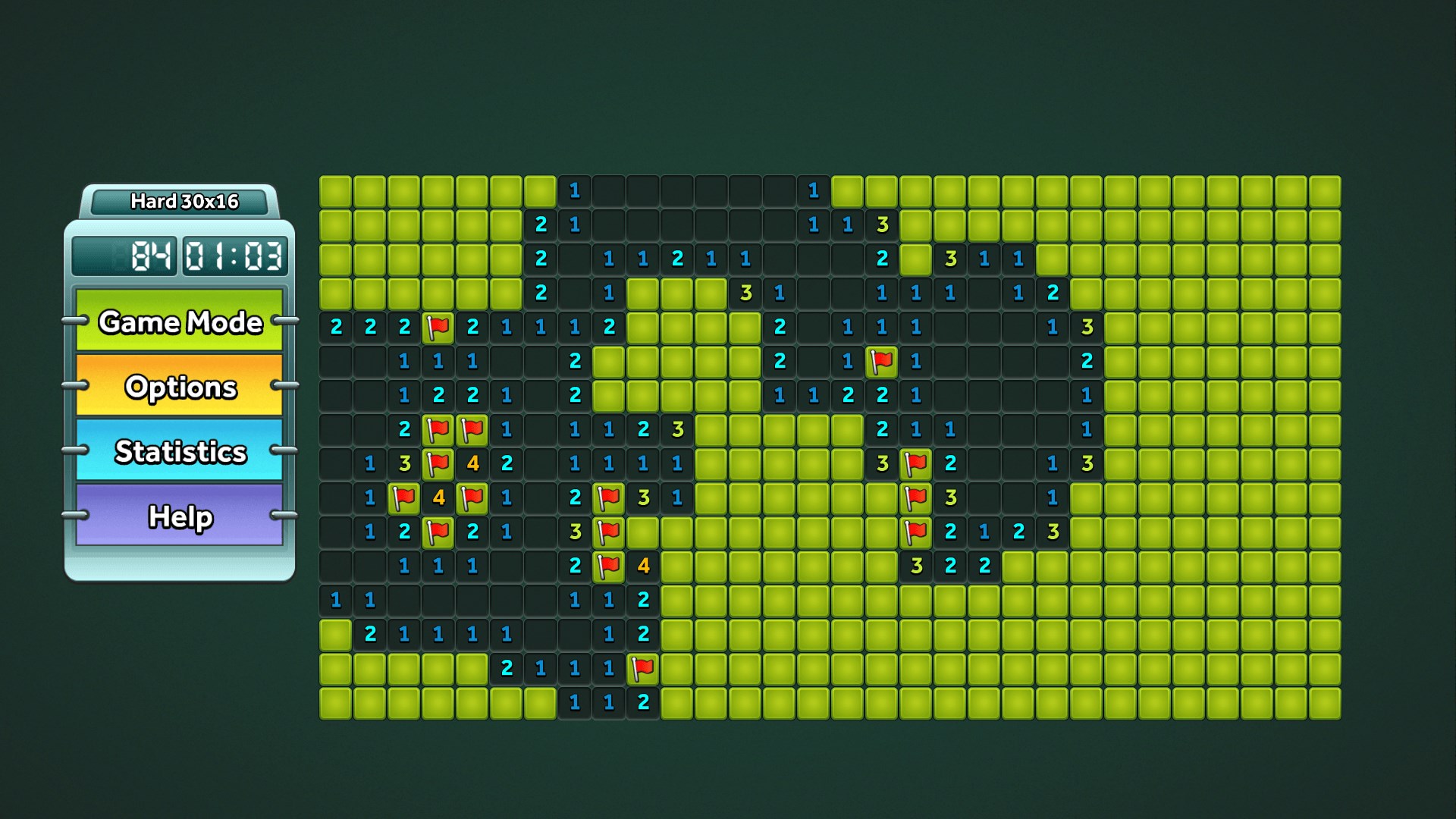
1. **Intuitive, Minimalist Design**: The game sports a sleek interface that emphasizes clarity and ease of use, removing clutter to let players focus purely on solving the puzzle.
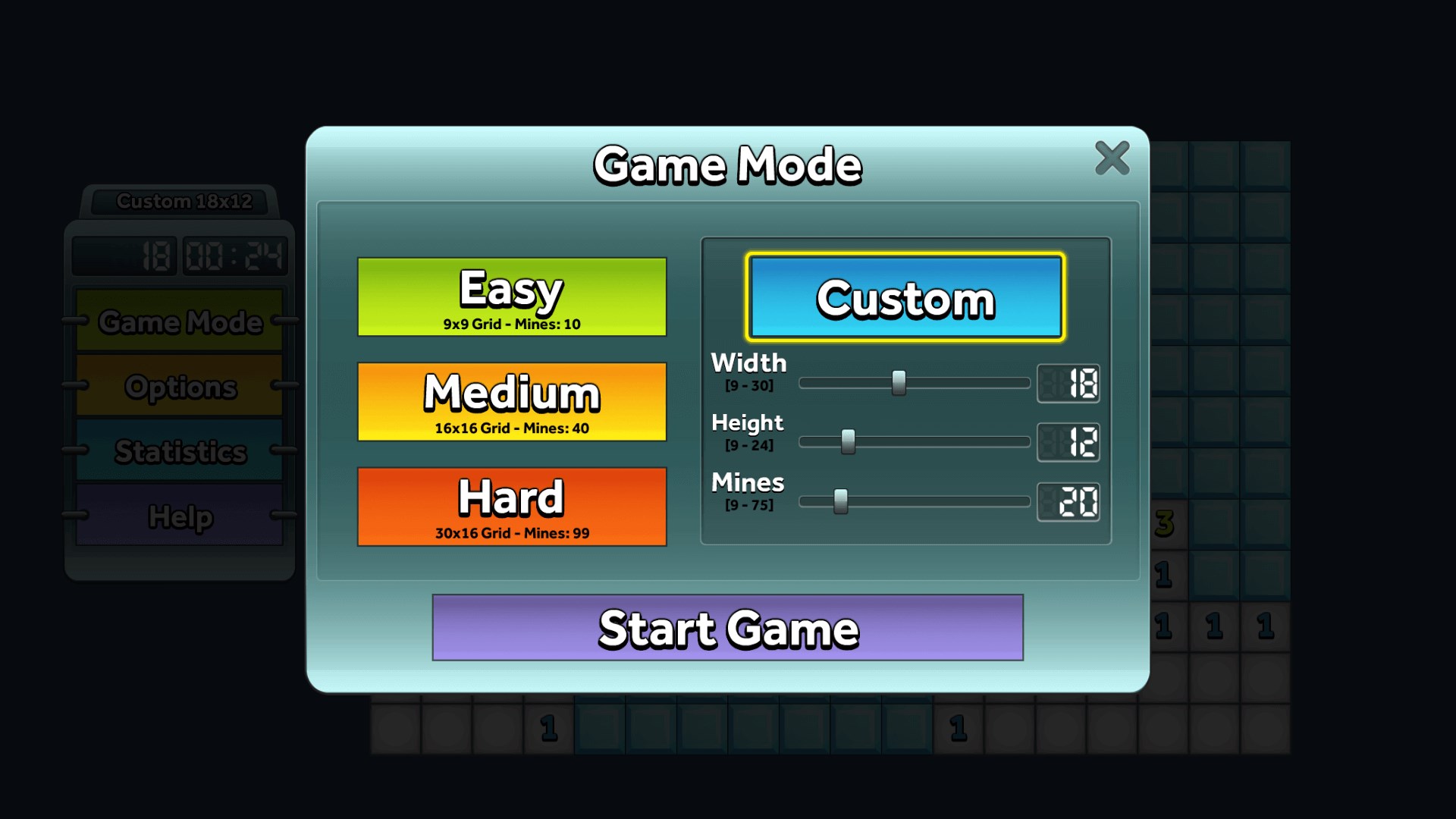
2. **Customizable Difficulty Levels**: From beginner to expert, players can tailor the grid size and mine density, making it suitable for a wide audience—from casual players to dedicated puzzle solvers.
3. **Smooth and Responsive Gameplay**: The app is optimized for Windows, providing seamless interactions that feel natural, whether you're clicking to reveal cells or flagging potential mines.
>4. **Enhanced User Assistance Features**: Features like hints and an undo button help reduce frustration and make the game more accessible to learners without sacrificing the challenge.5. **Cross-Device Compatibility**: Compatibility across Windows desktops and tablets ensures players can enjoy the game in various settings, whether at home or on the go.
The Joy of Minesweeper, Redefined
Imagine sitting at your desk, craving a quick mental workout. The game's calming aesthetic, reminiscent of a neatly organized grid, welcomes you as you start a session. The responsive controls make each click feel fluid—like turning the pages of a well-loved book. The minimal interface strips away unnecessary distractions, allowing you to indulge solely in the satisfying process of deducing safe spots from visual clues. It's akin to a peaceful game of chess or sudoku—simple on the surface, but endlessly compelling underneath.
Core Features in Detail
First, the custom difficulty levels stand out as one of the most compelling aspects. Whether you want a quick, simple challenge or a tough grid that tests your logic skills, the app adapts effortlessly. This flexibility makes it approachable for beginners, who might just want a light puzzle, and for veterans seeking a serious brain teaser.
Second, the user assistance options like hints and undo are thoughtful additions. They act like a helpful friend sitting beside you—offering gentle nudges or allowing mistakes to be corrected without penalty. This feature ensures that the game remains enjoyable rather than frustrating, encouraging extended play and learning.
The game's interface deserves mention as well. Its clean, modern layout reduces visual noise and makes navigation intuitive. Animations are smooth, and actions like revealing cells or flagging mines feel instantaneous, reaffirming a high standard of responsiveness that keeps the gameplay experience satisfying.
How It Differs from Other Puzzle Apps
Compared to other puzzle and trivia applications, Simple Minesweeper emphasizes purity of experience. Unlike apps cluttered with extra mini-games, advertisements, or complex settings, this game keeps the focus sharply on core mechanics. Its adaptability and accessibility—especially with customizable difficulty and helpful hints—set it apart from traditional Minesweeper clones or similar logic puzzles that can sometimes intimidate new players. For those seeking a straightforward, dependable puzzle that respects their time and intelligence, Simple Minesweeper shines as a minimalist gem.
Final Thoughts and Recommendations
I'd recommend Simple Minesweeper for Windows to anyone looking for a classic game presented with modern finesse. Its thoughtful design, ease of access, and the subtle but impactful features like hints make it a pleasant pastime without feeling overly complicated or overly simplistic. Whether you're an occasional gamer seeking a quick mental break or someone honing your logic skills, this app offers a balanced, polished experience that's worth trying out. Just like a well-organized workspace fosters creativity, a smooth game interface fosters engaging gameplay—this is what Simple Minesweeper delivers.
Pros
- Intuitive User Interface
- Smooth Performance
- Variety of Difficulty Levels
- Minimal Ads
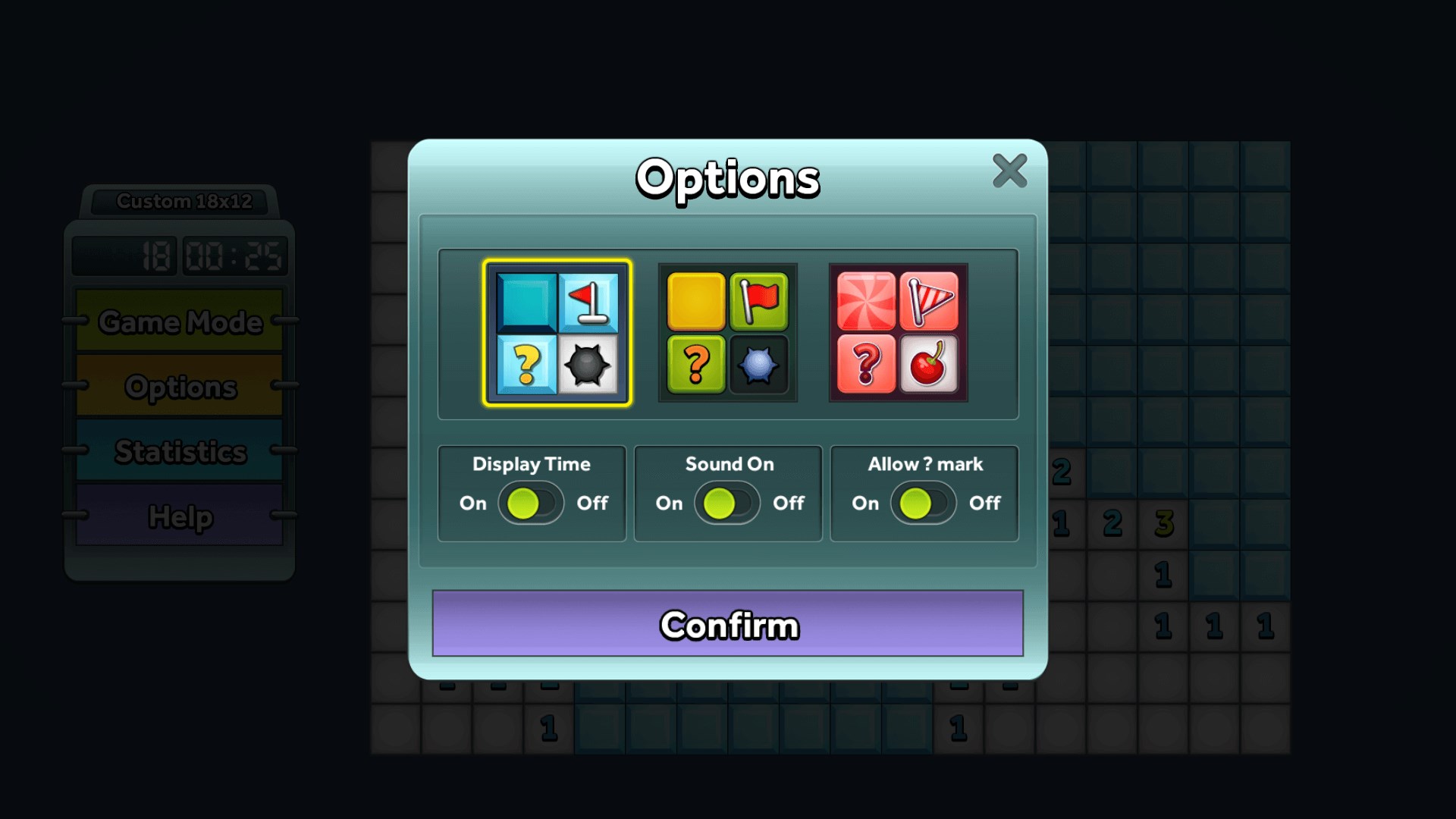
- Customizable Options
Cons
- Limited Puzzle Variations
- Basic Graphics
- No Hint System
- Limited Customization Options
- No Progress Tracking











