

- Name Relaxing Jigsaw Puzzles for Adults
- Category Puzzle & trivia
- Available on PC
- OS Windows 10 version 16299.0 or higher
- Mouse Not specified
- languages Chinese (Simplified), Danish, Dutch, English (United States), Finnish, French, German, Italian, Japanese, Korean, Norwegian, Portuguese, Russian, Spanish, Swedish
Relaxing Jigsaw Puzzles for Adults for Windows: A Tranquil Escape for Puzzle Enthusiasts
Imagine unwinding after a long day with a beautifully crafted jigsaw puzzle that not only entertains but also soothes your mind. That's exactly what Relaxing Jigsaw Puzzles for Adults offers—a serene digital puzzle experience designed for relaxation and mental rejuvenation. Whether you're seeking a peaceful pastime or looking to sharpen your focus, this app promises a calming puzzle journey right on your Windows device.
About the Developer and Core Features
Developed by JH Digital Solutions, a team dedicated to creating engaging and user-friendly digital entertainment, Relaxing Jigsaw Puzzles for Adults stands out in the crowded puzzle app landscape. Its main highlights include:
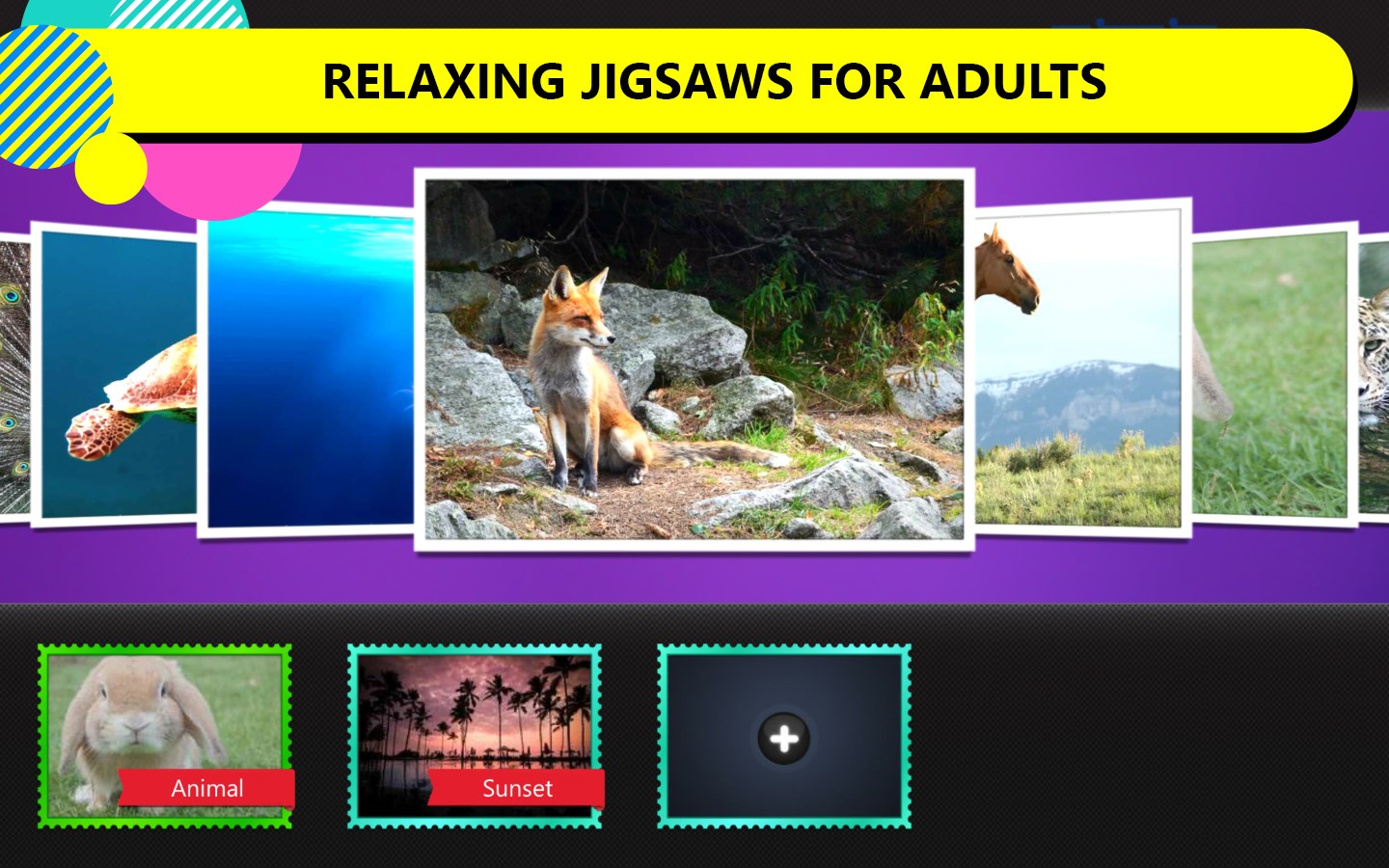
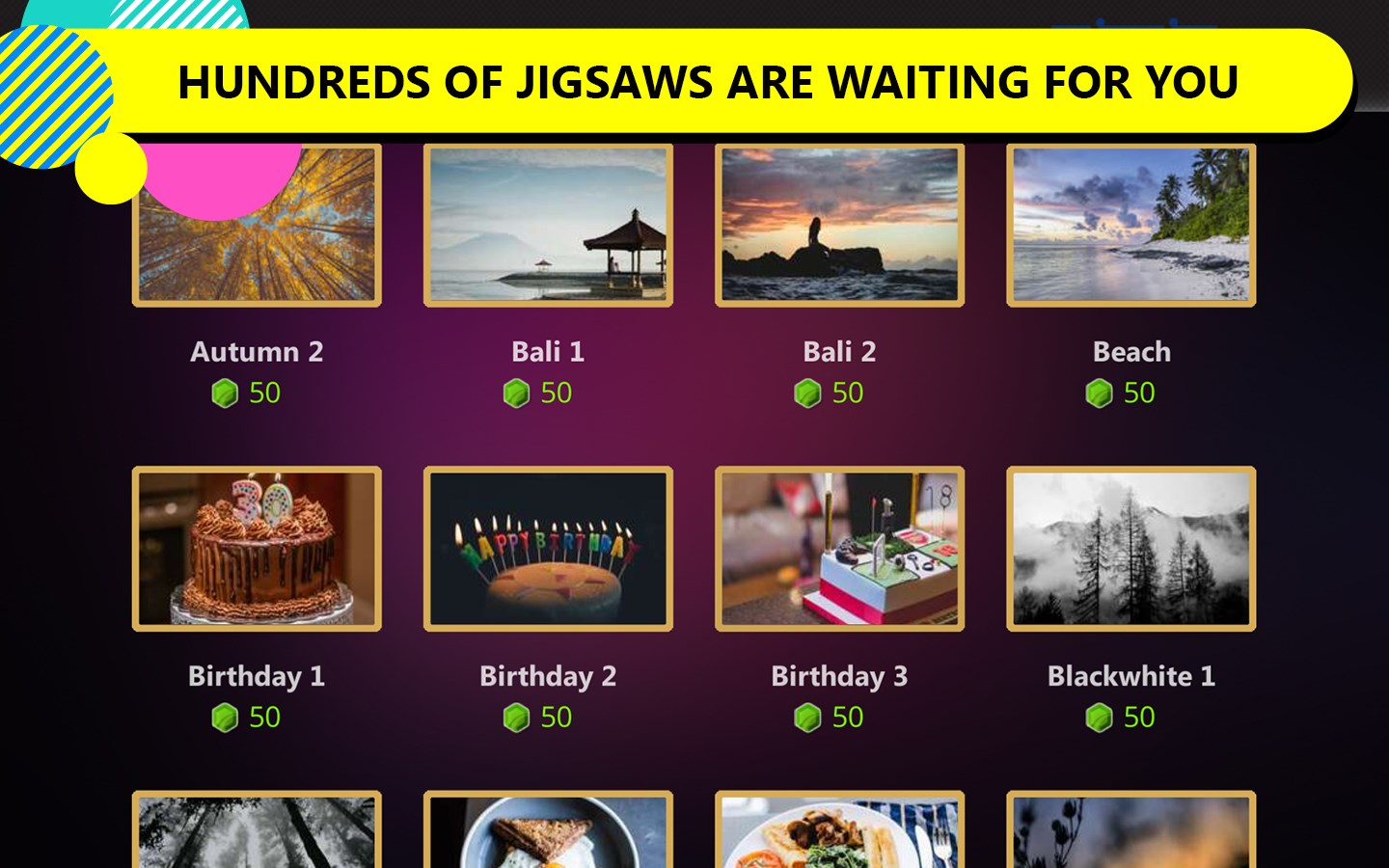
- Variety of Stunning Imagery: Users can choose from a wide array of high-resolution photos ranging from scenic landscapes to artistic illustrations, providing visual delight and diverse puzzle options.
- Intuitive and Customizable Difficulty: The app offers adjustable piece counts, catering to both casual players and seasoned puzzle enthusiasts seeking greater challenge.
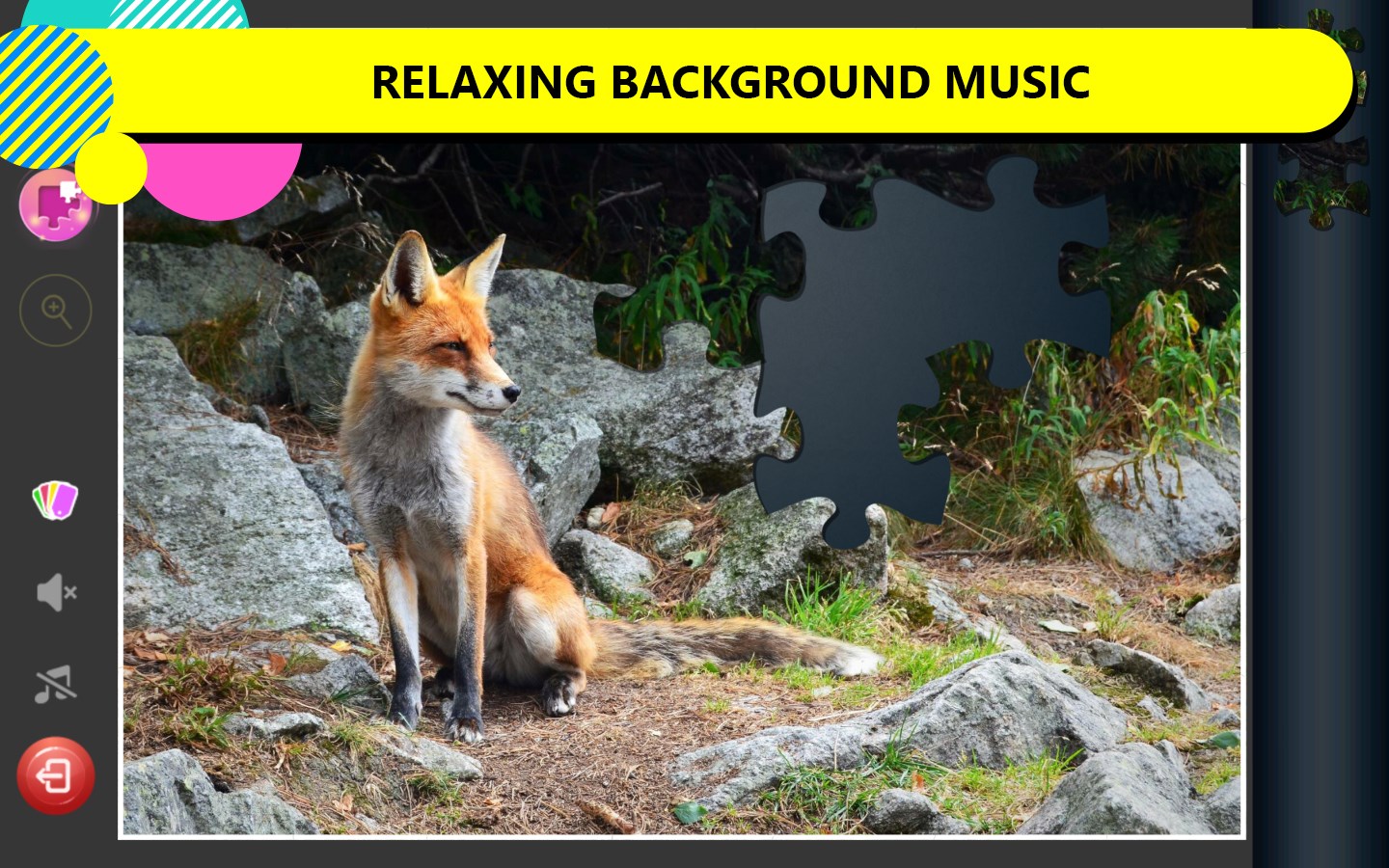
- Relaxing Ambient Soundscapes: Complementing the visual tranquility, the app features calming background music and sounds that enhance the immersive relaxation experience.
- Seamless User Interface: Designed for straightforward navigation, making it accessible for all age groups, including newcomers to digital puzzles.
Engaging the Mind: Core Functionalities in Detail
Immersive Puzzle Content with High-Quality Images
One of the app's most compelling features is its extensive collection of imagery curated specifically for relaxation. From peaceful beaches and lush forests to intricate abstract art, each puzzle serves as a visual retreat. The high-resolution images are crisp, vibrant, and thoughtfully categorized, inviting users to lose themselves in a serene world while assembling each piece.
Adjustable Difficulty Levels for Every Mood
Whether you prefer an easy 30-piece puzzle or a challenging 200-piece masterpiece, this app adapts to your mood and skill level. Users can effortlessly toggle the difficulty setting, allowing for a gradual increase in challenge. This flexibility ensures the app remains engaging without becoming frustrating, making it suitable for both beginners and veteran puzzlers.
Audio-Visual Synchronization for Relaxation
The calming soundscapes are more than mere background noise—they serve as an integral part of the relaxing experience. Gentle melodies, ambient nature sounds, and the soft clicking of puzzle pieces create a harmonious environment that mimics the soothing ambiance of a cozy café or a peaceful park. This synchronized audio-visual design minimizes mental stress and helps users immerse themselves fully in their puzzle-solving journey.
Enhanced User Experience and Unique Selling Points
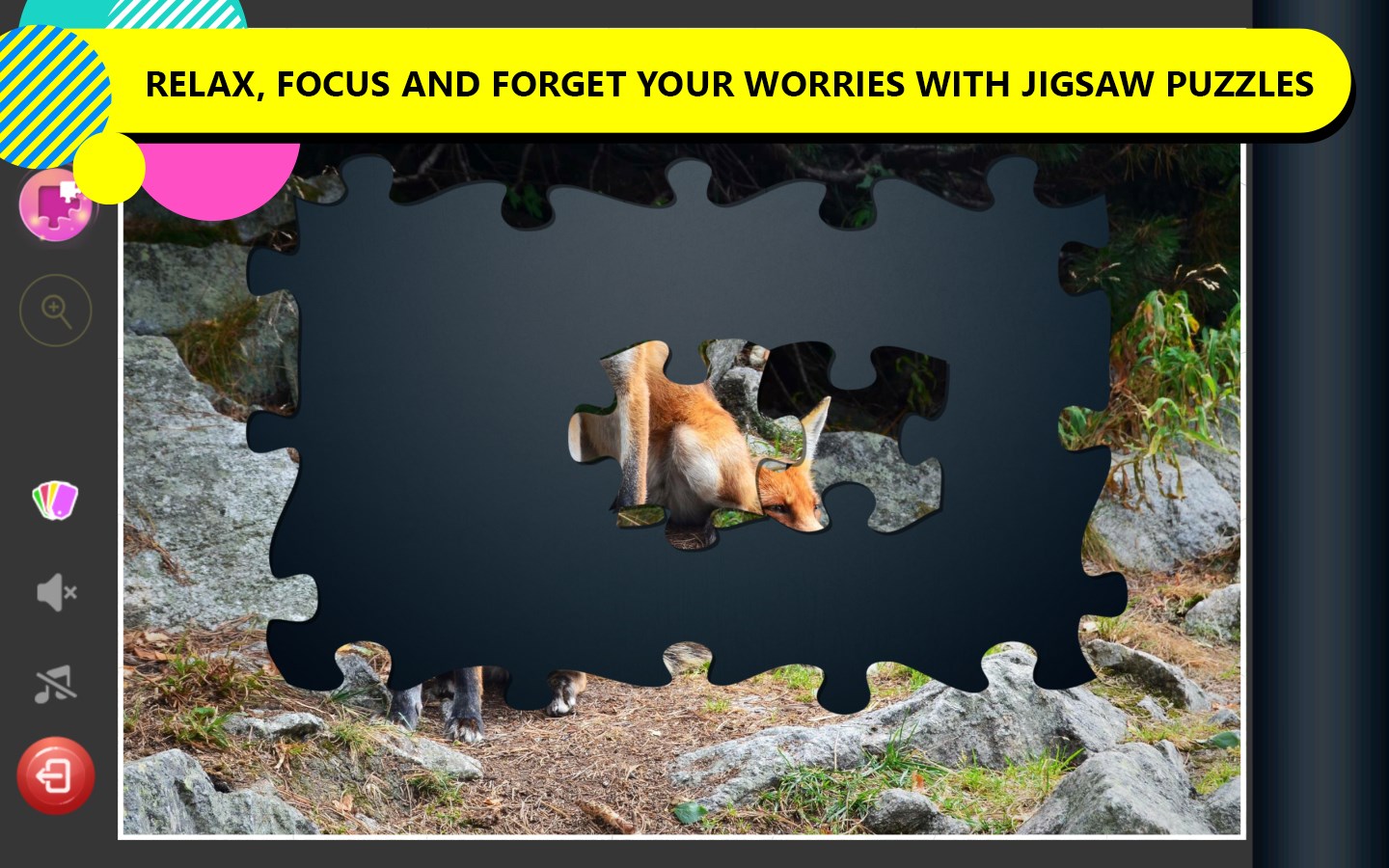
The interface of Relaxing Jigsaw Puzzles for Adults is thoughtfully designed—clean, minimalist, and clutter-free—allowing users to focus solely on the puzzle. The drag-and-drop mechanics are smooth, with responsive controls that make placing pieces feel effortless, akin to gently laying down the final touches in a painting. The app's learning curve is gentle; even technophobes will find it easy to jump in without a steep learning process.
Compared to other puzzle apps, this one shines through its emphasis on relaxation and mental well-being. Its combination of stunning imagery, customizable difficulty, and soothing sounds provides a unique sensory experience that distinguishes it from more competitive or trivia-based puzzle games. Instead of just challenging your problem-solving skills, it invites you to slow down, breathe, and enjoy a moment of Zen.
Final Thoughts and Recommendations
Relaxing Jigsaw Puzzles for Adults is a commendable choice for anyone seeking a calming digital activity that balances visual beauty with mental relaxation. Its user-friendly design, coupled with the variety of content and ambient sound options, makes it more than just a puzzle app—it's a tranquil sanctuary in your daily routine. I would recommend it particularly for users who value mindfulness and stress relief in their entertainment choices.
Whether you're an experienced puzzle lover or a casual user looking for a peaceful digital hobby, this app offers a valuable escape from the hustle and bustle. Its key strengths—exceptional imagery and immersive, calming sounds—are its most compelling features. Give it a try, and transform your Windows device into a peaceful haven for the mind.
Pros
- High-quality image selection
- User-friendly interface
- Multiple difficulty levels
- Relaxing background music and sounds
- Progress saving feature
Cons
- Limited customization options
- Lack of multiplayer or social sharing features
- Occasional loading delays with large puzzles
- Limited free puzzle content
- No hint or assist feature











