


- Name Puzzle Gallery
- Category Puzzle & trivia
- Available on PC, Surface Hub
- OS Windows 10 version 16299.0 or higher
- languages English, English (United States), French, German
Discover Puzzle Gallery for Windows: A Fresh Take on Brain Teasers
Imagine stepping into a vibrant puzzle exhibit where every piece challenges your mind and sparks your curiosity—that's the essence of Puzzle Gallery for Windows. Developed by Donut Arts, this app invites puzzle enthusiasts and casual players alike to immerse themselves in a visually engaging, thoughtfully designed puzzle experience that blends classic mechanics with innovative twists.
About Puzzle Gallery: Basic Info and Core Highlights
At its core, Puzzle Gallery is a compelling collection of brain-teasing puzzles crafted with both entertainment and mental exercise in mind. Donut Arts, a dedicated indie developer known for creating engaging casual games, brings us this thoughtfully curated puzzle app. The main features that stand out include:
- Variety of Puzzle Types: From jigsaw and logic puzzles to pattern recognition, offering diverse challenges for all tastes.
- Beautiful Visual Design: A colorful, gallery-like interface that makes each puzzle feel like a piece of art.
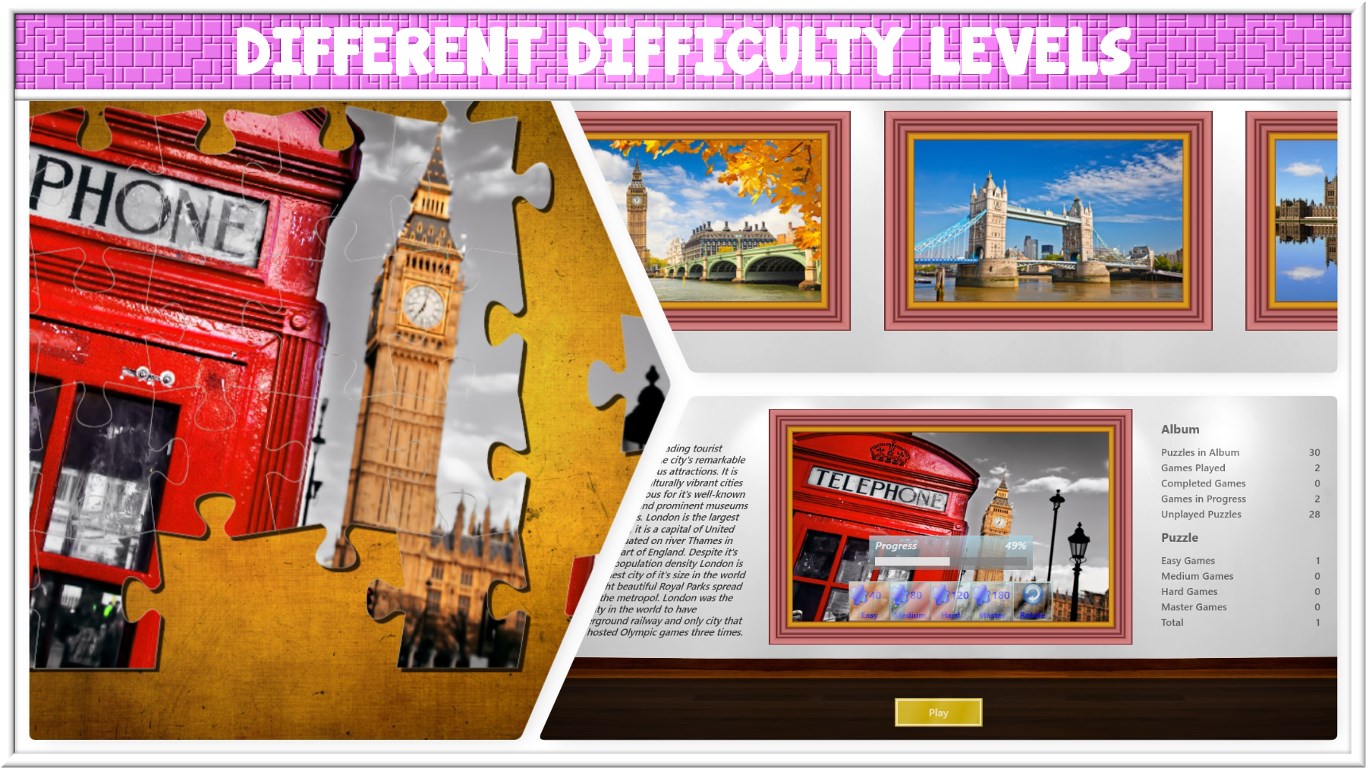
- Progressive Difficulty Levels: Puzzles increase in complexity, catering to both beginners and seasoned puzzle fans.
- Intuitive User Interface: Smooth navigation and clean layout ensure a frustration-free experience.
Targeting puzzle lovers, casual gamers, and those seeking mental stimulation during breaks, Puzzle Gallery aims to provide a relaxing yet stimulating environment for all users.
A Delightful Puzzle Experience: Engaging and Accessible
Stepping into Puzzle Gallery for Windows is akin to entering an artful museum filled with intriguing pieces awaiting discovery. The colorful interface and thematic puzzle collections invite users to explore in a way that feels both inviting and inspiring. Unlike many standard puzzle apps, Puzzle Gallery emphasizes a gallery-like experience, making each puzzle feel like a piece of an artistic exhibit.
Core Functionality: A Palette of Puzzles
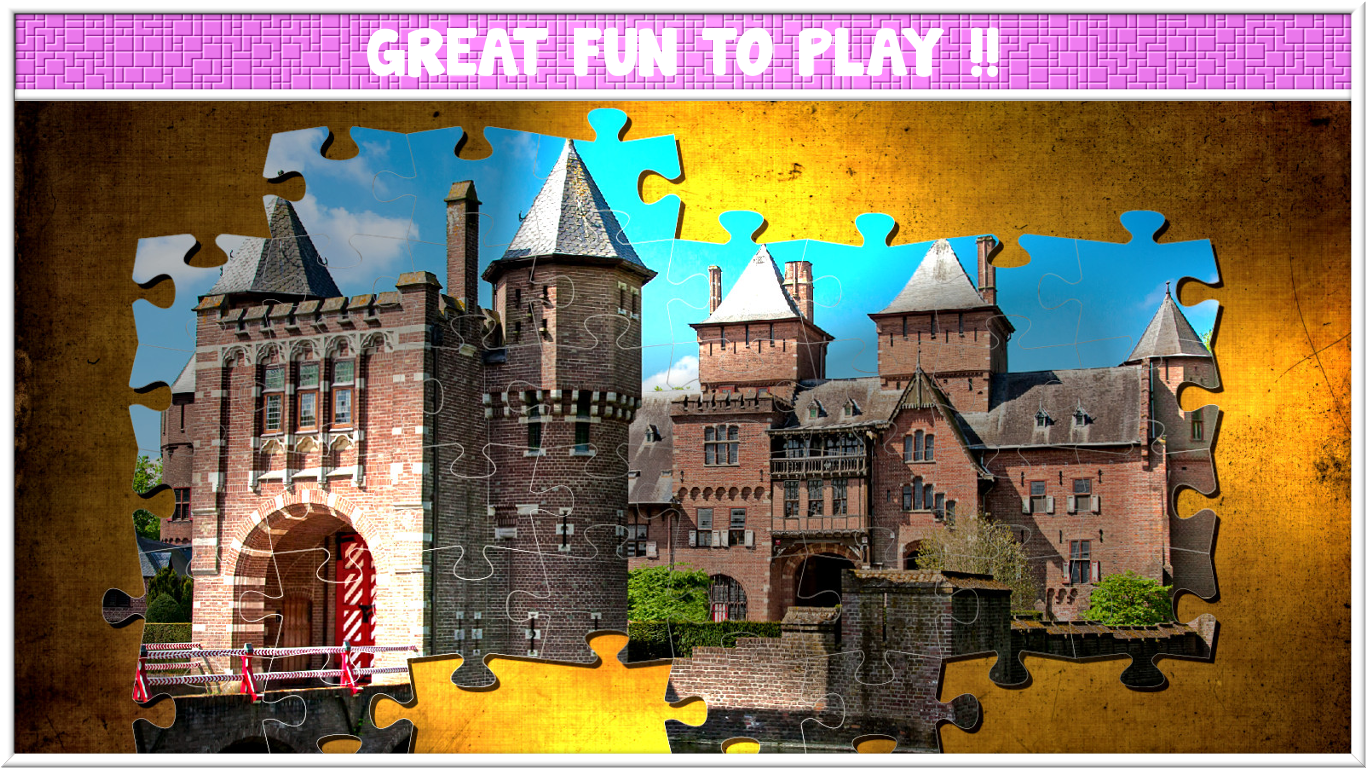
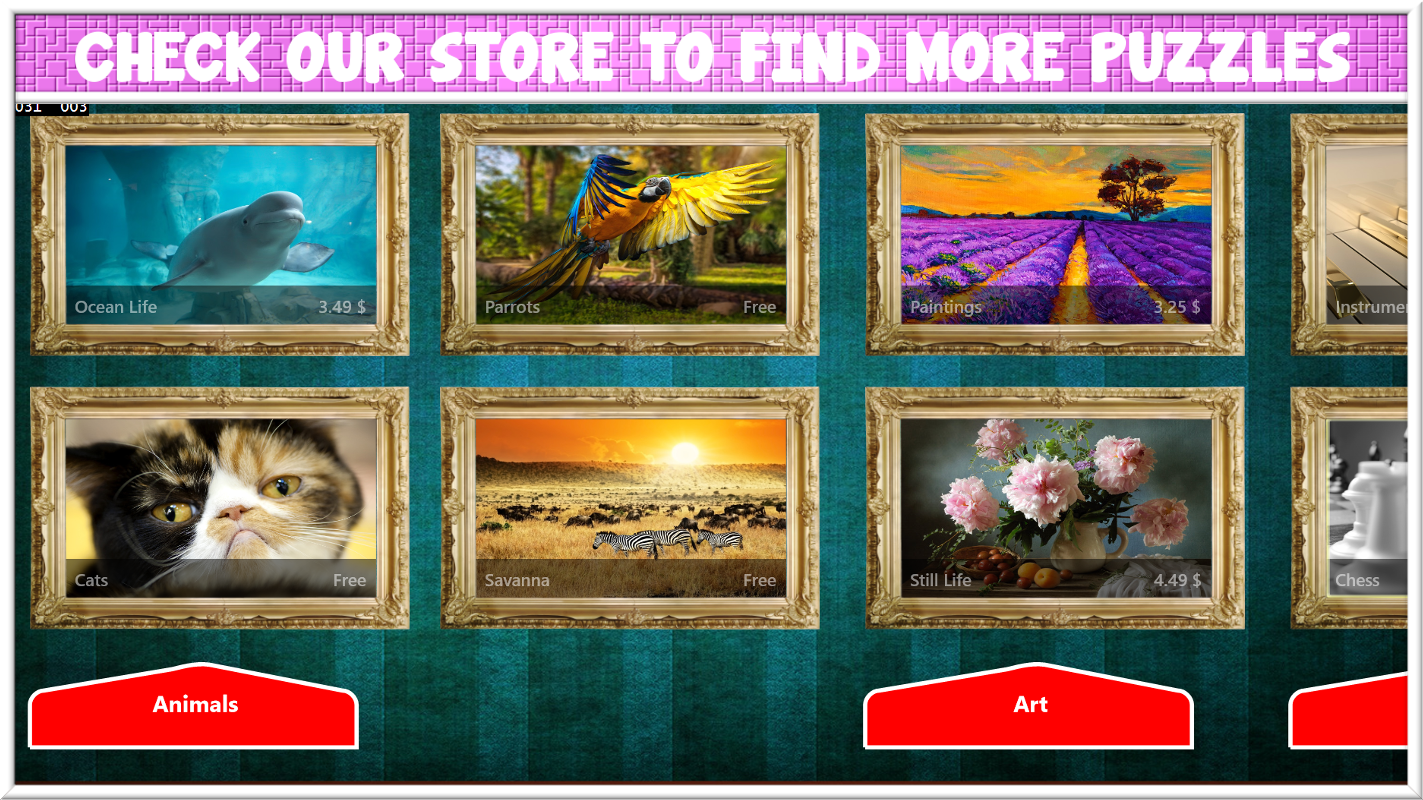
The app offers a rich variety of puzzle types, including jigsaw puzzles where you assemble picturesque scenes, logic challenges that test your deductive skills, and pattern recognition tasks that sharpen your visual acuity. What's particularly appealing is the way these puzzles are grouped into collections, encouraging users to complete sets and unlock new “exhibits,” adding a layer of progression that keeps motivation high.
User Interface and Experience
The interface is thoughtfully designed, with bright, appealing visuals that do not overwhelm. Navigation is straightforward—buttons are clearly labeled, and puzzles load swiftly, providing a seamless experience. The app's controls are intuitive, making it accessible for casual users and beginners, while still offering enough complexity for more experienced puzzle solvers. The learning curve is gentle; new players can pick up the game easily, yet they'll find enough depth to keep exploring.
What Makes Puzzle Gallery Stand Out?
Beyond the standard puzzle mechanics, Puzzle Gallery's standout feature is its gallery-themed approach, combining visual art with cognitive challenges. This creates a relaxing, almost meditative atmosphere absent in many traditional puzzle apps. Additionally, the ability to select different puzzle categories and difficulty levels allows users to personalize their experience—whether they're in the mood for quick fun or a more substantial mental workout. Compared to similar apps like “Jigsaw Puzzle Free” or “Trivia Crack,” Puzzle Gallery strikes a balance between aesthetic appeal and challenge complexity, making it a distinctive choice for puzzle enthusiasts.
Should You Give It a Try?
Considering its clean design, varied puzzle types, and user-friendly controls, Puzzle Gallery for Windows earns a solid recommendation—especially for those who enjoy puzzles that feel like mini-art exhibitions. It's best suited for users looking for a calm, engaging way to stimulate their minds without the pressure of timed challenges. If you appreciate a visually pleasing environment and diverse puzzle challenges, this app could become a favorite.
Final Thoughts: A Worthwhile Addition to Your Puzzle Collection
Overall, Puzzle Gallery for Windows offers a refreshing, art-inspired approach to classic puzzles, making it a commendable choice for casual players and dedicated puzzle fans alike. Its most unique features—the gallery theme and varied puzzle categories—set it apart in the crowded puzzle app landscape. If you're seeking a relaxing yet stimulating puzzle experience that feels more like exploring an art exhibit than merely completing games, give Puzzle Gallery a try. It might just become your new digital puzzle sanctuary.
Pros
- Engaging and visually appealing puzzles
- User-friendly interface
- Wide range of difficulty levels
- Offline access to puzzles
- Regular content updates
Cons
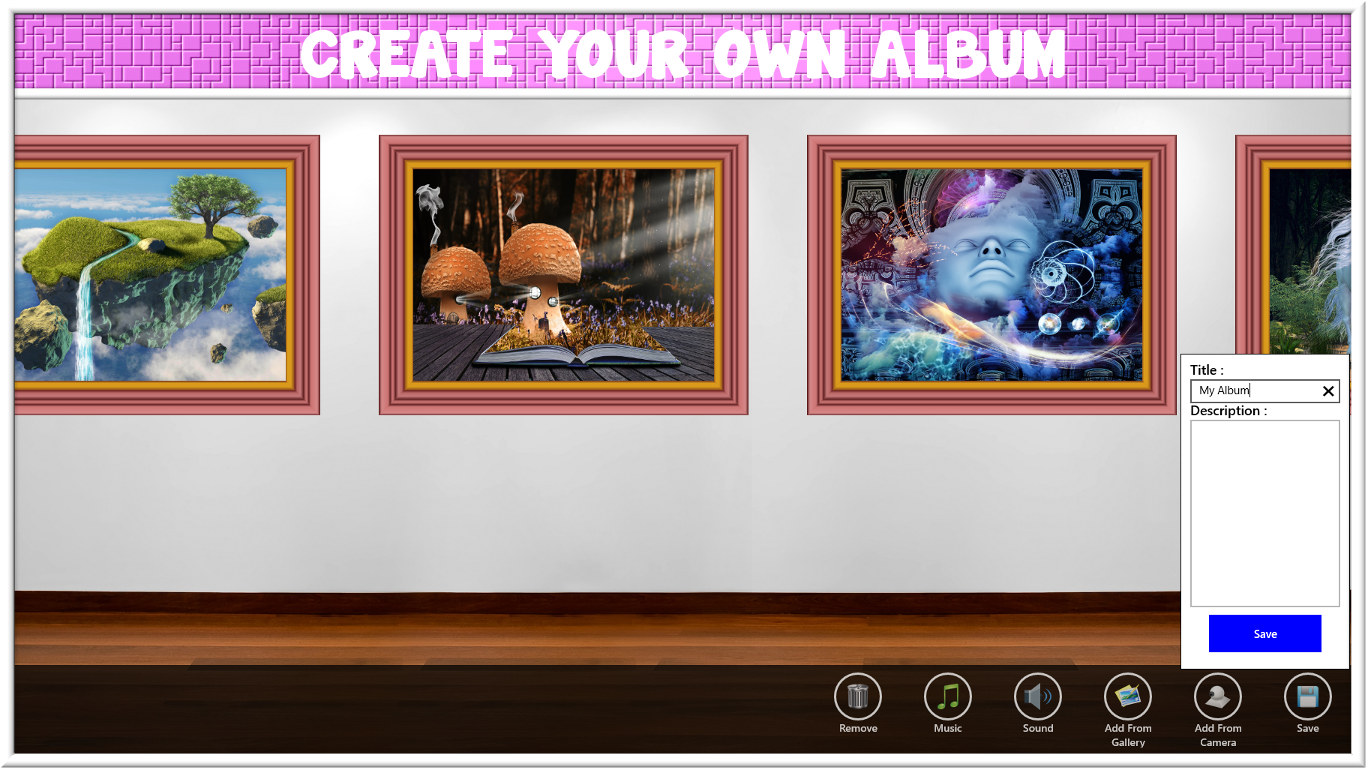
- Limited customization options
- Ads interrupt gameplay occasionally
- Lack of detailed tutorials
- Limited social sharing features
- Performance issues on older devices











