

- Name Pirates & Pearls: Match, build & design
- Category Puzzle & trivia
- Available on PC
- OS Windows 10 version 10240.0 or higher
- languages Chinese (Simplified), Chinese (Traditional Chinese), English, French, German, Italian, Japanese, Korean, Portuguese, Portuguese (Portugal), Russian, Spanish
Introducing Pirates & Pearls: Match, Build & Design
Pirates & Pearls is a cozy yet adventurous match-3 puzzle game that combines charming pirate-themed storytelling with creative building elements, providing players with an engaging blend of strategy and design.
Developed by G5 Entertainment AB
This game is brought to you by G5 Entertainment AB, a renowned developer known for creating captivating casual games with innovative mechanics and high-quality graphics.
Key Features That Shine
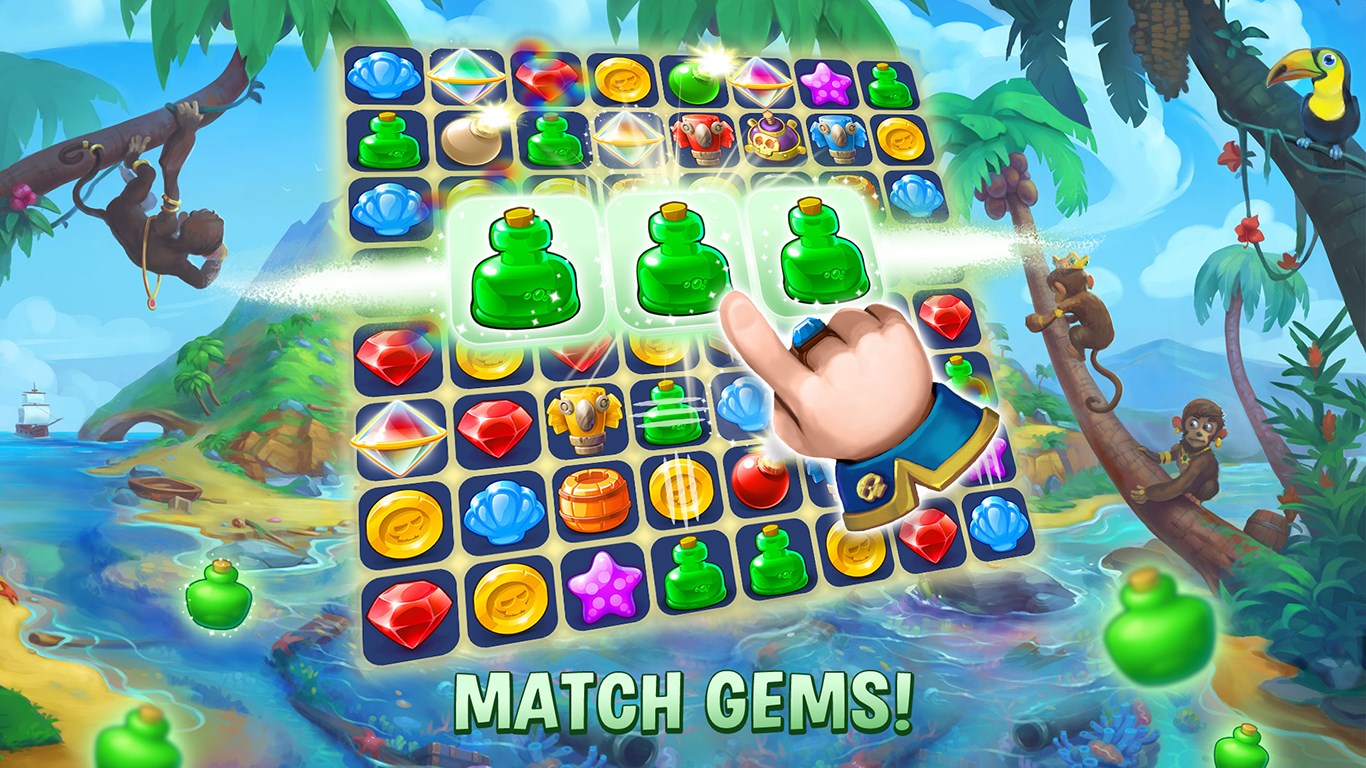
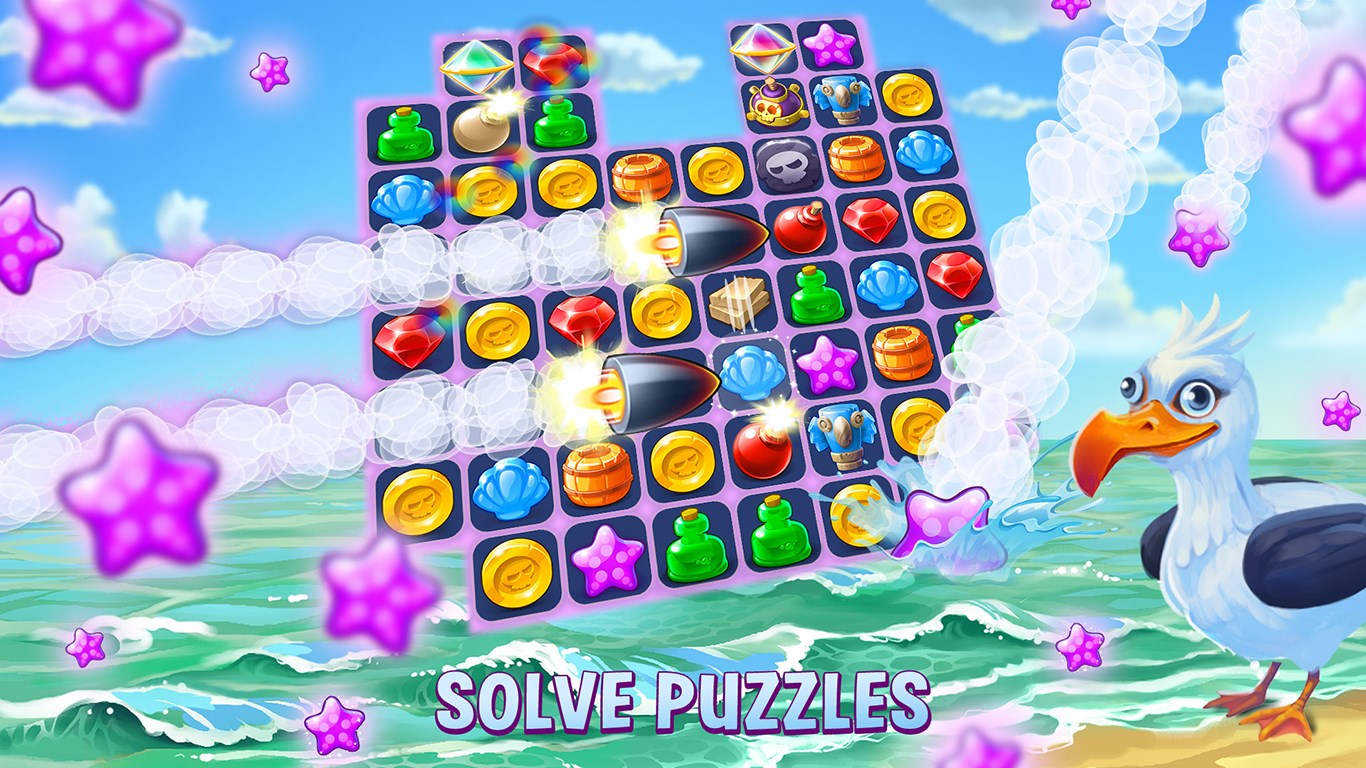
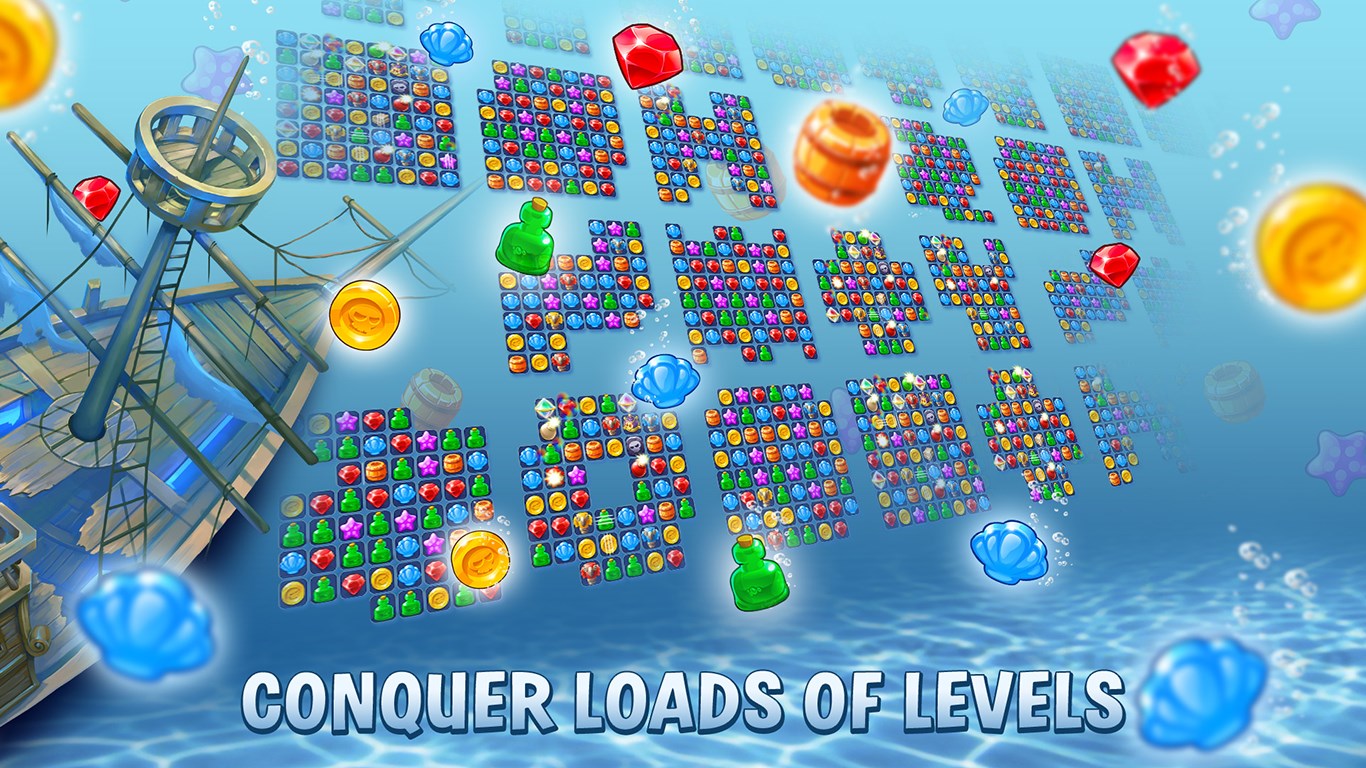
- Unique Pirate-Themed Match-3 Gameplay: Engages players with colorful, lively match-3 puzzles set in the vibrant world of pirates and treasures.
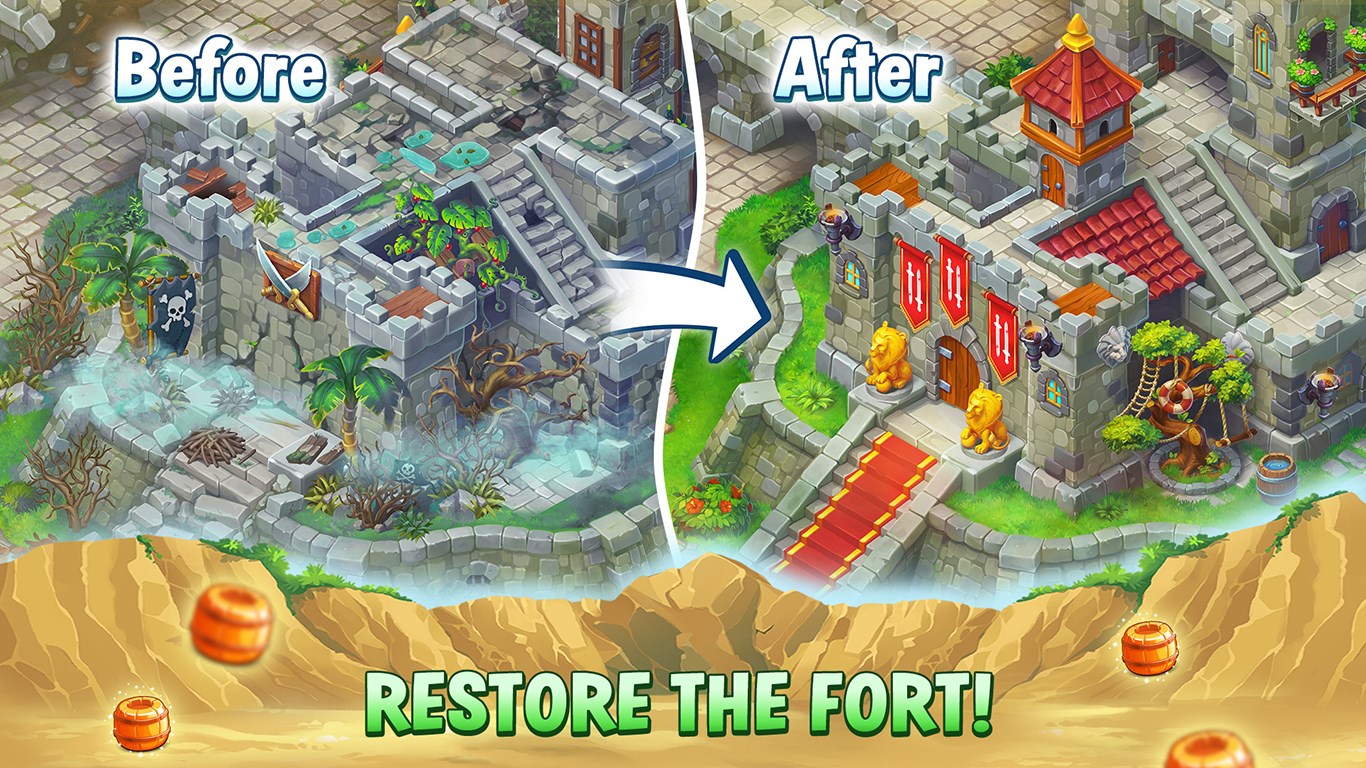
- In-Depth Building and Customization: Allows players to construct and decorate their own pirate hideouts, ships, and islands, adding a creative layer to the gameplay.
- Challenging Progression System: Offers increasingly difficult levels that require strategic matching and planning, encouraging long-term engagement.
- Story-driven Quests and Events: Incorporates narrative elements with quests that tie puzzle-solving to expanding your pirate domain.
Immersive and Colorful Puzzle Adventure
From the moment you launch Pirates & Pearls, you're welcomed into a bustling pirate world filled with lively characters, treasure maps, and mysterious islands. The game's art style employs a cartoonish yet polished aesthetic, making each scene feel like stepping into a vibrant storybook. The puzzles themselves are bright and intuitive, with satisfying animations that reward every successful match. Whether you're a casual gamer or a puzzle enthusiast, the initial levels serve as a friendly tutorial, gently guiding newcomers through the mechanics without feeling overly simplistic or overly complicated.
An Elegant Fusion of Match-3 & Builder Mechanics
The core of Pirates & Pearls lies in its seamless integration of match-3 puzzles with building features, which sets it apart from typical puzzle games. After completing each level, players earn resources that can be used to construct and upgrade various structures like pirate ships, taverns, and islands. This mechanic transforms the game from just a pattern-matching activity into a strategic resource management experience. The building interface is straightforward yet rewarding—dragging, placing, and customizing structures feels natural, with clear visual indicators and minimal delay. This blend keeps players hooked, as each puzzle success directly translates into tangible progress and creative expression within their personal pirate paradise.
User Experience & Unique Advantages
Navigation within Pirates & Pearls is smooth and responsive, thanks to a clean and well-organized interface that makes finding and selecting levels, quests, or building options effortless. The learning curve is gentle, making it accessible for players of all ages, yet the game intelligently introduces more complex puzzle scenarios as progress ensues. One standout feature is its thematic coherence: every puzzle, narrative thread, and building element feels interconnected, immersing players fully into the pirate universe. When compared to other match-3 and trivia apps, Pirates & Pearls's standout advantage is its rich combination of relaxing puzzle gameplay with creative building—offering not just mental stimulation but also a gratifying sense of creation and ownership. This dual-layer experience keeps the game fresh and engaging over the long haul.
Final Thoughts & Recommendations
Overall, Pirates & Pearls scores well as a casual puzzle game with a creative twist. Its charming graphics, smooth gameplay, and innovative building mechanics make it more than just another match-3 app—it's a narrative-driven sandbox that invites players to craft their own pirate utopia. I recommend this app particularly for players who enjoy puzzle-solving combined with creative customization, as well as those seeking a relaxing game that still offers meaningful progression. Its approachable interface and incremental challenge make it suitable for both newcomers and seasoned puzzle lovers. Whether you're in for deep strategic building or just a fun way to unwind, Pirates & Pearls offers a delightful voyage worth setting sail on.
Pros
- Engaging Match-3 Gameplay
- Creative Building and Design Options
- Visually Appealing Art Style
- Frequent Events and Updates
- Accessible for All Ages
Cons
- Limited Game Depth
- In-App Purchases Can Be Intrusive
- Occasional Performance Lag
- Limited Tutorial for New Players
- Progression System Slightly Unbalanced











