

- Name Nonograms Pro
- Category Puzzle & trivia
- Developer Fons Sonnemans
- Available on PC, Mobile, Surface Hub, HoloLens
- OS Windows 10 version 17763.0 or higher
- languages English (United States)
Introducing Nonograms Pro for Windows: A Bright Puzzle Companion
Nonograms Pro for Windows is a thoughtfully crafted digital rendition of the classic picture logic puzzles, designed to challenge and entertain enthusiasts on the desktop. Whether you're a seasoned puzzler or a curious newcomer, this app aims to deliver a smooth and engaging experience with its clean design and intuitive gameplay.
About the Developer and Core Features
Developed by Fons Sonnemans and published by Reflection IT, Nonograms Pro stands out among its peers for its focus on user-friendly interface and robust puzzle options. The app offers several highlights:
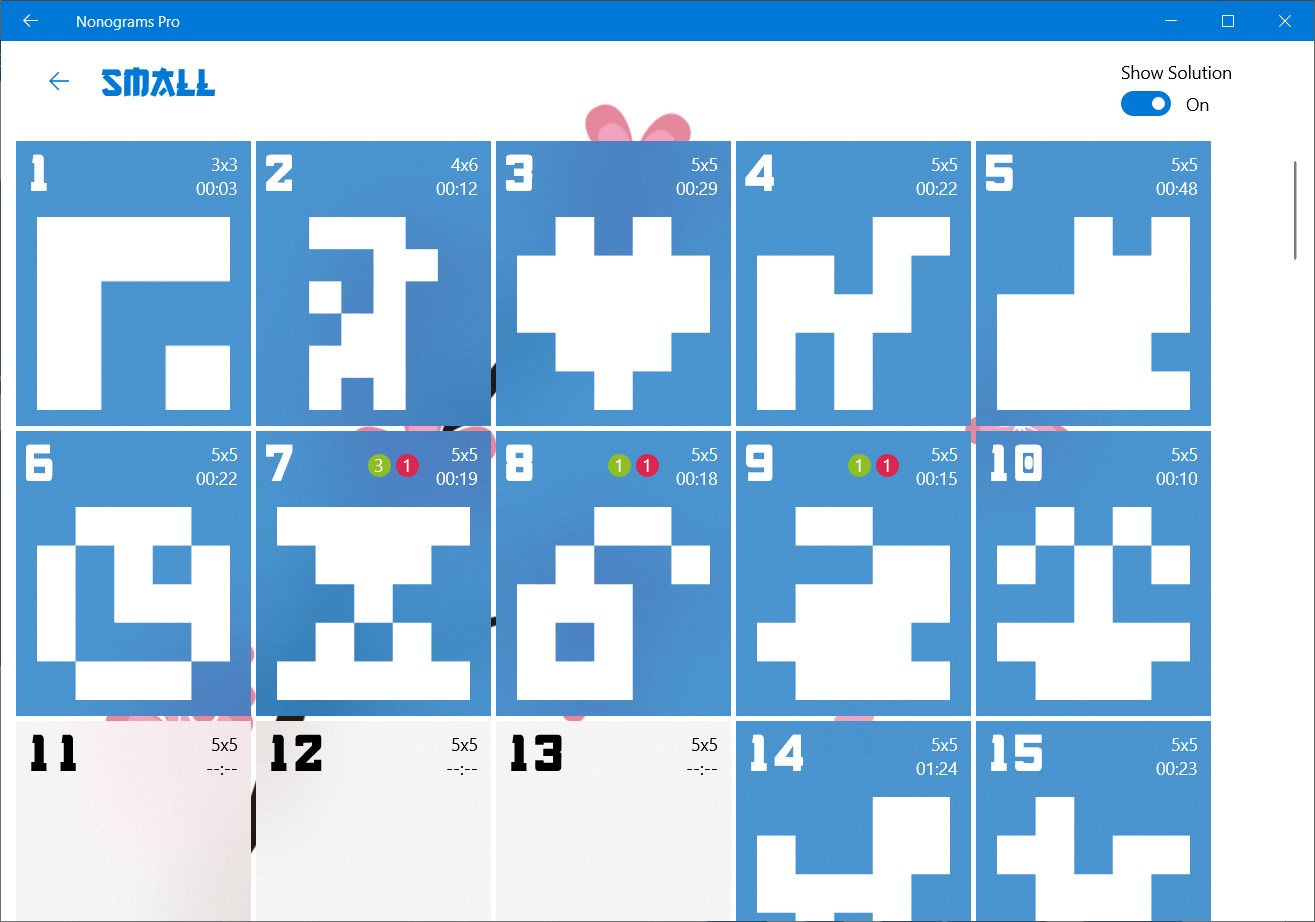
- Extensive Puzzle Library: Over hundreds of puzzles with varying difficulty levels, catering to casual players and puzzle masters alike.
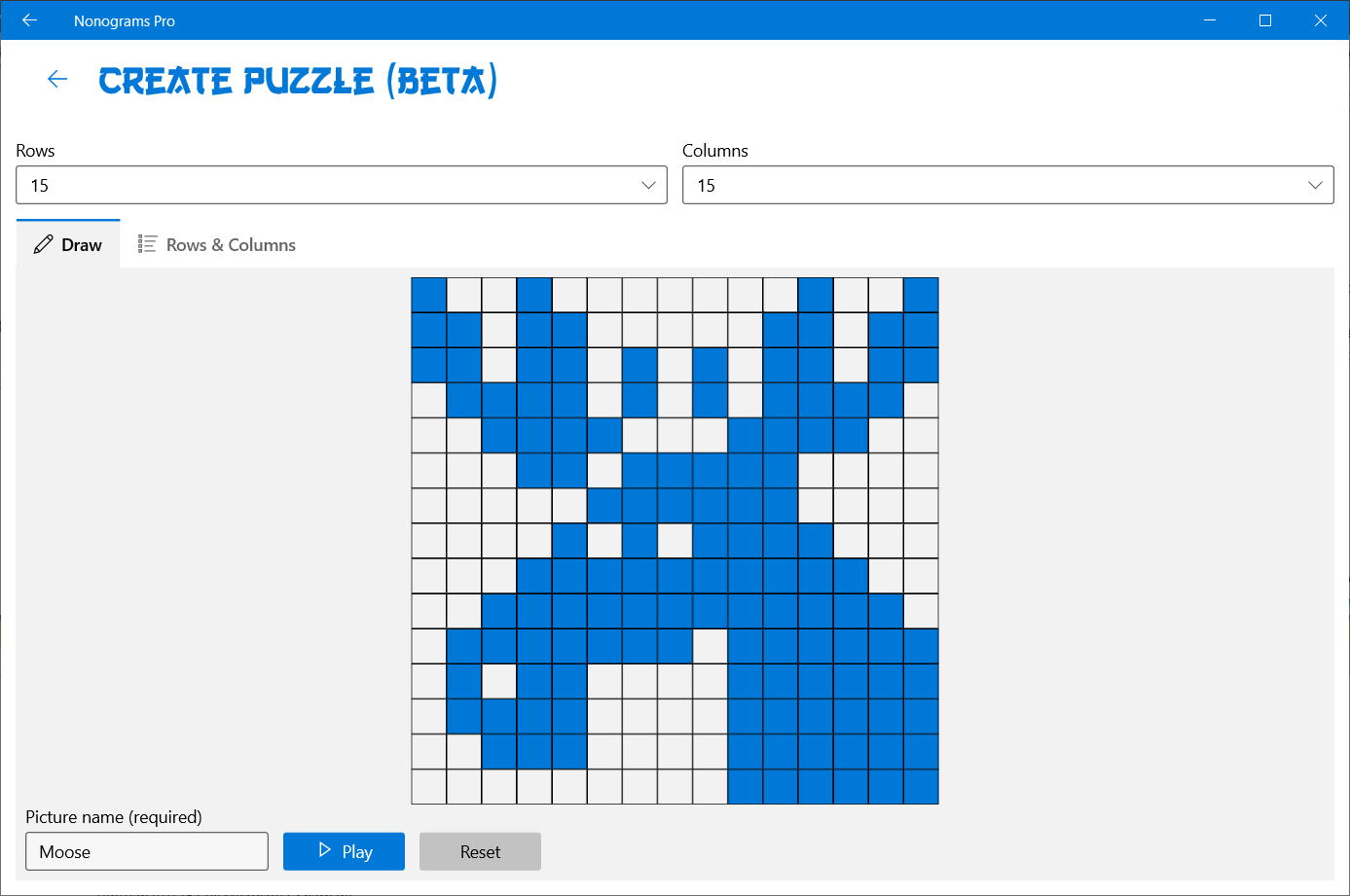
- Custom Puzzle Creation: Enables users to create and share their own puzzles, fostering a creative community.
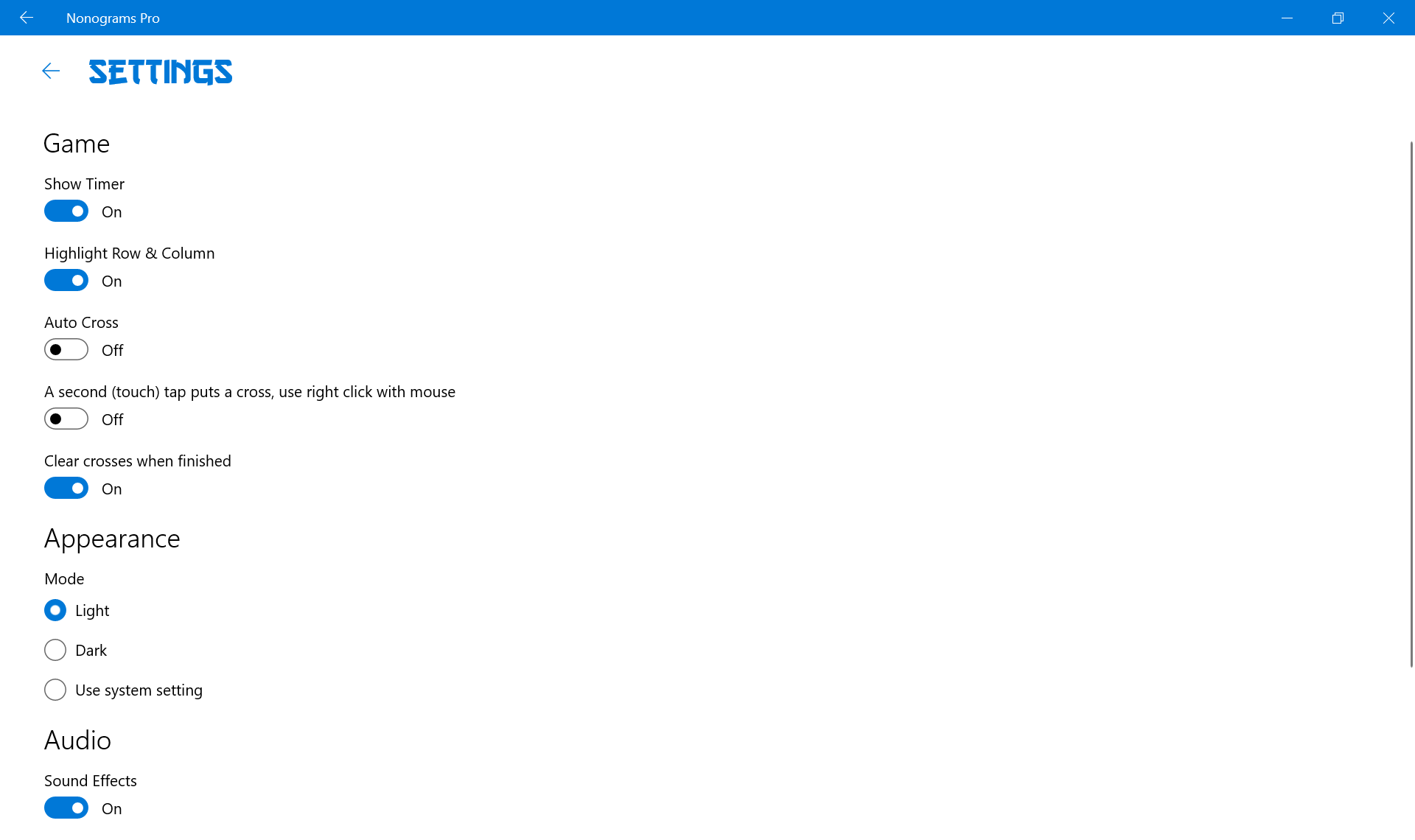
- Adaptive Difficulty &Hints: Smart hint systems help players when stuck, and adjustable difficulty settings allow customization of the challenge.
- Seamless User Experience: Smooth navigation and responsive controls ensure an enjoyable puzzle-solving flow.
The target audience primarily includes puzzle enthusiasts, casual gamers seeking brain teasers, educators using puzzles for teaching, and hobbyists interested in logic challenges.
A Vibrant and User-Centric Interface
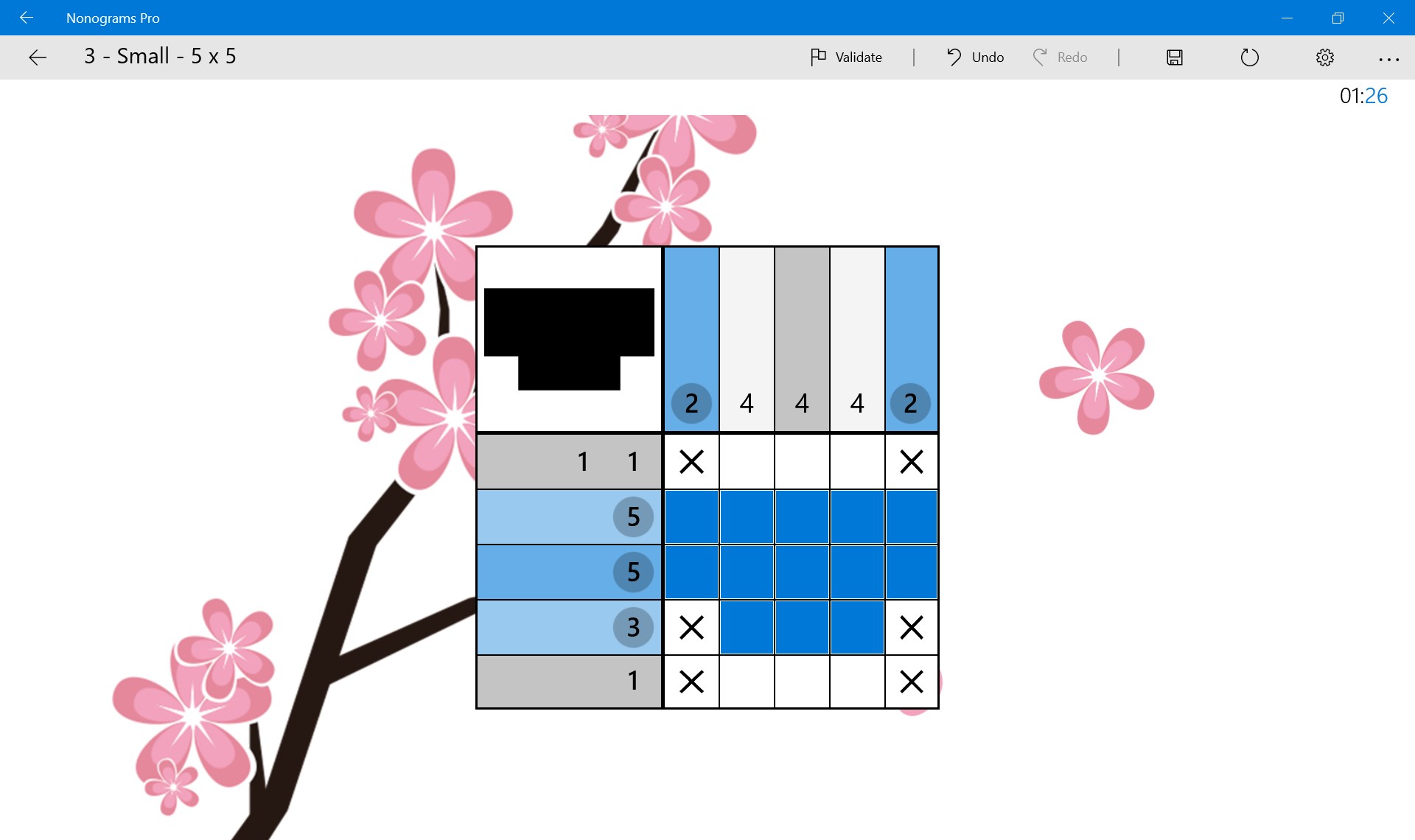
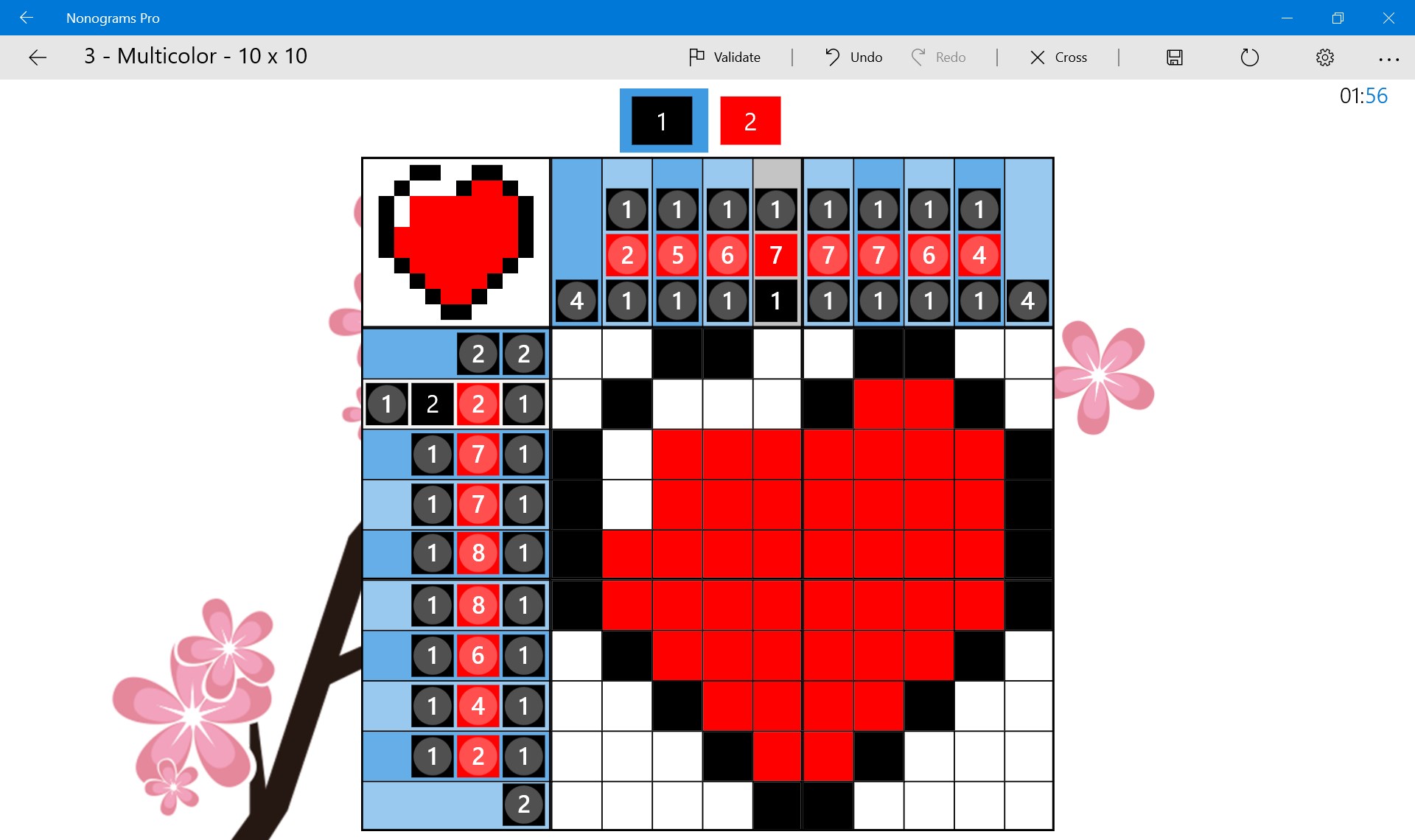
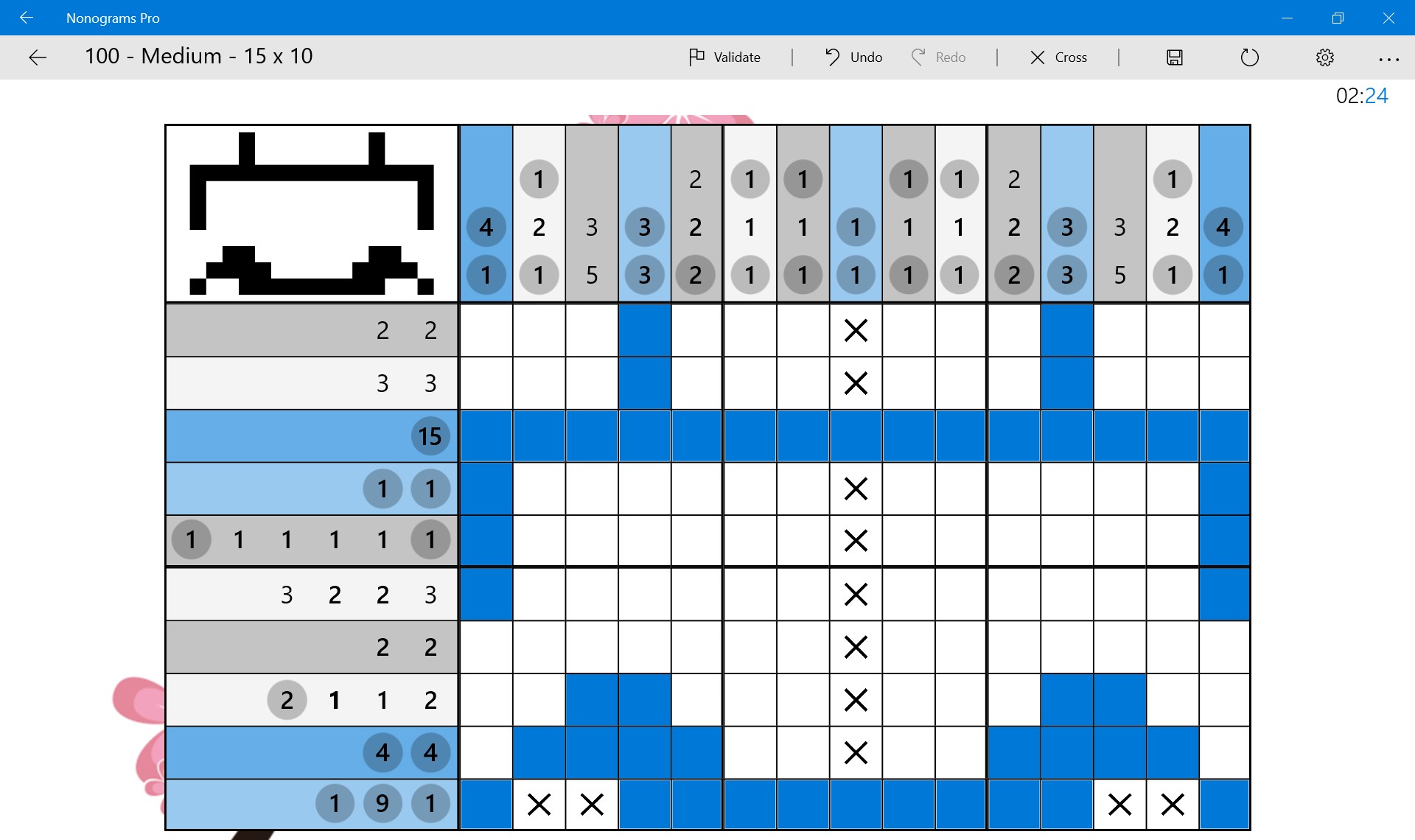
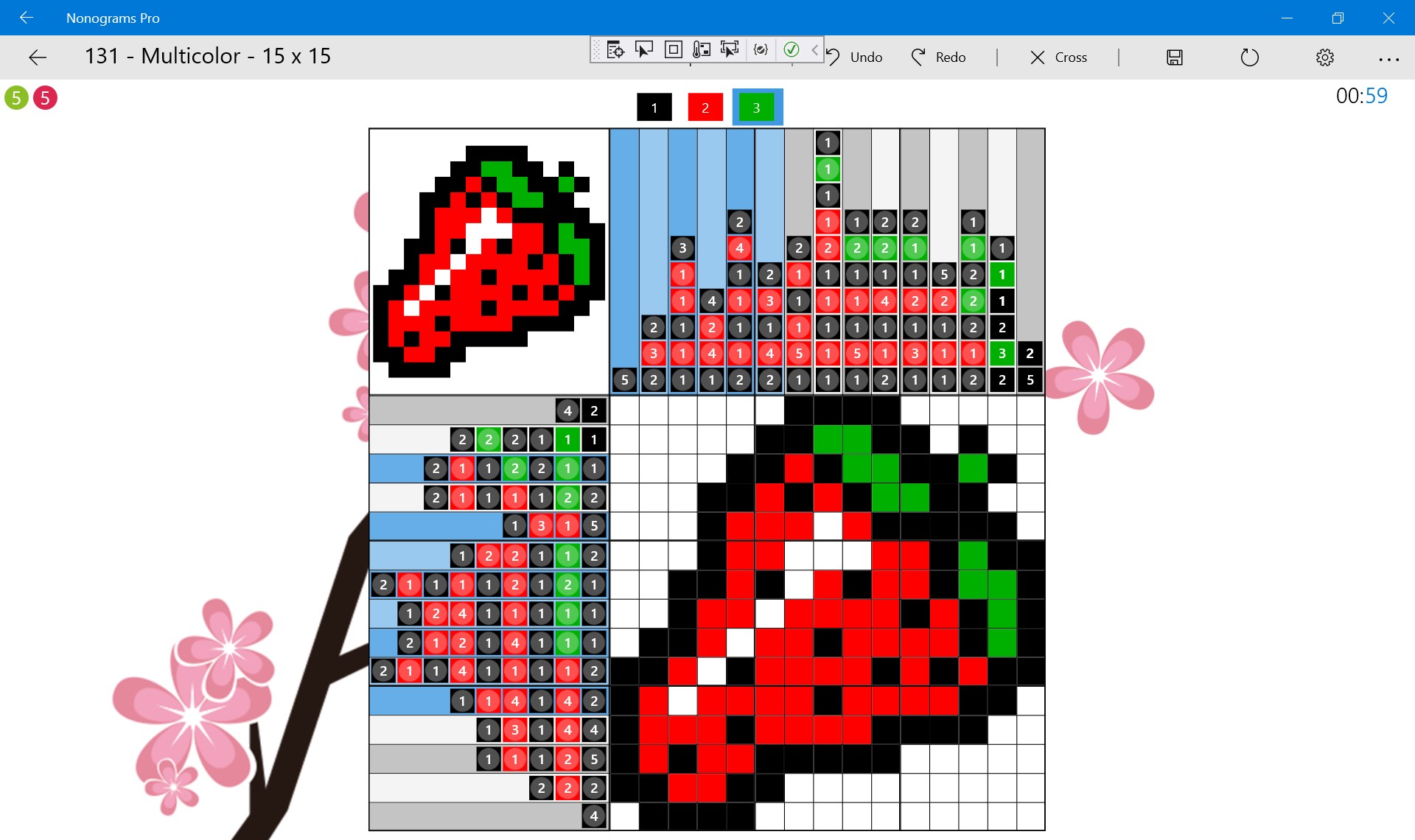
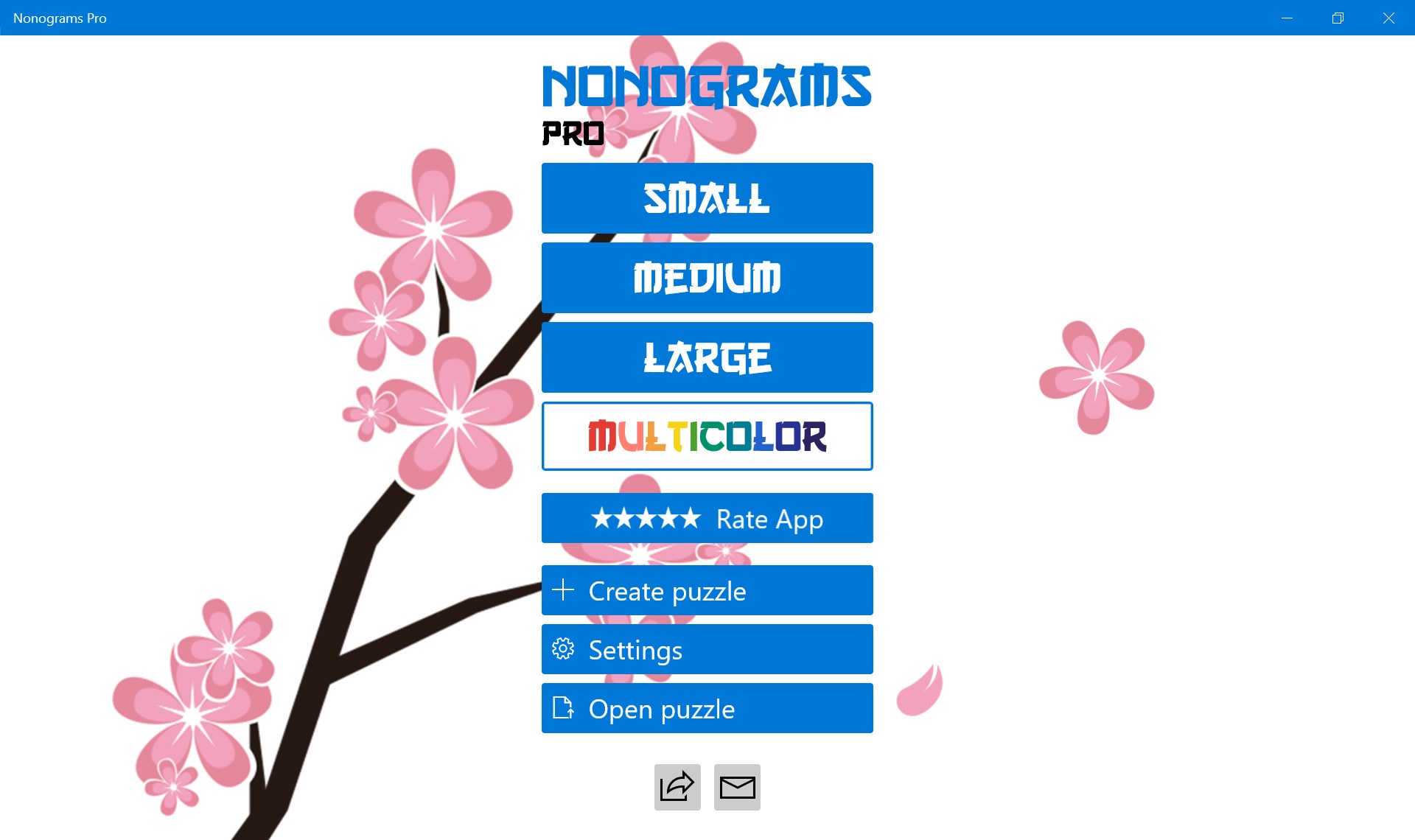
From the moment you launch Nonograms Pro, you're welcomed by a clean, colorful grid that feels like stepping into a friendly puzzle parlor. The interface balances simplicity with aesthetic appeal—charts and buttons are intuitively placed, making navigation feel like flipping through a well-organized toolkit. Such design choices reduce clutter and eliminate the typical learning curve associated with many puzzle apps.
The app's responsiveness is noteworthy: dragging, tapping, and zooming all glide smoothly, even on less powerful devices. For new users, the onboarding tutorials are straightforward, providing step-by-step guidance that unlocks the fun without overwhelming. The design's friendly yet professional tone makes it accessible for all ages, from inquisitive children to seasoned puzzle veterans.
Uncovering the Unique Strengths of Nonograms Pro
What truly sets Nonograms Pro apart are two standout features:
- Custom Puzzle Maker: Unlike many puzzle apps that only serve up pre-made challenges, this app invites users into a creative world. Crafting your own puzzles is surprisingly straightforward—users can select grid sizes, fill in patterns, and then test or share their creations. This fosters an engaging community aspect that turns the app into a collaborative puzzle workshop rather than just a solitary game.
- Intelligent Hint System: When players find themselves stuck, the built-in hints thoughtfully provide guidance without spoiling the entire solution. These hints are subtle enough to keep the brain engaged but helpful enough to prevent frustration, making the app appealing even to newcomers who might otherwise give up early.
Final Thoughts and Recommendations
Overall, Nonograms Pro for Windows offers a balanced combination of reliable functionality, creative freedom, and enjoyable puzzles. It's a commendable choice for puzzle lovers seeking a refined and flexible digital experience. I would recommend it to anyone who appreciates logical challenges, values smooth gameplay, and enjoys expressing creativity through puzzle design.
While it may not reinvent the nonogram genre, its polished interface, user-centric features, and community-building tools make it a noteworthy option among puzzle applications. If you're seeking a relaxing yet stimulating way to sharpen your logical thinking, this app deserves a spot on your desktop. Just remember: every puzzle is a new adventure waiting to be uncovered, so dive in and enjoy the process!
Pros
- Intuitive User Interface
- Wide Variety of Puzzles
- Progress Tracking Features
- Hints and Assistance
- Regular Updates
Cons
- Limited Customization Options
- Ads Interrupt Gameplay
- Puzzle Navigation Can Be Slow
- Limited Social Sharing Features
- Difficulty in Reporting Bugs











