

- Name Microsoft Minesweeper
- Category Puzzle & trivia
- Developer Xbox Game Studios
- Available on PC, Surface Hub
- OS Windows 10 version 19041.0 or higher
- DirectX Version 10
- languages English (United States)
Microsoft Minesweeper for Windows: A Modern Take on a Classic Puzzle
If you're nostalgic for the timeless logic puzzle that's been a staple on computers for decades, Microsoft Minesweeper reboots the experience with a fresh and polished design. It's an app that invites both veteran players and newcomers to test their intuition and deduction skills in a sleek digital environment, making the classic game more accessible and engaging than ever before.
Developed by Xbox Game Studios: A Trusted Name in Gaming
Created and published by Xbox Game Studios, this Minesweeper version benefits from the same level of polish and quality assurance that fans of Microsoft's ecosystem have come to expect. The development team's expertise ensures a smooth gaming experience combined with technical stability, making it a reliable choice for casual play and puzzle enthusiasts alike.
Key Features: Highlights That Make It Stand Out
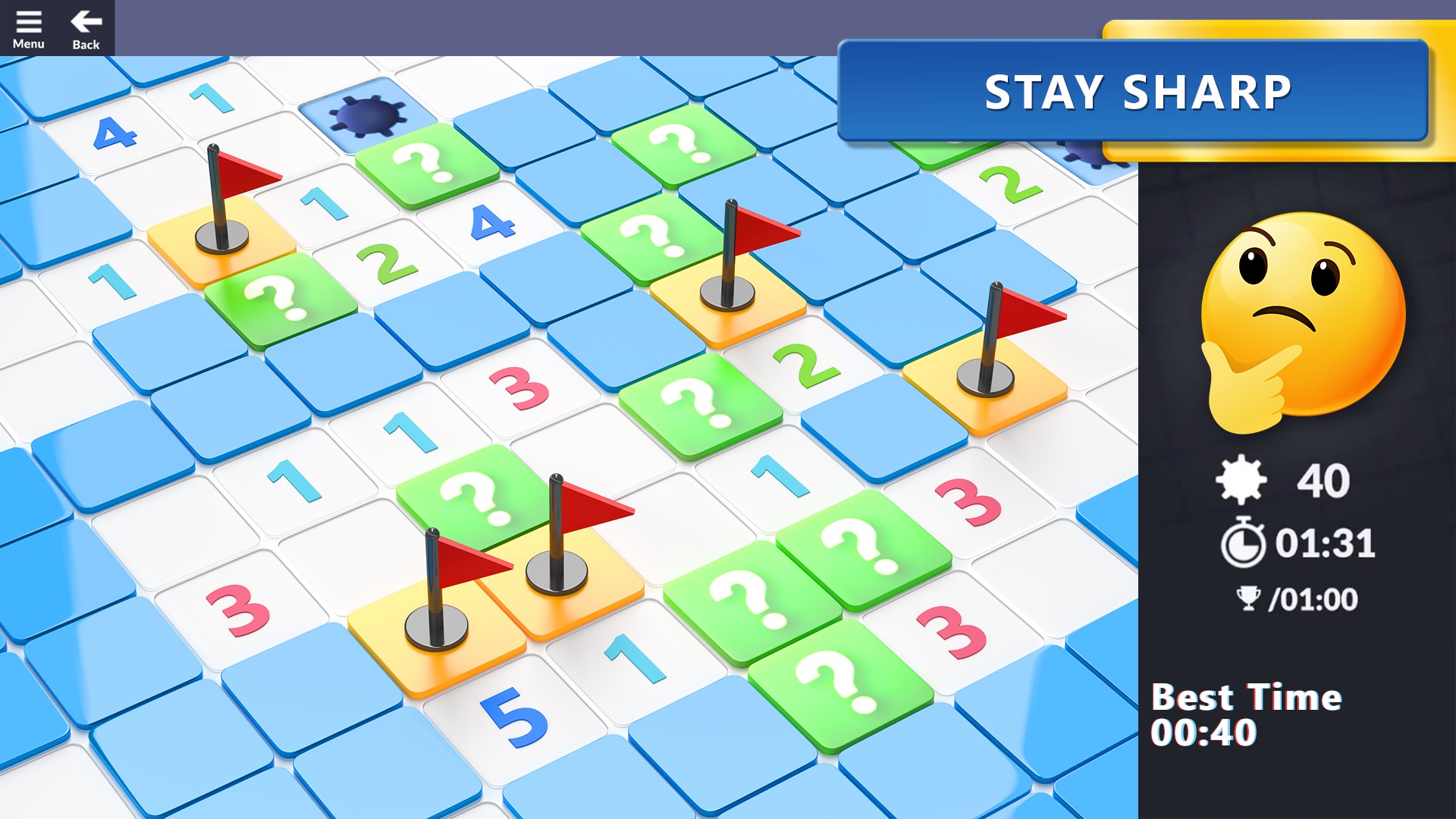
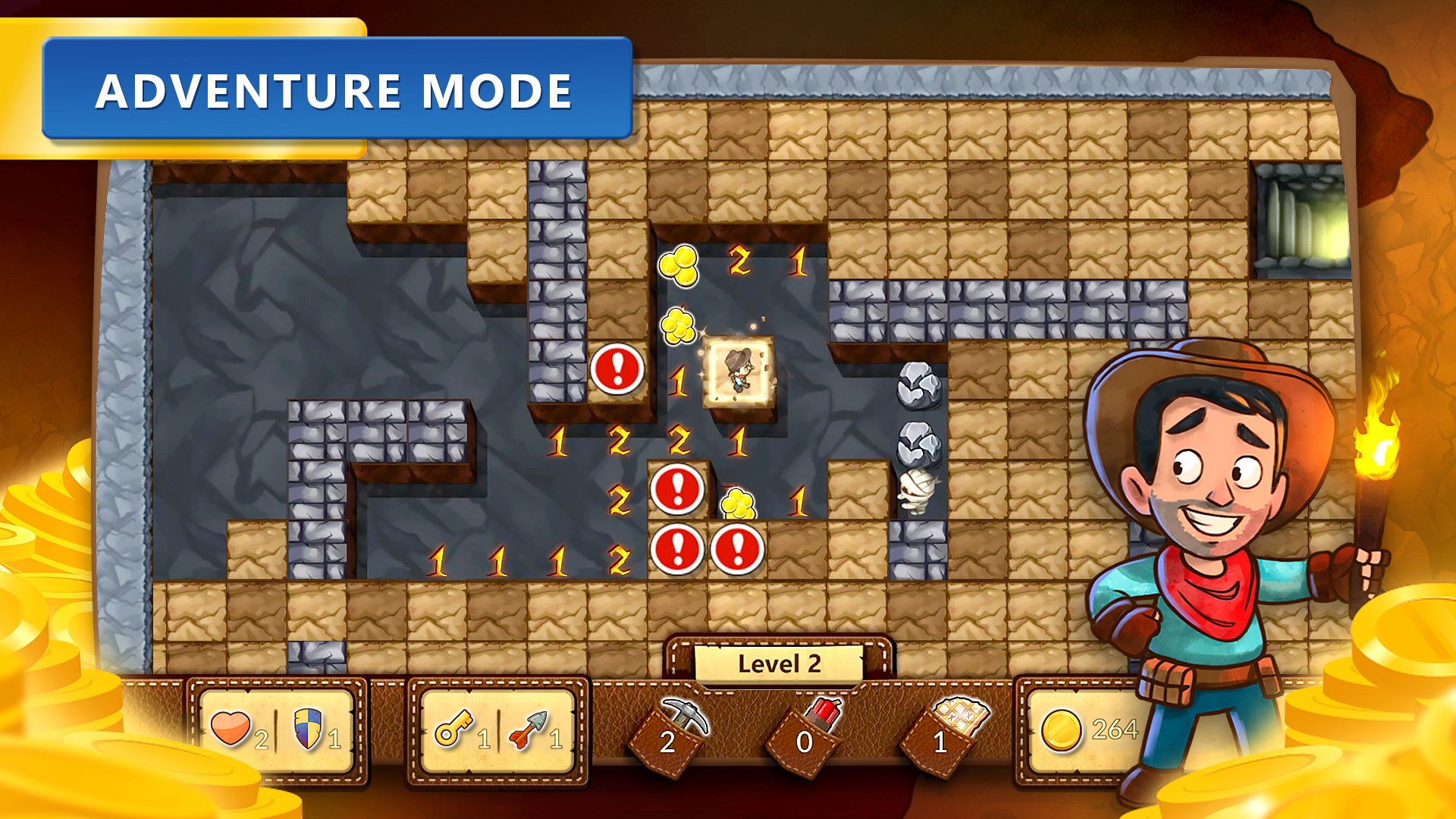
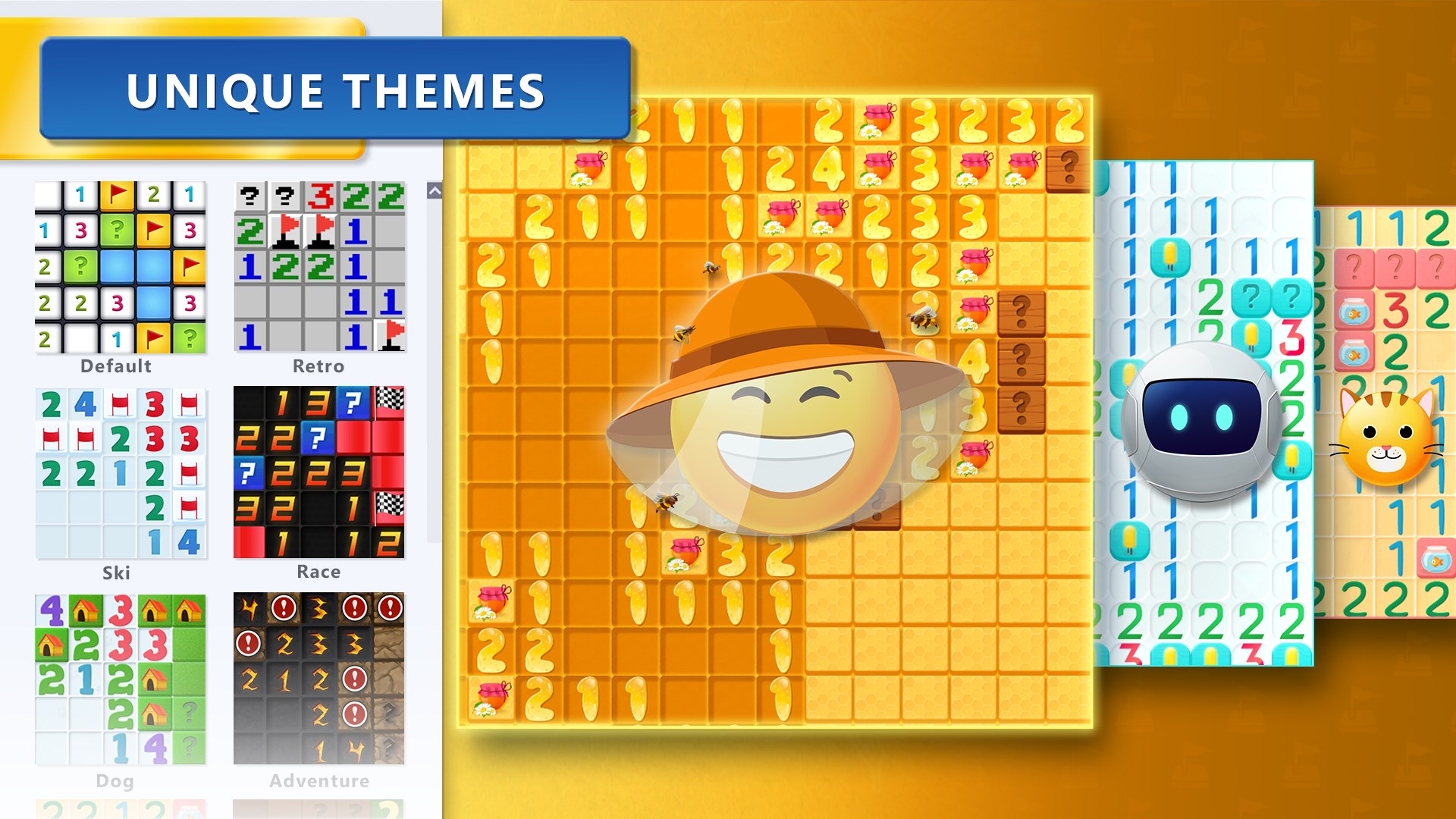
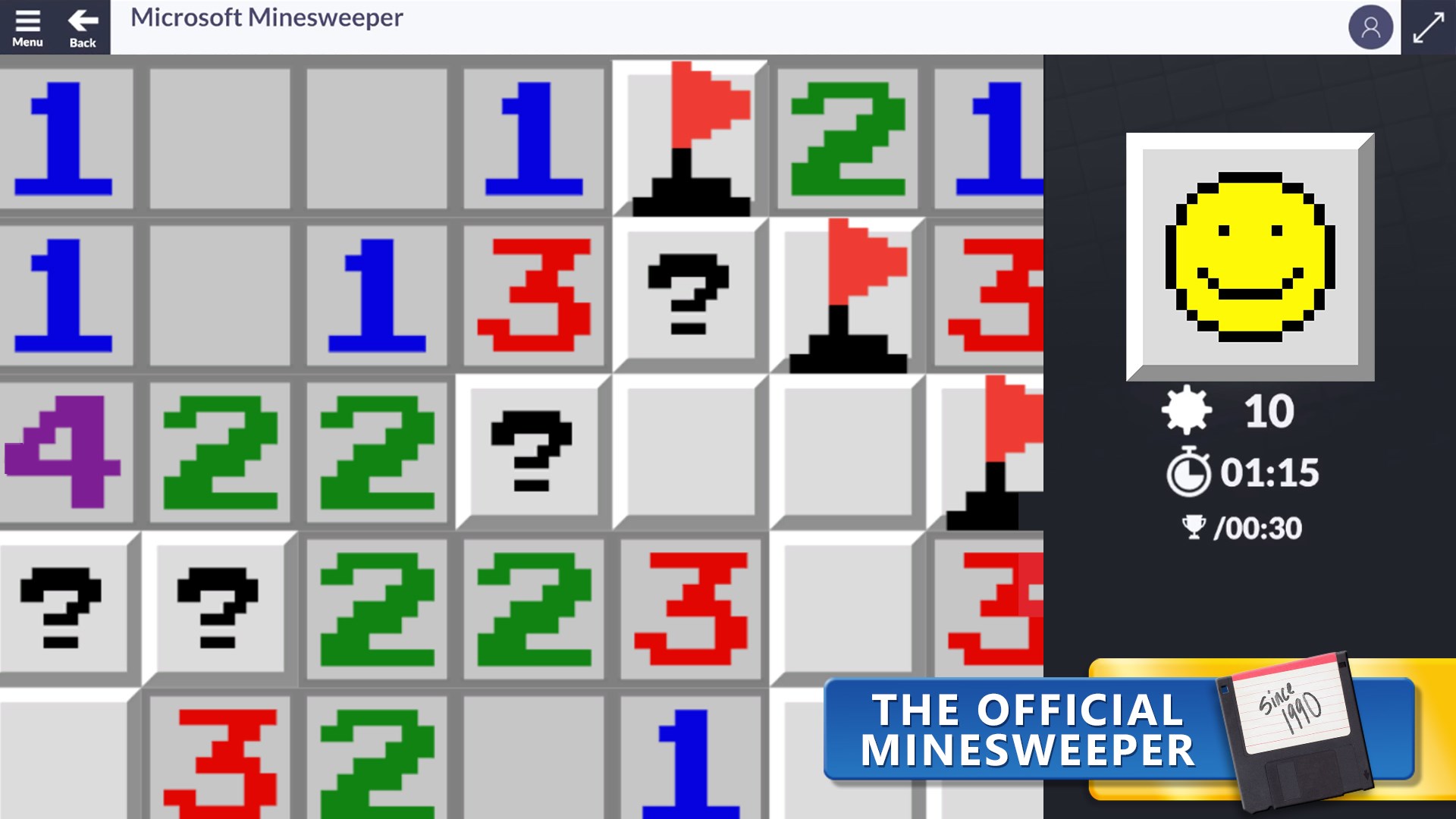
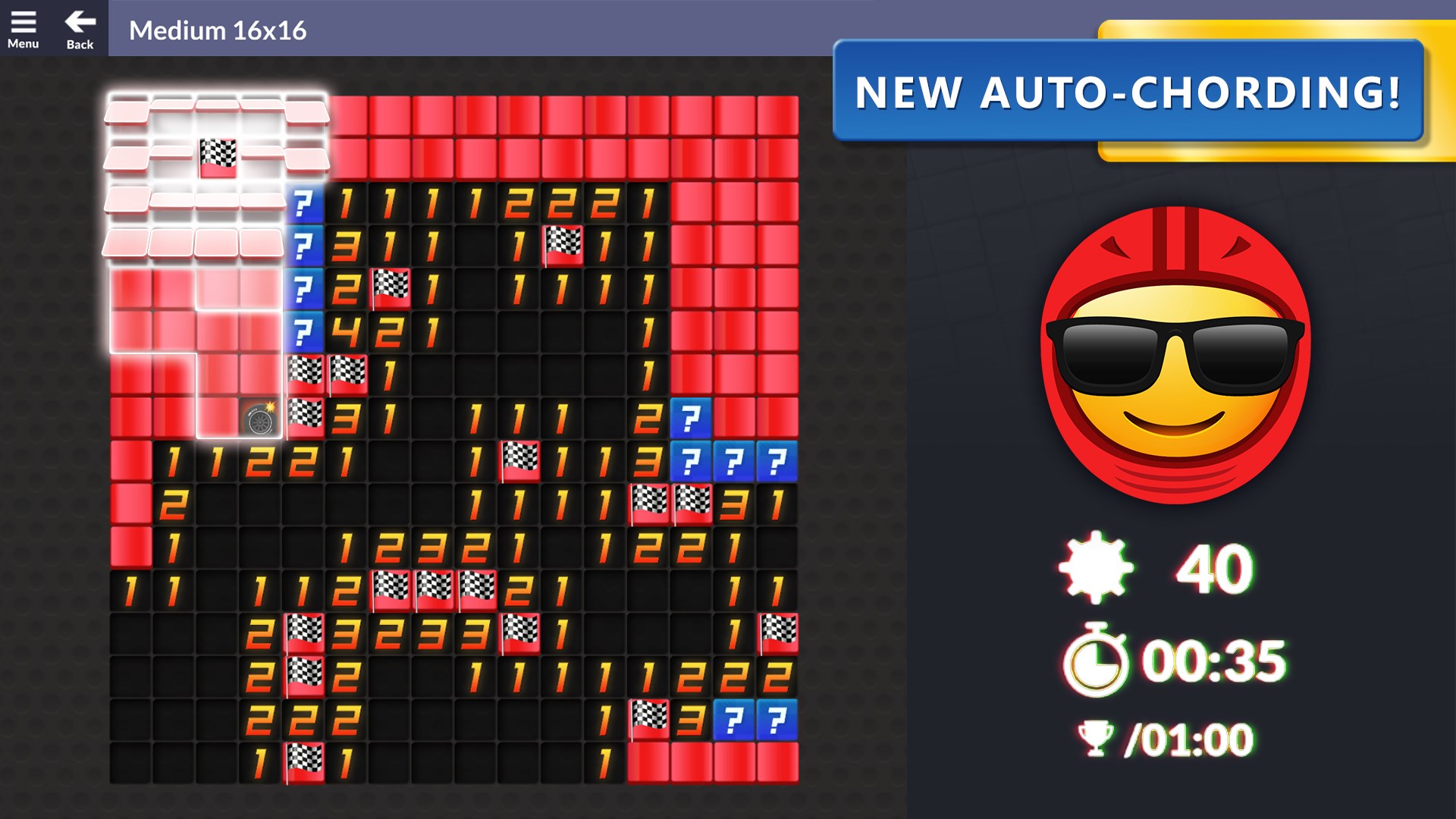
- Intuitive Interface with Modern Design: The game features a clean, minimalist interface that offers crisp graphics and clear visuals, making gameplay easier on the eyes and more inviting for players of all ages.
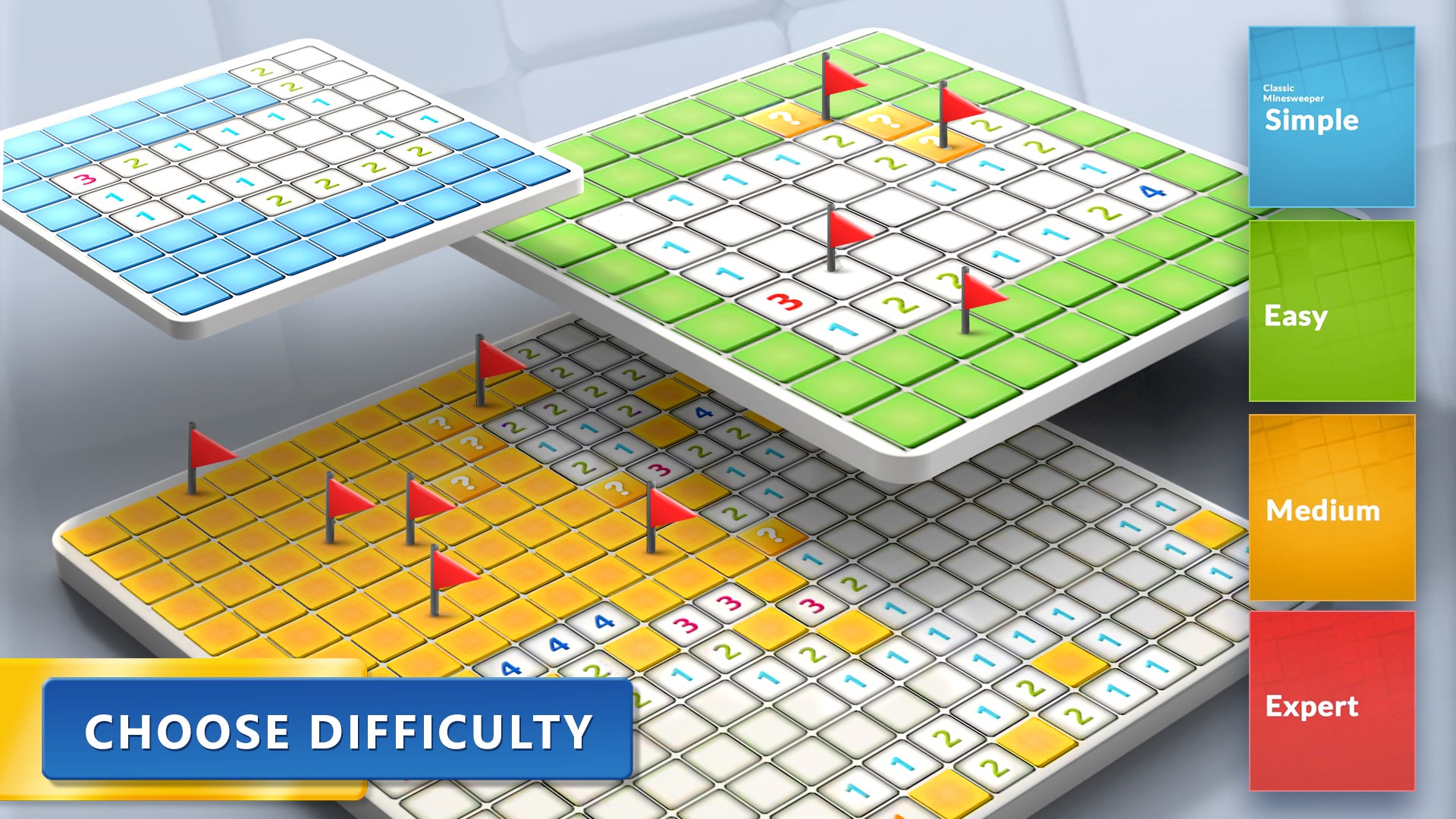
- Varied Difficulty Levels & Custom Modes: From beginner to expert settings, the app accommodates novices learning the ropes and seasoned solvers seeking a challenge. Custom game modes allow players to tailor board size and mine density for personalized fun.
- Hints and Assistance Options: For those moments when logic fails, built-in hints help guide players without spoiling the experience, encouraging learning and frustration-free gameplay.
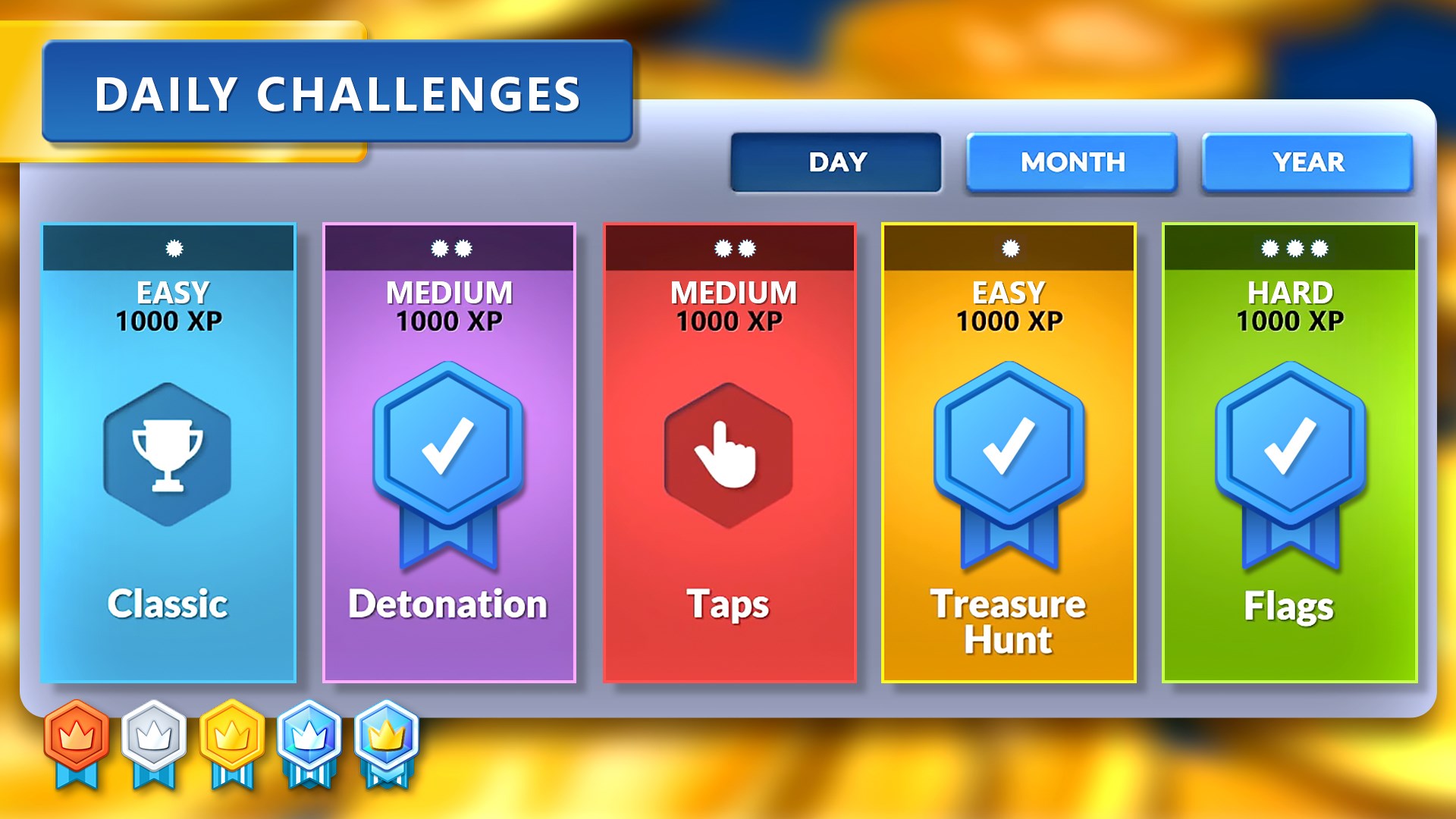
- Progress Tracking & Achievements: Users can monitor their progress through leaderboards and achievement badges, adding a layer of motivation and replay value.
A Game Particularly Designed for Relaxation & Brain Training
The target audience includes puzzle lovers, casual gamers, and anyone looking to stimulate their mind during short breaks. Its simplicity makes it suitable for a wide demographic—from students sharpening problem-solving skills to adults seeking a gentle mental workout.
A Closer Look: User Experience & Visual Appeal
Playing Microsoft Minesweeper feels like unraveling a mystery in a sleek detective's office—subtle yet engaging. Its interface boasts a modern, uncluttered design that pays homage to the iconic classic, yet enhances usability with larger, clearer tiles and a streamlined menu system. The gameplay flows smoothly, with responsive controls that make uncovering tiles a satisfying experience, reminiscent of flipping through the pages of a well-loved puzzle book.
Moreover, the learnability of the game is remarkably friendly. Newcomers can jump in easily thanks to tutorial hints and adjustable difficulty levels, while veterans can dive straight into custom modes or even compete for high scores. This balanced approach makes it a treasure for honing logic skills without overwhelming the user.
Unique Selling Points: What Sets This Minesweeper Apart?
Compared to other puzzle and trivia apps, Microsoft Minesweeper's standout features are its seamless integration within the Windows ecosystem and its modernized, user-centric design. Its adaptive difficulty and helpful hints make it not just an entertainment app but also an effective brain trainer. Additionally, the app's ability to track progress and offer achievements fosters a sense of accomplishment, encouraging repeated play—a crucial aspect that many similar puzzle apps overlook.
Furthermore, its cross-device synchronization allows players to pick up where they left off, which is a significant advantage over standalone versions or browser-based clones. The app seamlessly blends nostalgia with practicality, positioning itself as both a fun pastime and an intellectually stimulating tool.
Should You Download It? Recommendations & Usage Tips
All in all, I'd recommend Microsoft Minesweeper for anyone seeking a straightforward yet engaging puzzle game that combines tradition with modern design. It's particularly suited for quick sessions during coffee breaks, commutes, or winding down after a long day. If you're a fan of logic puzzles or just looking for a relaxing mental exercise, this game offers a compelling blend of challenge and charm.
For best experience, start with the easiest settings to get familiar with the controls, then gradually increase the difficulty to keep the game stimulating. Make use of hints when stuck, but challenge yourself to solve puzzles without assistance to improve your skills over time. Given its user-friendly interface and nuanced features, Microsoft Minesweeper is a delightful addition to your puzzle repertoire—friendly enough for beginners, yet rewarding for seasoned players.
Pros
- Intuitive User Interface
- Classic Minesweeper Experience
- Multiple Difficulty Levels
- Progress Saving Feature
- Regular Updates and Support
Cons
- Limited Customization Options
- Lack of In-Game Tutorial
- No Online Leaderboards
- Minimal Visual Effects
- Occasional Minor Bugs











