
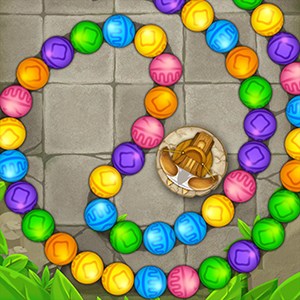
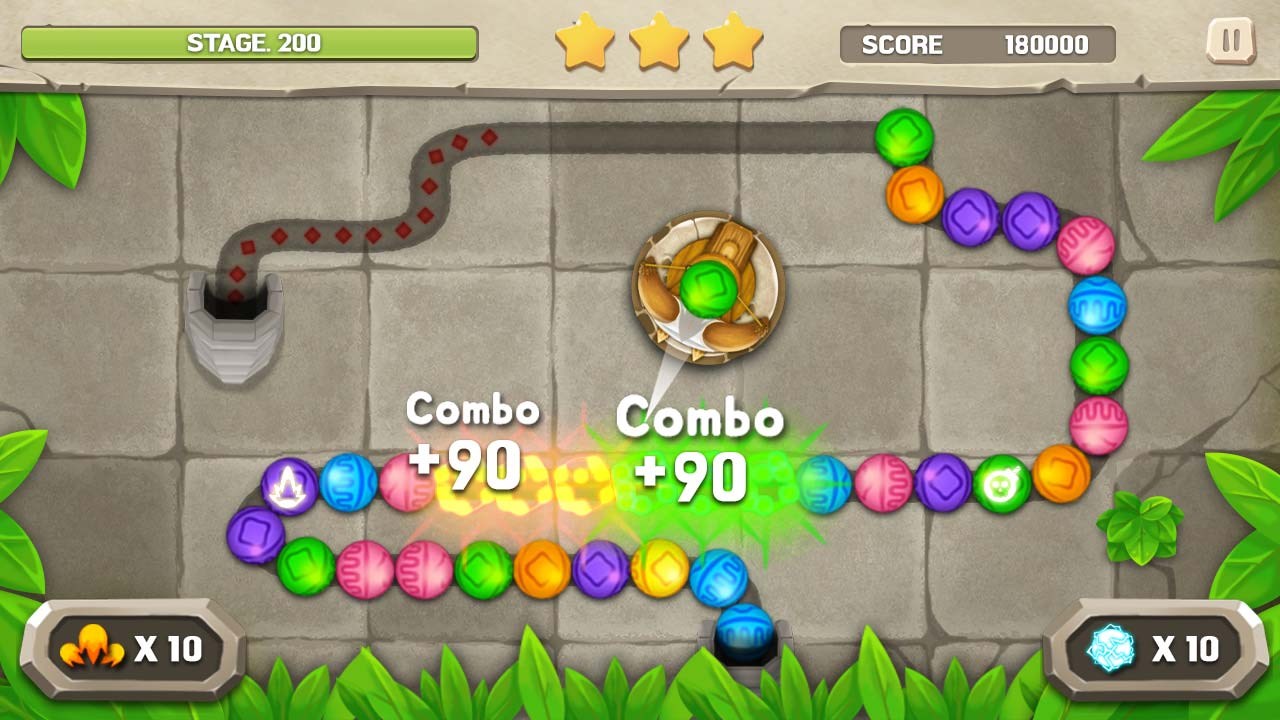
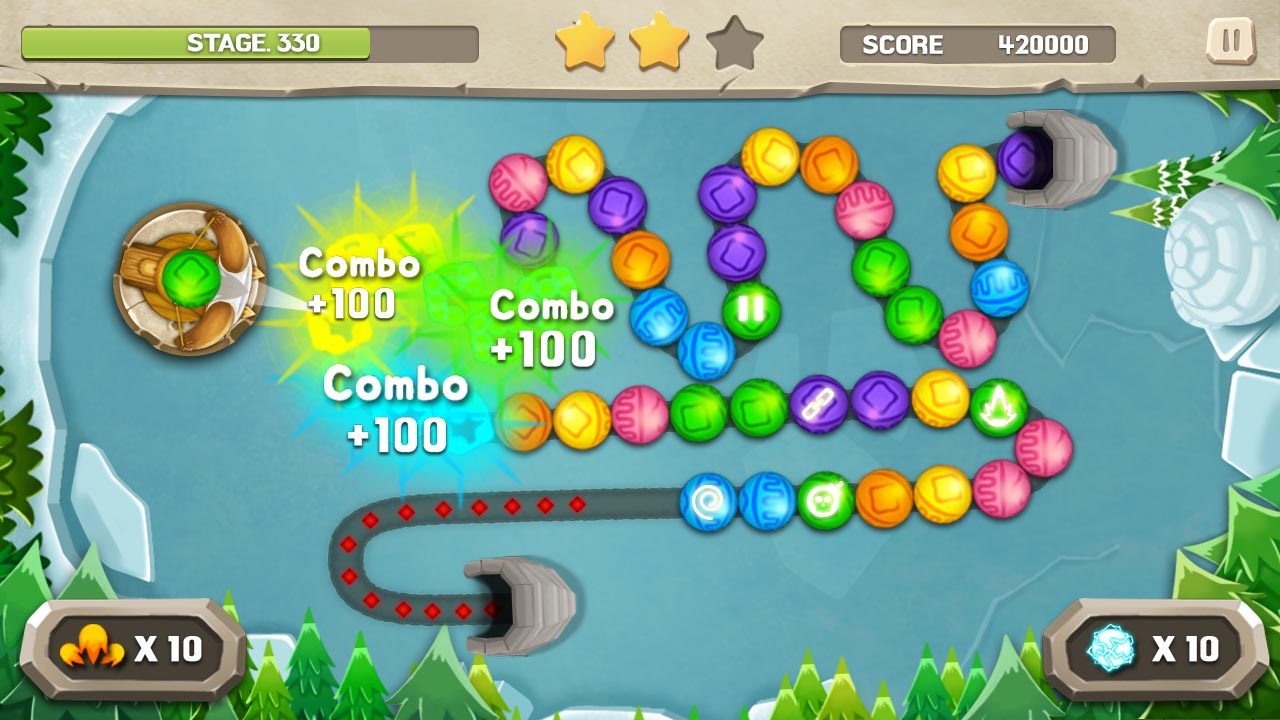
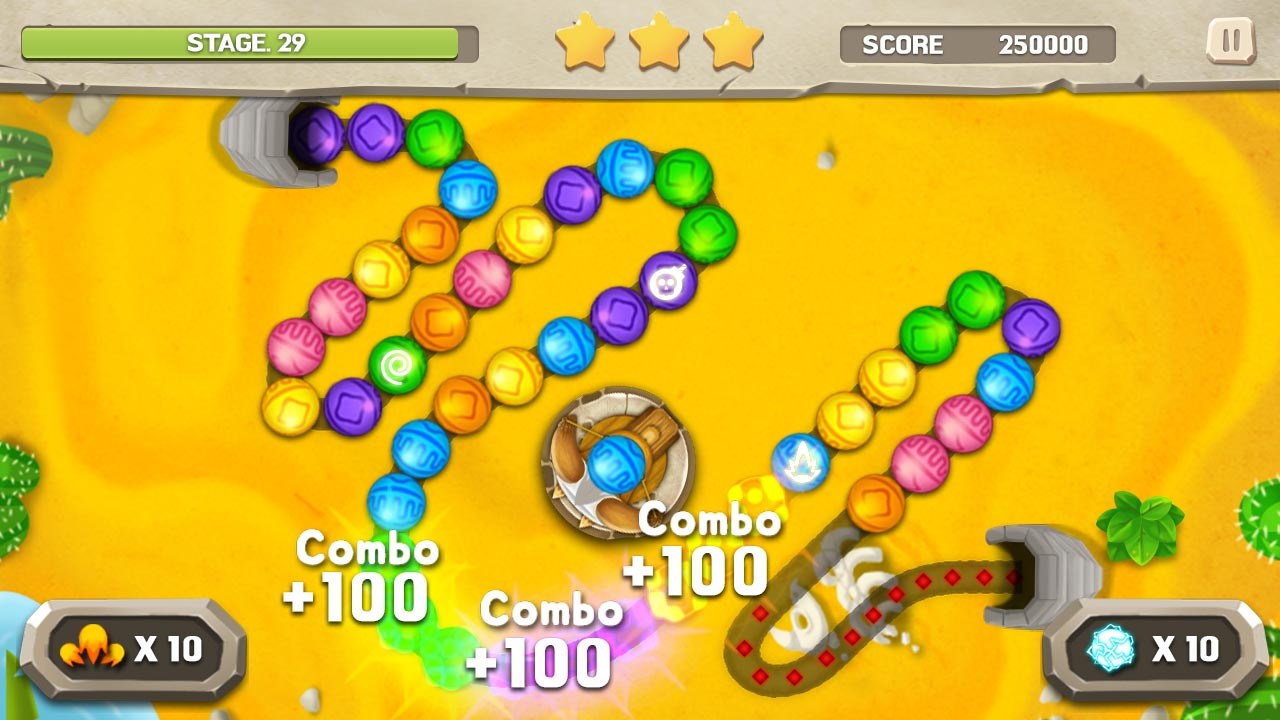
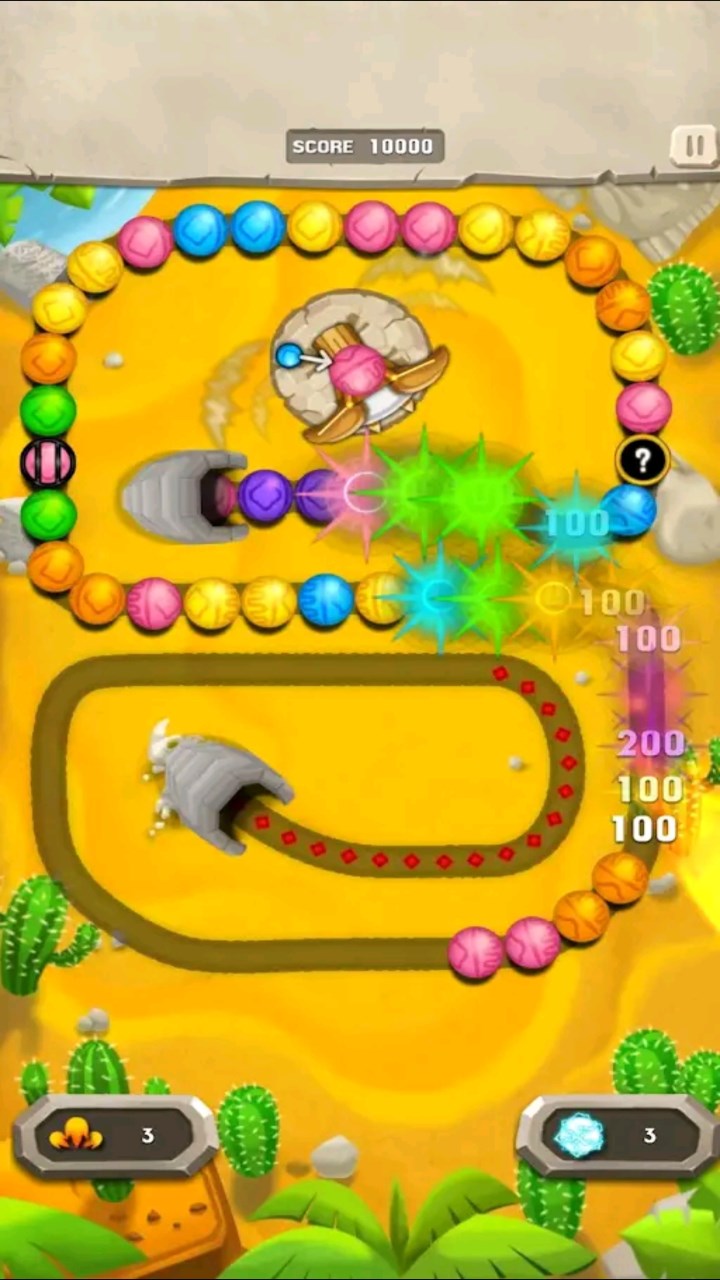
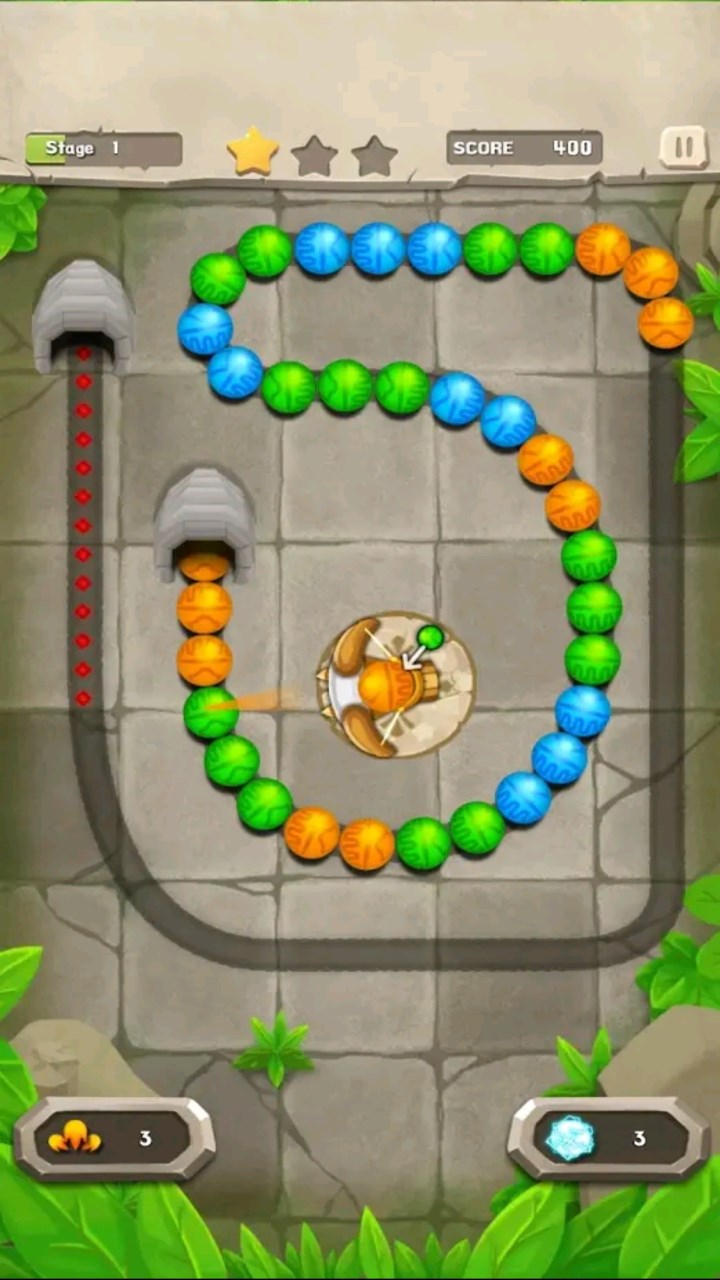
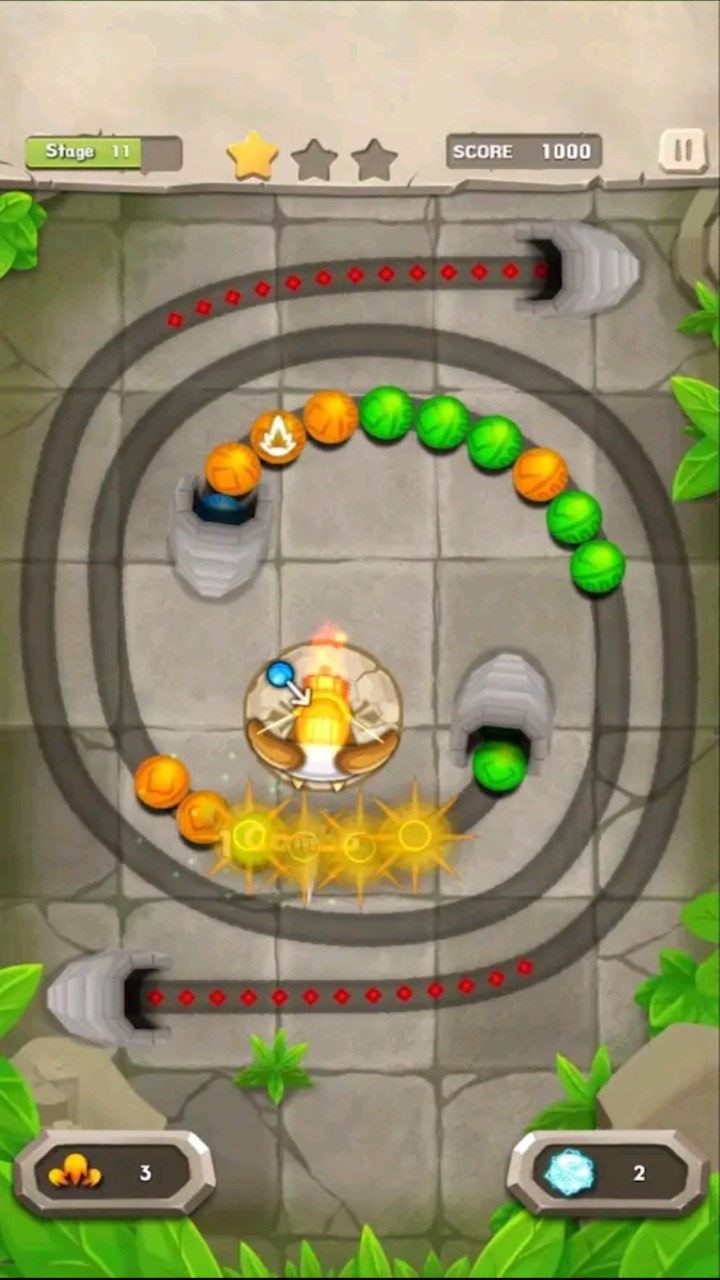
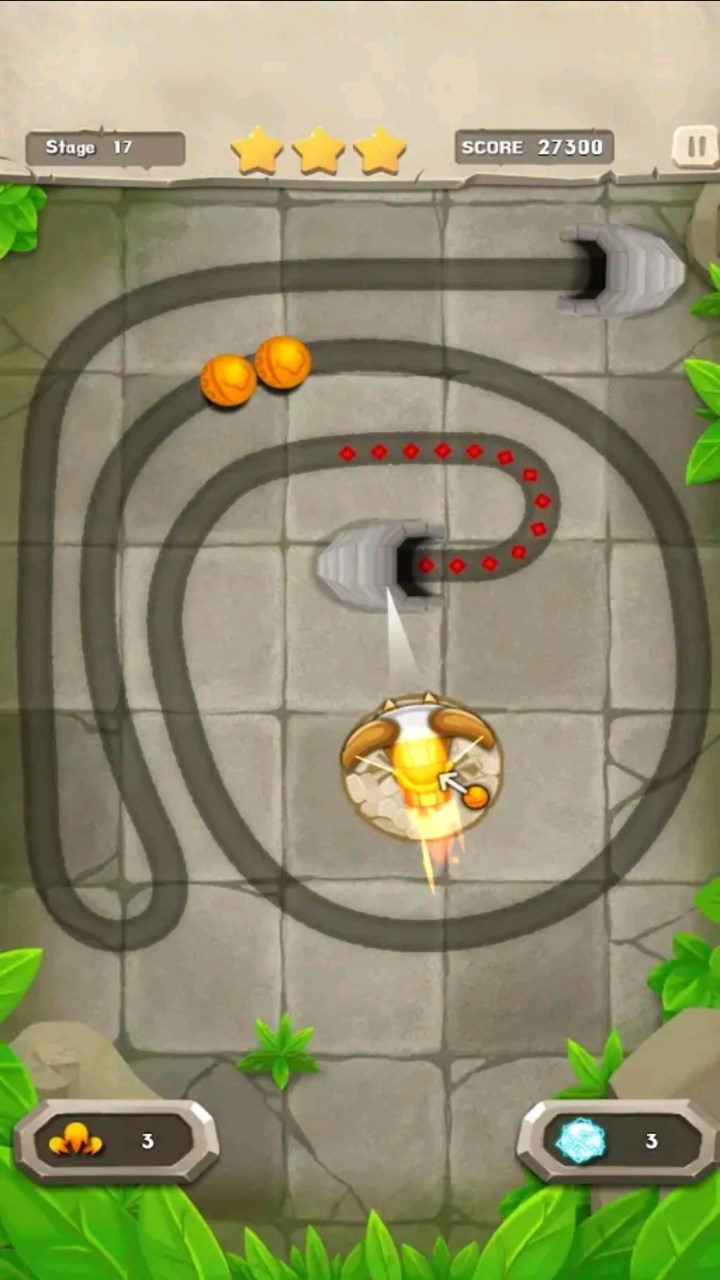
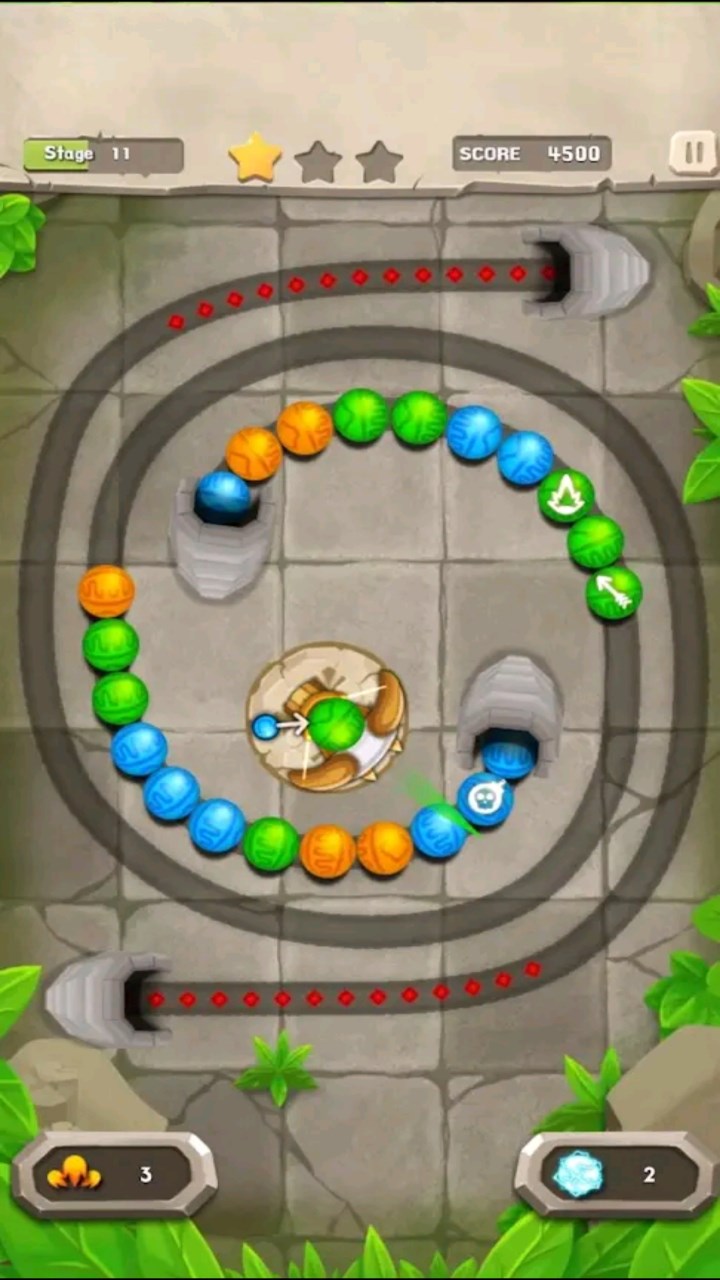
- Name Marble Mission
- Category Puzzle & trivia
- Developer mobirix
- Available on PC, Mobile, Surface Hub, HoloLens
- OS Windows 10 version 17763.0 or higher
- Keyboard Not specified
- Mouse Not specified
- languages Chinese (Simplified), Chinese (Traditional Chinese), English, French, German, Italian, Japanese, Korean, Portuguese, Russian, Spanish, Turkish
Marble Mission for Windows: A Charming Puzzle Adventure
Marble Mission is a delightful physics-based puzzle game that challenges players to navigate marbles through intricate course designs, blending engaging gameplay with visually appealing aesthetics. Developed by MOBIRIX Corporation, this app offers a refreshing take on classic marble run mechanics, tailored for puzzle enthusiasts of all ages.
Bright Development Backing and Core Features
Produced by the experienced MOBIRIX team—a renowned name in the mobile gaming industry—Marble Mission brings polished gameplay with smooth animations and reliable performance. Key features that stand out include:
- Innovative Course Designs: Diverse, carefully crafted levels that require strategic thinking and precise timing.
- Interactive Obstacles and Power-ups: Dynamic elements like switches, boosters, and traps add layers of complexity and fun to each stage.
- User-Friendly Controls: Simple tap and swipe mechanics make gameplay accessible while allowing for skillful mastery as levels progress.
- Progress Tracking and Rewards: Encourages continued play with achievement systems and level progression.
The target users for Marble Mission span casual gamers seeking relaxing yet engaging puzzles, puzzle game veterans craving fresh challenges, and younger players interested in developing spatial awareness and problem-solving skills.
Engaging and Visually Appealing Gameplay
Imagine yourself standing at the edge of a beautifully crafted marble track, each twist and turn inviting curiosity—Marble Mission transforms this imagery into an interactive experience. From the moment you launch into the first level, the game's crisp visuals and smooth animations create an inviting atmosphere. The interface feels intuitive—think of it as holding a miniature playground in your palm, where every tap and swipe feels natural. Learning curves are gentle; even newcomers quickly grasp the mechanics, allowing them to focus on unraveling the puzzles rather than struggling with controls.
Core Functionalities That Elevate the Experience
Intricate Level Design and Environmental Interaction
The game's levels are akin to miniature works of art, each with unique themes—ranging from lush forests to futuristic cityscapes. These environments are not just decorative; they're integrated with interactive elements such as movable platforms, switches, and slippery slopes. This variety keeps the gameplay fresh, demanding players to adapt their strategies continually. For example, navigating a marble through a maze of moving obstacles tests timing and spatial judgment, making each success feel like solving a compact puzzle story.
Challenging Obstacles and Creative Power-ups
What sets Marble Mission apart from standard marble-run games is its thoughtful inclusion of functional power-ups and obstacles that add depth. Power-ups like speed boosts or magnetic pulls can turn an otherwise difficult level into a manageable challenge, encouraging experimentation. Conversely, obstacles such as falling blocks or timed gates introduce unpredictability that demands quick thinking. This balance of challenge and reward provides satisfying gameplay loops, appealing to players who enjoy both relaxation and mental stimulation.
Seamless User Experience and Playability
The app's interface is clean, with minimal clutter—just the essential controls and visual cues. Navigation feels fluid, thanks to optimized performance that prevents lag and stuttering, even on lower-spec systems. The game's learning curve is smooth; players can jump right into the fun, yet the increasing difficulty ensures ongoing engagement. The tutorial is straightforward, making it easy for first-timers to get started without feeling overwhelmed. Overall, Marble Mission offers a polished, accessible experience, suitable for quick sessions or longer puzzle explorations.
What Makes It Special? The Unique Edge of Marble Mission
Among many puzzle games, Marble Mission distinguishes itself with its meticulous course design that combines aesthetic beauty with gameplay ingenuity. Its most exclusive feature is the synergy between environmental interactions and strategic planning—players don't just race marbles along a track; they orchestrate complex sequences of switches, power-ups, and hazards to reach the goal. This layer of complexity transforms a simple marble run into an engrossing puzzle-solving exercise, more akin to choreographing a mini ballet with tiny marbles as performers.
Compared to other puzzle and trivia apps, Marble Mission emphasizes hands-on problem-solving through spatial reasoning rather than rote memorization or quick reflexes alone. Its artful level theming and interactive elements foster a deeper sense of immersion and satisfaction. For casual gamers seeking a relaxing yet mentally engaging experience, this game offers a compelling package.
Final Verdict: A Recommended Play for Puzzle Enthusiasts
Marble Mission is a well-crafted puzzle game that balances user-friendly mechanics with creative level design and strategic depth. I would recommend it to players who enjoy thoughtful challenges without steep learning curves, and those who appreciate beautiful visuals combined with engaging physics-based gameplay. Whether you're in the mood for a quick mental break or a longer puzzling session, Marble Mission is a solid choice—just like discovering a tiny, magical marble labyrinth waiting to be explored.
Pros
- Engaging Gameplay
- Visually Appealing Graphics
- User-Friendly Interface
- Progress Tracking
- Regular Updates
Cons
- Limited Free Content
- Occasional Ads Disrupt Gameplay
- Device Performance Issues
- Limited Customization Options
- Learning Curve for New Players











