

- Name Mahjong Solitaire
- Category Puzzle & trivia
- Developer BvG
- Available on PC, Surface Hub, HoloLens
- OS Windows 10 version 17763.0 or higher
- languages English (United States), German
Mahjong Solitaire for Windows: A Refreshing Spin on Classic Tile Matching
If you're a fan of traditional tile-matching puzzles but crave a modern, polished experience, Mahjong Solitaire for Windows offers a calm sanctuary filled with intricate layouts and soothing gameplay. Designed by BvG, this app takes the beloved Mahjong puzzle and presents it with engaging visuals and user-friendly mechanics that appeal to both casual players and seasoned enthusiasts.
Intuitive and Visually Appealing Design
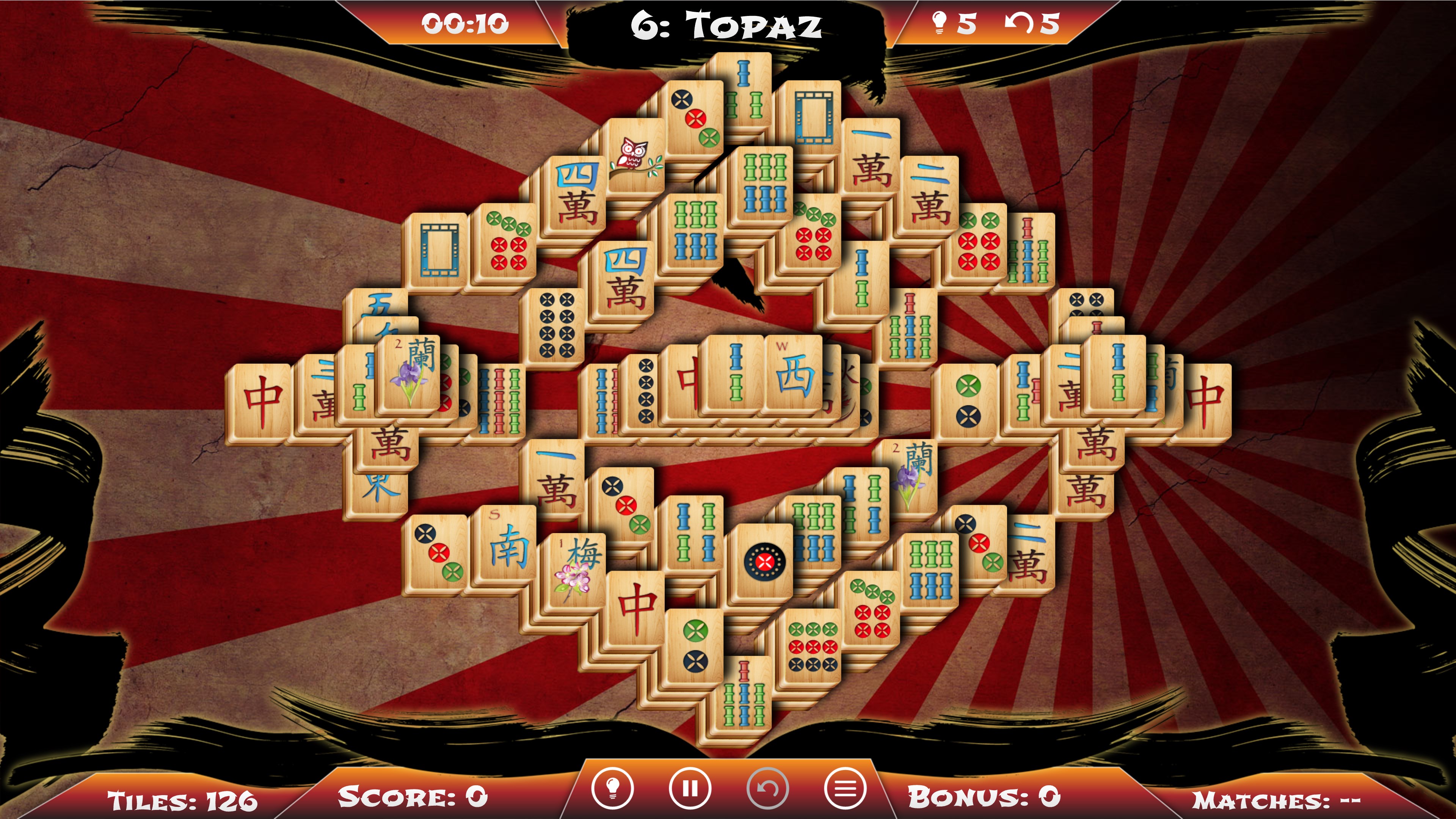
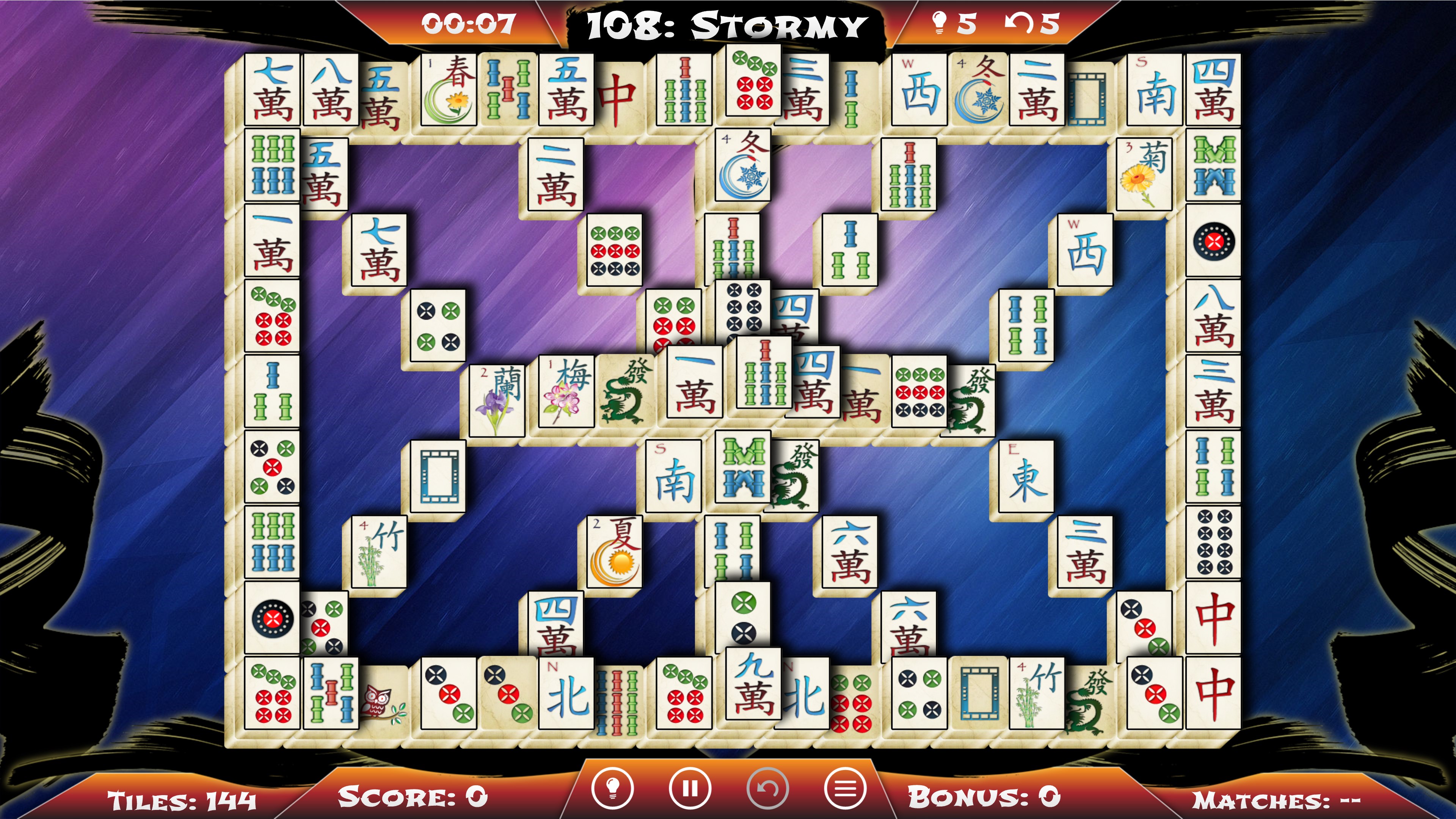
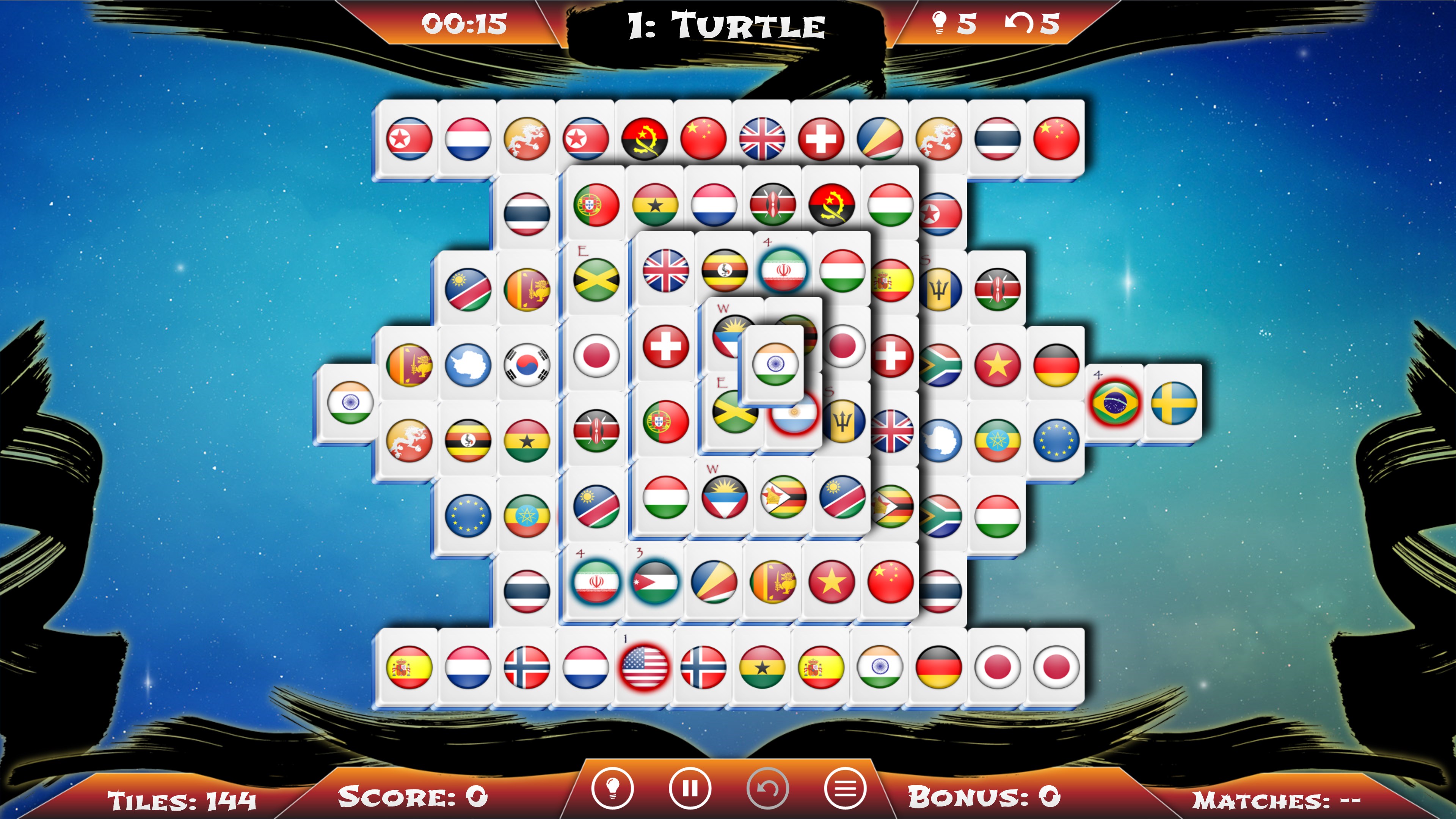
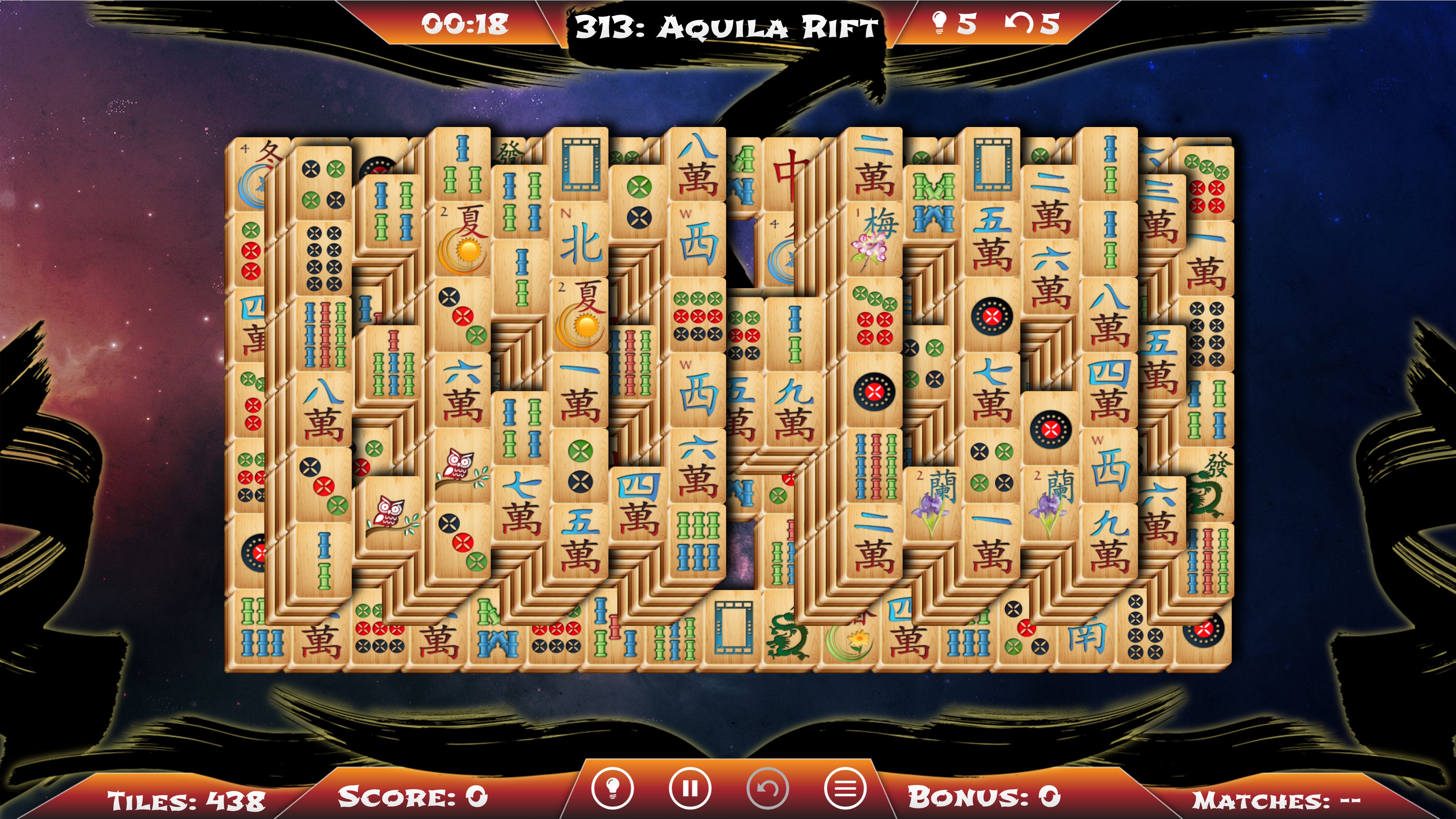
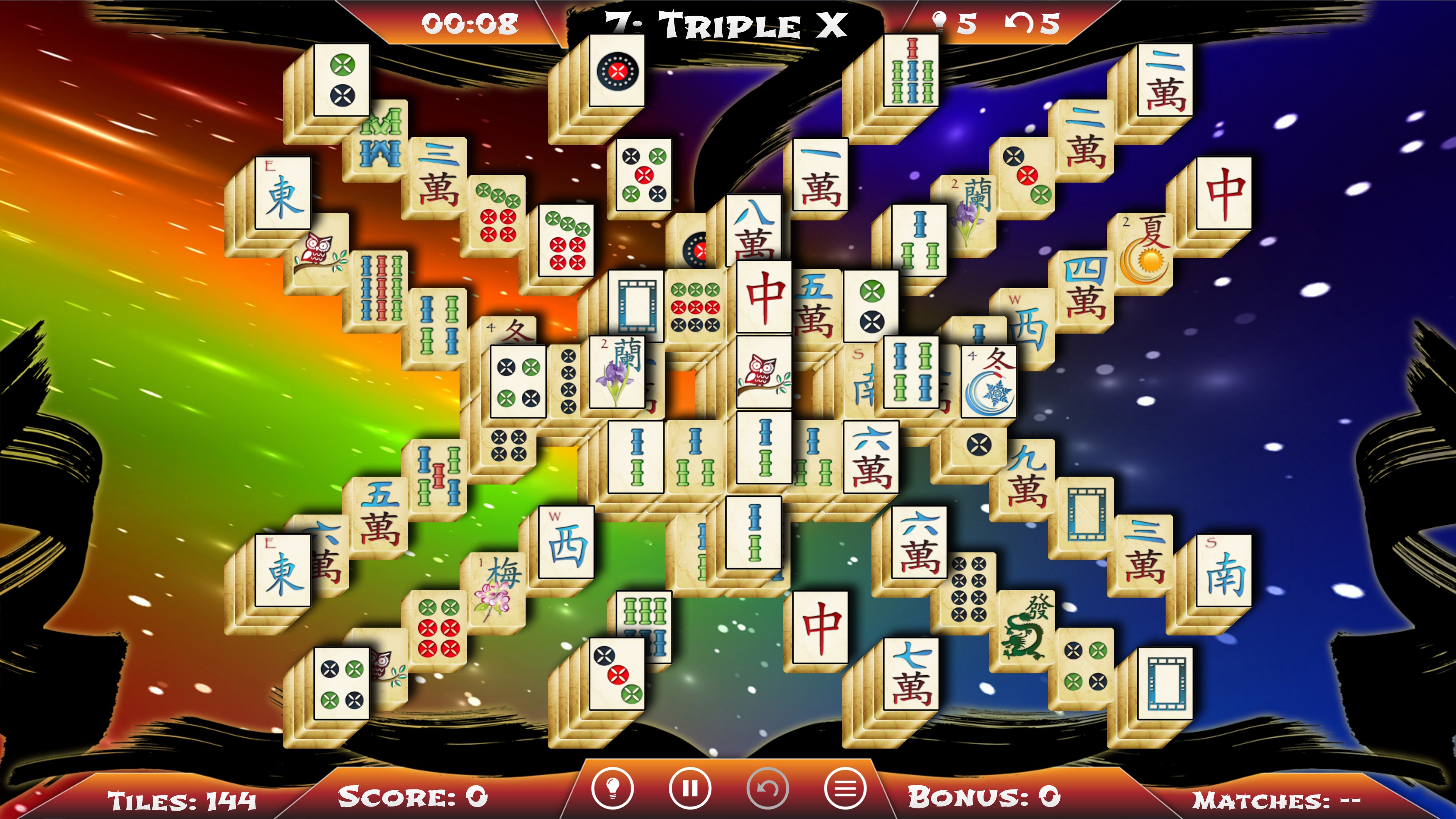
The first thing you'll notice upon launching Mahjong Solitaire is its clean, well-organized interface. The tiles are crafted with elegant, detailed artwork that lift the game from a simple puzzle to a visually pleasing experience—think of stepping into a zen garden where each stone and flower is meticulously depicted. The background environments are calming, often featuring subtle nature scenes that enhance immersion without distracting. Navigating through the menus is seamless, thanks to their straightforward layout, allowing players to jump into gameplay effortlessly. The interface is designed to accommodate both touchscreen and mouse controls, ensuring smooth operation across various Windows devices.
Core Gameplay & Functionality
1. Diverse and Engaging Layouts
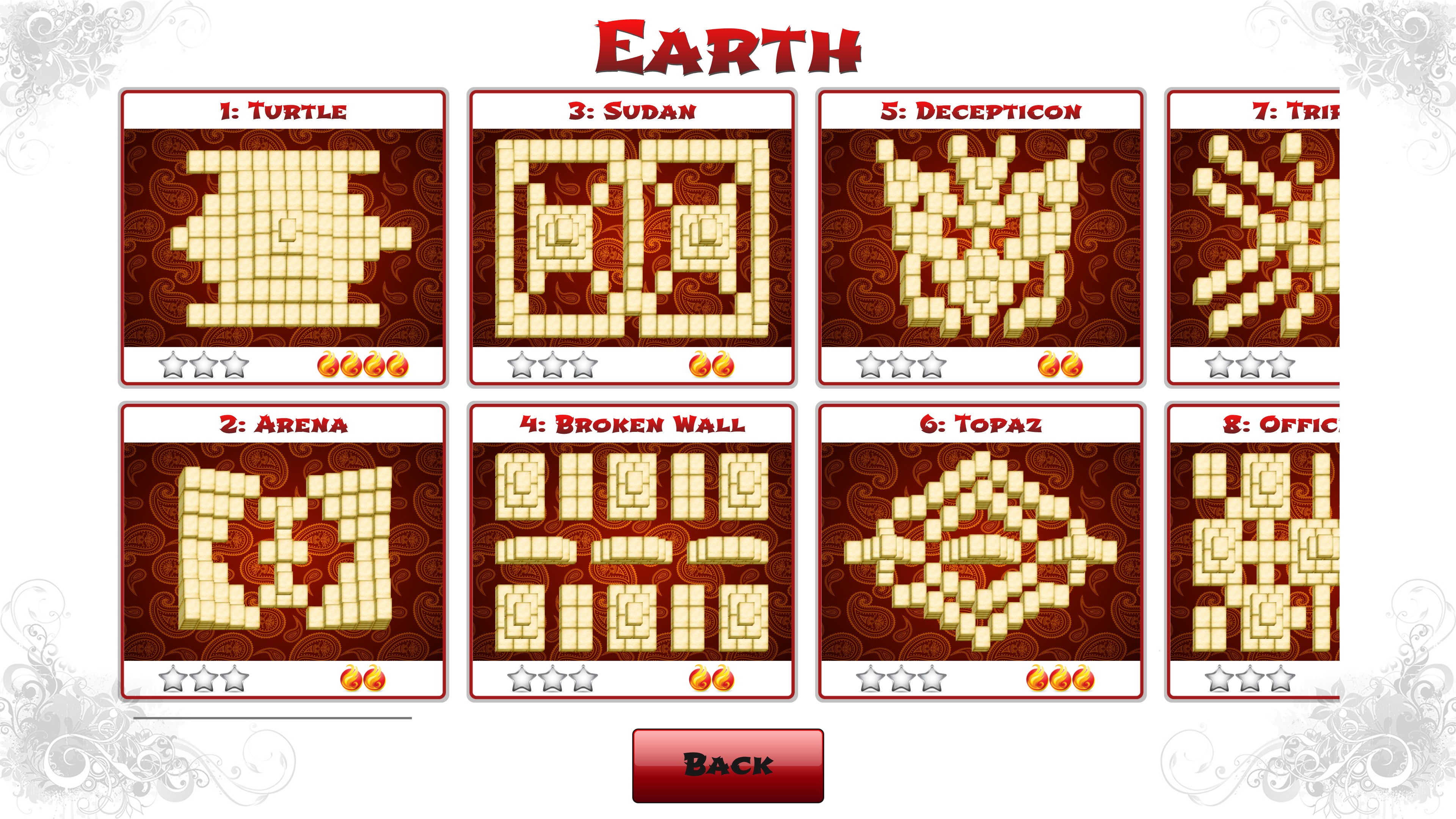
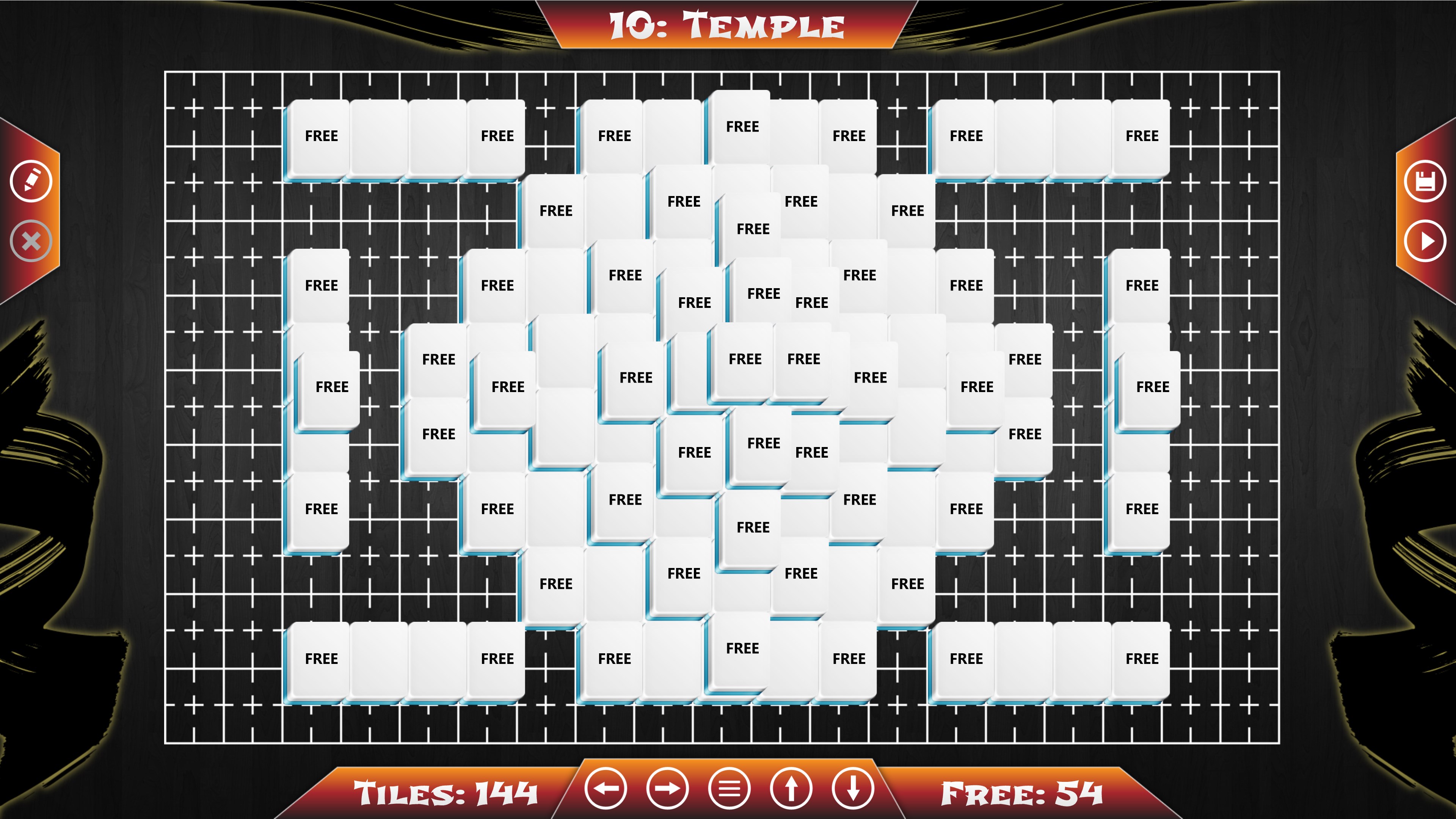
One of Mahjong Solitaire for Windows' standout features is its collection of diverse tile layouts. Unlike many apps that stick to a handful of patterns, BvG offers multiple configurations, each with its own strategic nuances. Whether you prefer the classic rectangular grid or more intricate, layered arrangements that resemble castles or gardens, there's enough variety to keep the experience fresh. This range caters to different skill levels, from beginners looking for relaxed gameplay to experts seeking a challenging puzzle.
2. Smart Hint and Undo Features
For players who appreciate guidance without frustration, the app provides intelligent hints to assist stuck players—like a friendly coach gently pointing the right move. The undo option allows undoing recent moves, which is especially helpful during complex puzzles. These features elevate user experience by encouraging continued play and reducing the potential for random frustration or accidental errors. It's akin to having a gentle navigator guiding you through a labyrinth rather than forcing you to stumble blindly.
3. Progress Tracking and Customization
Mahjong Solitaire for Windows doesn't just let you play endlessly; it tracks your progress meticulously, allowing you to monitor completed levels and best times. Additionally, the app offers customization options, such as choosing different tile styles or adjusting background themes, enabling players to tailor the game environment according to their mood or aesthetic preferences. These personalization features create a more intimate gaming space, much like decorating your own puzzle room.
User Experience and Unique Selling Points
The overall user experience is smooth and inviting. The game's responsiveness ensures no lag interrupts your concentration, much like a well-tuned piano that responds effortlessly to your touch. The learning curve is gentle: newcomers can pick up the game quickly thanks to clear instructions and intuitive controls, while seasoned players can appreciate the depth of layout variations and strategic options.
What truly distinguishes Mahjong Solitaire for Windows from other matching puzzle apps is its combination of aesthetics and thoughtful features. Its elegant tile designs, coupled with smart hints and adaptive layouts, create a relaxing yet stimulating environment that balances challenge and enjoyment. Moreover, the app's emphasis on visual harmony and user-friendly mechanics makes it less about brute-force matching and more about mindful engagement—a quality that resonates well with players seeking a calming, cerebral pastime.
Final Verdict and Recommendations
All considered, Mahjong Solitaire for Windows earns a solid recommendation for puzzle enthusiasts looking for a refined and well-crafted experience. Its visually appealing design, diverse layouts, and considerate features set it apart in the crowded landscape of tile-matching games. Whether you're looking to pass the time during a break or want a mindful activity at the end of a busy day, this app provides a peaceful yet challenging escape. For best results, new users should explore the different layouts and customize their settings to discover what makes the experience most enjoyable for them. Experienced players will appreciate the strategic depth and the app's elegant simplicity. All in all, this is a gentle yet engaging way to sharpen your mind while enjoying serene visuals—a true digital oasis of calm."
Pros
- Intuitive User Interface
- Variety of Tile Sets
- Enjoyable Puzzle Modes
- Smooth Performance
- Offline Access
Cons
- Limited Tutorial Content
- Restrictive Ad Placement
- Lack of Cloud Saving
- Limited Customization Options
- No Multiplayer Mode











