
- Name Mahjong King
- Category Puzzle & trivia
- Developer Mobirix
- Available on PC, Mobile, Surface Hub, HoloLens
- OS Windows 10 version 17763.0 or higher
- Keyboard Not specified
- Mouse Not specified
- languages Chinese (Simplified), Chinese (Traditional Chinese), English, French, German, Italian, Japanese, Korean, Portuguese, Russian, Spanish, Turkish
A Classic Mahjong Experience Reimagined for Windows
Mahjong King for Windows by MOBIRIX offers players an engaging and visually appealing digital rendition of the traditional tile-matching game, blending nostalgic gameplay with modern design. Perfectly suited for casual players and Mahjong enthusiasts alike, this app aims to bring the timeless game to a new digital audience in a sleek, user-friendly package.
About the App: The Essentials
Developed by Mobirix, a seasoned team known for their diverse range of mobile and PC games, Mahjong King promises an authentic Mahjong experience tailored for Windows users. The app features several highlights, notably its intuitive interface, varied game modes, and smooth gameplay. The core functionalities include classic tile-matching puzzles, customizable difficulty levels, and a ranking system to challenge players' skills. Its target audience encompasses casual gamers, puzzle enthusiasts, and those looking for a relaxing yet engaging pastime on their PCs.
Spotlight on Engaging Gameplay: The Heart of Mahjong King
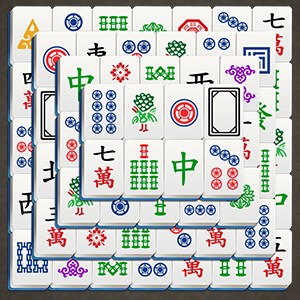
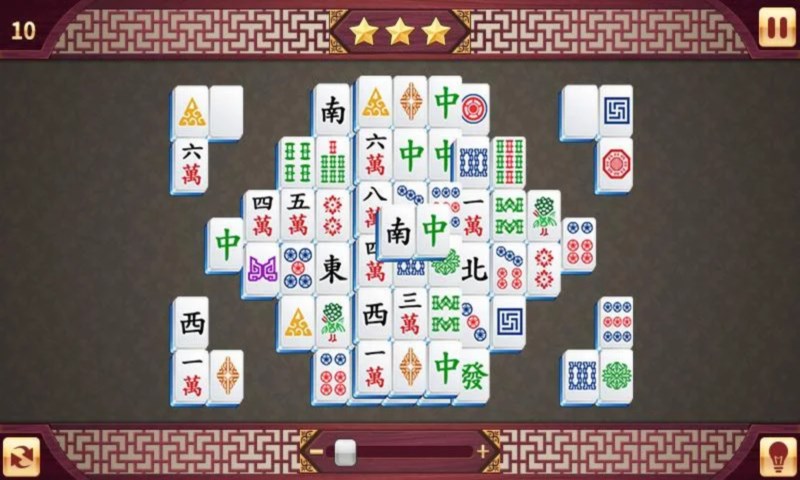
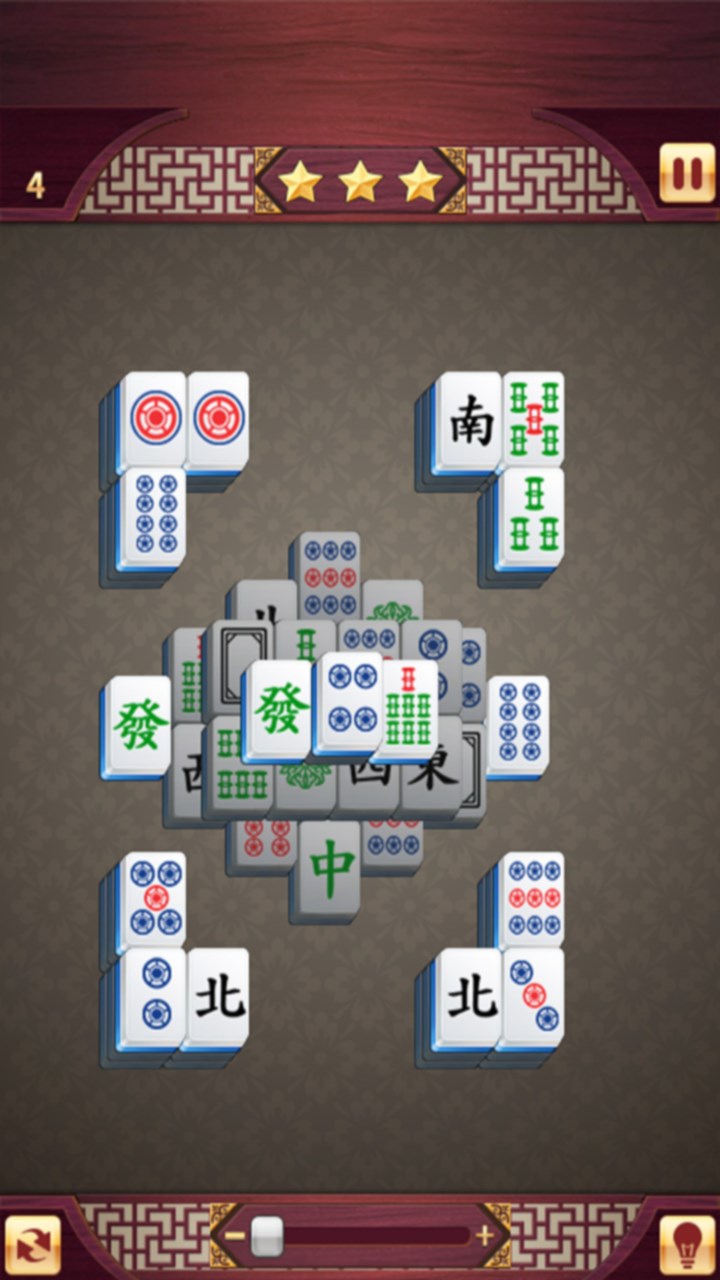
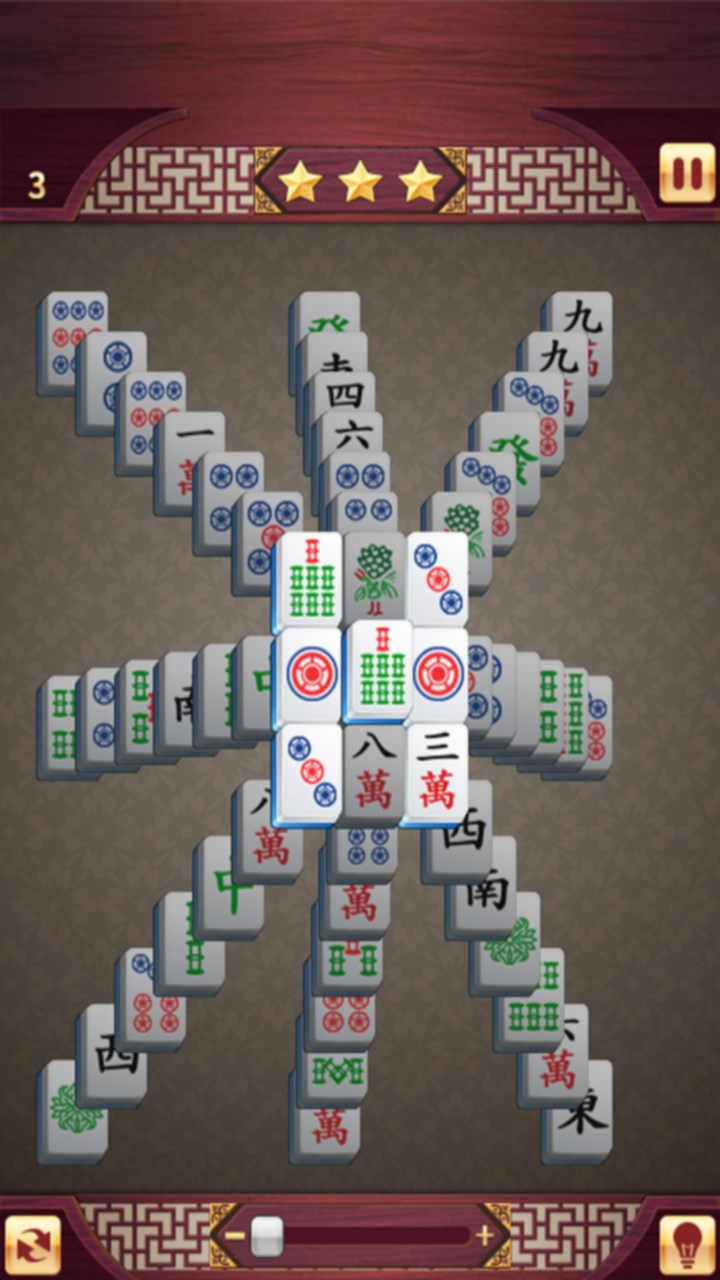
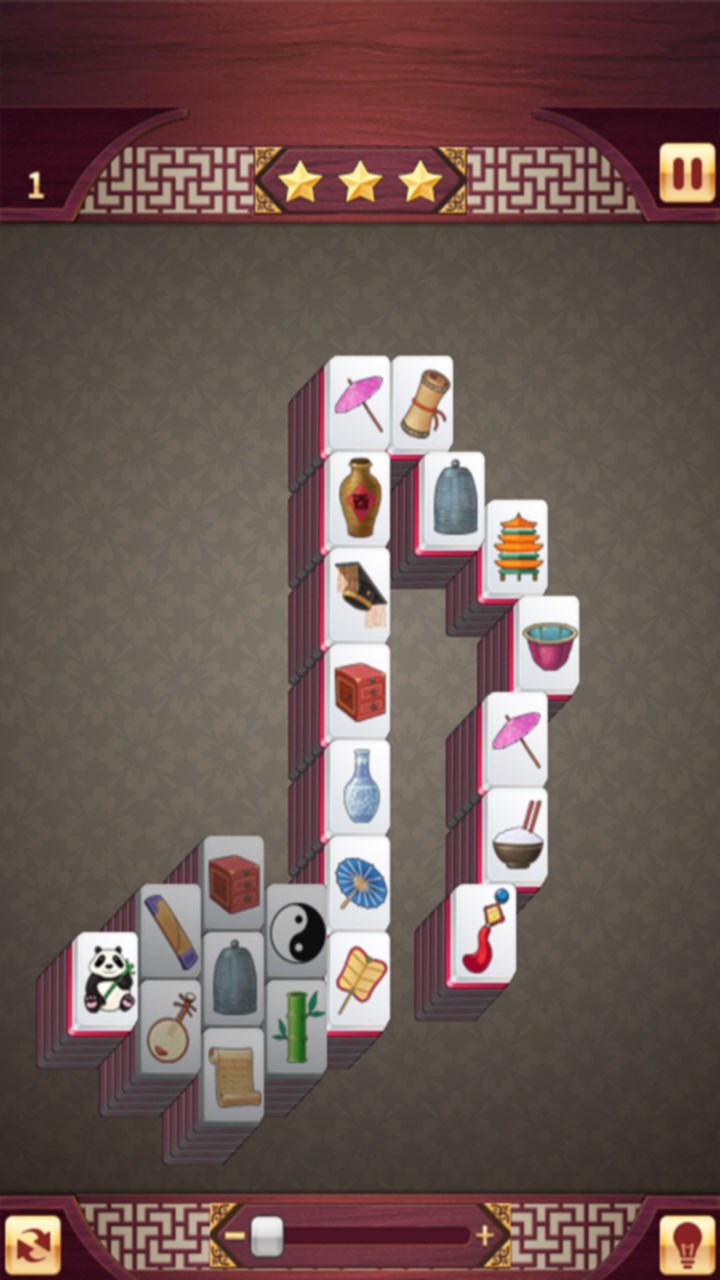
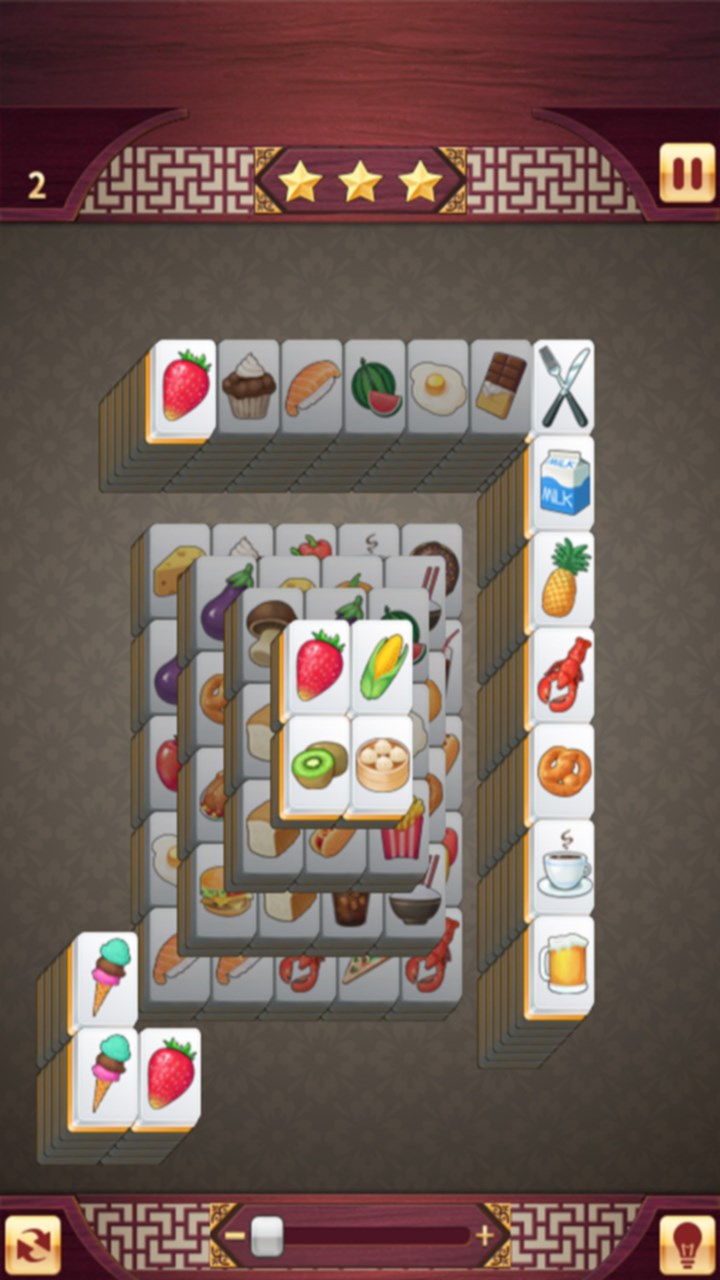
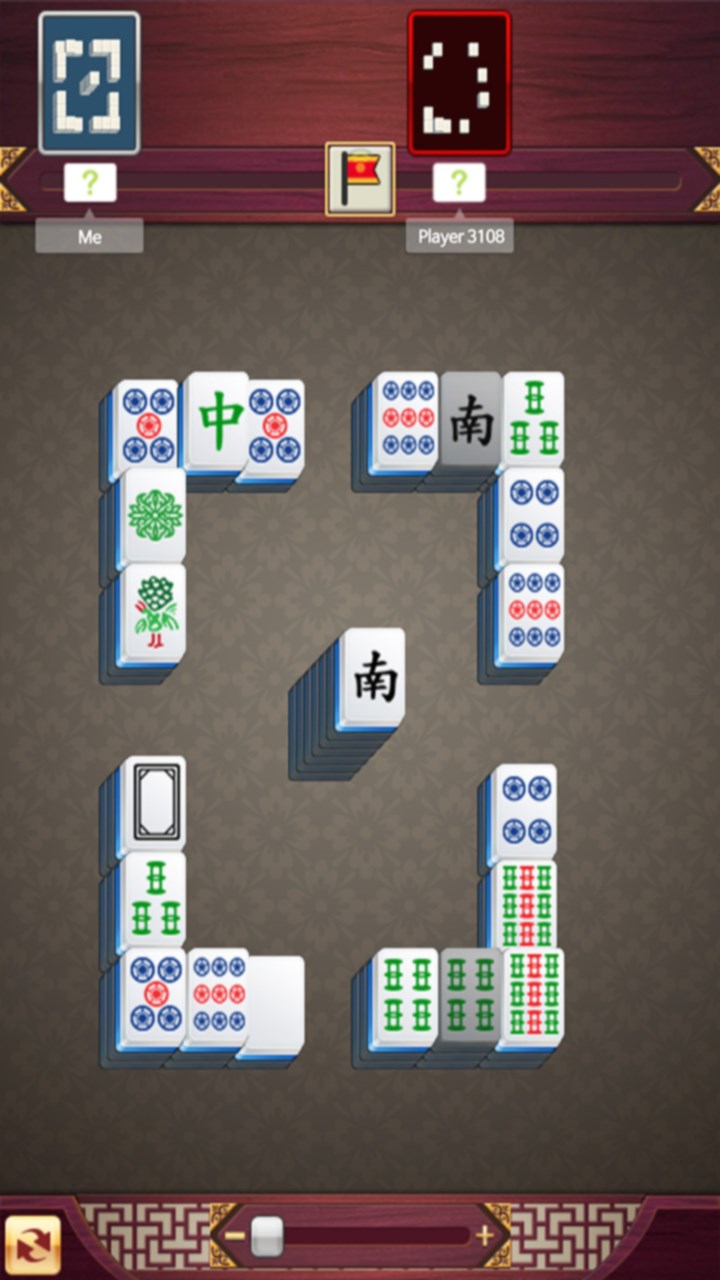
From the moment you launch Mahjong King, its vibrant visual presentation immediately transports you to a bustling Mahjong parlour. The colorful tiles and thematic backgrounds create an inviting atmosphere, encouraging players to dive into the puzzles. The game's core mechanic—matching pairs of identical tiles—is both familiar and satisfying, providing a sense of accomplishment as each puzzle clears.
One of the app's standout features is its adjustable difficulty settings. Whether you're a novice or a seasoned Mahjong veteran, you can tailor the challenge accordingly. The beginner mode introduces simple layouts, perfect for learning the ropes, while the advanced levels present intricate board designs that test speed and strategic thinking. This flexibility ensures that players remain engaged regardless of their skill level, making it a versatile choice for a wide audience.
Enhanced User Experience and Design Aesthetics
The interface design of Mahjong King is a delicate balance between aesthetic appeal and practical usability. The clean, uncluttered layout allows players to focus on the game without distractions. Navigation is straightforward, with intuitive buttons and clear indicators guiding the player through game modes and settings. The game runs smoothly on Windows, with responsive controls that make tile selection effortless, even during fast-paced sessions.
Learning curve is minimal; players familiar with Mahjong will find the gameplay instantly recognizable, while newcomers can quickly grasp the matching mechanics through a simple tutorial. The app also provides hints and undo options, reducing frustration and supporting a relaxed gaming experience. Overall, Mahjong King offers a polished user experience that feels both modern and respectful of Mahjong's traditional roots.
Unique Selling Points: What Sets Mahjong King Apart
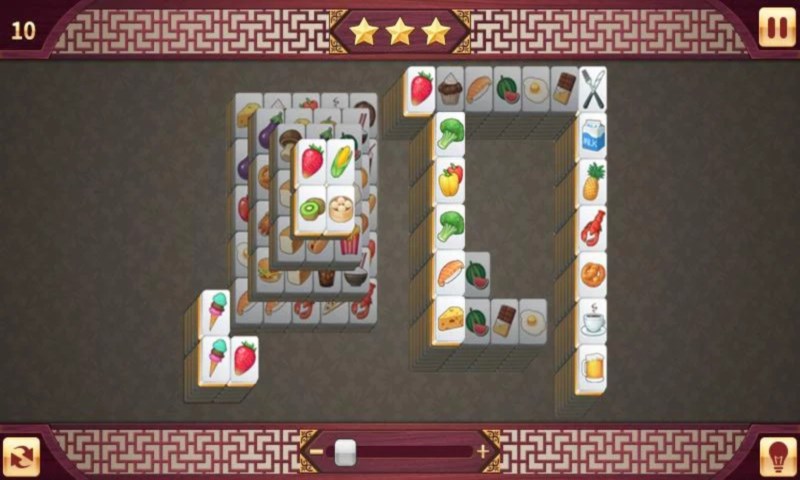
Unlike many puzzle apps that rely heavily on speed or timed challenges, Mahjong King emphasizes strategic thinking and pattern recognition, making it suitable for a wider age range. Its most distinctive feature is the rich visual customization—players can choose from various background themes and tile sets, adding a personal touch to their game sessions. This level of personalization enhances replayability and fosters a more immersive Mahjong experience.
Moreover, the app's incorporation of different game modes, including a classical mode and a daily challenge, keeps the gameplay fresh and engaging. The ranking system and achievements motivate players to improve their skills continually without feeling pressured, striking a balance between casual enjoyment and competitive spirit.
Final Thoughts and Recommendations
Mahjong King for Windows stands out as a well-crafted digital Mahjong game that respects tradition while embracing modern aesthetics and user-centric design. Its standout features—customization options and versatile difficulty levels—make it particularly appealing for both new players and seasoned Mahjong fans. The game's smooth operation, friendly interface, and engaging variety of modes earn it a solid recommendation for anyone looking to relax and challenge themselves with a classic puzzle game on their PC.
If you enjoy thoughtful, calm puzzles with a hint of strategic depth, Mahjong King is definitely worth a try. Whether for a quick mental break or a longer gaming session, it offers a reliable and enjoyable experience that keeps the timeless allure of Mahjong alive in the digital age.
Pros
- User-friendly interface
- Engaging gameplay with diverse tile layouts
- Regular updates and new content
- Offline mode available
- Achievements and leaderboards to motivate players
Cons
- Limited customization options
- Occasional ads disrupt gameplay
- Performance issues on older devices
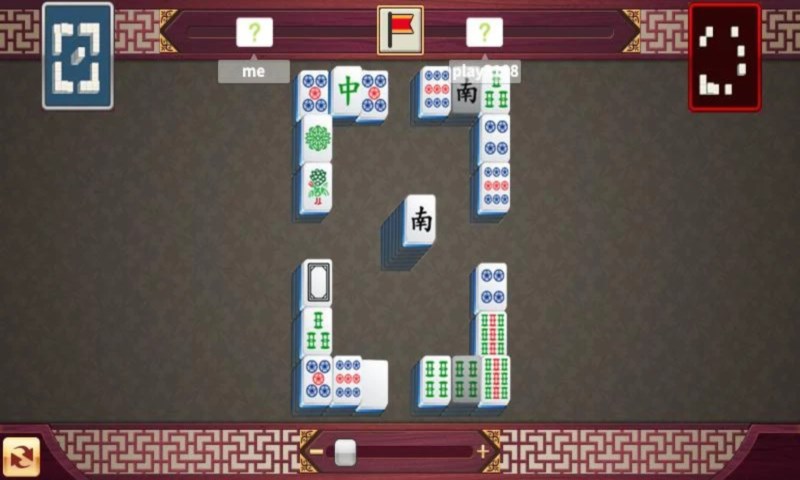
- Limited multiplayer options
- In-app purchases may be necessary for new levels











