

- Name Mahjong 3!
- Category Puzzle & trivia
- Available on PC, Mobile, Surface Hub, HoloLens
- OS Windows 10 version 14393.0 or higher
- languages English (United States), French, German, Italian, Japanese, Korean , Norwegian (Nynorsk), Polish , Portuguese (Brazil), Russian, Spanish (Spain), Turkish
Mahjong 3! for Windows: A Refreshing Spin on Classic Tile Mahjong
Mahjong 3! for Windows is a thoughtfully crafted digital rendition of the beloved tile-matching game, offering a smooth and engaging experience for puzzle enthusiasts of all ages.
Who's Behind the Magic?
Developed by Gamos Mobile Limited, this app benefits from a dedicated team with a focus on creating accessible and enjoyable casual games. Their expertise shines through in delivering a polished gaming experience that's both intuitive and visually appealing.
Key Features That Make Mahjong 3! Stand Out
- Intuitive Gameplay Mechanics: Classic Mahjong solitaire rules with streamlined tile-matching, making it easy for newcomers yet challenging enough for veterans.
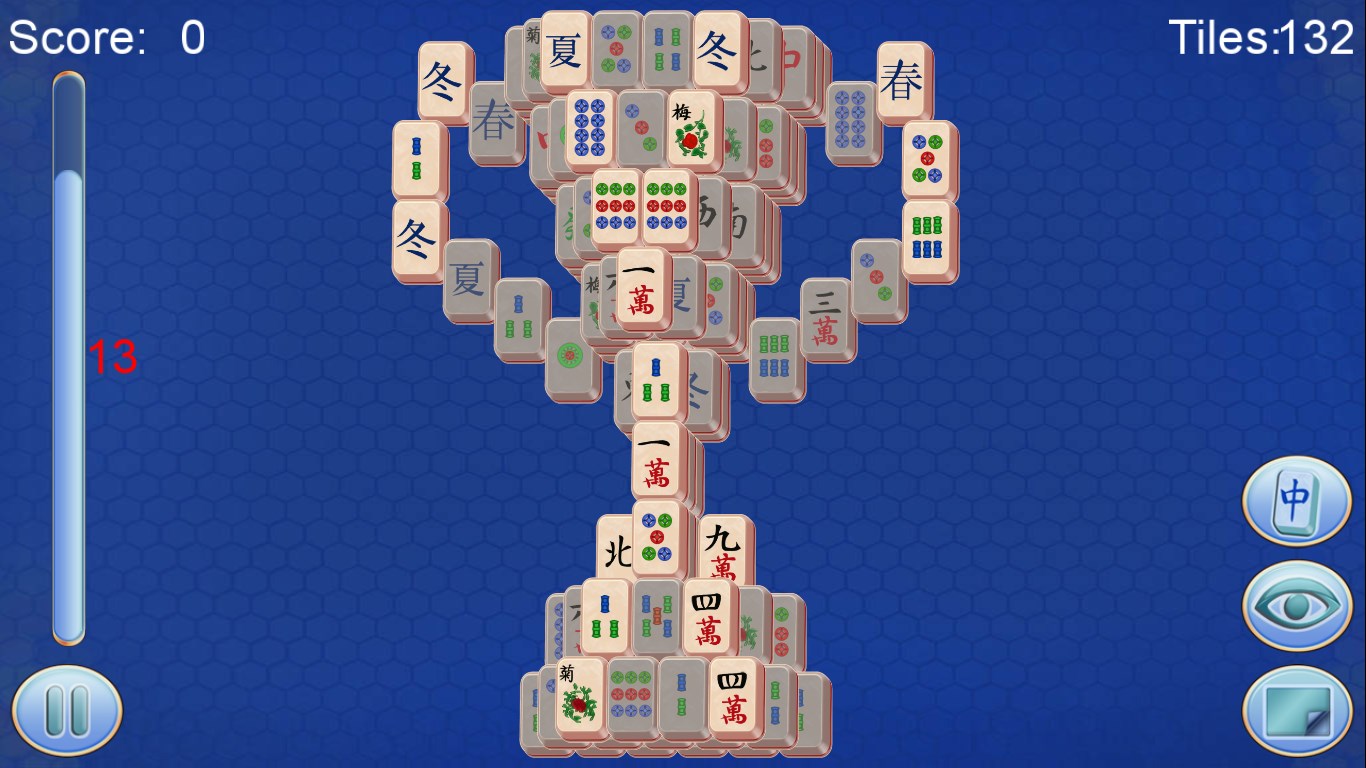
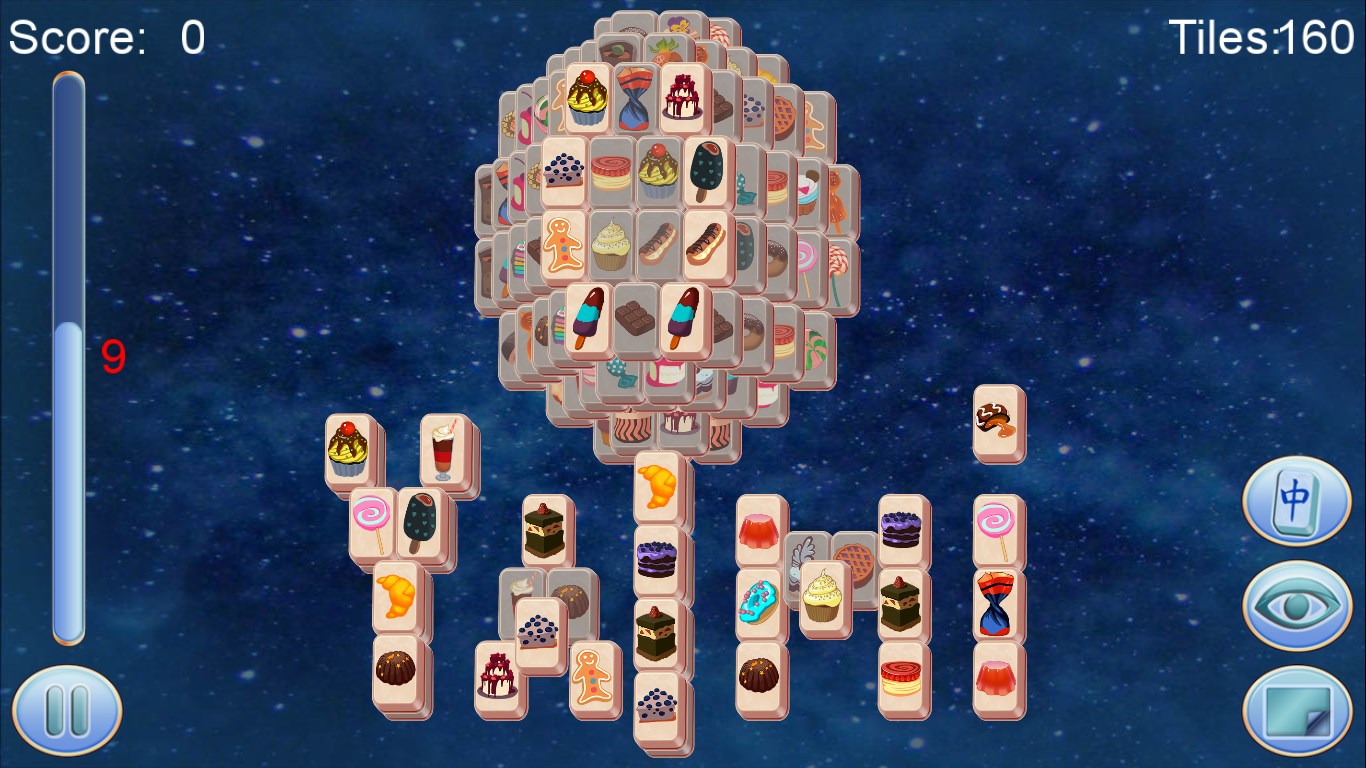
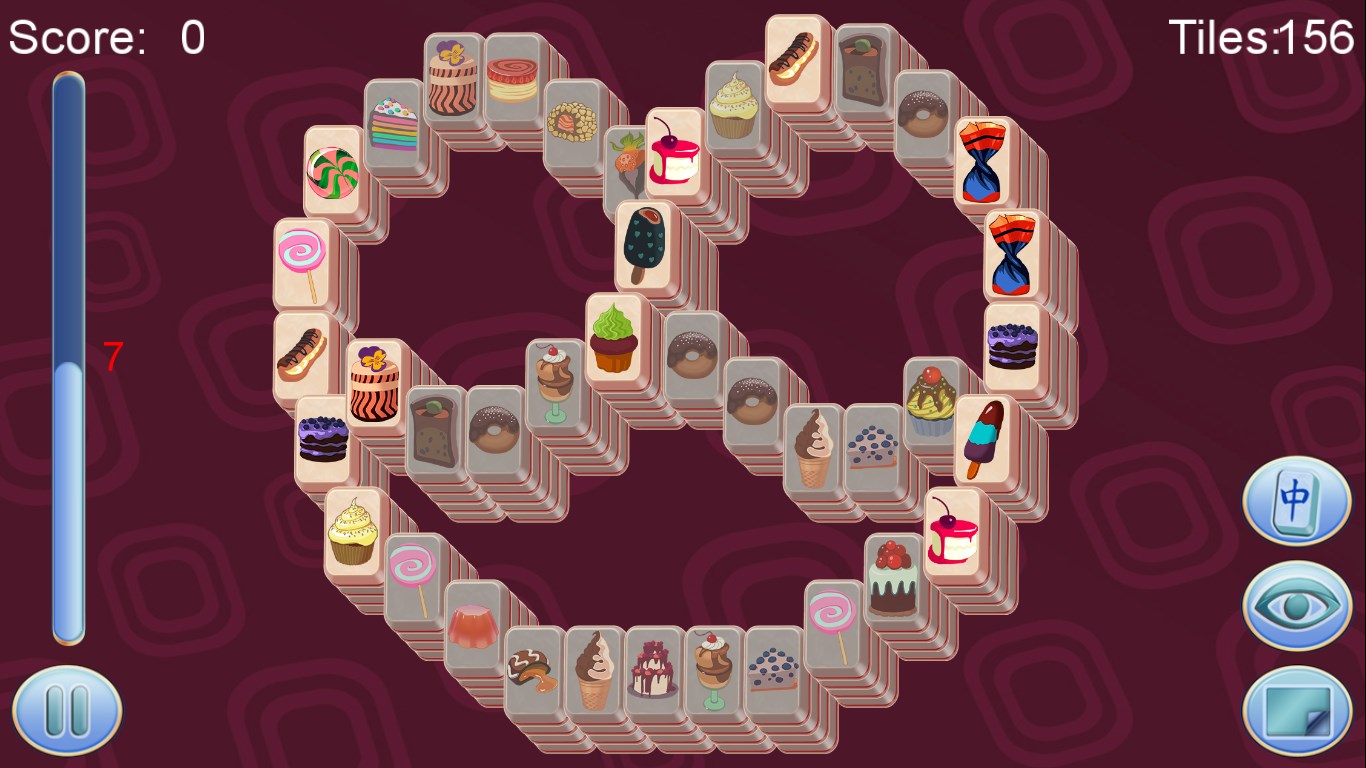
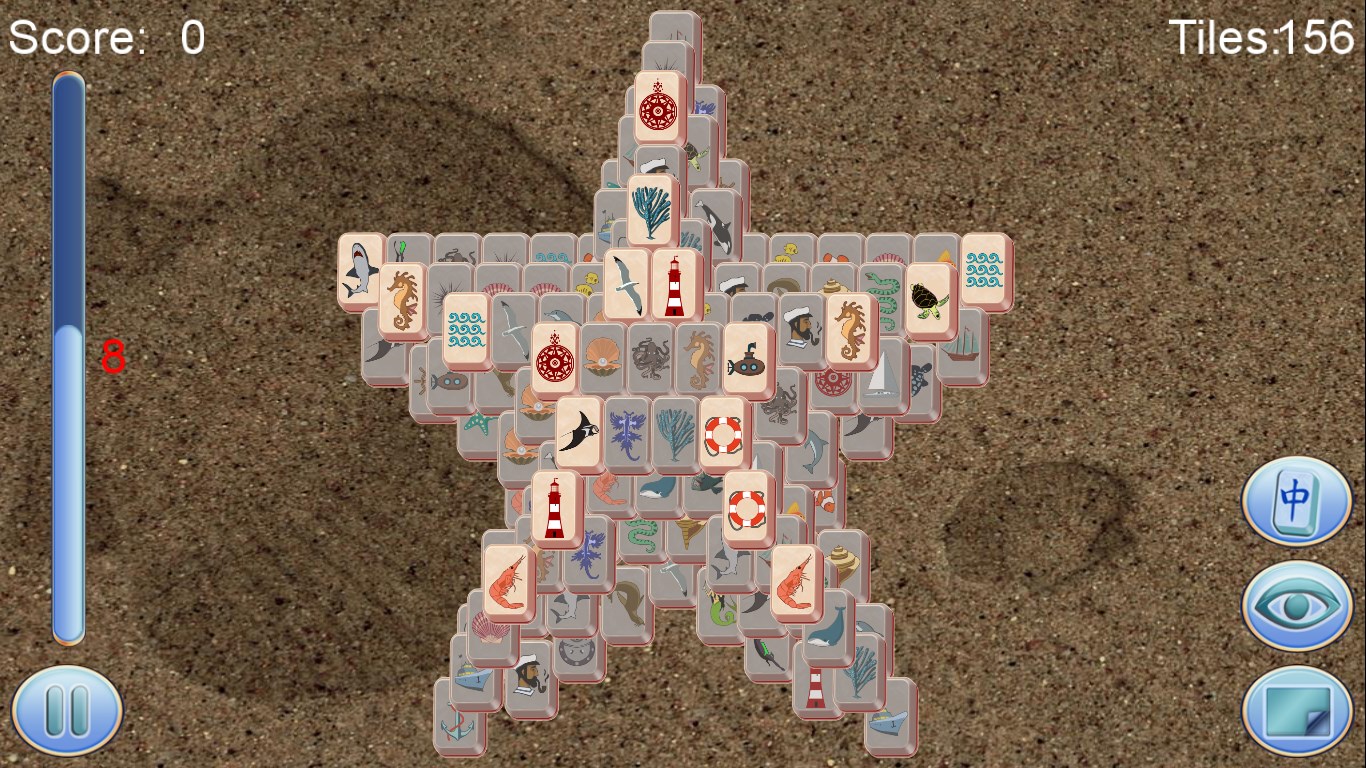
- Varied and Visually Engaging Boards: A vast collection of beautifully designed layouts that keep the game feeling fresh and exciting, with increasing difficulty levels.
- Insightful Hint and Shuffle Options: Supportive features that assist players when stuck, enhancing user engagement without undermining the challenge.
- Minimalist yet Vibrant UI: Clean interface with lively graphics that draw players into a relaxing puzzle environment.
Immersive Player Experience and Design Insights
From the moment you launch Mahjong 3!, you're greeted with a crisp, colorful interface reminiscent of a tidy, sunlit Mahjong parlor—calm and inviting. Navigation feels natural; clicking through menus and selecting levels is as smooth as sliding tiles across a polished table. The game's intuitive controls require no steep learning curve, making it accessible to players of all ages. The animations are fluid, ensuring that each matched pair's disappearance is satisfying, almost like a gentle ripple in a tranquil pond. The subtle background music and sound effects complement the visual design and contribute to an overall relaxing experience, making it easy to lose track of time while solving puzzles.
What Sets Mahjong 3! Apart from Other Puzzle Games?
Unlike many puzzle apps that focus solely on challenge or competition, Mahjong 3! emphasizes a balanced blend of aesthetics, ease of play, and subtle strategic depth. Its key differentiator is the inclusion of helpful hints and shuffle options—think of them as gentle guides or repositionable tiles—that assist players without robbing the game of its playful challenge, making it perfect for both casual players and puzzle aficionados. Furthermore, the stunning variety of layouts reflects a dedication to visual pleasure and replayability, setting it apart from more monotonous tile-matching titles. This thoughtful design ensures players return not just for a quick fix, but for ongoing, relaxing entertainment.
Final Thoughts and Recommendations
Overall, Mahjong 3! for Windows is a commendable incarnation of a timeless classic. Its user-friendly interface, soothing visuals, and supportive features create an inviting space for puzzle lovers seeking a calming yet engaging challenge. While it may not revolutionize the genre, its attention to detail and polished execution make it an excellent choice for players of all levels. I would recommend this app to anyone looking for a relaxing, visually pleasing tile-matching game that feels both accessible and satisfying—perfect for unwinding after a long day or taking a quick mental break during busy moments.
Pros
- Intuitive User Interface
- Variety of Mahjong Games
- Offline Mode Access
- Regular Updates
- Beautiful Graphics and Sound Effects
Cons
- Limited Multiplayer Options
- Ads Occasionally Interrupt Gameplay
- In-game Tutorials Are Basic
- Limited Customization Options
- Performance on Low-End Devices











