

- Name Lamplighter: Merge & Match
- Category Puzzle & trivia
- Developer Eidolon LTD Cyprus
- Available on PC, Mobile, Surface Hub, HoloLens
- OS Windows 10 version 17763.0 or higher
- Mouse Integrated Mouse
- languages English (United States)
Unlock Your Brain's Potential with Lamplighter: Merge & Match
Imagine a puzzle game that not only entertains but also challenges your pattern recognition and strategic thinking—welcome to Lamplighter: Merge & Match for Windows, a game that transforms your device into a captivating brain workout. Developed by Eidolon LTD Cyprus, this app offers a fresh take on classic matching puzzles, blending simple mechanics with engaging gameplay to keep you hooked for hours.
Core Features That Spark Your Curiosity
Innovative Merge Mechanics
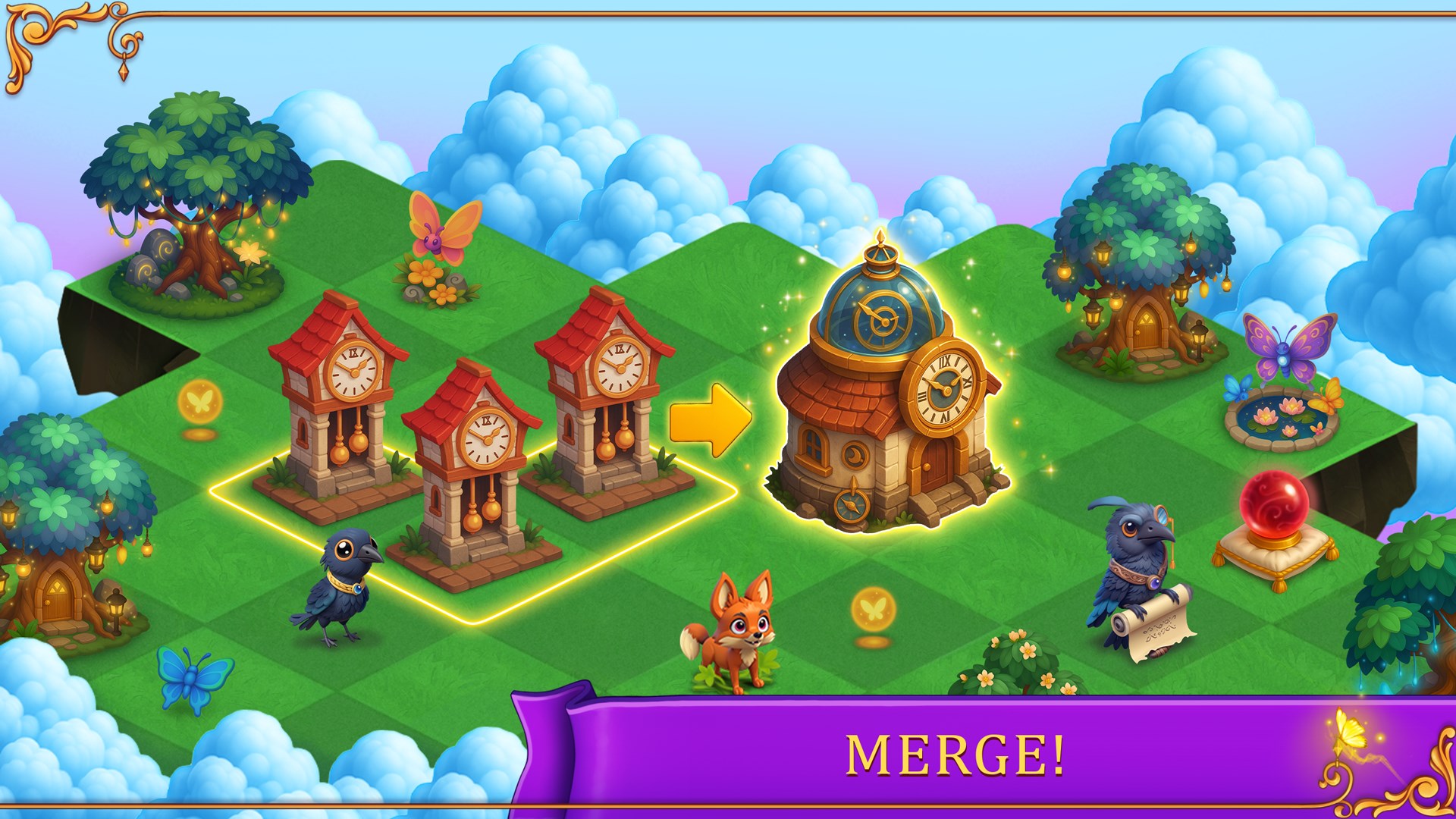
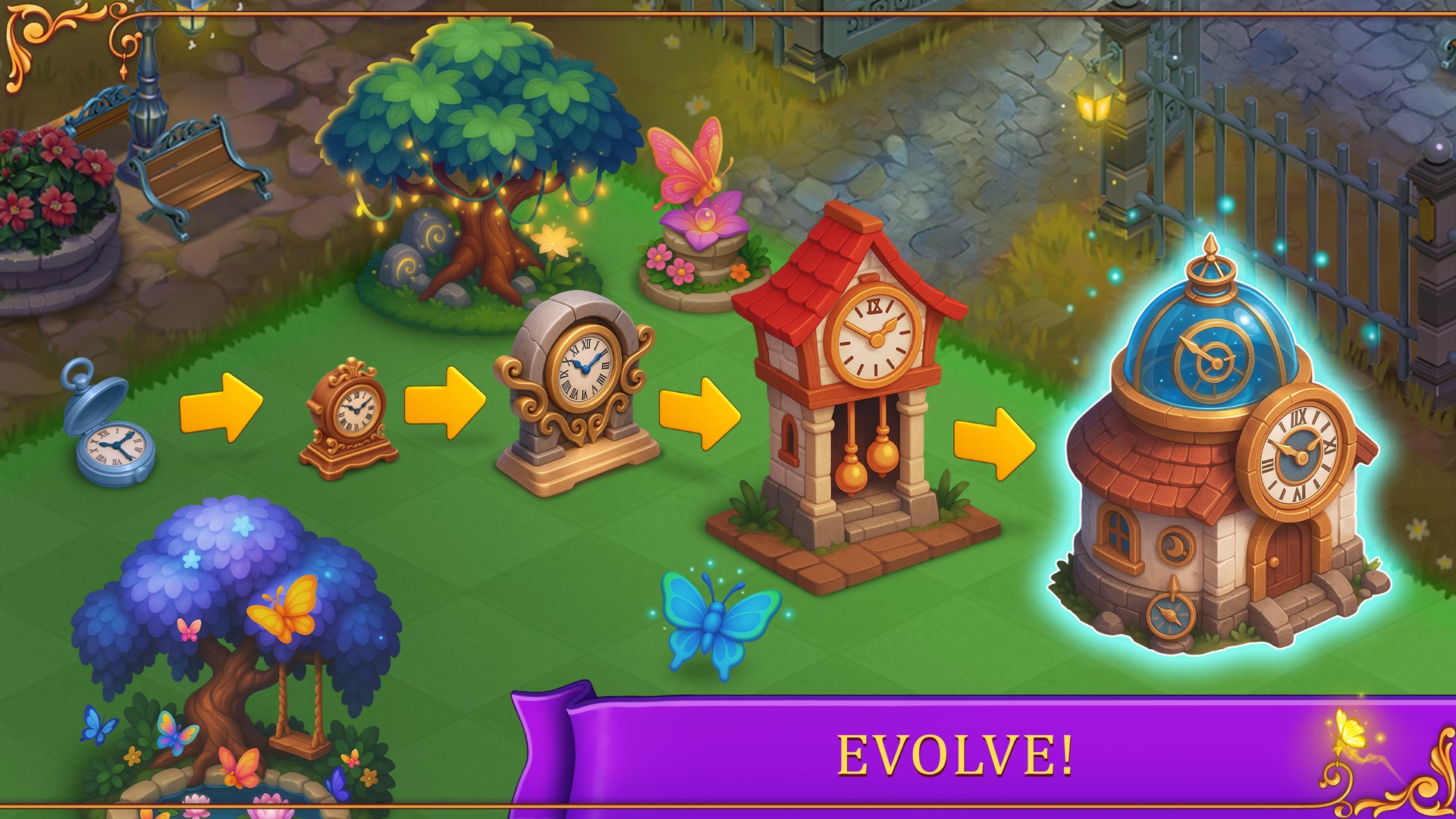
Unlike conventional match-3 or tile-matching games, Lamplighter introduces a unique merging system where you combine identical tiles to create higher-value elements. This mechanic encourages strategic foresight—think of it as urban planning for your puzzle universe, where each move shapes the next stage of your puzzle landscape. The merging process not only simplifies gameplay but also adds a layer of depth that keeps players intrigued as they aim to clear tiles efficiently.
Progressive Puzzle Challenges
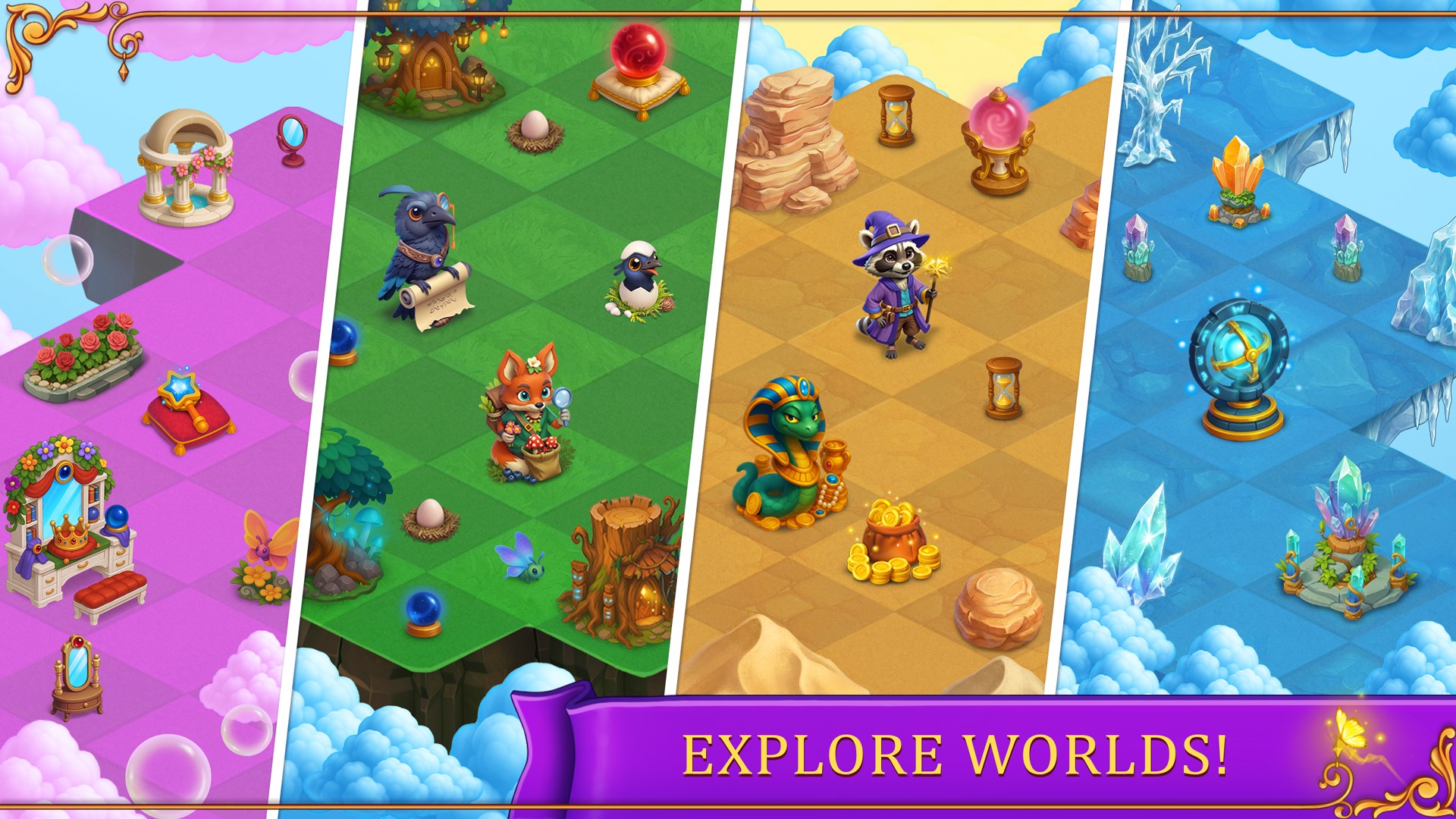
The game features multiple levels with increasing complexity, each presenting new patterns and obstacles. From straightforward matches to intricate configurations requiring thoughtful planning, Lamplighter ensures your mental agility is continually tested. This adaptability makes it appealing for casual players looking for casual fun, as well as more dedicated puzzle enthusiasts craving substantial challenges.
Elegant and Intuitive Design
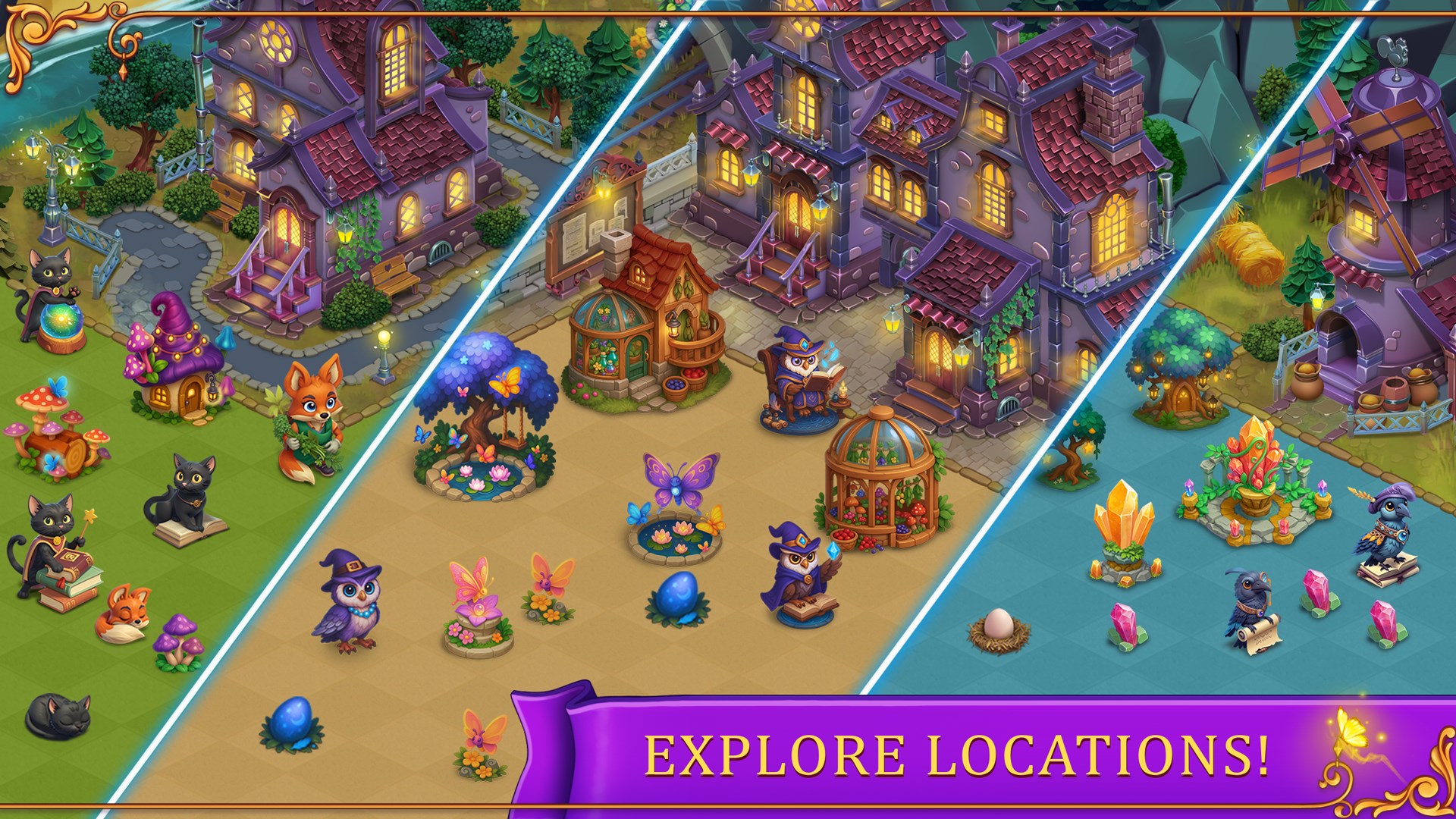
The interface design radiates clean minimalism—think of a well-organized workspace that invites you to focus. Smooth animations accompany each merge, making the gameplay feel fluid and satisfying. Navigating through levels is effortless, with responsive controls and clear visual cues guiding your every move. Whether you're new to puzzle games or a seasoned player, the learning curve remains gentle, letting you jump right in without a steep start.
Experience and User Engagement
From a user experience perspective, Lamplighter strikes a delicate balance between aesthetic minimalism and engaging interactivity. The interface's simplicity ensures players aren't overwhelmed; instead, they're encouraged to explore the merging mechanics at their own pace. The game's fluidity is noteworthy—it responds swiftly to inputs, with animations that add a pleasing sense of accomplishment during each merge. This seamless experience makes it easy to lose track of time—just like flipping through a well-loved book that constantly reveals new details.
What Sets Lamplighter Apart from Similar Puzzle Apps?
While many puzzle games rely heavily on swapping and matching mechanics, Lamplighter's core innovation lies in its merging system, which fosters a more strategic approach. Unlike straightforward match-3 games, this mechanic requires players to think ahead about where merges will create the highest value tiles, adding a layer of planning often absent from typical casual puzzles. Moreover, the game's minimalist design keeps distractions to a minimum, allowing you to focus solely on the puzzle itself—and this clarity is a breath of fresh air amidst cluttered interfaces of many competitors.
Final Thoughts: A Thoughtful Puzzle Experience Worth Your Time
Considering its elegant mechanics, appealing design, and engaging challenge levels, Lamplighter: Merge & Match earns a firm recommendation for puzzle lovers seeking a novel experience. It strikes a commendable balance—as friendly as a seasoned puzzle master guiding your hand—making it suitable for casual players as well as dedicated strategists. If you enjoy brain teasers that reward foresight and planning without overwhelming complexity, this game is definitely worth diving into.
Pros
- Engaging Merge & Match Gameplay
- Stunning Graphics and Visual Effects
- Progressive Difficulty Levels
- Reward System and Achievements
- Free-to-Play Model with In-App Purchases
Cons
- Limited Content Over Time
- Occasional Stuttering or Lag
- In-App Purchases Can Be Pricey
- Limited Social Features
- Some Ads Interrupt Gameplay











