

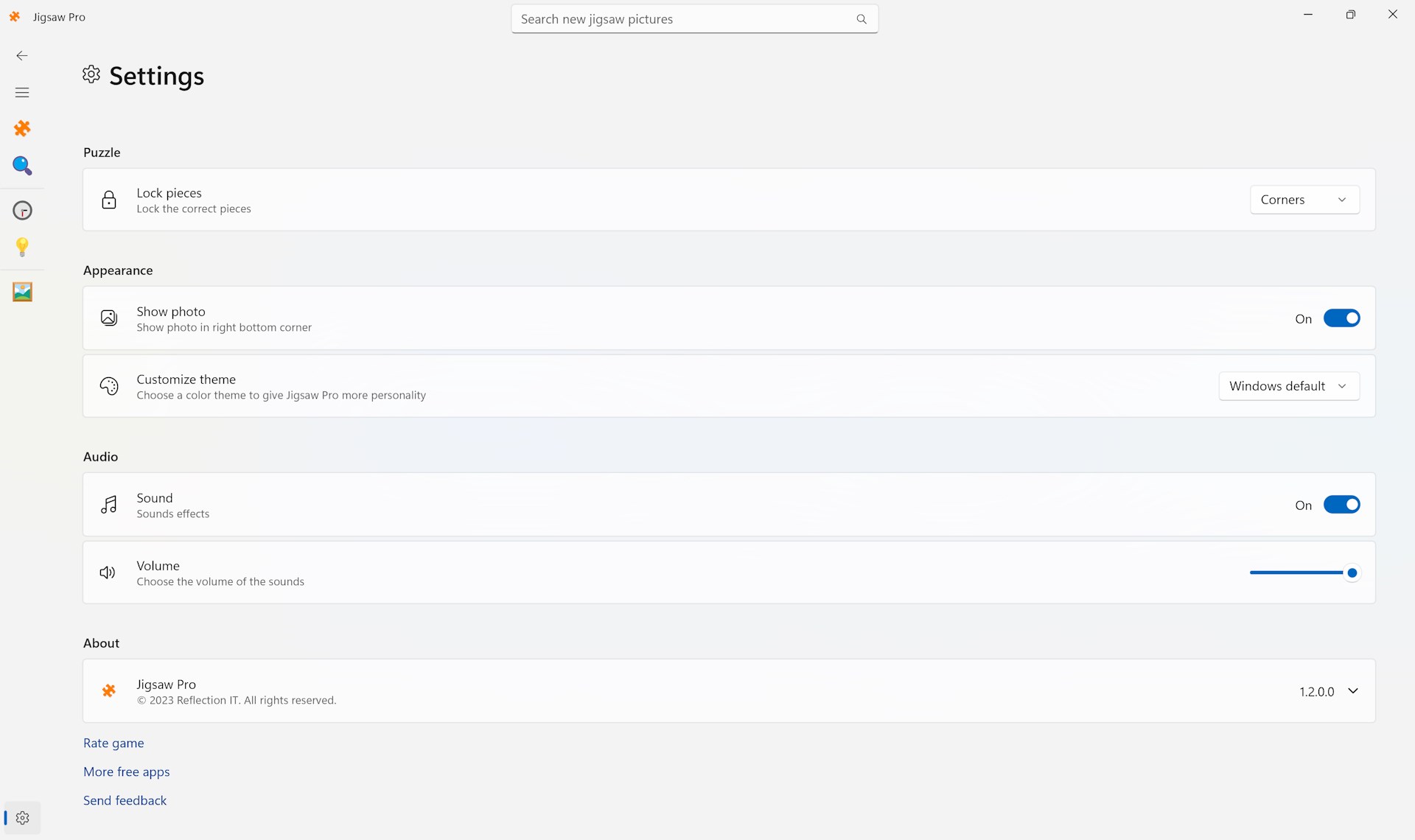
- Name Jigsaw Pro
- Category Puzzle & trivia
- Developer Fons Sonnemans
- Available on PC, Surface Hub, HoloLens
- OS Windows 10 version 17763.0 or higher
- languages English (United States)
Introducing Jigsaw Pro for Windows: A New Spin on Puzzle Classics
Imagine a puzzle game that not only challenges your spatial reasoning but also immerses you in beautifully crafted visuals and thoughtful design—welcome to Jigsaw Pro for Windows. Developed by Fons Sonnemans and published by Reflection IT, this app aims to revitalize the traditional jigsaw puzzle experience, making it accessible and engaging for modern users. Whether you're a casual puzzle lover or a dedicated hobbyist, Jigsaw Pro promises both entertainment and brain-boosting benefits in one package.
Creative Puzzle Assembly with Innovative Features
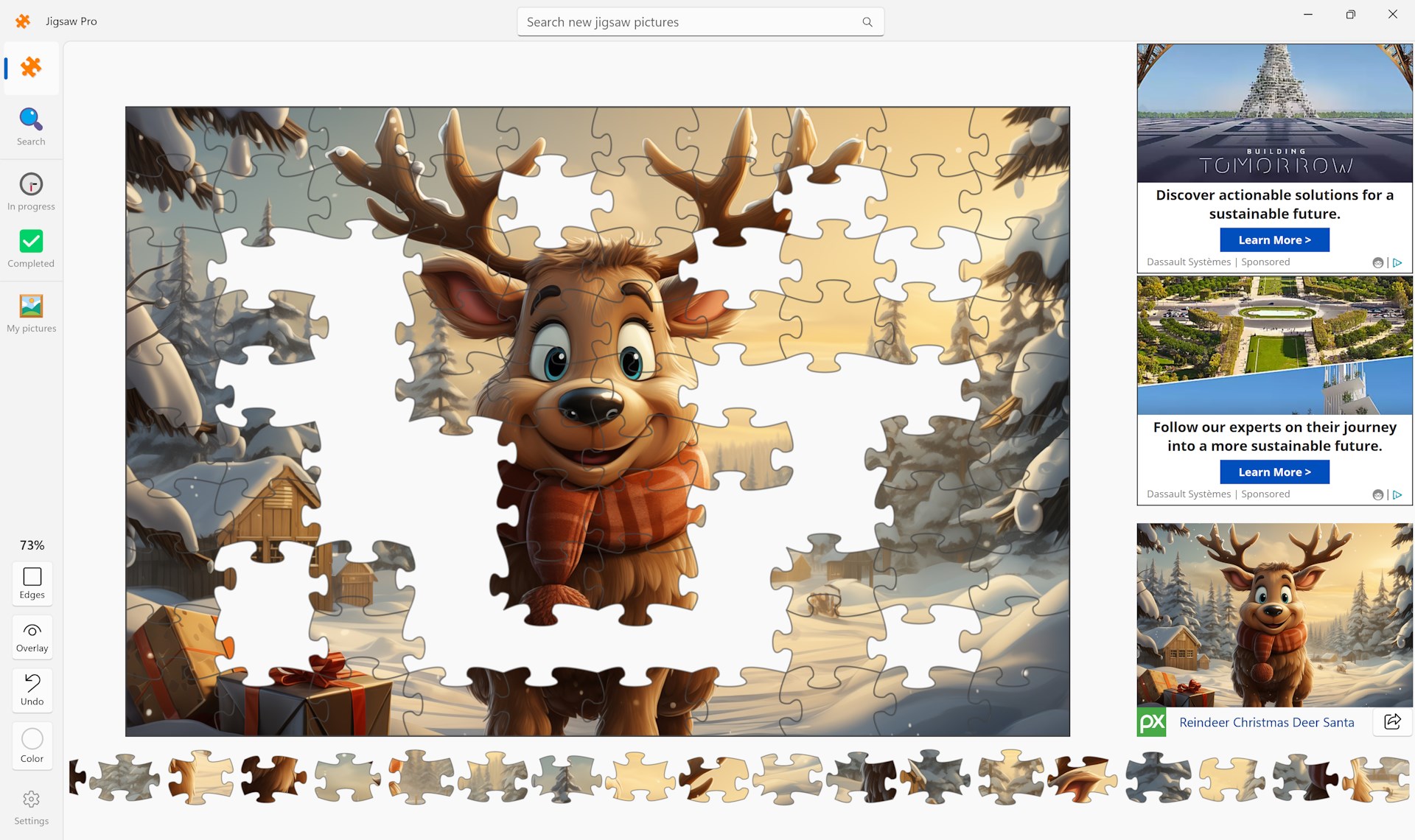
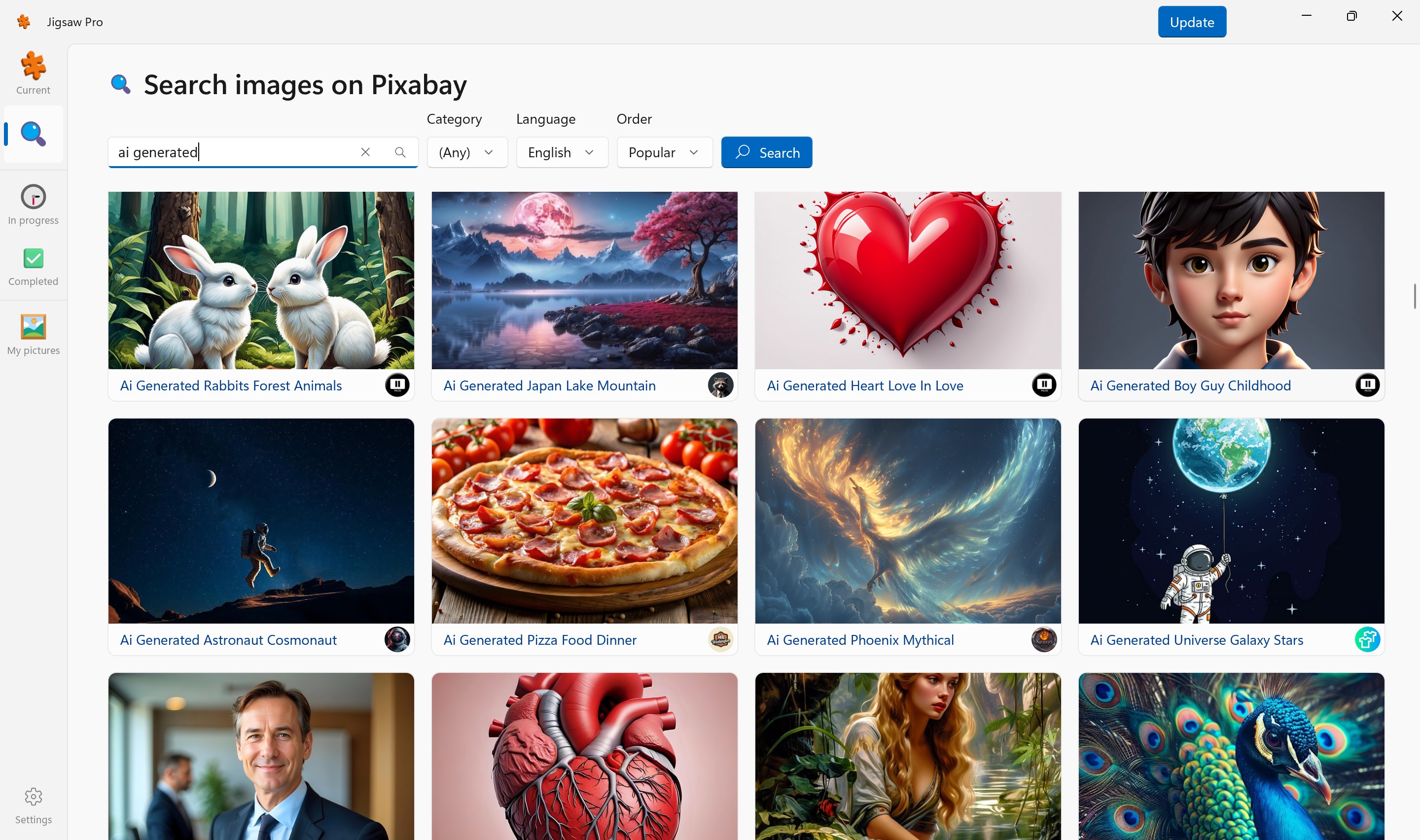
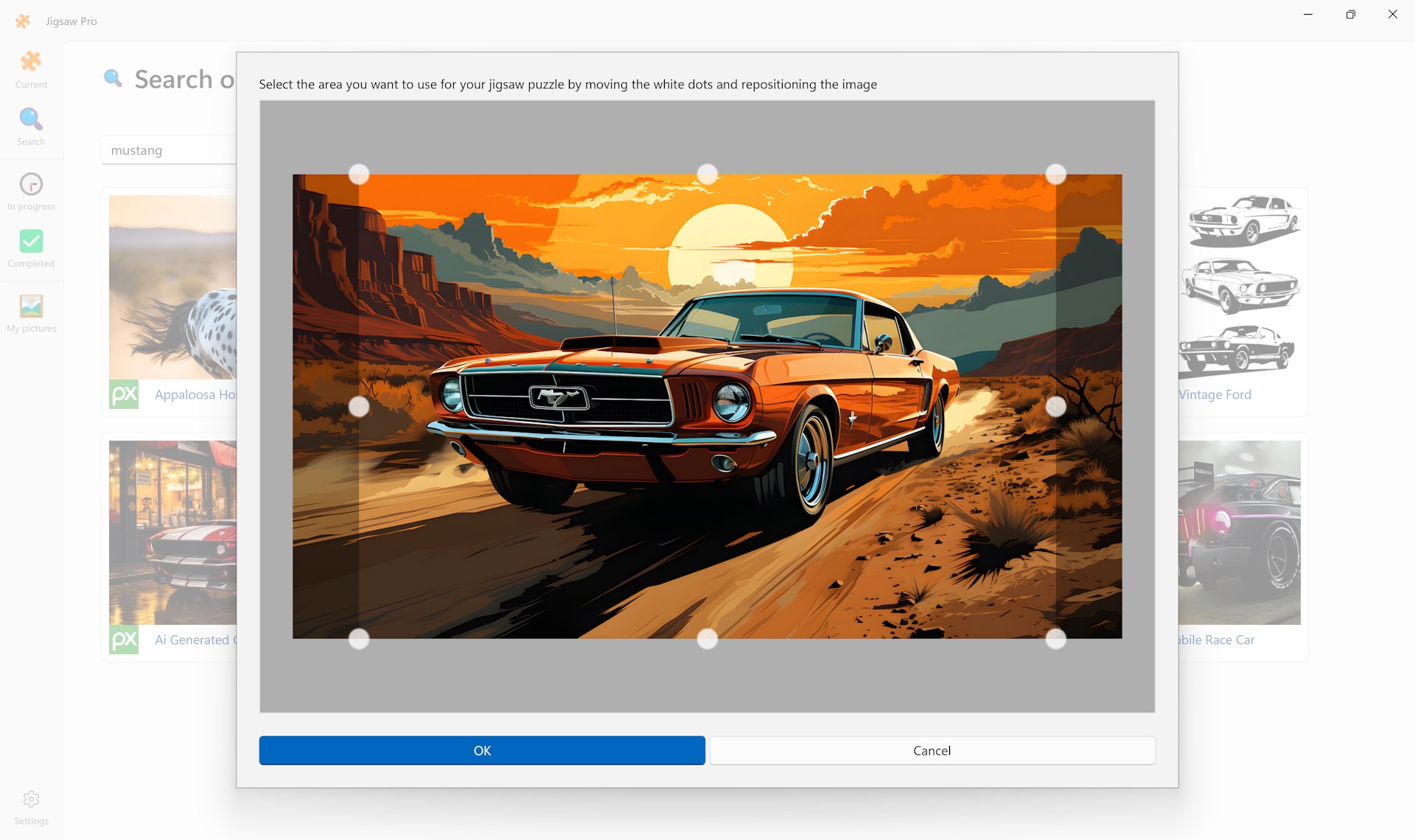
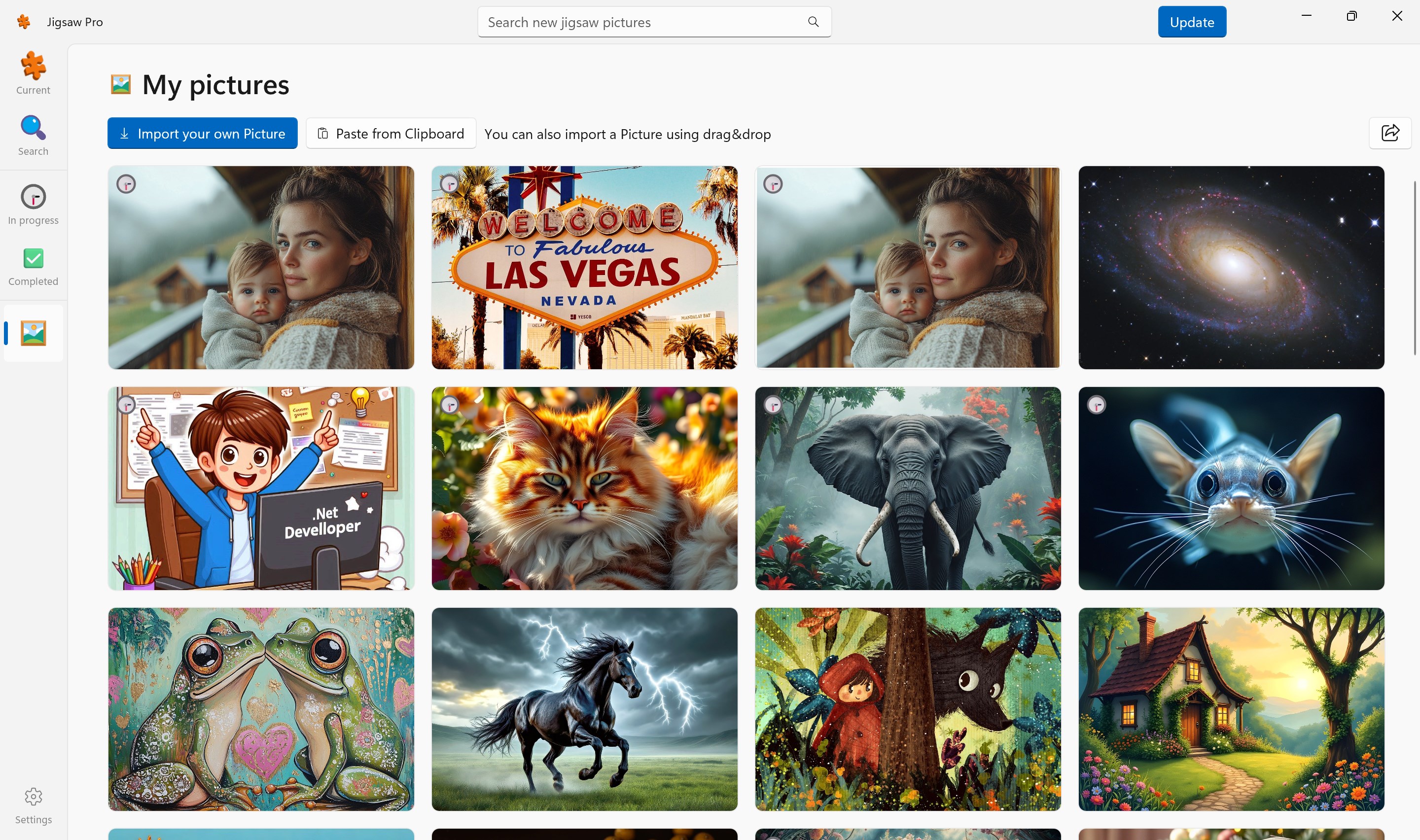
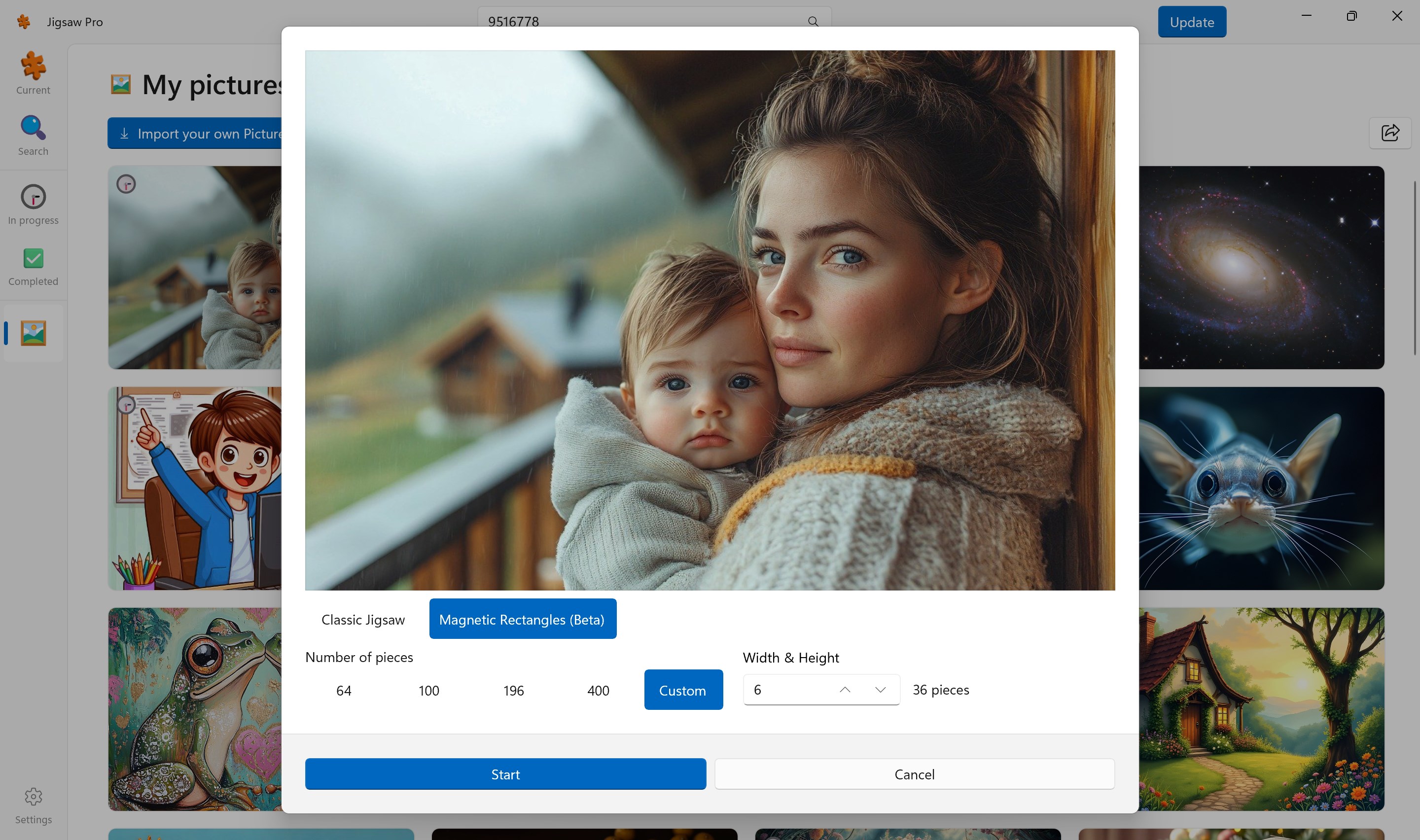
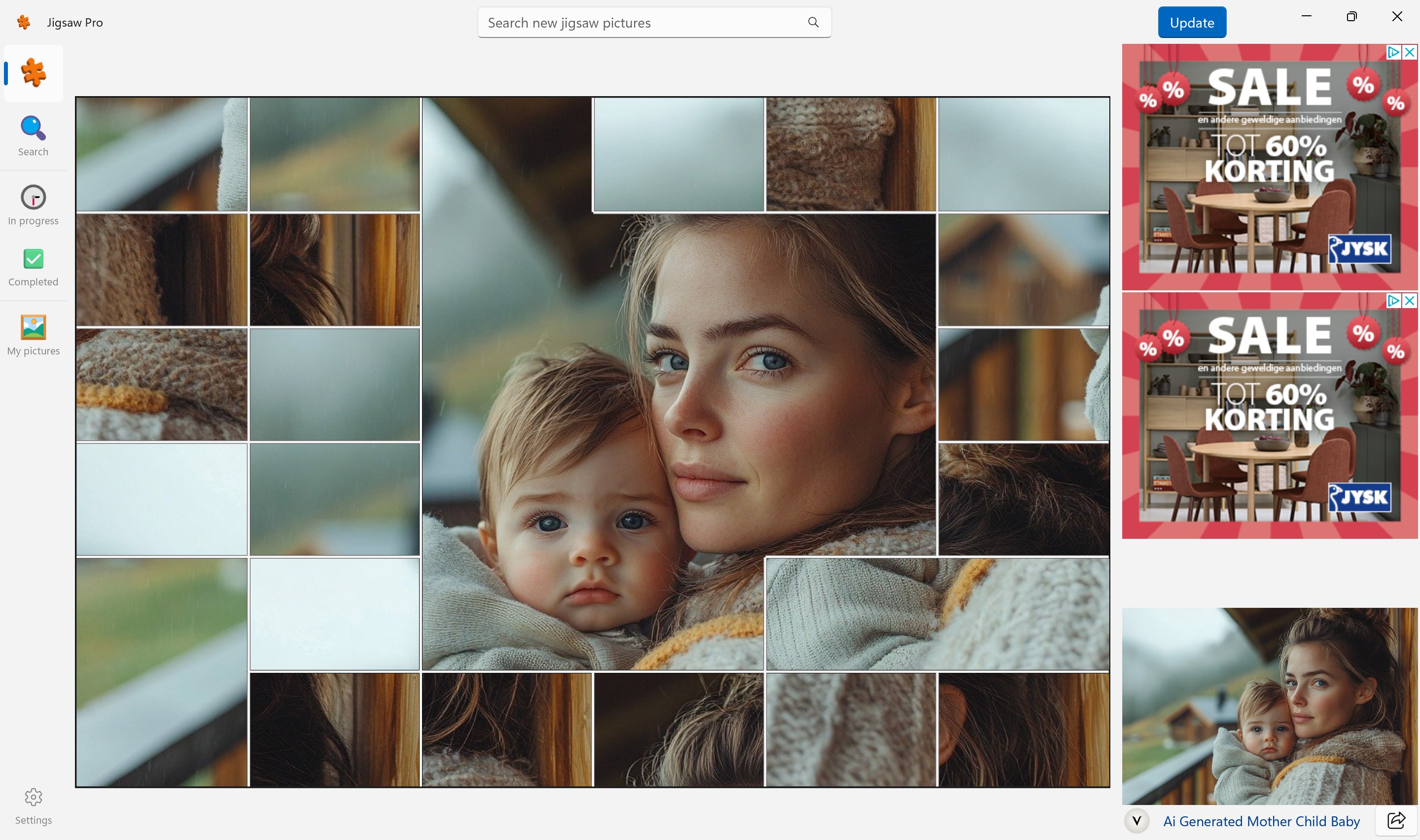
What sets Jigsaw Pro apart from countless other puzzle apps? First, its *dynamic piece customization* feature allows you to adjust piece shapes and cut styles to enhance both difficulty and aesthetic appeal. This means no more one-size-fits-all puzzles—players can tailor their experience to suit their preferences or challenge levels. Second, the app boasts an *intuitive auto-fit mode* that can intelligently suggest where pieces should go, speeding up assembly during those late-night puzzle marathons. Third, the *high-resolution image library* offers a diverse range of stunning photographs—from wildlife shots to cityscapes—each ready to be transformed into a puzzle, adding a layer of visual delight that's rare in this genre.
Sleek Interface and Seamless Experience
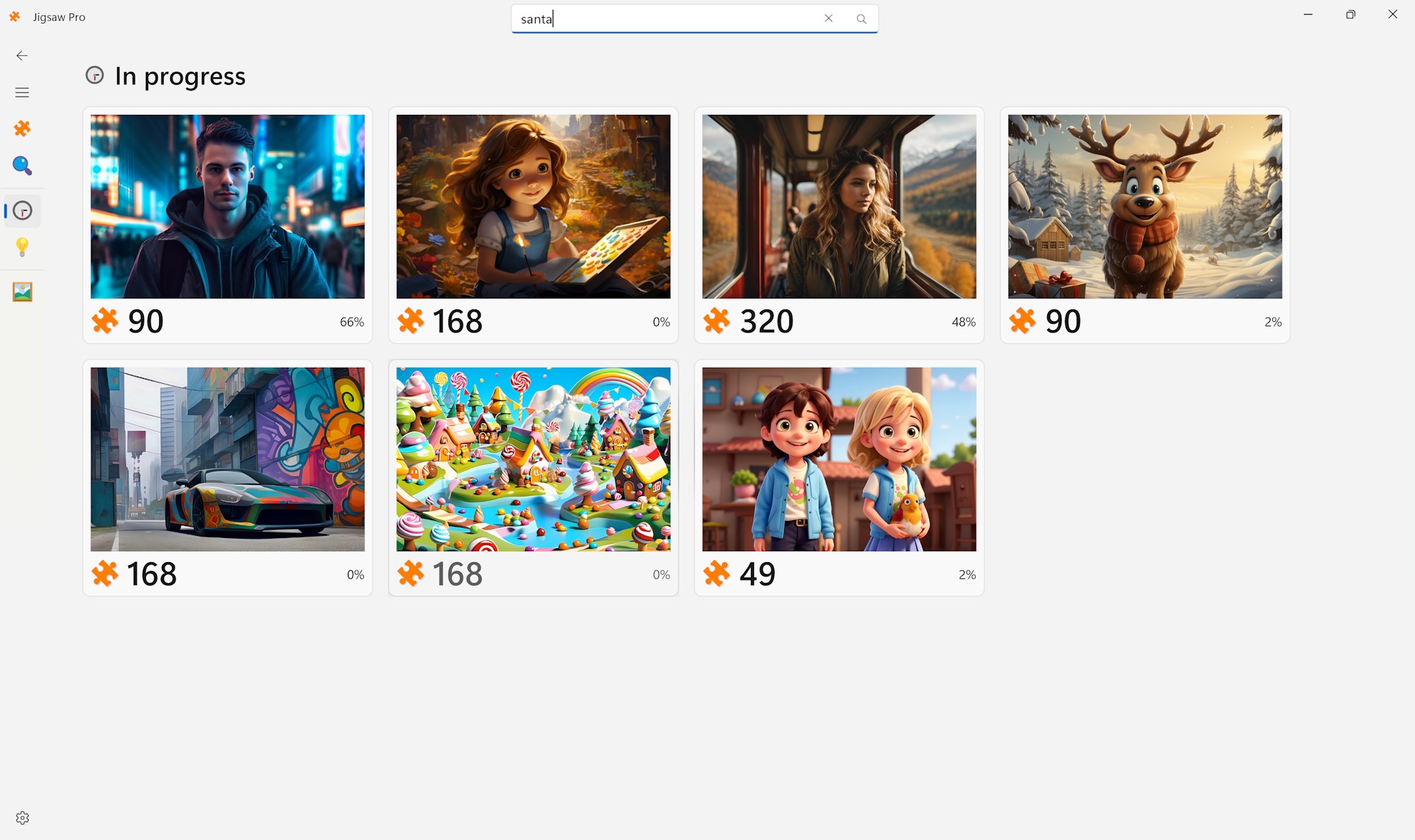
Navigate through Jigsaw Pro's interface feels like flipping through a well-organized treasure chest. The clean, minimalistic design ensures that your focus stays on the puzzle itself, with subtle hints and controls tucked neatly into the layout. Users will appreciate the smooth drag-and-drop mechanics—that is, moving pieces feels effortless—thanks to optimized responsiveness. The learning curve is gentle; even newcomers can quickly grasp the basic mechanics, while advanced users can enjoy customization options and multi-layered puzzles to keep challenged. Overall, the app's performance is smooth on a standard Windows setup, with no noticeable lag or crashes reported so far, making for an enjoyable and frustration-free experience.
Unique Edge: A Puzzle App Focused on Quality & Personalization
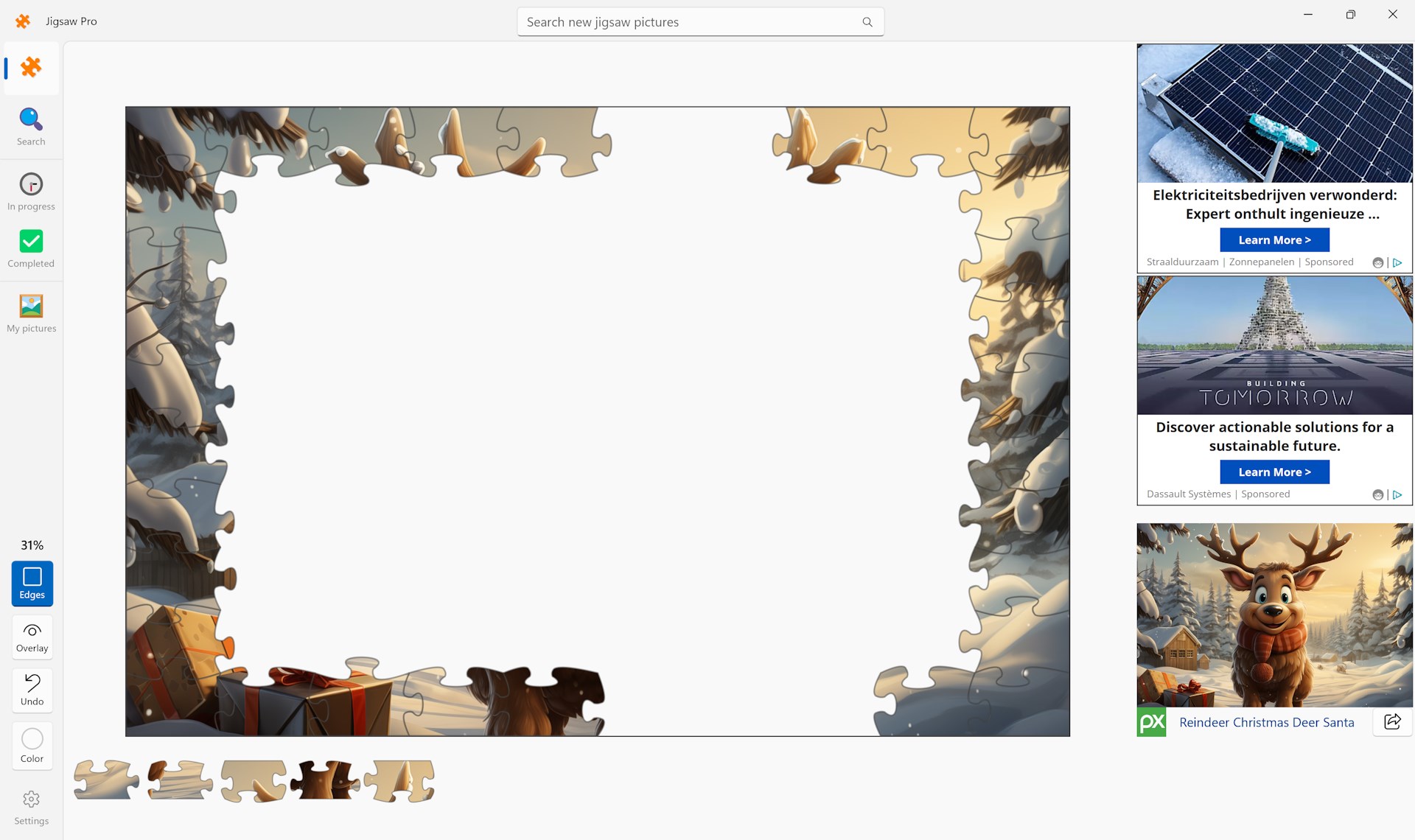
Compared to typical puzzle applications that offer a generic experience, Jigsaw Pro shines through its commitment to quality and user customization. The ability to fine-tune puzzle complexity—like adjusting the number of pieces or choosing different edge styles—caters to a wide range of skill levels. Its high-resolution images and diverse categories create a more immersive experience, resembling a curated art gallery rather than just a game. This focus on visual excellence and personalized difficulty settings makes it more than just a casual pastime; it's an engaging activity for those who appreciate artistry and mental challenge alike.
Final Recommendation: A Thoughtfully Crafted Puzzle Companion
If you're on the hunt for a puzzle app that combines aesthetic appeal, user-friendly design, and innovative features—especially the standout auto-fit suggestion mode—Jigsaw Pro is definitely worth exploring. It's suitable for puzzle enthusiasts seeking a flexible, high-quality experience and beginners eager to dip their toes into more sophisticated challenges. While it might not replace your favorite traditional jigsaw on a physical table, it brings a modern, tech-savvy twist that can easily become your go-to for relaxing or mental exercises. Overall, I recommend giving it a try; it's a well-crafted tool that respects both puzzle lovers' traditions and their desire for fresh, captivating experiences.
Pros
- Engaging and challenging puzzles that improve logical thinking
- High-quality graphics and smooth animations
- Intuitive user interface suitable for all ages
- Regular updates with new puzzles and features
- Offline mode allows gameplay without internet connection
Cons
- Limited free puzzles, requiring purchases for full experience
- Occasional app crashes during intense puzzle loading
- Small puzzle pieces can be difficult to manipulate on some devices
- Lack of customization options for difficulty levels
- Limited guidance or hints for difficult puzzles











