
- Name Jewels of Egypt: Match 3 Puzzle Game
- Category Puzzle & trivia
- Available on PC
- OS Windows 10 version 16299.0 or higher
- languages Chinese (Simplified), Chinese (Traditional Chinese), English, French, German, Italian, Japanese, Korean, Portuguese, Russian, Spanish
Jewels of Egypt: Match 3 Puzzle Game for Windows — A Treasure Hunt in Your Fingertips
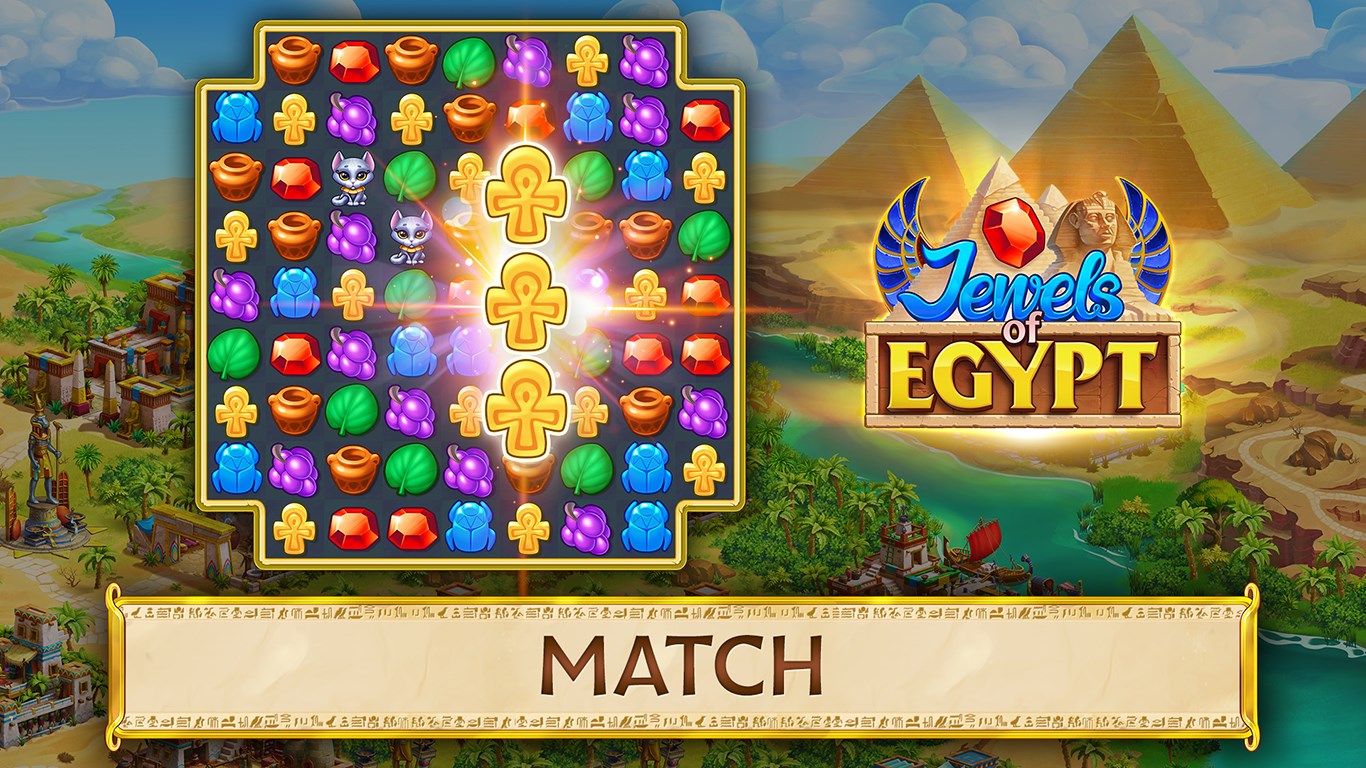
Jewels of Egypt offers players a sparkling journey into ancient Egyptian mysteries through an engaging match-3 puzzle experience. With its vibrant visuals and thoughtfully crafted gameplay, it stands out as a charming leisure activity aimed at puzzle lovers and history enthusiasts alike.
Developer and Core Features
Produced by G5 Entertainment AB, a well-established name in mobile and PC puzzle gaming, Jewels of Egypt brings a polished and reliable experience to Windows users. The game showcases several notable features:
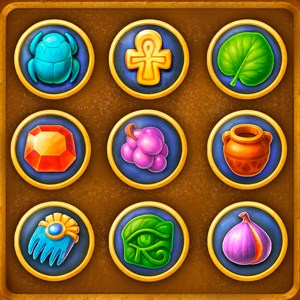
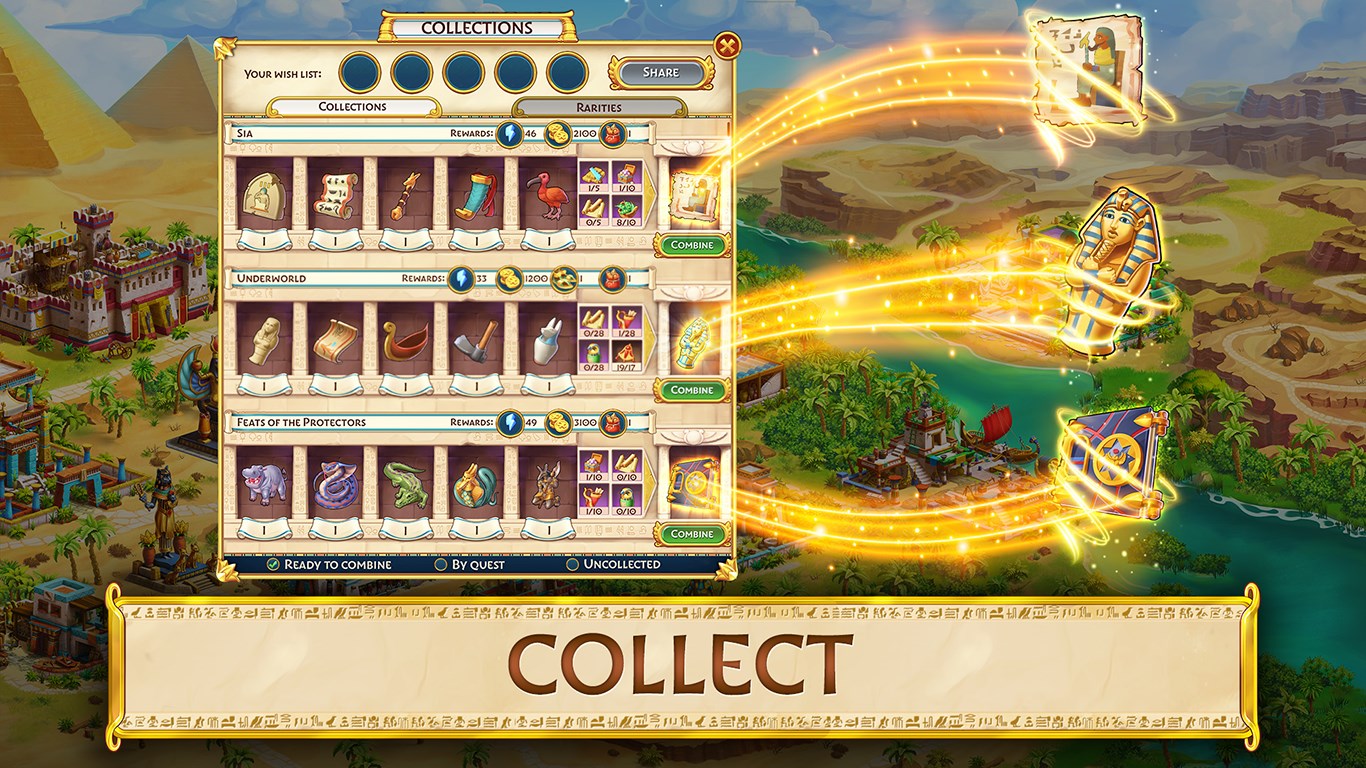
- Unique Ancient Egyptian Theme: Every level is decorated with motifs inspired by Egypt's rich history, including hieroglyphs, golden artifacts, and desert landscapes, immersing players in an exotic atmosphere.
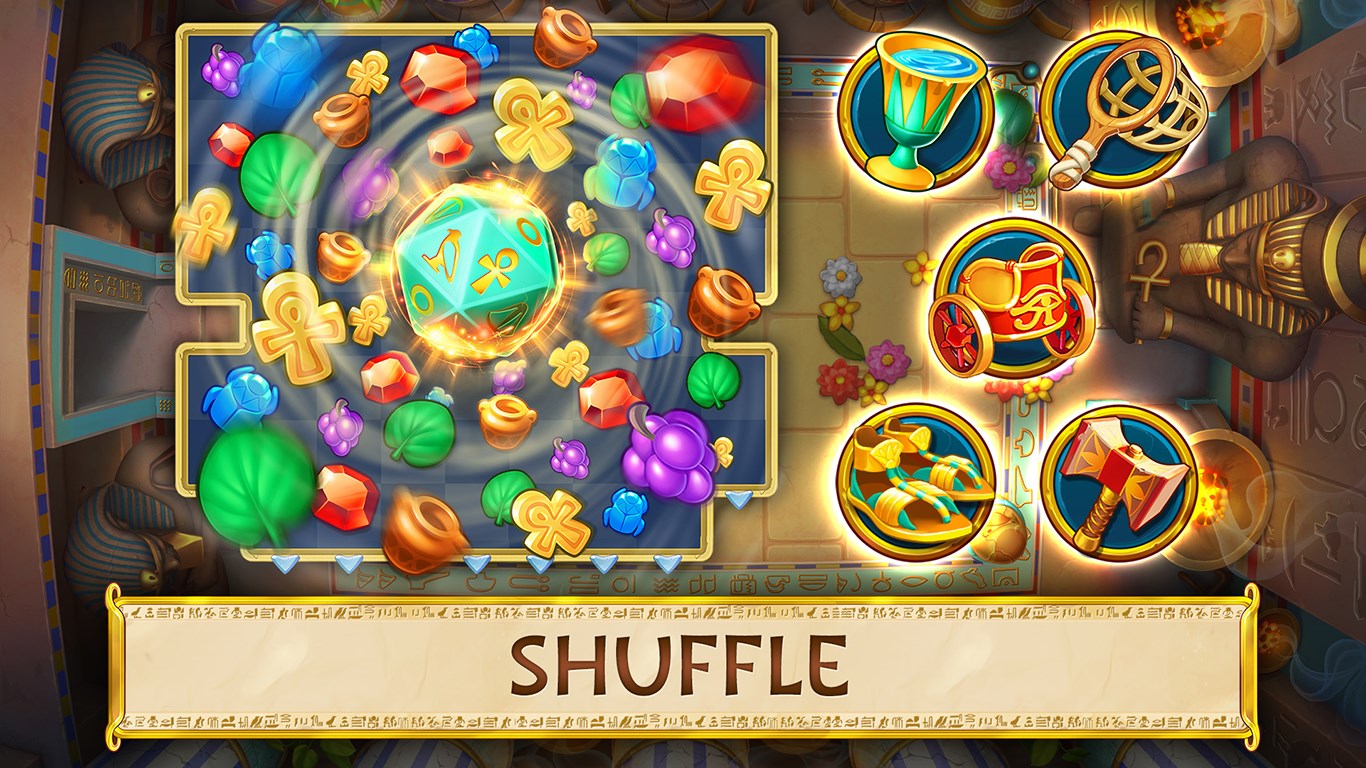
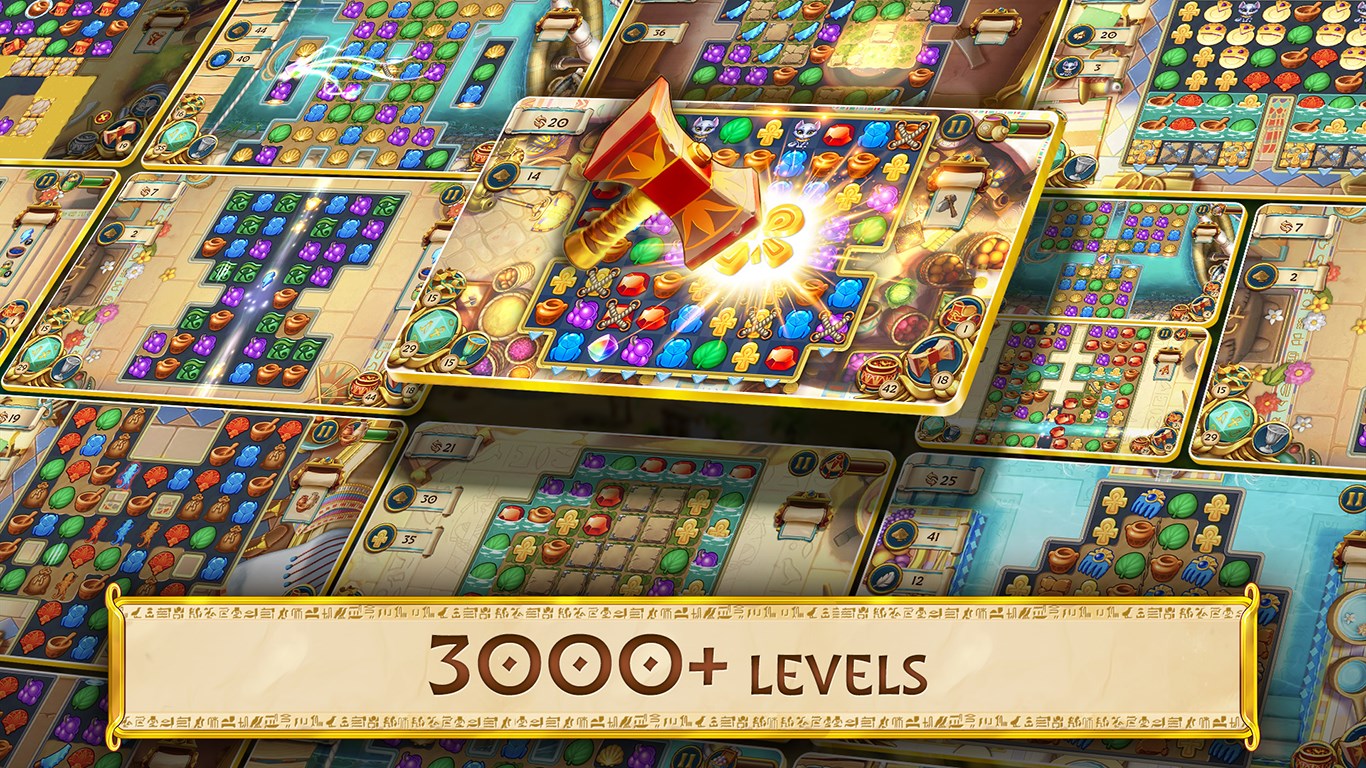
- Varied Puzzle Mechanics: Beyond standard match-3 gameplay, the game introduces special power-ups and limited-time challenges, adding layers of strategy and excitement.
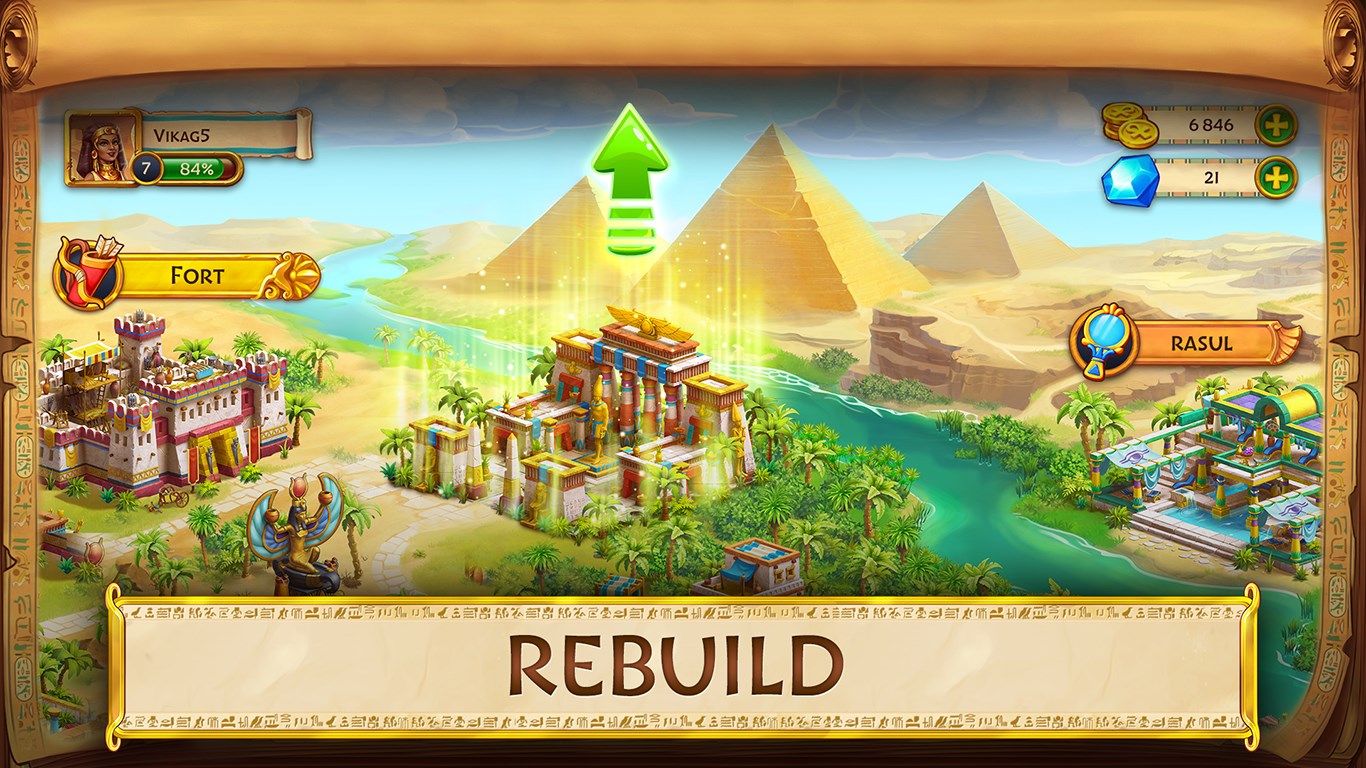
- Progression-Based Levels: An expansive map guides players through different "Ritual Sites," unlocking new puzzle types and rewards as they advance, keeping the gameplay fresh.
- Safety and Accessibility: Designed for a wide audience, the game supports easy onboarding and smooth navigation, ensuring it's accessible even for newcomers.
The target audience primarily includes casual puzzle fans, history buffs, and players looking for a relaxing, yet engaging pastime on their PC.
Gameplay Experience: Fun Meets Functionality
From the moment you launch Jewels of Egypt, you're greeted with a lush, colorful interface reminiscent of uncovering hidden treasures in an ancient tomb. The visual design is vivid but not overwhelming, with intuitive icons guiding you through each level. Playing feels as smooth as sliding a finely cut gem across a display case—responsive and satisfying, thanks to well-optimized controls.
One of the game's highlights is its learning curve. New players can pick up the mechanics effortlessly, thanks to gentle tutorials and helpful hints that appear sparingly, allowing for seamless mastery. Its interface is clean and uncluttered, making navigation straightforward. The game adjusts difficulty gradually, ensuring that both beginners and veteran puzzlers find a satisfying challenge without getting frustrated.
What Sets It Apart from Other Puzzle & Trivia Games
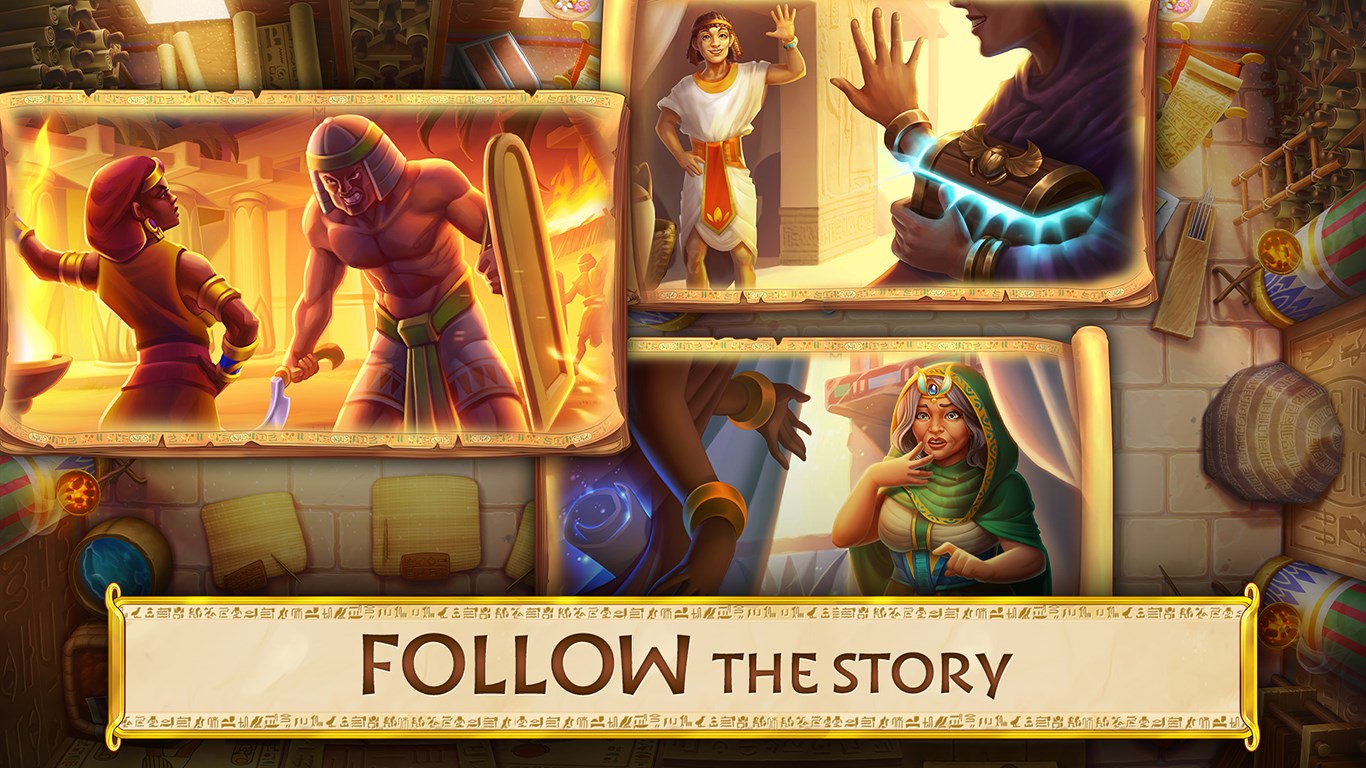
While the match-3 genre is crowded—think Candy Crush Saga or Bejeweled—Jewels of Egypt distinguishes itself through its rich thematic presentation and layered gameplay mechanics. Its immersive Egyptian aesthetic transforms a simple puzzle activity into a mini-journey into a lost civilization. Moreover, the introduction of themed puzzles and levels based on archaeological exploration adds a narrative element that many similar games lack, creating a sense of curiosity and purpose as you progress.
Another notable advantage is its balanced difficulty curve and the inclusion of strategic elements, such as special gems and limited moves, pushing players to think tactically rather than just react quickly, making it a more mentally engaging experience.
Final Verdict: A Reliable Choice for Puzzle Enthusiasts
Jewels of Egypt offers an elegant, thematically rich match-3 experience that balances visuals, gameplay, and user-friendly mechanics beautifully. Its standout features—the thematic design and puzzle depth—make it more than just another casual game; it's an inviting escape into Egypt's mystique.
For casual gamers seeking a relaxing yet stimulating puzzle game or fans of ancient history looking to combine their interests with gameplay, this title is definitely worth a try. Its smooth performance on Windows and thoughtful level design earn it a solid recommendation as a go-to puzzle game for daily unwindings.
In summary, if you enjoy puzzle games that combine visual storytelling with clever mechanics, Jewels of Egypt deserves a spot on your playlist. Just be prepared—once you start uncovering treasures, you might find it hard to put down!
Pros
- Engaging Match-3 Gameplay
- Beautiful Egyptian-themed Graphics
- Variety of Power-ups and Boosters
- Clean and Intuitive User Interface
- Frequent Content Updates
Cons
- Limited Free Play Points
- Repetitive Level Design
- In-app Purchases Prominent
- Occasional Performance Hiccups
- Limited Social Features











