
- Name Jewel Star
- Category Puzzle & trivia
- Available on PC, Mobile, Surface Hub, HoloLens
- OS Windows 10 version 17763.0 or higher
- languages Dutch, English (United States), French, German, Italian, Polish, Polish , Portuguese, Portuguese (Brazil), Portuguese (Portugal), Russian, Spanish, Spanish (Spain), Swedish
Introducing Jewel Star for Windows: A Shimmering Puzzle Experience
Jewel Star for Windows is an engaging and visually appealing puzzle game that invites players to immerse themselves in a colorful world of matching gems and strategic thinking. Designed to entertain as well as challenge the mind, this app offers a refreshing twist on classic puzzle conventions, making it a delightful pick for casual gamers and puzzle enthusiasts alike.
About the Developer: Rolling Donut Apps
Created by Rolling Donut Apps, a team dedicated to crafting intuitive and visually captivating applications, Jewel Star exemplifies their commitment to quality entertainment with a polished user experience and innovative gameplay elements.
Key Features That Shine Bright
Three standout features make Jewel Star particularly appealing:
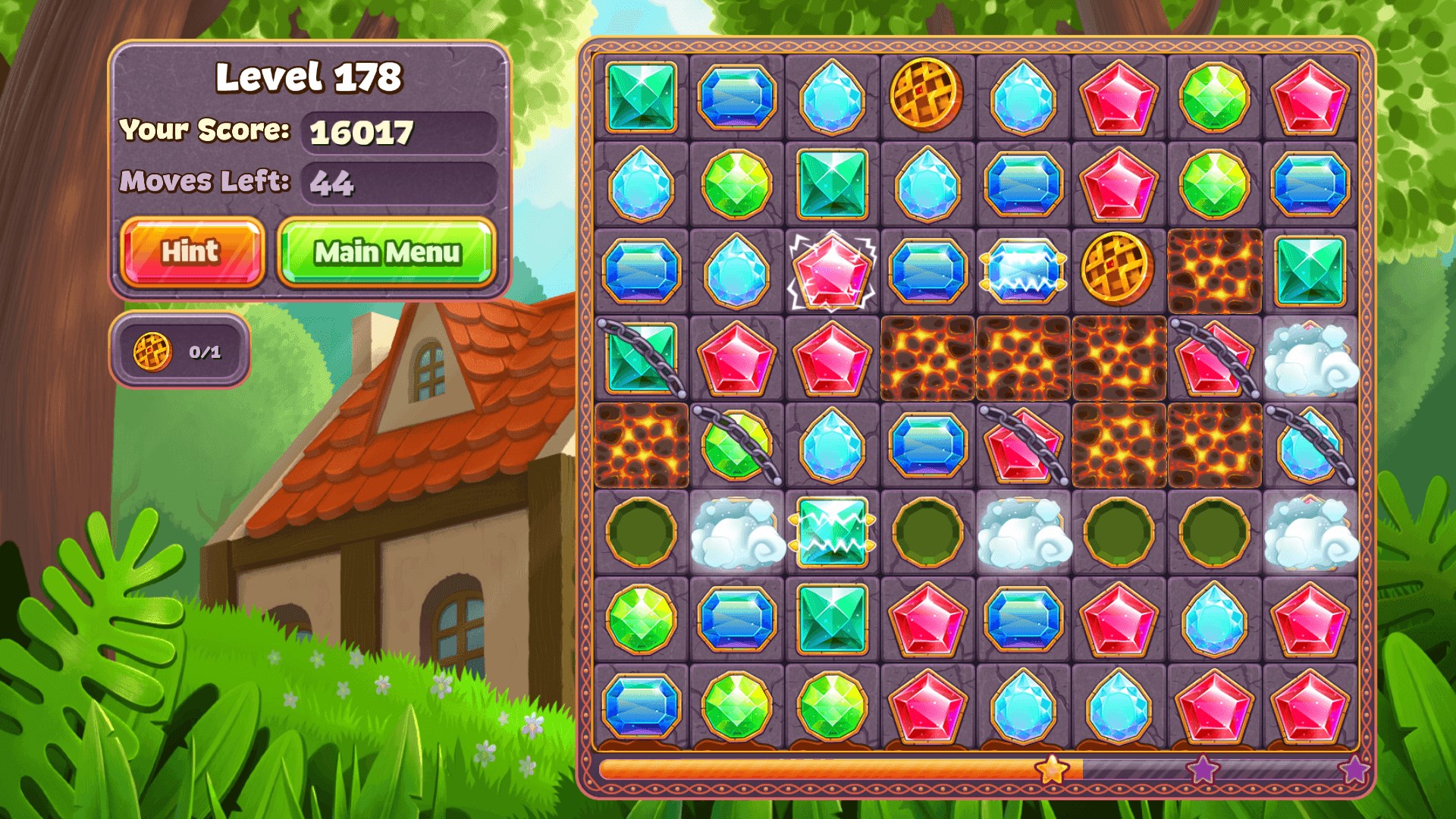
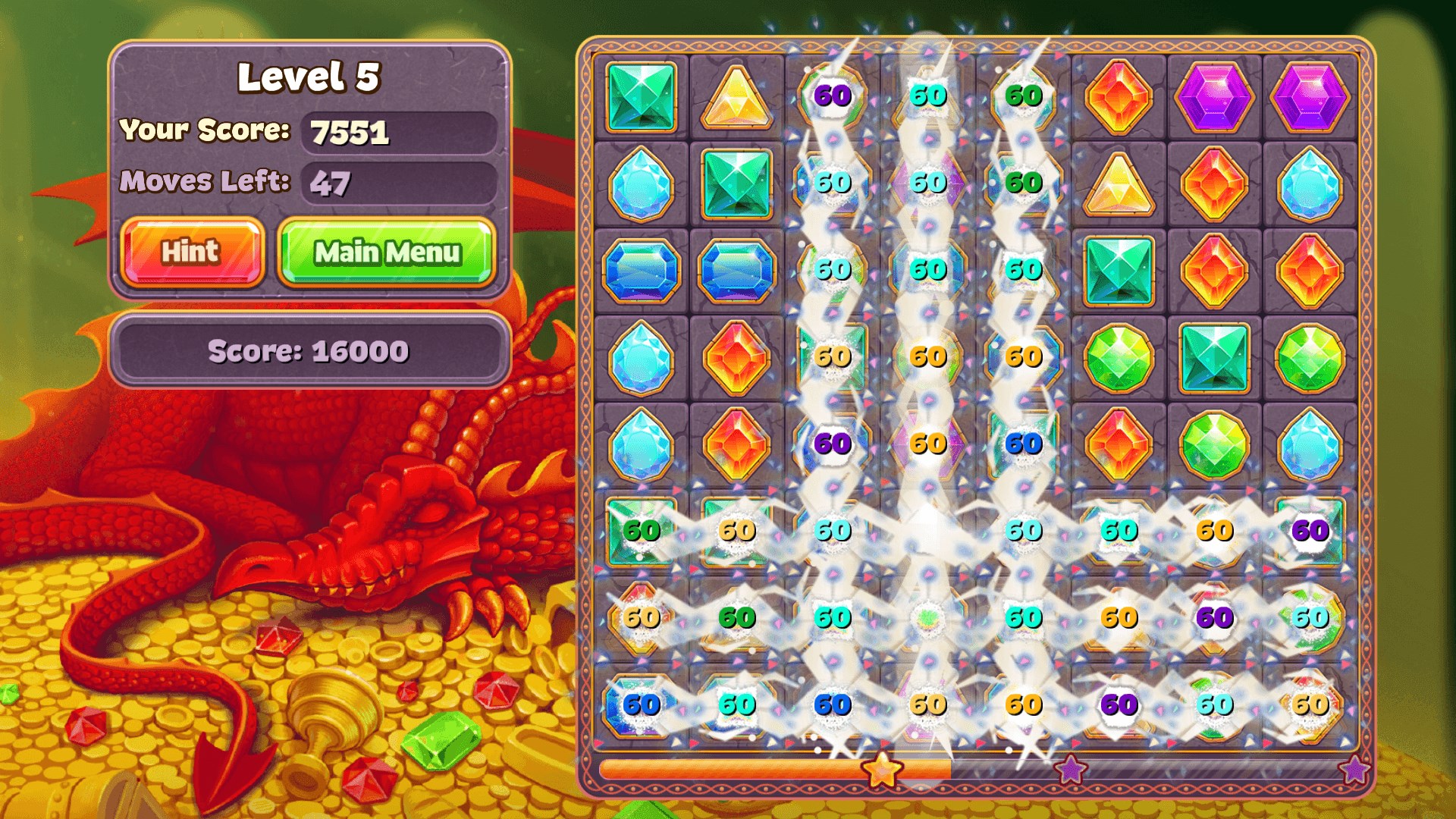
- Unique Gem-Matching Mechanics: Unlike traditional matching games, Jewel Star introduces special power-ups and combo systems that add layers of strategy and excitement.
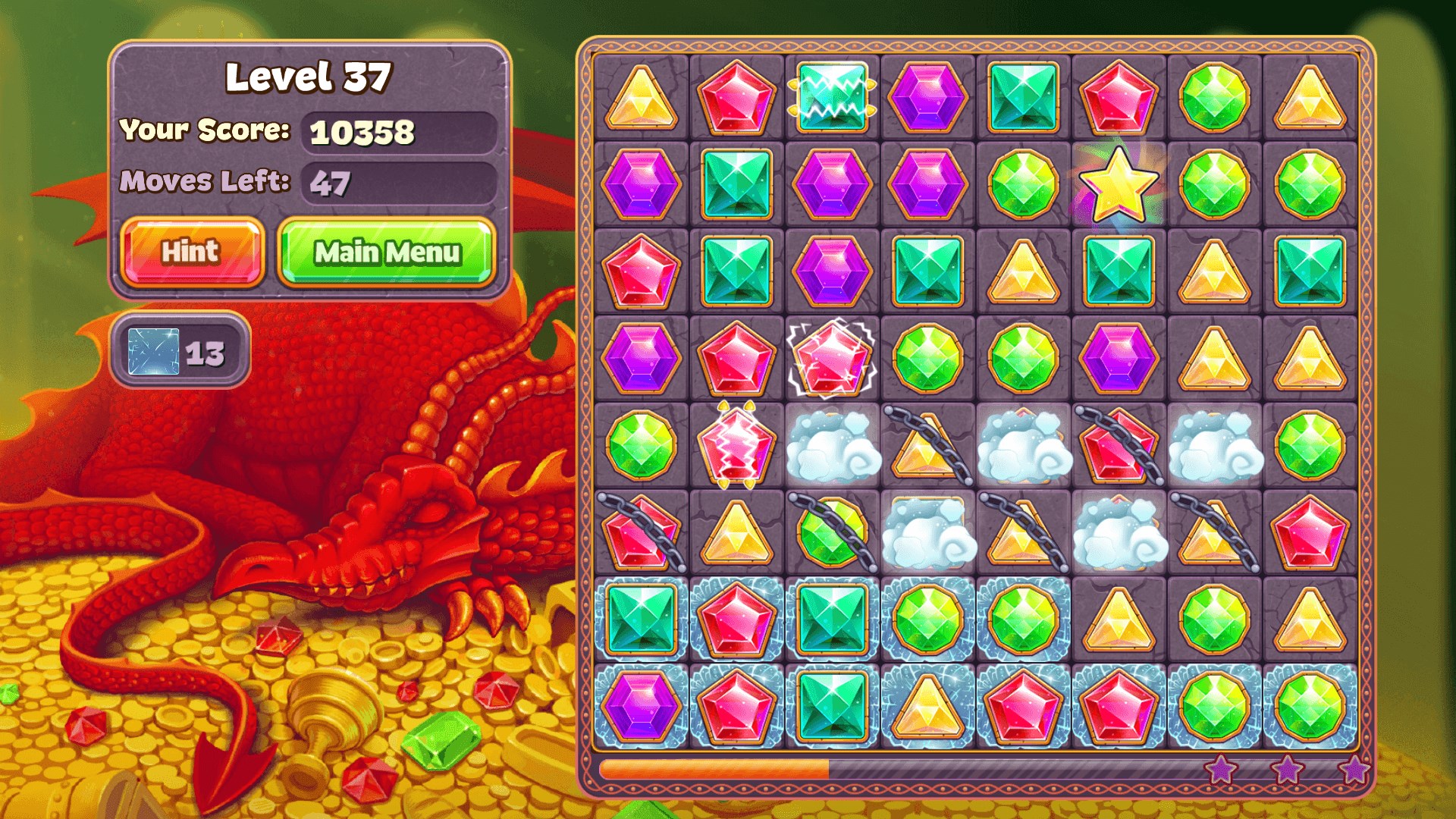
- Vibrant, Artwork-Inspired Design: The game boasts beautifully crafted jewel graphics and lively backgrounds, creating an immersive and visually stimulating environment.
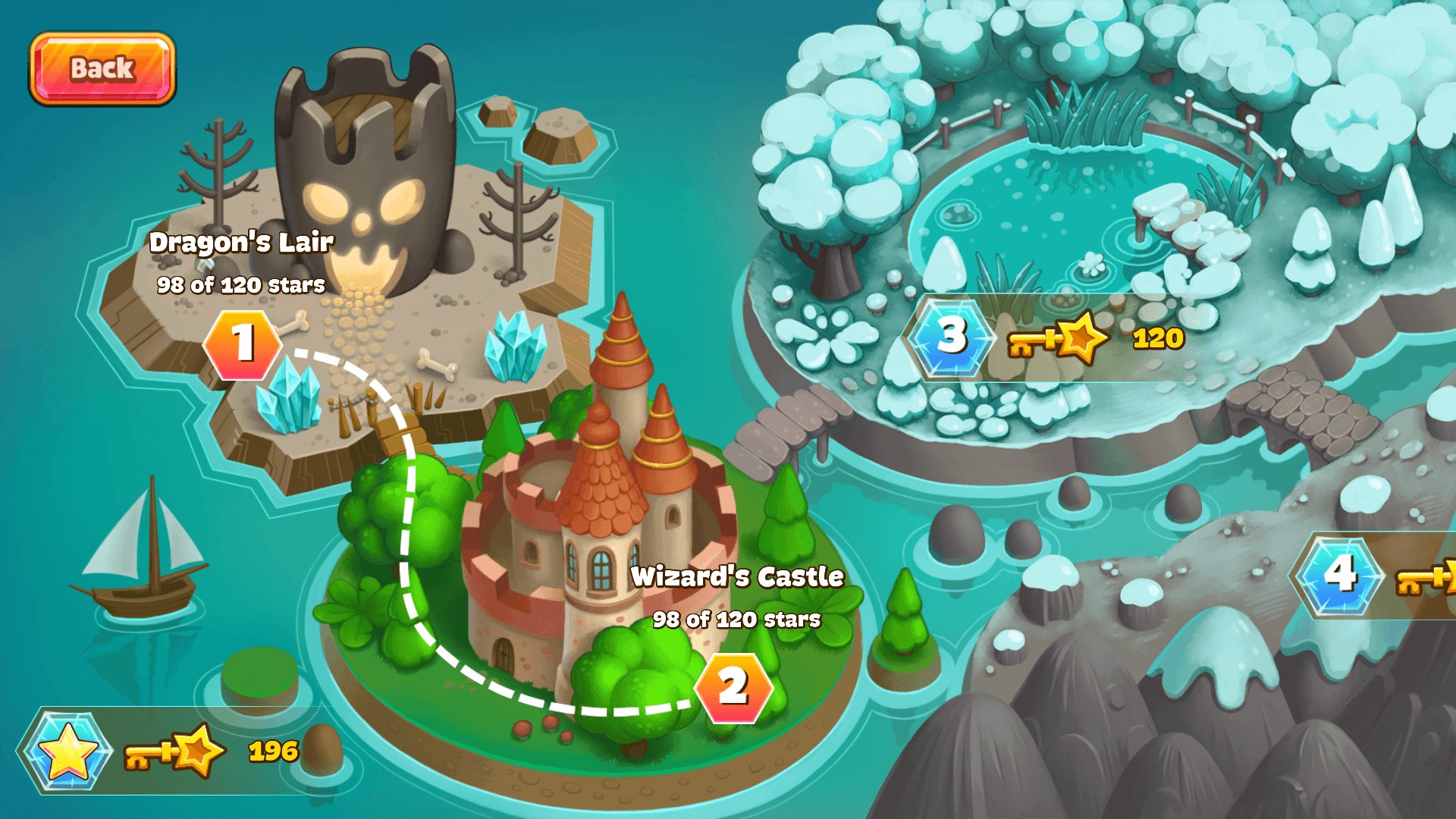
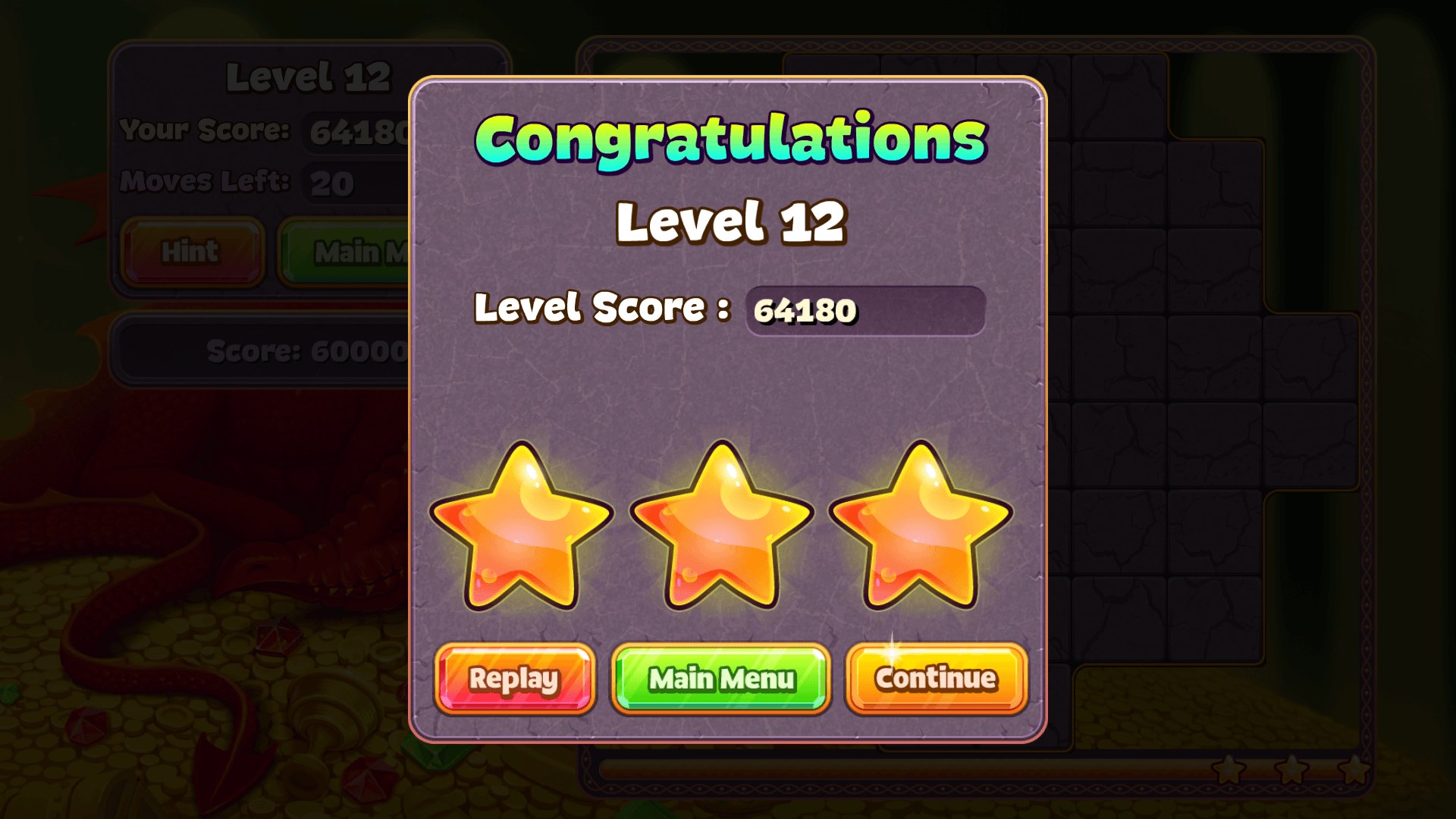
- Progressive Difficulty with Rewards: Levels gradually increase in complexity, keeping players engaged while providing rewarding incentives to continue playing.
- Offline Playability & Light Footprint: The app runs smoothly on most Windows devices without requiring an internet connection, making it ideal for quick game sessions on the go.
A Bright Spark in the Puzzle World
From the moment you launch Jewel Star, you're greeted by a dazzling tapestry of colorful gems shimmering like treasures in a magician's vault. It's as if you've entered a jewel box, where each level is a new opportunity to unlock hidden glimmers and challenge your wit. The gameplay feels intuitive yet layered—much like peeling an onion of sparkling layers—where each match clears the cloud of boredom and reveals the next challenge with a satisfying sparkle.
Core Functionality Deep Dive: Gems, Strategies, and Rewards
First, the gem-matching mechanic is both familiar and fresh. Unlike typical three-in-a-row games, Jewel Star incorporates special abilities such as bombs and lightning strikes that can clear large sections of the board, adding tactics akin to a chess match in the cluttered battlefield of jewels. The strategic use of these power-ups, which are earned through combos, makes each move feel rewarding and deliberate, turning gameplay into a strategic puzzle layer over the traditional matching game.
Second, the user interface is crafted with a jewelers' eye—bright, colorful, and intuitively laid out. Navigating through menus or selecting levels feels as effortless as picking a sparkling gem from a showcase, thanks to smooth animations and responsive controls. This clarity ensures that players of all ages, from children to seniors, can enjoy the game without frustration or steep learning curves.
Third, the game strikes a balance between challenge and accessibility. As levels progress, the tiles become trickier to match, with new patterns and obstacles appearing like surprises in a treasure hunt. Yet, the learning curve remains gentle, supported by a helpful tutorial on first launch and subtle hints offered during gameplay, making it approachable for newcomers but still compelling enough for seasoned puzzle aficionados.
What Sets Jewel Star Apart?
While many matching puzzle games compete in the crowded market, Jewel Star stands out with its emphasis on strategic power-up use and its aesthetically immersive design. The game elevates the traditional match-3 formula by integrating combo mechanics that encourage planning and foresight, akin to setting up a multi-move jewelry display—each move carefully thought out to maximize sparkle and efficiency. Additionally, its polished, jewel-inspired visuals create a three-dimensional, enchanted atmosphere that transforms simple matching into an artistic experience, rather than just a click-through pastime.
Should You Give It a Shot?
Absolutely. Jewel Star is a solid choice for anyone seeking a casual yet thoughtfully designed puzzle game that entertains without overwhelming. It's perfect for quick breaks, commutes, or relaxing evenings at home. Its core features, especially the strategic power-ups and stunning visual presentation, make it more than just a typical match-3 clone—more like a mini gem adventure in your own digital treasure chest.
My recommendation? If you love puzzle games that blend eye-catching visuals with satisfying mechanics that promote strategic thinking, Jewel Star deserves a spot on your device. Its accessible design and engaging gameplay make it suitable for friends, family, or solo gaming sessions, shining brightly among Windows puzzle apps.
Pros
- Engaging Match-3 Gameplay
- Vibrant Graphics and Themes
- Frequent Content Updates
- User-Friendly Interface
- Free-to-Play Model with Optional Purchases
Cons
- Limited Level Diversity
- In-Game Purchase Pressure
- Occasional Performance Lag
- Limited Social Integration
- Ads Display Interruptions











