

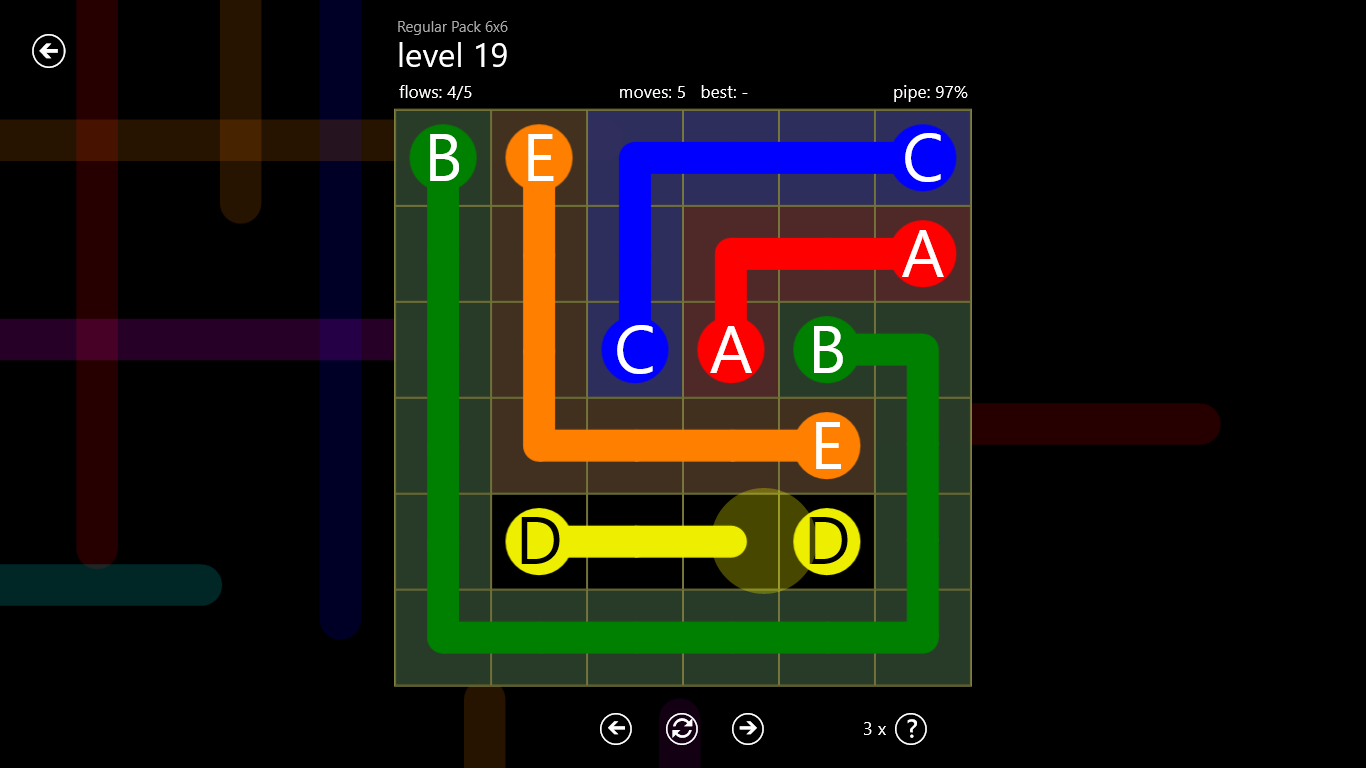
- Name Flow Free
- Category Puzzle & trivia
- Developer Big Duck Games LLC
- Available on PC
- OS Windows 8.1 or higher
- languages English (United States)
Flow Free for Windows: A Refreshing Twist on Classic Puzzle Gameplay
Flow Free for Windows is a vibrant and engaging logic puzzle game that invites players to connect matching colors with flowing paths without overlaps, offering a relaxing yet challenging brain teaser for puzzle enthusiasts.
Meet the Developer and Core Features
Developed and published by Big Duck Games LLC, a studio known for its intuitive and addictive puzzle titles, Flow Free for Windows promises a seamless puzzle-solving experience.
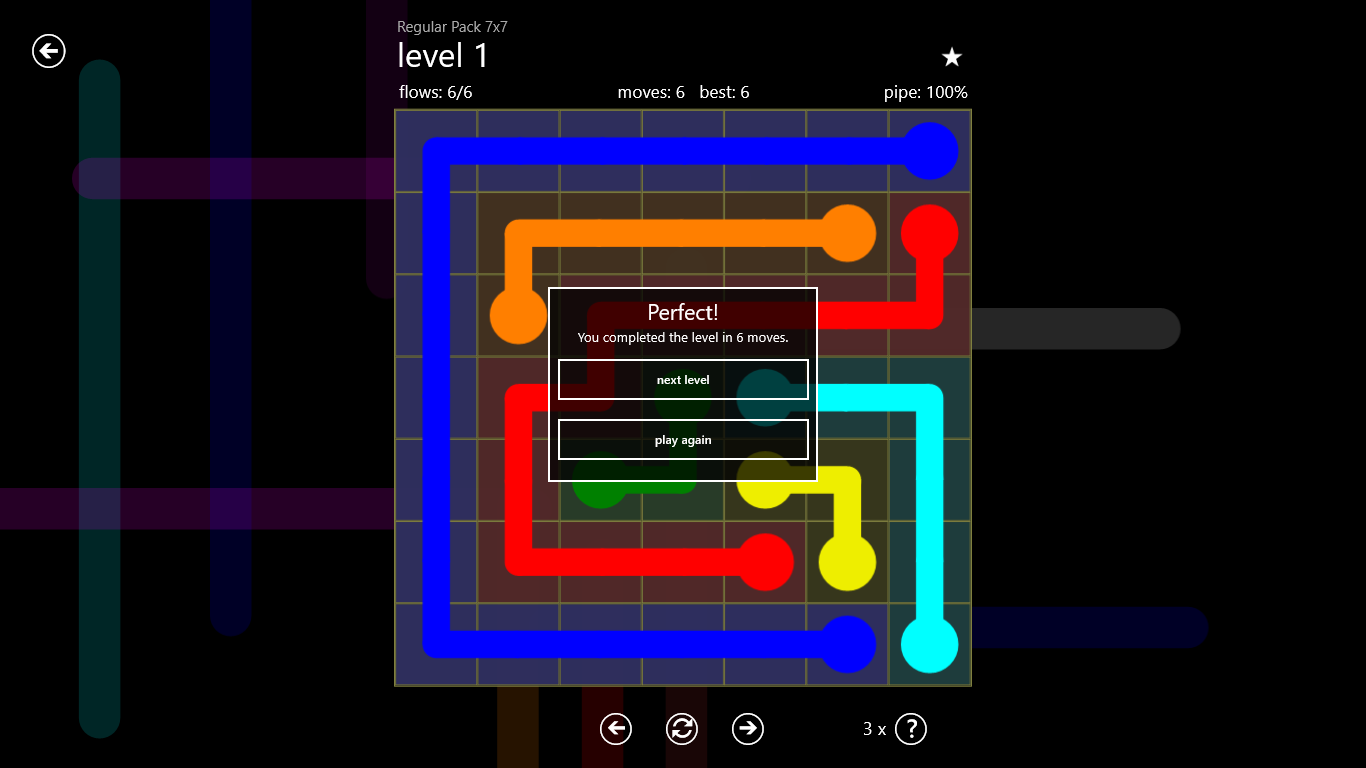
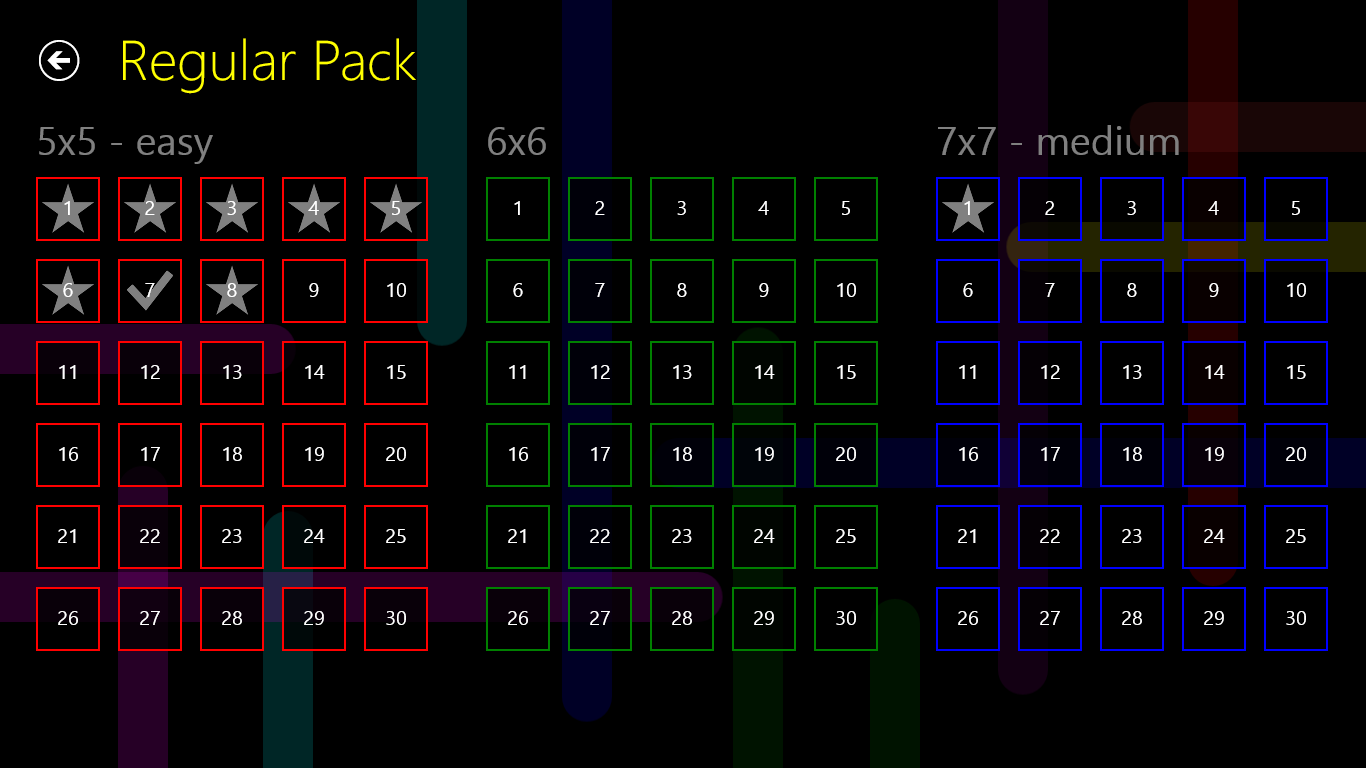
- Colorful, intuitive grid-based puzzles: The game features a variety of grid sizes and difficulty levels, making each stage visually appealing and mentally stimulating.
- Unlimited puzzles and modes: With numerous levels, including challenges designed for all skill levels, players can enjoy endless hours of gameplay.
- Progress tracking and hints: Users can monitor their progress and utilize hints to solve particularly tricky puzzles, enhancing the overall user experience.
- Simplicity meets depth: Easy to start but hard to master, offering a perfect balance for casual players and puzzle fans alike.
The target audience mainly includes puzzle lovers across all ages, particularly those who enjoy logical thinking and pattern recognition, as well as casual gamers seeking a relaxing mental exercise.
Gameplay Experience: Brain Teasing in a Splash of Colors
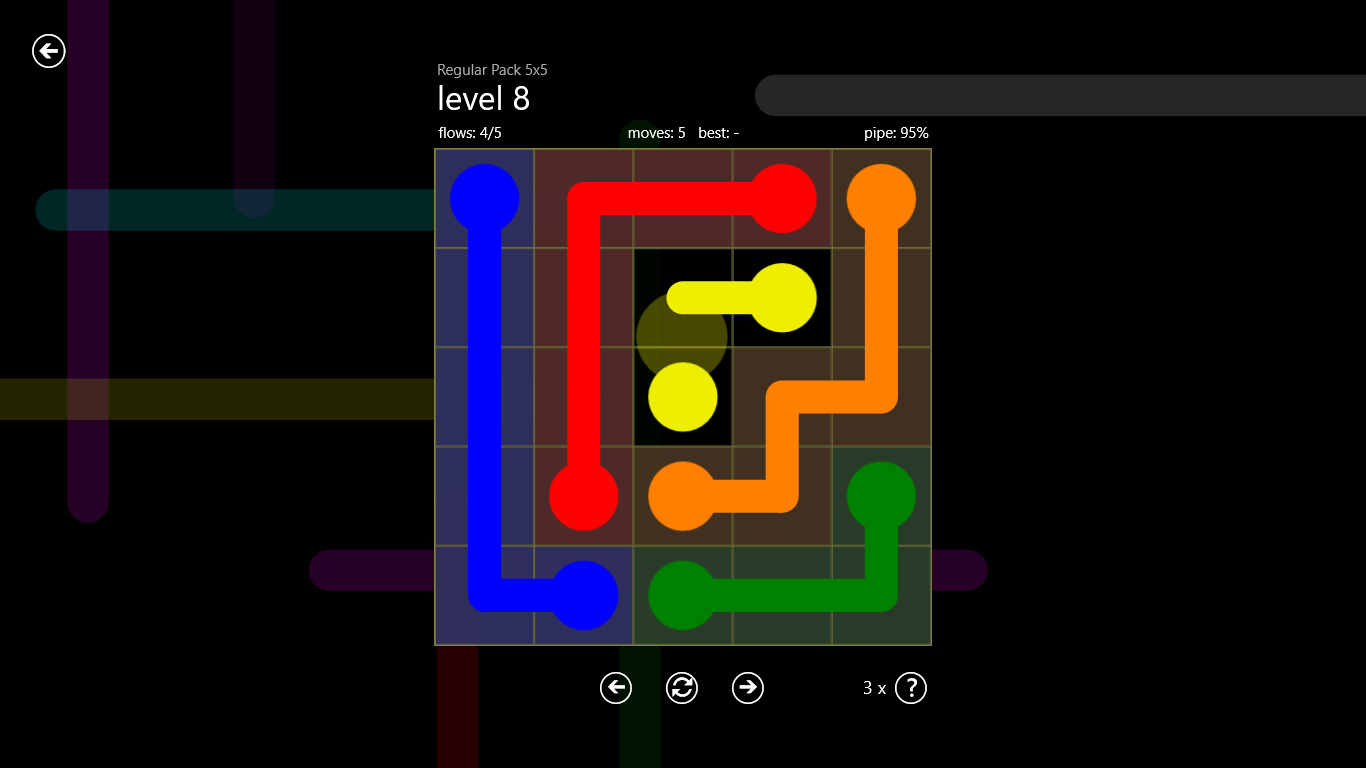
As soon as you open Flow Free for Windows, you're greeted by a cheerful, colorful interface that instantly transports you to a playground of logic puzzles. Imagine entering a vibrant art installation, where each color is a paint stroke waiting to be drawn. The gameplay is simple to pick up: connect matching colors with a continuous line, filling the grid without overlapping. Yet, beneath this simplicity lies a deeply strategic challenge — akin to orchestrating a symphony of lines that dance harmoniously without crisscrossing.
Design and User Interface
The interface is bright, clean, and thoughtfully designed, creating an inviting environment for players to immerse themselves. The visual clarity helps users easily identify colors and puzzle elements, reducing cognitive load and allowing focus on the puzzle itself. The use of smooth animations during line drawing enhances the tactile satisfaction, making each successful connection feel rewarding. Overall, the UI strikes a balance between aesthetic appeal and usability, which is crucial for extended play sessions.
Gameplay Flow and Learning Curve
The controls are straightforward — click or tap to start drawing a line, drag to extend, and release to finish. The learning curve is gentle; beginners can jump in easily with tutorial hints, while seasoned players can challenge themselves with more complex puzzles. The game's difficulty progression is well-paced, offering a sense of achievement as players advance. The inclusion of hints and undo options helps mitigate frustration, encouraging experimentation and strategic thinking.
What Sets Flow Free Apart from Other Puzzle Games
Unlike many puzzle apps that tend to focus on quick reflexes or trivia knowledge, Flow Free stands out with its elegant minimalist design combined with depth in gameplay mechanics. Its core feature — seamlessly connecting matching colors across a grid — simplifies the puzzle concept but scales up in complexity rapidly. One of the most unique aspects is its ability to foster a meditative state; as you sketch out colorful pathways, it almost feels like creating a abstract piece of digital art. Also, the game's adaptive difficulty and varied modes cater to both casual gamers and puzzle aficionados seeking a mental workout.
Recommendation and Usage Suggestions
Overall, Flow Free for Windows earns a solid recommendation for anyone looking to unwind with a visually pleasing, intellectually stimulating puzzle game. It's especially suitable for players who enjoy pattern recognition, logical reasoning, and visual-spatial challenges. Whether you have just a few minutes during a break or want to settle into an extended puzzle session, this app adapts well to your pace. Beginners should start from the easier levels and gradually explore tougher puzzles, while advanced players can dive into the more complex grids to push their limits.
In summary, Flow Free combines simplicity, beauty, and challenge in a way that keeps players coming back for more — a delightful digital canvas that sharpens your mind one colorful line at a time.
Pros
- Intuitive interface
- Large variety of puzzles
- Colorful and appealing graphics
- Offline mode available
- Progress tracking features
Cons
- Limited hint system
- Ads can interrupt gameplay
- Puzzle difficulty progression is uneven
- Limited customization options
- Occasional lag on older devices











