

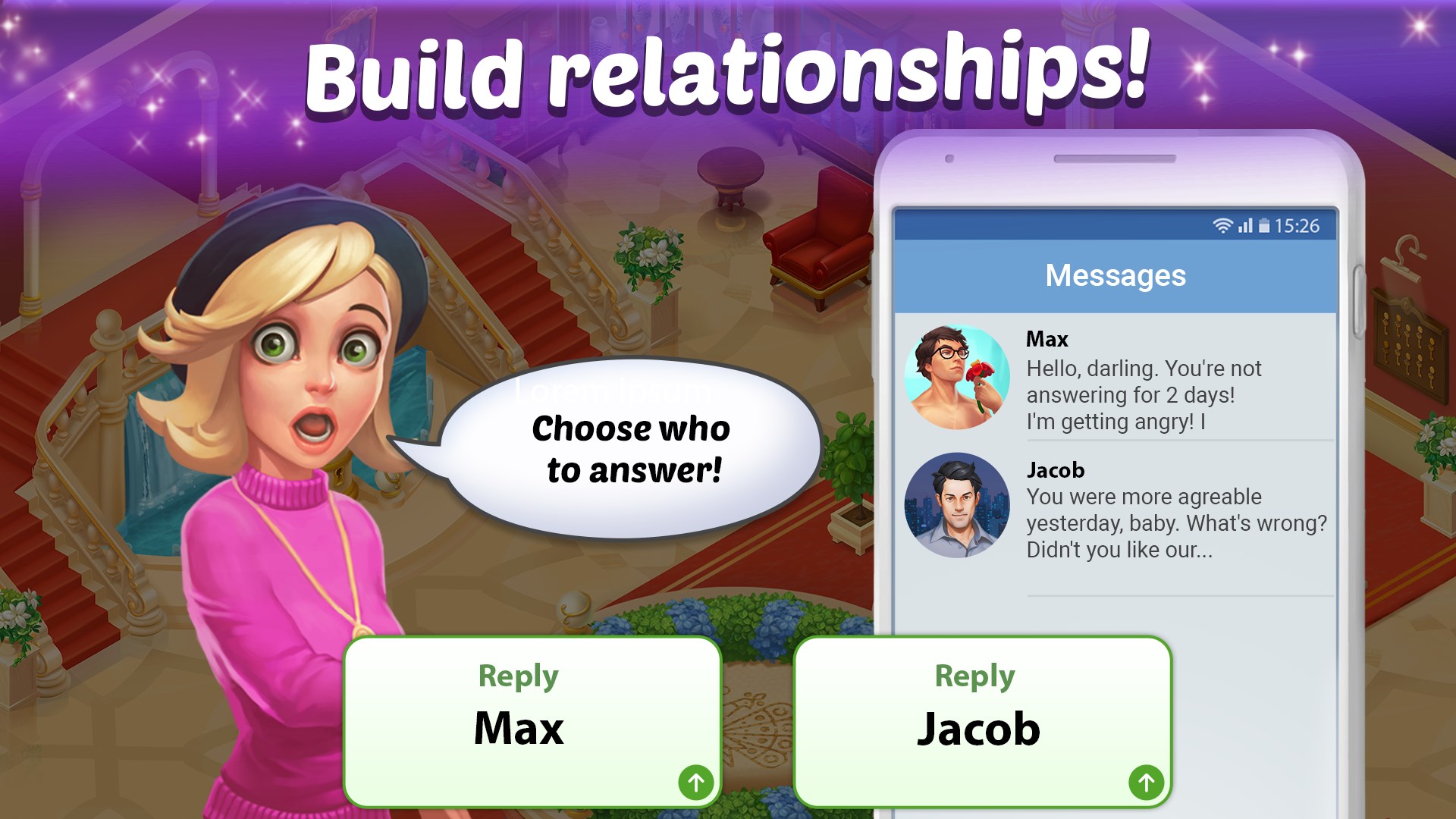
- Name Family Hotel
- Category Puzzle & trivia
- Developer Play Flock
- Available on PC, Mobile, Surface Hub, HoloLens
- OS Windows 10 version 10240.0 or higher
- DirectX Version 10
- languages Chinese (Simplified), English (United States), French, German, Indonesian, Italian, Japanese, Korean, Portuguese, Russian, Spanish
Family Hotel for Windows: A Cozy Puzzle Adventure for the Curious Mind
Imagine stepping into a whimsical world where management meets puzzle-solving—a perfect blend to challenge your brain while providing a delightful escape. Family Hotel for Windows offers just that, inviting players to run their very own hotel with a charming twist. Whether you're a casual gamer or a puzzle aficionado, this game promises engaging fun wrapped in colorful visuals and clever mechanics.
Meet the Developers: Play Flock
Developed and published by Play Flock, Family Hotel for Windows is part of their line-up aimed at delivering casual yet captivating entertainment. Known for creating intuitive, user-friendly experiences, Play Flock focuses on delivering games that are easy to pick up but hard to put down, making them ideal for players seeking relaxed yet mentally stimulating gameplay.
Core Highlights That Make Family Hotel Shine
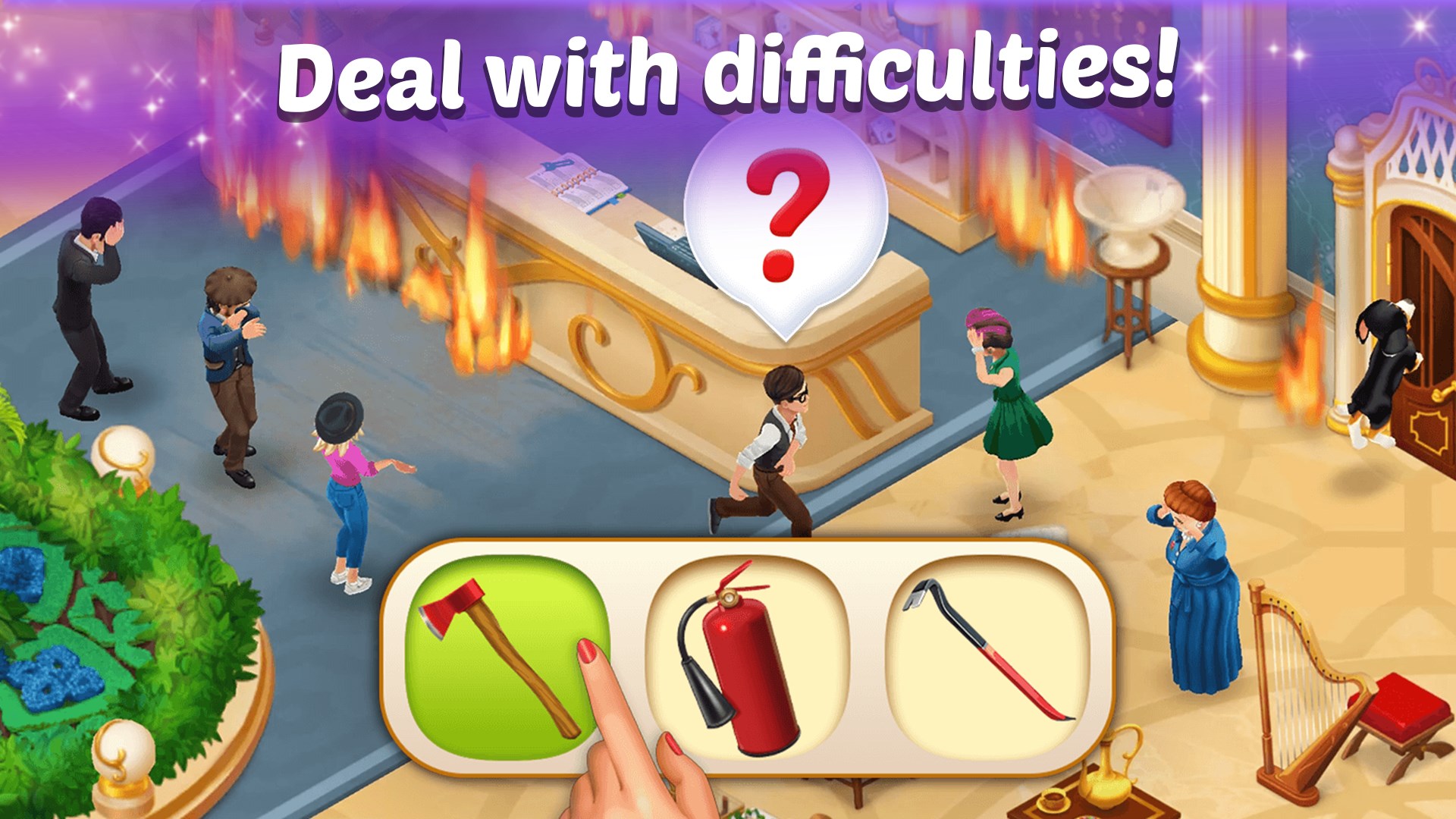
1. **Unique Management Meets Puzzle Mechanics:** Unlike traditional hotel simulators, this game integrates match-3 style puzzles directly into hotel management tasks, adding layers of challenge and interactivity.
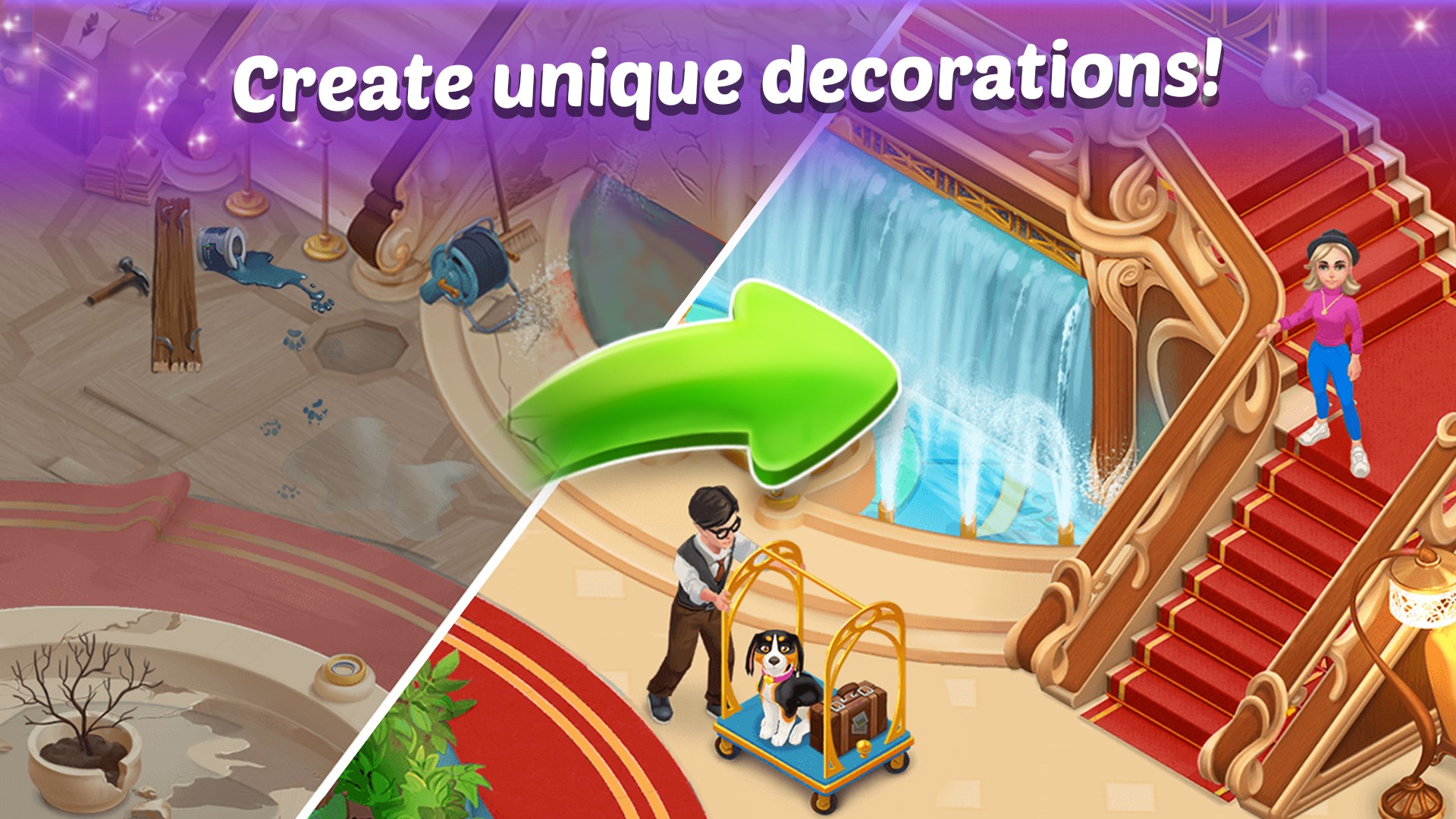
2. **Vibrant, Storybook Artwork:** The game's colorful, cartoon-inspired visuals create a cozy, inviting atmosphere, transforming hotel management into a lively aesthetic experience.
3. **Progressive Difficulty & Customization:** As you advance, the puzzles and hotel upgrades become more complex, offering personalized choices that affect your hotel's growth and ambiance.
4. **Accessible for All Ages:** Its straightforward controls and cheerful presentation make it suitable for both younger players and adults looking for relaxing gameplay with depth.
An Exciting and Imaginative Puzzle Hotel Experience
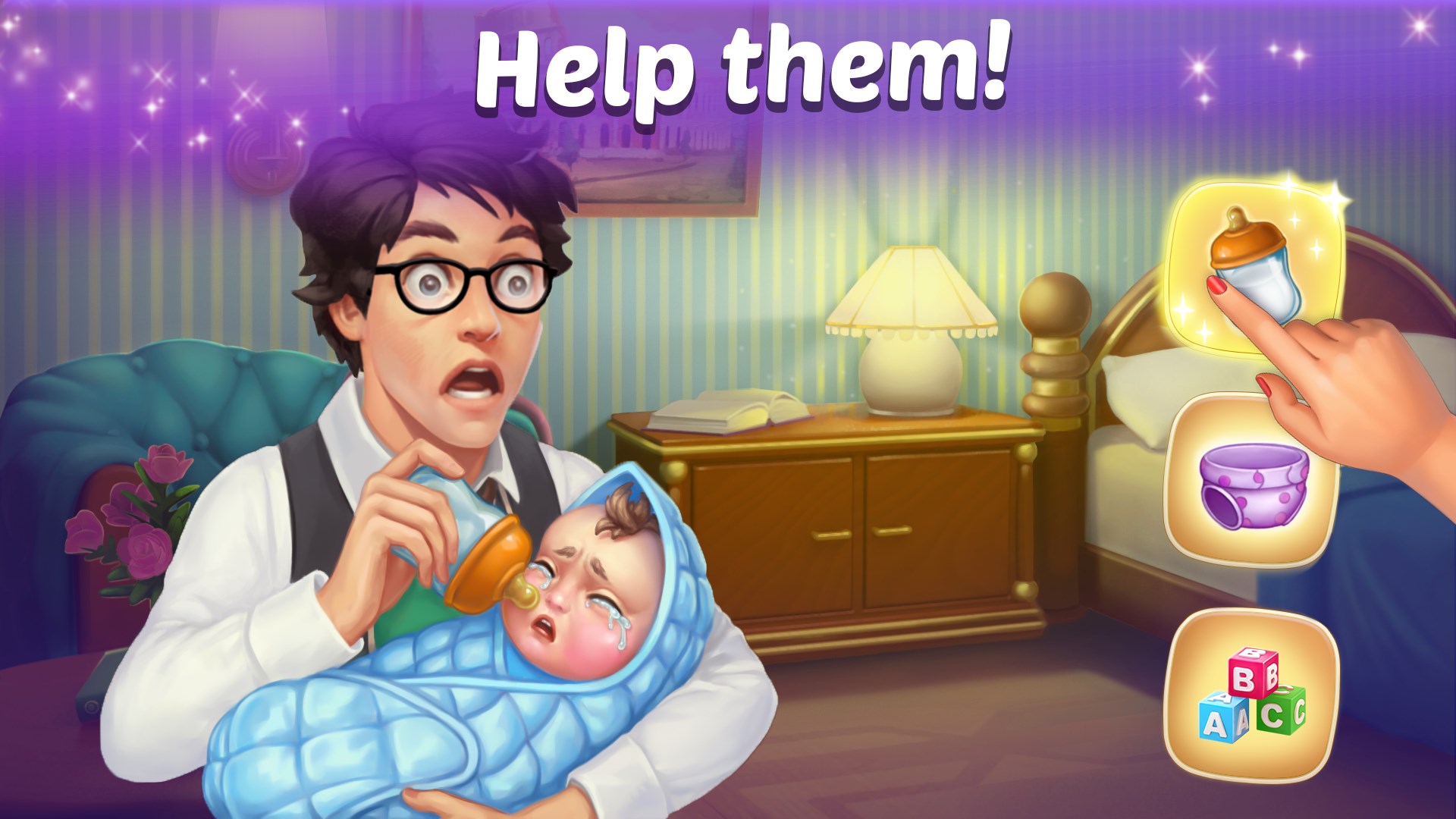
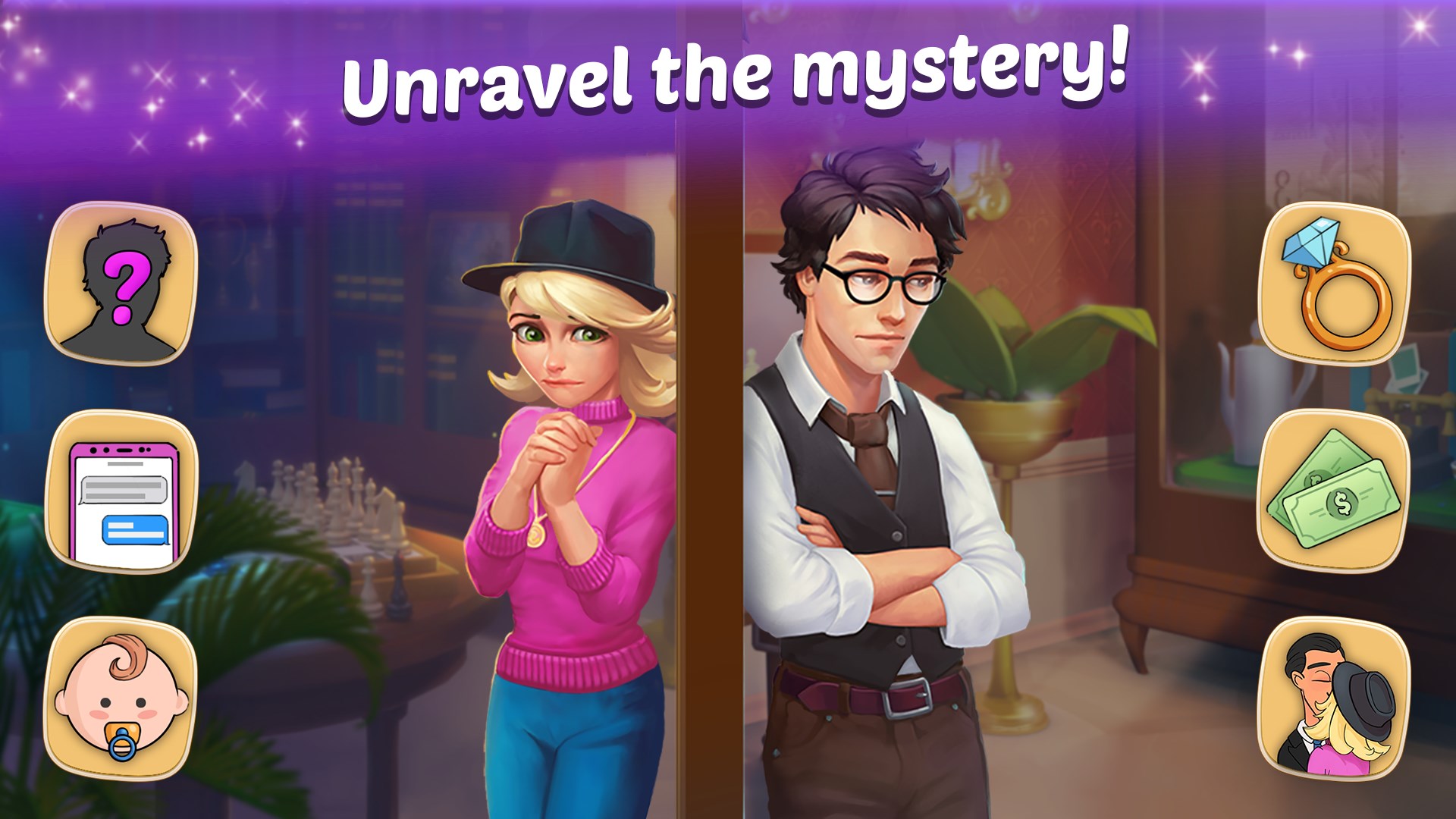
Imagine designing your dream hotel—beds, decor, and amenities—while managing daily operations. The game kicks off with playful scenes of cheerful guests and quirky staff, drawing you into a vivid world where your decisions shape the hotel's success. The fun begins when you encounter the core puzzle segments, seamlessly woven into management tasks. For example, matching colorful tiles to repair broken furniture or earn bonuses during guest check-in makes the experience feel lively and rewarding. The game gently guides you with tutorials, making it accessible without feeling overly simplistic, while still providing enough challenge to keep your mind engaged.
The Puzzle Mechanics & User Experience: Seamless and Intuitive
The interface boasts an intuitive layout, with commands that are straightforward to understand—think of it as a well-organized hotel lobby where everything is within reach. The colorful and cheerful design reduces any potential intimidation, making first-timers feel at home. Operation flows smoothly, with drag-and-drop mechanics that respond promptly, avoiding any frustrating lag or confusion. The learning curve is gentle; you'll quickly find yourself managing hotel rooms and solving puzzles efficiently, all while enjoying the cozy atmosphere of a virtual family getaway. The game's visual cues and sound effects enhance this experience, immersing you further into the delightful hotel world.
What Sets It Apart from Other Puzzle & Trivia Games?
While many puzzle games focus solely on the challenge of matching or trivia, Family Hotel for Windows creates a balanced ecosystem that combines management simulation with casual puzzle solving. The game's standout feature is how it integrates puzzle mechanics directly into a thematic management experience—your success depends on strategic matching that influences hotel outcomes, not just abstract puzzles. This harmonious blend makes the gameplay feel purposeful rather than repetitive. Additionally, its vibrant visuals and charming storytelling offer a more immersive experience compared to typical puzzle apps that lack narrative depth or personality.
Final Thoughts and Recommendations
If you're seeking a relaxed, yet engaging game that combines management with puzzle-solving, Family Hotel for Windows is a solid choice. Its approachable interface, charming presentation, and the innovation of integrating puzzles into management tasks make it a refreshing alternative to standard puzzle games. I'd recommend it most to casual players and families who enjoy colorful, stress-free entertainment that also stimulates their minds. Whether you're unwinding after a busy day or looking for a fun way to pass the time, this game delivers a cozy escape into a lively hotel world worth exploring.
Pros
- User-Friendly Interface
- Wide Range of Family-Friendly Features
- High-Quality Content
- Seamless Booking Process
- Regular Updates and Support
Cons
- Limited Offline Access
- Occasional Slow Loading Times
- Inconsistent Review Moderation
- Limited Language Support
- Minor Bugs and Glitches











