

- Name Cross Stitch: Craft & Art
- Category Puzzle & trivia
- Developer Playcus
- Available on PC
- OS Windows 10 version 10240.0 or higher
- DirectX Version 10
- Mouse Integrated Mouse
- Keyboard Not specified
- languages English (United States)
A Colorful Dive into Cross Stitch: Craft & Art for Windows
If you've ever appreciated the patience and artistry behind traditional cross-stitch, this app offers a modern, digital canvas to indulge your craft cravings—bringing the charming world of needlework straight to your Windows device.
Meet the Creators: Playcus's Creative Hand
Developed by Playcus and published by PLAYCUS LIMITED, this app is part of their portfolio dedicated to engaging casual creative experiences. Known for their diverse game and app offerings, Playcus brings a nuanced touch of artistic expression with this cross-stitch simulation.
Key Features That Stitch the Experience Together
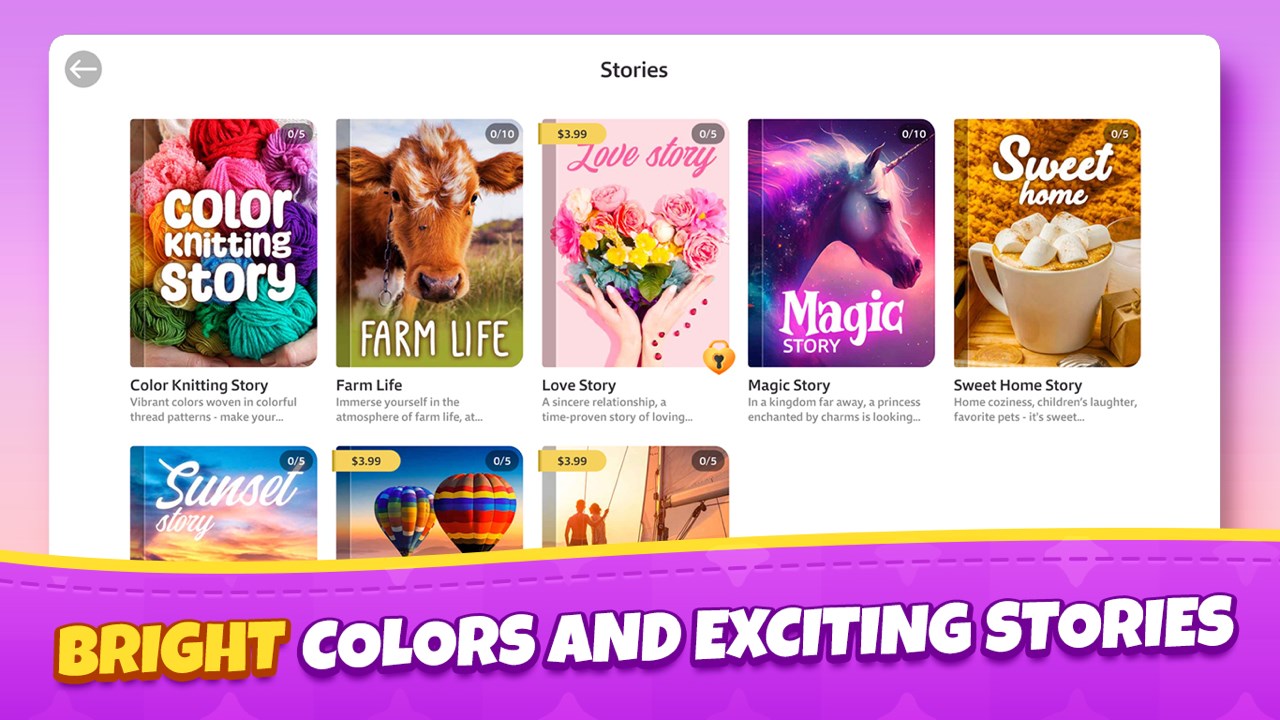
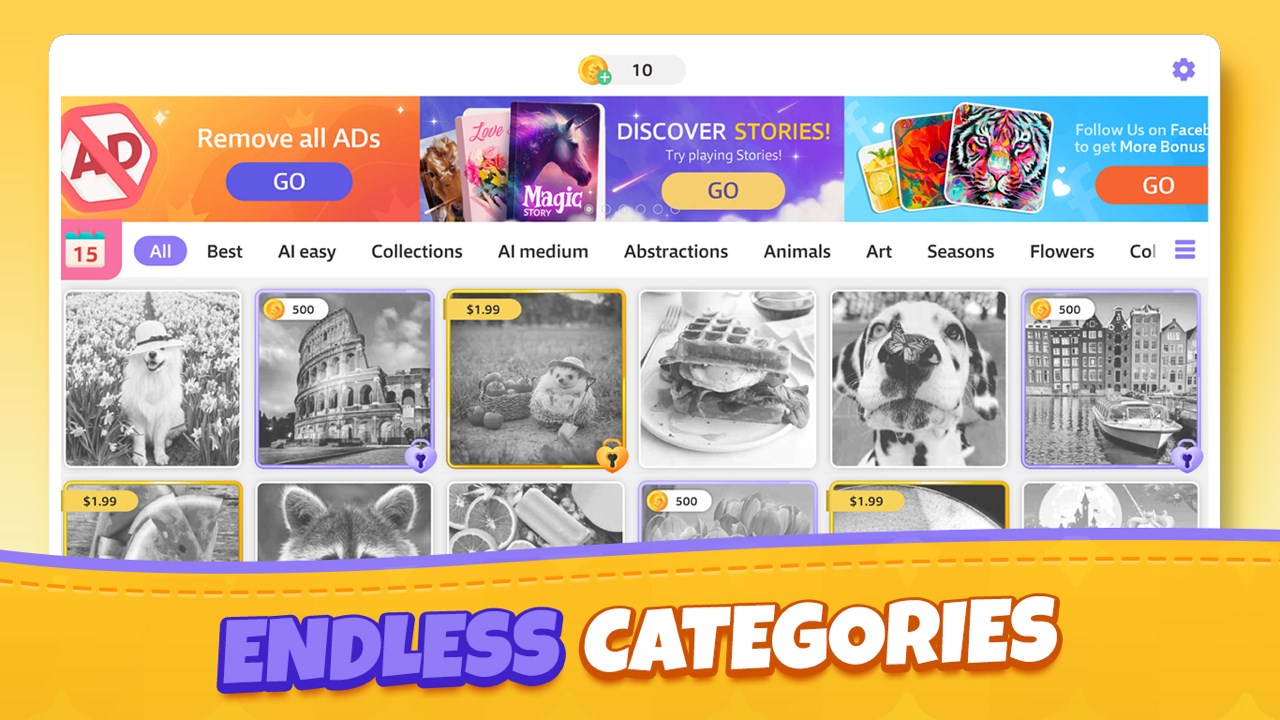
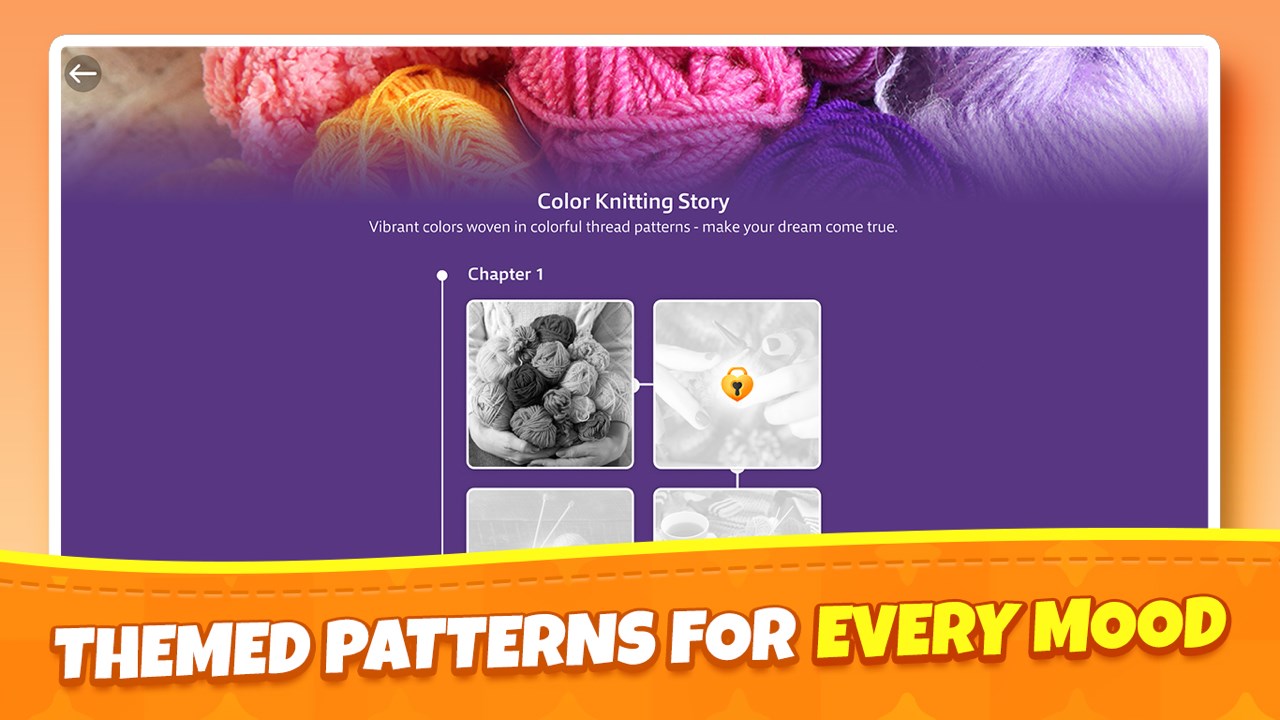
- Extensive Pattern Library: Dive into a vast collection of cross-stitch designs ranging from simple motifs to intricate artworks, catering to both novices and seasoned embroiderers.
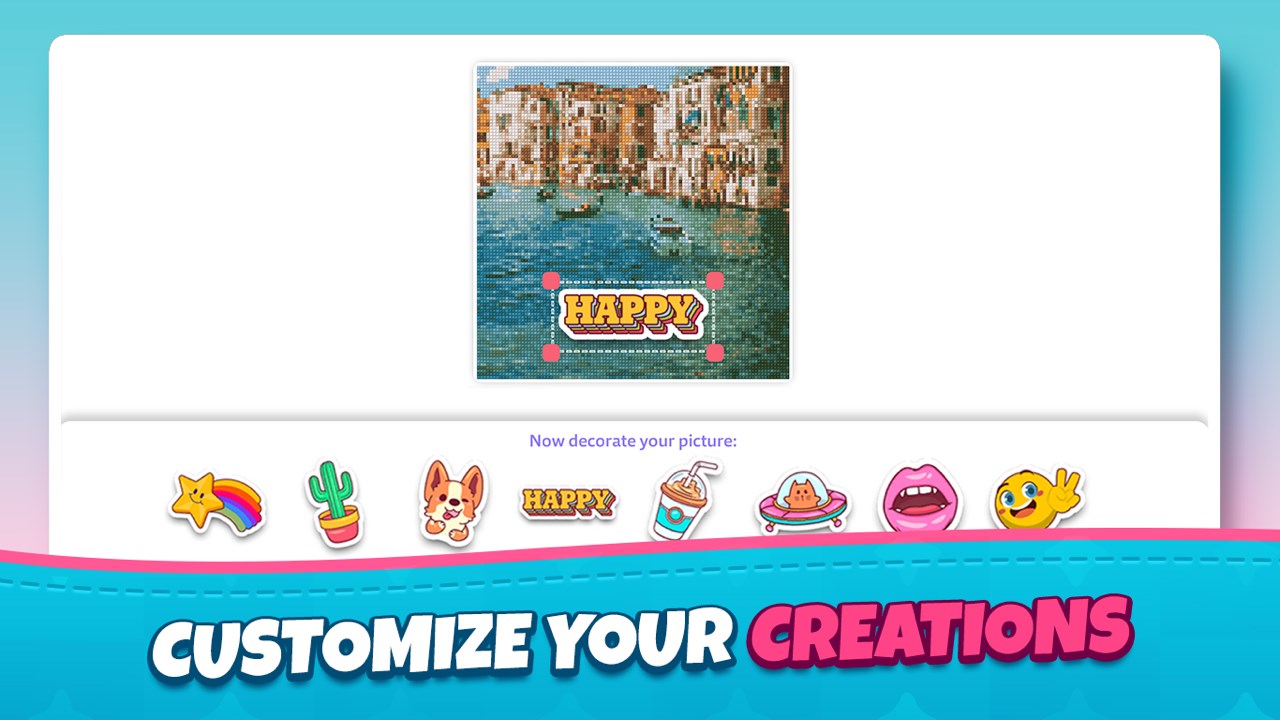
- Customization & Personalization: Users can modify existing patterns or even create their own, allowing for personal touches—think of it as having your own digital embroidery studio.
- Step-by-Step Guidance: Embedded tutorials and interactive guides help users understand the stitching process, making the app accessible even to complete beginners.
- Progress & Sharing: Built-in progress tracking and options to share finished pieces with friends or on social media foster a community of craft enthusiasts.
Unraveling the Experience: A Closer Look
Vivid Interface and User Experience
Upon launching, the interface greets you with a cozy, organized workspace reminiscent of a well-lit craft room, filled with vibrant colors and intuitive icons. Navigation is smooth, with touchscreen or mouse controls allowing you to zoom in on your pattern or switch tools effortlessly. The learning curve is gentle—most users will find themselves comfortably stitching after just a few minutes exploring the basic functions. Tutorials are concise and well-integrated, guiding beginners step-by-step without overwhelming them.
Stitching Your Digital Masterpiece
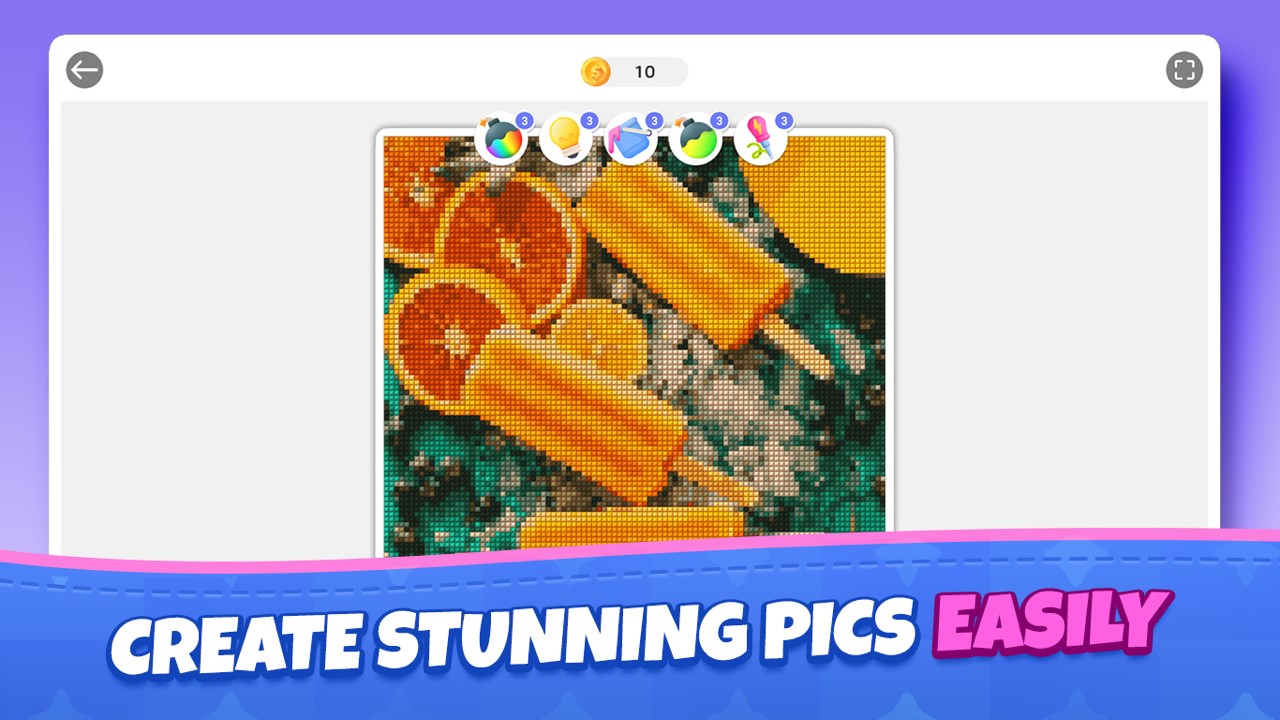
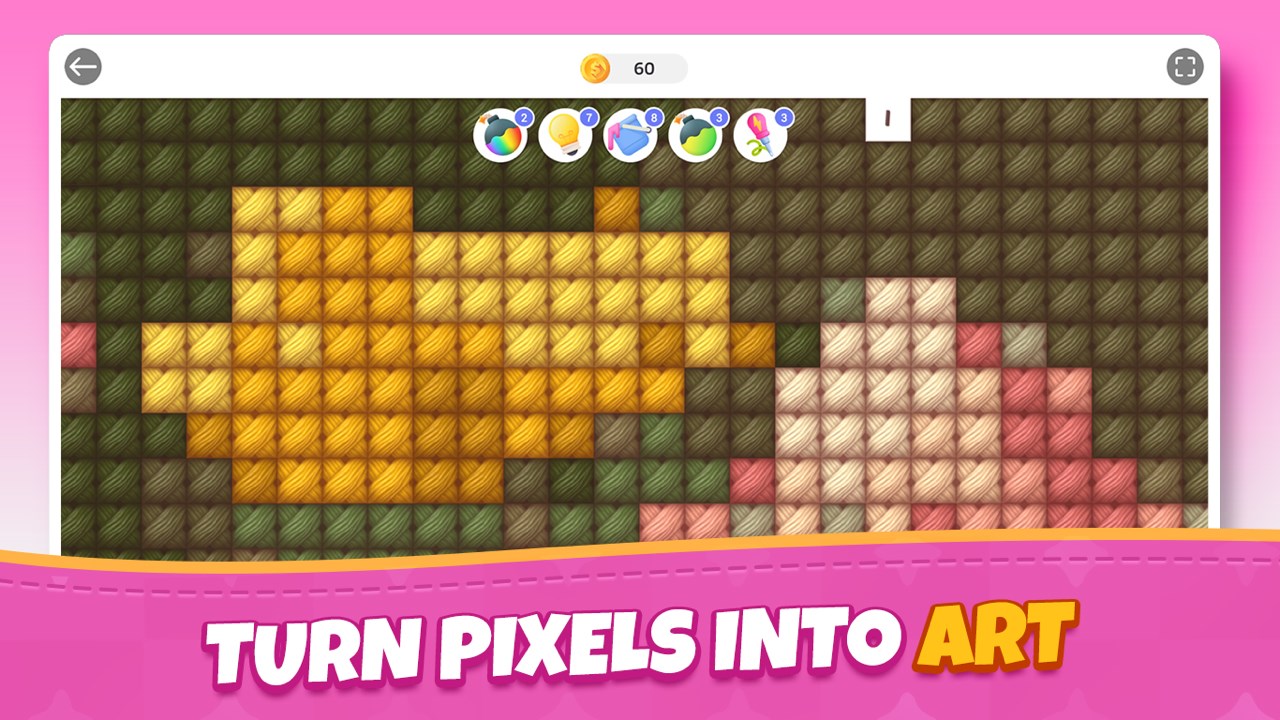
The core cross-stitch functionality is impressively detailed—users select from a palette of thread colors, each akin to selecting the perfect embroidery floss. Placing stitches feels responsive, with a satisfying "click" that mimics real needlework. The app's ability to allow pattern customization makes it stand out—users can import images and transform them into cross-stitch patterns, turning photographs into pixelated works of art. This feature is particularly captivating for those wanting to preserve memories or create unique gifts.
Beyond the Stitch: Creative Community & Sharing
Beyond just crafting, the app fosters a sense of community. Users can showcase their completed projects within the app or share via social networks, celebrating each other's creativity. This social aspect sets it apart from many puzzle or trivia apps—it's not just about solving puzzles but about creating tangible art and connecting with fellow craft lovers. The progression system motivates sustained engagement, rewarding users with new patterns and tools as they hone their skills.
What Makes Cross Stitch: Craft & Art Unique?
Unlike typical puzzle or trivia apps that challenge your wits or test your knowledge, this application immerses you in a creative process—much like painting or knitting but with pixels. Its greatest strength lies in merging artistic freedom with structured pattern creation, offering both guided and customizable experiences. The ability to import images and generate cross-stitch patterns from personal photos is a standout feature that transforms the app from a mere pastime into a personalized art tool.
Final Thoughts and Recommendations
Overall, Cross Stitch: Craft & Art for Windows offers a gentle, engaging introduction to the world of needlecraft with a modern digital twist. Its intuitive design, coupled with powerful customization features, makes it suitable for casual hobbyists and dedicated craft lovers alike. If you're looking for an app that combines creativity, relaxation, and the joy of making something beautiful—without the mess of actual thread and fabric—this might just be your new favorite craft companion.
Definitely worth a try for anyone interested in arts and crafts, especially those with a sentimental streak eager to turn memories into stitchable art. Just remember: patience is key, but with this app, the journey is as rewarding as the final piece.
Pros
- Wide variety of patterns and designs
- Intuitive user interface
- High-quality graphics and clear instructions
- Customization features
- Offline access to patterns
Cons
- Limited variety of beginner tutorials
- Occasional lag during pattern loading
- Free version offers limited patterns
- Lack of community sharing features
- Some pattern details may be pixelated on high-resolution screens











