




- Name Coldscapes: My Match-3 Family
- Category Puzzle & trivia
- Developer Play Flock
- Available on PC, Mobile, Surface Hub, HoloLens
- OS Windows 10 version 10240.0 or higher
- DirectX Version 10
- languages Chinese (Simplified), English (United States), French, German, Indonesian, Italian, Japanese, Korean, Portuguese, Russian, Spanish
Coldscapes: My Match-3 Family — A Chill Twist on Classic Puzzle Fun
If you're a fan of relaxing yet engaging match-3 puzzles, Coldscapes offers a wintery wonderland where strategic gameplay meets soothing visuals—perfect for dipping into during a cozy afternoon or unwinding after a busy day.
Who's Behind the Frosty Curtain?
Developed and published by Play Flock, Coldscapes is crafted by a dedicated team passionate about blending classic puzzle mechanics with captivating themes. Known for their commitment to quality casual games, Play Flock infuses Coldscapes with polished graphics and smooth gameplay, aiming to attract puzzle enthusiasts of all ages.
Key Highlights That Sparkle
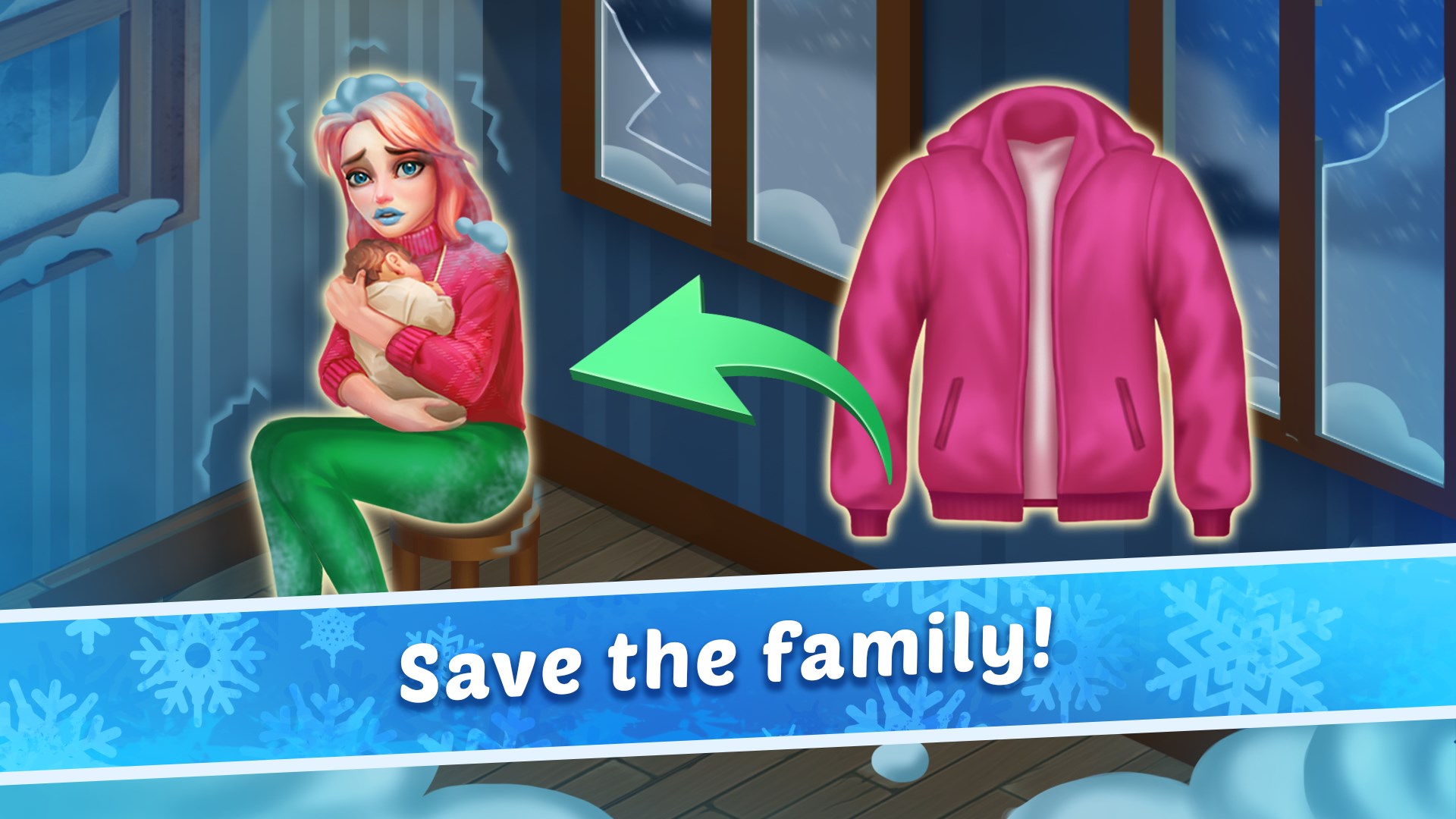
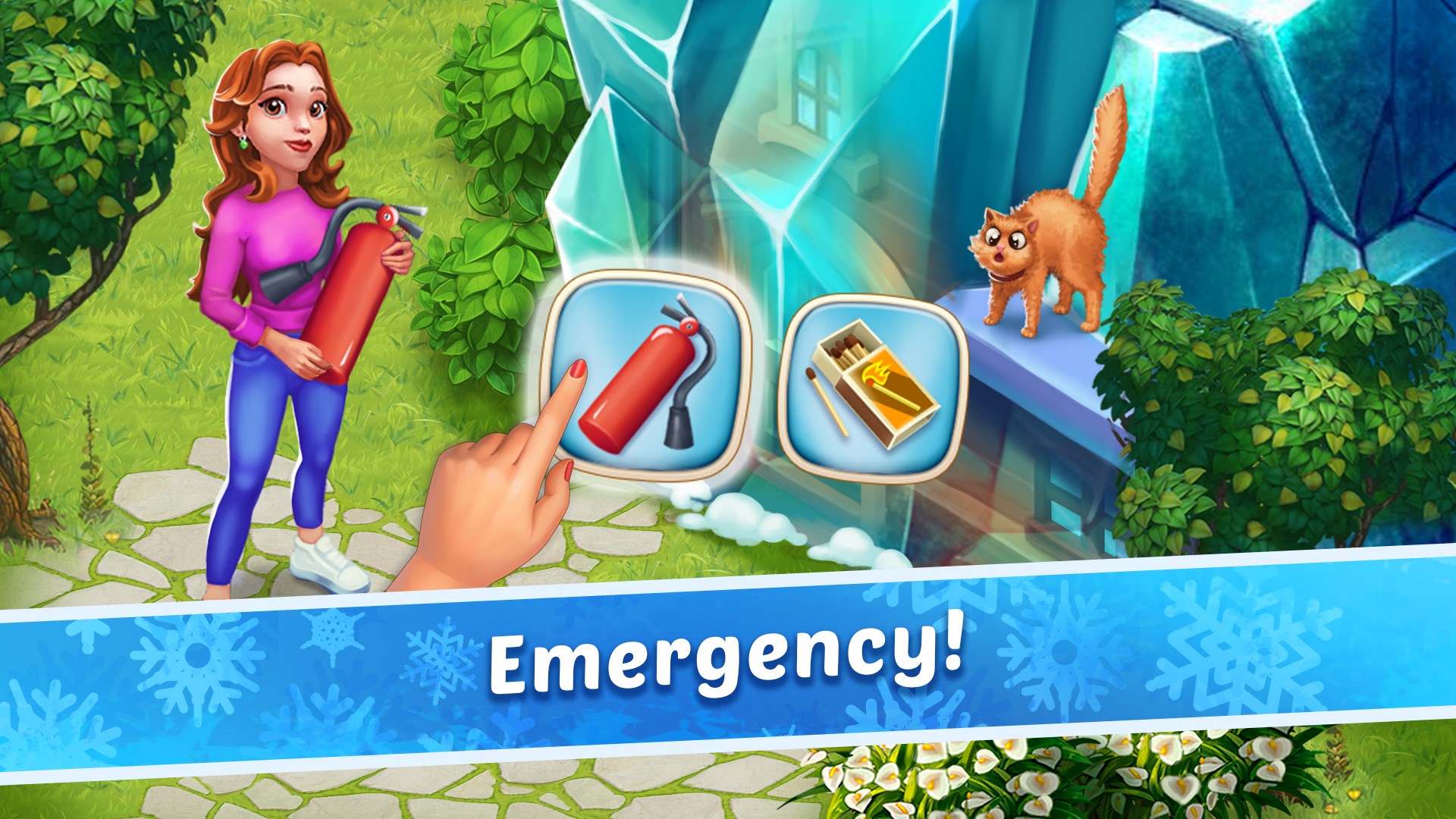
- Immersive Arctic-Themed Graphics: The game transports players into a shimmering icy world filled with glistening snowflakes and frosty landscapes, creating a serene yet invigorating atmosphere.
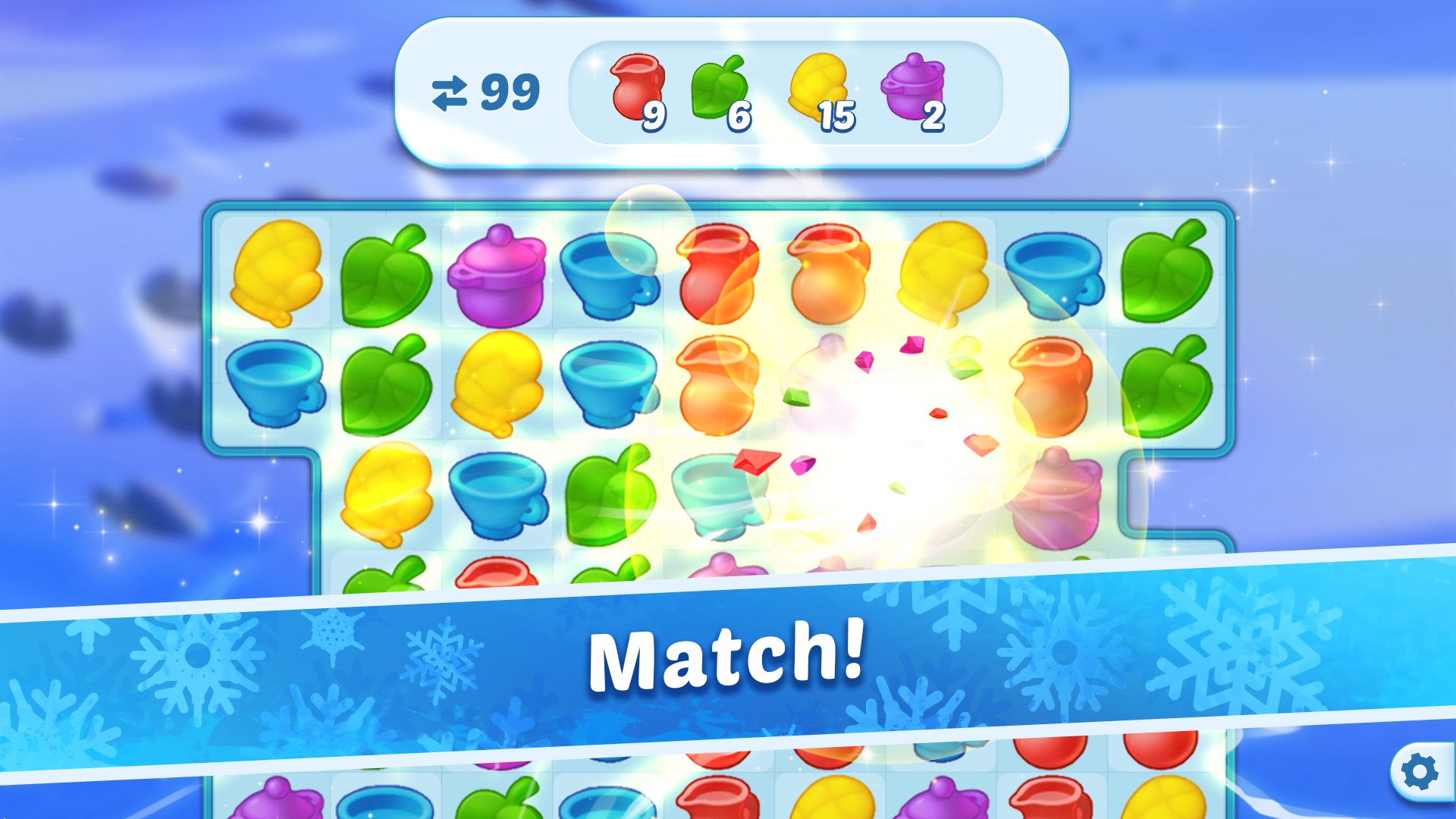
- Engaging Match-3 Mechanics: Simple tap-and-swap controls make gameplay intuitive, but with enough depth to keep puzzle veterans challenged through various levels and obstacles.
- Relaxing Soundscape & Visual Effects: Gentle soundtrack paired with sparkling animations provides a calming experience, perfect for stress relief.
- Family-Friendly Design: The game features non-violent, easy-to-learn mechanics suitable for players of all ages, making it a wholesome choice for families.
Experience the Cold Breeze: A Closer Look at Core Features
Vivid and Soothing Visuals
Coldscapes stands out with its meticulously crafted Arctic-inspired art style. The icy landscapes, snow-globe effects, and shimmering gems create an environment that feels both crisp and inviting. This visual elegance isn't just eye candy; it also aids players in quickly distinguishing different game elements, lowering the entry barrier for newcomers and providing a calming visual comfort during extended play sessions.
Streamlined Gameplay with Deep Strategy
The core match-3 mechanic is straightforward—swap adjacent items to line up three or more of the same type. However, Coldscapes layers in strategic elements like limited moves, special boosters, and level-specific obstacles, which challenge players to think carefully about each move. The intuitive controls allow for rapid learning, yet the evolving difficulty and diverse level objectives keep the gameplay fresh and satisfying.
User Interface and Overall Experience
The interface is thoughtfully designed, with clean icons, clear indicators, and responsive controls, ensuring a seamless experience. Navigation feels natural, and the game's gentle learning curve allows new players to pick up the mechanics swiftly, while the gradually increasing difficulty keeps veteran players engaged. The sound design complements the visuals, providing relaxing background music that enhances the immersion without becoming intrusive.
What Sets Coldscapes Apart from Other Puzzle Apps?
While many match-3 games lean heavily on bright colors and fast-paced action, Coldscapes emphasizes a tranquil, immersive experience. Its standout feature is the **"Chill Mode,"** a calming variant with fewer constraints and no time pressure, targeting players seeking relaxation rather than competition. Additionally, the game excels in creating a cohesive, thematic experience centered on winter serenity, distinguishing it from more generic puzzle games. The focus on aesthetic coherence and a soothing atmosphere appeals to players craving a peaceful puzzle environment, making Coldscapes a unique offering in the crowded genre.
Final Verdict and Recommendations
Coldscapes is a thoughtfully crafted puzzle game that combines stunning visuals, accessible mechanics, and relaxing ambiance. It's ideal for players who enjoy gentle, strategic gameplay without the pressure of timed challenges or aggressive monetization tactics. I would recommend it to casual gamers, families, or anyone looking for a chill way to pass the time—especially those drawn to winter-themed aesthetics or serene experiences.
Overall, Coldscapes earns a solid recommendation for its aesthetic charm and calming gameplay, making it a cozy addition to your game library. Whether you're seeking a relaxing puzzle escape or a family-friendly pastime, this app is worth trying out.
Pros
- Engaging Match-3 Gameplay
- Family-Friendly Content
- High-Quality Visuals and Audio
- Regular Updates with New Levels
- Intuitive User Interface
Cons
- Limited In-Game Rewards System
- Occasional Performance Issues on Lower-End Devices
- In-App Purchases Can Be Pushy
- Navigation May Be Slightly Cluttered
- Limited Social Features











