
- Name Candy Crush Saga
- Category Puzzle & trivia
- Available on PC, Mobile, Surface Hub, HoloLens
- OS Windows 10 version 14393.0 or higher
- Mouse Not specified
- languages Danish, Dutch, English (United States), Finnish, French, German, Italian, Japanese, Korean, Norwegian, Portuguese (Brazil), Portuguese (Portugal), Russian, Spanish, Swedish, Turkish
A Bright Match-3 Puzzle Experience on Windows
Candy Crush Saga for Windows delivers a familiar yet captivating match-3 puzzle adventure that keeps players entertained with its colorful visuals and engaging gameplay mechanics.
About the App: Basic Info
Set within a universe of sweet treats and vivid candy worlds, Candy Crush Saga is a classic match-3 puzzle game designed to offer casual yet challenging entertainment. Developed by King.com, this game has become one of the most recognizable names in mobile and PC casual gaming.
Developer: King.com
Main features:
- Over 10,000 levels that boast increasing difficulty and creative board designs.
- Special candies and boosters to strategize and boost your progress.
- Regular events and seasonal challenges to keep gameplay fresh and exciting.
Target audience: Casual gamers of all ages, puzzle enthusiasts, and players seeking light-hearted entertainment during quick breaks.
Captivating and Colorful Design: First Impressions
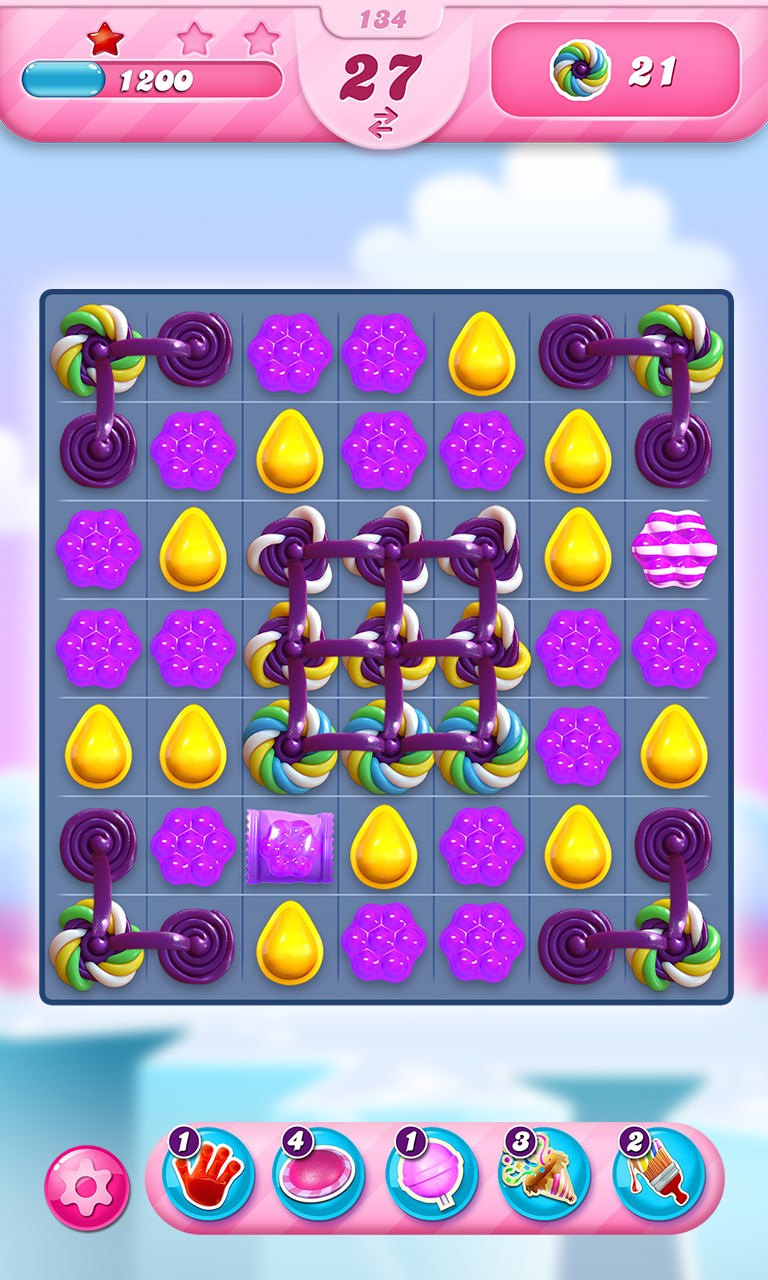
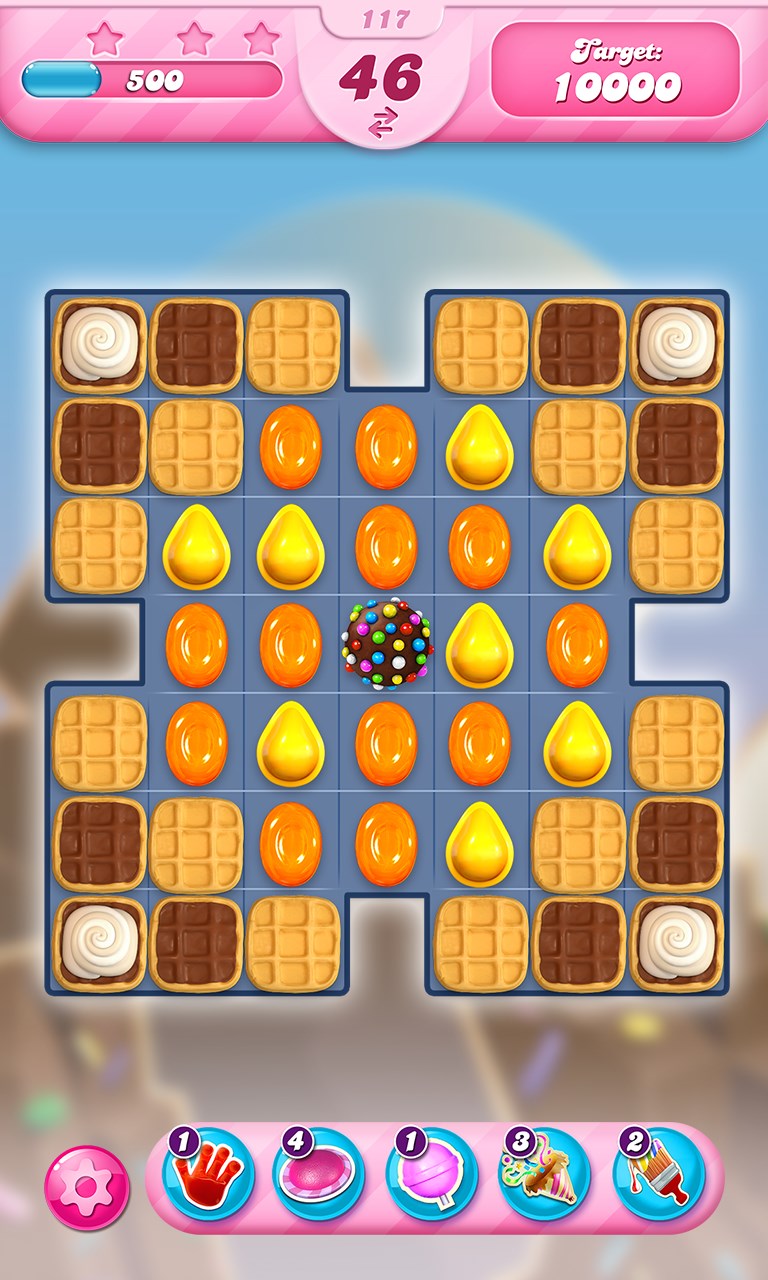
Imagine walking into a candy shop bursting with colors—luscious gummies, shiny chocolates, and vibrant lollipops—all arranged in playful, appealing arrangements. That's akin to what Candy Crush Saga offers on your screen. Its interface exudes cheerful simplicity, inviting you to dive straight into the fun without any confusing menus or complicated tutorials. The visual design thrives on bright, jewel-like colors and smooth animations that make each move feel satisfying. From the moment you start, you're greeted with a lively environment that entices you to match candies and unlock new levels without a steep learning curve.
Core Features: Strategies and Challenges
Engaging Gameplay Mechanics
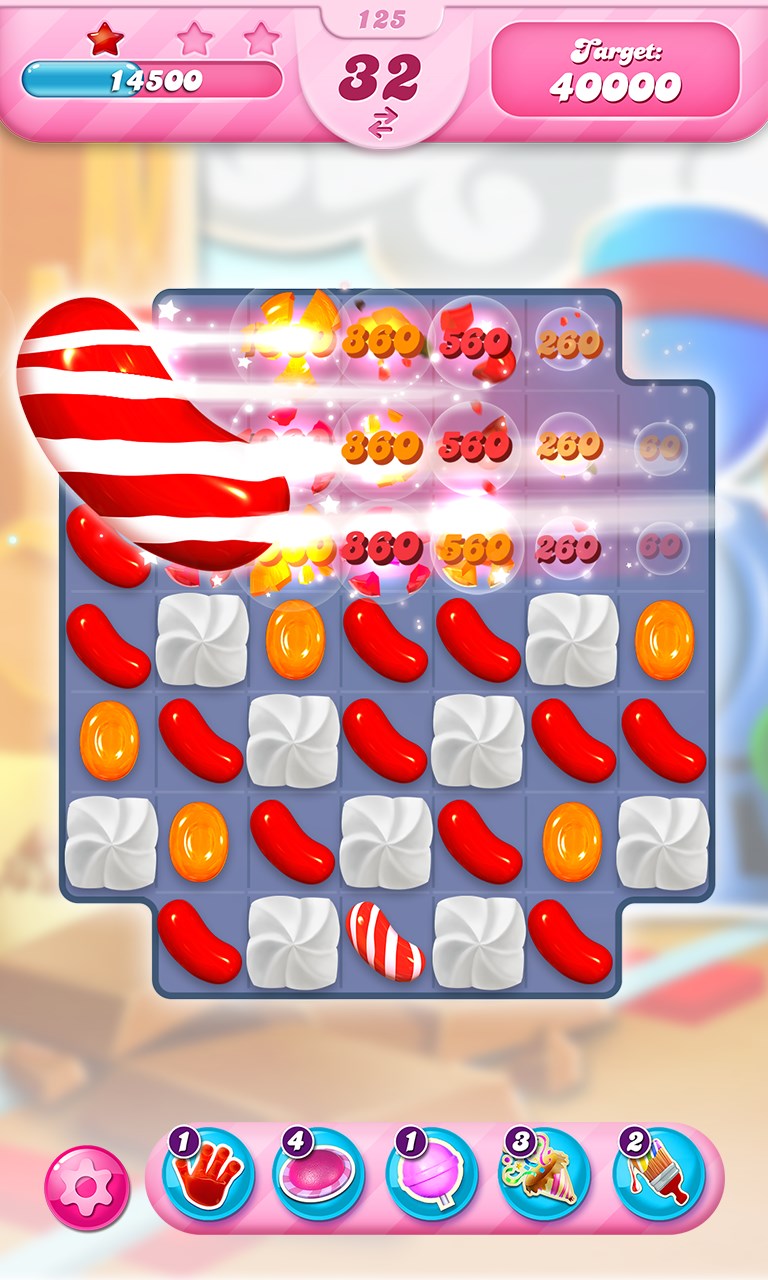
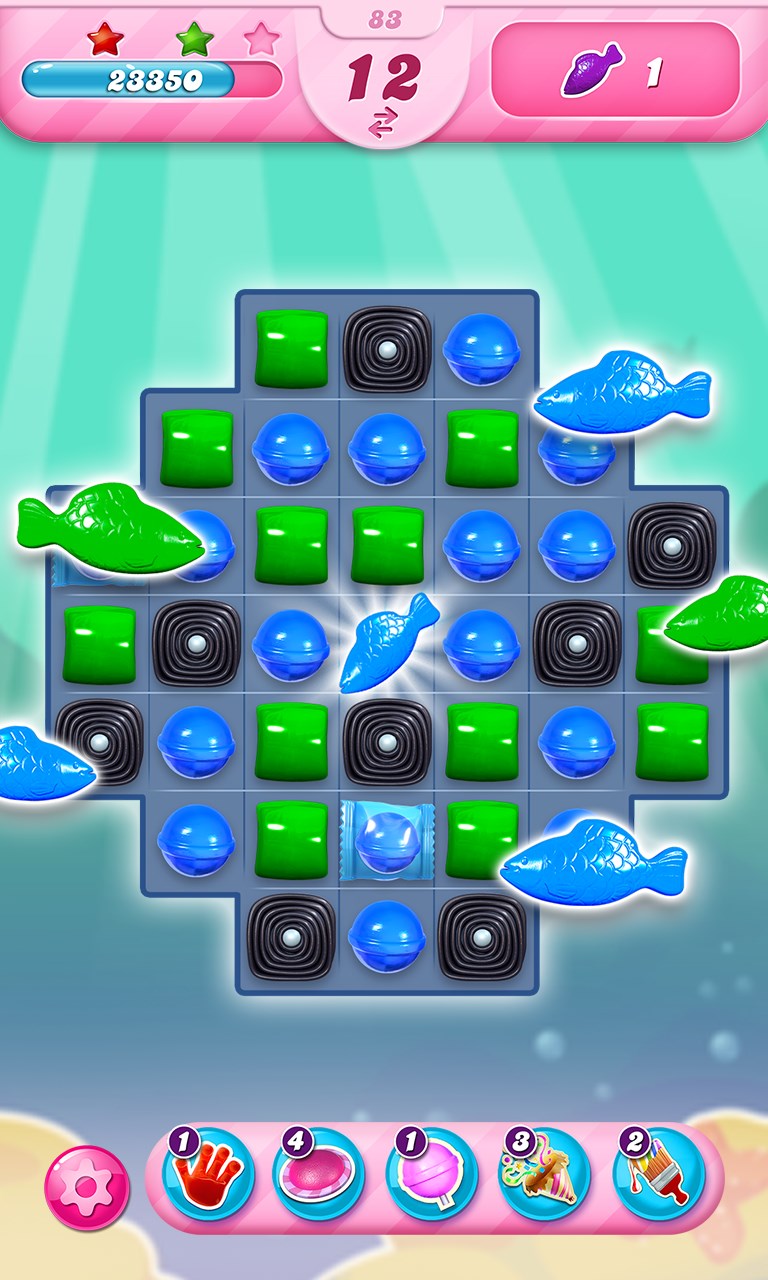
The core of Candy Crush Saga's appeal lies in its intuitive match-3 mechanic. Swapping adjacent candies to line up three or more identical items feels natural, akin to solving a sweet puzzle on your kitchen table. The game introduces varied objectives—ranging from clearing jellies, collecting ingredients, or achieving a target score—adding layers of strategic challenge. Special candies, like striped or wrapped types, introduce exciting interactions that reward skillful planning. The game smartly balances difficulty progression, ensuring each new level presents fresh puzzles without becoming overwhelming or boring.
Boosters and Power-ups: Your Secret Weapons
One of the most talked-about features is the wide array of boosters available—think of them as your secret recipes or magic wands in a candy kitchen. Whether it's reshuffling the board, clearing a large area, or snagging tricky candies, these tools add depth and flexibility. Additionally, periodic events and seasonal challenges provide opportunities to earn unique power-ups, making gameplay more dynamic. These features aren't just cherry on top; they serve as essential strategies to tackle especially difficult levels, transforming the game from simple matching to a more tactical pursuit.
User Experience: Smooth, Accessible, and Fun
The interface of Candy Crush Saga for Windows is designed with user-friendliness at its core. The controls are responsive—swipes, taps, and switches respond smoothly, making every move satisfying. Navigating through levels, menus, and settings feels intuitive, with minimal learning curve—perfect for both new players and seasoned fans. The game's aesthetic choices, from colorful backgrounds to delightful sound effects, create an immersive yet non-intrusive environment. Considering performance, the game runs seamlessly on most Windows systems, without lag or glitches, ensuring a frustration-free experience.
What Sets It Apart from Other Puzzle Games?
While many match-3 games clutter the casual gaming landscape, Candy Crush Saga stands out through its polished presentation and consistent content updates. The integration of themed levels, seasonal events, and community challenges create an environment where players always find something new. Its strongest unique selling point is the layered gameplay—combining straightforward mechanics with strategic depth through special candies and boosters. Moreover, the game's social integration—sharing progress, inviting friends, and competing in leaderboards—encourages a sense of community and ongoing engagement that many classics lack. This blend of accessibility and strategic complexity makes it a superior choice for those seeking both casual fun and meaningful challenge.
Final Recommendation and Usage Tips
Overall, Candy Crush Saga for Windows earns a solid recommendation for players who enjoy colorful, light-hearted puzzle games that are easy to pick up but provide enough depth to keep you hooked. Its user-friendly design and engaging mechanics make it suitable for all ages and skill levels. For best experience, I suggest approaching the game with patience—using boosters strategically for tough levels—and taking part in seasonal events for exclusive rewards. Whether you want a quick mental break or aim to master all 10,000 levels, this game offers a dependable, delightful puzzle environment.
Pros
- Engaging gameplay with hundreds of levels
- User-friendly interface and colorful graphics
- Regular updates introduce new features and levels
- Supports multiplayer features and social sharing
- Free-to-play with optional in-app purchases
Cons
- Highly addictive gameplay may lead to excessive playtime
- In-app purchases can be expensive over time
- Levels can become increasingly difficult without alternative hints
- Limited offline functionality in some features
- Advertisements occasionally interrupt gameplay











