
- Name Candy Crush Jelly Saga
- Category Puzzle & trivia
- Available on PC, Mobile, Surface Hub, HoloLens
- OS Windows 10 version 14393.0 or higher
- Memory 300 MB
- languages Chinese (Simplified), Chinese (Traditional), Danish, Dutch, English, Finnish, French, German, Italian, Japanese, Korean, Norwegian, Portuguese (Brazil), Portuguese (Portugal), Russian, Spanish, Swedish, Turkish
Candy Crush Jelly Saga for Windows: A Sweet Spin on Match-3 Adventures
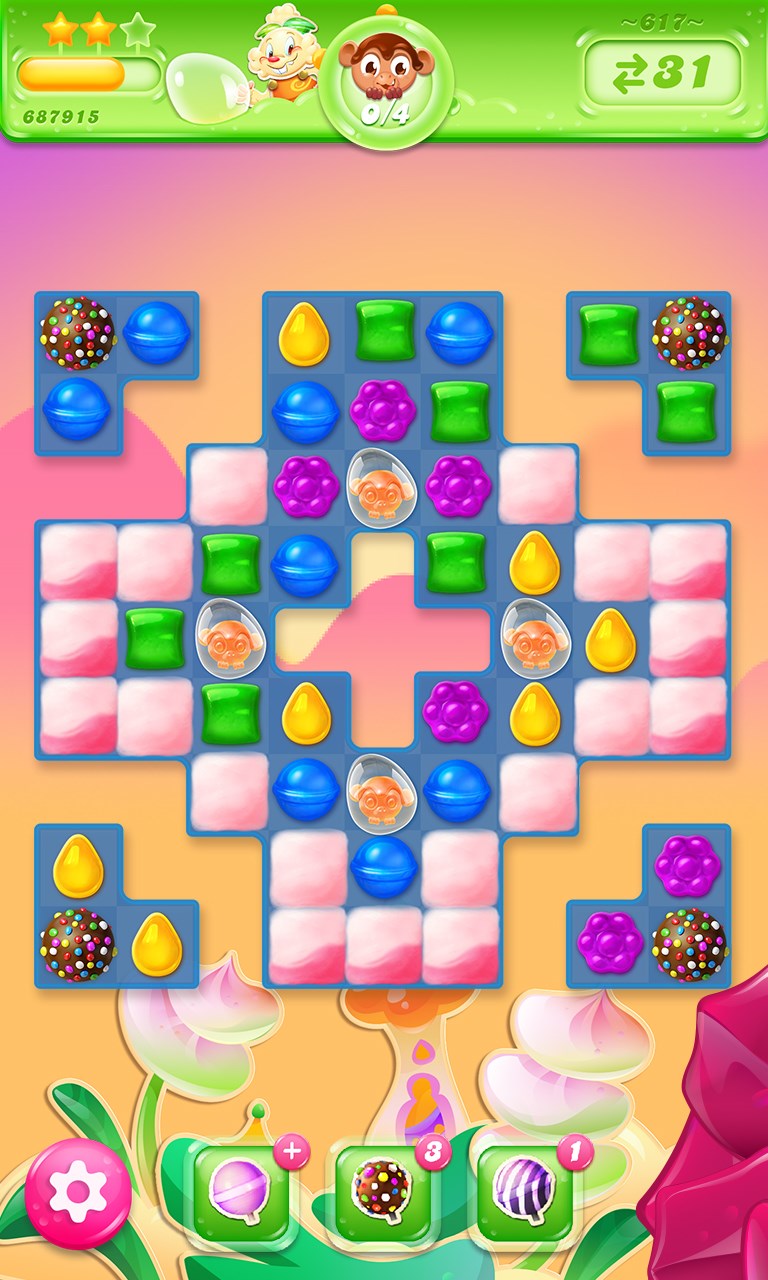
If you're a fan of colorful, engaging puzzle games that combine strategy, fun, and a splash of whimsy, Candy Crush Jelly Saga for Windows offers a delightful experience. Developed by king.com, this game elevates the classic match-3 genre with fresh gameplay twists and charming animations that keep players hooked for hours.
Basic Information and Developer Insights
At its core, Candy Crush Jelly Saga for Windows is a match-3 puzzle game that immerses players into a vibrant world filled with jellies, candies, and playful characters. Developed and published by king.com, one of the most recognized names in casual gaming, this title builds upon the legacy of other Candy Crush series entries with new mechanics and a captivating storyline.
- Main Features: Engaging jelly-collecting gameplay, unique boss battles, seasonal events, and vibrant, colorful visuals.
- Target Audience: Casual gamers of all ages, especially those who enjoy puzzle-solving, popular mobile-style games, or fans of the Candy Crush franchise seeking a new challenge on Windows.
Vibrant and Playful Interface
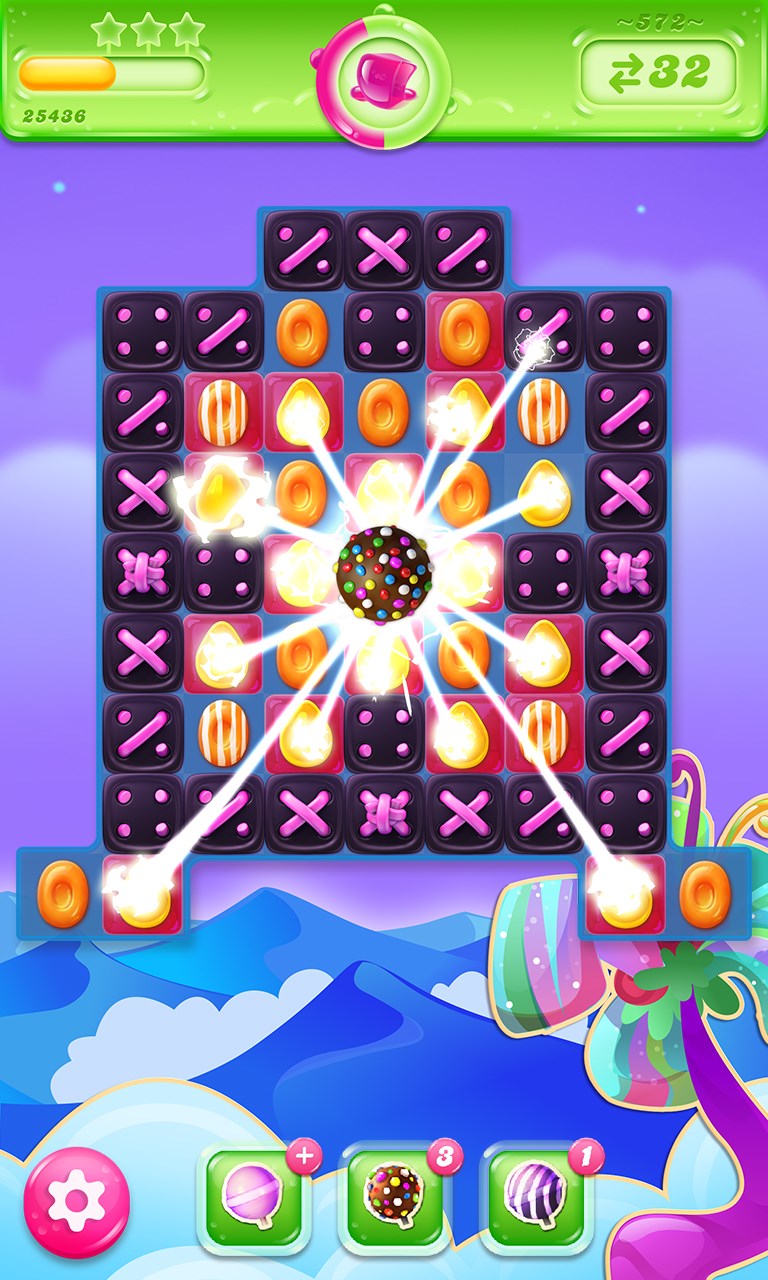
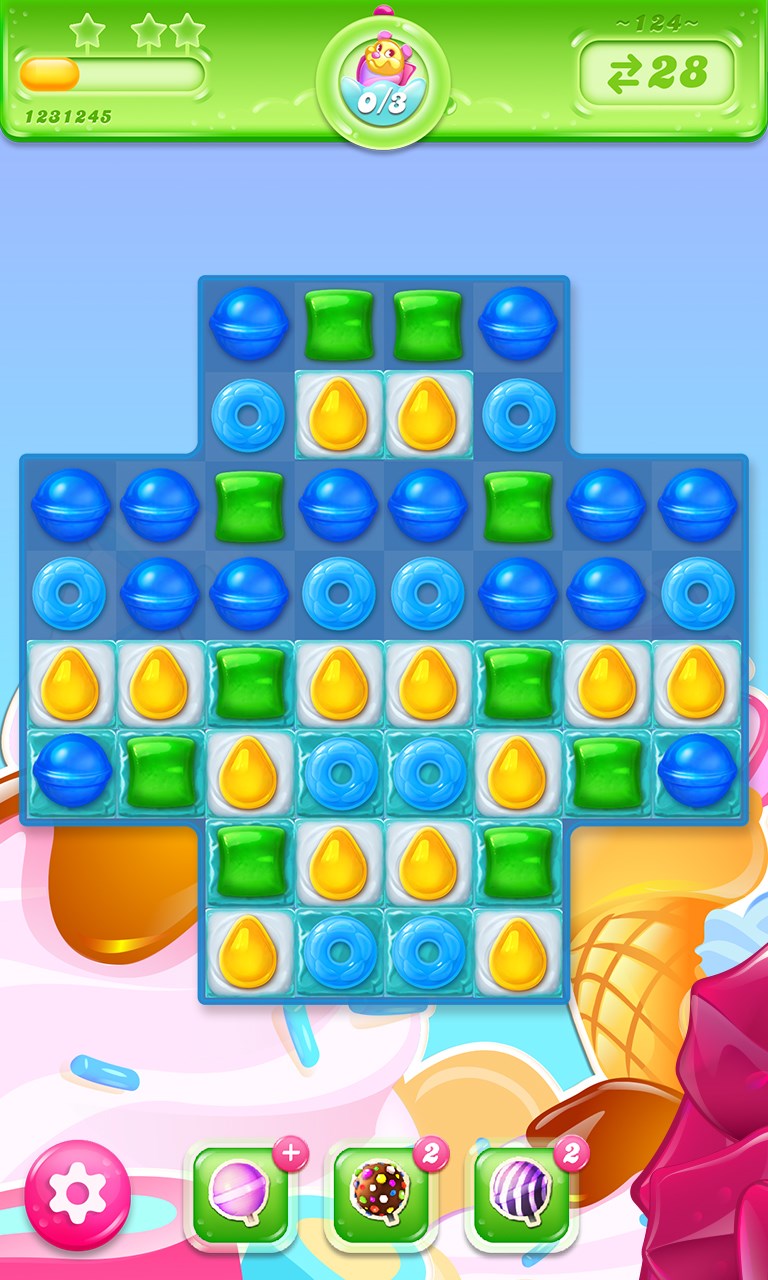
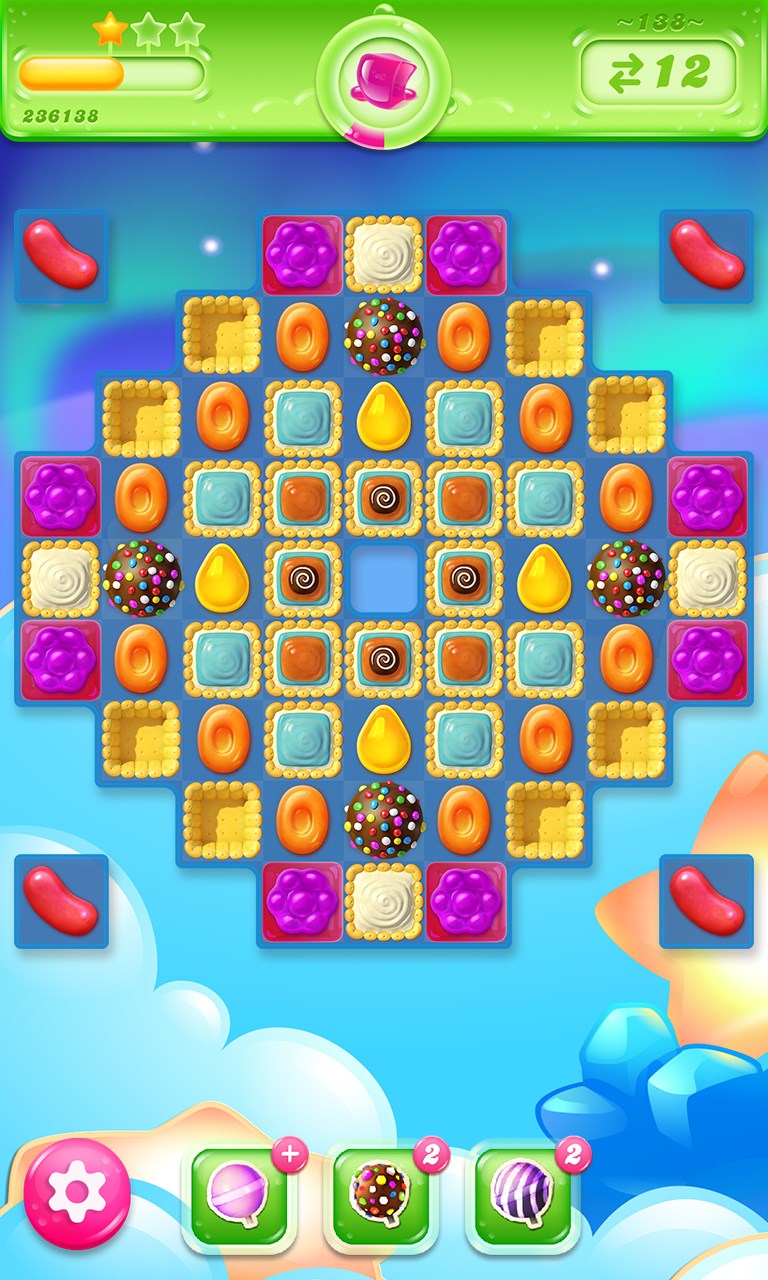
Launching Candy Crush Jelly Saga feels like stepping into a candy-coated wonderland—bright colors, lively animations, and cheerful tunes set the mood instantly. The interface design is intuitive; menus are straightforward, allowing even first-time players to navigate without frustration. The game's layout mimics mobile versions, ensuring a familiar experience that feels natural on the Windows desktop.
Operation-wise, the game runs smoothly, with minimal lag or glitches, thanks to optimized code by king.com. The controls are responsive—clicking and dragging candies feels natural, akin to playing with real sweets. The learning curve is gentle; it introduces new mechanics gradually, ensuring players aren't overwhelmed by complexity.
Core Gameplay Mechanics and Unique Selling Points
Match, Collect, and Conquer
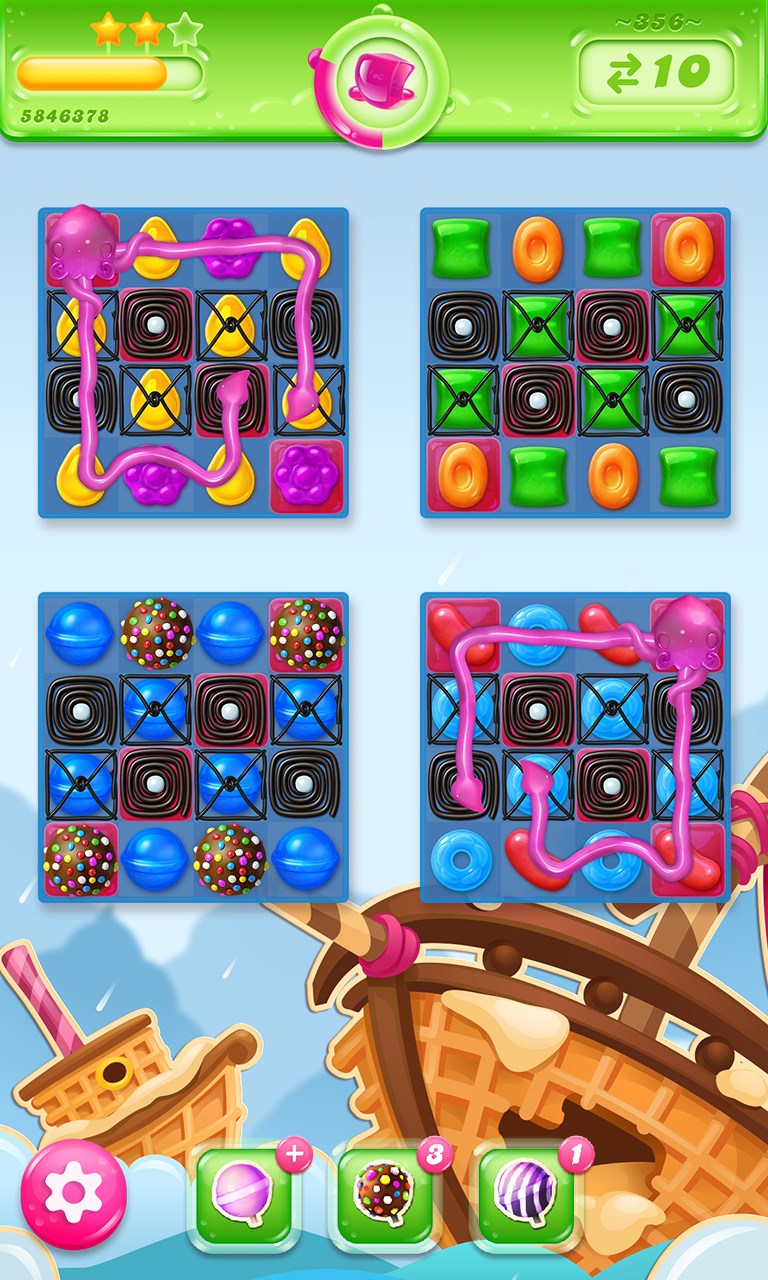
The core of Candy Crush Jelly Saga revolves around matching candies in rows of three or more, but it spices things up with "jelly" and "boss" themes that introduce new gameplay layers. For example, players must undo jelly blocks or defeat a rival jelly monster using strategic moves. The game also features special candies and boosters that can turn the tide of play, rewarding strategic thinking.
Boss Battles: The Game's Crown Jewel
What sets Jelly Saga apart from typical match-3 games is its boss battle system. Players face off against colorful jelly monsters, and the goal is to spread jelly in their territory or defeat them within a limited number of moves. These battles inject a sense of progression and excitement, making the gameplay more dynamic compared to traditional puzzle games. Boss fights are well-designed, requiring players to think ahead and plan their moves carefully—like a chef crafting the perfect recipe under pressure.
Seasonal Events and Social Features
Another highlight is the game's seasonal events and challenges, which keep the experience fresh and engaging. Players can earn rewards, unlock new levels, and compete with friends via leaderboards. While social integration isn't deeply intertwined like in some multiplayer games, the ability to compare progress with friends adds a motivational layer for casual competitors.
User Experience and Differentiation
Playing Candy Crush Jelly Saga is akin to enjoying a relaxing dance through a candy factory—colorful, smooth, and satisfying. The interface design enhances this feeling, with visually appealing animations that make each move gratifying. The game's responsiveness is commendable, with fluid animations and easy-to-understand feedback, making it accessible for players of all skill levels.
Compared to other puzzle titles, Jelly Saga's standout feature is its boss battle mechanic—a strategic layer not commonly found in typical match-3 games. This feature provides a sense of purpose and progression, transforming the game from a simple puzzle into a mini-adventure. Additionally, the seasonal themes and ongoing challenges add variation that keeps the gameplay experience lively and engaging for the long term.
Final Verdict and Recommendations
Overall, Candy Crush Jelly Saga for Windows is a charming and well-crafted puzzle game that balances casual playability with engaging mechanics. Its colorful design, innovative boss battles, and steady update flow make it a strong choice for fans of match-3 puzzles looking for something beyond the ordinary. I'd recommend it to casual players seeking a fun, visually appealing game with a bit of strategic depth. However, those who prefer more complex or competitive puzzle experiences might find it somewhat simplistic.
In conclusion, Candy Crush Jelly Saga is best enjoyed as a relaxing yet stimulating pastime—like a sweet treat that brightens your day without overwhelming your senses. Give it a try and see if you can conquer the jelly monsters while indulging in all the colorful delights it has to offer!
Pros
- Engaging and colorful gameplay that appeals to all ages
- Innovative level design with unique Jelly and Candy mechanics
- Frequent updates and new levels maintain long-term engagement
- User-friendly interface with simple controls for quick gameplay
- Available for free with optional in-app purchases that improve gameplay experience
Cons
- Levels can become increasingly difficult, causing frustration
- Limited social features for competitive play
- Ads can occasionally interrupt gameplay despite being optional
- Progression may feel slow without in-app purchases
- Occasional bugs or graphical glitches at certain levels











