

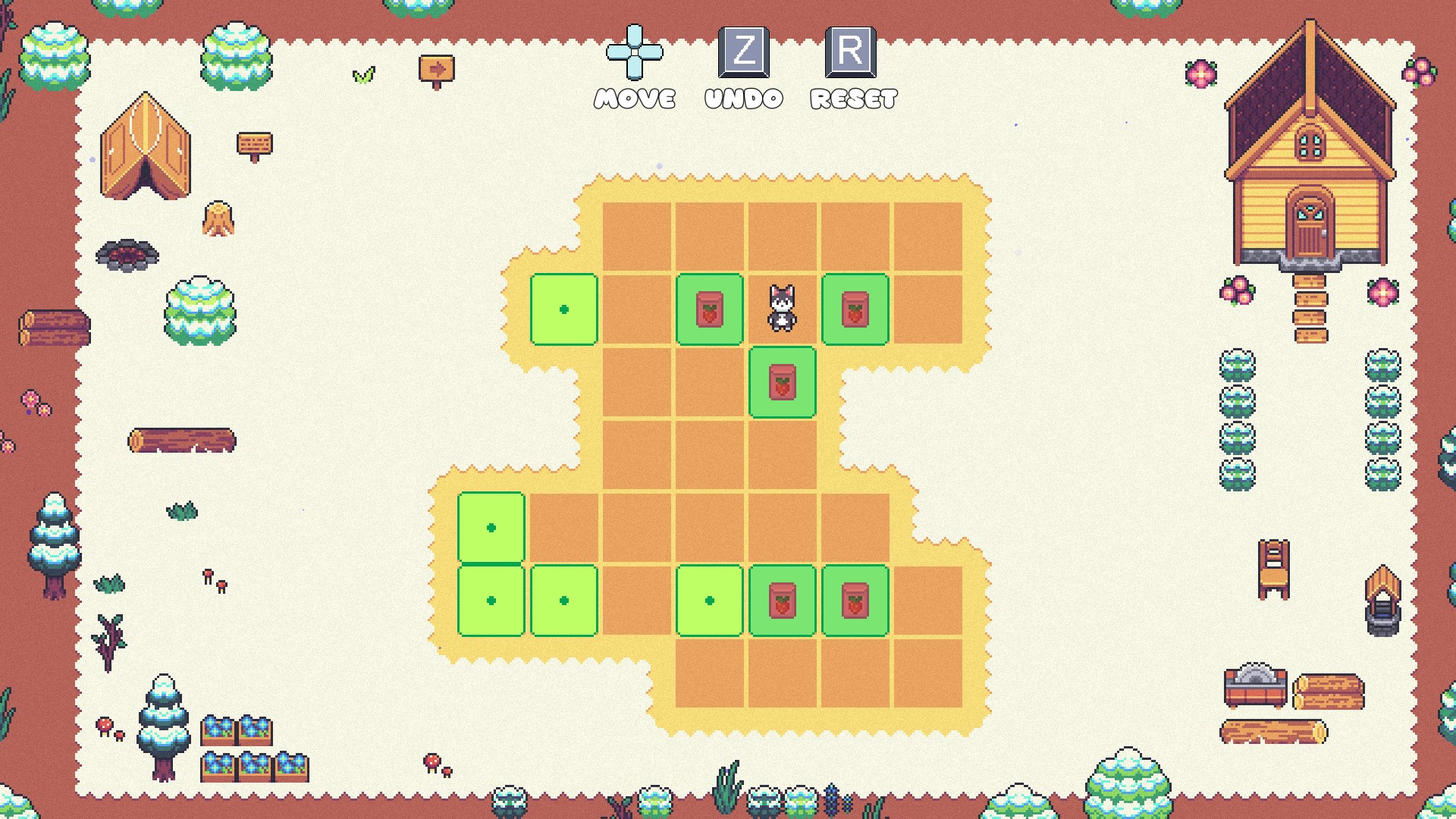
- Name Buddy Garden (Windows)
- Category Puzzle & trivia
- Developer 2dragontails
- Available on PC
- OS Windows 10 version 18362.0 or higher
- Keyboard Integrated Keyboard
- DirectX Version 11
- Memory 4 GB
- languages English (United States)
Introducing Buddy Garden: A Fresh Take on Puzzle & Trivia Games for Windows
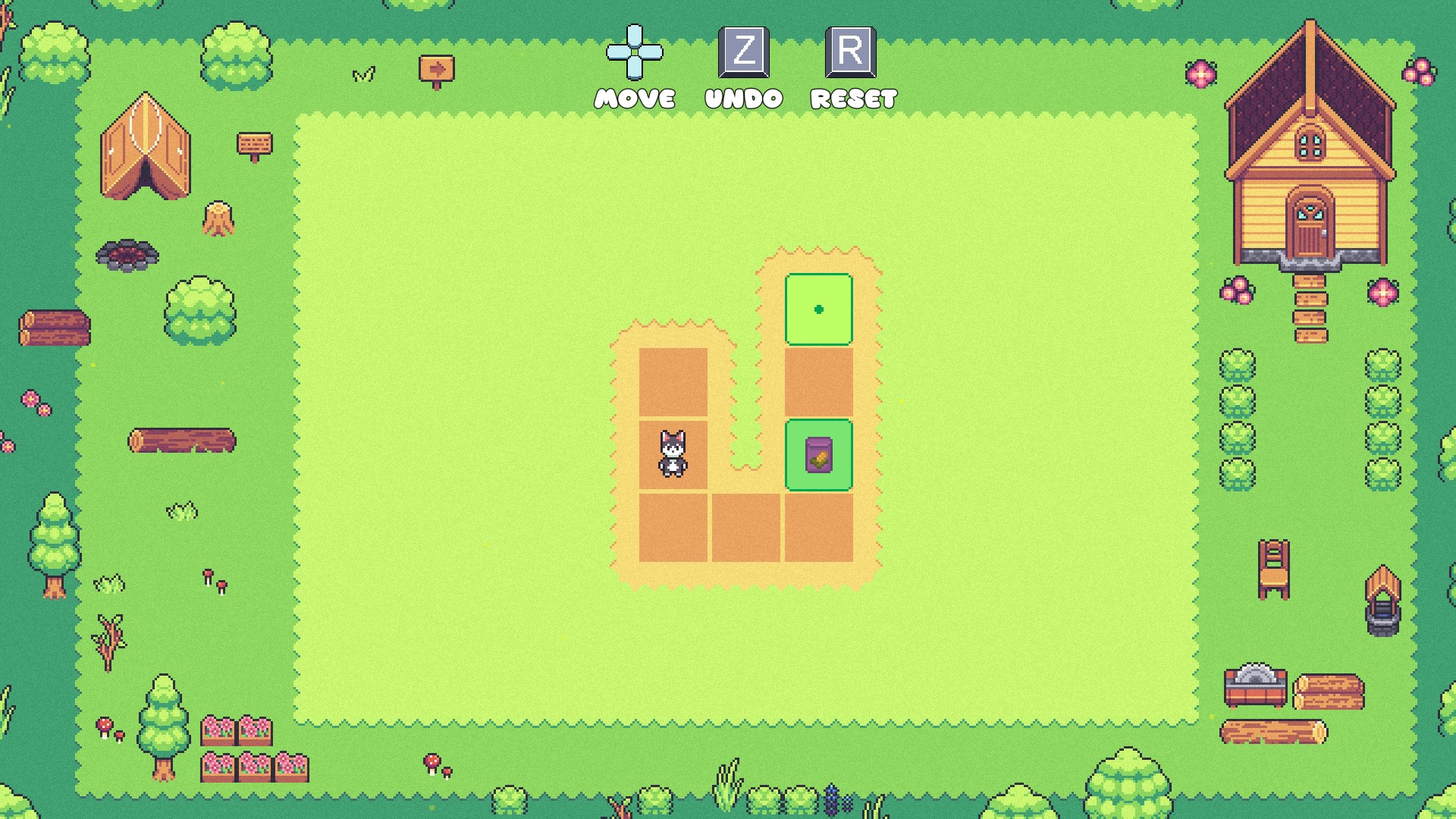
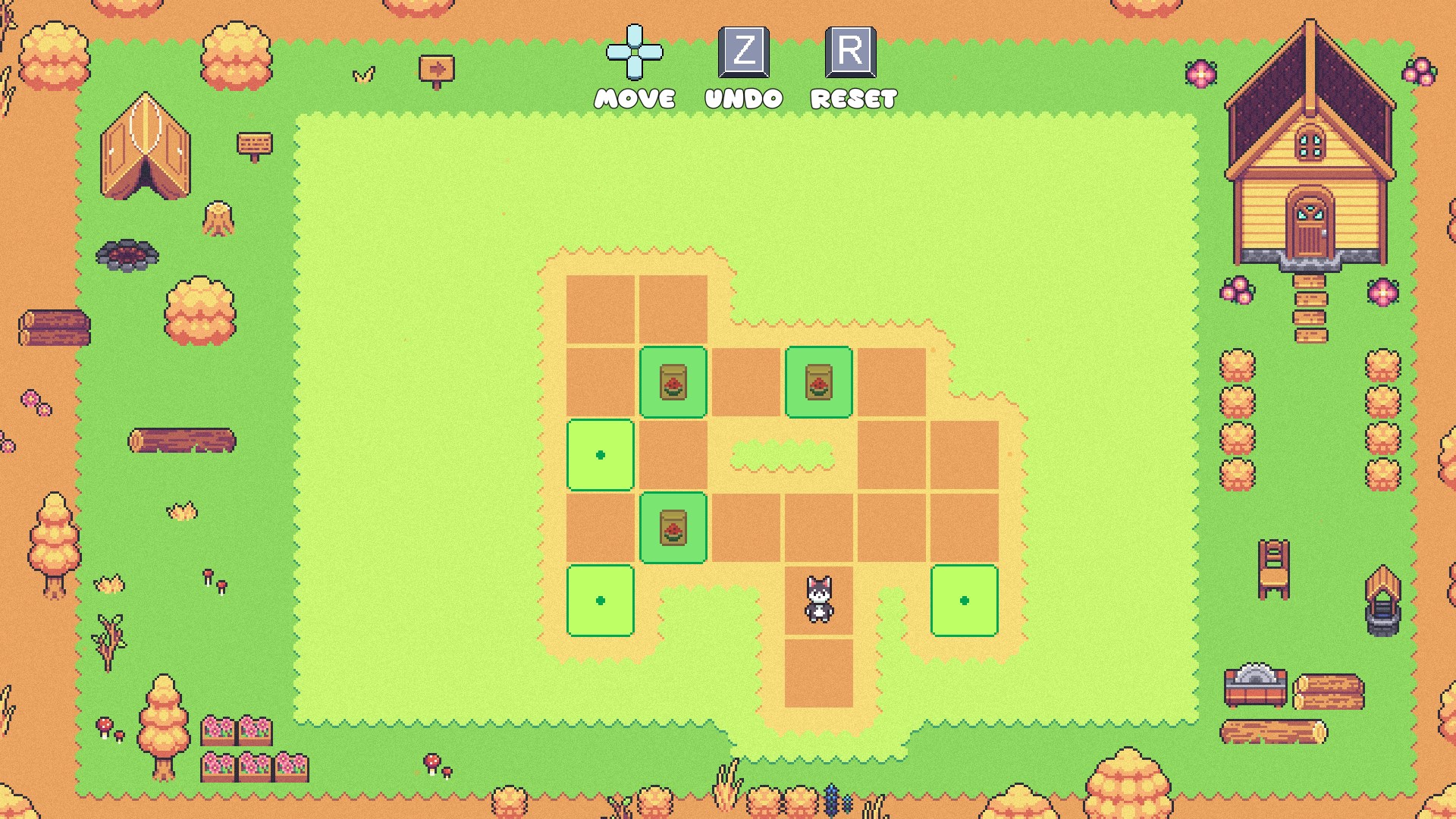
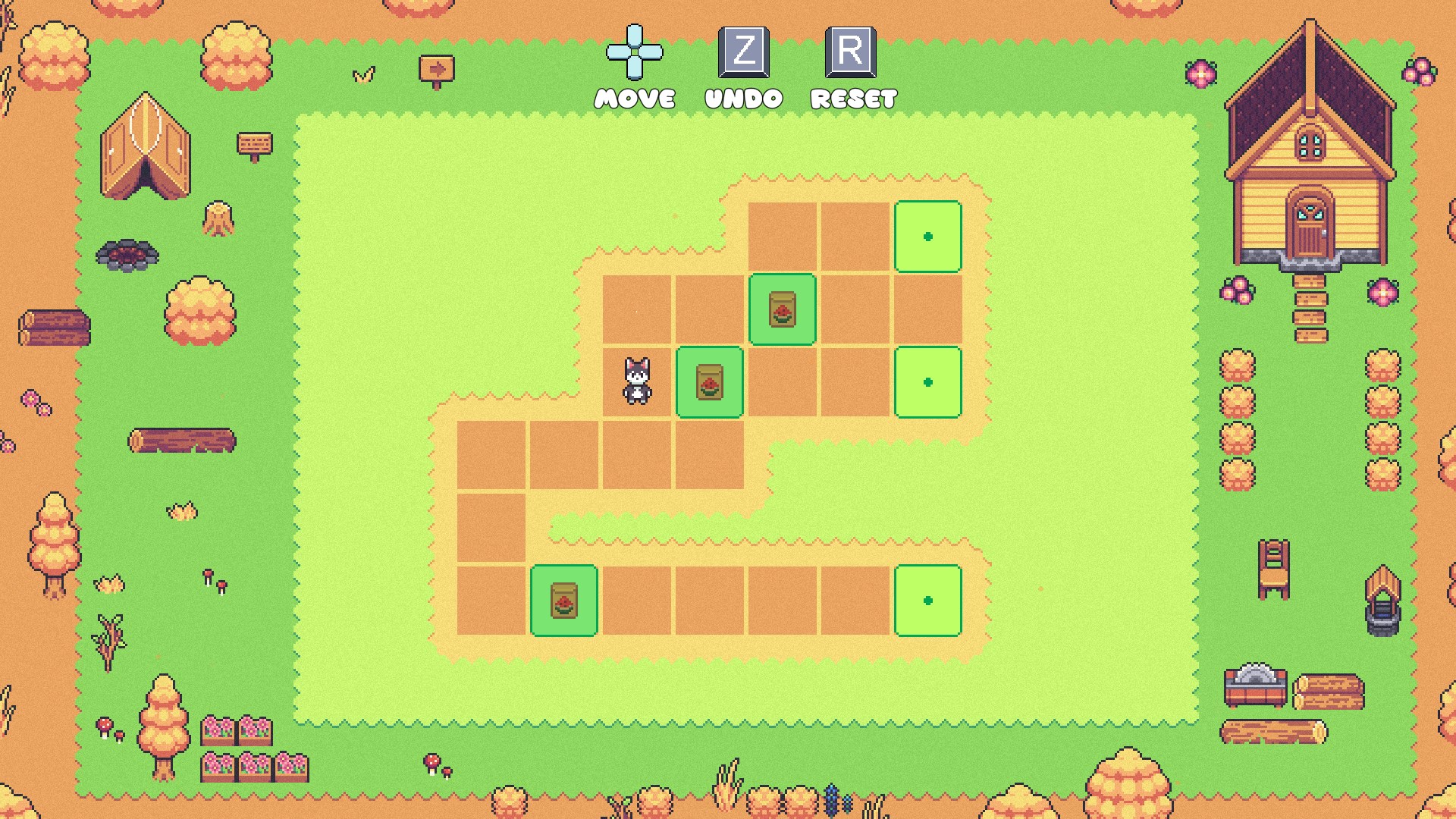
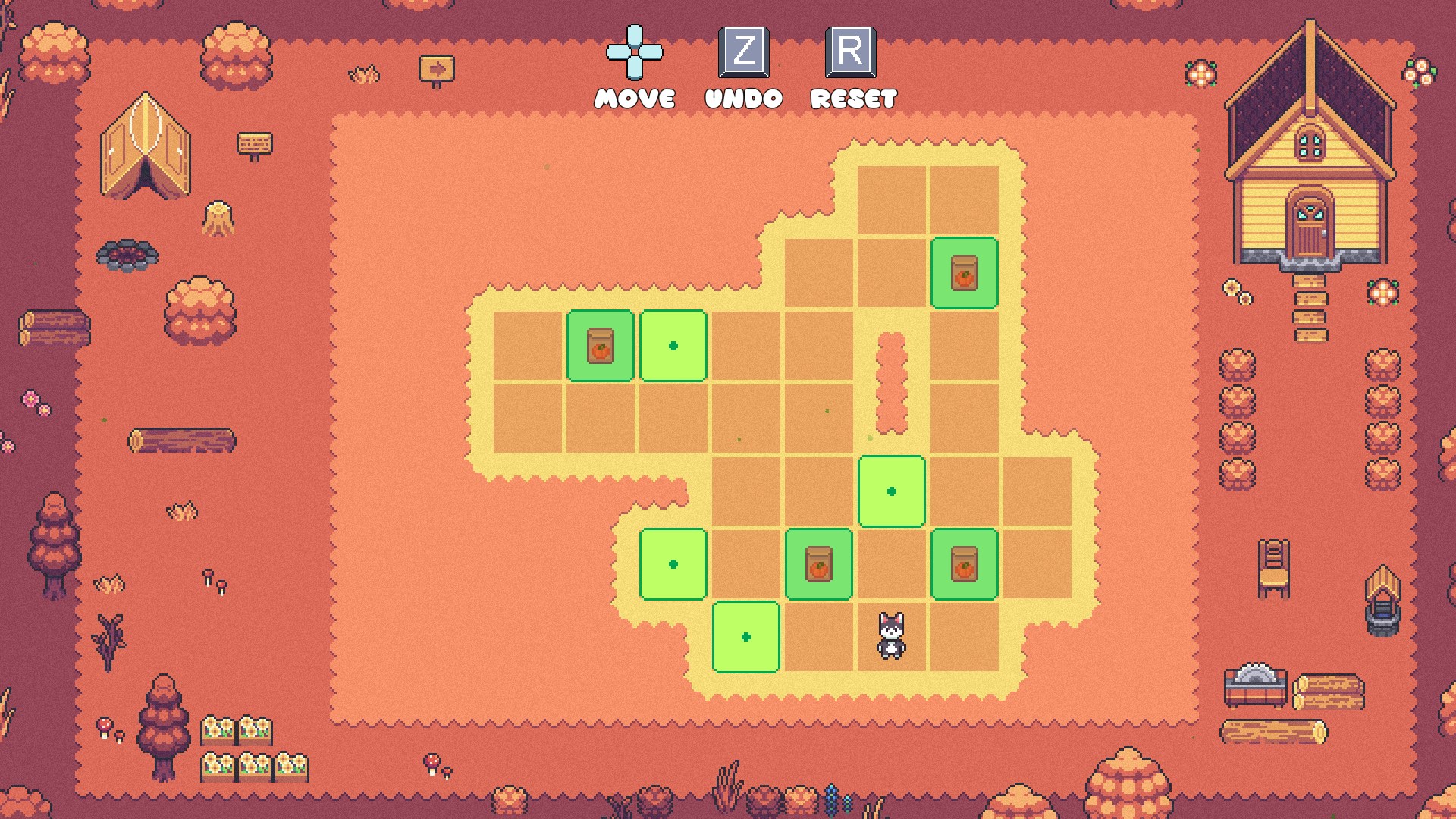
Buddy Garden stands out as an engaging blend of puzzle-solving and trivia elements, designed to keep players entertained while stimulating their minds. Developed by 2dragontails, this application offers a unique experience that combines colorful visuals, challenging gameplay, and a hint of nurturing creativity—all within a friendly garden setting. Whether you're a casual gamer or a puzzle enthusiast, Buddy Garden promises to be a delightful companion on your Windows device.
Who Is Behind the Garden? Meet 2dragontails
The app is brought to life by 2dragontails, a developer dedicated to creating fun, accessible, and educational entertainment. Their focus appears to be on crafting games that are easy to pick up but rewarding to master—perfect for users of all ages looking for a light yet stimulating pastime.
Core Features That Bloom with Potential
Buddy Garden boasts several standout features that help it carve a niche among puzzle and trivia apps:
- Interactive Garden Ecosystem: Players can nurture and grow a virtual garden by solving puzzles and answering trivia, blending the satisfaction of garden management with cognitive challenges.
- Variety of Puzzle Types: The app offers multiple game modes including logic puzzles, word trivia, and matching games, catering to diverse interests and skill levels.
- Progressive Rewards System: As players advance, they unlock new plants, garden decorations, and challenges, fostering a sense of achievement and encouraging continued engagement.
- Social Features: Options to share progress and compete with friends add a communal layer, transforming solitary play into a shared experience.
Engaging Gameplay and Intuitive Design
From the moment you launch Buddy Garden, its cheerful, vibrant interface welcomes you like a stroll into a sunny backyard. The color palette is visually appealing without being overwhelming, and the layout is intuitively organized, making navigation a breeze—no need to dig through menus or stumble upon hidden options.
Smooth Interaction and Learning Curve
The app's responsiveness is noticeably smooth, with effortlessly fluid animations that give the game a polished feel. The learning curve is gentle; new players can quickly grasp the mechanics with guided tutorials, while seasoned users can dive right into more complex puzzles. This balance ensures everyone feels at home, whether they're just starting out or seeking a tougher challenge.
What Sets Buddy Garden Apart? The Unique Twists
Compared to other Puzzle & trivia applications, Buddy Garden's most distinctive feature is its seamless integration of garden nurturing with cognitive challenges. Instead of treating puzzles as mere obstacles, the game incorporates them into the garden's growth process—solving a puzzle means planting a new flower, answering trivia unlocks rare species, etc. This creates a compelling visual and thematic motivation that enhances user engagement.
Furthermore, the app's focus on visual feedback—such as blooming flowers and lush landscapes—provides gratifying rewards that feel more tangible than typical point systems. This garden metaphor not only beautifies the gameplay but also makes it more relatable, turning puzzle-solving into tending a living, breathing ecosystem.
Recommendations and Usage Suggestions
If you're seeking a puzzle/trivia app that impresses with its charm and innovative integration, Buddy Garden is worth exploring. It's especially recommended for users who appreciate a light-hearted yet meaningful gaming experience, where mental exercise is paired with a visually satisfying progression. Its approachable interface makes it suitable for all ages, including younger players and casual gamers alike.
However, those expecting intense, high-stakes challenges may find the game's pace more relaxed. For a more competitive or fast-paced puzzle experience, you might want to pair Buddy Garden with other apps. Nevertheless, its unique garden-growing mechanic is a breath of fresh air in the crowded puzzle genre, making it a refreshing choice for a relaxing yet mentally stimulating activity.
Overall, Buddy Garden offers a delightful, well-crafted experience that combines elements of creativity, education, and entertainment. Its standout features and engaging design make it a noteworthy addition to any puzzle lover's collection on Windows. Give it a try—you might just find your new favorite garden to tend in the digital realm!
Pros
- Intuitive User Interface
- Rich Garden Customization Options
- Engaging Gameplay
- Regular Content Updates
- Compatibility with Windows Devices
Cons
- Limited Offline Features
- In-App Purchases May Be Excessive
- Performance Lag on Low-End Devices
- Limited Social Interaction
- Lack of Detailed Tutorial











