
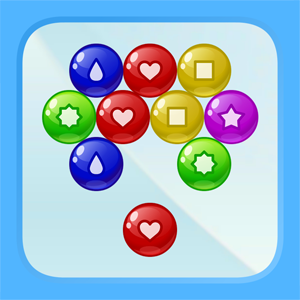
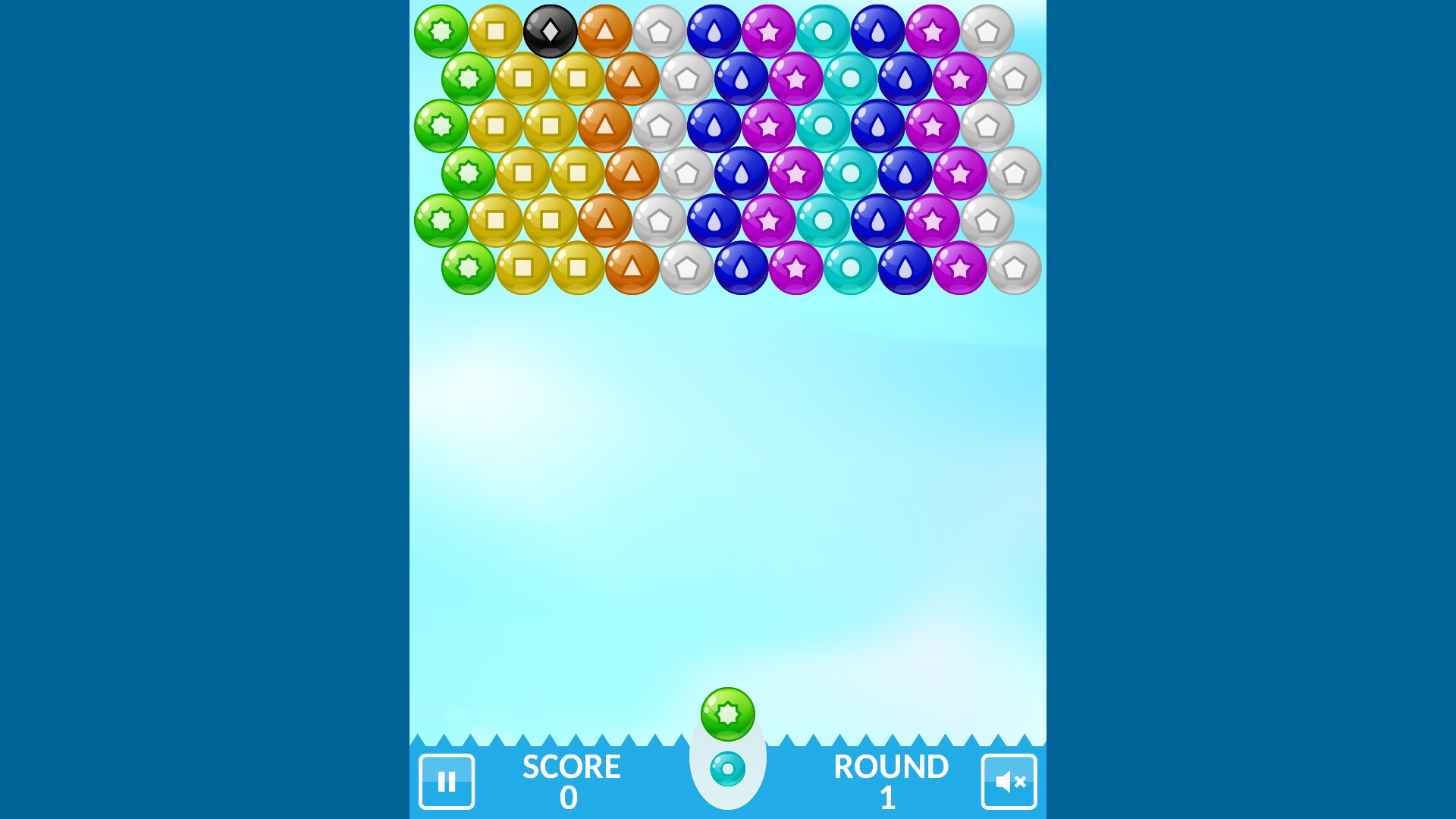
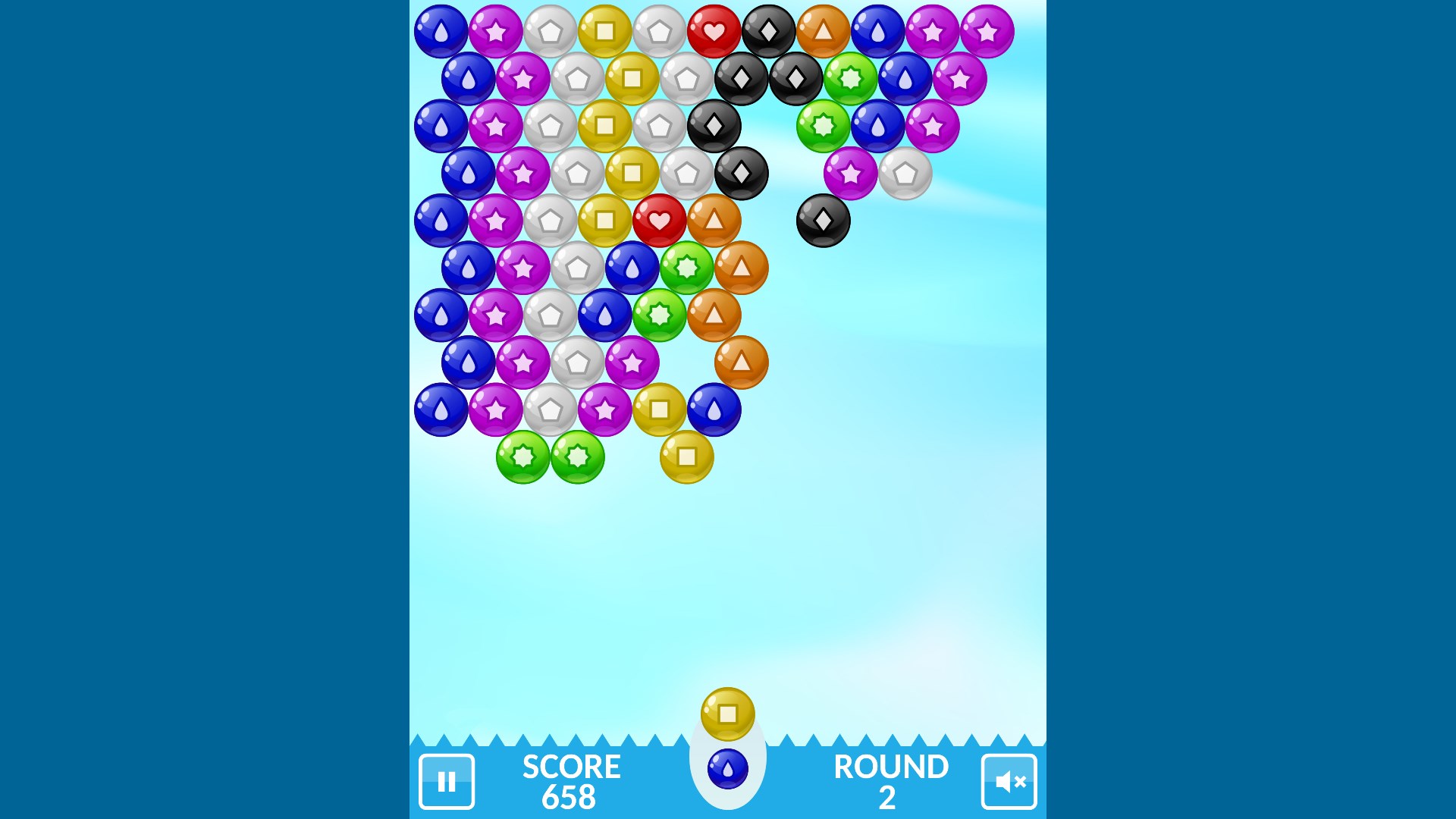
- Name Bubble Shooter.
- Category Puzzle & trivia
- Available on PC
- OS Windows 10 version 10586.0 or higher
- languages English
An Exciting Twist on Classic Bubble Shooting: A Detailed Look at Bubble Shooter for Windows
Imagine the familiar thrill of popping bubbles in a colorful, lively universe—Bubble Shooter for Windows brings this nostalgic arcade experience right to your desktop, blending simplicity with engaging gameplay. Whether you're seeking a quick burst of fun or a relaxing way to pass time, this game offers a compelling option for puzzle enthusiasts everywhere.
Basic Information: Clear, Fun, and Accessible
Bubble Shooter for Windows is a vibrant and straightforward bubble-popping game that invites players of all ages to enjoy casual yet addictive gameplay. Developed by TreeCardGames, a studio known for creating family-friendly digital entertainment, this application focuses on delivering an easy-to-understand, enjoyable puzzle experience with a polished presentation.
- Main Features Highlights: Bright, colorful graphics that captivate the eye; intuitive, drag-and-shoot mechanics ensuring accessible play; dynamic levels that increase in difficulty, keeping players engaged; and rewarding visual and sound effects that add to the fun atmosphere.
- Target Audience: Casual gamers, puzzle lovers, families, and anyone looking for a quick, relaxing gaming session—essentially, players of all ages who enjoy light, skill-based challenges and cheerful visuals.
A Burst of Childhood Joy: Gameplay and First Impressions
Stepping into Bubble Shooter for Windows is like opening a box of vibrant, gently popping soap bubbles—each shot is a satisfying mini explosion of color and sound. The game's interface resembles a cheerful carnival booth, inviting players to aim, shoot, and watch clusters of similarly colored bubbles vanish in a flash, leaving behind a trail of smiles. The intuitive controls, where you simply click and drag to aim your bubble, make it a breeze for first-timers to pick up, yet there's enough challenge through progressively tricky levels to keep seasoned players hooked.
Core Features That Make a Splash
1. Smart and Stylish Design
The game boasts a sleek, brightly colored user interface that feels like a jewel box of vibrant graphics. The background themes are cheerful, and the bubbles themselves shimmer with effects that make popping them truly satisfying. What's remarkable is the clarity of design—nothing feels cluttered or overwhelming, just a smooth visual flow that guides your focus effortlessly on the game board.
2. Seamless Gameplay and User Experience
Operation is silky smooth; the controls respond immediately to your mouse movements, with no lag or jitter. The game's physics feel natural—bubbles stick, bounce, or explode exactly as you'd expect, enhancing immersion. Plus, the difficulty curve ramps up gradually, presenting new challenges without abrupt jumps, making it accessible to beginners yet still engaging for veterans of the genre. The learning curve is gentle, so newcomers can jump right in and start popping bubbles without a steep onboarding or tutorial.
3. Innovative Features that Stand Out
The most captivating aspect of Bubble Shooter for Windows is its "Color Strategy Mode," a feature that introduces special bubbles with unique effects—such as exploding surrounding bubbles or changing colors mid-flight—that inject strategic depth into the familiar gameplay. Unlike typical bubble shooters that only reward quick reflexes, this adds a layer of planning, rewarding players who think ahead. Additionally, the game supports a relaxing soundtrack and charming visual effects that create a cozy, satisfying environment akin to a calming bubble bath for your mind.
What Sets It Apart from Similar Puzzle Games?
While many bubble shooters exist, Bubble Shooter for Windows distinguishes itself through its combination of aesthetic polish and subtle strategic mechanics. The inclusion of power-up bubbles—like multi-shots or color changers—sets it apart, encouraging players to plan their shots thoughtfully rather than relying on random luck. Moreover, it emphasizes a balanced difficulty progression, making it equally suitable for casual players and more competitive strategists. Its approachable design and charming presentation make it a refreshing alternative to more complex puzzle or trivia apps, positioning it as an ideal end-of-day unwind without overwhelming complexity.
Recommendation & Usage Suggestions
I would recommend Bubble Shooter for Windows to anyone looking for a light, engaging puzzle experience that's easy to pick up but hard to put down. It's especially perfect for short bursts of fun during a coffee break or as a calming activity before bedtime. For those who enjoy strategic elements in casual games, exploring the special power-up bubbles will enhance the experience and provide a fresh twist on the classic formula. Overall, it's a solid choice for players of all ages seeking a cheerful, addictive bubble-popping adventure without the frustration of overly complicated mechanics.
Pros
- Intuitive gameplay
- Vibrant visuals and appealing graphics
- Multiple levels and challenges
- Optional power-ups and bonuses
- Offline mode available
Cons
- Limited customization options
- Ads can be intrusive
- Difficulty spikes unexpectedly
- Occasional lag on older devices
- Basic sound effects











