

- Name Bomb Bowling X (Windows)
- Category Puzzle & trivia
- Developer Grinrobot Studio
- Available on PC
- OS Windows 10 version 18362.0 or higher
- Memory 1 GB
- languages English (United States)
Bomb Bowling X for Windows: A Fun Twist on Classic Puzzle Gaming
Bomb Bowling X presents a lively and engaging blend of puzzle strategies and timing skills, offering players a fresh take on traditional game mechanics with explosive flair. Whether you're a casual gamer or a puzzle enthusiast, this app aims to keep you hooked with its unique gameplay and charming visuals.
Introduction: A Kiick, Colorful Challenge Awaiting You
Imagine stepping into a neon-lit alley where virtual bombs are rolling towards you, and your mission is to knock them out before they reach the end—sounds thrilling, right? Bomb Bowling X transforms this captivating concept into an accessible yet challenging puzzle game that invites players to test their reflexes and planning skills. The game's upbeat soundtrack and vibrant graphics make every session feel like a mini celebration, turning bomb disposal into a satisfying puzzle-solving party. Whether you're waiting in line or unwinding after a long day, it promises quick yet rewarding gameplay, all wrapped in a charming package.
Core Functionality #1: Explosive Bowling Mechanics
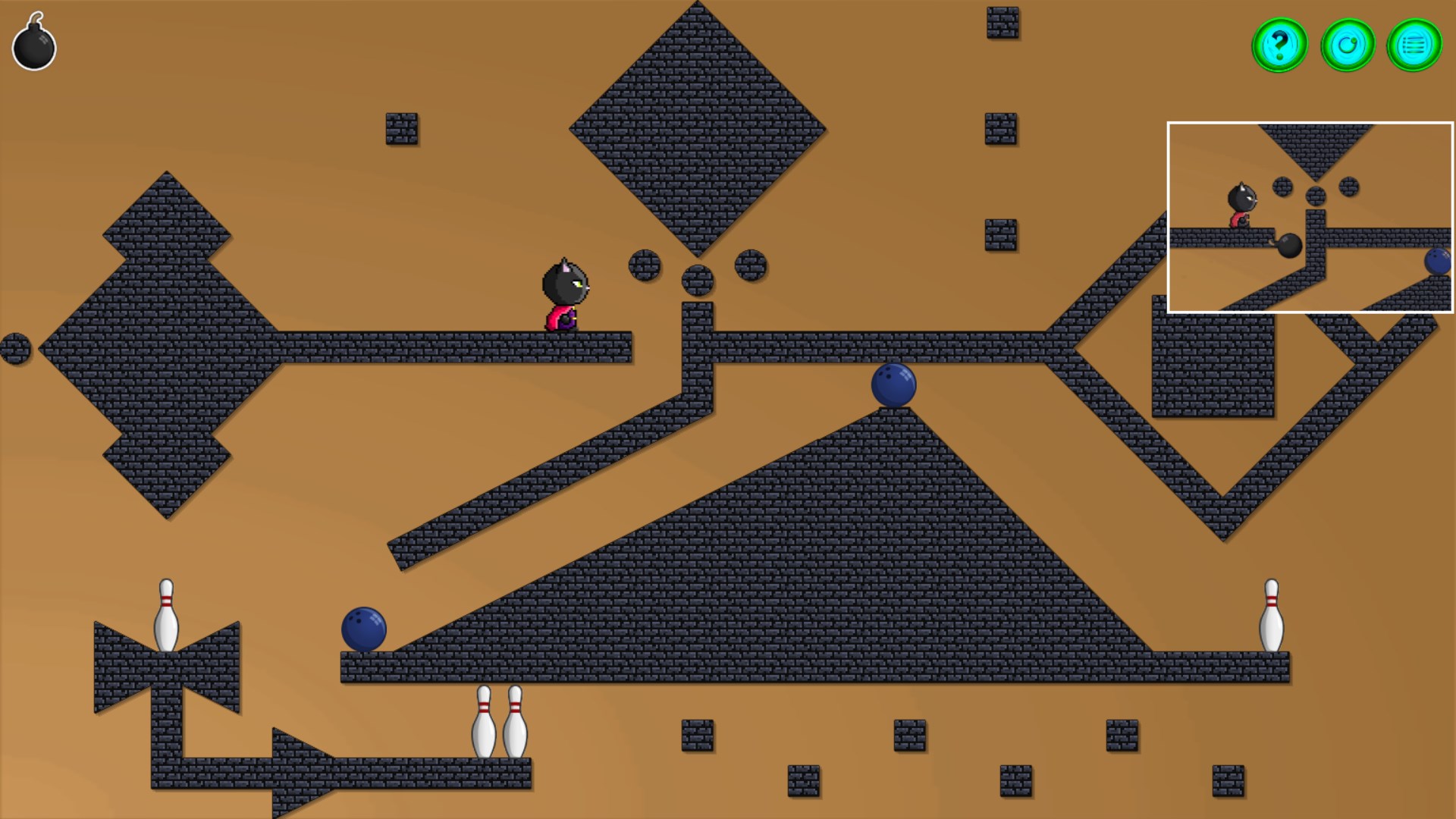
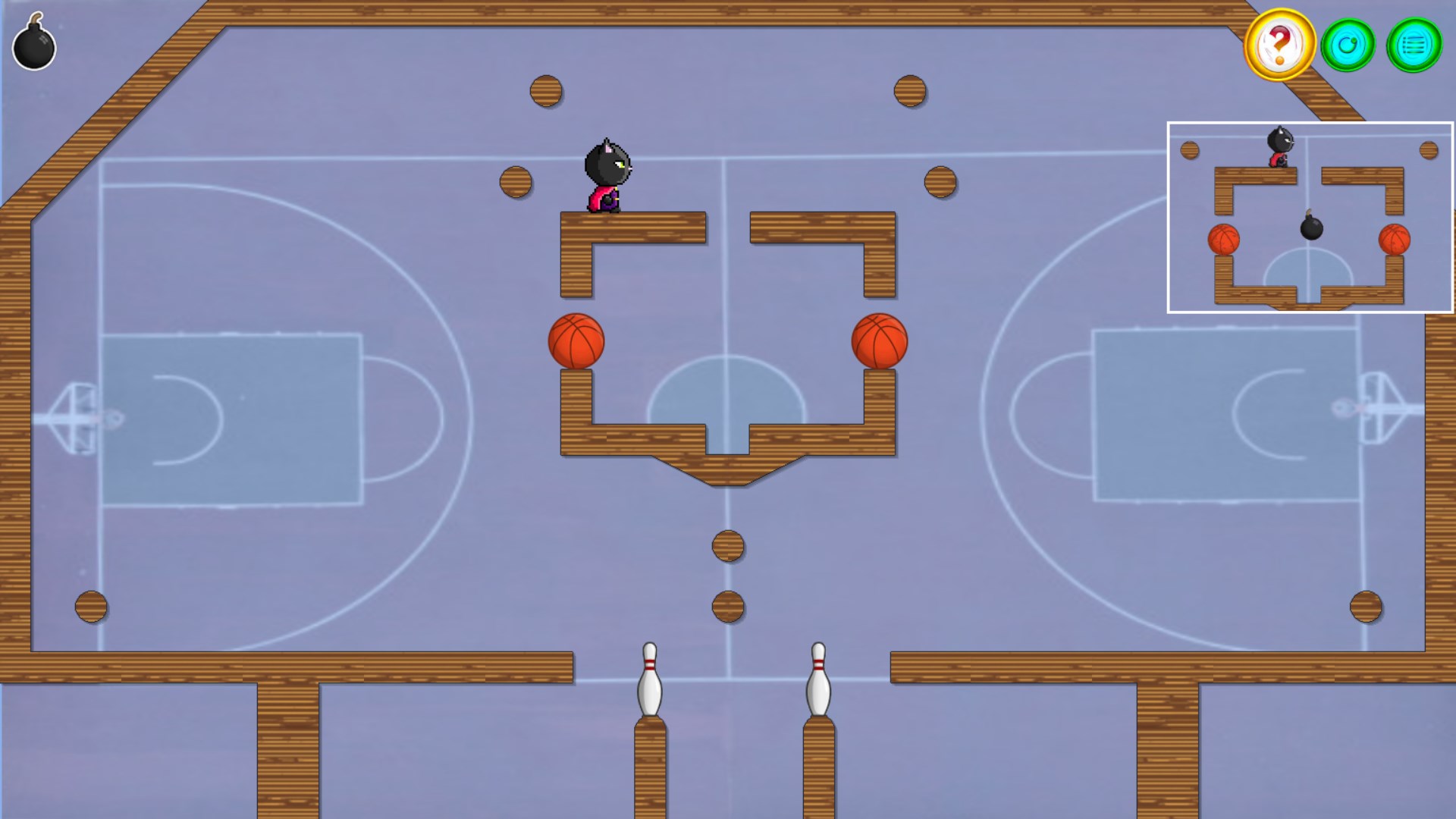
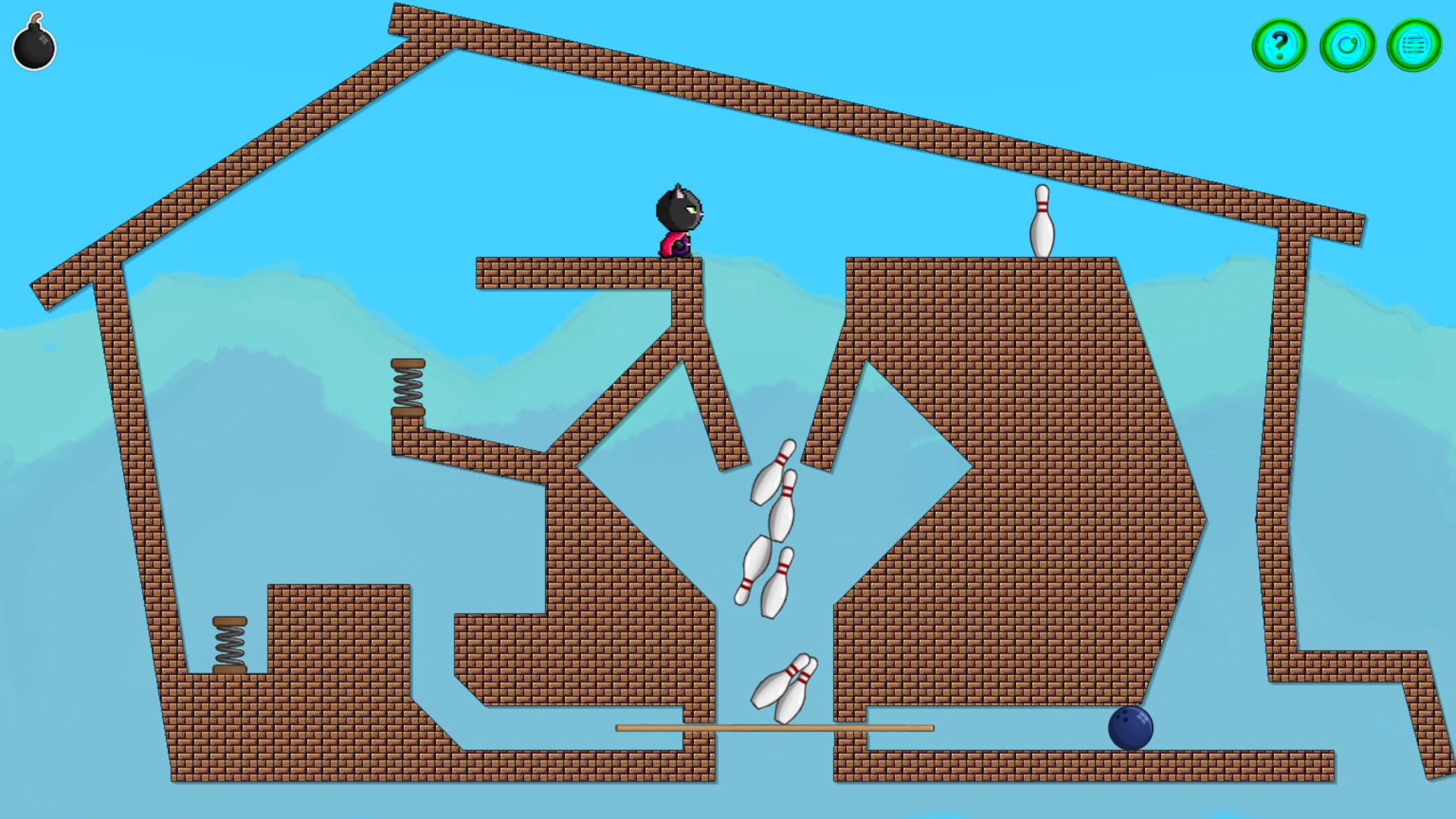
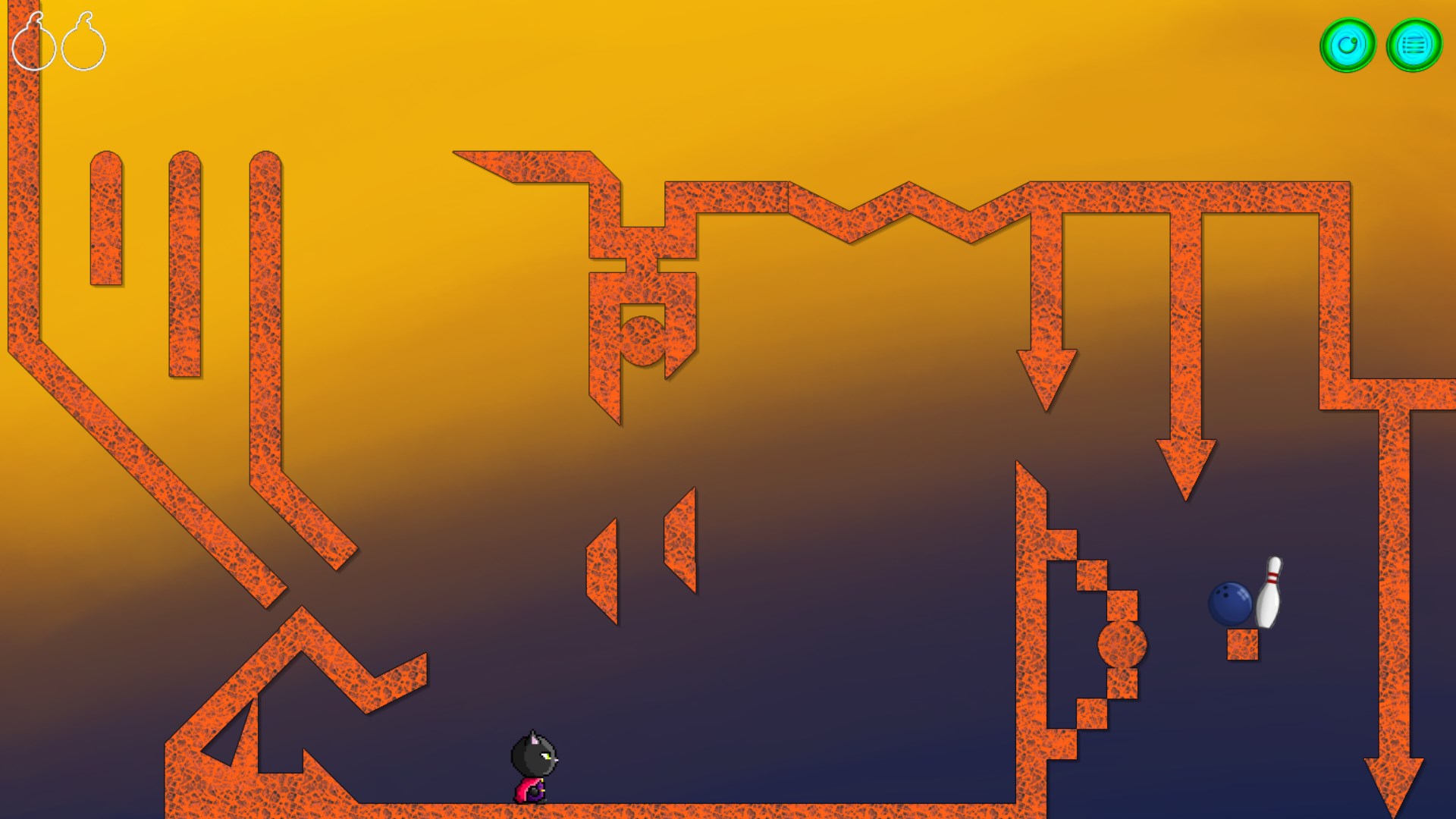
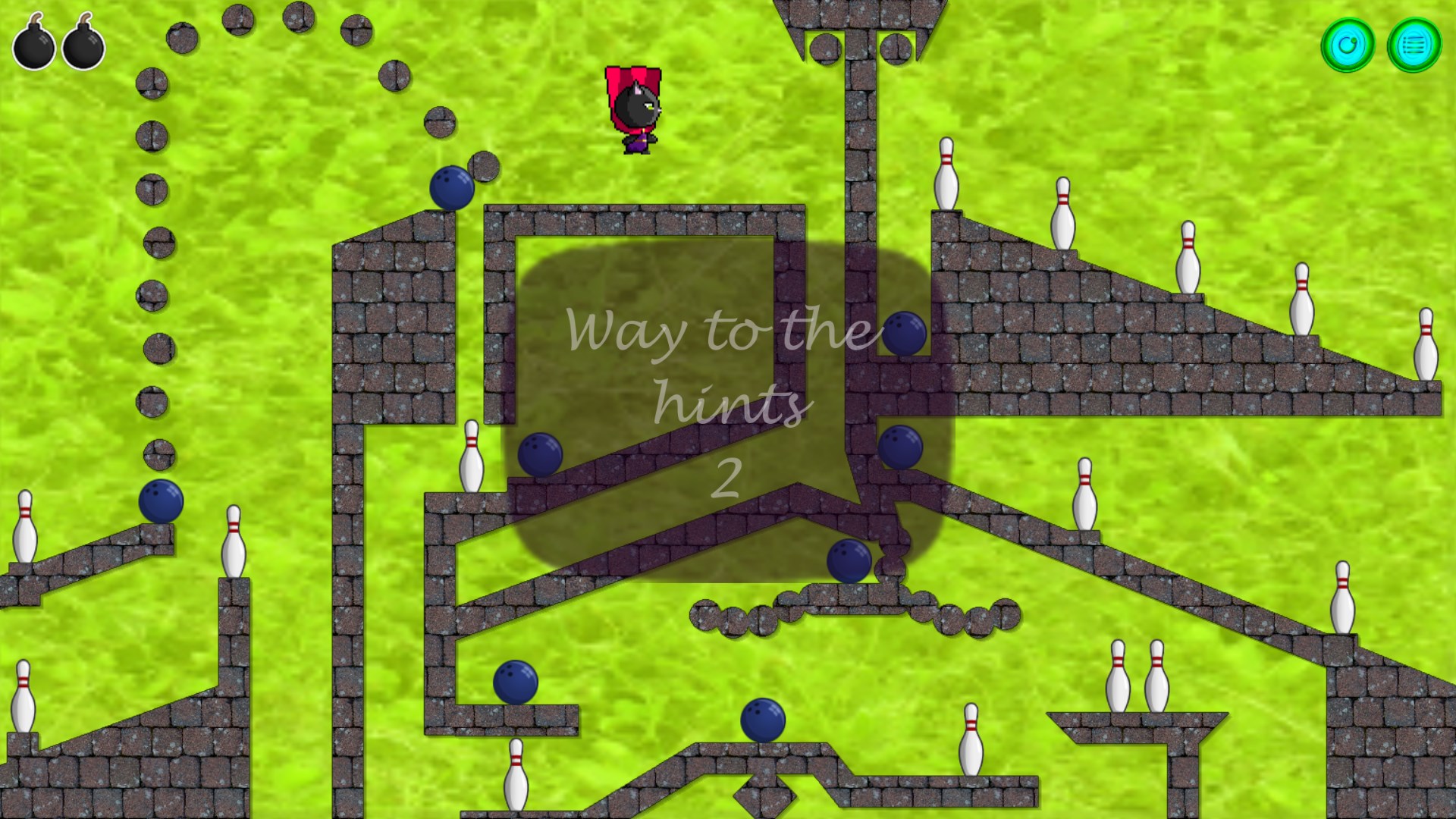
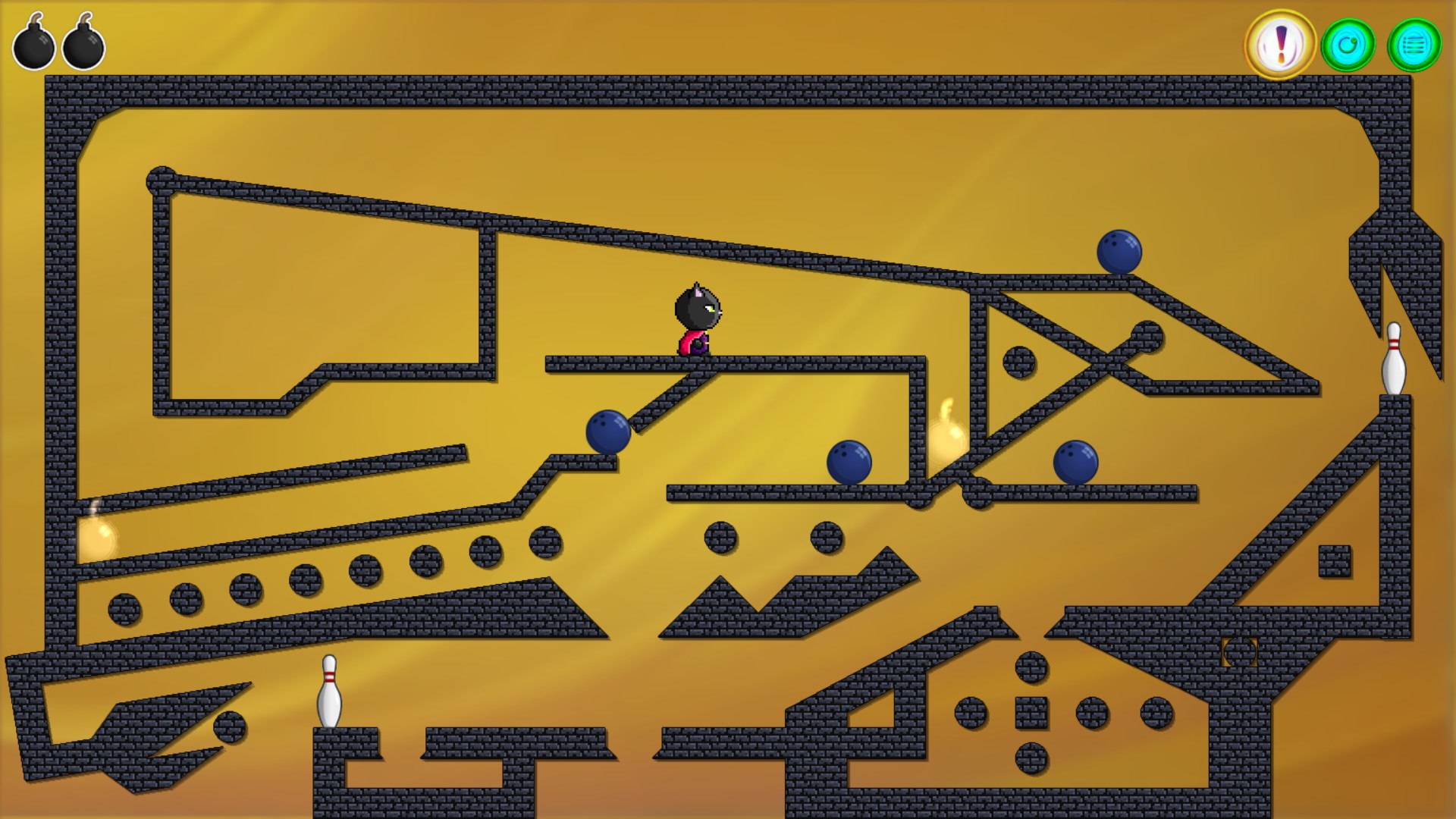
The heart of Bomb Bowling X lies in its core gameplay—using a bowling-like mechanic to defuse bombs. Players control a virtual bowling ball, aiming to roll and strike bombs that are strategically placed along a path. The game cleverly combines precision aiming with timing, as you must calculate the right angle and power to clear multiple bombs in a single shot. The game features varied bomb layouts and obstacles, creating a puzzle-like environment that challenges your spatial reasoning and strategic planning. This mechanic stands out because it blends familiar sports elements with puzzle dynamics, making each level feel both intuitive and stimulating.
Core Functionality #2: Dynamic Levels with Increasing Complexity
Bomb Bowling X offers a rich array of levels that gradually ramp up in difficulty, ensuring players remain engaged without feeling overwhelmed. Early stages serve as a gentle tutorial, introducing the controls and core mechanics, while later levels incorporate moving bombs, time limits, and environmental hazards. The game's level design is creative—think of it as a maze of bombs that require you to think several steps ahead, much like a game of strategic bowling combined with a puzzle challenge. The diverse level layouts keep the gameplay fresh, encouraging players to refine their aim and adapt to new challenges.
User Interface, Visuals, and Overall Experience
The interface of Bomb Bowling X is clean and approachable—the buttons are intuitively placed, and visual cues guide players seamlessly through gameplay. The game's design employs bright neon colors and lively animations, creating an inviting arcade feel reminiscent of classic gaming halls. The controls are responsive, providing a smooth experience that doesn't frustrate even on slower machines. The learning curve is gentle; new players quickly grasp the mechanics thanks to effective tutorials and straightforward gameplay. As levels progress, the challenge naturally escalates, but the interface's clarity helps players remain confident and in control.
Unique Selling Points and Differentiation
What sets Bomb Bowling X apart from other puzzle or trivia apps is its engaging combination of familiar bowling gameplay with strategic bomb defusal. Unlike typical match-3 or word games, it offers a tactile, skill-based experience that emphasizes precision and timing. The inclusion of varying obstacles, moving targets, and a progressive difficulty curve makes it feel more like a casual sport than a mere puzzle—adding an element of physicality and anticipation that many puzzle apps lack. For those tired of repetitive match-three games, Bomb Bowling X provides a refreshing, action-packed challenge wrapped in a colorful, playful aesthetic.
Recommendation and Usage Suggestions
Overall, Bomb Bowling X presents itself as a delightful casual game with a clear focus on skillful aiming and strategic planning. It's particularly recommended for players who enjoy light-hearted yet challenging puzzle experiences, or those seeking a game that combines arcade flair with brain-teasing elements. It performs well on most Windows devices, offering smooth gameplay and quick sessions perfect for short breaks or long gaming marathons.
If you're looking for a game that breaks the mold of traditional puzzle apps and offers a unique blend of strategy and action, Bomb Bowling X is worth trying. Its most appealing feature—challenging bomb layouts with a playful bowling twist—might just bowl you over!
Pros
- Intuitive touch controls
- Engaging physics-based gameplay
- Bright, colorful graphics
- Multiple game modes and levels
- Minimal in-app purchase requirements
Cons
- Limited customization options
- Occasional minor lag during gameplay
- Ads can be intrusive after a few rounds
- Sound effects are somewhat basic
- Difficulty in finding multiplayer matches











