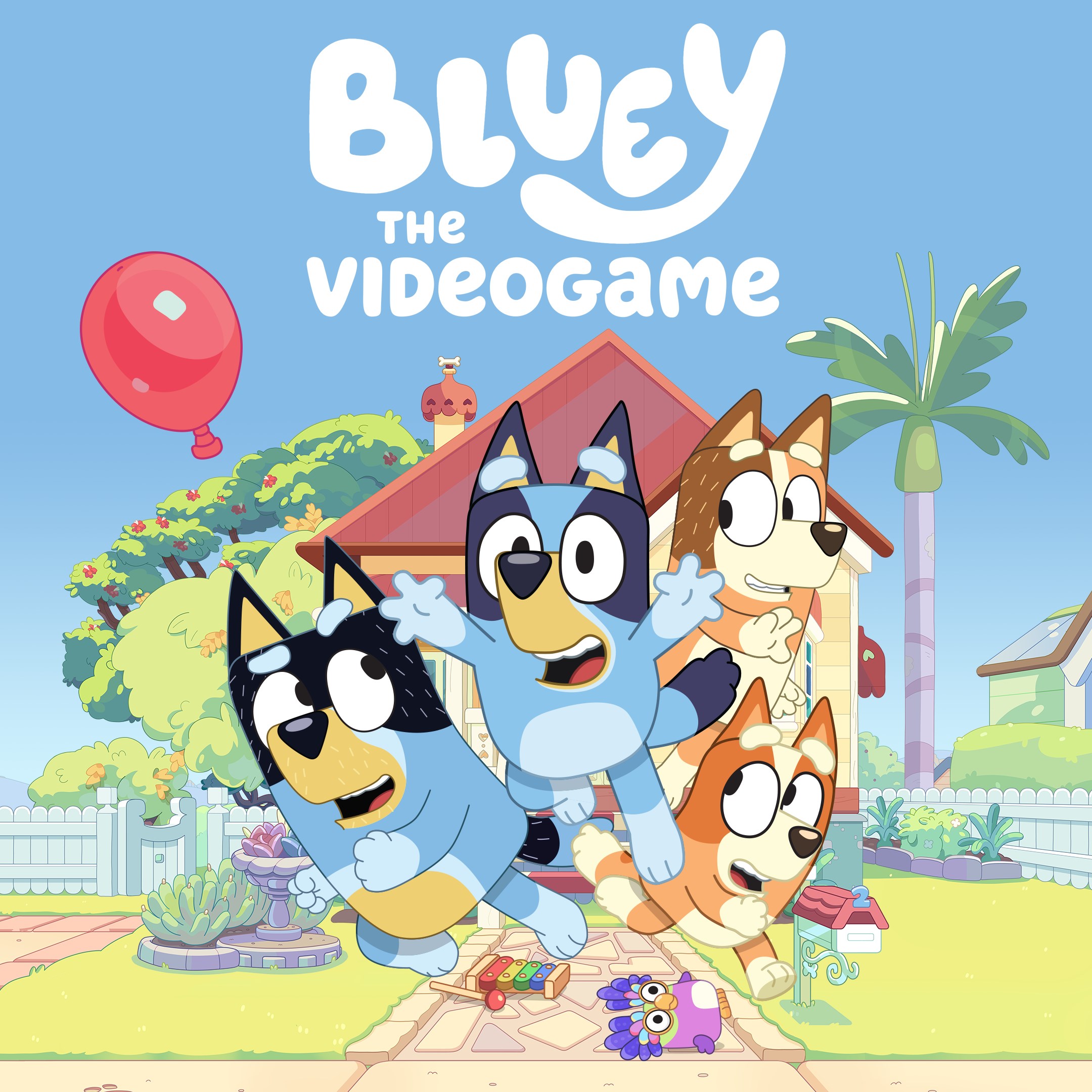
- Name Bluey: The Videogame
- Category Family & kids
Introducing Bluey: The Videogame for Windows – A Delightful Adventure for Young Fans
Bluey: The Videogame for Windows is an engaging, family-friendly digital adventure that brings the beloved animated series to life through interactive gameplay designed for children and their families.
Developed by Outright Games Ltd. – Crafting Joyful Experiences for Kids
Produced by Outright Games Ltd., a well-known developer specializing in family and kids' entertainment, this game aims to blend charming storytelling with interactive fun tailored specifically for young audiences.
Key Features That Make It Stand Out
1. Immersive Bluey World Exploration: Players can explore various locales from the show, from the backyard to the park, encouraging curiosity and imaginative play.
2. Interactive Mini-Games and Activities: The game offers a diverse collection of mini-games that promote creativity, problem-solving, and social interaction, aligning with the show's themes of family bonding.
3. Customizable Characters and Scenes: Children can personalize Bluey and her friends, engaging them in storytelling that fosters emotional expression and ownership.
4. Safe and Child-Friendly Design: The interface emphasizes simplicity and safety, with no ads or in-game purchases to ensure a secure play environment.
Engaging and Bright: An Entertaining Introduction
Imagine stepping into the vibrant world of Bluey—a realm bursting with colors, playful sounds, and familiar characters that instantly warm the heart. The game breathes new life into the beloved series, turning a passive show into a dynamic playground where kids become the storytellers and explorers. It's like opening the door to Bluey's backyard and finding a treasure chest of adventures waiting to be discovered.
Exploring the Core Fun: Mini-Games and Storytelling
The heart of Bluey: The Videogame lies in its suite of mini-games that mimic the charming daily adventures from the show. One mini-game might involve helping Bluey set up a surprise picnic, requiring children to complete a series of simple puzzles, fostering their problem-solving skills amidst cheerful music and whimsical animations. Another involves mimicking Bluey's favorite dance moves, encouraging physical activity and rhythm awareness. Each activity is crafted to be intuitive, with clear cues and gentle guidance, making it easy for younger players to jump right in and enjoy without frustration.
Design, Usability, and Child-Centric Experience
The user interface is a testament to thoughtful design—large icons, colorful backgrounds, and straightforward navigation that a child can grasp in seconds. The controls are smooth and responsive, ensuring that each tap or click feels natural and satisfying, much like a gentle tap on a soft, plush toy. The learning curve is gentle; children are encouraged to explore at their own pace, with the game providing enough visual cues to guide them without feeling restrictive. This creates a welcoming environment where children feel confident and motivated to discover new activities.
What Sets It Apart from Other Family Games?
Compared to many other kids' apps, Bluey: The Videogame shines in its depth of engagement and physical activity integration. Unlike simple tap-and-repeat games, it emphasizes storytelling and imagination, enabling children to craft their own adventures within Bluey's universe. Its emphasis on role-playing and scene customization offers a creative outlet that many other titles lack. Additionally, the serene and friendly aesthetic mirrors the warmth of the TV series, providing a comforting and familiar atmosphere that deeply resonates with fans of the show.
Final Verdict: A Recommended Pick for Young Families
All in all, Bluey: The Videogame for Windows earns a solid recommendation for parents seeking an engaging, safe, and enriching digital activity for their children. Its blend of exploration, mini-games, and creative customization makes it not just a game but a gentle tool for fostering imagination and family bonding. Whether used as a calming activity after school or a creative break during weekends, this app offers a delightful taste of Bluey's world—less like a typical game and more like stepping into a favorite storybook come to life. Perfect for kids who love Bluey, and equally appealing as a shared family experience, it earns a warm thumbs-up for its thoughtful design and heartwarming content.
Pros
- Engaging Gameplay for Kids
- Appealing Graphics and Animations
- Educational Value
- User-Friendly Interface
- Consistent Updates
Cons
- Limited Content Variety
- In-App Purchases Might Be Confusing
- High Battery Consumption
- Occasional Lag or Freezing
- Limited Parental Control Options