
- Name BlockBuster Puzzle
- Category Puzzle & trivia
- Developer Clever Apps Pte. Ltd.
- Available on PC, Mobile, Surface Hub, HoloLens
- OS Windows 10 version 17763.0 or higher
- languages English (United States)
Brilliant Brain Teasers with a Fresh Twist
BlockBuster Puzzle for Windows stands out as an engaging and challenging tile-matching game that invites players to exercise their logic and spatial reasoning skills while enjoying visually appealing graphics and thoughtfully designed gameplay. Developed by Clever Apps Pte. Ltd., this app aims to deliver a refreshing puzzle experience tailored for leisurely players and puzzle enthusiasts alike.
A Closer Look at the Core Features
Innovative Puzzle Mechanics That Keep You Hooked
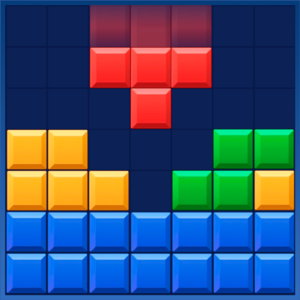
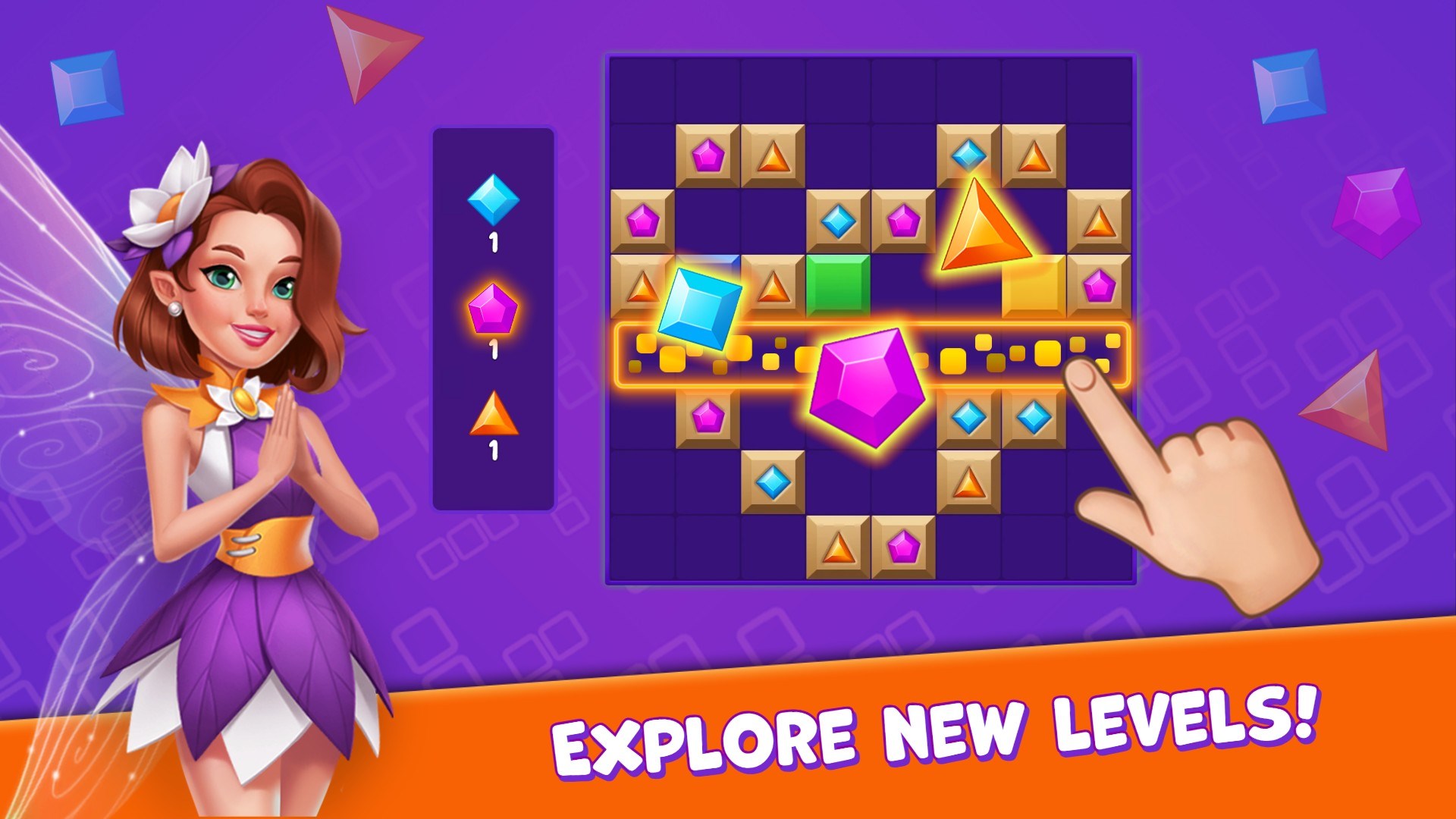
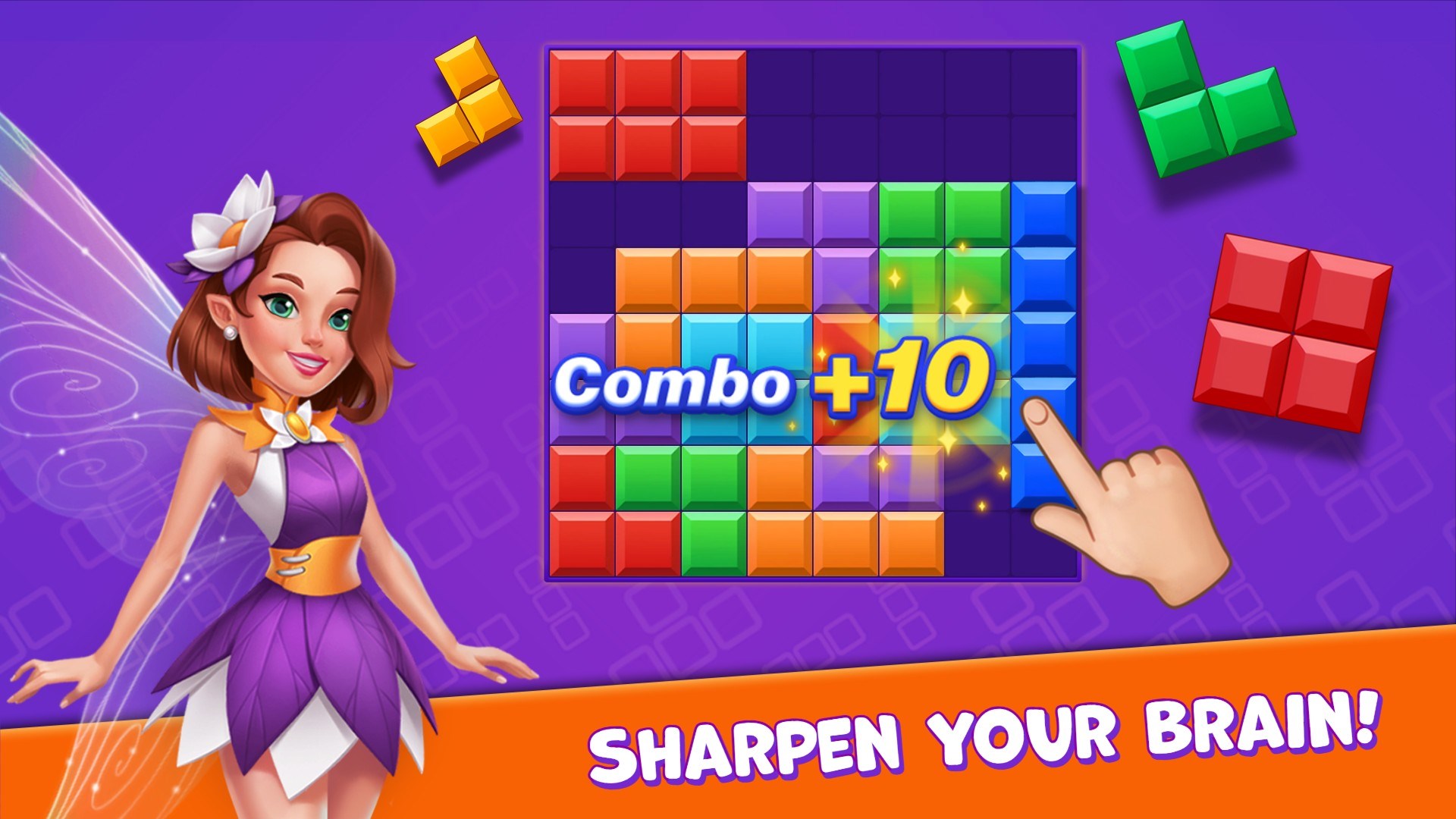
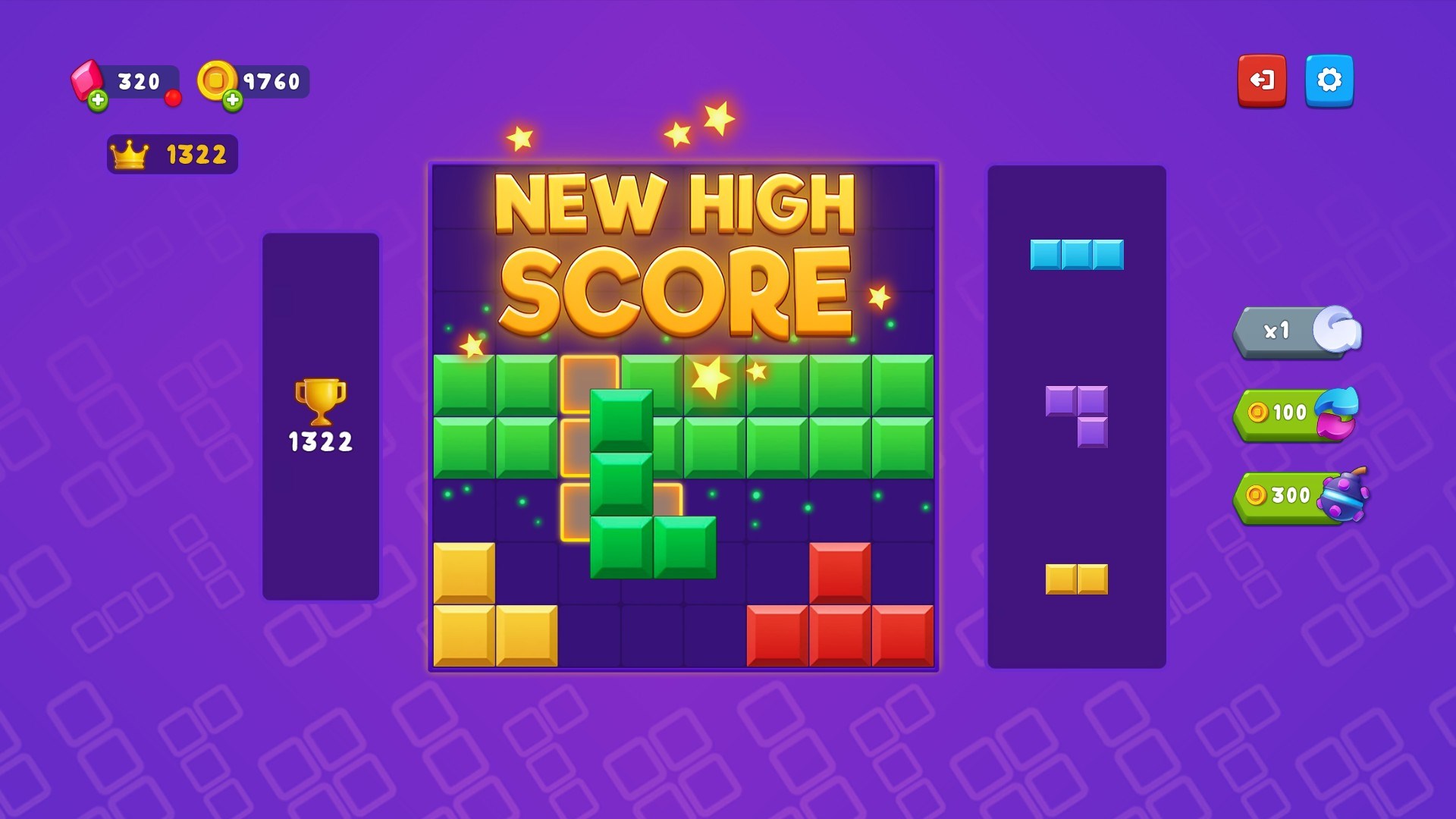
What sets BlockBuster Puzzle apart is its unique fusion of classic tile-matching with innovative gameplay twists. Unlike traditional match-3 games, players are tasked with clearing tiles by matching sequences that form specific patterns, adding an extra layer of strategic planning. Each level presents new challenges, requiring players to think several moves ahead, akin to solving a mini chess problem nestled within a vibrant sandbox.
Dynamic Level Design and Progressive Difficulty
The game offers a broad spectrum of levels that gradually increase in complexity, providing both newbies and seasoned puzzlers with ongoing motivation. From simple initial stages to intricate configurations that demand meticulous planning, the design ensures sustained engagement. The variety of puzzles prevents monotony, akin to exploring an ever-changing maze of possibilities, encouraging players to develop diverse problem-solving approaches as they advance.
User Interface and Experience: Smooth, Intuitive, and Delightful
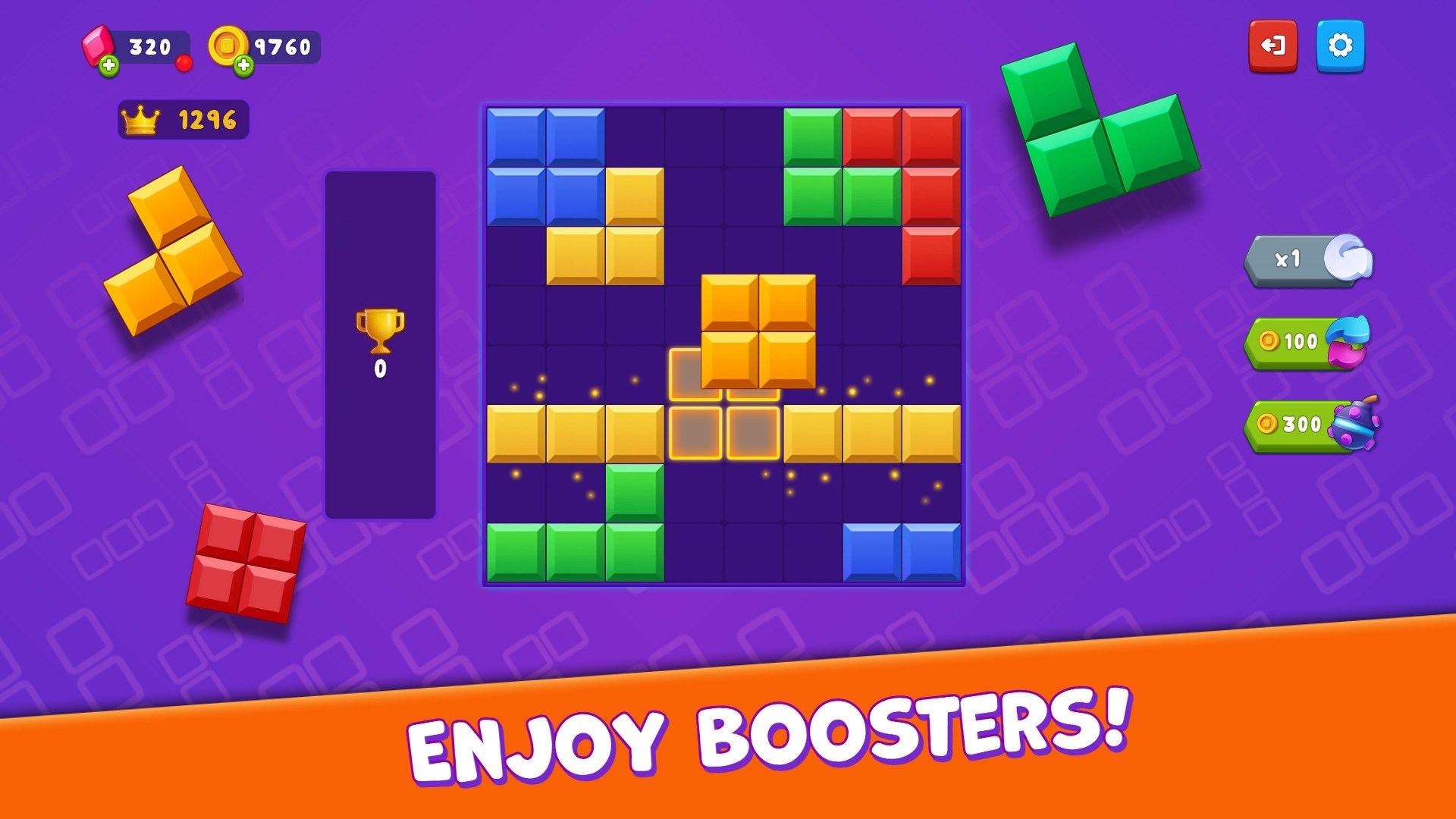
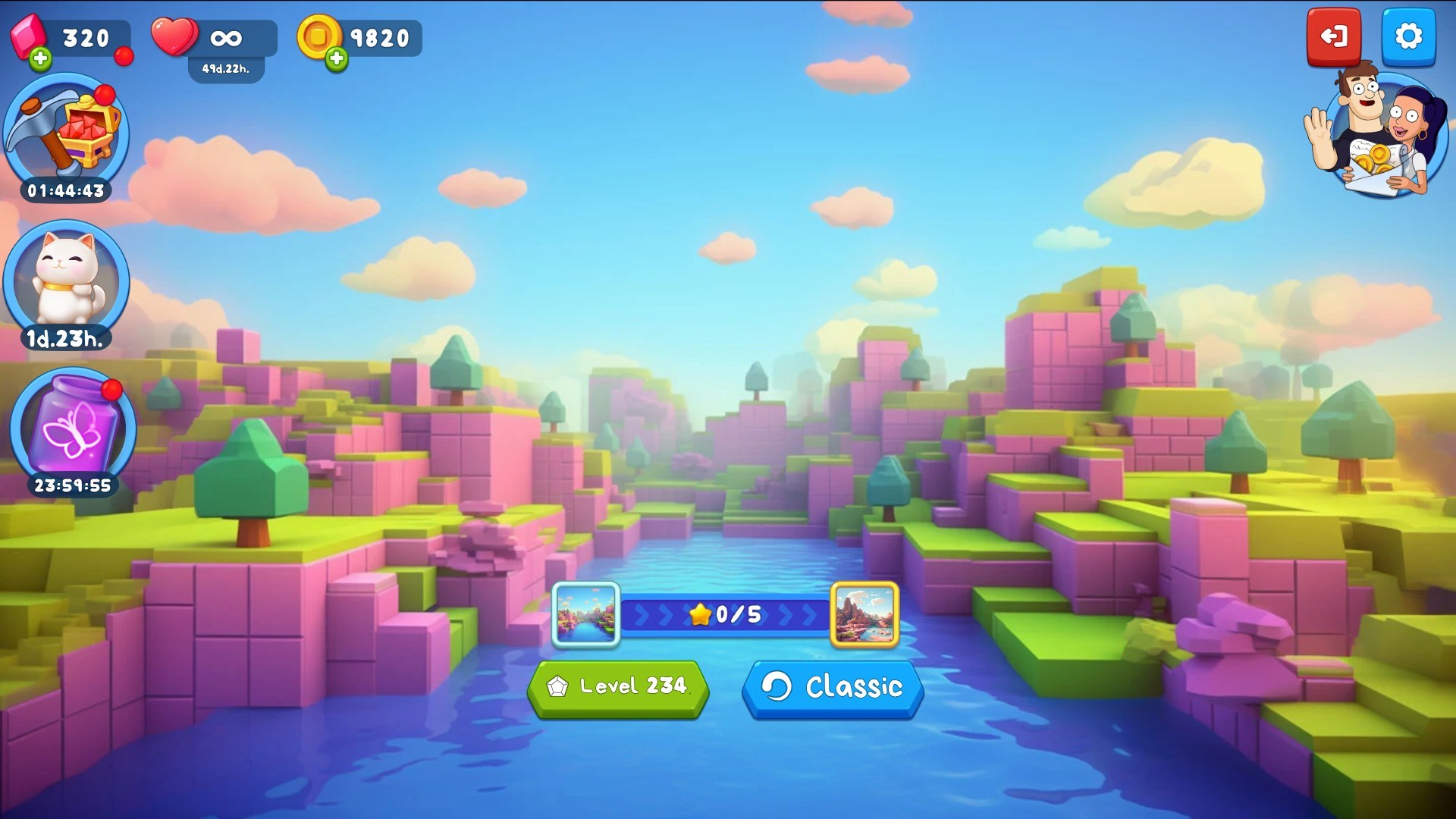
BlockBuster Puzzle features a clean and colorful interface that makes navigation straightforward, even for beginners. The visual elements are sharp yet soothing, fostering a relaxing gaming environment—much like a well-curated puzzle room. The controls respond seamlessly, with no noticeable lag, making it easy to select and move tiles with precision. Furthermore, the cognitive load is well-managed: tutorials and hints are readily available, ensuring that the learning curve remains gentle but engaging enough for coming back for more.
What Makes BlockBuster Puzzle Unique?
While many puzzle apps tend to follow predictable formulas, BlockBuster Puzzle's standout feature is its blend of pattern-matching with strategic depth. Its puzzles resemble a game of mental chess—each move influences future options—and this layered complexity offers a richer experience than simple matching games. Additionally, the vibrant graphics coupled with the soothing sound design create an ambiance that makes puzzle-solving feel like a leisurely walk through a garden of colors and shapes, rather than a stressful challenge.
Recommendation and Usage Suggestions
This game is highly recommended for anyone seeking a calming, mentally stimulating activity that balances challenge with accessibility. It suits players who enjoy thoughtful puzzles, casual gaming during breaks, or even those looking to sharpen their strategic thinking. Since the difficulty scales smoothly, it's great both for beginners and for seasoned puzzle fans wanting a fresh perspective. For best results, set aside dedicated time to explore levels without rush—think of it as an immersive mental workout that rewards patience and cleverness.
In conclusion, BlockBuster Puzzle offers a compelling, well-crafted puzzle experience distinguished by its innovative mechanics and polished presentation. If you're on the lookout for a relaxing yet mentally engaging pastime, this app is certainly worth exploring.
Pros
- Engaging and colorful graphics
- Variety of challenging puzzles
- Intuitive user interface
- Regular updates with new content
- Offline play option
Cons
- Limited difficulty options for advanced players
- Ads interrupt gameplay frequently
- Minor bugs in puzzle hints display
- Performance issues on older devices
- Limited customization options











